
PM2 production guide: startup, restarts, logs, clustering and real readiness
Use this PM2 production guide to define process ownership, startup recovery, graceful restarts, log retention, capacity and application readiness on a VPS.
5 min read
In this article
Part 5 of 7
Running your own server
All partsHide
Part 5 of 7
Running your own server
Where to host, securing the machine, serving HTTPS, running your processes, and knowing when to move on.
PM2 production guide: startup, restarts, logs, clustering and real readiness
You are here · 5 min read
PM2 says online, but requests fail because the API cannot reach its database. After a reboot, the application disappears because the interactive process list was never saved for the intended boot service. A process manager needs a deployment and operating contract around it.
This PM2 production guide covers one process owner, declarative startup, PM2 startup after reboot under the same account, graceful lifecycle and logs. It also explains PM2 cluster mode, chosen from a measured resource budget.
This PM2 production guide covers process ownership, declarative startup, reboot recovery, graceful lifecycle, logs and measured clustering. It assumes a built Node.js application on a Linux VPS with nginx as the public endpoint.
For the public request boundary, read our nginx HTTPS guide. PM2 manages processes; it does not configure certificates, database backups or application authorization.
Step 1: Choose one process owner
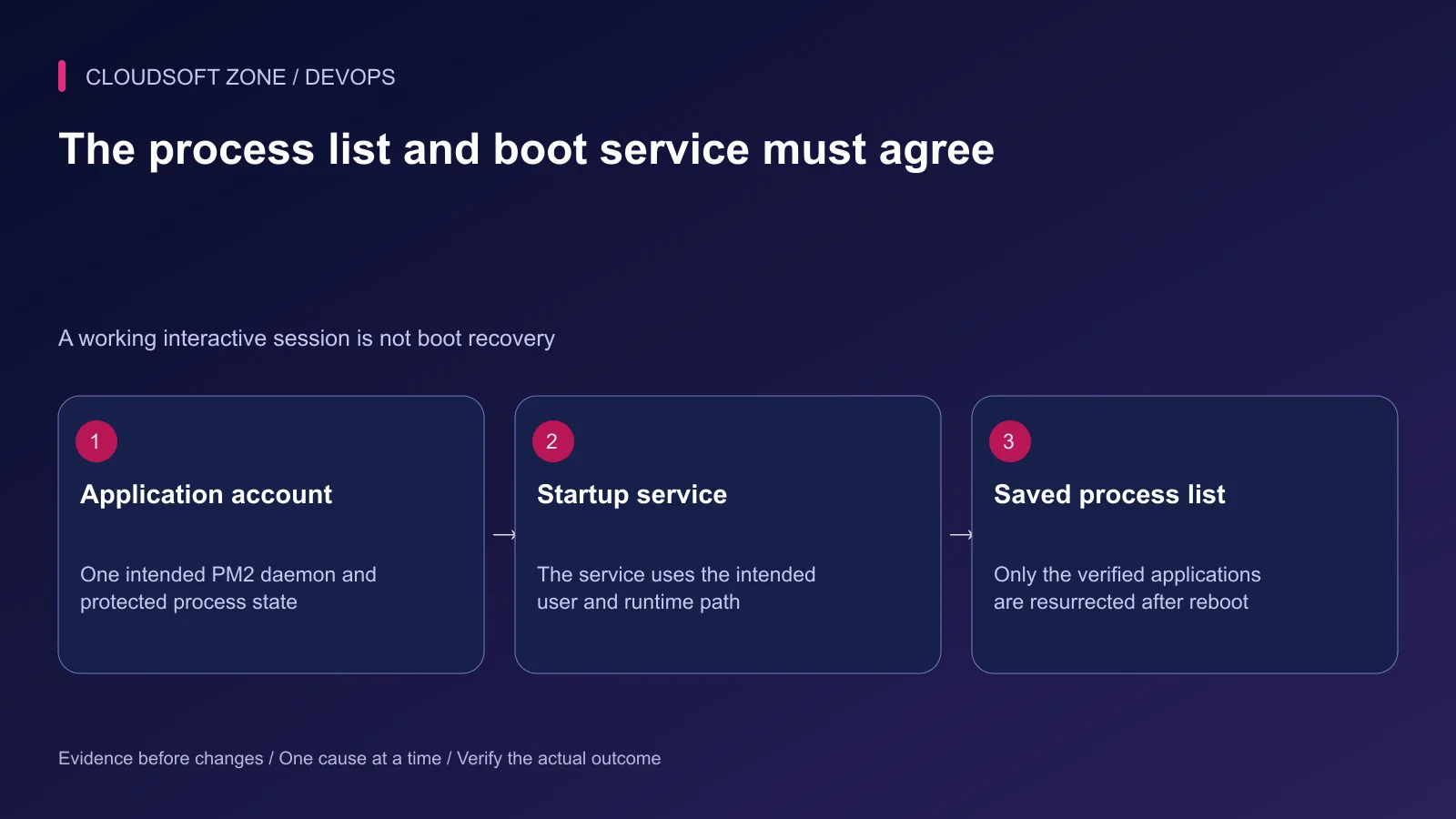
Run the application daemon under the intended non-root operating account. Record its runtime path, PM2 version and state directory. A command issued as another user can connect to a different daemon and show a different application list.
Keep code artifacts and secret delivery under the existing deployment process. Do not embed private provider keys in a committed ecosystem file. PM2's persisted process metadata can contain environment values and needs restricted access too.
Use a stable process name for each service. Avoid relying on a numeric PM2 identifier that can change when the list is reconstructed.
Step 2: Declare the actual built entry point
This CommonJS ecosystem example belongs in a deployment directory using CommonJS semantics. For an ESM application, use a configuration format supported by the installed PM2 version rather than placing incompatible module syntax in the application's package scope.
module.exports = {
  apps: [{
    name: 'example-api',
    cwd: '/srv/example-api/current',
    script: 'dist/main.js',
    interpreter: '/usr/bin/node',
    exec_mode: 'fork',
    instances: 1,
    watch: false,
    autorestart: true,
    restart_delay: 3000,
    kill_timeout: 15000,
    env_production: {
      NODE_ENV: 'production',
      HOST: '127.0.0.1',
      PORT: '3001'
    }
  }]
};
Replace the entry point, runtime and paths with the actual build. HOST and PORT only have an effect if the application reads them; explicitly verify its listener. The shutdown grace and restart delay are examples to select from measured behavior.
Start only the intended application using the reviewed ecosystem file and production environment. Keep development file watching disabled unless there is a deliberate operating reason for it.
Step 3: Verify readiness before saving state
Check process state and one harmless application route from the operating host. Confirm the release identity, dependency access and private listener. A successful process spawn does not prove the application can serve a useful request.
| Check | What it establishes |
|---|---|
| PM2 process state | The intended consumer exists and is not immediately failing |
| Direct application probe | The selected listener serves the expected application |
| Dependency readiness | Required data services are usable by that consumer |
| Public nginx request | The real client path reaches the intended service |
Save the process list only after confirming the intended set. A saved broken or temporary process can return at the next reboot.
Step 4: Configure boot recovery under the same account
PM2 separates a startup service from its saved application list. Run the documented startup-generation flow for the intended user, inspect the generated elevated command and execute only the command appropriate to that host.
After the intended processes are verified:
pm2 save
Run it as the application process owner. Do not save another account's empty daemon by accident. Check the startup service's user, state location and Node executable path. A Node version-manager upgrade can invalidate a path embedded in the generated service, so revisit startup configuration when that runtime changes.
Rehearse a reboot in an isolated or approved maintenance environment. Verify application recovery through nginx afterwards, not only that the system service became active.
Step 5: Implement a graceful application lifecycle
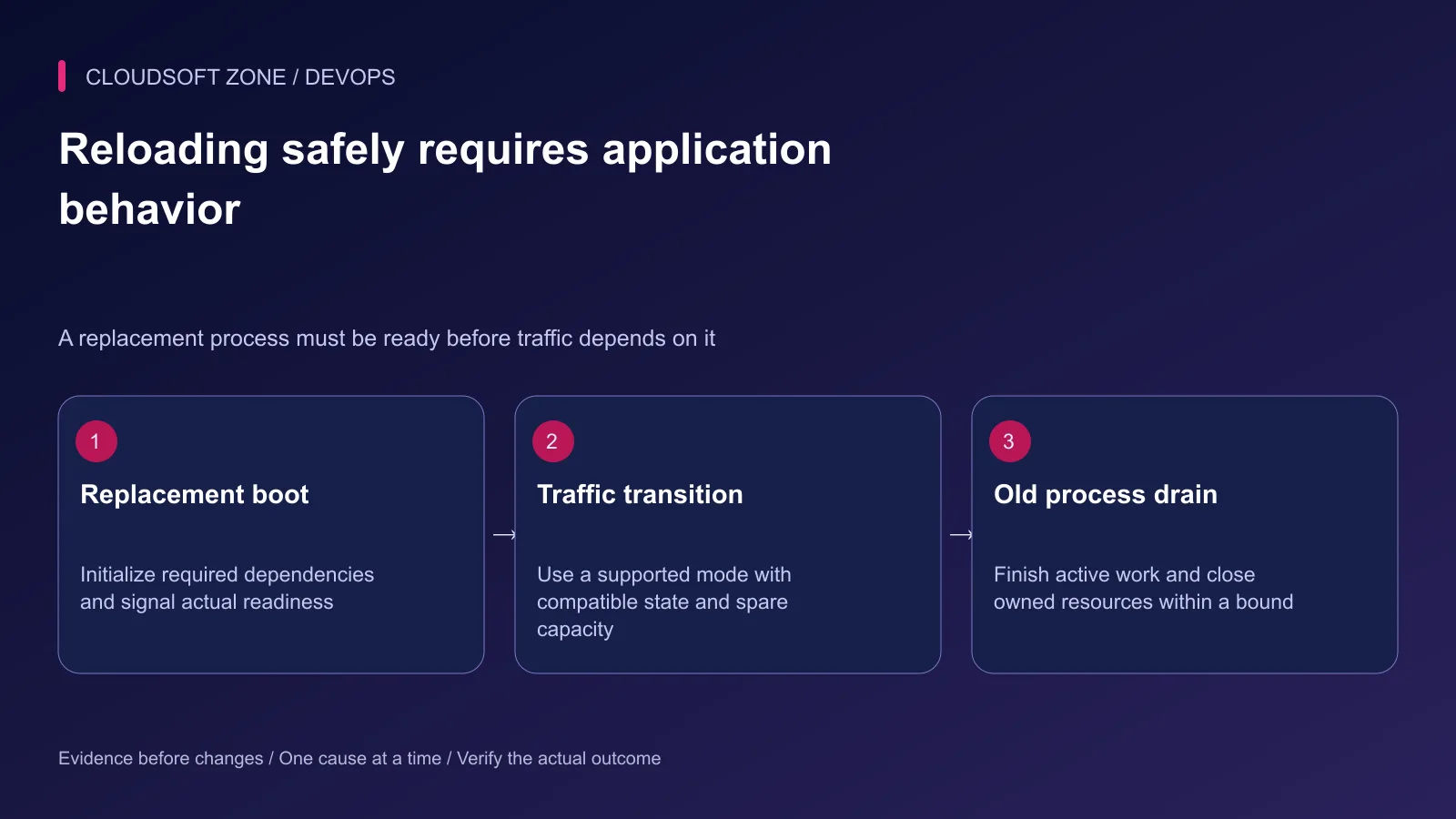
Handle the process signals used by the actual PM2 platform and configuration. Stop accepting new requests, allow bounded active work to finish and close owned resources before exit. Avoid immediately terminating a payment or upload workflow in the middle of an external effect.
For a readiness-aware cluster setup, enable the documented readiness handshake only when the application actually sends the ready signal after its required initialization. A listening socket may still precede dependency readiness.
Choose grace long enough for intended work, while keeping downstream calls bounded. If the old process never finishes, the supervisor needs a deliberate escalation boundary. Unknown effects should be reconciled by stable operation identity rather than replayed blindly.
Step 6: Choose clustering from a resource budget
PM2 cluster mode can share a Node.js server listener among workers. It does not turn process-local sessions, uploaded files or caches into shared state. Move required cross-process state into the application's deliberately chosen storage.
Budget every instance's memory and database connections. Two API instances with individual connection pools can double demand, while a reload temporarily adds overlap. Avoid selecting every CPU core without accounting for MySQL, Redis and other services on the VPS.
Do not run a scheduled task or singleton consumer in every web instance unless the application coordinates it safely. If you need CPU analysis first, use our Node.js event loop guide.
Step 7: Bound logs and inspect restarts
Inspect only the intended application's logs through a protected terminal or collector. PM2 log files need rotation, retention and access policy; timestamps alone do not limit disk usage.
Do not flush logs as a generic failure fix. Preserve the first error, restart trend and release identifier. Sanitize tokens, customer data and signed URLs before sharing evidence.
Memory-triggered restarts are an operating containment option, not proof that a leak is fixed. Correlate memory growth with workload and use our Node.js memory leak guide for diagnosis.
Step 8: Accept the release through the real path
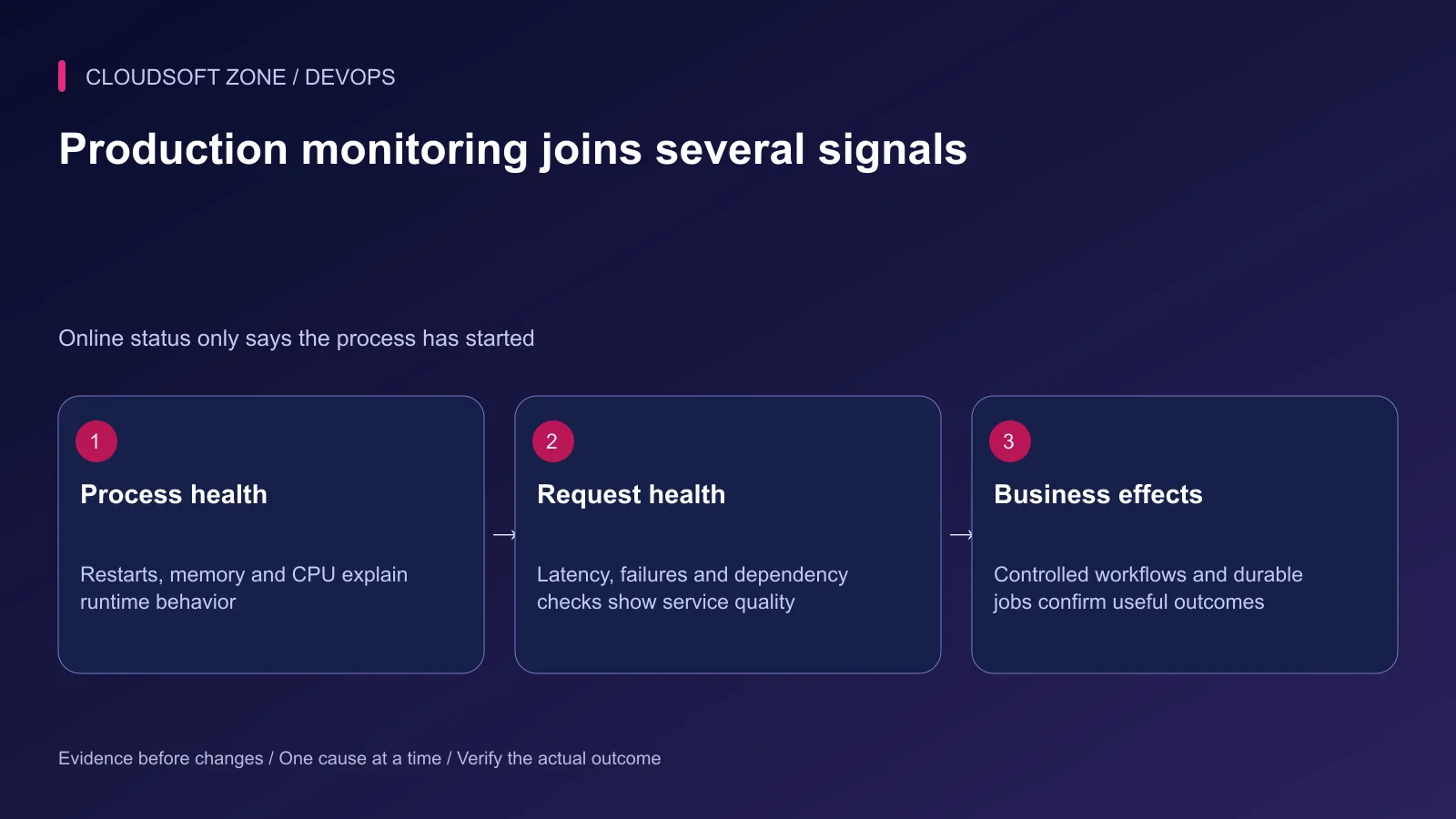
After replacement, verify direct readiness, public requests, controlled dependency operations and any owned background work. Monitor restart rate, latency, failures and host capacity during the overlap interval.
Keep a compatible recovery artifact and a clear process owner. PM2 reload can fall back to restart, so describe availability from observed behavior and the application's contract rather than the command name.
For a VPS process and deployment review, contact Cloudsoft Zone.
Featured image: Cloudsoft Zone technical layout with pm2 artwork by Alexandre Strzelewicz (CC BY-SA 4.0). Product mark resized proportionally for identification; no endorsement implied. Layout: CC BY-SA 4.0.
Frequently asked questions
Does PM2 online mean the application is healthy?
No. It indicates process state. Verify readiness, request behavior, dependencies and the intended workflow independently.
Should I use instances: max on every VPS?
No. Measure memory, database connections and the other services on the host. A CPU-based process count can exceed the application’s real resource budget.
Can I use PM2 reload as a zero-downtime guarantee?
No. Its supported cluster behavior also needs readiness, graceful shutdown, compatible shared state and sufficient overlap capacity; reload can fall back to restart.
Sources
Part 6 of 7: Running your own server
Next part
Previous part
Troubleshooting guideDevOps8 min read
How to fix nginx 502 Bad Gateway in PHP-FPM, Node.js and PM2
Fix nginx 502 Bad Gateway by tracing the failed upstream: PHP-FPM sockets, Node.js listeners, PM2 processes and targeted recovery checks.
Comments
No comments yet. Be the first to join the conversation.
Leave a comment
Every comment is read by a moderator before it appears. Your email address is never published; it is used only to contact you about this comment.
More from Cloudsoft Zone
TutorialDevOps5 min read
Multiple Node.js applications behind nginx: host routing, process ownership and shared-server capacity
Run multiple Node.js applications behind nginx with explicit host-to-port routing, separate process ownership, scoped state and acceptance checks for every hosted service.
By Nilesh Kushvaha
Troubleshooting guideDevOps5 min read
PM2 app disappears after server restart: diagnose startup, users and saved process state
If a PM2 app disappears after server restart, check the daemon owner, boot service, saved process list, runtime path and application startup failure before restoring it.
By Nilesh Kushvaha
TutorialDevOps5 min read
nginx reverse proxy explained: paths, headers and streaming for Next.js and NestJS
Understand nginx reverse proxy behavior for Next.js and NestJS: preserve API paths, set trusted headers, support streaming and diagnose the correct upstream boundary.
By Nilesh Kushvaha
Troubleshooting guideDevOps6 min read
Laravel works locally, fails in production: trace runtime, configuration and request differences
Diagnose the Laravel works locally fails production problem by locating the first failing boundary: runtime, cached values, routing, permissions, dependencies or assets.
By Nilesh Kushvaha