

Developer toolDeveloper tools
Bitbucket
Atlassian's Git code hosting with pull request reviews, built-in Pipelines CI/CD, a package registry and Jira integration; free for up to five users.
18 years active (founded 2008)

Essential details
- Pricing
- Freemium · Free plan · Free trialFree for up to 5 users; Standard and Premium billed per user per month; Data Center via sales
- Platforms
- Web, API, Self-hosted
- Service region
- Worldwide
- Website
- bitbucket.org
Details last checked 10 October 2026
Photos
Atlassian Central, the company's new headquarters tower at Railway Square in Sydney, under construction in December 2024. The atrium of the Spaces building on Herengracht in Amsterdam, where Atlassian had an office in 2009.
About Bitbucket
Bitbucket is a Git code hosting service from Atlassian, the company behind Jira and Confluence. Repositories live in workspaces that group projects, users and permissions, and every plan includes unlimited public and private repositories. Bitbucket was founded in 2008 by Jesper Nøhr and acquired by Atlassian in 2010; it originally hosted Mercurial repositories as well, but Bitbucket Cloud has been Git-only since 2020.
Its main draw is how closely it connects to the rest of the Atlassian suite. Branches, commits, pull requests, builds and deployments show up on Jira work items, build status can be shared to Confluence, and deployment approvals can run through Jira Service Management.
Key features
- Pull requests. A one-page review view with side-by-side diffs, inline comments, tasks and merge checks; Premium can enforce those checks before merging.
- Bitbucket Pipelines. CI/CD defined in the repository, running on Atlassian's hosted runners or your own runners behind a firewall, with deployment tracking across environments.
- Pipes. Ready-made steps for tools such as Slack, Opsgenie, Amazon S3 and SonarCloud, plus the option to write your own.
- Bitbucket Packages. A built-in registry for Docker and OCI container images and for npm, Maven, NuGet and PyPI packages; it needs a Standard or Premium plan.
- Code Insights. Test results and security scan findings from third-party tools appear inside the pull request.
- AI features. Atlassian's Rovo adds AI help with code review, pipeline troubleshooting and turning Jira work items into code.
Who it is for
Bitbucket suits teams that already plan their work in Jira and want code, builds and deployments to report back there without extra setup. Small teams of up to five can use it free, and regulated organisations that must keep code on their own servers can run Bitbucket Data Center.
Pricing at a glance
- Free: $0 for up to 5 users, with 50 build minutes a month and 1 GB of Git LFS storage.
- Standard: $3.65 per user per month, with 2,500 build minutes a month.
- Premium: $7.25 per user per month, with 3,500 build minutes, enforced merge checks, IP allowlisting, deployment permissions and required two-step verification.
- Data Center: self-managed, priced through Atlassian sales.
Extra build minutes cost $10 per 1,000 and extra LFS storage $10 per 100 GB. Standard and Premium offer a free trial. Prices as checked on 10 October 2026; confirm on the vendor's pricing page.
Things to consider
- Build minutes scale with runner size: a five-minute step on a 2x runner counts as ten minutes, so larger runners use the allowance faster.
- Free-plan build minutes and storage are shared across the whole workspace.
- Much of the value comes from the Jira connection; teams outside the Atlassian ecosystem get fewer benefits.
- Packages is available only on monthly Standard and Premium plans in team-managed workspaces.
Getting started
- Create a free workspace and invite up to four teammates.
- Create a repository or import one from another Git host.
- Connect the workspace to your Jira site so work items link to branches and pull requests.
- Add a bitbucket-pipelines.yml file to run your first build, using the Bitbucket Cloud documentation.
- Set branch permissions and merge checks before the team grows.
Capabilities
- Continuous integration
- Version control
- Code review
- Package registry
Pricing, platforms and fit
- Pricing
- FreemiumFree plan · Free trialFree for up to 5 users; Standard and Premium billed per user per month; Data Center via sales
- Platforms
- WebAPISelf-hosted
- Integrations
- JiraConfluenceJira Service ManagementCompassSlackOpsgenieAmazon S3SonarCloudDocker
- Service region
- Worldwide
Reviews
No reviews yet
Ratings appear once our moderators have approved the first review. Nothing is published automatically.
Be the first to reviewWrite a review
Related developer tools
Other published listings in the same category.

Developer toolsDeveloper tool
GitHub
Git-based platform for hosting code, reviewing pull requests, tracking issues and running CI/CD workflows, with free and per-user paid plans.
Freemium · free plan
View detailsContact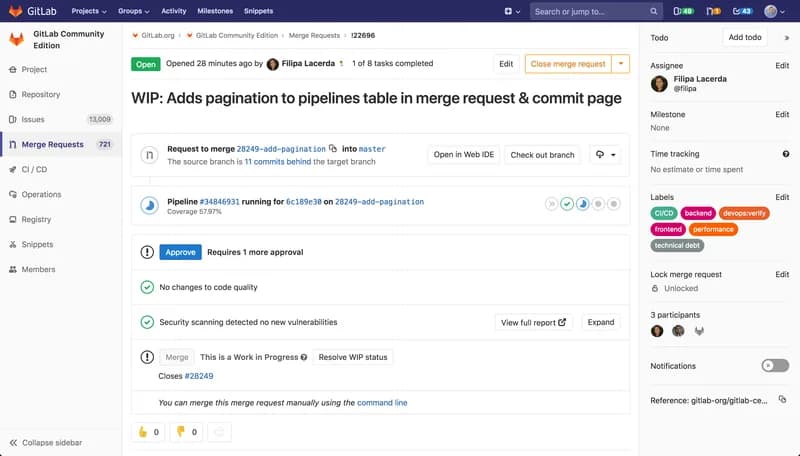

Developer toolsDeveloper tool
GitLab
DevSecOps platform combining Git repositories, merge request reviews, CI/CD pipelines and issue tracking, offered as SaaS, dedicated or self-managed.
Freemium · free plan
View detailsContact

Developer toolsDeveloper tool
Visual Studio Code
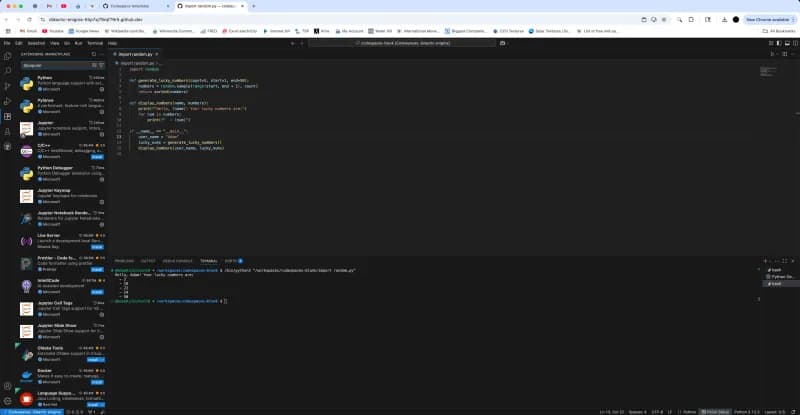
Free source-code editor from Microsoft for Windows, macOS, Linux and the browser, with built-in Git, debugging, a terminal and an extensions marketplace.
Free
View detailsContact

Developer toolsDeveloper tool
Docker
Container platform for building, sharing and running applications, including Docker Desktop, Docker Engine, Docker Hub and Docker Scout.
Freemium · free plan
View detailsContact