

AI toolAI tools
ChatGPT
OpenAI's AI assistant for chat, writing, image creation, file analysis and coding with Codex, on web, desktop and mobile, with paid plans for individuals and teams.
4 years active (founded 2022)

Essential details
- Pricing
- Freemium · Free planFree plan; Go, Plus and Pro subscriptions; Business billed per seat; Enterprise via sales
- Platforms
- Web, Windows, macOS, iOS, Android, Browser extension, API
- Service region
- Worldwide
- Website
- chatgpt.com
Details last checked 10 October 2026
Photos
ChatGPT with the GPT-5.2 Thinking model writing a summary and producing a downloadable PDF, captured in March 2026. A ChatGPT conversation using GPT-4, captured in October 2023 with the interface of that time. The signed-out ChatGPT home screen at chatgpt.com in May 2024, when ChatGPT 3.5 was the default model.
About ChatGPT
ChatGPT is an AI assistant made by OpenAI. It works in a browser at chatgpt.com, as desktop apps for macOS and Windows, on iOS and Android and as a Chrome extension. People use it to answer questions, explain unfamiliar topics, draft and edit writing, search the web, create images and talk through decisions, and it can read uploaded documents, spreadsheets and presentations.
Since its public release in November 2022, ChatGPT has grown from a chat window into a workspace with three modes: Chat for everyday questions, Work for producing finished deliverables, and Codex for software development. OpenAI's models are also sold separately to developers through the OpenAI API.
Key features
- Chat and web search. Ask questions, compare options and get explanations, with answers that can draw on current web results.
- ChatGPT Work. Creates and edits documents, slide decks, spreadsheets, charts and PDFs, using context from apps you connect.
- Connected apps. Gmail, Google Drive, Google Calendar, Slack, Notion and Outlook can be connected, and ChatGPT is also available inside Slack and Microsoft Teams.
- Codex. OpenAI's coding agent runs alongside ChatGPT to understand, plan, write, test and review code.
- Images and voice. Generate images and graphics from a prompt, and hold real-time voice conversations, including voice with video.
- Projects, tasks and custom GPTs. Group related chats and files, schedule recurring tasks and build custom versions of ChatGPT for a purpose.
- Deep research and Study Mode. Longer research runs that gather and organise sources, and a guided mode for learners.
Who it is for
The free plan suits anyone who wants an all-round assistant for writing, learning and everyday questions. Students, marketers and founders often move to Plus for higher limits, Projects and deep research. Developers who want Codex and the strongest reasoning models with more headroom look at Plus or Pro. Small teams use Business for a shared workspace with admin controls, and larger organisations use Enterprise.
Pricing at a glance
Free costs nothing and includes everyday text chats with limited uploads, image creation, voice, deep research and Codex access. Go is a lower-cost plan with higher limits for uploads, images and data analysis; its price varies by country and the plan may include ads. Plus is $20 per month and adds advanced reasoning models, Projects, scheduled tasks, custom GPTs and expanded Codex use. Pro comes in three tiers at $100, $200 and $500 per month. Business Standard seats are $25 per user per month, or $20 billed annually, and Premium seats with five times the usage are $125, or $100 billed annually. Enterprise is sold through OpenAI sales. API use is billed separately. Prices as checked on 10 October 2026 in US dollars; confirm on the vendor's pricing page.
Things to consider
- Every plan has usage limits, and model availability changes often; the model picker shows what your account can use.
- On personal plans, conversations may be used to train OpenAI models unless you turn off "Improve the model for everyone" in Data Controls. OpenAI states it does not train on Business or Enterprise workspace data.
- The Go plan, and possibly other plans in future, may show ads.
- Answers can be wrong; check facts, figures and code before relying on them.
Getting started
- Open chatgpt.com or download the app for your device and try it on a real task.
- Review the Data Controls settings and decide whether your chats may be used for training.
- Connect the apps you work in, such as Gmail or Google Drive, if you want ChatGPT to use their content.
- Compare limits on the pricing page before upgrading, and choose Business if several colleagues need a shared, managed workspace.
Capabilities
- Chat assistant
- Model API
- Image generation
- Document analysis
Pricing, platforms and fit
- Pricing
- FreemiumFree planFree plan; Go, Plus and Pro subscriptions; Business billed per seat; Enterprise via sales
- Integrations
- GmailGoogle DriveGoogle CalendarSlackMicrosoft TeamsNotionOutlookFigmaCanvaMicrosoft PowerPoint
- Service region
- Worldwide
Reviews
No reviews yet
Ratings appear once our moderators have approved the first review. Nothing is published automatically.
Be the first to reviewWrite a review
Related guides
- Guide
Get valid JSON from LLMs every time with structured outputs
Stop parsing broken JSON from LLMs. How structured outputs work on the Claude and OpenAI APIs, the schema rules that cause 400s, and how to handle refusals.
The guide shows the equivalent structured outputs on the OpenAI API.
- Guide
Next.js SEO for AI search: rendering, metadata and structured data
What AI search crawlers from OpenAI, Anthropic, Perplexity and Google actually fetch, and how to serve them complete HTML, metadata and JSON-LD from Next.js.
The guide covers OpenAI's crawlers and how ChatGPT search fetches and cites pages.
Related AI tools
Other published listings in the same category.

AI toolsAI tool
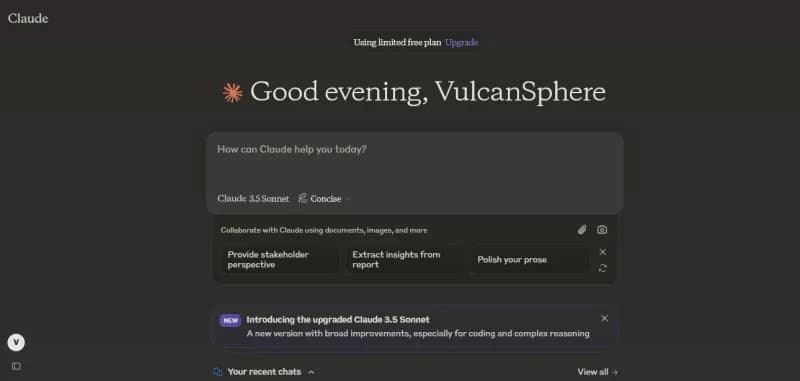
Claude
Anthropic's AI assistant for chat, writing, research, coding and file analysis, available on web, desktop and mobile and through a developer API.
Freemium · free plan
View detailsContact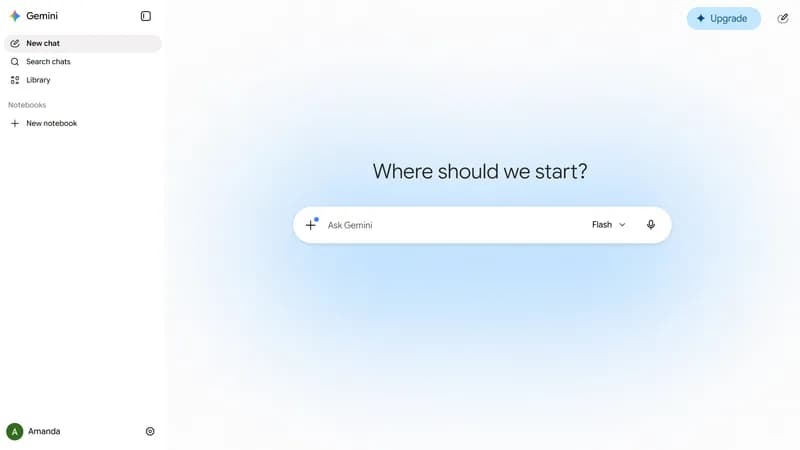

AI toolsAI tool
Google Gemini
Google's AI assistant for chat, research, image and video generation and document analysis, with a developer API for the Gemini models.
Freemium · free plan
View detailsContact

AI toolsAI tool
Hugging Face
Platform for hosting and sharing machine learning models, datasets and Spaces apps, with managed inference and open-source ML libraries.
Freemium · free plan
View detailsContact

AI toolsAI tool
Cursor
AI code editor and coding agent with autocomplete, available for macOS, Windows and Linux, from the terminal and as cloud agents.
Freemium · free plan
View detailsContact