
Laravel works locally, fails in production: trace runtime, configuration and request differences
Diagnose the Laravel works locally fails production problem by locating the first failing boundary: runtime, cached values, routing, permissions, dependencies or assets.
6 min read
In this article
The home page works on your laptop, but production returns 500. A login redirects to HTTP, a file cannot be written or a worker connects to the wrong database. Copying the same repository does not reproduce the same runtime, identities or effective configuration.
Laravel works locally, fails production: that pattern almost always comes from runtime or configuration differences, not the code. This guide follows a Laravel 500 error production case and other Laravel works on localhost not on server symptoms through the artifact, runtimes, configuration, routing and sessions.
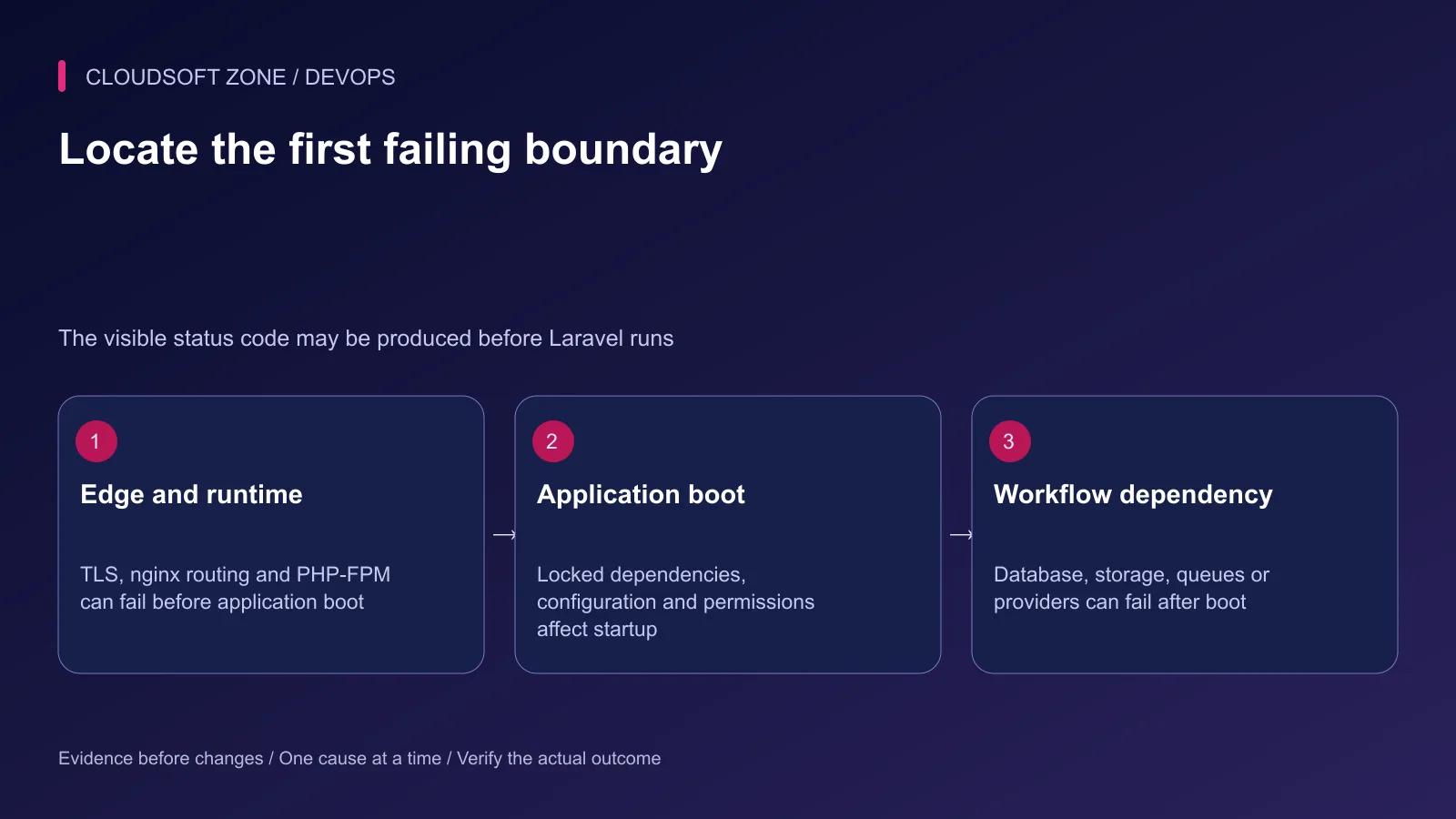
The Laravel works locally fails production problem becomes manageable when you find the first boundary that differs. This guide follows one failing workflow from nginx through PHP, Laravel boot and downstream dependencies. It avoids broad resets that can hide evidence or damage retained state.
Use our Laravel production checklist for prevention. For an incident, begin with one harmless reproducible request and keep public debug output disabled.
Step 1: Capture a precise symptom
Record the URL path, method, approximate time, request identifier and visible status. Remove credentials and personal data from the reproduction. Distinguish a page failure from an API response, asset failure or delayed background operation.
| Symptom | First evidence boundary |
|---|---|
| TLS or certificate failure | DNS and HTTPS endpoint |
| nginx 502 | FPM/socket/upstream connection |
| Laravel 500 | Restricted application and runtime diagnostics |
| Wrong redirect scheme | Proxy trust and effective URL configuration |
| Missing compiled asset | Build artifact and public asset routing |
| Accepted job never completes | Dispatch, consumer and final effect |
Do not infer the cause from the status alone. A proxy can generate a response before Laravel loads, while an application can fail only after a database or storage call.
Step 2: Confirm the deployed artifact
Verify the active release identifier and compare it with the artifact that passed preparation. Check that vendor dependencies and compiled frontend assets belong to the same intended release.
Use the lockfile for deployment dependency installation. Do not run an update command on the live server to make a missing class disappear; that changes the dependency set without the reviewed build.
Check case-sensitive file and class paths. A local filesystem can tolerate naming differences that a Linux deployment rejects. Investigate the precise missing file or class rather than regenerating unrelated code.
Retain the previous compatible artifact while diagnosing. A source checkout at the correct revision is not proof that the active process loaded it.
Step 3: Compare CLI and web runtimes
Run selected non-secret CLI checks in the intended release:
php -v
php --ini
composer check-platform-reqs --no-dev
These commands help identify the CLI version, ini files and required runtime extensions. They do not prove the PHP-FPM pool uses that binary or configuration. Check the FPM service and pool through its protected operating path.
Compare the supported PHP requirement from the installed application's dependency contract, not a memorized distribution default. Verify extensions required by the actual workflow: database access, image processing and worker timeout handling may have different needs.
Avoid publishing phpinfo output. If a temporary runtime probe is necessary in an isolated environment, restrict its fields and access, then remove it through the reviewed release process.
Step 4: Trace effective configuration
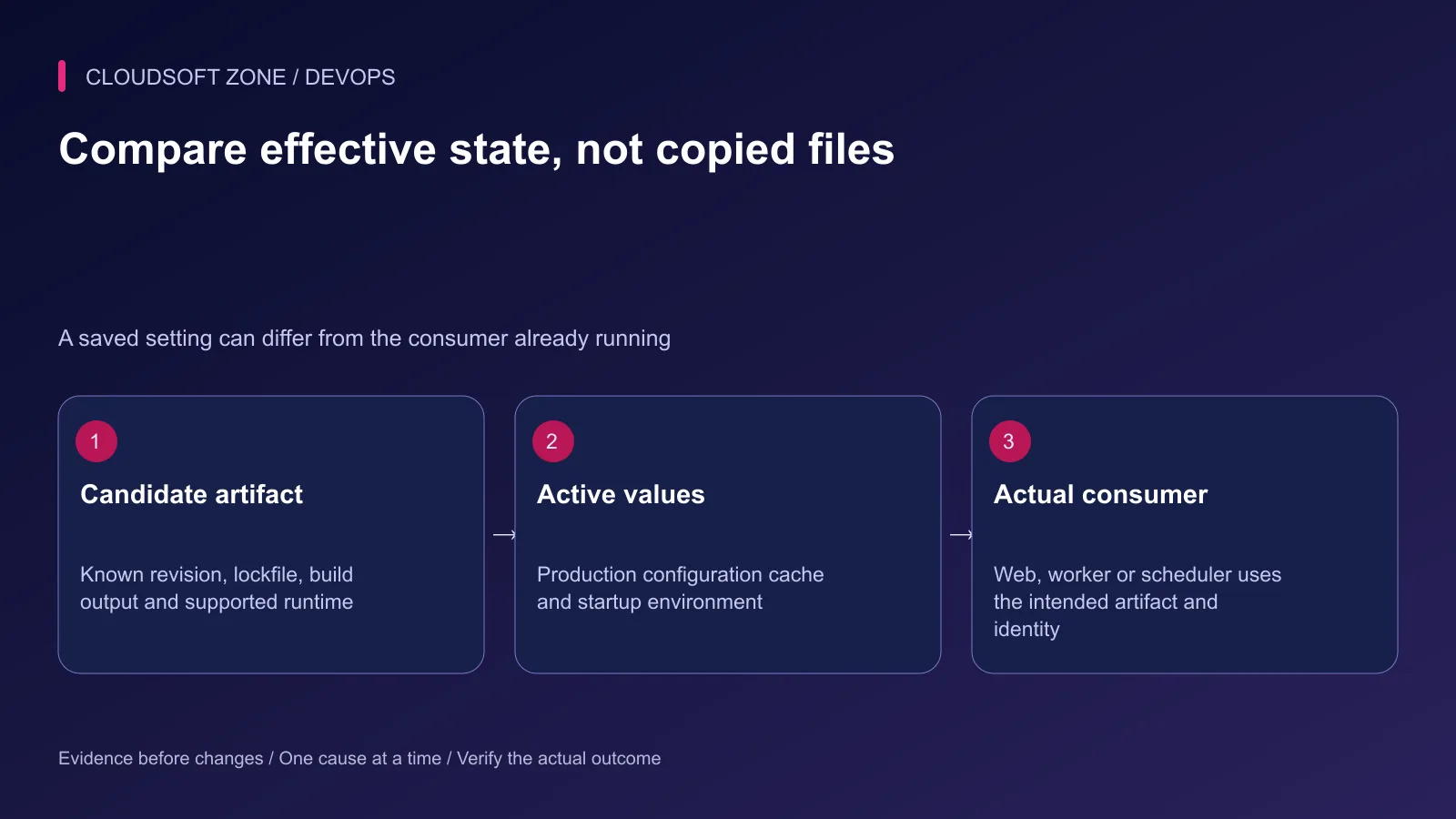
The environment file, process-level variables and Laravel configuration cache can supply different values. Compare selected non-secret identities such as environment name, connection type and intended host classification; never dump the full configuration into a support transcript.
Use env calls within configuration files and config calls from application code. A generated configuration cache changes environment-file loading behavior. Build it after the intended production inputs exist.
Long-lived consumers keep booted state. A correct new web request does not establish that an existing queue worker refreshed its configuration. Verify the affected process owner and replace it gracefully through the deployment procedure.
Step 5: Check routing and filesystem access
nginx should serve the intended Laravel public directory. Check the selected hostname, root, front-controller routing and FastCGI socket. An incorrect root can expose private files or route to an unrelated release.
Verify the actual FPM and worker identities can traverse parent directories and write required storage/bootstrap cache paths. Test narrow effective access; do not recursively grant every account write permissions to the project.
If the public route fails but a protected direct application check works, compare the edge path, forwarded scheme and trusted proxy settings. Trust only the proxy boundary required by the deployment rather than accepting arbitrary forwarded headers.
For upstream issues, our nginx HTTPS guide explains the proxy boundary. Treat DNS, TLS and application routing as separate checks.
Step 6: Verify the specific dependency
Confirm the application's database identity before considering migrations. A missing table can indicate the wrong database, an unapplied migration or a partially failed schema transition. Do not reset retained data to eliminate the symptom.
For storage, check the actual bucket, prefix, endpoint reachability and scoped credential permissions. For queues, compare the producer connection and namespace with the consumer. For mail, use a controlled recipient and sanitized delivery evidence.
Network reachability and authorization are separate. An open port does not prove the application account can perform its required operation. Use the smallest harmless workflow that checks the real dependency contract.
Step 7: Distinguish asset and session failures
Verify production assets were built and included in the artifact. A missing Vite manifest differs from a bad public asset URL or a stale browser cache. Check the expected file and request before rebuilding everything.
Frontend environment values are build inputs and may be readable by visitors. Keep server credentials out of them. If the wrong API origin was baked into an asset, replace the reviewed build rather than expecting a runtime environment edit to rewrite existing JavaScript.
For login failures, inspect HTTPS cookie settings, domain scope, shared session storage and retained application keys. Do not regenerate APP_KEY as a generic authentication fix.
Step 8: Apply one correction and verify the effect
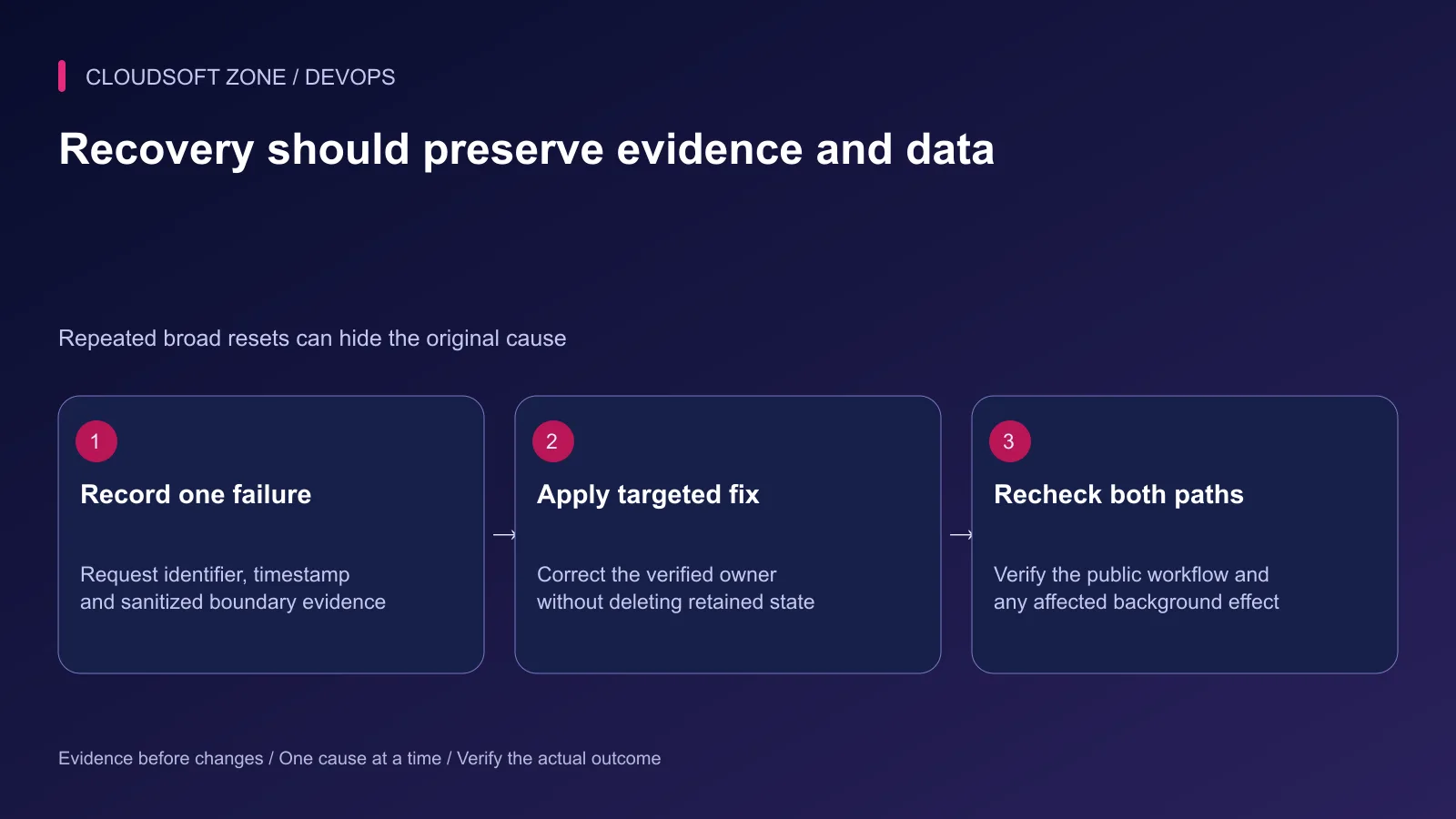
Record the diagnosed owner, make a targeted change and repeat the original harmless reproduction. Check the affected public and background paths, not only a process status or a successful cache command.
If the candidate cannot be repaired within the operating window, restore a known compatible artifact with a schema-aware recovery decision. Preserve logs, failed jobs and retained application data for reconciliation.
For a production-only failure review, contact Cloudsoft Zone.
Featured image: Cloudsoft Zone technical layout with laravel artwork by Laravel (Public domain). Product mark resized proportionally for identification; no endorsement implied. Layout: CC BY-SA 4.0.
Frequently asked questions
Why does an Artisan command work when the website fails?
CLI PHP can use a different binary, ini configuration, identity and environment than PHP-FPM. Verify the web runtime separately through a protected path.
Should I enable public debug mode to troubleshoot?
No. Keep production responses sanitized and inspect restricted application or runtime diagnostics with request correlation.
Will clearing every cache fix a production-only problem?
Not reliably. Find the effective configuration or stale consumer first. Broad cache operations can affect sessions, coordination and other workflows without correcting the actual cause.
Your next customer could start right here.
Introduce your tool, product or business to readers exploring technology.
Explore placements and request a private quote
Sources
- Laravel deployment runtime requirements — Laravel
- Laravel effective configuration and caches — Laravel
- Composer platform requirement verification — Composer
- Laravel Vite production builds — Laravel
- PHP-FPM runtime configuration — PHP
- nginx request routing — nginx
Comments
No comments yet. Be the first to join the conversation.
Leave a comment
Every comment is read by a moderator before it appears. Your email address is never published; it is used only to contact you about this comment.
More from Cloudsoft Zone
TutorialDevOps
Laravel log management: rotation, retention and safe production debugging
Set up Laravel log management with deliberate channels, retention, file ownership, rotation responsibility and useful incident context without recording secrets.
By Cloudsoft Zone
TutorialDevOps
Laravel backup restore: recover the application, database and uploaded files together
Plan Laravel backup restore around a recoverable set of code, database, uploaded objects and protected keys, then verify the complete application in isolation.
By Cloudsoft Zone
TutorialDevOps
Laravel S3 compatible uploads: private files, MinIO endpoints and safe delivery
Build Laravel S3 compatible uploads with a private disk, scoped credentials, validated files, unique object keys and authorized downloads across MinIO or S3.
By Cloudsoft Zone