
In this article
An exception appears in the queue worker output but never reaches the application log. A different server fills its disk because daily rotation was mistaken for a size limit. Good logging needs a known destination, bounded retention and a verified delivery path.
Laravel log management needs a known destination, bounded retention and verified delivery. This guide maps log streams, chooses a destination such as the Laravel daily log channel, checks writer identities, assigns one owner for Laravel log rotation, bounds volume and records safe diagnostic context.
This Laravel log management guide covers channels, ownership, rotation and incident context for a Laravel deployment. It separates application files from nginx, PHP-FPM and process-supervisor logs because each stream can have a different owner.
Use our Laravel production checklist for the wider operating gates. Keep detailed diagnostics protected; public error responses should remain useful without exposing internal state.
Step 1: Map every log stream
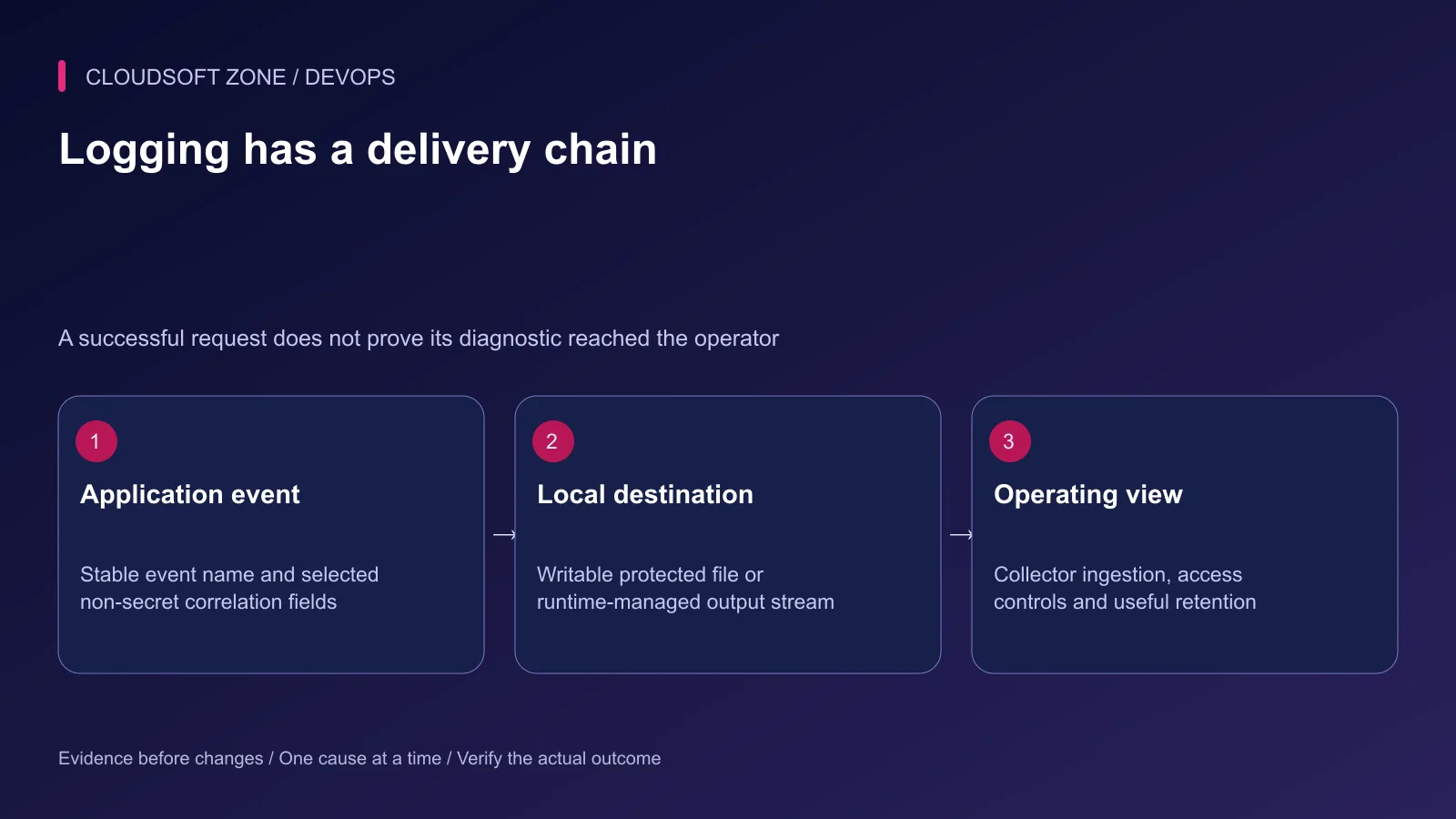
Record where web requests, queue jobs, scheduled commands, PHP-FPM and nginx write. Include container output or collector agents if present. A stack channel can send one event to several destinations, so count duplicates when estimating volume.
| Stream | Typical operating question |
|---|---|
| Laravel application | Which operation failed and why? |
| Queue or Supervisor output | Did the intended consumer start and remain healthy? |
| PHP-FPM diagnostics | Did the runtime fail before application logging? |
| nginx access/error | Which request path and upstream boundary failed? |
| Collector ingestion | Was the diagnostic delivered and retained? |
Give each destination an owner for permissions, rotation, retention and access. Do not assume a collector successfully ingests a file merely because the file exists.
Step 2: Choose the application destination
For a conventional filesystem deployment, a daily channel can produce dated Laravel logs. This configuration excerpt follows the reviewed Laravel 13 channel options; the retention count is an example to adapt to the application's operating policy:
'operations' => [
    'driver' => 'daily',
    'path' => storage_path('logs/operations.log'),
    'level' => env('OPERATIONS_LOG_LEVEL', 'info'),
    'max_files' => 14,
    'permission' => 0640,
    'locking' => true,
],
Confirm the actual installed framework and handler behavior before migrating older channel settings. A retained-file count is not a legal retention guarantee or an automatic archive policy.
For containers, a runtime-managed output stream may be the established destination. Then configure the container log driver and collector retention explicitly. Do not create an additional persistent application-file stream just because a host-based tutorial used one.
Step 3: Verify writer identities
Web and worker processes may run as different accounts. Both must be able to create the intended log and continue after rollover. Check the parent directory and the new file's effective group and ACL, not just yesterday's file permissions.
Retain narrow write access to storage/logs while keeping application code and environment files protected. Do not fix a missing log by making the project world-writable.
After changing channel configuration, rebuild the intended configuration cache and refresh long-lived consumers through the deployment lifecycle. A new web request can use a setting that an old worker has not loaded.
Step 4: Assign one rotation owner
If Laravel/Monolog owns a dated application stream, avoid an independent external policy renaming the same active files without a coordinated design. If the operating system owns rotation for a single file, verify that every writer reopens its destination correctly.
logrotate's copytruncate approach has a copying/truncation interval in which log data can be lost. It is not a universal lossless fix for writers that do not reopen files. Prefer the destination and rollover behavior supported by the actual process lifecycle.
nginx has a documented log-reopen mechanism after renaming its log files. That does not automatically reopen a Laravel worker's file handle. Keep the nginx policy distinct and preserve the host's existing rotation owner.
A non-mutating preview of a specific reviewed logrotate configuration is:
sudo logrotate --debug /etc/logrotate.d/example-app
Replace the path with the intended policy. A successful debug inspection checks the planned handling; it does not prove that a future writer will reopen correctly. Rehearse the actual rollover in an isolated environment.
Step 5: Bound volume as well as history
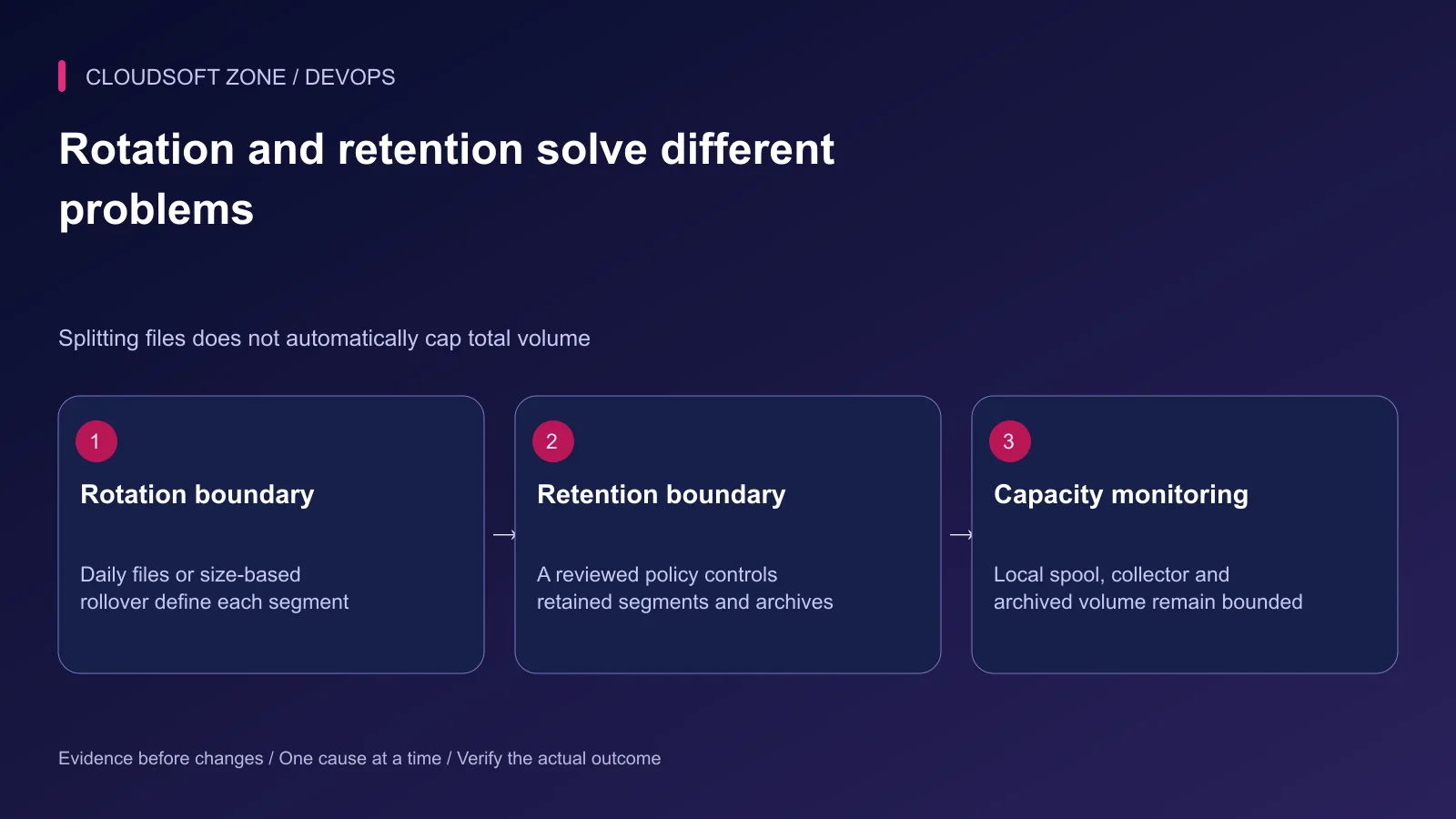
Daily rotation can still create a huge file during an incident. Monitor growth, available bytes and inodes. Include the collector spool, compressed archives and container output files in the capacity budget.
Choose log levels deliberately. A temporary debug interval needs an owner and an end condition. Do not leave verbose payload logging active after the incident because storage currently appears sufficient.
Retention also has a purpose. Keep required operating evidence for the intended period, restrict access and avoid indefinite duplication across local files, dashboards and downloaded support archives.
Step 6: Record useful safe context
Use stable event names and selected correlation fields. The example below assumes operation and request identifiers are server-generated safe values:
use IlluminateSupportFacadesLog;

Log::channel('operations')->warning('export.delivery_failed', [
    'operation_id' => $operationId,
    'request_id' => $requestId,
    'release_id' => config('app.release_id'),
    'failure_code' => 'STORAGE_WRITE_FAILED',
]);
Define app.release_id in the existing configuration contract if you use it. Avoid credentials, authorization headers, cookies, signed URLs and full document content. Sanitize user-controlled values so they cannot forge a new log entry or create unbounded fields.
Do not label an operation complete merely because logging succeeded. Logs describe the outcome; the application's durable state remains the authority for customer effects.
Step 7: Verify delivery and failure behavior
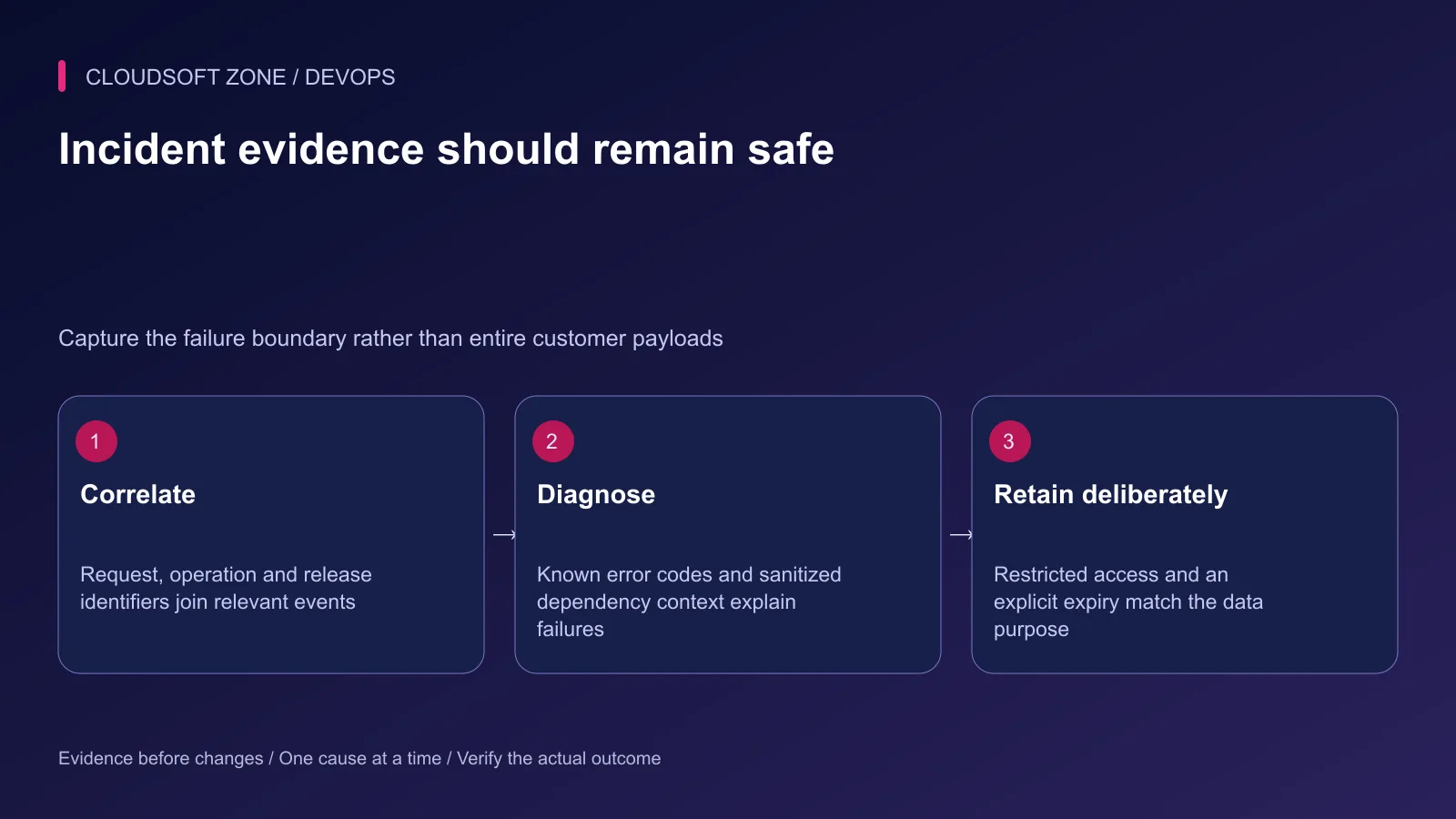
Emit a harmless diagnostic through a protected operating path from both web and queue consumers. Confirm the event appears in the intended local destination and operating view with the correct release and correlation identifiers.
Rehearse rollover and verify a later event reaches the new segment. Check unreadable destinations, unavailable collectors and exhausted storage in isolation. The application must not silently produce an unlimited retry storm when diagnostics fail.
Step 8: Use logs to narrow the incident
Start with the operation identifier, failure time and release revision. Join application and upstream evidence without publishing raw logs. Determine whether the failure happened before application boot, during a dependency call or after an external effect with an unknown acknowledgement.
For retry-sensitive work, read our idempotent Laravel jobs guide. For a logging and operations review, contact Cloudsoft Zone.
Featured image: Cloudsoft Zone technical layout with laravel artwork by Laravel (Public domain). Product mark resized proportionally for identification; no endorsement implied. Layout: CC BY-SA 4.0.
Frequently asked questions
Does daily rotation stop the disk filling up?
No. A single day can still generate a large file, and collectors or archives can have separate retention. Monitor actual growth and available space.
Should logrotate and Laravel rotate the same file?
Avoid two independent rotation owners for the same stream. Choose a deliberate scheme and verify how long-lived writers handle the rollover.
Can I log the complete request to diagnose a production error?
Use selected sanitized fields instead. Full requests can expose credentials, cookies, tokens and personal data, and can substantially increase log volume.
Your next customer could start right here.
Introduce your tool, product or business to readers exploring technology.
Explore placements and request a private quote
Sources
- Laravel logging channels and retention — Laravel
- Ubuntu logrotate configuration — Ubuntu
- nginx log reopening lifecycle — nginx
- OWASP secure logging guidance — OWASP
- Laravel worker process lifecycle — Laravel
Comments
No comments yet. Be the first to join the conversation.
Leave a comment
Every comment is read by a moderator before it appears. Your email address is never published; it is used only to contact you about this comment.
More from Cloudsoft Zone
TutorialDevOps
Laravel backup restore: recover the application, database and uploaded files together
Plan Laravel backup restore around a recoverable set of code, database, uploaded objects and protected keys, then verify the complete application in isolation.
By Cloudsoft Zone
TutorialDevOps
Laravel S3 compatible uploads: private files, MinIO endpoints and safe delivery
Build Laravel S3 compatible uploads with a private disk, scoped credentials, validated files, unique object keys and authorized downloads across MinIO or S3.
By Cloudsoft Zone
TutorialDevOps
Laravel queue workers deployment: graceful restarts, durable work and duplicate-safe effects
Plan Laravel queue workers deployment with graceful process replacement, bounded timeouts, durable dispatch, payload compatibility and verification of completed effects.
By Cloudsoft Zone