
In this article
The new web release is live, but a queue worker still runs yesterday's code. During a restart, an email is sent and the worker exits before recording completion; the retry sends it again. Queue deployment safety is about accepted work and final effects, not merely keeping a process visible.
This Laravel queue workers deployment guide follows dispatch, in-flight work, graceful replacement and verification. It explains how to preserve work and recover safely without promising exactly-once execution. The examples use ordinary Redis-backed Laravel workers; Horizon has its own lifecycle.
Start with our Laravel queue comparison if you need to understand the consumer model. Keep all queued and failed-job records during a release.
Step 1: Define what accepted work means
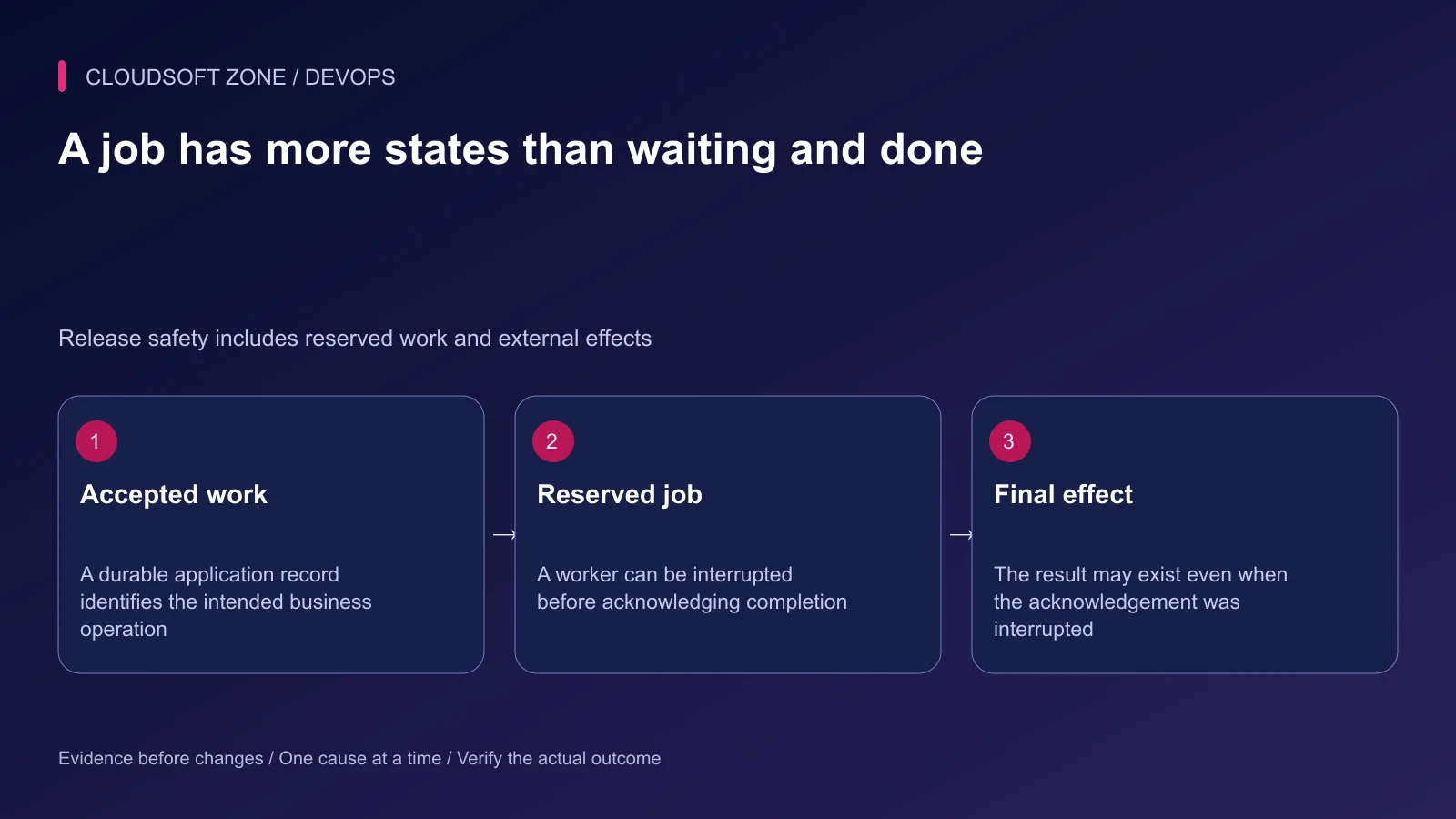
A response telling a customer that an export or payment action was accepted should correspond to a durable operation record. Record an operation identifier, intended effect and state in the application's data model.
Dispatching after the database transaction commits prevents a worker from seeing uncommitted rows. It does not automatically make a database commit and a separate queue write atomic. If losing the dispatch between those systems is unacceptable, use a reviewed durable outbox or reconciliation design.
Keep the operation identifier in the job payload. Use it to recognize a repeated delivery, inspect the intended result and reconcile attempts after a deployment failure. Avoid placing credentials or large customer documents in queue payloads.
Step 2: Inventory the real consumers
Record each worker's connection, queue list, startup directory, executable, application identity and supervisor owner. Distinguish ordinary queue workers from Horizon, scheduled commands and custom consumers.
| Consumer detail | Why it matters during deployment |
|---|---|
| Queue connection and namespace | Restarted workers must consume the intended work |
| Release path | A live process may still hold old booted code |
| Cache connection | Ordinary restart signals depend on the configured cache |
| Job timeout | An interrupted reservation must not overlap a live attempt |
| Supervisor owner | Exited workers need the intended replacement process |
Confirm that web dispatchers and workers agree on the connection and queue names. A worker that starts successfully on an empty wrong queue is not proof of recovery.
Step 3: Make job effects retry-safe
Use a stable business idempotency key for external writes where the provider supports one. For database-only effects, use constraints and transactional state changes appropriate to the operation.
Do not mark an operation complete before its required effect exists. Do not assume a queue acknowledgement can prevent duplication when the process dies after the provider accepts a request. Reconciliation should distinguish not attempted, attempted with unknown outcome and confirmed complete.
Our idempotent Laravel jobs guide covers this boundary. Deployment restarts expose the same failure window as network outages and worker crashes.
Step 4: Align job and shutdown timing
For a Redis connection, choose a worker timeout shorter than the connection's retry_after reservation interval. Bound HTTP or database calls inside the job as well; the worker's lifecycle is not a substitute for downstream request timeouts.
The following Supervisor excerpt is illustrative. It assumes short jobs whose measured worst-case duration fits the configured timeout and a Redis retry_after value greater than 60 seconds:
[program:example-worker]
command=/usr/bin/php /srv/example-app/current/artisan queue:work redis --queue=default --timeout=60 --tries=3
directory=/srv/example-app/current
user=example-app
autostart=true
autorestart=true
stopsignal=TERM
stopwaitsecs=120
Replace the executable, account and paths with actual deployment inputs. Choose shutdown grace above the work that should finish. If a worker is forcibly killed before completion, the operation may be retried and must remain safe.
Laravel's timeout handling requires the supported runtime facilities; verify the CLI environment, including PCNTL where required. SQS visibility timeout and other queue drivers have their own reservation rules. Do not apply a Redis setting to every transport.
Step 5: Activate the compatible release
Build and verify the candidate away from the active artifact. Confirm that queued payloads created by the old release can be read by the new one. Removing a job class or changing serialized expectations can break work that was accepted before activation.
Apply compatible schema changes through the reviewed migration stage. Keep previous artifacts while consumers still use them. Removing an old release directory too early can break an active worker even when a new current symlink is correct.
Decide whether dispatch continues during the transition. If it pauses, keep an explicit durable path for requests already accepted rather than returning success and dropping the intended work.
Step 6: Replace workers gracefully
For ordinary Laravel queue workers in the intended application environment:
cd /srv/example-app/current
php artisan queue:restart
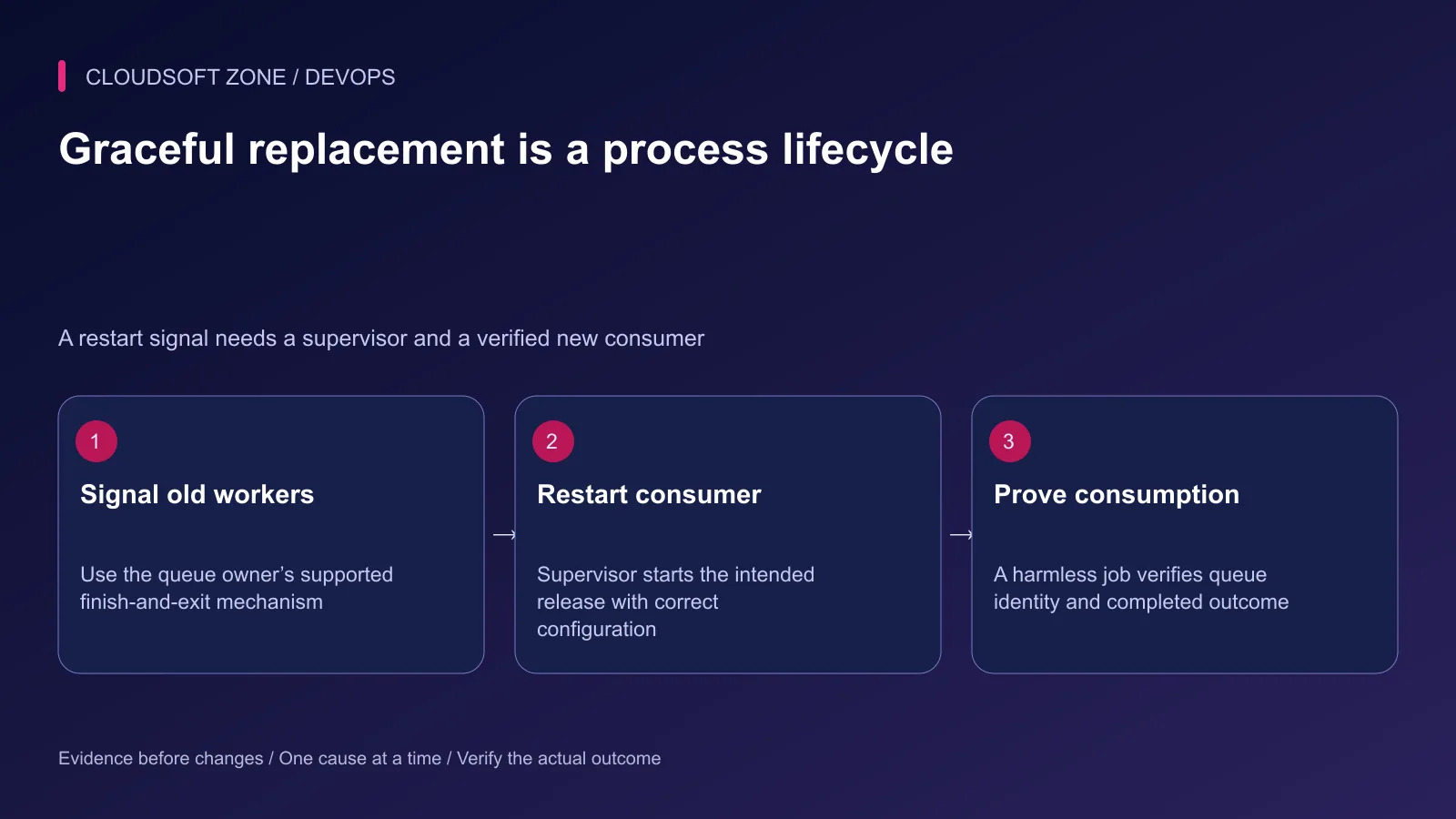
The command stores a restart signal in the cache. Workers should finish their current job and exit, then the supervisor starts replacements. A wrong cache namespace, missing supervisor or stale startup path can defeat the intended rollout.
For Horizon-managed workers, use Horizon's documented terminate-and-supervise lifecycle instead. Do not combine unrelated process-kill commands or restart every PHP service on the host.
Review Redis blocking configuration too. An indefinitely blocking worker can delay signal handling until work arrives. Select the queue's blocking behavior alongside the required shutdown responsiveness.
Step 7: Verify the new consumer and final effect
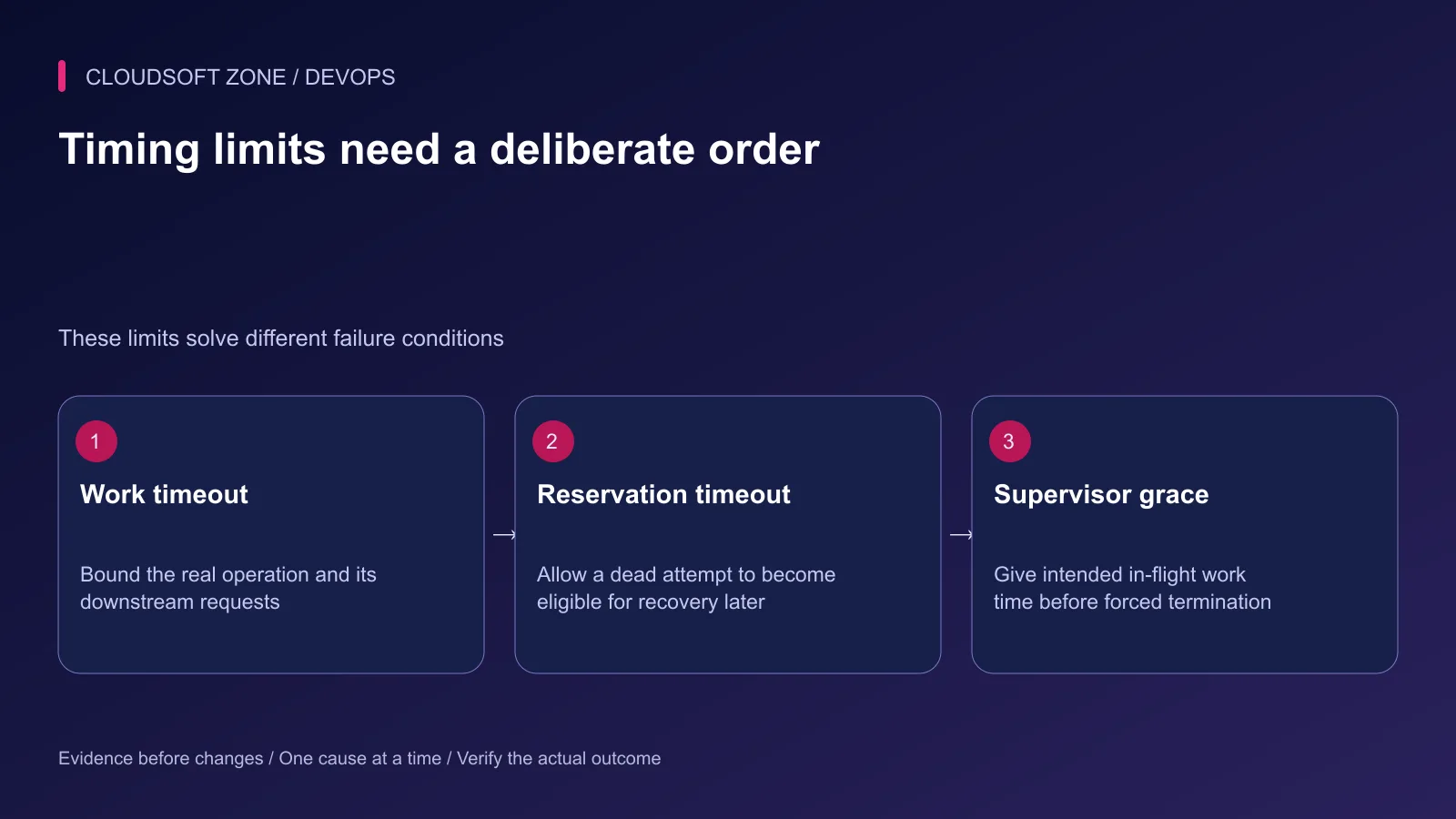
Check process identity, release revision and queue namespace through the protected operating path. Then dispatch one harmless diagnostic operation and verify its completed result, not just a falling queue count.
Monitor waiting work, oldest-job age, failures and unknown-outcome operations during the transition. A queue can drain into repeated failures; a worker can acknowledge a job that never produced the required application result.
If replacement fails, stop repeated restarts and inspect the supervisor error, environment and artifact. Keep the queue intact. Retry a specific failed operation only after confirming its previous effect and compatibility with the restored consumer.
Step 8: Record the release outcome
Record which consumers exited, which revision replaced them and how accepted work was reconciled. Retain failed-job evidence and sanitize logs. Do not report zero job loss simply because no process is currently stopped.
For a worker release procedure matched to your application and provider contracts, contact Cloudsoft Zone.
Featured image: Cloudsoft Zone technical layout with redis artwork by Redis Ltd (Public domain). Product mark resized proportionally for identification; no endorsement implied. Layout: CC BY-SA 4.0.
Frequently asked questions
Does queue:restart immediately terminate every active job?
It asks ordinary workers to exit after their current job. The restart signal uses the configured cache, and the process supervisor must start replacement workers.
Can graceful restarts guarantee exactly-once effects?
No. A worker can finish an external effect and fail before acknowledging the queue. Use idempotency and durable operation records to handle retries.
Should old release directories be removed immediately?
No. Retain artifacts still used by active workers or requests until the release lifecycle confirms those consumers have exited.
Your next customer could start right here.
Introduce your tool, product or business to readers exploring technology.
Explore placements and request a private quote
Sources
- Laravel worker deployment, timeouts and dispatch — Laravel
- Laravel Horizon deployment lifecycle — Laravel
- Supervisor stop and restart configuration — Supervisor
- Laravel deployment — Laravel
Comments
No comments yet. Be the first to join the conversation.
Leave a comment
Every comment is read by a moderator before it appears. Your email address is never published; it is used only to contact you about this comment.
More from Cloudsoft Zone
TutorialDevOps
Laravel backup restore: recover the application, database and uploaded files together
Plan Laravel backup restore around a recoverable set of code, database, uploaded objects and protected keys, then verify the complete application in isolation.
By Cloudsoft Zone
TutorialDevOps
Laravel S3 compatible uploads: private files, MinIO endpoints and safe delivery
Build Laravel S3 compatible uploads with a private disk, scoped credentials, validated files, unique object keys and authorized downloads across MinIO or S3.
By Cloudsoft Zone
TutorialDevOps
Multiple Laravel applications on nginx: separate hosts, PHP pools and application state
Run multiple Laravel applications on nginx with separate public roots, PHP-FPM pools, state namespaces and host-specific acceptance checks.
By Cloudsoft Zone