
In this article
The second Laravel application loads, but the first domain now returns the second application's login page. Later, a worker processes the wrong queue because both projects share a namespace. Hosting several applications is a routing problem and a state-ownership problem.
This multiple Laravel applications on nginx guide builds explicit host-to-application boundaries on one Linux server. Each application gets its own public root, PHP-FPM pool and persistent state. It assumes the applications and supported PHP runtime already exist; it does not install or reset a database.
For certificate setup, use our nginx HTTPS guide. Replace the example hostnames, paths and certificate locations with your reviewed deployment inputs.
Step 1: Write the host-to-application map
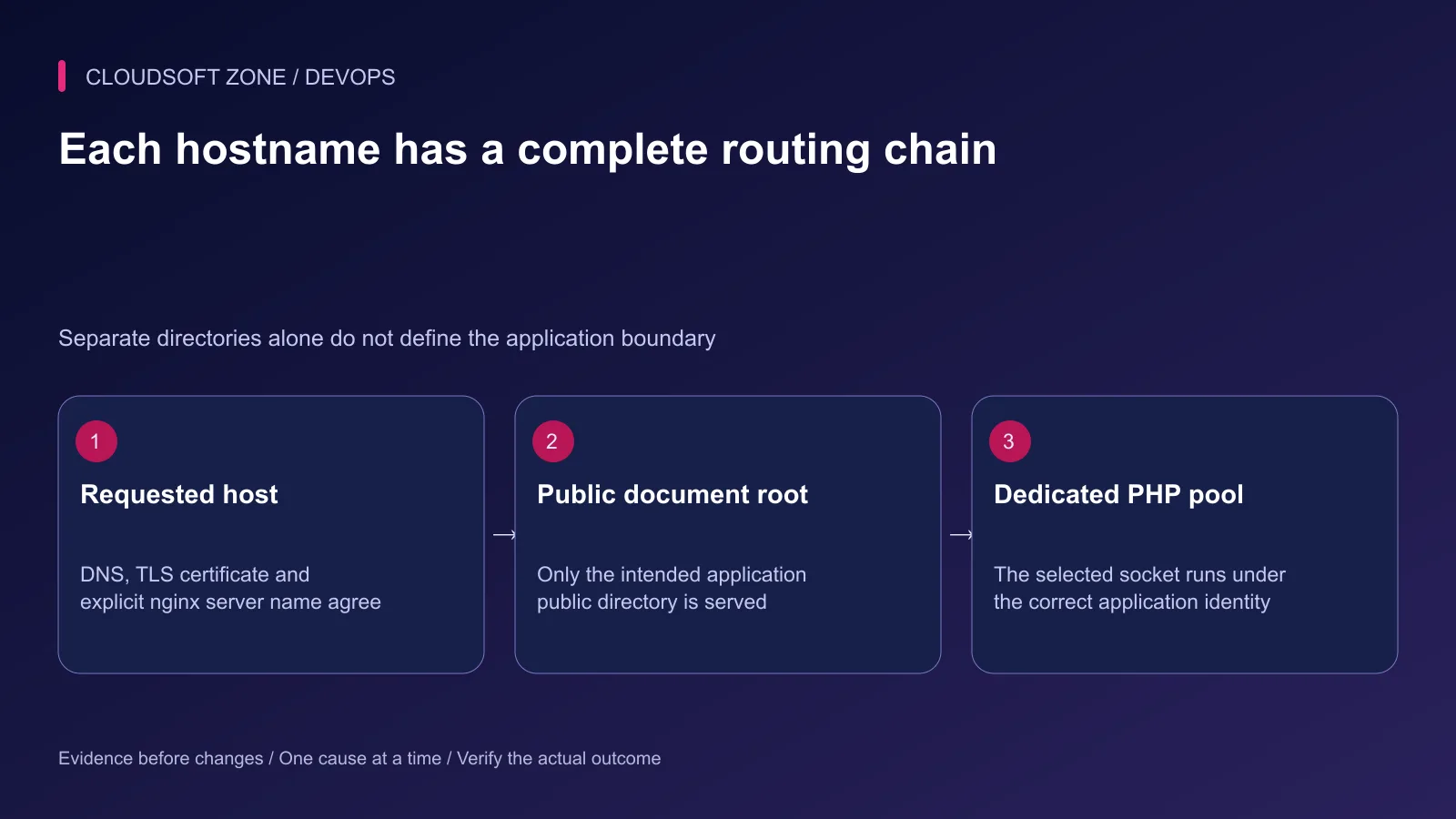
Record the requested hostname, release root, PHP socket, operating account and database identity for each application. Check the server's existing listeners before adding a virtual host.
| Application | Host | Public root | FPM socket |
|---|---|---|---|
| Orders | orders.example.com | /srv/orders/current/public | /run/php/orders.sock |
| Support | support.example.com | /srv/support/current/public | /run/php/support.sock |
nginx selects the applicable listener and server name. An unmatched host can fall into that listener's default server. Define a deliberate unknown-host policy; do not allow an arbitrary host to select the first customer application by accident.
For HTTPS, certificate selection also involves the TLS handshake. Review the default TLS listener separately from the default HTTP listener. A host-specific certificate must cover the actual name visitors use.
Step 2: Separate accounts and writable paths
Use scoped application operating identities such as orders-app and support-app. Give the relevant PHP process access to its own code and required writable directories. Do not grant either application permission to replace the other's executable code or read its environment file.
The nginx worker needs access to public static files and the intended FastCGI sockets. It does not need unrestricted access to every project's private storage. Parent-directory traversal permissions matter even when a leaf file is readable.
Keep shared uploads and logs outside immutable release artifacts, with deliberate ownership. Create narrow permissions for storage and bootstrap/cache rather than recursively making the entire project writable. Separate pools are useful, but they are not a substitute for stronger host or container isolation when applications have different trust requirements.
Step 3: Define a dedicated PHP-FPM pool
This pool excerpt assumes the named accounts exist. The capacity values are examples that require measurement alongside the other application:
[orders]
user = orders-app
group = orders-app
listen = /run/php/orders.sock
listen.owner = www-data
listen.group = www-data
listen.mode = 0660
pm = ondemand
pm.max_children = 4
pm.process_idle_timeout = 10s
security.limit_extensions = .php
Use the real nginx worker identity instead of assuming www-data. A separately configured listen ACL can override socket owner/group behavior; inspect the effective pool configuration. Give Support a different pool name, identity and socket.
Validate the configuration with the installed FPM binary's config-test option, then use the existing controlled service reload. The service name and binary vary by installed PHP version. Do not restart unrelated application services as part of this guide.
Step 4: Route one host to its public root
The following is a routing example, not a complete host security policy. Its certificate files must already exist and match the hostname. Retain your reviewed TLS, headers and log policy.
server {
    listen 443 ssl;
    server_name orders.example.com;
    ssl_certificate /etc/letsencrypt/live/orders.example.com/fullchain.pem;
    ssl_certificate_key /etc/letsencrypt/live/orders.example.com/privkey.pem;
    root /srv/orders/current/public;
    index index.php;
    access_log /var/log/nginx/orders-access.log;
    error_log /var/log/nginx/orders-error.log;

    location / {
        try_files $uri $uri/ /index.php?$query_string;
    }
    location = /index.php {
        include fastcgi_params;
        fastcgi_param SCRIPT_FILENAME $realpath_root/index.php;
        fastcgi_param DOCUMENT_ROOT $realpath_root;
        fastcgi_pass unix:/run/php/orders.sock;
    }
    location ~ \.php$ { return 404; }
    location ~ /\. { deny all; }
}
The exact index.php location permits only the intended front controller. Other PHP URLs are rejected. Check the installed fastcgi_params contents before combining snippets so the effective SCRIPT_FILENAME value is deliberate.
For Support, change every application-specific field: hostname, certificate, root, logs and socket. Do not change only the server name and accidentally keep the Orders runtime.
Step 5: Isolate application state
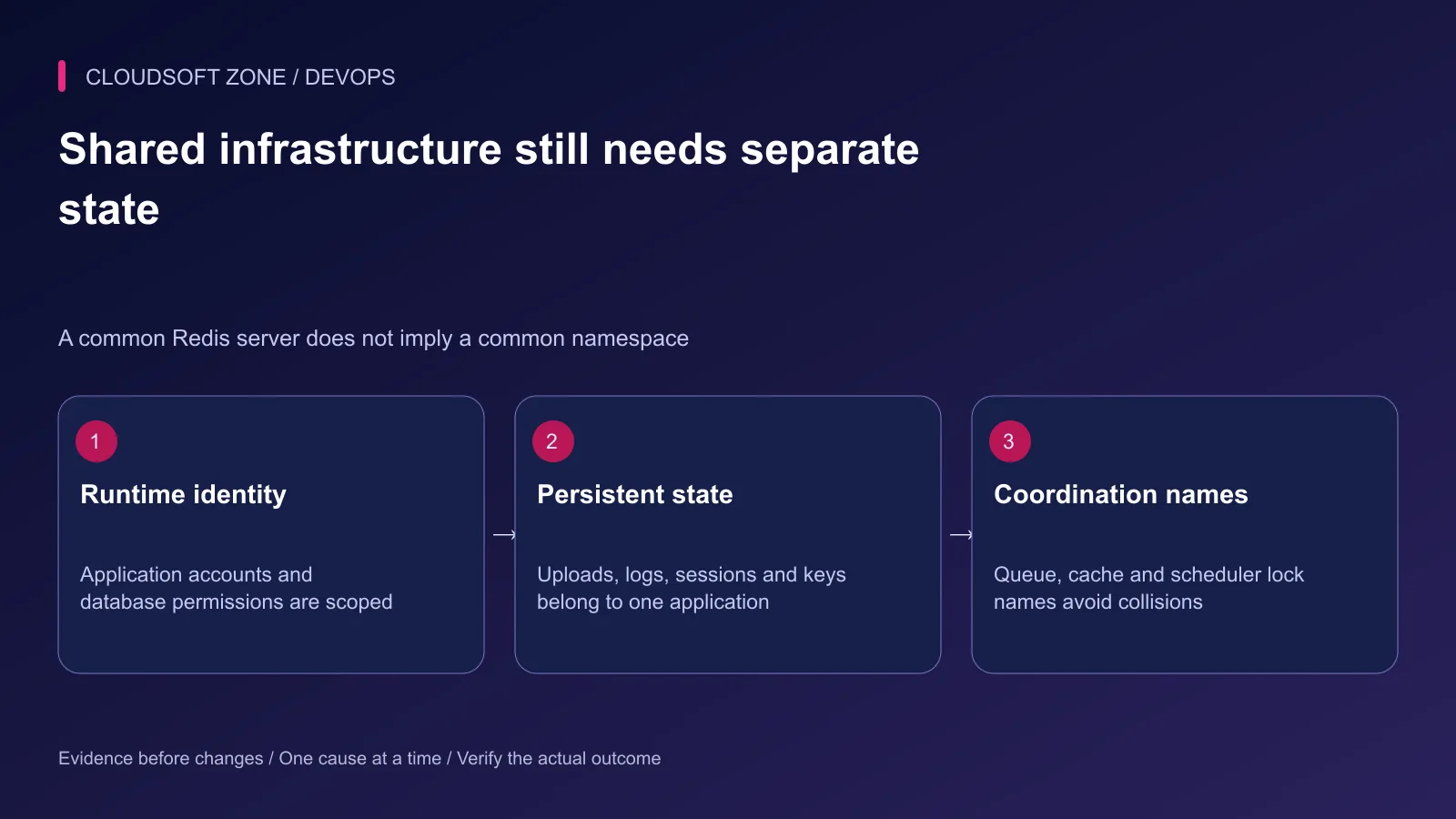
Give each application its own stable APP_KEY, database credentials and session configuration. A common database server can host separate databases, but the runtime accounts should have only the intended privileges.
Configure distinct Redis cache prefixes, queue names and scheduler coordination where needed. A cache clear, restart signal or overlapping-job lock should not affect an unrelated application. Keep coordination consistent within each application's own web and worker consumers.
Check cookie names and domains, especially for sibling subdomains. A broad cookie domain can create unwanted interaction between applications even when nginx routes correctly. Use the domain scope required by the authentication design.
Step 6: Validate and reload the shared proxy
sudo nginx -t
Stop if syntax, certificate or file checks fail. Inspect the applicable configuration without copying private paths or secrets into a public support thread. After a successful check, use the host's established reload command.
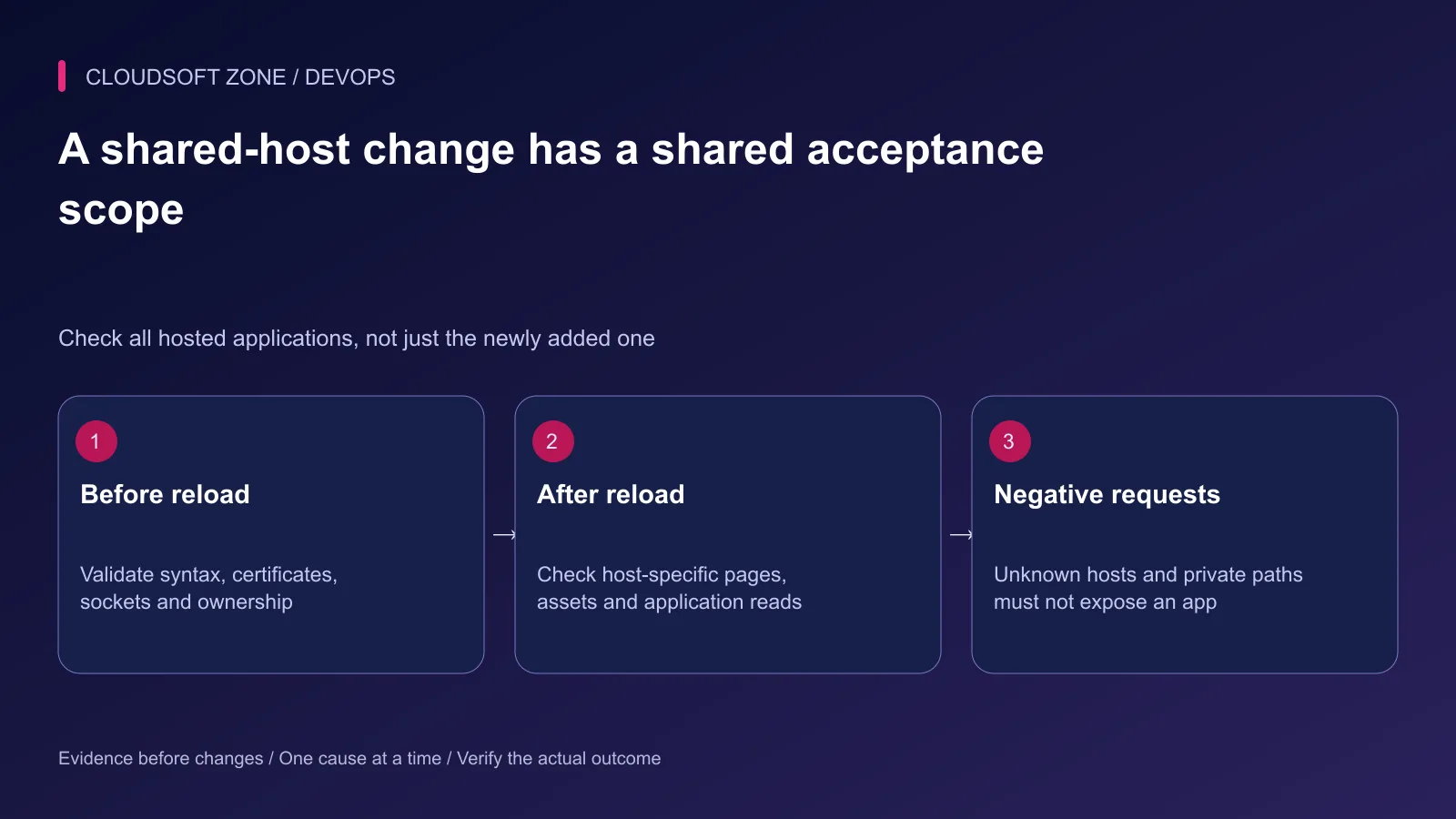
A reload affects a shared nginx service. Include every hosted application in acceptance, not just the new one. Preserve the previous reviewed configuration so it can be restored without deleting another virtual host.
Step 7: Check routing and failure paths
Request each hostname over HTTPS and verify its certificate, expected application, static assets and one harmless authenticated workflow. Test a nested Laravel route to exercise the front controller.
Request a private path such as /.env and a non-front-controller PHP path; neither should expose a file or execute arbitrary uploaded PHP. Test an unknown hostname using your approved local or staging method and confirm the deliberate default-host behavior.
If one application returns 502, compare its socket, pool status and permissions before changing the whole proxy. If the wrong application loads, investigate listener/server-name selection and copied roots. If queues cross applications, inspect namespaces and credentials rather than changing DNS.
Use separate monitoring labels and logs so each application has a clear operating owner. For a shared-server deployment review, contact Cloudsoft Zone.
Featured image: Cloudsoft Zone technical layout with nginx artwork by Igor Sysoev (Public domain). Product mark resized proportionally for identification; no endorsement implied. Layout: CC BY-SA 4.0.
Frequently asked questions
Can two Laravel applications use one PHP-FPM pool?
They can, but a shared runtime identity weakens isolation and shares capacity. Separate pools and scoped filesystem access provide clearer operating boundaries.
Should nginx point to the Laravel project root?
No. Serve the public directory. Keep environment files, application source and private storage outside the public serving boundary.
Do separate domains automatically isolate Redis queues and sessions?
No. Configure each application’s namespace, queue connections, session settings and permissions explicitly.
Your next customer could start right here.
Introduce your tool, product or business to readers exploring technology.
Explore placements and request a private quote
Sources
- nginx request selection — nginx
- nginx server names — nginx
- nginx FastCGI parameters — nginx
- PHP-FPM pool configuration — PHP
- Laravel deployment web root — Laravel
- Laravel configuration — Laravel
Comments
No comments yet. Be the first to join the conversation.
Leave a comment
Every comment is read by a moderator before it appears. Your email address is never published; it is used only to contact you about this comment.
More from Cloudsoft Zone
ComparisonDevOps
Laravel maintenance mode vs zero-downtime deployment: choose the right release boundary
Compare Laravel maintenance mode with zero-downtime deployment by examining schema compatibility, active jobs, webhooks, shared state and recovery requirements.
By Cloudsoft Zone
TutorialDevOps
Laravel pending migrations: deploy safely without breaking the running application
Review Laravel pending migrations before activation: confirm the target database, check code compatibility, rehearse schema changes and verify recovery without resetting data.
By Cloudsoft Zone
TutorialDevOps
Laravel .env production checklist: secrets, cached configuration and process refreshes
Use this Laravel .env production checklist to review environment ownership, debug settings, secret handling, configuration caches and long-lived worker refreshes.
By Cloudsoft Zone