
In this article
A release works in staging, then fails in production because a required column is missing. Another deployment reaches the migration step and stalls while existing requests hold database locks. Both failures happen before a new symlink or container becomes a healthy application.
Laravel pending migrations need their own release decision. This guide covers a retained MySQL database: identify pending changes, decide whether old and new consumers can coexist, coordinate execution and verify the schema before activation. Start with our Laravel production checklist for the broader release gates.
The commands below are operator examples. Replace the release path and connection with your approved target. Never use a reset or table-recreation command as a shortcut on a database containing retained information.
Step 1: Confirm the release and database identity
Inspect the migration files shipped in the exact candidate artifact. A branch name can move; an immutable release identifier makes the review reproducible. Confirm the intended database connection using selected non-secret configuration and a protected read-only identity query.
cd /srv/example-app/releases/RELEASE_ID
php artisan migrate:status
Run this from the candidate with the intended configuration, not an old current directory. An empty pending list may mean the wrong database was checked. Compare the application database name and expected migration history without displaying a connection URL containing credentials.
Record pending filenames in release order. Do not edit already-applied migration files to hide differences; that changes the historical contract while leaving existing databases untouched.
Step 2: Classify the changes by compatibility
Read both up and down methods, plus any PHP called from them. Determine whether a migration changes schema, moves data or invokes another service. A familiar migration filename does not prove a harmless operation.
| Change | Question before activation |
|---|---|
| New optional column | Can old writers omit it and new readers handle null? |
| New required value | How will every existing row obtain a valid value? |
| Index creation | What is the actual algorithm, duration and disk requirement? |
| Rename or removal | Which running web, worker and reporting consumers still use it? |
| Data transformation | Is it resumable, bounded and independently measurable? |
A nullable addition followed by a compatible application release is often easier to recover than an immediate rename. That is a design choice to validate, not a guarantee that every addition is lock-free.
Step 3: Map the consumers that remain alive
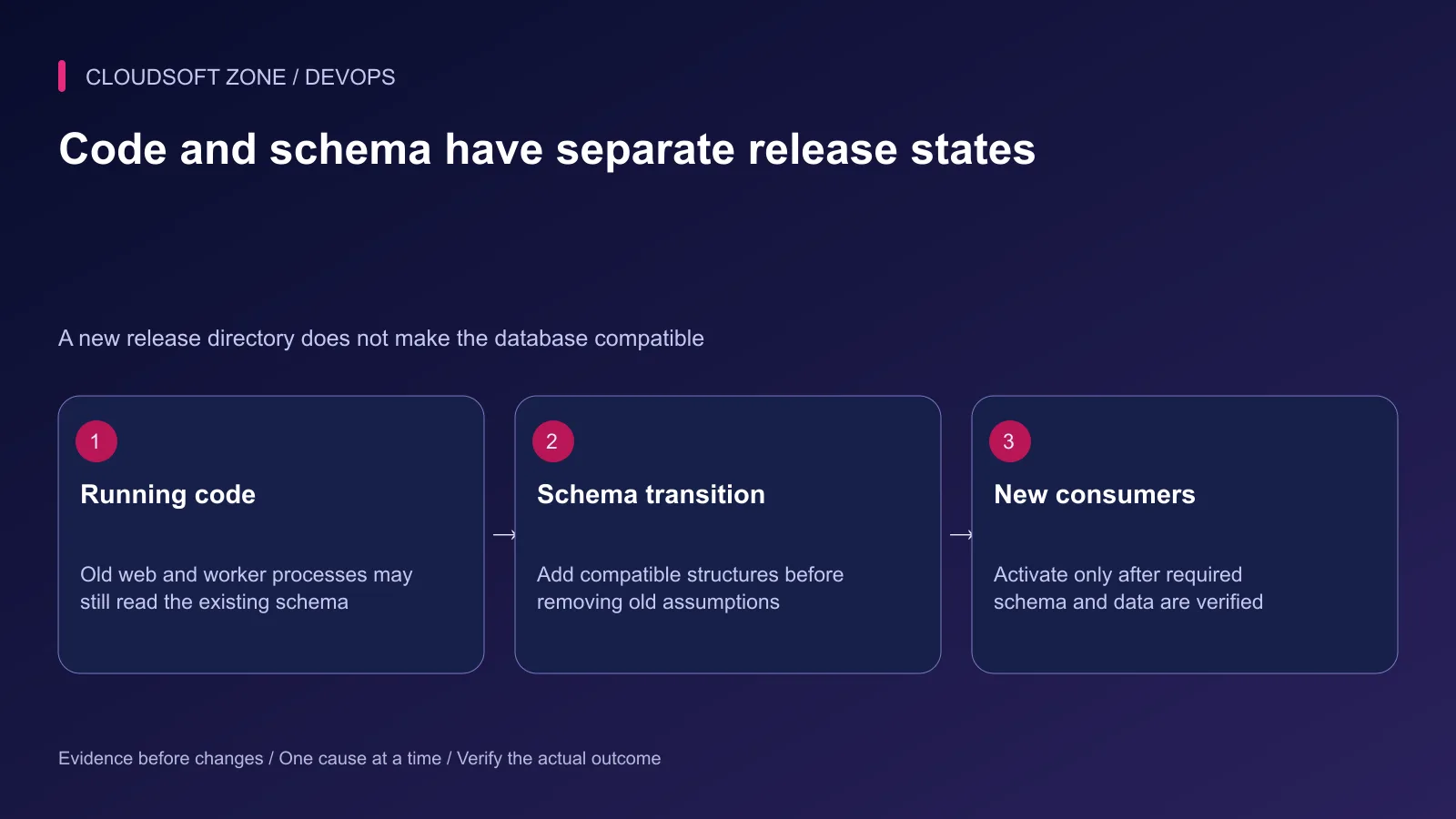
List current web processes, queue workers, scheduled tasks, exports and administrative scripts. A maintenance response at the public edge does not automatically stop every writer. Old queued payloads can also reach new workers after a deployment.
For a destructive change, split the transition into compatible releases where possible: introduce the new structure, move usage, verify the transition and remove the old structure later. If compatibility cannot be provided, define a controlled pause covering all relevant consumers.
Keep data backfills separate when they are long-running. Give them bounded batches, progress checkpoints and explicit restart behavior. A single migration that updates millions of rows before the release proceeds needs a measured operating window, not optimism.
Step 4: Rehearse with representative data
Use an isolated restored dataset with realistic table sizes, indexes and concurrent access. Apply the same candidate artifact and database engine version. Measure migration duration, lock behavior, disk growth and the application's required queries.
An SQL preview can help explain the intended database statements:
php artisan migrate --pretend
Treat the preview as an inspection aid. Migration PHP still needs review; arbitrary code inside it can have effects beyond the database statements being previewed. A preview does not prove that the real DDL will succeed or that a recovery plan works.
For MySQL, many DDL statements cause implicit commits. Wrapping a release in a transaction does not make those schema changes disappear on an application error. Check each operation's supported algorithm and limitations for the actual server version.
Step 5: Coordinate a single migration runner
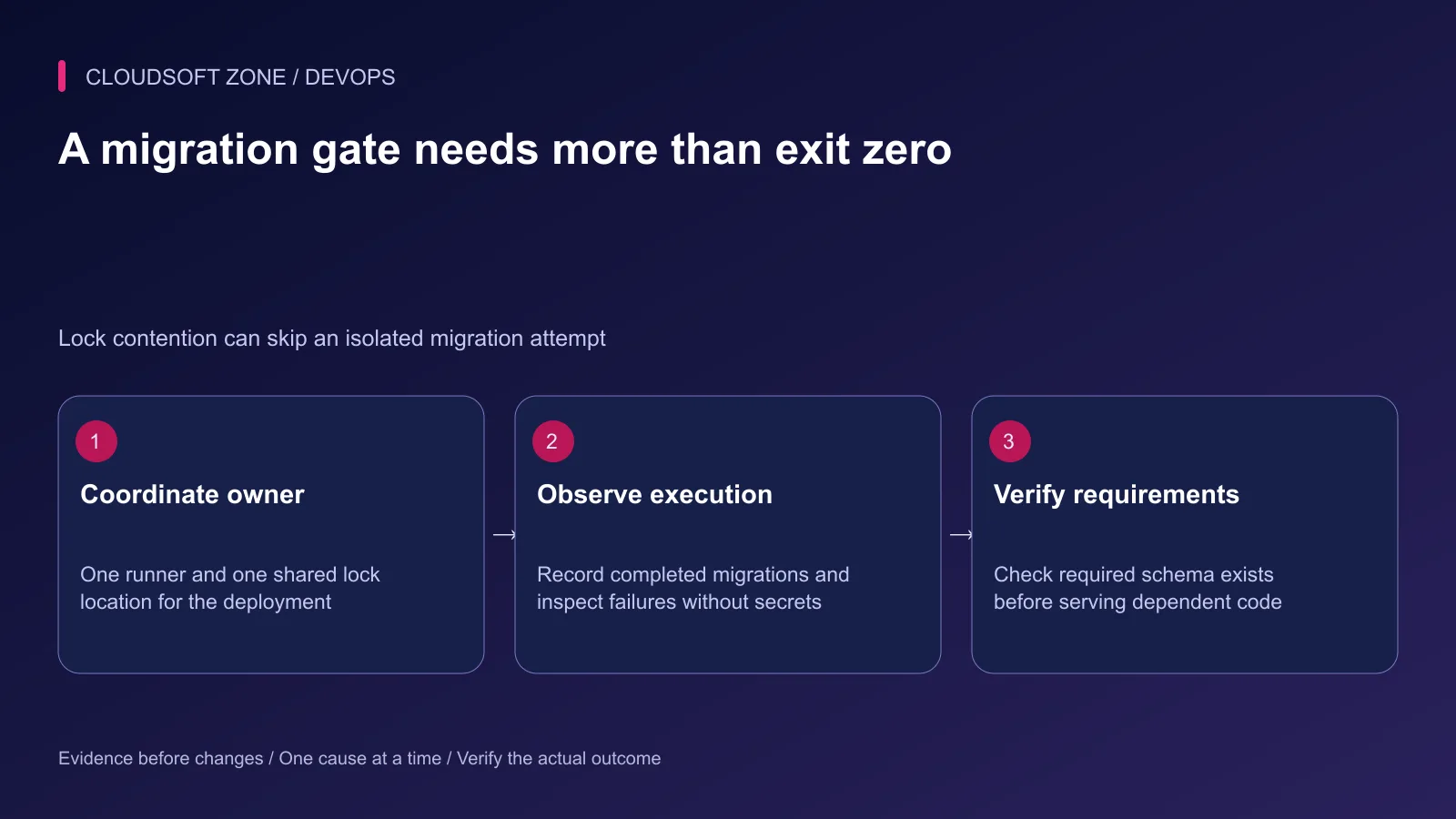
Give one deployment stage ownership of database changes. Parallel application servers should not independently race through the same pending list. Laravel's isolation option uses an atomic cache lock; all participants need the same coordination backend and namespace.
After target, compatibility and recovery review, the intended runner may use:
php artisan migrate --isolated --force
php artisan migrate:status
The force option removes the production confirmation prompt. It does not remove destructive behavior. The isolation option prevents competing execution only when the shared lock setup is correct.
Importantly for automation, a runner that fails to obtain the isolation lock can return a successful exit status without running migrations. Check the required migration set afterwards. Do not let the deployment treat exit zero alone as permission to activate dependent code.
Step 6: Verify schema before switching consumers
Compare completed migration records with the release's required set. Inspect the actual columns, indexes and constraints needed by the new code. A migration record and a table definition answer different questions after a partial failure or manual repair.
Perform a harmless application read and a controlled write if the changed workflow requires one. Use disposable validation data in an approved operating path; do not alter real orders or publication records just to obtain a green check.
Activate the candidate only after these gates pass. Refresh long-lived workers through the established graceful lifecycle, and confirm they use the intended release. Keep the previous compatible artifact available until acceptance is complete.
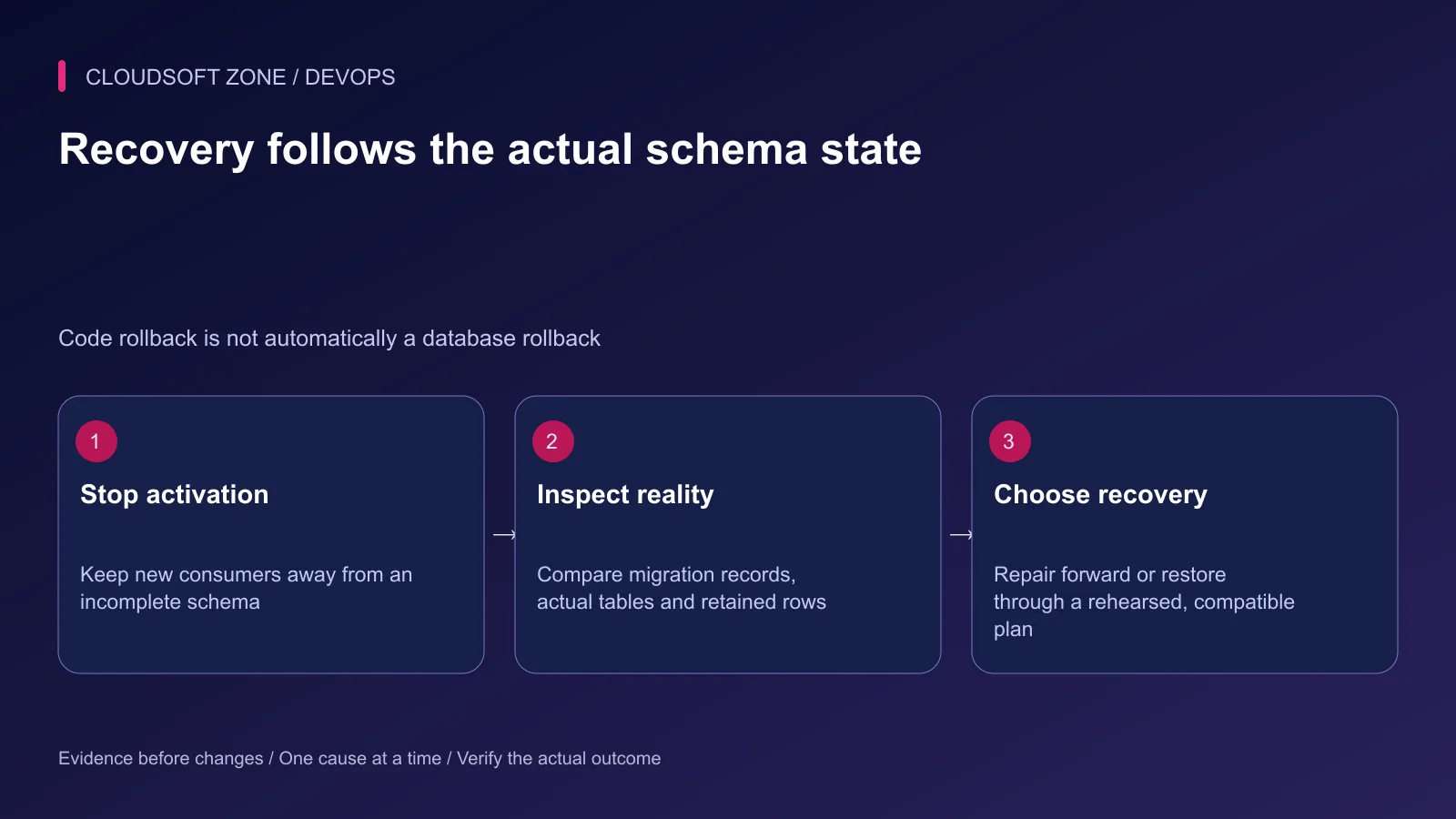
Step 7: Recover from the actual failure state
| Symptom | First action |
|---|---|
| Required column still absent | Stop new activation; verify target and runner execution |
| DDL waiting unexpectedly | Identify blockers and follow the approved lock response |
| Migration failed after some operations | Inspect actual schema before attempting another run |
| New code fails on changed data | Check compatibility; choose a reviewed repair or restore |
Do not assume the down method is a safe undo. It may discard values introduced after the migration or remove structures still in use. Likewise, restoring a backup over live data can lose writes accepted since the backup; recovery must account for that interval.
Step 8: Close the release with evidence
Record the release identifier, required migration list, actual completion, consumer versions and acceptance result. Keep secrets and customer rows out of the deployment transcript. Retain a clear decision owner for a failed migration instead of retrying the command indefinitely.
For asynchronous effects that must survive retries, read our idempotent Laravel jobs guide. If your application needs a schema-aware release process, discuss the deployment with Cloudsoft Zone.
Featured image: Cloudsoft Zone technical layout with laravel artwork by Laravel (Public domain). Product mark resized proportionally for identification; no endorsement implied. Layout: CC BY-SA 4.0.
Frequently asked questions
Does migrate --force make a migration safe?
No. It bypasses the production confirmation prompt. Target, compatibility, execution cost and recovery still need review.
Can I activate code after migrate --isolated exits successfully?
Only after verifying the required migrations and schema. A runner that cannot obtain the isolation lock can exit successfully without executing migrations.
Should I reset a retained database to fix pending migrations?
No. Inspect the actual schema and migration history, then use a reviewed repair or recovery procedure that preserves required data.
Your next customer could start right here.
Introduce your tool, product or business to readers exploring technology.
Explore placements and request a private quote
Sources
- Laravel migration execution and isolation — Laravel
- Laravel deployment — Laravel
- Laravel background worker lifecycle — Laravel
- MySQL implicit commits — Oracle MySQL
- MySQL InnoDB online DDL operations — Oracle MySQL
Comments
No comments yet. Be the first to join the conversation.
Leave a comment
Every comment is read by a moderator before it appears. Your email address is never published; it is used only to contact you about this comment.
More from Cloudsoft Zone
TutorialDevOps
Multiple Laravel applications on nginx: separate hosts, PHP pools and application state
Run multiple Laravel applications on nginx with separate public roots, PHP-FPM pools, state namespaces and host-specific acceptance checks.
By Cloudsoft Zone
ComparisonDevOps
Laravel maintenance mode vs zero-downtime deployment: choose the right release boundary
Compare Laravel maintenance mode with zero-downtime deployment by examining schema compatibility, active jobs, webhooks, shared state and recovery requirements.
By Cloudsoft Zone
TutorialDevOps
Laravel .env production checklist: secrets, cached configuration and process refreshes
Use this Laravel .env production checklist to review environment ownership, debug settings, secret handling, configuration caches and long-lived worker refreshes.
By Cloudsoft Zone