
In this article
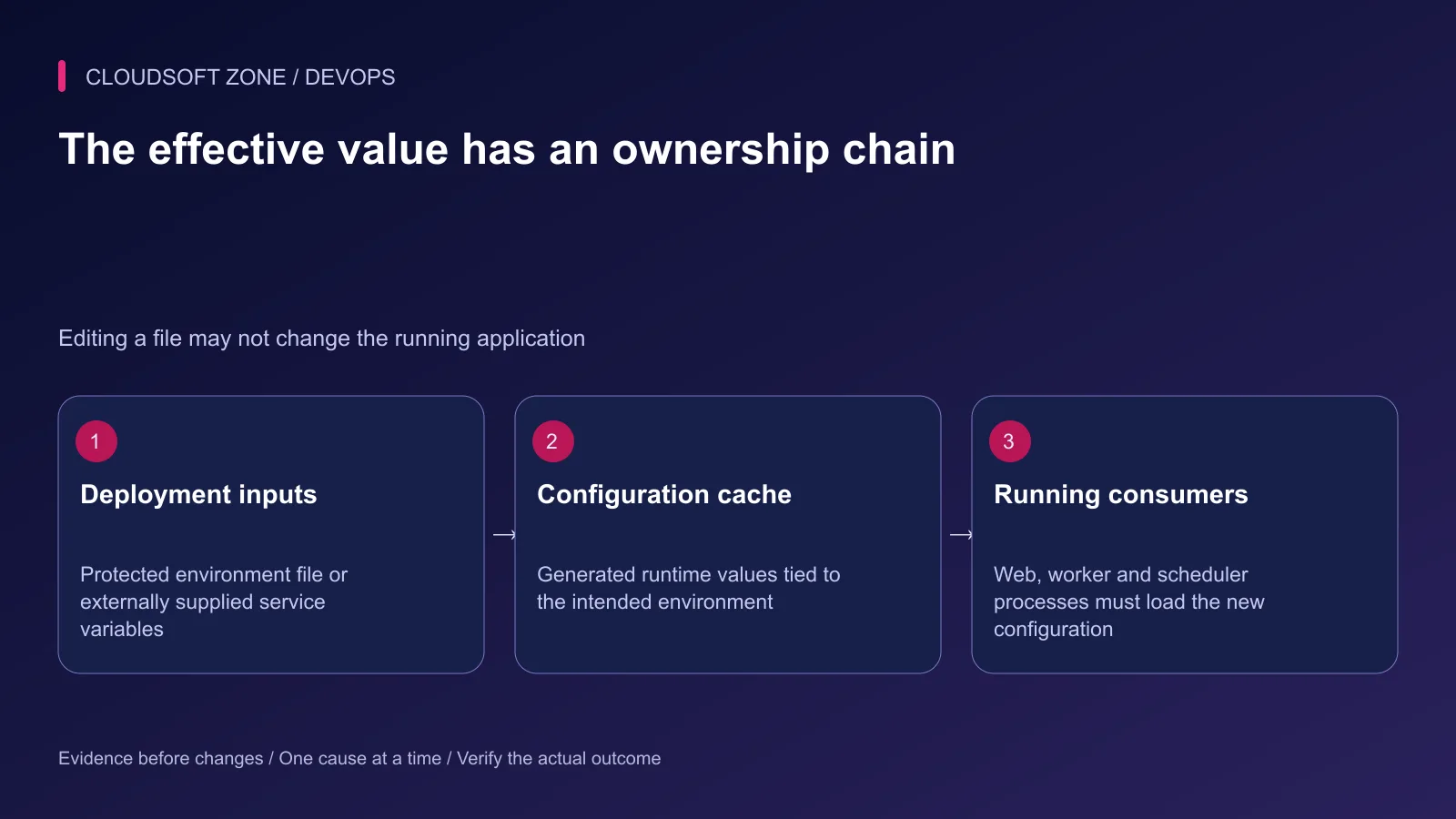
The environment file says production, but the worker still connects to staging. A new mail credential is saved, yet messages continue failing. Configuration has several owners: deployment inputs, generated caches and the processes already running with earlier values.
This Laravel .env production checklist follows those owners without printing secrets. It reviews application identity, dependency destinations, key retention, browser exposure and rollout verification. Use it alongside our Laravel production checklist when preparing or changing a deployment.
An example environment file is a configuration contract, not a ready-made production configuration. Use your application's actual keys and supported drivers. Keep real credentials in the established secret-management process, never in this article's examples or a support transcript.
Step 1: Assign the source of every setting
Record whether a value comes from the protected environment file, the process supervisor, container configuration or a secret manager. Externally supplied environment values can override file values. Avoid configuring the same setting in several places without documenting precedence.
Web, queue and scheduler processes may have different startup environments. Compare their effective non-secret identity and destination information deliberately. Do not assume a correct interactive Artisan command proves the worker's configuration is correct.
| Setting family | Review question |
|---|---|
| Application identity | Is this the intended production environment and public URL? |
| Database and storage | Do all consumers point at the correct retained data? |
| Queue and cache | Are names, connections and shared coordination consistent? |
| Mail and providers | Are account, permissions and failure handling appropriate? |
| Sessions and authentication | Does the public HTTPS/proxy setup support the intended policy? |
Step 2: Review public behavior before credentials
Use production mode and disable public debug output. Set the actual HTTPS URL and review trusted proxy behavior when TLS terminates at an edge. A proxy setting should identify the intended deployment boundary rather than trusting arbitrary forwarded headers.
This excerpt shows only non-secret concepts for a conventional application:
APP_ENV=production
APP_DEBUG=false
APP_URL=https://app.example.com
QUEUE_CONNECTION=redis
CACHE_STORE=redis
SESSION_DRIVER=redis
It is not a complete configuration. The selected drivers require their own connections and provisioned services. Do not copy Redis settings into an application deliberately using database-backed sessions or a different queue.
Verify error responses from the public site using a harmless invalid request. They should not disclose stack traces, credentials or internal configuration. Keep the detailed diagnostic available only in the protected operating path.
Step 3: Preserve keys and separate rotations
Keep the production application key stable across ordinary releases. A new code deployment is not a reason to regenerate it. Existing encrypted data and sessions can depend on the current key.
For deliberate rotation, inventory encrypted data, consumers and rollback requirements. Laravel supports a previous-key configuration for graceful decryption during a planned transition; verify the installed version and the specific data path before relying on it. Key retention and destruction need an explicit owner.
Database, SMTP and provider credentials have their own lifecycles. Scope them to the application and required operations. A deploy account need not have the same permissions as a runtime database account. Record the rotation time without recording the secret value.
Do not treat rolling back code as proof that an old revoked credential will become valid. Coordinate the accepted credential generations with the rollout and recovery process.
Step 4: Protect files and generated artifacts
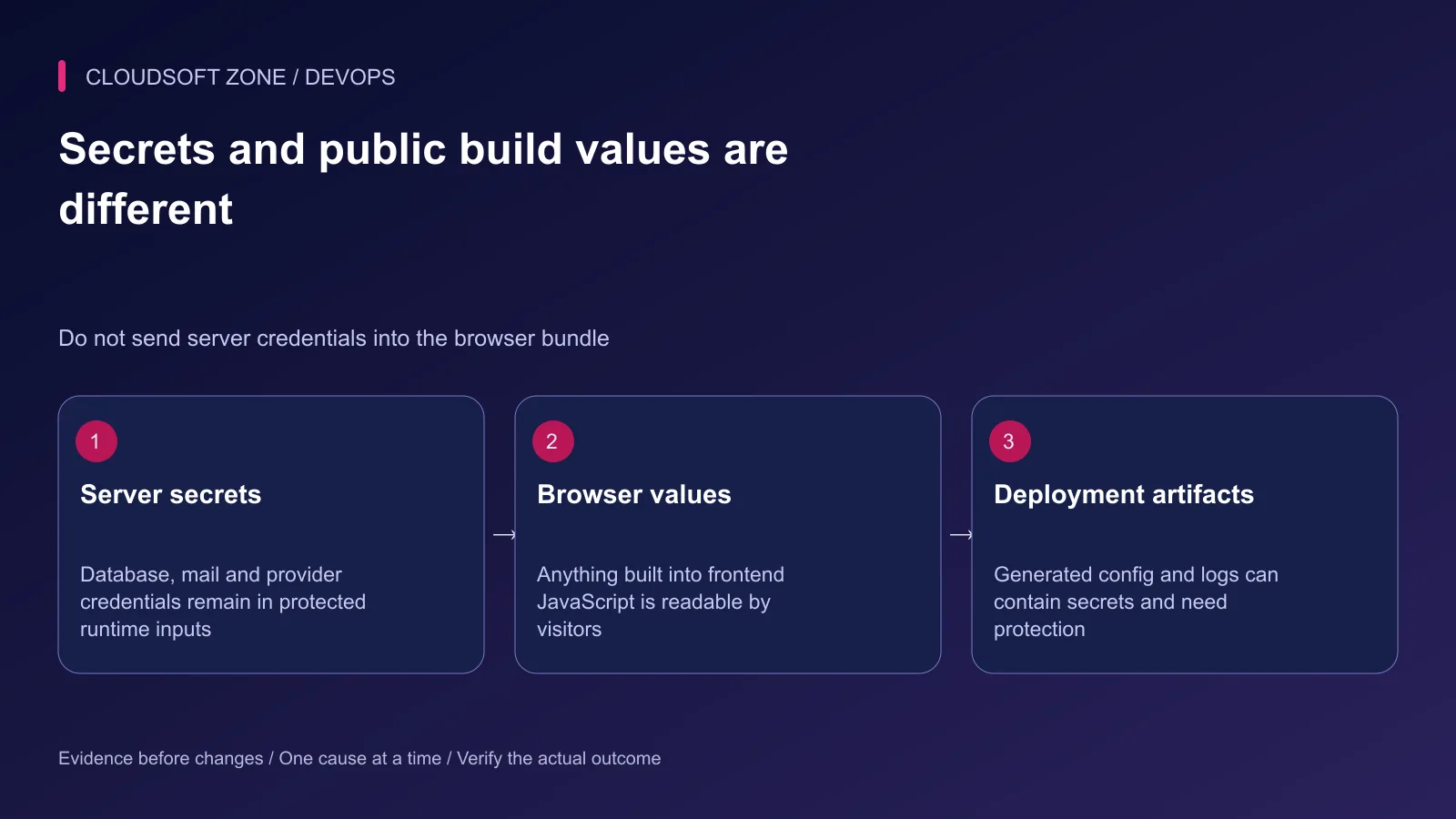
Keep the unencrypted environment file out of source control and outside public serving. Restrict access to the accounts that must load it. Backups, build logs and generated configuration caches can also contain secrets and need deliberate protection.
Laravel can encrypt an environment file for controlled storage, but the decryption key remains a secret with its own delivery and recovery policy. Encryption does not justify printing decrypted values in a CI log.
Never expose private credentials through frontend build variables. A Vite-prefixed value intended for browser code becomes readable by visitors. Use public identifiers only in that channel; server provider keys stay on the server.
Avoid diagnostic commands that print the full environment, all Laravel configuration or container environment arrays. Record selected non-secret fields and whether a credential is present, rather than its value.
Step 5: Validate types and required destinations
Review quoting for values containing spaces or special characters. Environment values are parsed according to the loader's conventions; a human-readable string is not always the application's intended boolean or null value.
Use the application configuration layer to validate required settings and accepted formats. Missing required production destinations should produce a clear startup or deployment failure, not a silent fallback to a local service.
Confirm the database identity before any migration, the storage bucket before an upload and the mail recipient policy before a delivery test. Use a harmless workflow and a controlled recipient; never test a credential by broadcasting real customer mail.
Step 6: Generate caches after values are available
Use env calls in configuration files and config calls in application code. With a generated configuration cache, ordinary file loading changes; direct env calls outside the configuration layer can therefore produce surprising results.
In the intended release and environment:
cd /srv/example-app/current
php artisan config:cache
Run under the account and release procedure designed to create the cache. If it fails, stop activation and inspect the sanitized failure. Do not build a production cache in an environment populated with development values and ship it as a universal artifact.
Step 7: Refresh long-lived consumers
Queue workers, Horizon and other long-lived application processes keep booted state. Refresh the relevant consumers using their existing graceful lifecycle after the configuration rollout. Avoid killing every PHP process on the server.
For ordinary queue workers, the documented restart mechanism asks them to finish their current jobs and exit; a configured supervisor must bring back the intended release. Horizon has its own termination mechanism. Use the owner appropriate to your deployment rather than invoking both blindly.
Step 8: Verify effects and record recovery
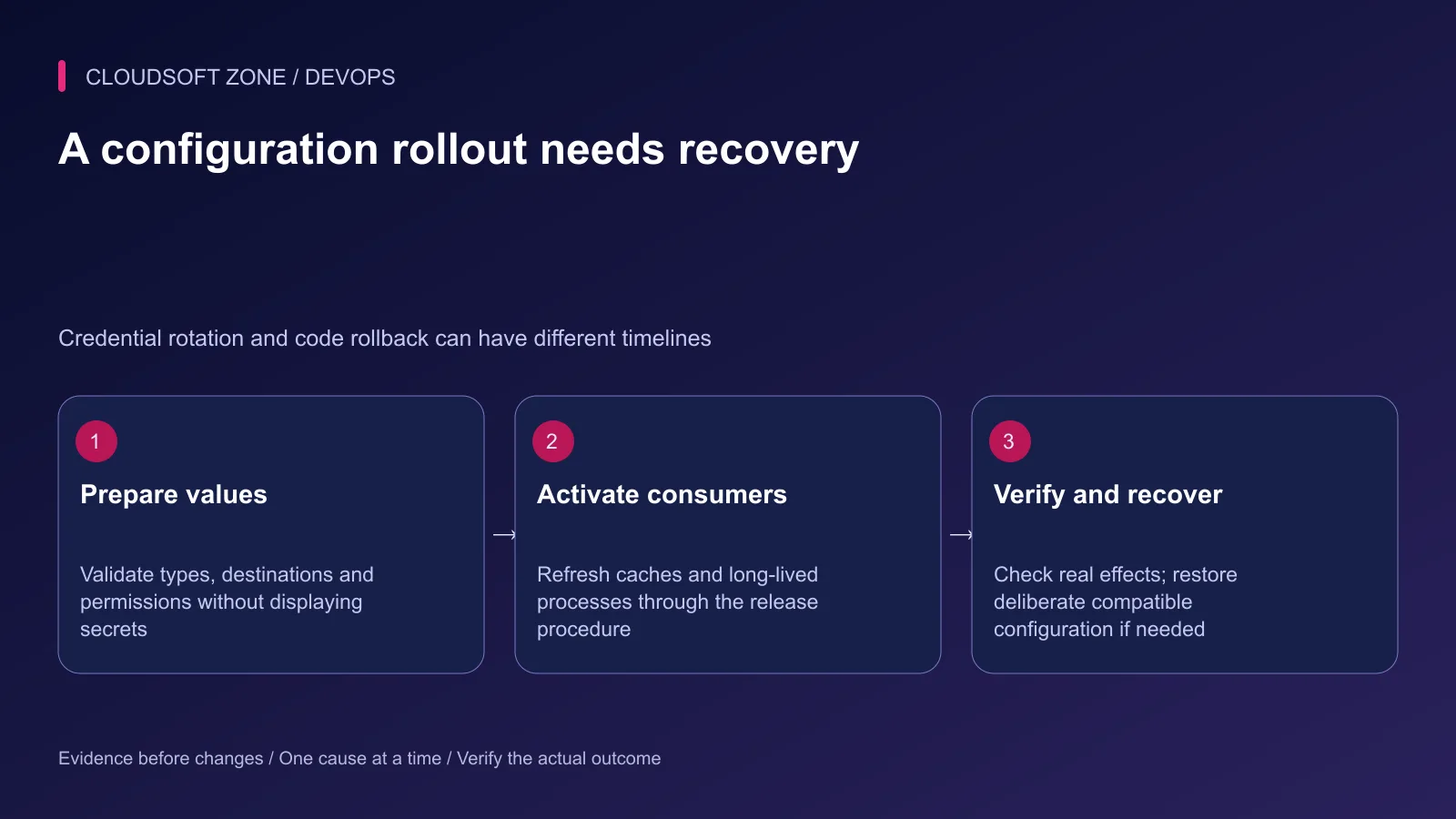
Confirm the public URL, harmless database access, one controlled queue effect and a mail or storage action where those settings changed. Check both web and background paths. A successful cache command proves cache construction, not the provider credential's permissions.
Record the configuration revision or secret-manager version without copying values into the release log. Keep a compatible recovery path and define when to stop rather than repeat failing external writes.
For retry-sensitive integrations, use our idempotent Laravel jobs guide. For a deployment configuration review, contact Cloudsoft Zone.
Featured image: Cloudsoft Zone technical layout with laravel artwork by Laravel (Public domain). Product mark resized proportionally for identification; no endorsement implied. Layout: CC BY-SA 4.0.
Frequently asked questions
Why did changing .env not change production behavior?
External service variables, a generated configuration cache or a long-lived process can still supply the previous value. Trace the effective configuration owner and refresh deliberately.
Should I regenerate APP_KEY for each release?
No. Retain the production key across releases. A deliberate key rotation needs a compatibility and recovery plan for encrypted data and sessions.
Can I safely put private credentials in VITE_ variables?
No. Values exposed to frontend builds are readable by the browser. Keep server credentials in protected server-side configuration.
Your next customer could start right here.
Introduce your tool, product or business to readers exploring technology.
Explore placements and request a private quote
Sources
- Laravel environment and configuration caching — Laravel
- Laravel encryption and key rotation — Laravel
- Laravel queue deployment lifecycle — Laravel
- Vite environment variables and client exposure — Vite
- OWASP secrets management — OWASP
- Laravel deployment — Laravel
Comments
No comments yet. Be the first to join the conversation.
Leave a comment
Every comment is read by a moderator before it appears. Your email address is never published; it is used only to contact you about this comment.
More from Cloudsoft Zone
Troubleshooting guideDevOps
Laravel production memory limits: PHP-FPM, CLI workers and container OOM failures
Diagnose Laravel production memory limits by separating PHP allocation failures, worker recycling, process memory and host or container out-of-memory kills.
By Cloudsoft Zone
Troubleshooting guideDevOps
Laravel queue jobs not processing: trace Redis, Supervisor and Horizon
Diagnose Laravel queue jobs not processing without deleting queued work: trace dispatch, connection identity, worker ownership, failures and the business effect.
By Cloudsoft Zone
Troubleshooting guideDevOps
Laravel scheduler not running: trace cron, task filters and execution
Diagnose a Laravel scheduler not running by separating cron invocation, runtime configuration, due-task filters, cache locks and the task’s final effect.
By Cloudsoft Zone