
In this article
One Laravel request reports an allowed-memory error. A queue worker disappears without a PHP exception. Another server becomes unstable only when several exports run together. These symptoms need different fixes, even if all three involve memory.
This Laravel production memory limits guide focuses on runtime configuration and operating capacity. It complements a query-batching tutorial rather than repeating the same Eloquent examples. We will identify the failing boundary, measure the real workload and decide whether a code change, a process policy or more capacity is justified.
The examples assume Linux, PHP-FPM for web requests and supervised CLI workers. Docker adds a separate memory boundary when present. Use the actual service and process names; never infer the web runtime's settings from a successful command under your SSH account.
Step 1: Classify the observed failure
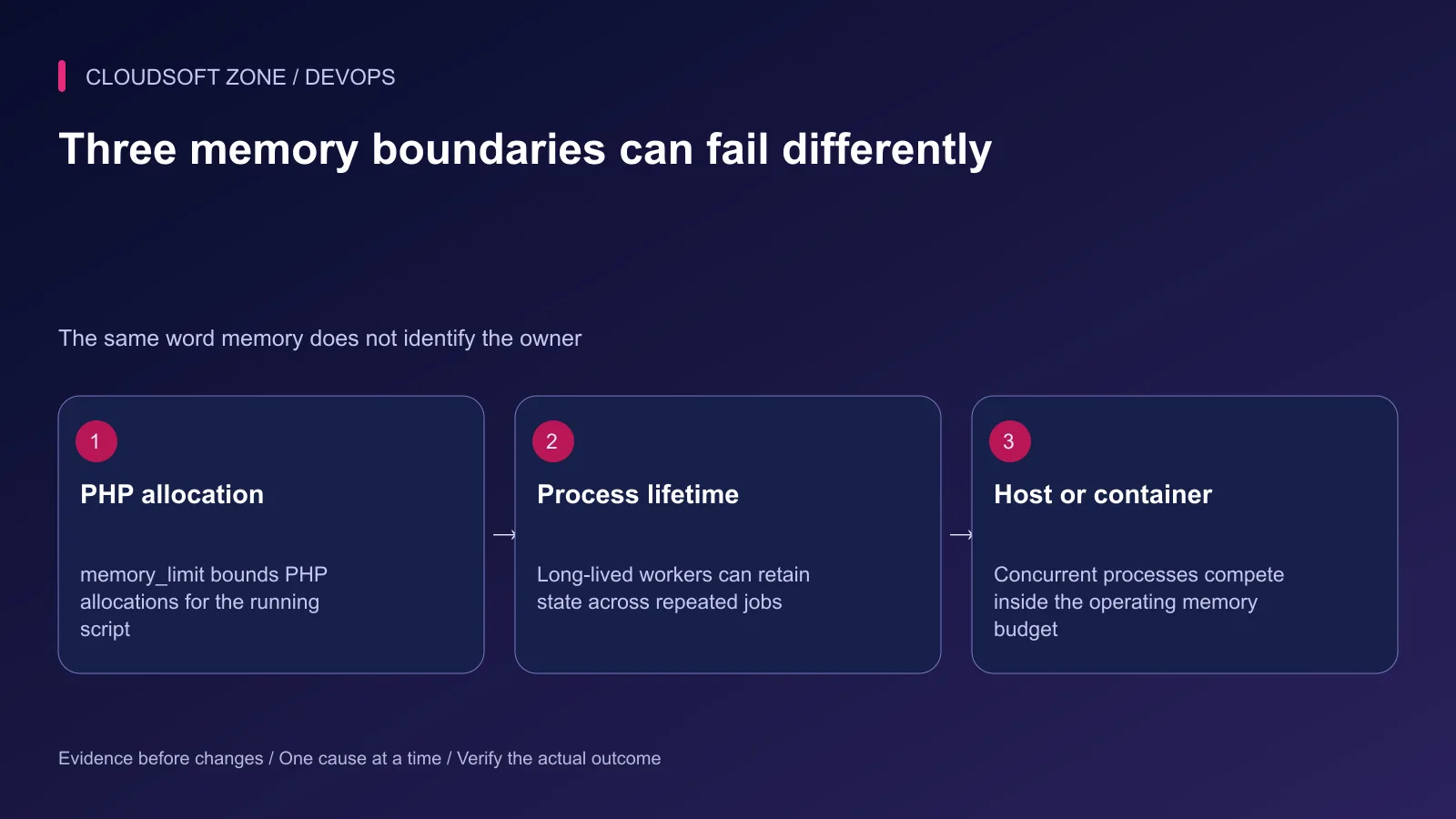
A PHP allowed-memory error means a script reached its configured allocation limit. A process killed by the operating system may stop before PHP can log an exception. A supervisor's memory policy can also recycle a process after work completes.
Record the error text, process owner, operation type, time and release identifier. Use a non-sensitive operation ID to connect application evidence with process and container events. Do not publish customer input or a complete serialized job to reproduce the failure.
| Symptom | Evidence to collect |
|---|---|
| PHP fatal allocation error | Active memory_limit and failing code boundary |
| Worker disappears | Supervisor exit history and operating-system kill evidence |
| Container restarts | Container state, OOM indication and resource policy |
| Memory grows across jobs | Process memory trend and retained application state |
| Failure only under concurrency | Total host/container budget and concurrent workload |
An exit code commonly associated with SIGKILL is a clue, not a complete diagnosis. Inspect the recorded cause before adjusting a PHP setting that may not control the failure.
Step 2: Inspect the actual PHP runtime
For the CLI account and executable used by a worker:
sudo -u app-runtime /usr/bin/php --ini
sudo -u app-runtime /usr/bin/php -r 'echo PHP_SAPI, PHP_EOL, ini_get("memory_limit"), PHP_EOL;'
Substitute the intended account and executable. PHP-FPM can load different files or a pool-specific override, so this establishes CLI configuration only. Inspect the relevant pool and private application diagnostics for web requests.
Do not add a public phpinfo route. It can expose sensitive configuration and environment values while still failing to explain the business workload. Record only the fields required for the investigation in protected logs or an isolated reproduction.
Check whether the job changes the limit during execution. A process setting at startup is not proof that every operation keeps it unchanged. Keep the effective configuration tied to the release and deployment policy.
Step 3: Measure bounded inputs and allocation
Reproduce with sanitized data and a known input size. Record the number of rows, file dimensions or decoded payload size, not only the request's compressed transfer size. A small upload can expand substantially during image processing or archive extraction.
An application diagnostic can record current and peak PHP allocation without dumping input data:
use Illuminate\Support\Facades\Log;

Log::info('operation_memory_boundary', [
    'operation' => 'export-summary',
    'used_bytes' => memory_get_usage(true),
    'peak_bytes' => memory_get_peak_usage(true),
    'memory_limit' => ini_get('memory_limit'),
]);
Place the diagnostic at specific reviewed boundaries. Peak usage can reflect earlier work in the same process, so compare an isolated execution or account for the process lifetime. Do not interpret a lifetime peak as the current operation's allocation delta.
PHP allocator measurements and operating-system resident memory are different. Extensions, shared mappings and process overhead can make the process consume more than one PHP metric reports. Collect both when sizing the host or container.
Step 4: Find what remains in memory
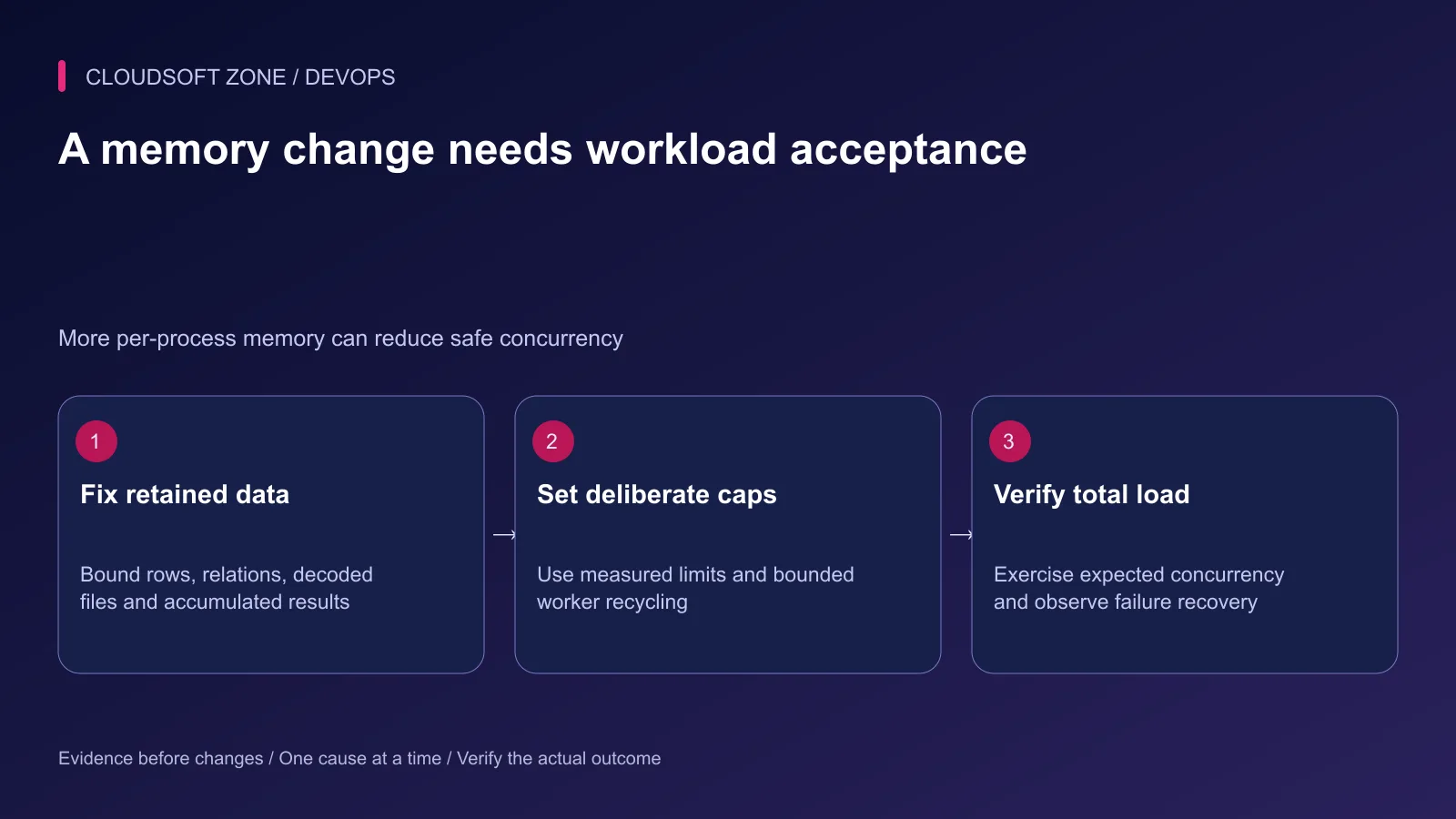
Review whole-result query loading, eager-loaded relation fan-out, large decoded files and arrays that accumulate output. A lazy input pipeline still uses unbounded memory if it appends every transformed result to a retained array.
Also inspect long-lived application services and static state in workers. Request-oriented code may assume the process ends after one operation; a queue worker can execute many jobs without a fresh application bootstrap. Retained references and buffered logging can create growth across jobs.
Measure one code boundary at a time. Replace an unbounded accumulation with a deliberate batch or streaming design, then verify output correctness. Do not simply shrink the input until the error disappears and call the workload fixed.
For external streams, bound timeouts and validate completion before accepting the result. A partial export must not be reported as a complete successful file.
Step 5: Budget the total process count
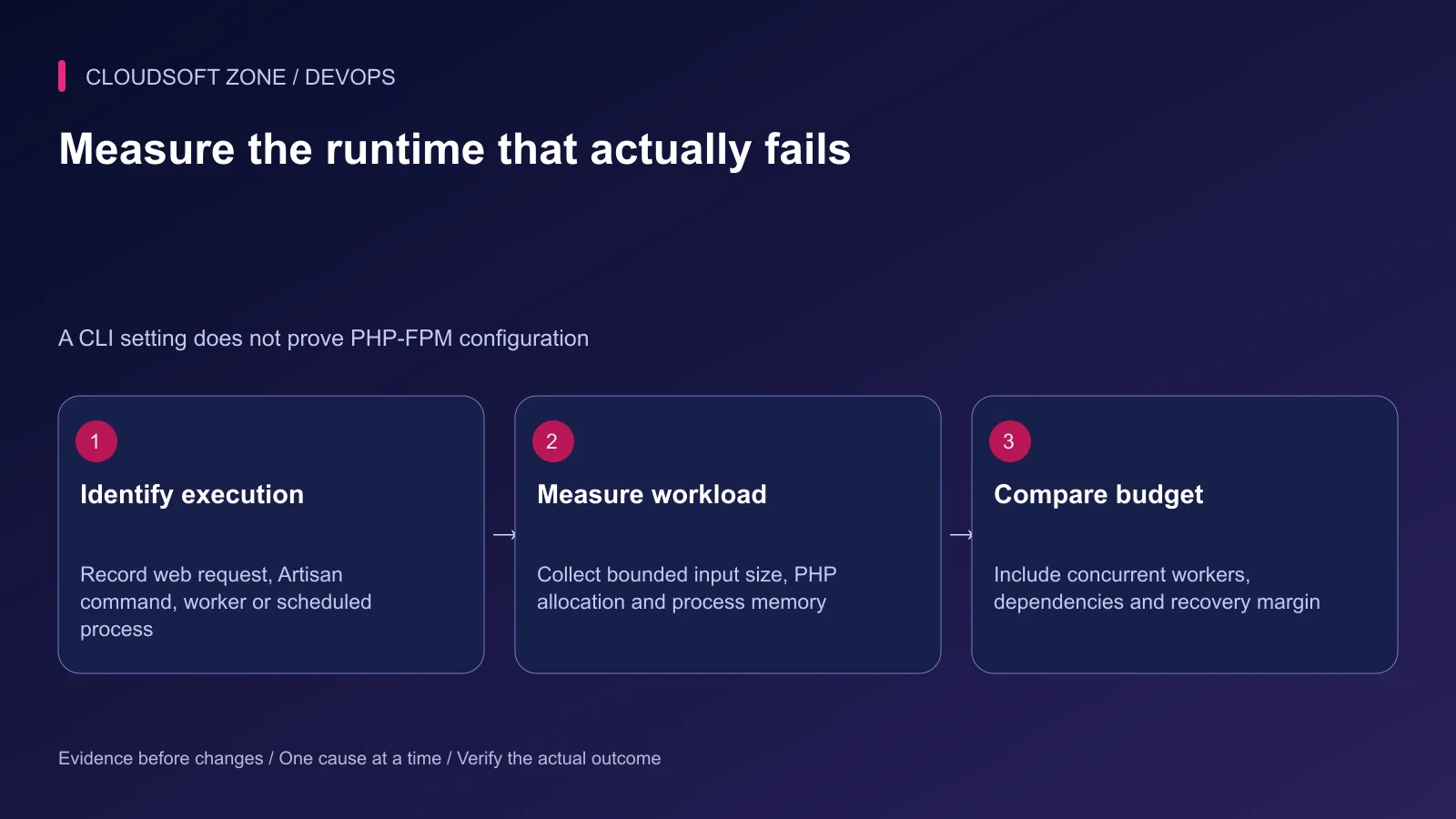
A per-script limit is not a reservation that makes every process fit simultaneously. Estimate total demand from concurrent FPM workers, queue consumers, the database, Redis, operating services and margin for deployment overlap.
Operating memory worksheet
- Observe realistic peak process memory for each workload class
- Multiply by its planned concurrent process count
- Add measured dependency memory and operating overhead
- Allow space for deployment overlap and exceptional work
- Compare the total with host and container boundaries
Do not publish a universal FPM child count or memory value as safe for every server. One large export can need a separate worker lane so it does not compete with interactive requests. Limit heavy-operation concurrency before increasing every process's allocation cap.
If containers are used, inspect the application's own container only:
docker stats --no-stream YOUR_APP_CONTAINER
docker inspect --format '{{.State.OOMKilled}} {{.State.ExitCode}}' YOUR_APP_CONTAINER
Use the real reviewed container name. An OOM state supports container-limit diagnosis, but still examine the workload and memory policy that led to it. Do not disable OOM protection or remove all limits as a routine fix.
Step 6: Choose containment and the underlying fix
Worker recycling by time or job count can bound accumulation between jobs. It cannot make a single oversized operation fit, and it should not conceal an unexplained leak. Pair containment with measurement and a code-level fix.
Raise a memory limit only when the operation's measured, bounded working set justifies it and total concurrency still fits. For unusually large work, evaluate a separate queue, streaming algorithm or explicit product limit instead of increasing every web request's budget.
If a limit change requires process replacement, use the relevant supervisor and graceful policy. Verify that existing effects complete or recover safely. Repeated crash-and-retry cycles can duplicate external work unless the job is idempotent.
Step 7: Verify correctness, load and recovery
Exercise the corrected operation with realistic bounded input and expected concurrent work. Verify output count, file completeness and business effects, not only absence of an error. Observe process memory after several jobs and during deployment overlap.
Record the effective runtime configuration, measured workload, selected cap and unresolved constraints. Keep alerts for process kills, failed jobs and missing completion. A worker restarting successfully is not proof that its last operation finished correctly.
Our idempotent Laravel jobs guide covers safe effects across retries. For the surrounding release controls, read the Laravel production checklist, or discuss a performance review.
Featured image: Cloudsoft Zone technical layout with laravel artwork by Laravel (Public domain). Product mark resized proportionally for identification; no endorsement implied. Layout: CC BY-SA 4.0.
Frequently asked questions
Why does a CLI memory-limit change not fix a web request?
CLI and PHP-FPM can load different configuration files and pool overrides. Inspect the runtime that actually executes the failing operation.
Does exit code 137 prove the container ran out of memory?
No. It indicates termination by SIGKILL in the usual shell convention. Inspect container OOM state and operating-system evidence before assigning the cause.
Should I set memory_limit to -1?
An unlimited PHP allocation policy can consume the host or container budget. Fix unbounded work first and choose a measured limit with a concurrency budget.
Your next customer could start right here.
Introduce your tool, product or business to readers exploring technology.
Explore placements and request a private quote
Sources
- PHP memory_limit — PHP
- PHP memory usage measurement — PHP
- PHP peak usage measurement — PHP
- PHP-FPM pool configuration — PHP
- Docker resource constraints — Docker
- Linux cgroup memory control — Linux kernel
Comments
No comments yet. Be the first to join the conversation.
Leave a comment
Every comment is read by a moderator before it appears. Your email address is never published; it is used only to contact you about this comment.
More from Cloudsoft Zone
Troubleshooting guideDevOps
Laravel queue jobs not processing: trace Redis, Supervisor and Horizon
Diagnose Laravel queue jobs not processing without deleting queued work: trace dispatch, connection identity, worker ownership, failures and the business effect.
By Cloudsoft Zone
Troubleshooting guideDevOps
Laravel scheduler not running: trace cron, task filters and execution
Diagnose a Laravel scheduler not running by separating cron invocation, runtime configuration, due-task filters, cache locks and the task’s final effect.
By Cloudsoft Zone
TutorialDevOps
Laravel production deployment: from a Git commit to the first live release
Plan a Laravel production deployment from a reviewed Git commit through dependencies, shared storage, configuration, nginx routing and first-release acceptance.
By Cloudsoft Zone