
In this article
The order was created, but its background task never completed. Supervisor says the process is running. Redis answers a connection check. Neither result proves that this worker can consume that particular job.
When investigating Laravel queue jobs not processing, follow one harmless job from dispatch to its final effect. Compare the exact queue identity, inspect the process owner and classify the failure before restarting anything. This incident guide complements our Laravel and BullMQ comparison; it focuses on diagnosis rather than choosing a queue framework.
The examples assume Redis-backed Laravel queues on a Linux server. Substitute your actual account, release path, connection and queue. For a payment or another external write, inspect its business status before retrying; a failed job can have already completed the remote operation.
Step 1: Confirm whether the work was actually queued
Record the triggering request, job class, queue connection, queue name and a safe correlation identifier. If the application uses synchronous execution, there may be no queued job to inspect. If dispatch is conditional, the request may have intentionally skipped it.
Review transaction behavior. Work intended to run after a database commit must not observe an uncommitted row or survive a transaction that rolled back. Look at the application's dispatch-after-commit policy instead of assuming every missing job is a Redis failure.
Use a known harmless probe job in a controlled environment. Its final effect can be one protected log record or a diagnostic row. Do not dispatch a bulk email or payment to check connectivity. Keep the probe identity so you can distinguish it from older backlog entries.
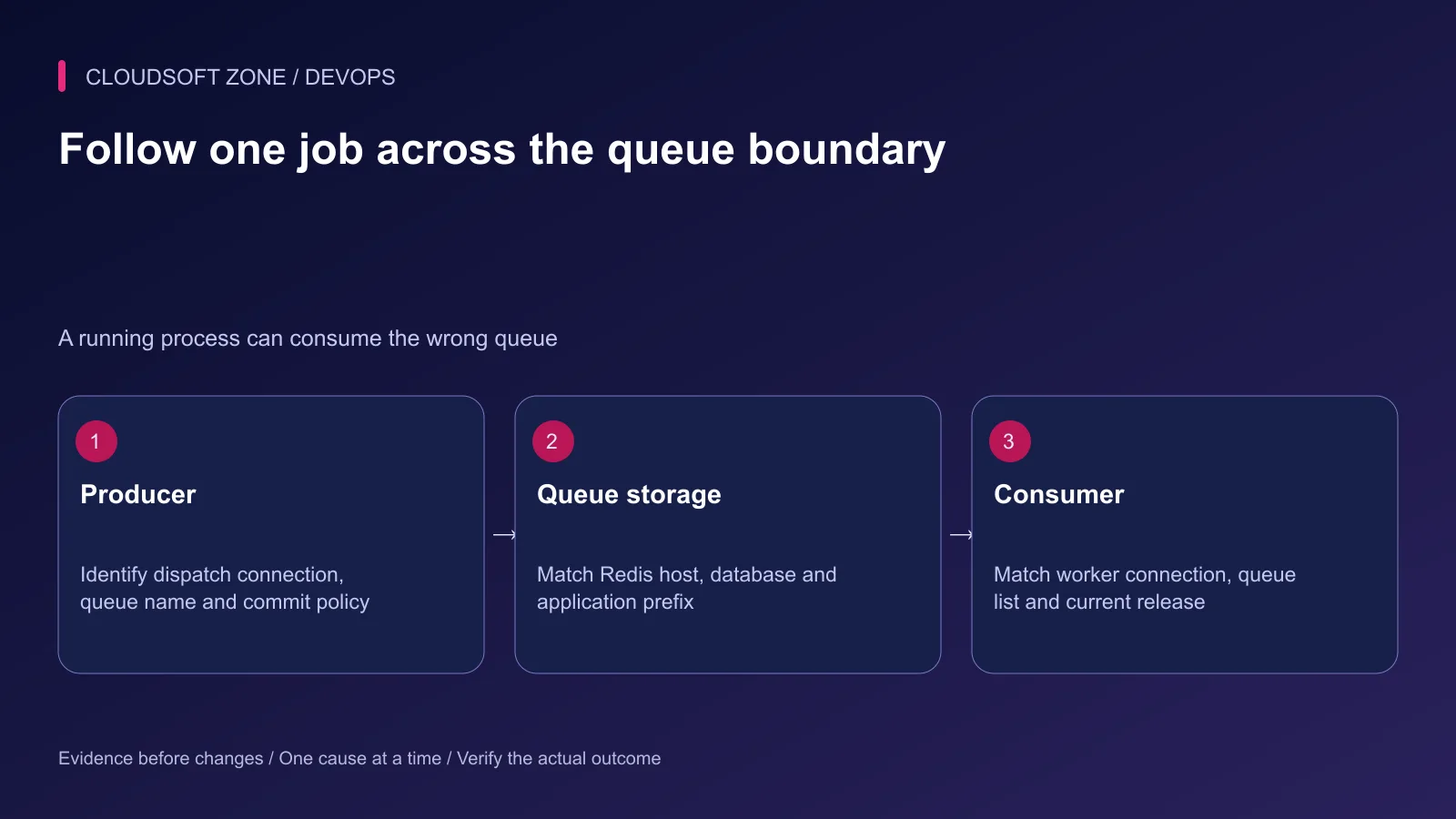
Step 2: Match producer and consumer identities
Two processes can both reach Redis while using different databases, prefixes or queue names. Compare the resolved configuration inside the web application with the configuration loaded by the worker. Do not dump passwords or full connection strings into a shared terminal log.
| Identity | Producer and consumer must agree on |
|---|---|
| Laravel connection | Named connection in the application's queue configuration |
| Redis service | Host, port, authentication policy and selected database |
| Application namespace | Relevant Redis prefix and environment |
| Queue name | Exact dispatch target and worker queue list |
| Code generation | Compatible job class and serialized payload |
An old configuration cache can keep a worker attached to an earlier queue after the environment file changes. Long-lived workers also retain booted application state. Correct the configuration owner, rebuild the appropriate cache and replace only the relevant worker through its supervisor.
Step 3: Inspect the actual worker process
For a Supervisor-managed worker, inspect the named program group and protected logs:
sudo supervisorctl status example-app-worker:*
ps -eo user,pid,etime,args | grep '[a]rtisan queue:work'
Use the actual configured group. A process in BACKOFF or FATAL has failed its startup contract; inspect missing files, permissions, runtime extensions and application bootstrap. A process in RUNNING may simply be waiting on another queue.
Review the command, current working directory and runtime user. A queue worker started from a retired release will keep using that release until it exits. Compare the executable and account with the intended production owner, not the account used in your interactive SSH shell.
Supervisor does not create the application's correct runtime configuration automatically. Its user setting also does not reproduce an interactive login environment. Use explicit paths and deliberate environment ownership.
Step 4: Inspect Horizon separately when it owns consumers
When Horizon manages the queue consumers, start with its status and configured environment:
cd /srv/example-app/current
php artisan horizon:status
php artisan queue:failed
Run under the intended application identity. Inspect the matching Horizon environment block, queue list and process bounds. The outer operating-system supervisor keeps Horizon alive; Horizon's internal supervisors control the queue workers. A healthy outer process does not prove that the relevant internal consumer is active.
Check whether Horizon or the queue was deliberately paused for maintenance. Resume only after establishing the reason and owner of that pause. Avoid running an extra independent queue worker beside Horizon as an unexplained fix; it can consume work outside the intended lifecycle and capacity policy.
Step 5: Distinguish waiting, delayed and failing work
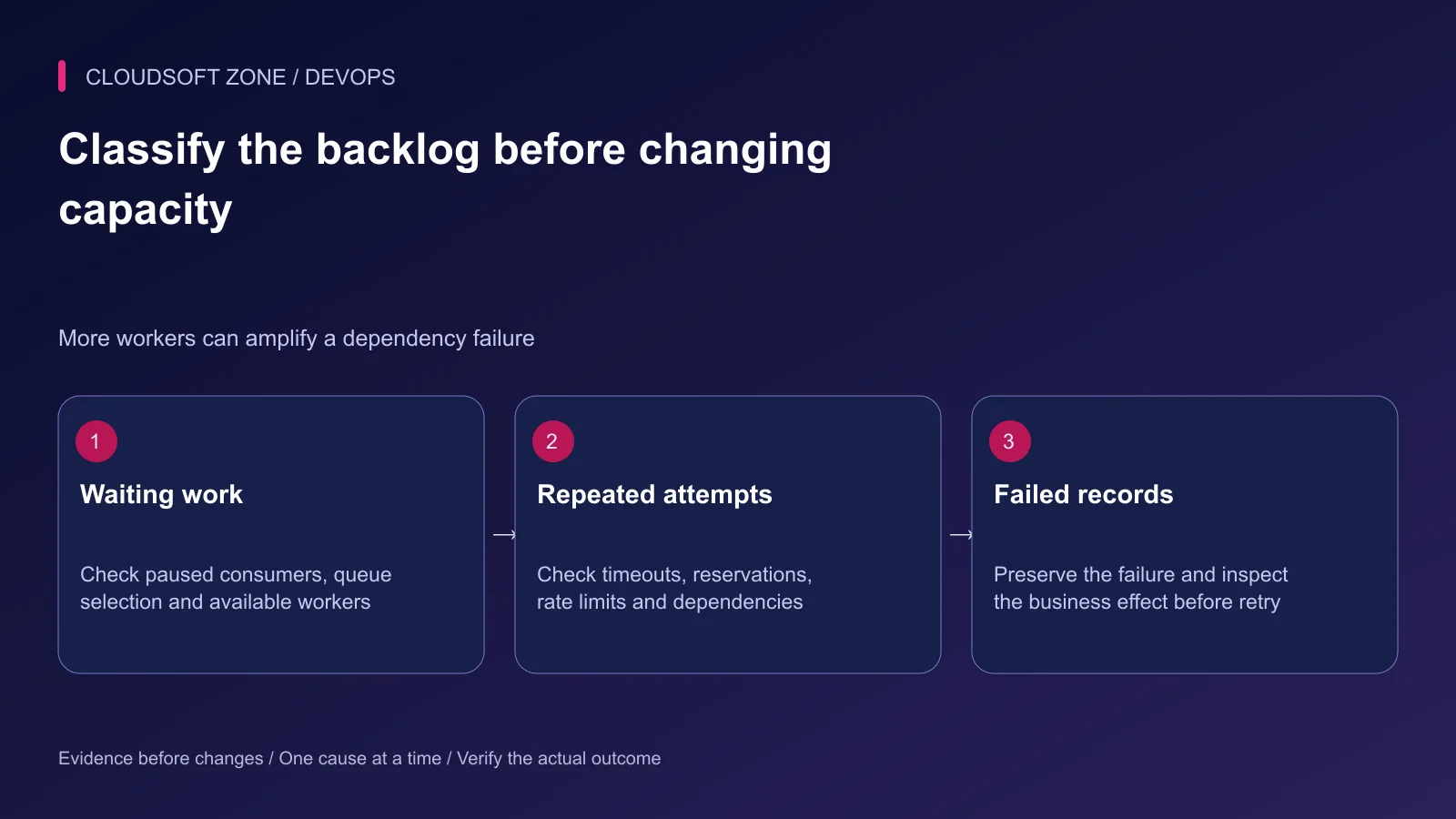
An increasing backlog can mean no consumer, insufficient capacity or a dependency that blocks every attempt. Read the queue's age and throughput alongside job duration, failure rate and external latency.
Delayed jobs are not immediately eligible. Released jobs may wait for a backoff or rate-limit window. Jobs that repeatedly throw exceptions can move between attempts and eventually reach the failed-job store. Preserve those records while investigating.
| Observation | Likely direction |
|---|---|
| No attempts on one queue | Selection, pause state or missing consumer |
| One attempt occupies a worker for a long time | Dependency timeout or genuinely long workload |
| Many short repeated attempts | Application failure, rate-limit policy or invalid payload |
| Failed rows grow | Exception cause and bounded retry exhaustion |
| Completed attempts but missing result | Business effect, downstream system or incorrect acceptance signal |
Inspect the first useful exception, not only the final retry count. Sanitize payloads before sharing them. Serialization errors often require compatible code; increasing a timeout cannot restore a missing job class.
Step 6: Review timeout and reservation boundaries
For Redis queues, the connection's retry-after interval and the worker timeout are different controls. The running attempt should end before its reservation can become eligible again. Leave margin rather than setting both values equal.
Also configure timeouts on network clients used by the job. A worker policy cannot guarantee a remote call has no effect when the local process stops. Review the installed runtime's timeout support and the job's own override before copying a number from another application.
Set the process supervisor's graceful-stop allowance above the intended longest job completion window. A short stop allowance can kill a job during deployment even when its normal worker timeout is correct. The numeric values must come from measured workload duration and business policy.
Do not solve slow database queries by multiplying workers until the database exhausts its connections. Bound concurrency against the dependency's sustainable capacity.
Step 7: Repair the cause and retry one reviewed job
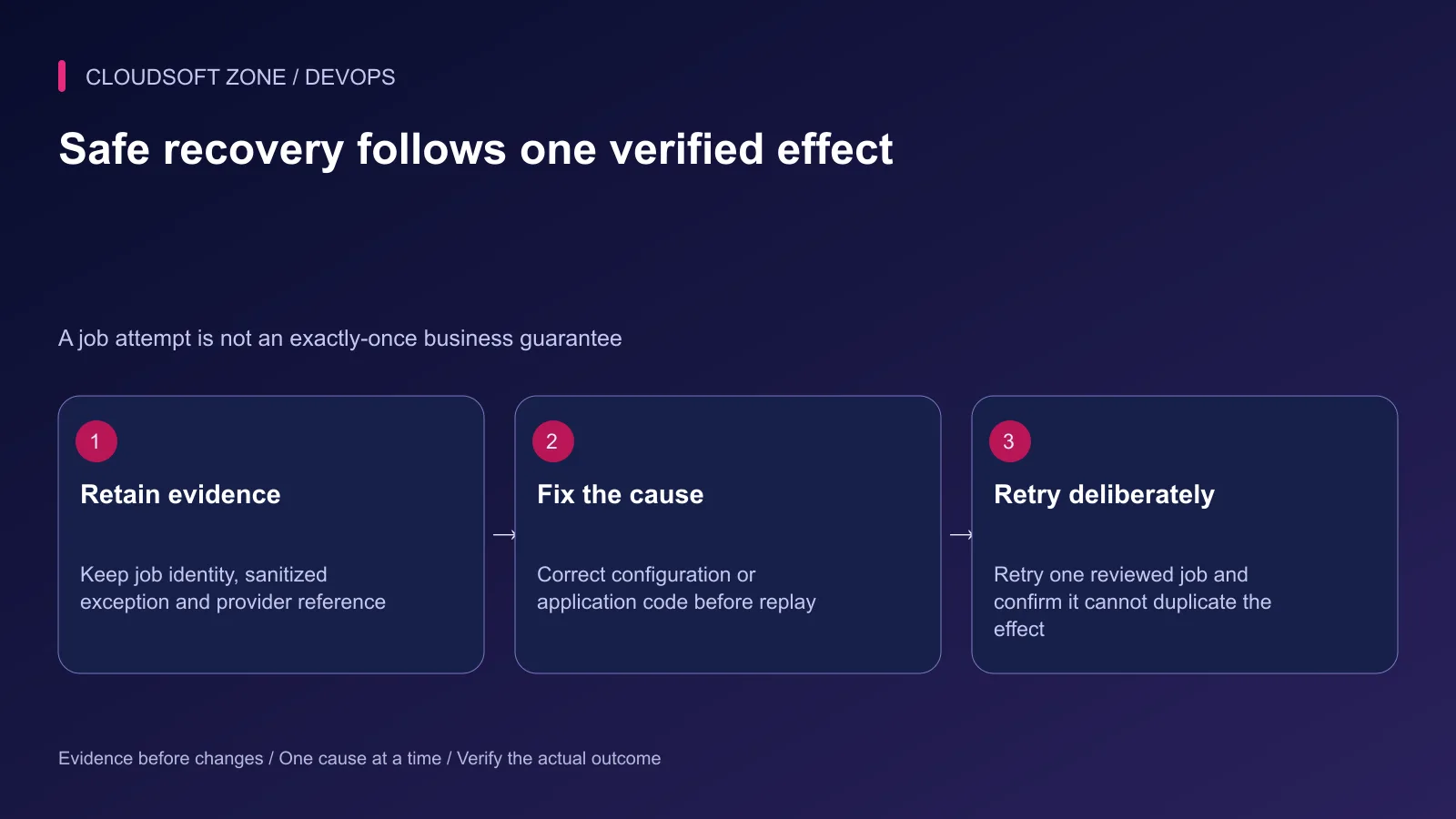
Keep the job identifier, sanitized exception, current business record and any remote provider reference. Correct the configuration or code first. For a reviewed ordinary failed job, retry the selected identifier rather than the entire failed-job store:
php artisan queue:failed
# Replace with the one failed-job identifier reviewed for safe replay.
php artisan queue:retry YOUR_REVIEWED_FAILED_JOB_ID
This is a state-changing operation; establish whether the original attempt already created the effect. A stable idempotency key, unique business constraint or explicit reconciliation record is required for repeatable external work. Queue reservations alone do not provide exactly-once business outcomes.
Avoid deleting failed records, clearing queues or flushing Redis to make a dashboard appear green. Those actions remove evidence or work rather than correct the failure. If intentional cancellation is required, handle the exact business operation through its reviewed application workflow.
Step 8: Prove recovery and retain a completion alert
Observe the selected job's attempt, final durable effect and backlog behavior. Confirm that the corrected process consumes the expected connection and that its configuration survives a normal restart.
Record the root cause and the version that fixed it. Monitor age of the oldest relevant job, failures and business completion rather than process uptime alone. Use alerts that identify the queue, affected workload and operator action.
For repeatable retries, read our idempotent Laravel jobs guide. For a scoped queue incident and deployment review, contact Cloudsoft Zone.
Featured image: Cloudsoft Zone technical layout with laravel artwork by Laravel (Public domain). Product mark resized proportionally for identification; no endorsement implied. Layout: CC BY-SA 4.0.
Frequently asked questions
Why is Supervisor RUNNING while jobs remain queued?
The process may consume another connection or queue, use stale configuration, be paused, or be occupied by a long-running job. Trace one job’s producer and consumer identities.
Should I flush Redis when the queue gets stuck?
No. Redis may contain retained jobs, sessions, cache locks and other state. Inspect the specific failure without deleting queue data.
Can I safely retry every failed job?
Only after reviewing their effects and retry contracts. Start with one selected idempotent job after correcting the cause; some failed attempts already changed a remote system.
Your next customer could start right here.
Introduce your tool, product or business to readers exploring technology.
Explore placements and request a private quote
Sources
- Laravel queues and retries — Laravel
- Horizon process lifecycle — Laravel
- Supervisor subprocess states — Supervisor
- Supervisor configuration — Supervisor
- Laravel Redis configuration — Laravel
- Redis connection management — Redis
Comments
No comments yet. Be the first to join the conversation.
Leave a comment
Every comment is read by a moderator before it appears. Your email address is never published; it is used only to contact you about this comment.
More from Cloudsoft Zone
Troubleshooting guideDevOps
Laravel scheduler not running: trace cron, task filters and execution
Diagnose a Laravel scheduler not running by separating cron invocation, runtime configuration, due-task filters, cache locks and the task’s final effect.
By Cloudsoft Zone
TutorialDevOps
Laravel production deployment: from a Git commit to the first live release
Plan a Laravel production deployment from a reviewed Git commit through dependencies, shared storage, configuration, nginx routing and first-release acceptance.
By Cloudsoft Zone
TutorialDevOps
Zero-downtime Laravel deployment: migrations, queues and rollback
Design a zero-downtime Laravel deployment with compatible migrations, atomic release links, persistent storage, graceful workers and measured rollback checks.
By Cloudsoft Zone