
In this article
The daily report did not arrive, so you add another cron entry. Tomorrow two reports arrive, but the original failure remains unexplained. A missed scheduled task needs an execution trace, not another scheduler process.
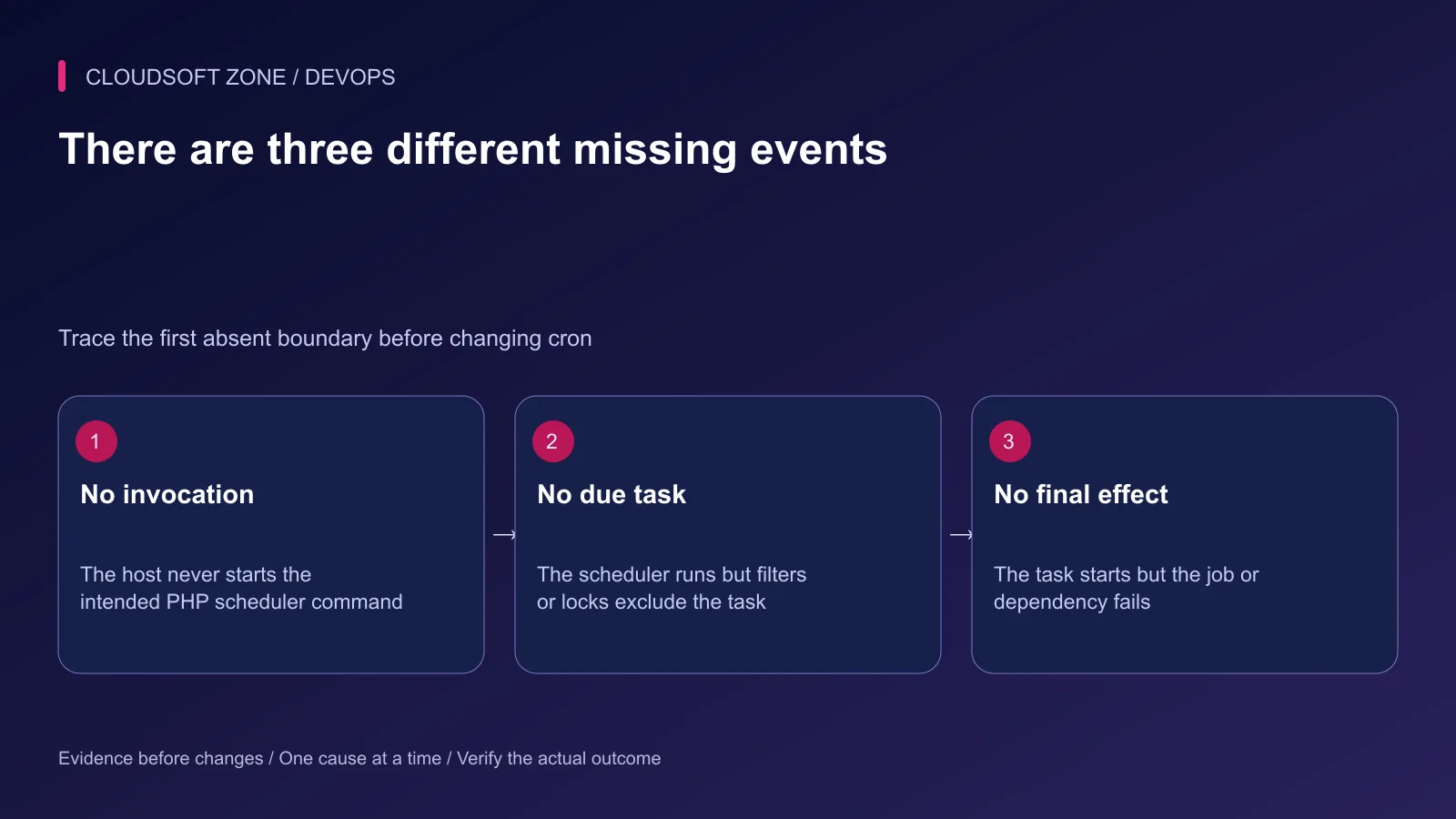
When investigating a Laravel scheduler not running, separate three questions: did the host invoke the scheduler, did the task qualify to run, and did the task complete its intended effect? This guide follows that sequence for a Linux VPS using cron. Containers and managed schedulers have different invocation owners, but the same boundary checks apply.
Use read-only checks first and a harmless probe when execution evidence is missing. Do not manually replay billing, payment or bulk-mail commands while diagnosing cron. Our Laravel production checklist provides the surrounding deployment context.
Step 1: Write down the expected task and timestamp
Record the command or queued job, expected occurrence, task time zone and application environment. Also record the release directory and the account that owns scheduled execution. “The scheduler stopped” is too broad; “the report task due at 08:00 site time has no start record” is actionable.
Look for a start event, an exit outcome and the expected result. A missing email can be a mail-delivery problem even when the task completed. A dispatched job can wait behind other work. Avoid inferring scheduler failure from the final symptom alone.
| Evidence missing | First boundary to inspect |
|---|---|
| No cron invocation record | Host cron, identity and executable path |
| Invocation exists but task never starts | Task registration, due time and filters |
| Task starts but queued job waits | Connection, queue and worker ownership |
| Job succeeds but report is absent | Application effect and downstream service |
Step 2: Inspect the actual cron owner
A user's crontab and a system cron file have different formats. A user crontab contains five time fields followed by the command. A file under /etc/cron.d includes a user field before the command. Copying the wrong format can make an apparently correct entry unusable.
sudo crontab -u app-runtime -l
systemctl is-active cron
sudo journalctl -u cron --since '30 minutes ago' --no-pager
Replace app-runtime with the actual application account. Journal availability depends on the host's logging setup; some installations record cron events in syslog. Absence from one log destination is not proof of absence from every destination.
Keep one production scheduler owner. Search the app's deployment configuration for an old user crontab, a system cron file, a container scheduler or a foreground scheduler process before adding anything. Duplicate owners can create intermittent behavior that disappears when you observe only one process.
Step 3: Check the CLI runtime and working directory
Cron does not inherit your interactive shell setup. Use an absolute PHP path and explicitly change into the current application directory. Verify the selected PHP runtime under the cron identity:
sudo -u app-runtime /usr/bin/php -v
sudo -u app-runtime /usr/bin/php --ini
sudo -u app-runtime sh -c 'cd /srv/example-app/current && /usr/bin/php artisan schedule:list'
Inspect only the diagnostic output needed; do not print the application's full configuration. CLI PHP can load different extensions or settings from PHP-FPM. A scheduler bootstrap failure may therefore coexist with a healthy website.
A conventional user-crontab entry looks like this:
* * * * * cd /srv/example-app/current && /usr/bin/php artisan schedule:run >> /srv/example-app/shared/storage/logs/scheduler.log 2>&1
The log directory must exist and be writable only by the required accounts, with rotation and retention configured. During diagnosis, preserving output is more useful than discarding everything to the null device. The command uses the active release pointer so later deployments do not leave cron running an old checkout.
Step 4: Confirm the task is registered and due
Run schedule:list from the actual release. If your task is absent, inspect its registration and any conditional loading. Newer Laravel applications commonly define schedules in routes/console.php or through the application's schedule configuration.
Compare the next execution time with the configured task time zone. The host clock, application's default time zone and a task-specific time zone are different settings. A daylight-saving transition can affect local-clock schedules; design sensitive business events with explicit occurrence records.
Do not expect an hourly or daily task to execute every time you run schedule:run manually. It evaluates which tasks are due at that time. A successful command reporting no eligible tasks can be entirely correct.
Step 5: Inspect filters, pause state and maintenance
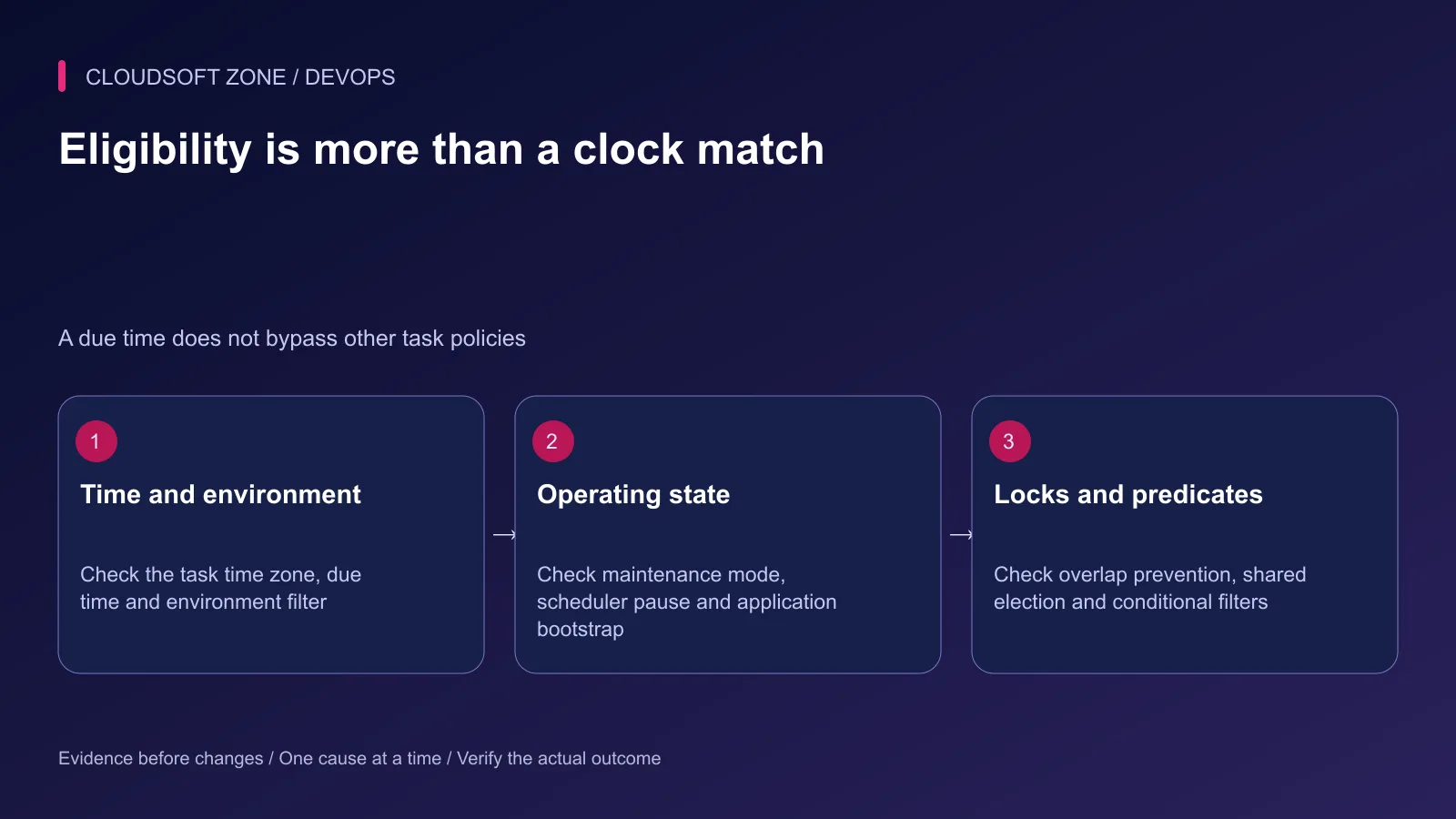
Review environment restrictions, conditional predicates and whether the application is in maintenance mode. A intentionally paused scheduler should not be resumed simply because a task is missing. Establish who paused it and why.
Laravel 13's documented scheduler pause and continue controls are operating-state changes. Use them only when the recorded maintenance or incident policy permits resumption. Do not add exceptions such as execution during maintenance just to bypass an unexplained skip.
For overlap prevention, check whether the previous occurrence is legitimately still running. A long task can make the next occurrence skip as designed. For one-server execution, verify that all replicas use the same supported central cache and compatible task identity.
Never flush the entire Redis database to resolve a scheduler lock. It may hold queues, sessions and other application state. If a scheduler-specific lock is stale, confirm no live task owns it before using the documented scheduler lock-clear command. Record the action and verify the next controlled occurrence.
Step 6: Introduce a harmless temporary probe
In a reviewed staging reproduction or a controlled diagnostic change, add a log-only task with no customer effect:
use Illuminate\Support\Facades\Log;
use Illuminate\Support\Facades\Schedule;

Schedule::call(function () {
    Log::info('scheduler_probe', [
        'recorded_at' => now()->toIso8601String(),
    ]);
})->name('scheduler-probe')->everyMinute();
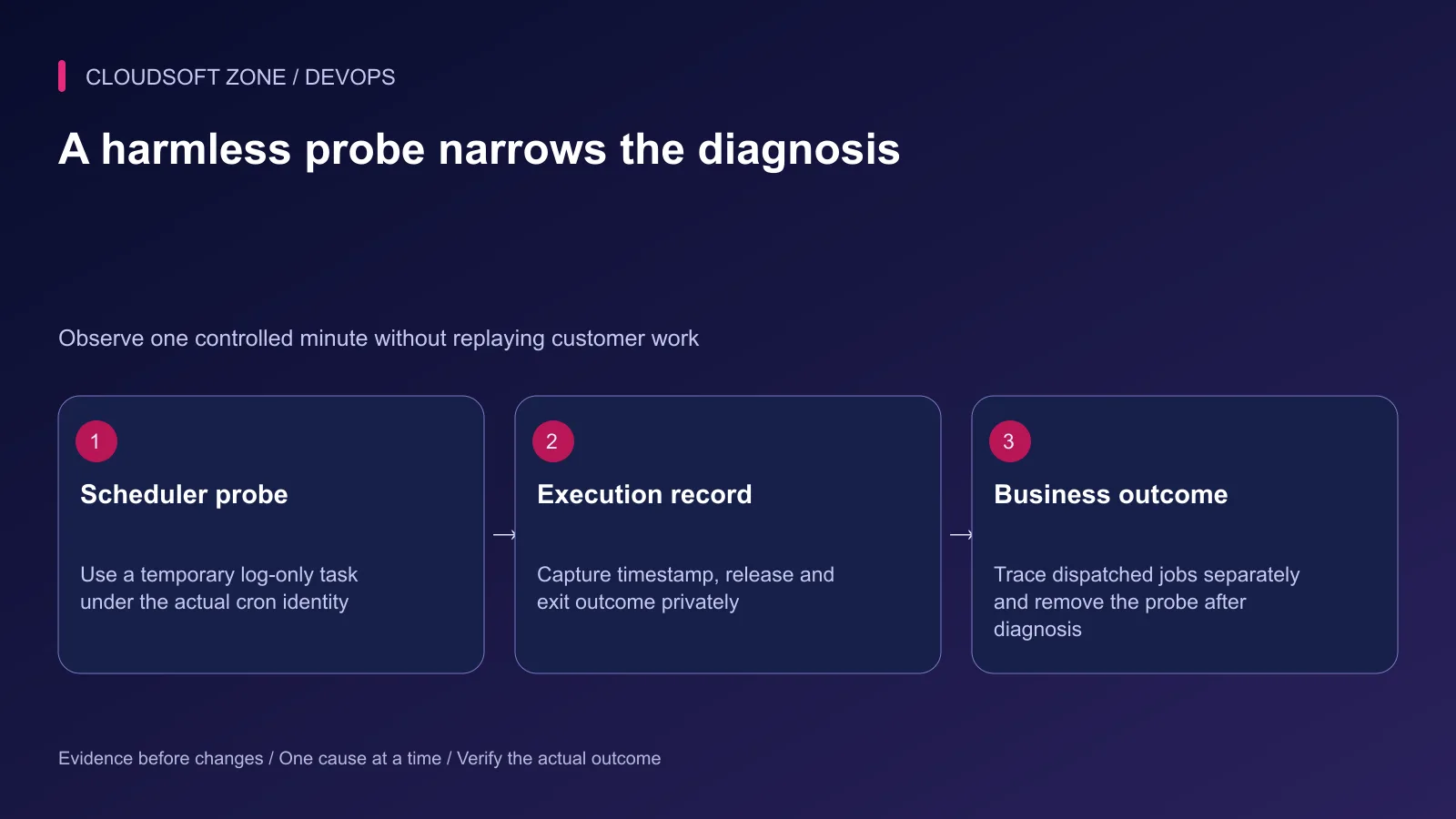
Use the application's normal logger and protected retention policy. Observe one or two expected ticks, then remove the probe. Do not confuse this invocation evidence with proof that the original business task completes.
If the probe runs but the report does not, the cron boundary is established. Move to the report's eligibility and execution rather than editing cron again. If the probe fails to bootstrap under cron, compare the runtime identity, current directory and configuration cache.
Step 7: Follow background work to completion
Scheduled work may dispatch a queued job. Record its connection and queue name, then confirm the relevant worker is consuming them. Use a non-sensitive correlation identifier to connect the schedule occurrence, job attempt and final result.
Investigate worker pause, failure records, dependency latency and retry policy independently. A scheduler invocation can succeed immediately while the queued job remains unprocessed. Re-running the scheduler may dispatch duplicate work and worsen the backlog.
Step 8: Verify the fix and deployment behavior
Change one cause at a time. After correcting the cron path, user or task filter, observe the next expected occurrence under the normal owner. Confirm the harmless probe, the real task and its intended result separately.
If the application schedules sub-minute tasks, its scheduler invocation can remain active through the minute. Include the documented scheduler-interruption step after a completed deployment so an old invocation does not continue using old code. That is different from killing arbitrary PHP processes.
Record the root cause, corrected setting and next due time. Keep an alert for missing expected task completion, with an explicit owner. A cron daemon being active is not a meaningful completion alert by itself.
For the wider runtime checks, use our Laravel deployment checklist. For an application-specific scheduler and worker review, contact Cloudsoft Zone.
Featured image: Cloudsoft Zone technical layout with laravel artwork by Laravel (Public domain). Product mark resized proportionally for identification; no endorsement implied. Layout: CC BY-SA 4.0.
Frequently asked questions
Why does schedule:run say no tasks are ready?
The scheduler can be working correctly while no task is due. Inspect schedule:list, time zones, task filters, maintenance or pause state and cache locks.
Should I run schedule:work and cron together?
Use one documented scheduler owner for a deployment. Multiple invocations can duplicate work unless the relevant task coordination is correctly designed.
Can schedule:clear-cache fix every missed task?
No. It addresses scheduler cache locks. Verify that no legitimate task is active and diagnose the specific lock before clearing it.
Your next customer could start right here.
Introduce your tool, product or business to readers exploring technology.
Explore placements and request a private quote
Sources
- Laravel task scheduling — Laravel
- Ubuntu cron file syntax — Ubuntu
- Ubuntu cron daemon — Ubuntu
- PHP command-line options — PHP
- Laravel logging — Laravel
- Laravel atomic cache locks — Laravel
Comments
No comments yet. Be the first to join the conversation.
Leave a comment
Every comment is read by a moderator before it appears. Your email address is never published; it is used only to contact you about this comment.
More from Cloudsoft Zone
Troubleshooting guideDevOps
Laravel queue jobs not processing: trace Redis, Supervisor and Horizon
Diagnose Laravel queue jobs not processing without deleting queued work: trace dispatch, connection identity, worker ownership, failures and the business effect.
By Cloudsoft Zone
TutorialDevOps
Laravel production deployment: from a Git commit to the first live release
Plan a Laravel production deployment from a reviewed Git commit through dependencies, shared storage, configuration, nginx routing and first-release acceptance.
By Cloudsoft Zone
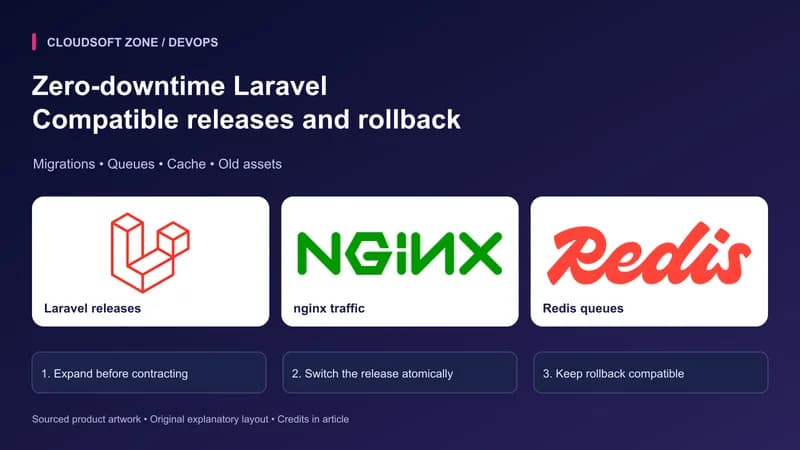
TutorialDevOps
Zero-downtime Laravel deployment: migrations, queues and rollback
Design a zero-downtime Laravel deployment with compatible migrations, atomic release links, persistent storage, graceful workers and measured rollback checks.
By Cloudsoft Zone