
In this article
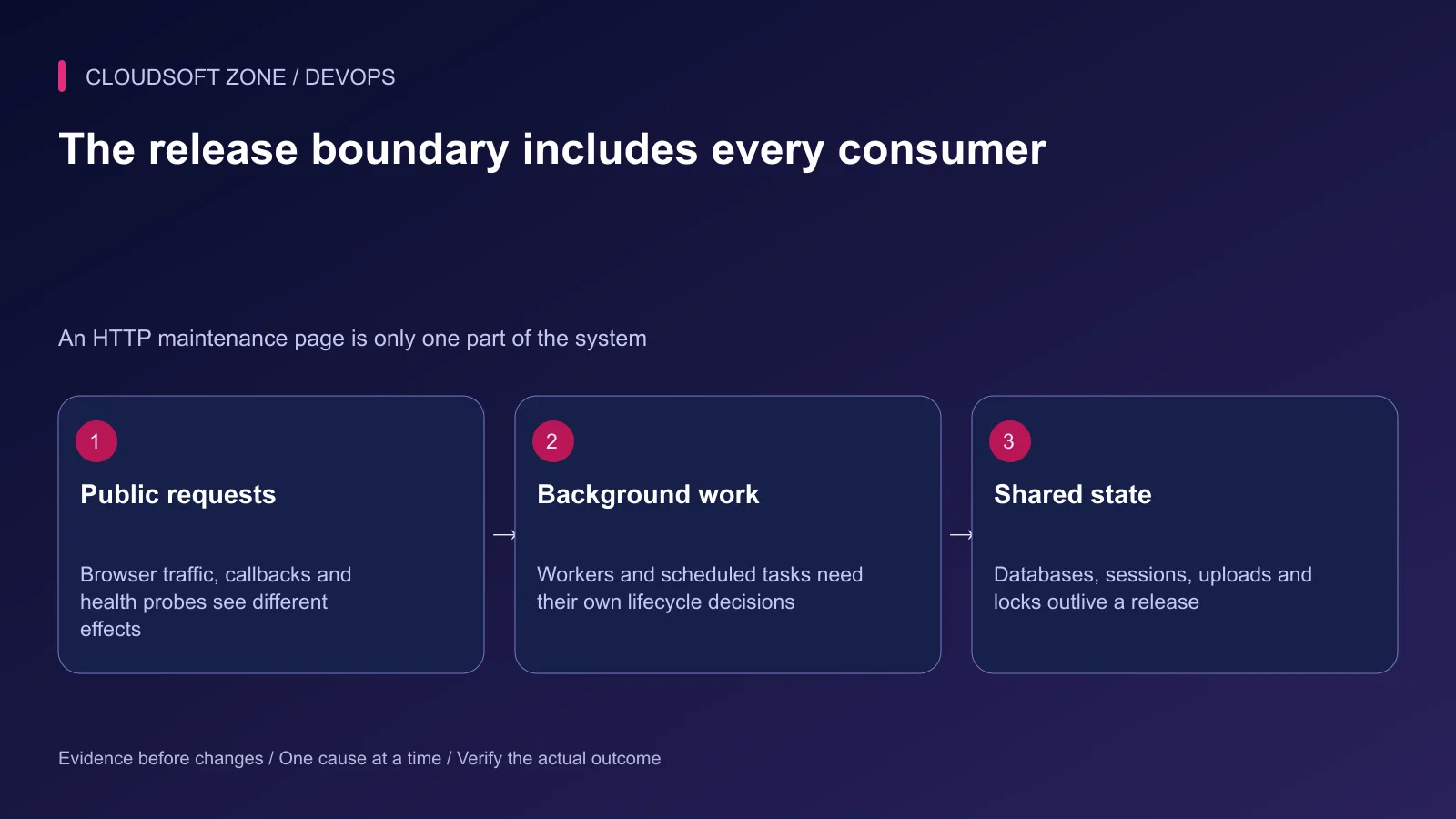
You can display a maintenance page and still have a worker writing to the database. You can keep two releases running and still break every request with an incompatible column rename. Availability depends on what the application does during the transition, not which deployment label appears in a dashboard.
Laravel maintenance mode is useful when requests need a deliberate pause. A zero-downtime release depends on compatible overlap and verified activation. This comparison helps choose between them for a Laravel application with queues, uploads, scheduled work and external callbacks.
Use our Laravel production checklist for release preparation. This article focuses on the decision boundary and restoration of service, rather than repeating a deployment script.
1. Define what must remain available
List the workflows customers rely on: login, reads, checkout, uploads, exports and callback delivery. Determine which can pause, which must remain writable and which can safely defer work. A brief read-only interval may be acceptable for one product and unacceptable for another.
Write a measurable requirement. For example, existing sessions must remain usable and accepted payments must not disappear during the release. That is more useful than an unqualified promise of zero downtime.
Include the operating scope: one host, several application servers, an edge proxy and background consumers. The scope determines how maintenance state and traffic changes propagate.
2. Choose by compatibility and recovery cost
| Release characteristic | Maintenance may fit | Overlapping releases may fit |
|---|---|---|
| Schema change | Required incompatible transition | Additive, tested compatibility |
| Job payload | Controlled drain or pause required | Both worker generations understand it |
| Active requests | Documented pause acceptable | Requests can finish on their original release |
| Recovery | Known maintenance restoration path | Previous code remains schema-compatible |
| Capacity | One release fits reliably | Host can support the temporary overlap |
A maintenance window does not excuse an unsafe migration. A continuously served release does not eliminate the need for a recovery plan. Choose the smaller verified transition your team can operate.
3. Use maintenance mode deliberately
Laravel provides an application maintenance response. An illustrative entry command for the intended application is:
cd /srv/example-app/current
php artisan down --retry=60
The retry value supplies response guidance; it is not a guaranteed reopening time. If the application cannot boot during dependency changes, review Laravel's pre-rendered maintenance response option and prepare the view before entering the transition.
For multiple servers, a local maintenance file only affects the server holding it. A shared cache maintenance driver can coordinate the state when every instance uses the same store. Confirm that scope in a rehearsal; do not assume one command paused a whole fleet.
Treat a maintenance bypass secret as a credential. Use the established protected operator access path for acceptance checks. Do not paste a bypass URL into public chat, logs or a status announcement.
4. Handle background consumers separately
Ordinary queue workers normally defer processing in maintenance mode unless explicitly configured to force it. Work already running still needs observation, and custom processes may have different rules. Check the actual worker command and supervisor configuration.
Scheduled tasks can be configured to run during maintenance. External services may write directly, and an administrative command can bypass the public request path. Inventory these writers rather than treating the maintenance page as a database lock.
Decide whether jobs should finish, pause or continue against a compatible schema. Preserve queued work and failed-job records. Do not empty a queue to make a deployment look settled.
5. Protect callbacks and deferred effects
Review each external provider's retry and timeout contract. A maintenance response to a webhook may trigger a later retry, an immediate failure or no retry at all depending on the sender. Do not promise that every callback will automatically return.
Keep a durable receipt or reconciliation path for important effects such as payment status. Consumers should deduplicate repeated deliveries. A deployment that restores the page but applies the same payment event twice has not recovered correctly.
Our idempotent Laravel jobs guide covers retry-safe effects. Verify the provider's own delivery policy before defining your maintenance procedure.
6. Establish the overlap contract for continuous service
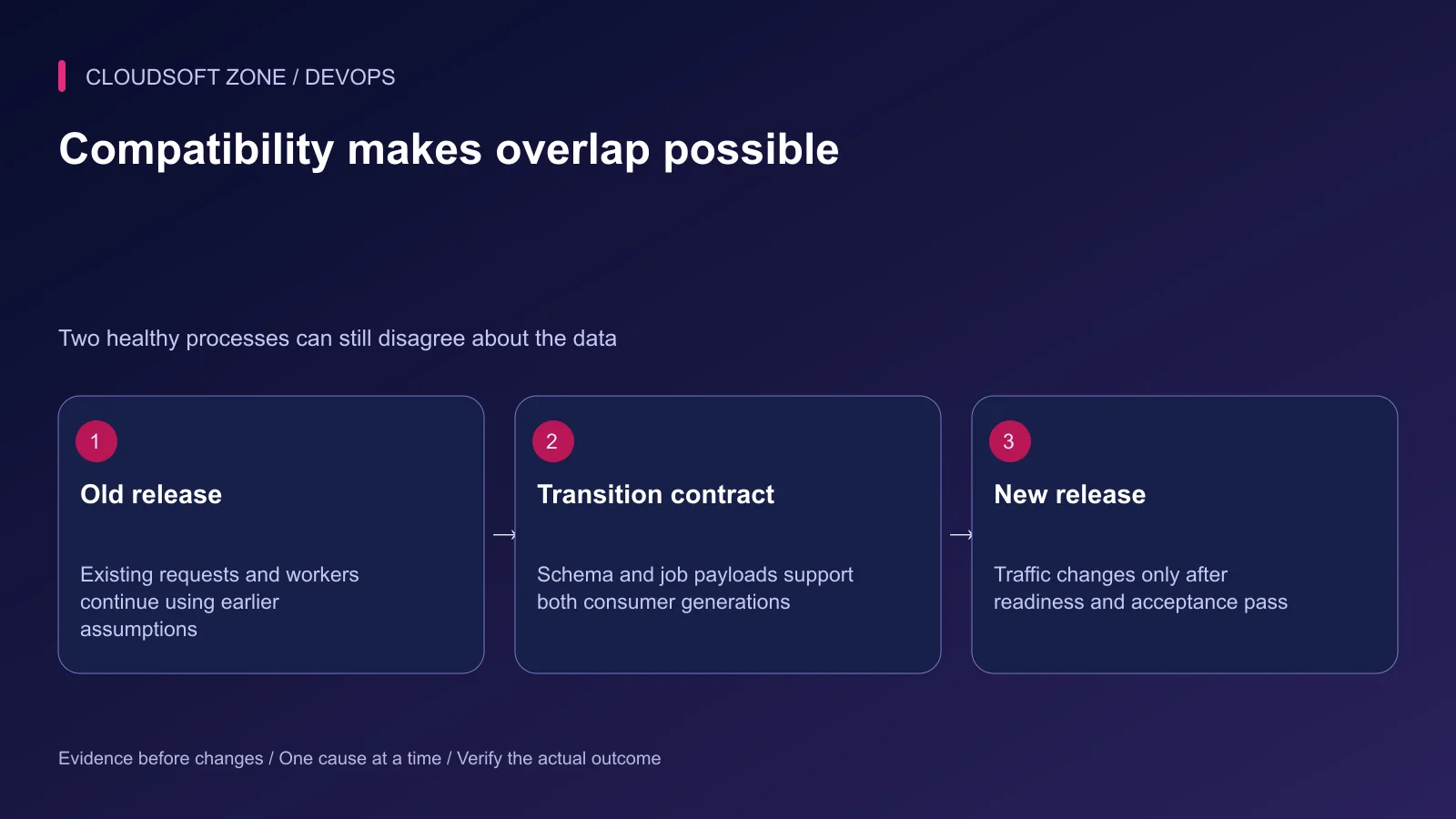
A compatible release needs more than a fast switch. Keep shared uploads, sessions and required keys stable. Ensure old and new code understand the schema and queued payloads for the overlap interval.
Build the candidate away from the active artifact. Verify its configuration and readiness before directing traffic to it. Account for PHP-FPM execution, opcode caches and long-lived workers using the actual deployment lifecycle.
An nginx upstream change controls routing; it does not migrate the database, transfer sessions or prove that the new application can complete a workflow. Check the candidate directly through a protected path, then validate the public request path after activation.
7. Plan the failure before the switch
For maintenance, record who can stop the operation, which consumers remain paused and how a known-good compatible release returns. If a migration partially changes the schema, inspect the real state before deciding to restore code or repair forward.
For overlapping releases, define readiness failures that block traffic movement. After activation, use business acceptance and error signals to decide whether recovery is required. A rollback artifact must still work with any schema or data already changed.
Do not blindly execute a destructive database rollback just because the previous code exists. Recovery must preserve legitimate writes accepted during the transition.
8. Reopen and verify the backlog
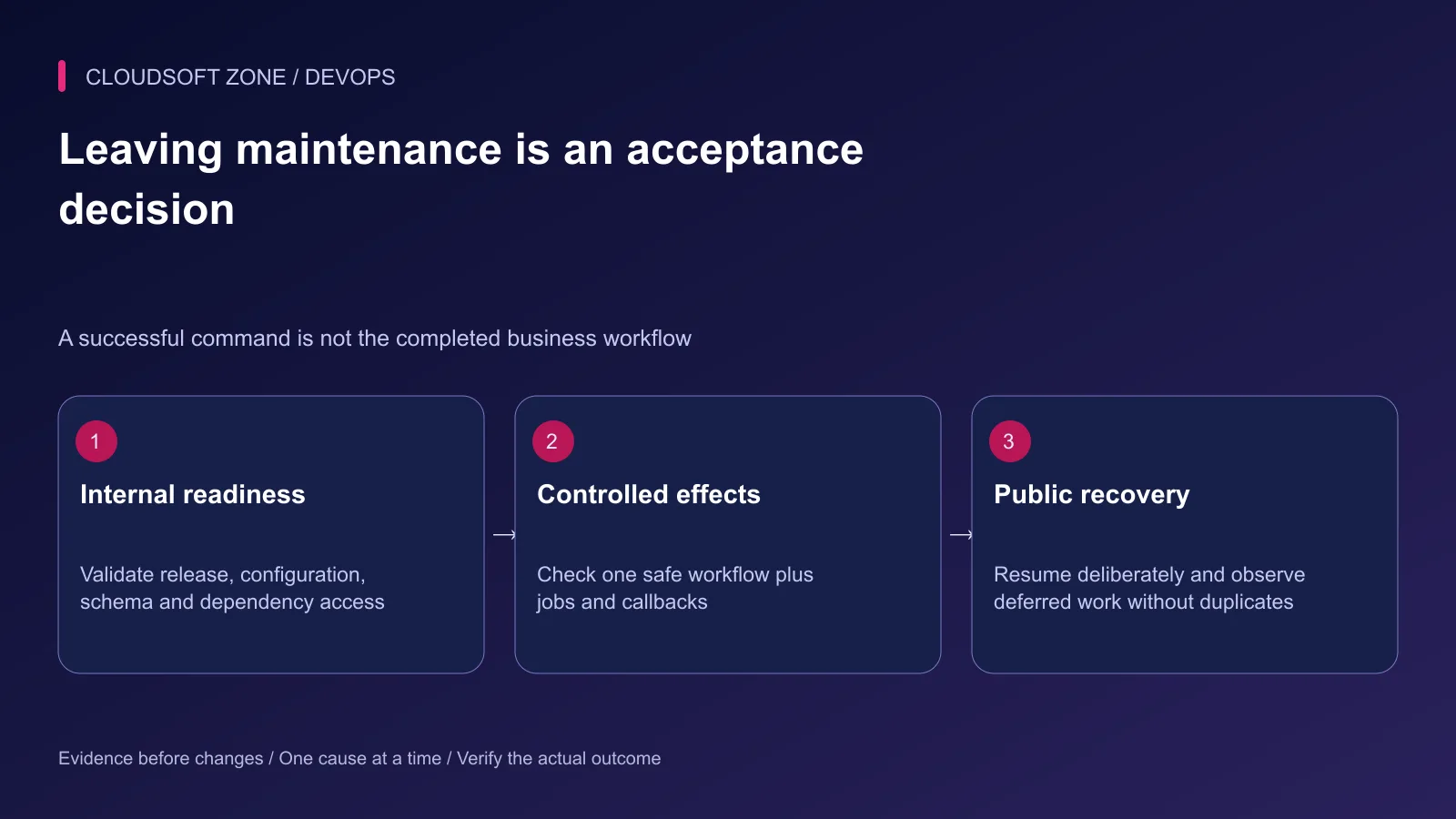
Once the intended release, schema and workflows are ready, the application's maintenance state can be cleared:
php artisan up
Run against the application and maintenance backend used for entry. Verify public requests, background consumers, scheduler state and callback reconciliation afterwards. Observe the deferred queue so a sudden backlog does not overwhelm the database or provider limits.
Record the actual interruption, accepted-work reconciliation and recovery result. Use those observations to improve the next deployment instead of claiming an availability level you have not measured.
For a release plan suited to your application's real consumers, contact Cloudsoft Zone.
Featured image: Cloudsoft Zone technical layout with laravel artwork by Laravel (Public domain). Product mark resized proportionally for identification; no endorsement implied. Layout: CC BY-SA 4.0.
Frequently asked questions
Does artisan down stop every running job?
No. Ordinary Laravel queue workers respect maintenance mode unless configured to force processing, but active work and other writers still need an explicit lifecycle plan.
Is a symlink switch enough for zero downtime?
No. Readiness, schema and payload compatibility, persistent state, active requests and background process replacement must all be handled.
When is a maintenance window the better choice?
Use it when an incompatible transition cannot safely support overlapping consumers, with an explicit scope, recovery plan and user-facing operating window.
Your next customer could start right here.
Introduce your tool, product or business to readers exploring technology.
Explore placements and request a private quote
Sources
- Laravel maintenance mode — Laravel
- Laravel queues and maintenance behavior — Laravel
- Laravel deployment — Laravel
- Laravel scheduling — Laravel
- nginx upstream traffic configuration — nginx
Comments
No comments yet. Be the first to join the conversation.
Leave a comment
Every comment is read by a moderator before it appears. Your email address is never published; it is used only to contact you about this comment.
More from Cloudsoft Zone
TutorialDevOps
Multiple Laravel applications on nginx: separate hosts, PHP pools and application state
Run multiple Laravel applications on nginx with separate public roots, PHP-FPM pools, state namespaces and host-specific acceptance checks.
By Cloudsoft Zone
TutorialDevOps
Laravel pending migrations: deploy safely without breaking the running application
Review Laravel pending migrations before activation: confirm the target database, check code compatibility, rehearse schema changes and verify recovery without resetting data.
By Cloudsoft Zone
TutorialDevOps
Laravel .env production checklist: secrets, cached configuration and process refreshes
Use this Laravel .env production checklist to review environment ownership, debug settings, secret handling, configuration caches and long-lived worker refreshes.
By Cloudsoft Zone