
Laravel S3 compatible uploads: private files, MinIO endpoints and safe delivery
Build Laravel S3 compatible uploads with a private disk, scoped credentials, validated files, unique object keys and authorized downloads across MinIO or S3.
5 min read
In this article
A document upload succeeds, but its link points to a private container hostname. Another application makes the bucket public to fix the download and exposes every customer's file. Neither outcome is a reliable storage design.
This Laravel S3 compatible uploads guide separates file validation, private object storage and authorized delivery. It applies to an already-provisioned S3-compatible service such as MinIO or AWS S3. Compatibility must be checked against the actual service and version; it does not mean every policy or signing feature behaves identically.
Keep file recovery separate from database recovery. Our MySQL backups to S3 guide covers the database archive path. The workflow here focuses on private application files rather than a public media bucket.
Step 1: Define ownership and access before the disk
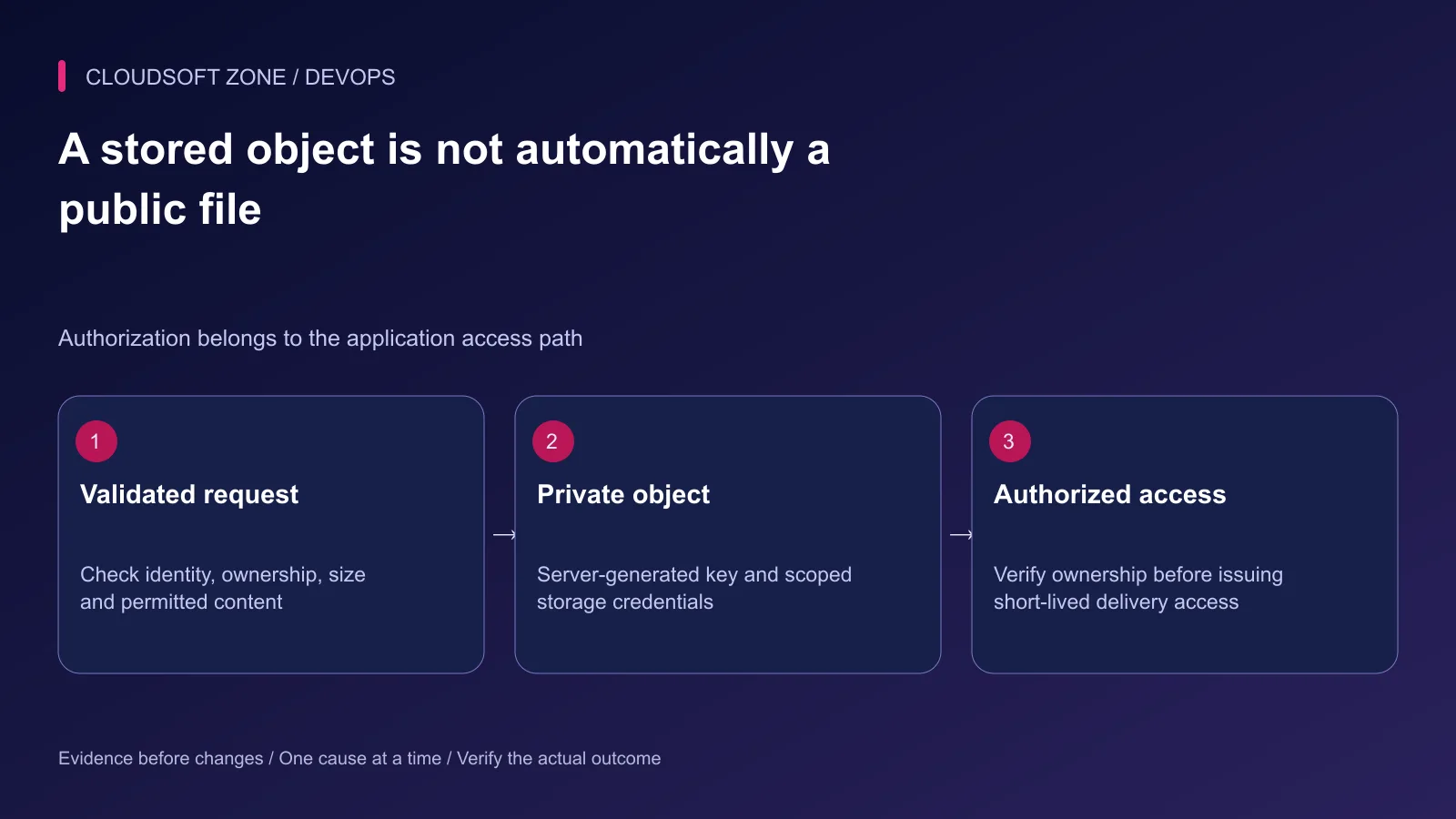
Decide which account owns the file, who may upload it and who may later download it. Keep that policy in the application, enforced server-side. A bucket name or object prefix is not a substitute for authorization.
Record an upload state such as pending, verified, available or failed. Keep the original display name as metadata, while generating the storage key server-side. Do not use a client-supplied path as the authority for tenant selection.
| File class | Intended storage and delivery |
|---|---|
| Private business document | Private bucket and authorized access |
| Unverified upload | Quarantine or unavailable application state |
| Approved public illustration | Explicit public publishing path |
| Backup archive | Separate protected retention and restore policy |
Step 2: Configure the existing S3 adapter
Laravel's S3 integration uses the Flysystem S3 adapter. If it is missing, add the documented compatible dependency in development, review the lockfile and deploy the resulting artifact. Do not resolve new dependencies on the live server during an upload incident.
Add a disk to the existing filesystems configuration. This example uses custom environment keys to make the ownership clear:
'documents' => [
    'driver' => 's3',
    'key' => env('DOCUMENTS_ACCESS_KEY'),
    'secret' => env('DOCUMENTS_SECRET_KEY'),
    'region' => env('DOCUMENTS_REGION'),
    'bucket' => env('DOCUMENTS_BUCKET'),
    'endpoint' => env('DOCUMENTS_ENDPOINT'),
    'use_path_style_endpoint' => env('DOCUMENTS_PATH_STYLE', false),
    'throw' => true,
],
For AWS S3, use the credential-provider approach appropriate to the deployment where possible; do not require long-lived keys simply because this excerpt shows their fields. For another service, use its supported region and addressing conventions.
Keep actual credentials out of version control and frontend variables. Scope the storage identity to the required bucket/prefix and actions. Private visibility primarily needs the correct bucket policy; do not assume a visibility flag repairs a publicly readable policy.
Step 3: Check server and browser endpoint reachability
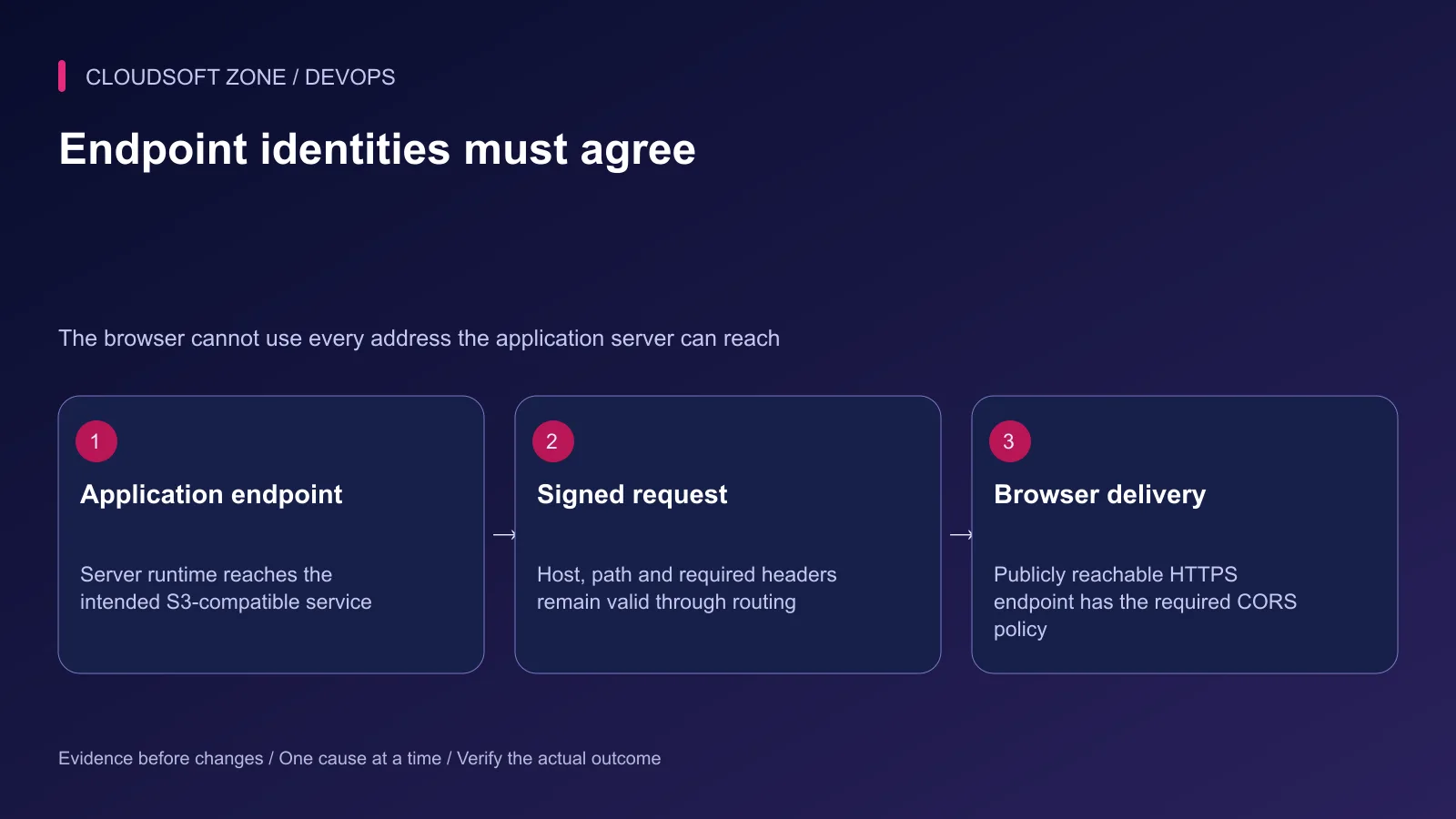
An application server can reach an internal service address that a browser cannot. Check the URL used for signed requests and the externally reachable HTTPS endpoint separately.
For an existing MinIO deployment, check endpoint and bucket addressing against the installed service. The community repository states that it is no longer maintained, checked on 10 October 2026. Treat this article as integration guidance for an existing endpoint, not a recommendation to install an unmaintained server for a new production system. Select a supported S3-compatible service and verify its contract. Laravel documents general S3-compatible endpoints; test the actual URL generation method rather than only a server-side put call.
Do not rewrite a signed host or path casually in a reverse proxy; signing depends on request identity. For direct browser uploads, configure a narrow CORS policy for the actual origin and required methods/headers. CORS does not authorize the user's file ownership.
Step 4: Validate an ordinary server-side upload
Use the application's authentication and authorization before this controller fragment. The document size limit below is an example in kilobytes, not a universal product limit:
use Illuminate\Http\Request;
use Illuminate\Support\Str;
use Illuminate\Validation\Rules\File;

public function store(Request $request)
{
    $request->validate([
        'document' => ['required', File::types(['pdf'])->max(10240)],
    ]);

    $file = $request->file('document');
    $key = $file->storeAs(
        'incoming/'.$request->user()->getAuthIdentifier(),
        Str::uuid()->toString().'.pdf',
        'documents'
    );

    // Persist ownership and a pending verification state in your existing model.
    return response()->json(['status' => 'pending_verification'], 202);
}
This is the storage portion of a larger workflow, not a complete document system. MIME-based validation helps check the content type but is not malware detection. Define scanning, parser limits and permitted content before marking a document usable.
The authenticated identifier must be safe for the chosen prefix convention; for complex account keys, map it to a server-owned storage namespace. Never serve an unverified upload as executable content from the application's code directory.
Step 5: Reconcile storage and database outcomes
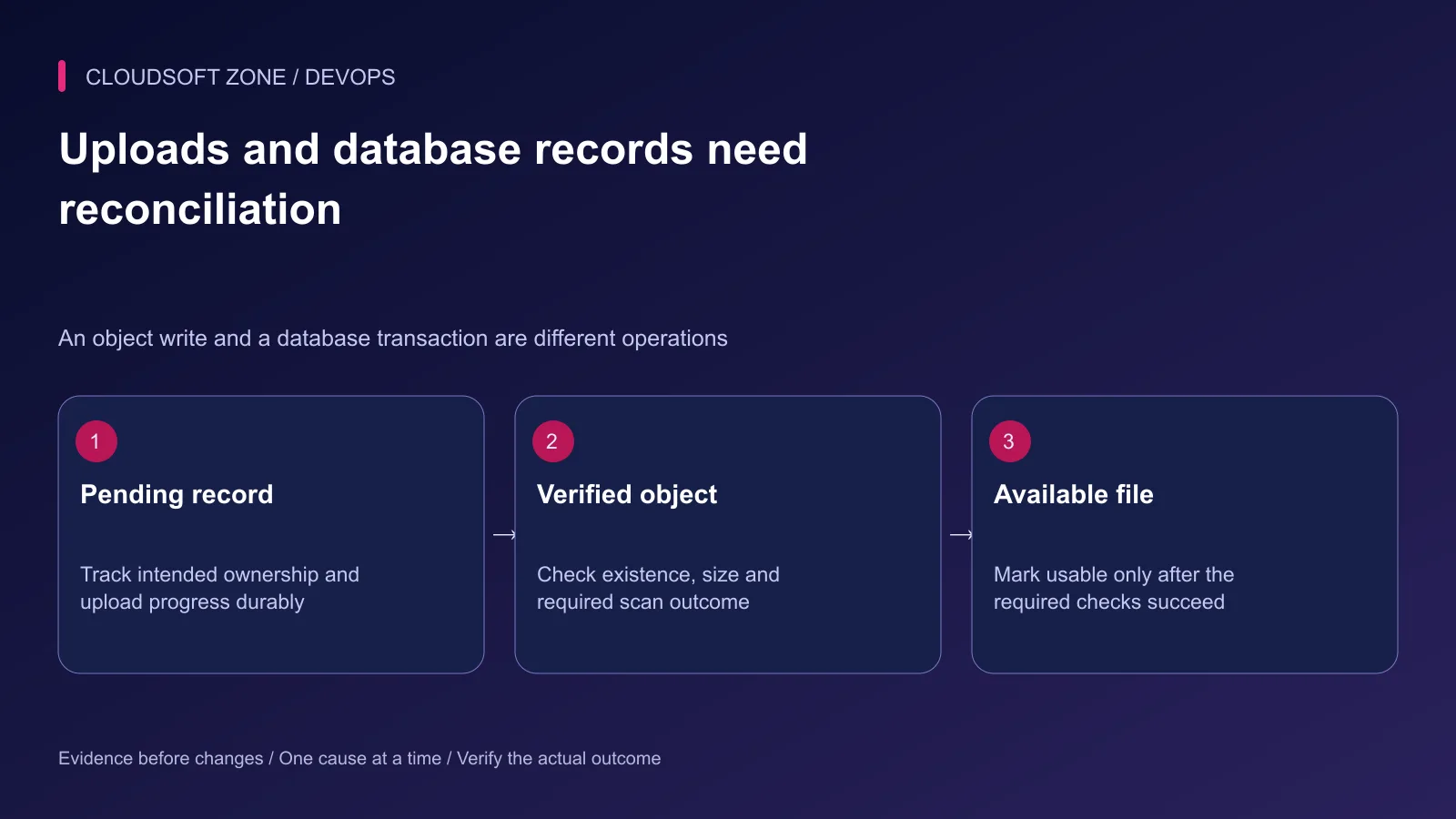
The object store write and a database transaction are separate operations. A database failure after upload can leave an orphan; a storage failure can leave a pending record without an object. Track these states and reconcile deliberately.
With the disk configured to throw on failed writes, surface a controlled application failure and retain sanitized diagnostic context. Do not return success merely because the request reached the controller.
Use a unique object key for each accepted upload. Record the disk, key, owner, expected size and validation state. An explicit replacement operation should have its own authorization and concurrency rules.
Step 6: Treat direct uploads as a separate workflow
Laravel documents temporary upload URLs for supported S3 disks. Before choosing them, verify service support, signed headers, browser reachability and expiry behavior in an isolated environment.
A client saying upload complete is not proof that the expected object is valid. The server should check the stored object and the required verification outcome before marking it available. Keep direct uploads in a pending namespace until that decision is complete.
AWS S3 presigned upload access may be reused during its validity period. Reusing an existing key can replace that object. A short expiry and unique scoped key reduce exposure; they do not make the URL a universal single-use token.
Step 7: Authorize downloads and verify failure paths
Look up the application record, enforce ownership and verify available state before issuing temporary delivery access. Keep signed URLs out of analytics, error transcripts and public caches. Treat them as bearer access for their permitted lifetime.
Test a valid upload, an oversized file, a disallowed type, a storage outage and a request for another account's document. Check that failed verification never produces public delivery and that expiry behaves as designed.
For private upload architecture and deployment support, contact Cloudsoft Zone.
Featured image: Cloudsoft Zone technical layout with laravel artwork by Laravel (Public domain). Product mark resized proportionally for identification; no endorsement implied. Layout: CC BY-SA 4.0.
Frequently asked questions
Can I use Laravel’s s3 driver with MinIO?
Laravel supports S3-compatible endpoints, but verify the exact operations and endpoint behavior of your service. The MinIO community repository states that it is no longer maintained; assess a supported service for new production deployments.
Is a presigned upload URL single-use?
Do not assume so. AWS S3 presigned URLs can be reused until expiration, and uploading to an existing key can replace it. Use unique scoped keys and explicit completion checks.
Should private documents use a public bucket?
No. Keep the bucket private and authorize delivery through the application or short-lived access appropriate to the storage service.
Your next customer could start right here.
Introduce your tool, product or business to readers exploring technology.
Explore placements and request a private quote
Sources
Comments
No comments yet. Be the first to join the conversation.
Leave a comment
Every comment is read by a moderator before it appears. Your email address is never published; it is used only to contact you about this comment.
More from Cloudsoft Zone
TutorialDevOps
Laravel backup restore: recover the application, database and uploaded files together
Plan Laravel backup restore around a recoverable set of code, database, uploaded objects and protected keys, then verify the complete application in isolation.
By Cloudsoft Zone
TutorialDevOps
Laravel queue workers deployment: graceful restarts, durable work and duplicate-safe effects
Plan Laravel queue workers deployment with graceful process replacement, bounded timeouts, durable dispatch, payload compatibility and verification of completed effects.
By Cloudsoft Zone
TutorialDevOps
Multiple Laravel applications on nginx: separate hosts, PHP pools and application state
Run multiple Laravel applications on nginx with separate public roots, PHP-FPM pools, state namespaces and host-specific acceptance checks.
By Cloudsoft Zone