
nginx reverse proxy explained: paths, headers and streaming for Next.js and NestJS
Understand nginx reverse proxy behavior for Next.js and NestJS: preserve API paths, set trusted headers, support streaming and diagnose the correct upstream boundary.
5 min read
In this article
The Next.js page loads, but the API returns 404 through nginx. Calling NestJS directly works. The proxy is forwarding a different URI than the application expects, even though both processes are healthy.
Most 404s through the proxy come from URI handling, including the nginx proxy_pass trailing slash rule. The guide covers route ownership, forwarded headers and streaming for an nginx reverse proxy NestJS and Next.js setup on one host.
An nginx reverse proxy receives a public request and sends it to a selected private application. This guide explains route ownership, URI handling, forwarded headers and streamed responses using Next.js and NestJS on one host. It is a request-contract guide rather than a full installation walkthrough.
Use our nginx HTTPS setup guide for certificate preparation. The example assumes nginx terminates HTTPS directly and forwards to private same-host Node.js listeners.
Step 1: Assign every public path
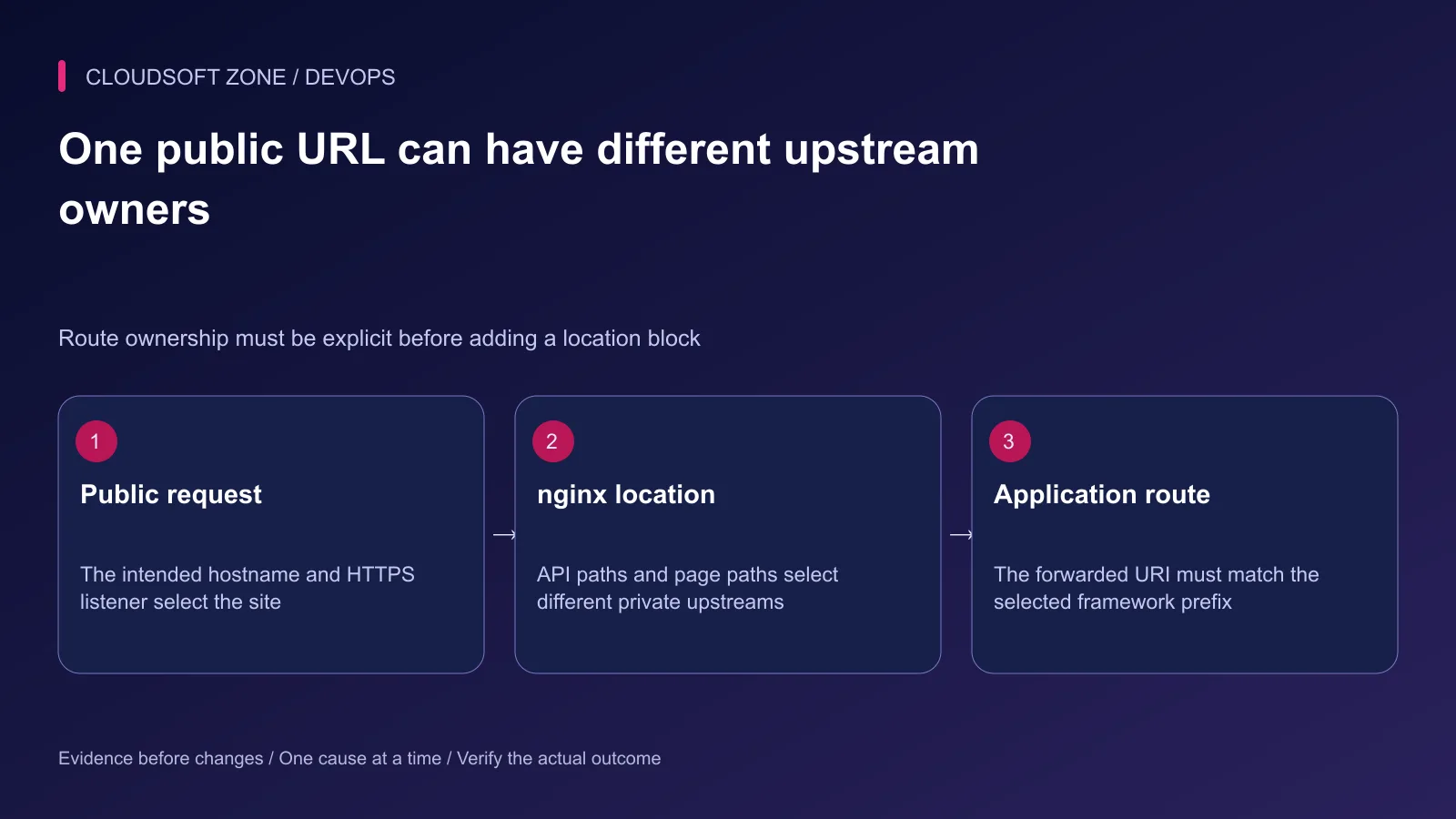
Write a routing table before creating configuration. In this example, Next.js owns page routes and NestJS owns the complete /api/ namespace. NestJS uses api as its global prefix.
| Public request | Private application | Expected received path |
|---|---|---|
| / | Next.js on 127.0.0.1:3000 | / |
| /dashboard | Next.js on 127.0.0.1:3000 | /dashboard |
| /api/orders | NestJS on 127.0.0.1:3001 | /api/orders |
| /_next/static/... | Next.js on 127.0.0.1:3000 | /_next/static/... |
Reserving /api/ for NestJS means Next.js routes under that namespace cannot also own the same paths. If both applications need API routes, choose separate namespaces or hostnames deliberately.
Step 2: Verify private upstream listeners
For a same-host proxy, bind Node.js services to loopback using the startup option appropriate to the framework. Keep the public firewall and service binding consistent; a private configuration comment does not close a listener bound to every interface.
Check one harmless known route directly from the operating host. Confirm the expected application identity and response before involving nginx. A listening port proves that a socket exists, not that the application is ready.
If nginx and the application run in different containers, loopback refers to the current container, not a neighboring service. Use the reviewed service network and names for that architecture instead of copying this host-based address.
Step 3: Preserve the intended URI
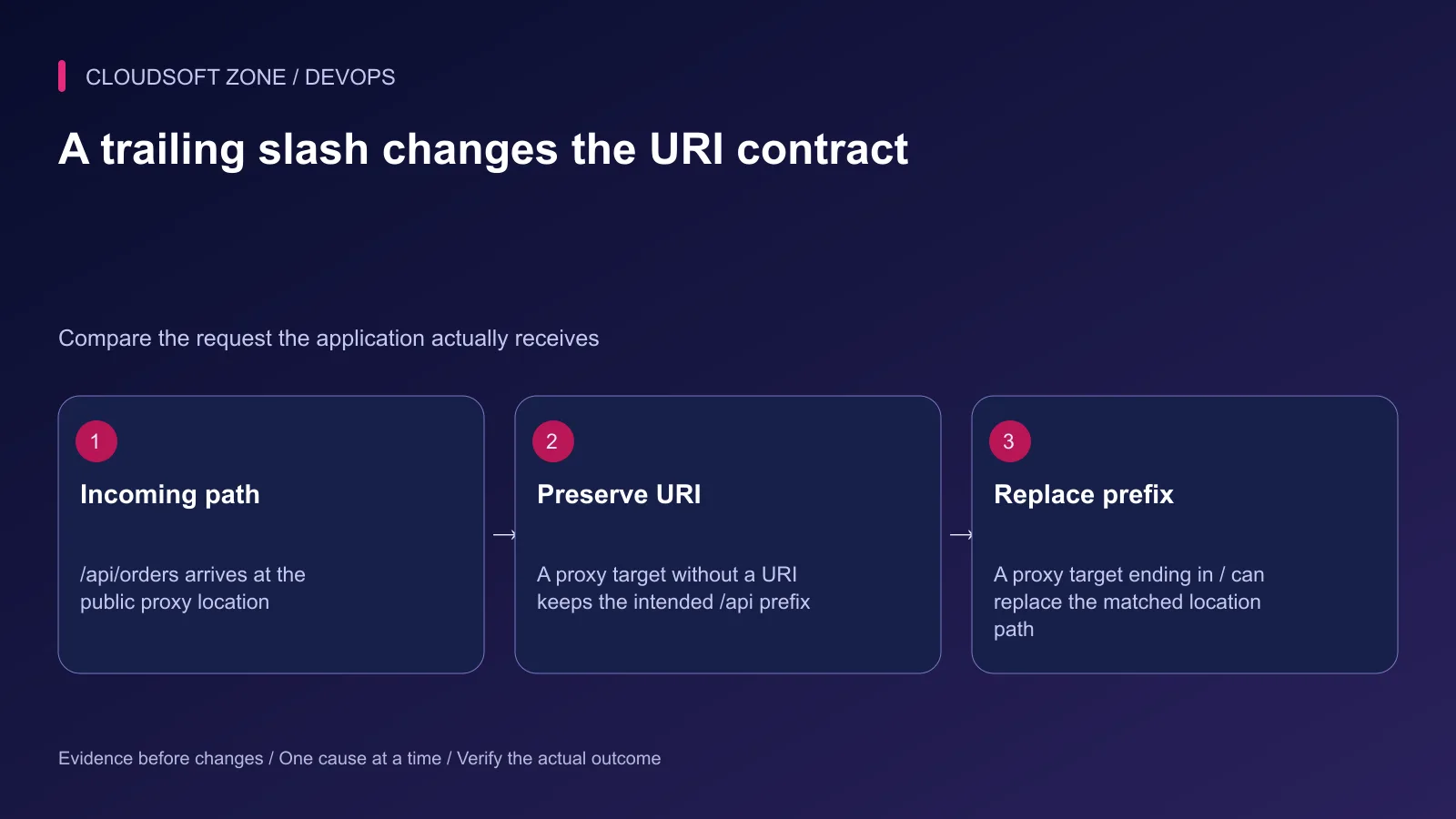
The proxy_pass directive can include a URI portion. In a simple prefix location, that changes how the matching location prefix is replaced.
# Preserve /api/orders for a backend whose routes start with /api.
location /api/ {
    proxy_pass http://127.0.0.1:3001;
}
By comparison, a target ending with a slash supplies the URI / and can replace the matched /api/ prefix, so the backend receives /orders in this straightforward case. That is useful only when the backend expects that path.
Regex locations, rewrites and variable-based proxy targets have additional rules. Do not infer their behavior from a simple-prefix example. Check the actual received URI through sanitized application diagnostics.
Step 4: Define the trusted header boundary
The application may need the original public host, scheme and client address for redirects, secure cookies and diagnostics. Those headers must be set by a trusted proxy boundary rather than accepted from any caller.
For this direct-TLS, same-host example, set the host and scheme from nginx's own request context and replace the incoming client-address chain with the directly observed address. If another trusted edge sits ahead of nginx, review its address restoration policy separately.
The application should trust only the actual proxy network and supported adapter configuration. Blindly trusting all forwarded headers can let a client influence security-sensitive URL or address decisions.
Step 5: Configure the two locations
Inside an existing reviewed HTTPS server block with the correct hostname and certificates:
location /api/ {
    proxy_pass http://127.0.0.1:3001;
    proxy_http_version 1.1;
    proxy_set_header Connection "";
    proxy_set_header Host $host;
    proxy_set_header X-Forwarded-Host $host;
    proxy_set_header X-Forwarded-Proto $scheme;
    proxy_set_header X-Forwarded-For $remote_addr;
}

location / {
    proxy_pass http://127.0.0.1:3000;
    proxy_http_version 1.1;
    proxy_set_header Connection "";
    proxy_set_header Host $host;
    proxy_set_header X-Forwarded-Host $host;
    proxy_set_header X-Forwarded-Proto $scheme;
    proxy_set_header X-Forwarded-For $remote_addr;
    proxy_buffering off;
}
This excerpt covers ordinary HTTP and streamed Next.js responses. It does not implement WebSocket upgrade routing or a complete host security policy. Add those only for an actual endpoint with its own authorization and connection requirements.
Review the exact /api path without a trailing slash separately if the product exposes it. Avoid adding a redirect that unexpectedly changes a write method or request body.
Step 6: Preserve streaming and cache boundaries
Response buffering can delay a streamed response until more content is received. Disabling it on the Next.js path supports incremental delivery, but an upstream CDN or another proxy can still buffer the response.
Do not add a blanket proxy cache to authenticated pages or APIs. Cookies, authorization, server actions and framework cache semantics need deliberate handling. A faster cached response is not useful if it serves one account's data to another.
Configure request-size and timeout limits according to actual endpoints. Read timeout is not a universal total-operation timer. Long-running business work may belong in a durable background workflow rather than an increasingly long HTTP timeout.
Step 7: Validate and diagnose by boundary
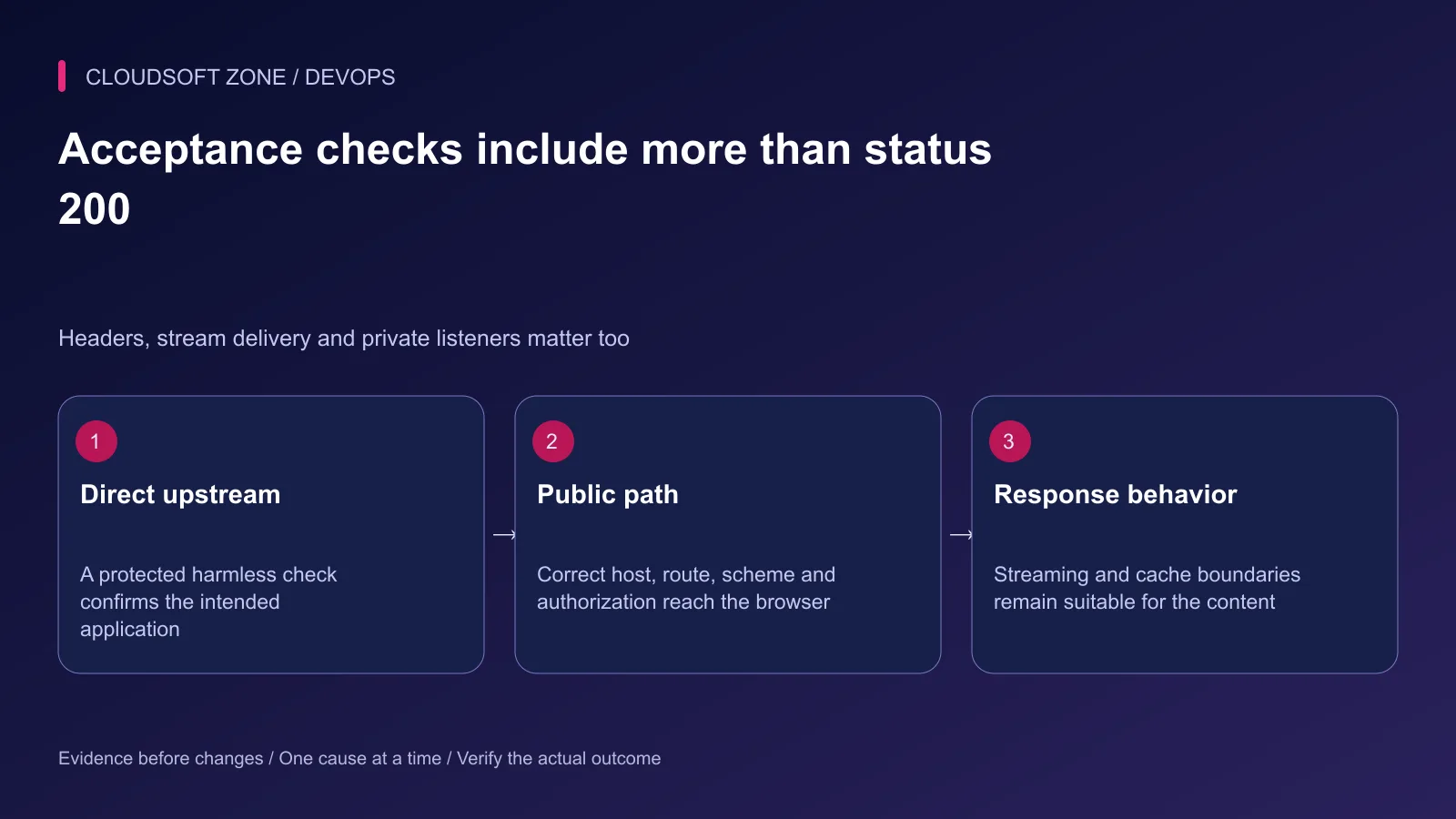
Run nginx's syntax check before the established reload. Then verify a page, compiled asset, harmless API read, an unauthorized API request and a streamed route where used.
| Failure | Investigate first |
|---|---|
| Direct API works, proxy returns 404 | Location ownership and forwarded URI |
| 502 from nginx | Intended listener, process and connection boundary |
| Wrong HTTP redirect | Effective scheme and proxy trust |
| Stream arrives in one batch | Every intermediary's buffering behavior |
| Private API publicly bypassable | Binding and network exposure |
Keep upstream logs and request identifiers sanitized. Verify the original workflow after a targeted correction; a reload succeeding does not prove routing is correct.
For the API behavior behind the proxy, read our NestJS and Fastify API guide. To review your public and private request boundaries, contact Cloudsoft Zone.
Featured image: Cloudsoft Zone technical layout with nginx artwork by Igor Sysoev (Public domain). Product mark resized proportionally for identification; no endorsement implied. Layout: CC BY-SA 4.0.
Frequently asked questions
Why does adding a slash to proxy_pass change my API route?
When proxy_pass includes a URI, nginx can replace the matched location prefix with that URI. Decide whether the backend expects the public prefix and verify the received path.
Should the Node.js port be publicly reachable?
For a same-host proxy design, bind it to loopback and expose the intended nginx listener. Other network designs require their own explicit access boundary.
Why is a Next.js streamed response delivered all at once?
An intermediate proxy can buffer it. Verify the route’s buffering configuration and the complete path, including any CDN or edge service.
Your next customer could start right here.
Introduce your tool, product or business to readers exploring technology.
Explore placements and request a private quote
Sources
- nginx proxy URI, header and buffering directives — nginx
- nginx request selection — nginx
- Next.js self-hosting and streaming — Next.js
- NestJS global route prefix — NestJS
- nginx configuration lifecycle — nginx
Comments
No comments yet. Be the first to join the conversation.
Leave a comment
Every comment is read by a moderator before it appears. Your email address is never published; it is used only to contact you about this comment.
More from Cloudsoft Zone
Troubleshooting guideDevOps
Laravel works locally, fails in production: trace runtime, configuration and request differences
Diagnose the Laravel works locally fails production problem by locating the first failing boundary: runtime, cached values, routing, permissions, dependencies or assets.
By Cloudsoft Zone
TutorialDevOps
Laravel log management: rotation, retention and safe production debugging
Set up Laravel log management with deliberate channels, retention, file ownership, rotation responsibility and useful incident context without recording secrets.
By Cloudsoft Zone
TutorialDevOps
Laravel backup restore: recover the application, database and uploaded files together
Plan Laravel backup restore around a recoverable set of code, database, uploaded objects and protected keys, then verify the complete application in isolation.
By Cloudsoft Zone