
nginx Certbot renewal: configure HTTPS and diagnose certificate failures
Keep nginx Certbot renewal working with domain validation checks, safe certificate installation, deployment hooks and a clear expiry troubleshooting sequence.
7 min read
In this article
Your application can be healthy while visitors receive a certificate warning. The renewal job may have failed, nginx may still hold the old certificate, or a proxy may be serving a different one. Treat these as separate failures before changing the application.
This nginx Certbot renewal guide follows a certificate from domain validation to the TLS response a browser receives. It covers initial configuration, a safe renewal check, deploy hooks and common failures. Our nginx HTTPS reverse-proxy tutorial covers the broader routing setup; this companion focuses on operating the certificate lifecycle.
The examples assume an Ubuntu server, nginx managed by systemd and a domain you control. Replace app.example.com with your actual hostname. A CDN, managed load balancer or container changes where TLS terminates, so identify that boundary first. Do not run these commands against Cloudsoft Zone or an unrelated application while following the example.
Step 1: Confirm which endpoint owns HTTPS
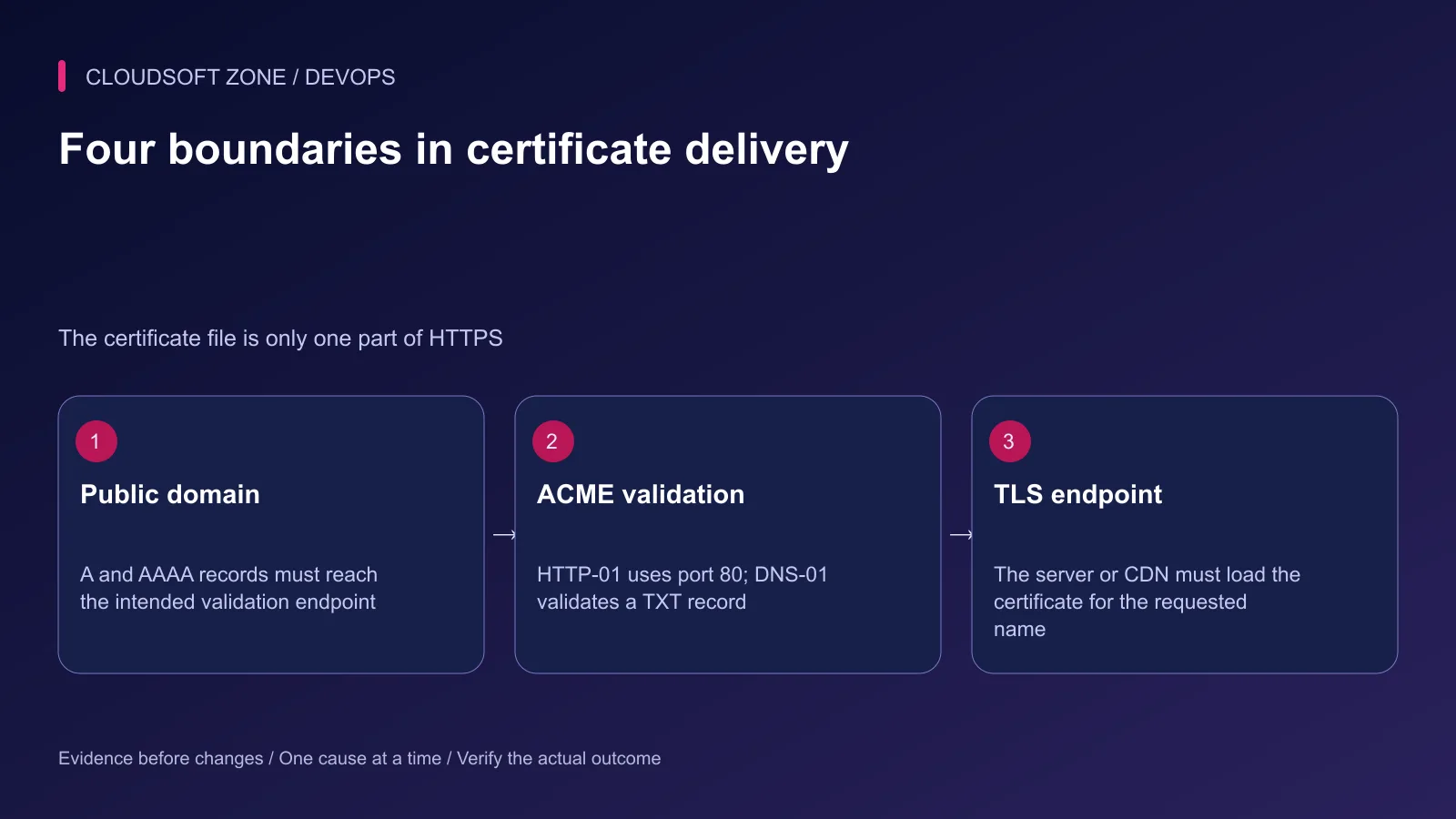
Record the hostnames visitors use, the public address for each name and the service that answers on port 443. A certificate for app.example.com does not cover another hostname simply because both names reach one server. Include each required name in the certificate request.
Resolve both IPv4 and IPv6 records. An incorrect AAAA record can send validation or customers to an old machine even when the A record looks correct. When a CDN is enabled, public DNS may resolve to its edge rather than the origin; review both certificate lifecycles.
dig +short A app.example.com
dig +short AAAA app.example.com
curl -I http://app.example.com/
sudo nginx -t
The HTTP response must come from the intended virtual host. A welcome page, a redirect loop or another application's response is useful evidence of a routing problem. Resolve that before requesting a certificate. If port 80 is prohibited by policy, choose DNS validation deliberately.
Step 2: Choose the challenge your deployment can renew
HTTP-01 validates a file under the domain's ACME challenge path using port 80. DNS-01 validates a TXT record and supports wildcard names. Choose based on what the system can automate during every renewal, not only during the first installation.
| Method | Suitable deployment | Recurring requirement |
|---|---|---|
| nginx HTTP validation | One reachable nginx origin | Public port 80 and correct challenge routing |
| HTTP webroot validation | A deliberately managed shared challenge directory | Every relevant frontend serves the validation file |
| Automated DNS validation | Wildcards or origins without public HTTP | Scoped DNS API access and reliable TXT propagation |
A manual TXT update is not unattended renewal. If you use a DNS plugin, give its credentials only the required DNS permissions and protect the credential file. Do not put account-wide DNS tokens into the web application's environment or repository.
Step 3: Install one Certbot distribution
Check whether Certbot is already installed and how it is maintained. Avoid mixing an operating-system package with a snap installation while leaving both scheduled jobs active. On a fresh Ubuntu host with snap support, the official nginx instructions use the Certbot snap:
command -v certbot
sudo snap install --classic certbot
/snap/bin/certbot --version
If a different installation already exists, follow its documented migration procedure after checking the existing renewal configuration. This tutorial uses the explicit snap executable, so there is no need to replace an existing symlink blindly.
Before allowing an installer to edit nginx, copy the relevant virtual-host file to a safe location and retain the output of a successful configuration check. A rollback copy helps recover configuration changes; it does not create a backup of customer data.
Step 4: Obtain and inspect the certificate
For the actual configured hostname, request nginx integration with an address where renewal notices can reach you. Review the prompts and domain list:
sudo /snap/bin/certbot --nginx -d app.example.com
sudo /snap/bin/certbot certificates
sudo nginx -t
The nginx integration can obtain the certificate and modify the server block. Inspect the resulting file before assuming it matches your application. If you manage nginx declaratively, consider certificate-only acquisition and a reviewed configuration change instead of letting two owners edit the same file.
The relevant HTTPS directives refer to the full chain and private key:
# Excerpt inside the correct HTTPS server block.
ssl_certificate /etc/letsencrypt/live/app.example.com/fullchain.pem;
ssl_certificate_key /etc/letsencrypt/live/app.example.com/privkey.pem;
Use the actual certificate name reported by Certbot; it may differ from the hostname when a lineage already exists. Preserve the live-directory symlinks and protected key permissions. Do not copy the key into a public document root or make it world-readable to silence a permission error.
Check public HTTPS without disabling certificate verification:
curl -I https://app.example.com/
openssl s_client -connect app.example.com:443 \
  -servername app.example.com -verify_return_error </dev/null
The server-name option matters for shared hosts using SNI. Inspect the chain, hostname coverage and expiry. Do not treat a successful curl invocation with insecure verification as acceptance evidence.
Step 5: Exercise renewal before waiting for expiry
Check the mechanism that schedules renewals. On a snap-based installation, inspect the installed timer and service rather than assuming the timer name used by an apt installation exists:
systemctl list-timers --all | grep -i certbot
sudo /snap/bin/certbot renew --dry-run
The dry run uses the staging service to test the renewal path. Read failures for the specific certificate lineage. A successful dry run is valuable, but it does not replace inspection of the certificate currently presented to customers.
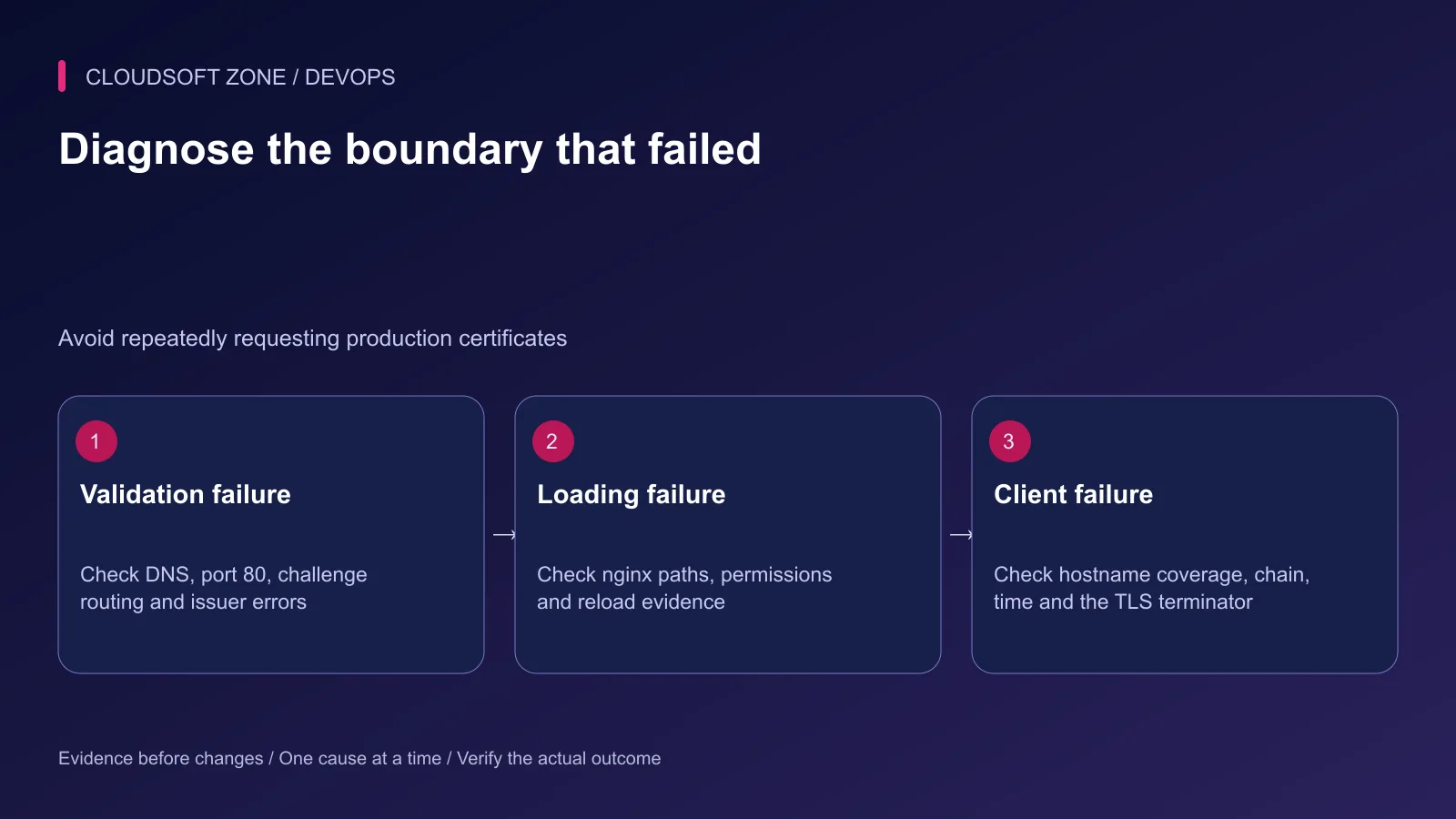
Use staging checks while diagnosing validation rather than repeatedly requesting production certificates. Requests can consume issuance limits without changing the underlying DNS or routing failure. Certbot normally determines which certificates need renewal; avoid forcing renewal during routine checks.
Step 6: Reload after a successful certificate change
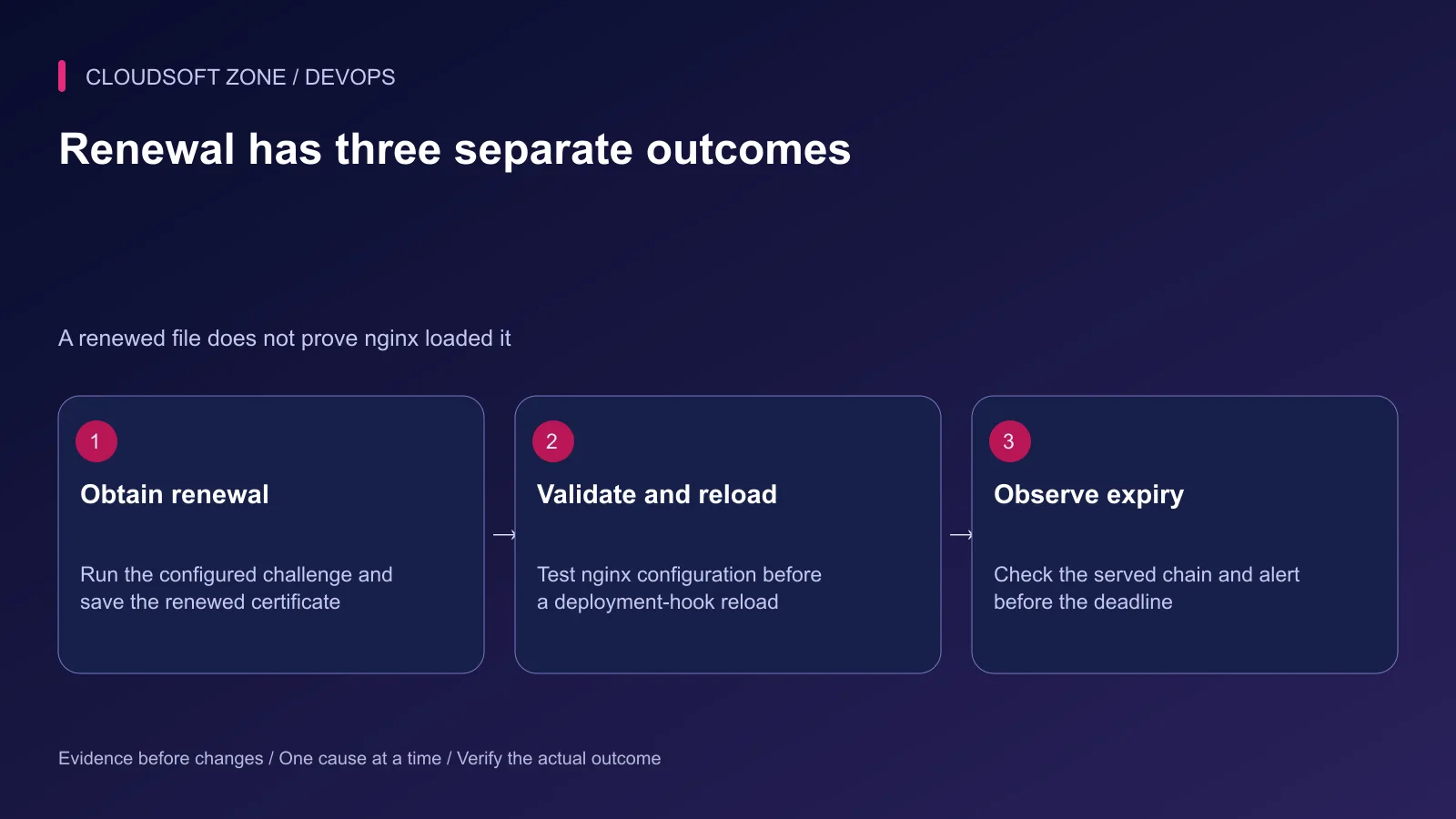
nginx loads certificates into its running configuration. If the renewal workflow does not reload nginx, the process can continue presenting the previous certificate until another reload occurs.
The nginx installer normally manages integration-specific reload behaviour. When you use certificate-only or webroot acquisition, deliberately configure and test a deploy hook. Use one owner for the reload. A hook can validate before reloading:
#!/bin/sh
set -eu
/usr/sbin/nginx -t
/usr/bin/systemctl reload nginx
This is the content of a root-owned executable deploy-hook file in Certbot's renewal-hooks/deploy directory, not a command to paste into an application's startup file. Confirm executable paths on your host. A failed nginx test must prevent reload and create an operational alert.
Deploy hooks run after successful renewal, not simply because a timer fired. Review the hook's execution evidence separately from issuance. A broken application include can stop nginx validation even when Certbot obtained a new certificate correctly.
Step 7: Diagnose the specific failure
| Symptom | Check first | Corrective direction |
|---|---|---|
| HTTP challenge is unreachable | Public DNS, port 80 and challenge response | Correct routing or move to deliberate DNS validation |
| One address fails validation | A and AAAA targets | Remove or repair the unintended endpoint |
| TXT record is not found | Authoritative DNS and propagation | Correct plugin scope and zone; wait for the real record |
| Certificate file is new but browser sees expiry | Actual TLS terminator and reload evidence | Load the renewed certificate at the endpoint customers use |
| Trust or name error | Full chain, SAN names and client clock | Serve the correct chain and hostname; fix time separately |
Inspect Certbot's protected logs for the exact failure. Sanitize domain-account information before sharing diagnostics. Do not erase renewal configurations or certificate archives as a first troubleshooting step; they contain lineage and recovery information.
Step 8: Monitor expiry and retain a recovery route
Monitor the certificate served over the public network, not only a file timestamp. Alert early enough to repair DNS, credentials or nginx without an emergency. Record who receives the alert and who owns each TLS endpoint.
Keep a known-good nginx configuration available. If a new configuration fails validation, restore only that reviewed configuration and test again before reload. Keep the last valid certificate material intact while investigating. Do not replace a production certificate with a staging certificate: browsers do not trust the staging issuer.
Certificate lifetimes and client recommendations can change. Let the ACME client decide its renewal window and check current issuer guidance near publication. HTTPS also does not make an application secure by itself; authorization, private keys, patching and backups need their own owners.
For deployment fundamentals, continue with our nginx reverse-proxy guide. If you need a reviewed certificate and deployment configuration, discuss the project with Cloudsoft Zone.
Featured image: Cloudsoft Zone technical layout with nginx artwork by Igor Sysoev (Public domain). Product mark resized proportionally for identification; no endorsement implied. Layout: CC BY-SA 4.0.
Frequently asked questions
Can I close port 80 after enabling HTTPS?
HTTP-01 renewals still need inbound port 80. Keep the challenge path reachable or deliberately move to an automated DNS-01 configuration.
Why does an expired certificate appear after Certbot renewed it?
nginx may not have reloaded, the wrong server block may be selected, or a CDN/load balancer may terminate TLS with a different certificate. Inspect the actual endpoint.
Does certbot renew --dry-run prove the live certificate was renewed?
No. It exercises renewal against the staging service. Inspect the production certificate files and the public TLS response independently.
Your next customer could start right here.
Introduce your tool, product or business to readers exploring technology.
Explore placements and request a private quote
Sources
- Certbot nginx installation instructions — Electronic Frontier Foundation
- ACME challenge behaviour — Let’s Encrypt
- Certbot renewal and deploy hooks — Certbot
- nginx HTTPS certificate configuration — nginx
- nginx configuration testing and reload — nginx
- OpenSSL s_client options — OpenSSL
Comments
No comments yet. Be the first to join the conversation.
Leave a comment
Every comment is read by a moderator before it appears. Your email address is never published; it is used only to contact you about this comment.
More from Cloudsoft Zone
Architecture guideDevOps
When SaaS needs Kubernetes: workload signals and a practical pilot
Decide when SaaS needs Kubernetes using measured orchestration problems, replica readiness, operating ownership, a bounded pilot and verified recovery.
By Cloudsoft Zone
Resource guideDevOps
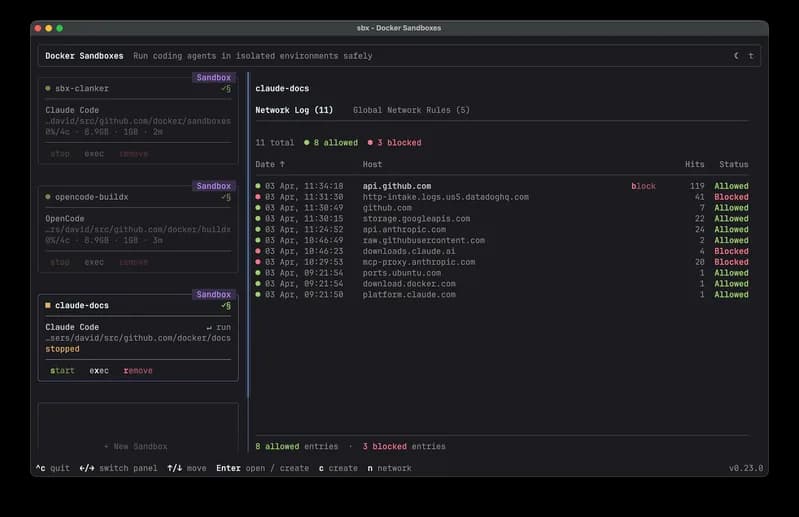
Docker AI tools explained: Gordon, Agent, Skills, MCP and Sandboxes
Understand Docker AI tools by their roles: Gordon assistance, Agent orchestration, Skills guidance, MCP connections and isolated Sandboxes.
By Cloudsoft Zone
ComparisonDevOps
VPS vs managed hosting vs serverless: a SaaS decision workbook
Compare VPS vs managed hosting vs serverless using workload requirements, operating ownership, current cost inputs, pilot evidence and recovery targets.
By Cloudsoft Zone