
In this article
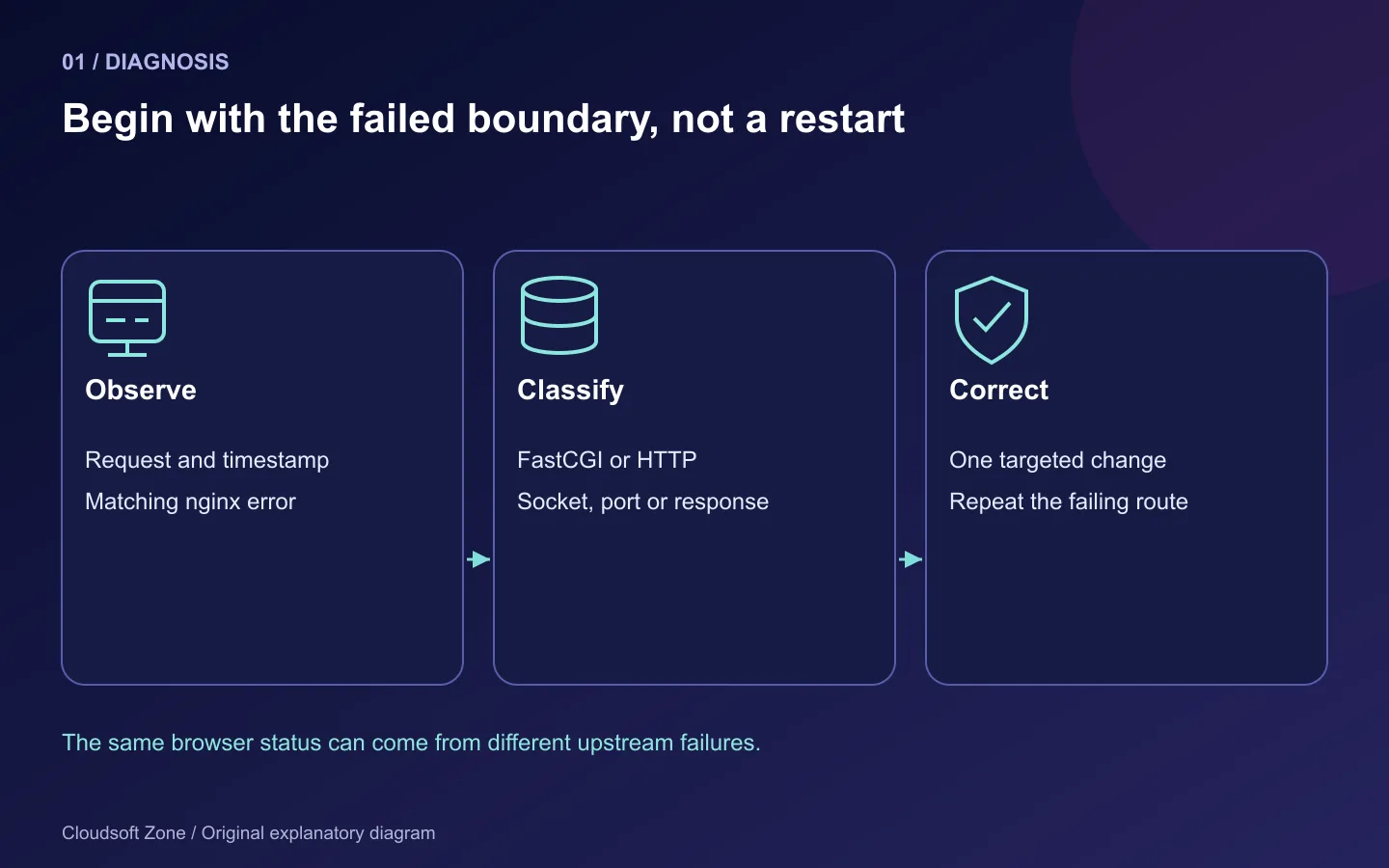
A 502 error tells you that nginx could not obtain a valid response from an upstream. It does not tell you whether PHP-FPM stopped, a Node application moved to another port, a socket permission changed or a process died while serving a request. Restarting everything may make the page work briefly while destroying the evidence needed to fix the cause.
To fix nginx 502 Bad Gateway, begin with the exact failing request and the matching error-log entry. This guide separates PHP-FPM's FastCGI connection from Node.js and PM2's HTTP connection, then uses small checks to find which boundary is broken. The commands are diagnostic examples for a Linux server you administer; record the actual service names, log locations and nginx build before using them.
Step 1: Identify the request, virtual host and upstream
Capture the hostname, path, time and whether every request fails or only one operation. Test a cheap endpoint before repeatedly triggering a payment, upload or expensive report. A cached homepage can look healthy while a dynamic API remains broken.
curl -I https://app.example.com/health
sudo tail -n 80 /var/log/nginx/error.log
sudo systemctl status nginx --no-pager
sudo nginx -t
Use the health path your application actually implements. Some health endpoints permit GET but not HEAD; if HEAD is inconclusive, perform a normal GET. A successful nginx -t only checks configuration parsing and referenced files. It does not prove that the upstream application can execute.
Inspect the selected virtual host locally. nginx -T prints all loaded configuration and may include sensitive values; review it privately instead of pasting the output into a public chat or support ticket. Look for either fastcgi_pass or proxy_pass. The protocols are different and the corresponding timeout and header directives differ too.
| Log symptom | First boundary to examine |
|---|---|
| Connection refused | Wrong address/port or no listening upstream |
| No such file or directory for a Unix socket | Wrong socket path or absent FPM service |
| Permission denied | nginx user cannot access a socket or traverse a parent |
| Upstream closed connection prematurely | Process crash, forced termination or invalid response |
| Upstream sent too big header | Application response headers exceed configured buffers |
| Upstream timed out | Slow or blocked response; often a 504 rather than a 502 |
These are symptom families, not guaranteed identical log strings across every build. Do not assume a timeout setting is responsible for connection refusal.
Step 2: Check PHP-FPM's real socket and service
On an Ubuntu PHP 8.3 installation, the service and socket commonly use these names. Change them to match the installed pool:
sudo systemctl status php8.3-fpm --no-pager
sudo journalctl -u php8.3-fpm --since '15 minutes ago' --no-pager
sudo ss -lxnp
sudo grep -nE '^(listen|listen.owner|listen.group|listen.mode)' \
  /etc/php/8.3/fpm/pool.d/www.conf
Compare the configured listen value with nginx's fastcgi_pass. A PHP upgrade can leave nginx pointing to the old version's socket. Confirm CLI and FPM separately; php -v reports the command-line interpreter, not the daemon handling web requests.
For a Unix socket, inspect the socket permissions and each parent directory. Correct the pool's owner/group/mode policy so that the nginx worker can connect. Changing the socket manually is temporary because FPM recreates it; giving everyone write permission hides the policy error.
namei -l /run/php/php8.3-fpm.sock
sudo php-fpm8.3 -t
If the executable name differs, use the installed binary. Validate before a controlled reload, and preserve a way back to the previous configuration. Do not create a fake socket file with touch: it is not a listening FastCGI service.
Step 3: Distinguish FPM connection health from PHP application health
Once nginx can connect, an application can still fail because its entry point is wrong, its extensions differ, its writable directories are inaccessible or a dependency is unavailable. Verify that the document root points to the framework's public directory and that SCRIPT_FILENAME resolves the actual entry point.
A FPM ping/status endpoint, when configured, must be restricted to trusted administration access. It can diagnose pool availability without executing your application, but a successful ping cannot prove the application's database works. Keep public health output minimal and protect detailed status pages that expose request information.
If the error appears only under load, inspect worker saturation, request duration and memory rather than repeatedly increasing capacity. Our PHP-FPM pm.max_children guide covers that specific diagnosis. Large worker counts consume memory and can make the kernel terminate processes, turning a capacity change into a different failure.
Step 4: Check Node.js directly before changing nginx
For an HTTP upstream on loopback, test the service from the same host as nginx:
curl --max-time 5 -i http://127.0.0.1:3001/health
sudo ss -ltnp
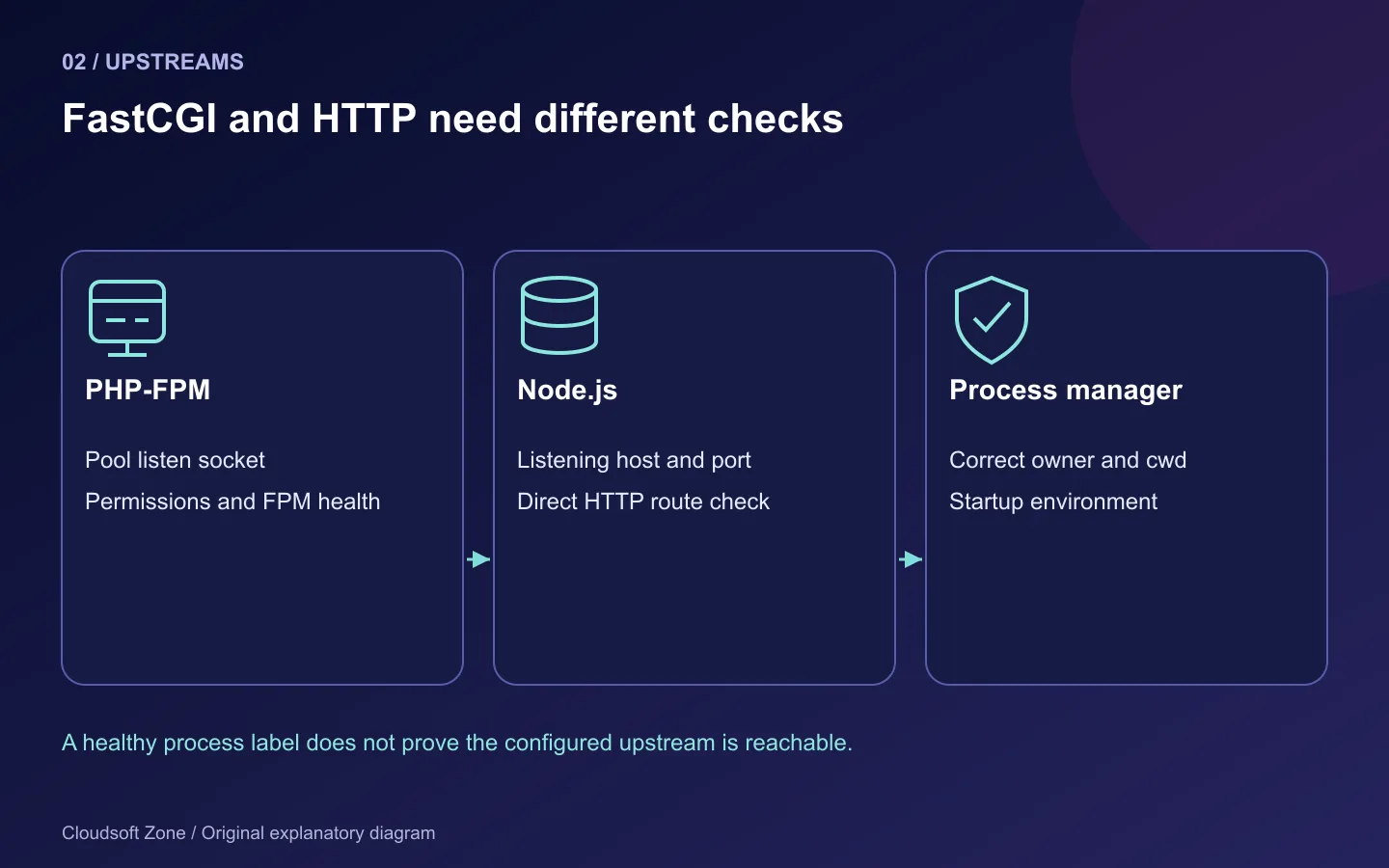
The port and route are tutorial examples, not universal defaults. Compare the listening address with proxy_pass. A process listening only on ::1 is not necessarily reachable through 127.0.0.1; a hostname may resolve differently from the explicit address. In a container, loopback points to that container, not another service or the host.
If the direct request fails, repair the Node process first. Check configuration, dependency access and startup errors. If the direct request succeeds but nginx fails, compare protocol, upstream address, path mapping and the selected virtual host. Accidentally proxying HTTP to a TLS listener, or vice versa, produces failures that no application restart can correct.
A small HTTP proxy location might look like this:
location / {
    proxy_pass http://127.0.0.1:3001;
    proxy_set_header Host $host;
    proxy_set_header X-Forwarded-Proto $scheme;
    proxy_set_header X-Real-IP $remote_addr;
}
Check forwarded-header trust in the application; do not blindly trust headers supplied by arbitrary internet clients. URI rewriting also matters: a trailing slash on proxy_pass can replace the matched location prefix. Test a real API route after any change, not just /.
Step 5: Inspect PM2 under the account that owns the process
PM2 maintains a process list for its user and home directory. Running sudo pm2 list can show a different daemon from pm2 list under the deployment account. A process manager visible to root is not evidence that your application user's process is present.
pm2 list
pm2 describe api
pm2 logs api --lines 80 --nostream
Run those as the known service/deployment identity and use the actual process name. Review logs privately: applications sometimes print database URLs or tokens during startup. Check the working directory, executable, environment source, crash/restart count and whether build output exists. An online process can still listen on the wrong port or fail every request.
If the issue started after reboot, verify the correct user's startup integration and saved process list. If it started after a Node upgrade, verify the executable referenced by that startup service. A restart with old environment values may reproduce the same problem; use an explicit reviewed environment update instead of assuming PM2 rereads every configuration file.
Step 6: Investigate crashes, oversized headers and dependency delays
A process that exits midway through a request can make nginx report a premature close. Correlate application logs, service logs and host resource evidence for the same timestamp. An out-of-memory termination is not solved by a bigger nginx timeout. A slow database pool or synchronous external call needs application-side bounds and observability.
Oversized response headers are another distinct case. Repeated cookies, very large session values or upstream authentication metadata can exceed the proxy's header buffer. Inspect the size and purpose of the response header first. Remove unnecessary data before making a measured buffer change; increasing every buffer permanently for all routes wastes resources and leaves the application defect intact.
For long operations, prefer a bounded request that queues work and returns a job reference where the product permits it. That changes the application's behaviour and requires its own design; it is not a generic nginx configuration trick.
Step 7: Apply one correction and verify both paths
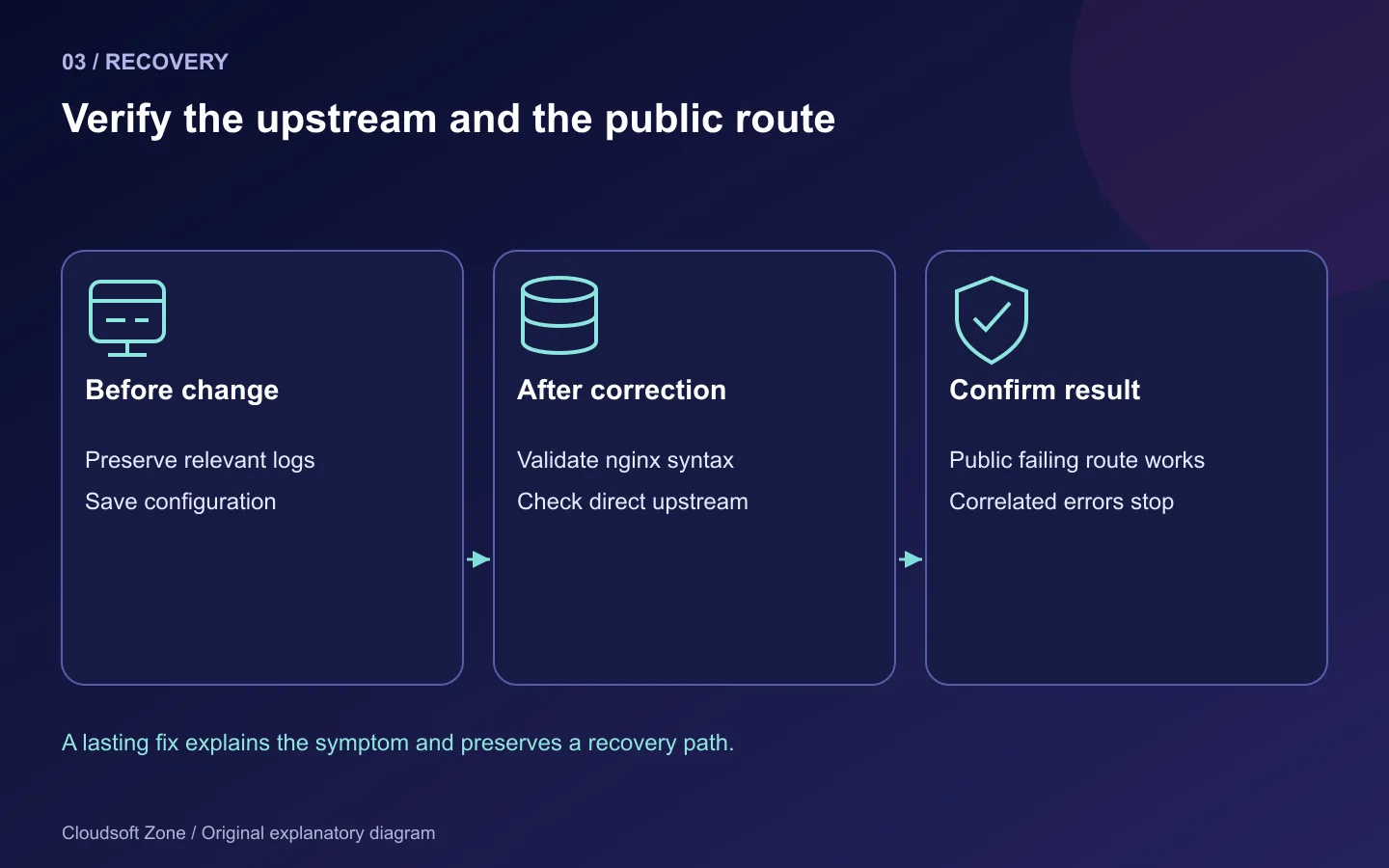
Save the current relevant configuration, validate the replacement and perform the smallest controlled change. Reload nginx after a successful configuration check. Restart only the affected application process when its configuration or binary actually changed.
sudo nginx -t
sudo systemctl reload nginx
curl --max-time 5 -i http://127.0.0.1:3001/health
curl --max-time 10 -i https://app.example.com/health
Repeat a representative failing route and inspect the matching logs. Do not include a sensitive token in a copied curl example or retry a non-idempotent request indiscriminately. If the error is intermittent, observe several requests under the relevant workload and track upstream status and response timing without logging confidential request data.
| Common attempted fix | Why it can miss the cause |
|---|---|
| Restart every daemon | Erases useful transient evidence and interrupts healthy workloads |
| Raise all timeouts | Does not repair an absent socket or refused connection |
| chmod a socket to 777 | Bypasses isolation and disappears when the socket is recreated |
| Run PM2 as root | Creates a different process owner and unnecessary privilege |
| Change ports everywhere | Can hide the original mismatch and break another upstream |
| Retry payment requests | Can repeat business effects unless the operation is idempotent |
The useful result is an explained boundary failure and a verified correction, not merely a page that happens to load after a restart. Keep the relevant symptom, configuration diff and recovery action in your operational record. For deployment architecture or recurring failure reviews, discuss your application with Cloudsoft Zone.
Featured image: Cloudsoft Zone explanatory layout with sourced product artwork: nginx — Igor Sysoev (Public domain). Product marks resized and arranged for identification; no endorsement implied. Layout: CC BY-SA 4.0.
Frequently asked questions
Does raising nginx timeouts fix every 502?
No. A missing socket, refused connection, process crash or invalid response needs its own diagnosis. Response timeouts often produce a 504.
Why is my PM2 list empty under sudo?
PM2 uses the current account's process environment and home. Root may be looking at a different daemon from the deployment account.
Can I curl a PHP-FPM Unix socket as HTTP?
FPM speaks FastCGI, not HTTP. Use the configured nginx route or an appropriate protected FastCGI diagnostic instead.
Your next customer could start right here.
Introduce your tool, product or business to readers exploring technology.
Explore placements and request a private quote
Sources
- nginx HTTP proxy module — nginx
- nginx FastCGI module — nginx
- PHP-FPM configuration — PHP
- PM2 process management — PM2
Comments
No comments yet. Be the first to join the conversation.
Leave a comment
Every comment is read by a moderator before it appears. Your email address is never published; it is used only to contact you about this comment.
More from Cloudsoft Zone
TutorialDevOps
Next.js NestJS VPS deployment with nginx and PM2
Next.js NestJS VPS deployment with private listeners, locked builds, nginx routing, PM2 startup, browser verification and compatible release recovery.
By Cloudsoft Zone
TutorialDevOps
How to deploy Laravel 13 on Ubuntu 24.04 with nginx, PHP-FPM, MySQL and Redis
Laravel 13 Ubuntu deployment with nginx, PHP-FPM, MySQL and Redis: private data services, persistent storage, queue workers and recovery checks.
By Cloudsoft Zone
TutorialDevOps
Laravel queue workers in production: Redis, Supervisor and failed jobs
Run Laravel queue workers with Redis and Supervisor, aligned timeouts, safe retries, graceful release restarts and deliberate failed-job recovery.
By Cloudsoft Zone