
Developer toolDeveloper tools
Git
Free, open-source distributed version control system for tracking code changes, branching and merging, created in 2005 and used by GitHub, GitLab and Bitbucket.
21 years active (founded 2005)

Essential details
- Pricing
- Open source · Free planFree and open source under the GNU GPL version 2
- Platforms
- Command line, Windows, macOS, Linux
- Service region
- Worldwide
- Website
- git-scm.com
Details last checked 10 October 2026
Photos
How changes move in Git: add to the staging area, commit to the local repository, then push and fetch with a remote. Common Git commands, such as fetch, pull, checkout, merge, commit and push, and the parts of a repository they act on. Linus Torvalds, who started Git in 2005, in conversation with Dirk Hohndel at LinuxCon + ContainerCon + CloudOpen 2018 in Beijing.
About Git
Git is a free and open-source distributed version control system. It records every change to a project's files as a series of commits, so a team can see who changed what and why, return to any earlier state, and work on several lines of development at once. It was designed to handle anything from a small script to very large projects such as the Linux kernel with speed and efficiency.
Git was created in 2005 by the Linux kernel community, led by Linus Torvalds. The kernel had been using the proprietary BitKeeper system, and when its free-of-charge status was withdrawn the developers built their own tool around a few goals: speed, a simple design, strong support for thousands of parallel branches, a fully distributed model and efficiency on large projects. It is released under the GNU General Public License version 2, and the project is a member of the Software Freedom Conservancy.
Key features
- Distributed repositories. Every clone holds the full history, so committing, branching, viewing logs and comparing versions work offline.
- Branching and merging. Branches are cheap to create, which makes feature branches and pull-request workflows practical.
- Staging area. Changes are added to a staging area before they are committed, so a commit can include exactly the changes intended.
- Remotes. Push, fetch and pull exchange commits with other repositories, including hosted services.
- Efficient storage. The project notes that the full Linux history, about 1.4 million commits, takes only about 5.5 GB.
- Tooling ecosystem. Git works from the command line, and the official site lists graphical clients; editors and hosting platforms build on it.
Who it is for
Git is for anyone who writes code or keeps text-based files under version control: individual developers, students learning to program, open-source projects and companies of every size. Hosting services such as GitHub, GitLab and Bitbucket are built around Git repositories, so learning Git is usually the first step to using any of them.
Pricing at a glance
- Git itself: free and open source, with no paid edition.
- Hosting: optional; repositories can live on your own server or with a hosting service, each with its own pricing.
The latest source release at the time of writing is Git 2.56.0, released on 28 September 2026. Checked on 10 October 2026.
Things to consider
- Git has a steep learning curve: concepts such as the staging area, rebasing and detached HEAD confuse many newcomers.
- Large binary files bloat repositories; extensions such as Git LFS are the usual answer.
- Commands such as reset --hard and force pushes can discard work, so learn them before using them on shared branches.
- Git tracks history but does not provide code review, issue tracking or CI on its own; those come from hosting platforms.
Getting started
- Install Git for Windows, macOS or Linux from the official install page.
- Set your name and email with git config so commits are attributed correctly.
- Run git init in a project folder, or git clone an existing repository.
- Use git add and git commit to record changes, and git log to review history.
- Work through the free Pro Git book to learn branching, merging and remotes.
Capabilities
- Version control
Pricing, platforms and fit
- Pricing
- Open sourceFree planFree and open source under the GNU GPL version 2
- Platforms
- Command lineWindowsmacOSLinux
- Made for
- DevelopersStudents and learners
- Integrations
- GitHubGitLabBitbucket
- Service region
- Worldwide
Reviews
No reviews yet
Ratings appear once our moderators have approved the first review. Nothing is published automatically.
Be the first to reviewWrite a review
Related guides
- Guide
How to find the commit that broke your build with git bisect run
A test passed last month and fails today, with hundreds of commits in between. This tutorial shows how to let git bisect run a script that tests each candidate commit and names the first bad one, including skips, custom terms and merge-heavy history.
The tutorial uses git bisect run to find a breaking commit.
- Guide
Merge commit, squash or rebase: choosing a pull request merge strategy
Merge commits, squash merges and rebase merges all land the same code but leave very different history behind. This comparison explains what each method does on GitHub and in plain Git, what you lose with each, and how to pick one rule for your team.
The trade-offs are explained with the Git reference manual and Pro Git.
- Guide
Git interview questions and answers: from commits to reflog
17 Git interview questions with model answers: index and branches, merge vs rebase, reset modes, revert, conflicts, reflog recovery, bisect and Git 3.0.
Every question and command in the article is about Git.
Related developer tools
Other published listings in the same category.

Developer toolsDeveloper tool
GitHub
Git-based platform for hosting code, reviewing pull requests, tracking issues and running CI/CD workflows, with free and per-user paid plans.
Freemium · free plan
View detailsContact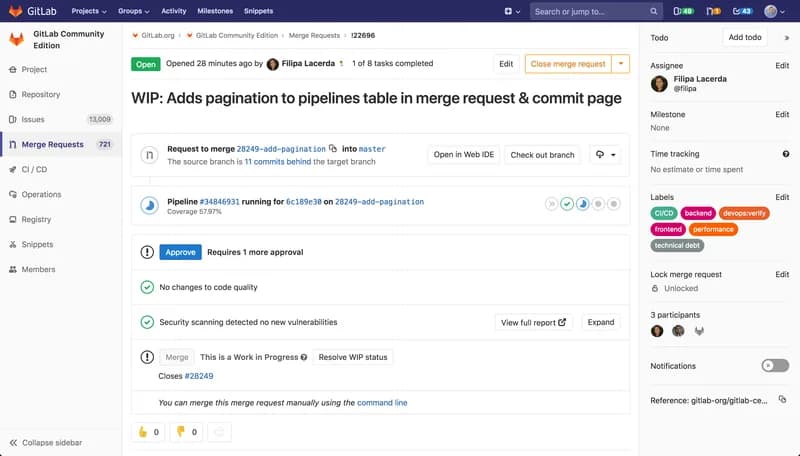

Developer toolsDeveloper tool
GitLab
DevSecOps platform combining Git repositories, merge request reviews, CI/CD pipelines and issue tracking, offered as SaaS, dedicated or self-managed.
Freemium · free plan
View detailsContact

Developer toolsDeveloper tool
Visual Studio Code
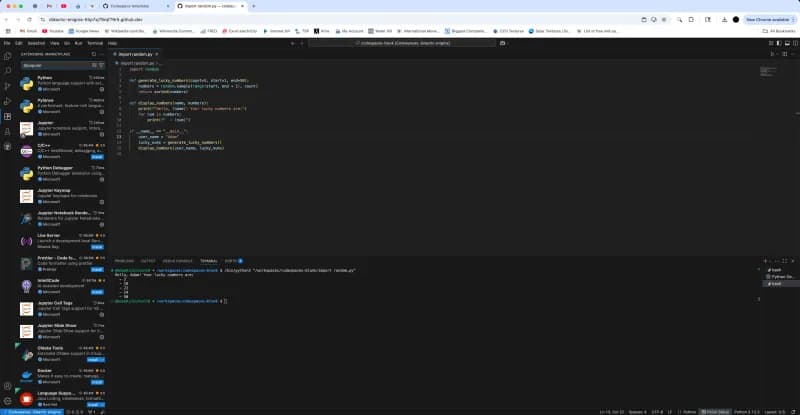
Free source-code editor from Microsoft for Windows, macOS, Linux and the browser, with built-in Git, debugging, a terminal and an extensions marketplace.
Free
View detailsContact

Developer toolsDeveloper tool
Docker
Container platform for building, sharing and running applications, including Docker Desktop, Docker Engine, Docker Hub and Docker Scout.
Freemium · free plan
View detailsContact