
eMudhra certificate compromise: find and replace affected TLS chains
The eMudhra certificate compromise led Chrome to distrust emSign ECC Root CA - G3 on 27 October. How to find affected TLS chains and replace them safely.
3 min read

In this article
The eMudhra certificate compromise means some TLS certificates will stop working in Chrome. Google reported that private keys for eMudhra subordinate CA certificates were generated with insufficient randomness. Chrome blocked those intermediates on 17 October 2026 and set the removal of emSign ECC Root CA - G3 from its root store for 27 October (PDT).
Google says no TLS certificates chaining to the affected intermediates were logged to Certificate Transparency before the block. There is no public evidence of fraudulent certificates in use. The practical risk is your own legitimate certificate losing trust.
Sources checked on 26 October 2026. Dates, availability and vendor figures can change; confirm the linked primary sources before acting.
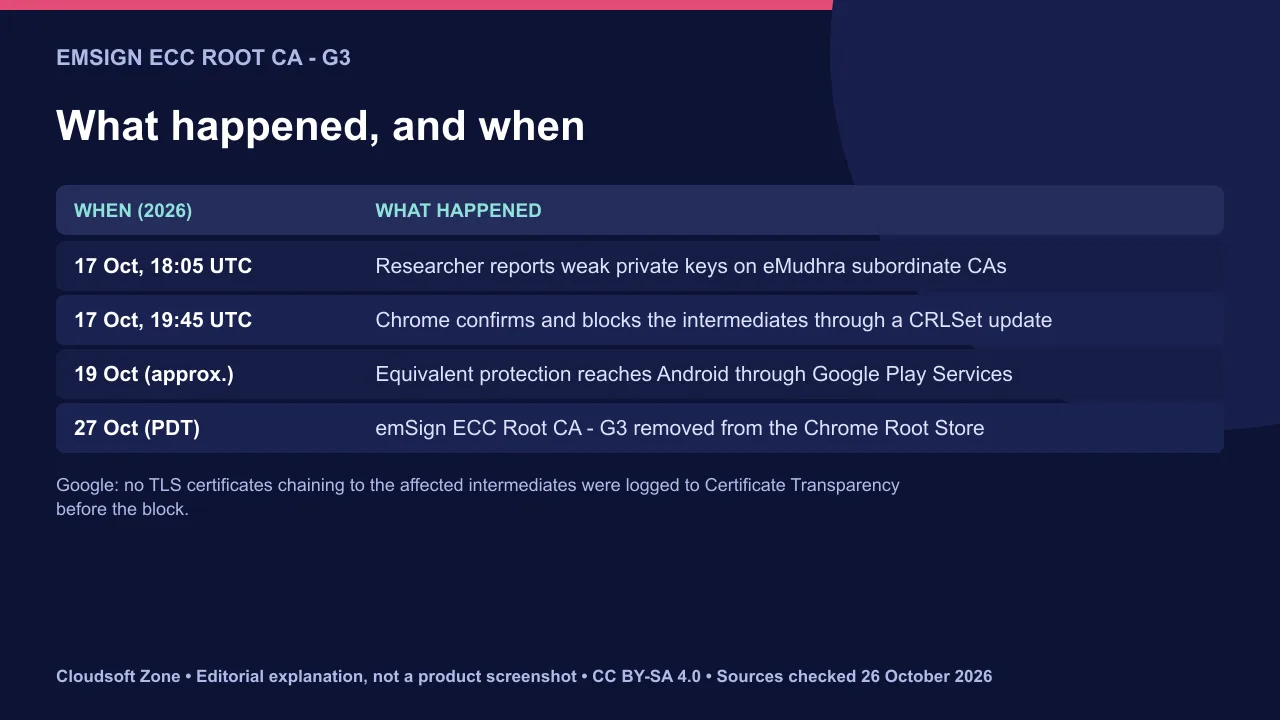
What the eMudhra certificate compromise affects
Certificates that chain to emSign ECC Root CA - G3 are affected. Google told site operators with such certificates to install a new one from another PKI hierarchy immediately.
Keep two things apart. The subordinate CAs had the weak keys, and Chrome blocked them first through a CRLSet update that needed no browser restart. The root removal then withdraws trust from everything beneath it, including legitimate certificates. Google's summary counts eight subordinate certificates; the same post later refers to six intermediates, so check the Common CA Database list rather than a number.
Android received equivalent protection through Google Play Services. eMudhra says it will help affected subscribers migrate. Google is still evaluating eMudhra's other CA certificates.
How to check your certificate chains
Check the chain each endpoint actually serves, not the certificate you think you bought. Run this against every public hostname:
openssl s_client -connect example.com:443 -servername example.com -showcerts </dev/null 2>/dev/null | grep -E "s:|i:"Look for eMudhra or emSign in the issuer lines. Repeat for each CDN edge, load balancer, API gateway and mail server, because each can hold a different certificate. Include internal services that Chrome-based clients or Android apps call.
| Where to look | Why it is missed |
|---|---|
| CDN and edge certificates | Uploaded once and forgotten |
| Load balancers and API gateways | Managed by a different team |
| Mobile API endpoints | Not visible in a website scan |
| Staging and partner domains | Outside the main inventory |
Replace and deploy the new certificate
Order a replacement from a CA in a different hierarchy that is in the Chrome Root Store. Then install the full new chain, including intermediates, everywhere the old one lived.
- Generate a new private key; do not reuse the old one.
- Request the certificate and validate the domain.
- Deploy to every endpoint found in the inventory, starting with the busiest.
- Re-run the
opensslcheck and confirm the new issuer on each hostname. - Revoke the old certificate once nothing serves it.
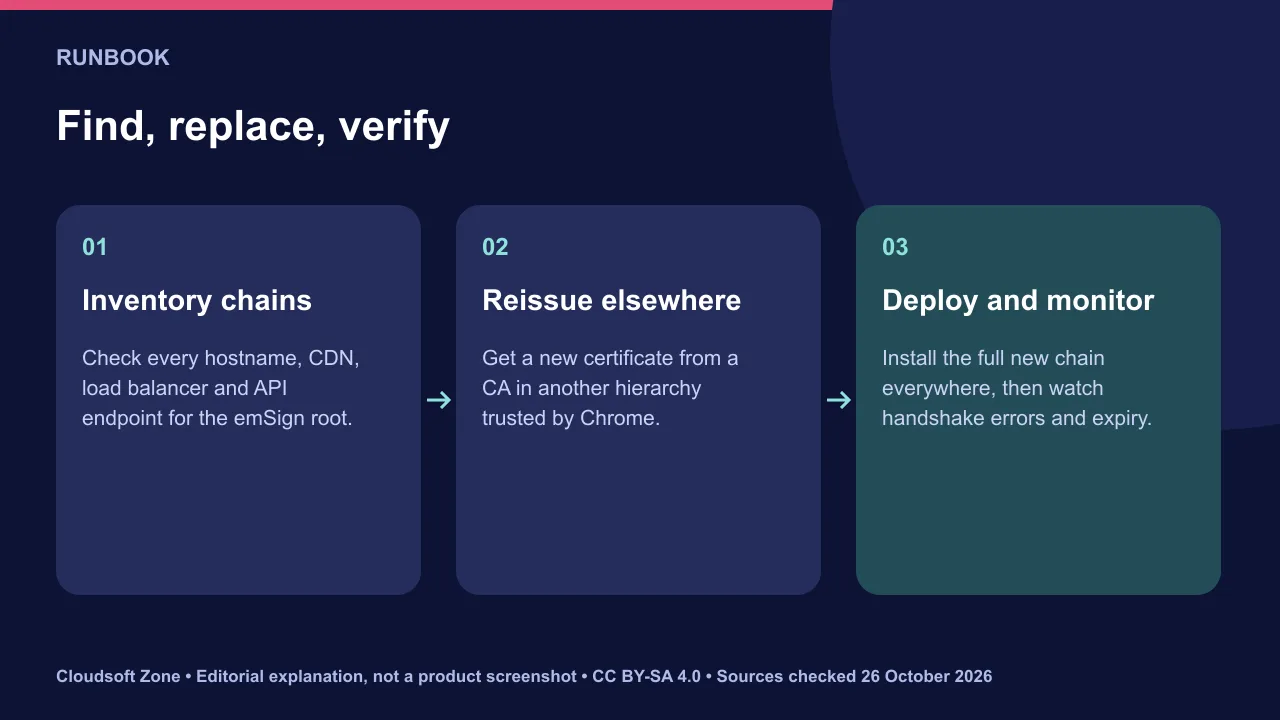
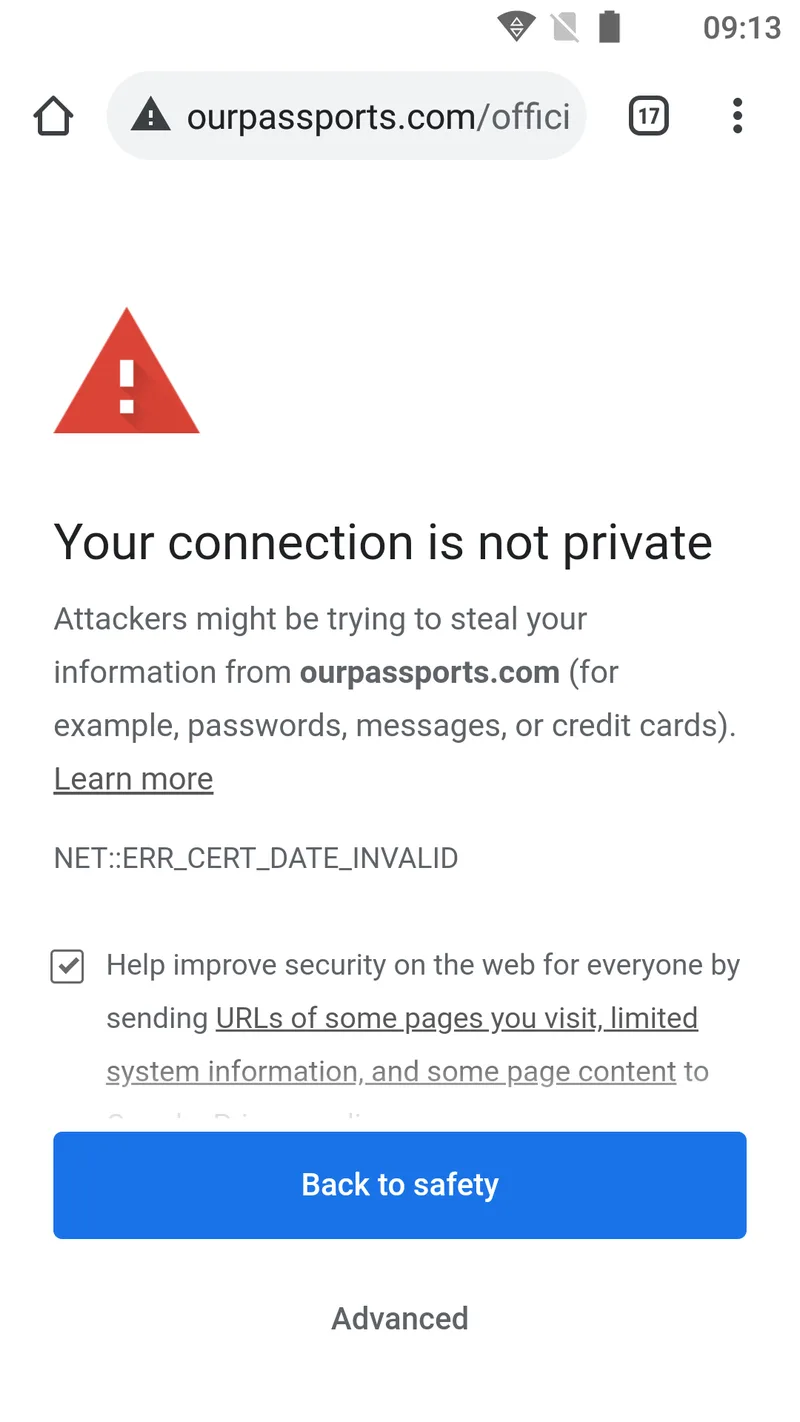
Monitor after the change
Watch for handshake failures and expiry. A missed endpoint shows up as TLS errors from Chrome and Android users.
Track error rates at the CDN and load balancer for a week. Add the new certificates to expiry monitoring. Subscribe to Certificate Transparency alerts for your domains so you see any certificate issued for them.
Our verdict: if any chain shows the emSign ECC root, replace it today; a forgotten endpoint is the main risk. For a TLS audit or a managed migration, see our server deployment and cloud setup and maintenance and support services. Related: our Ubuntu server security checklist.
Sources and further reading
Image credits
Explanatory diagrams: Cloudsoft Zone, CC BY-SA 4.0. Featured photograph: U.S. Department of Agriculture Lance Cheung/Multimedia PhotoJournalist, Public domain, via Wikimedia Commons. Your connection is not private notice in the Ecosia browser (February 2021) 01: Ecosia, GmbH., Public domain, via Wikimedia Commons.
Frequently asked questions
Were fraudulent certificates found?
Google says no TLS certificates chaining to the affected intermediates were logged to Certificate Transparency before the block. That does not prove none existed, but there is no public evidence of misuse.
Which root is being removed?
emSign ECC Root CA - G3, from the Chrome Root Store, with the change reaching devices on 27 October 2026 (PDT).
Do visitors need to update Chrome?
No. The intermediate block shipped through a CRLSet update without a browser restart. Site owners must replace affected certificates.
Your next customer could start right here.
Introduce your tool, product or business to readers exploring technology.
Explore placements and request a private quote
Sources
Written with substantial AI assistance. Facts checked against cited sources. Editorial policy.
Comments
No comments yet. Be the first to join the conversation.
Leave a comment
Every comment is read by a moderator before it appears. Your email address is never published; it is used only to contact you about this comment.
More from Cloudsoft Zone
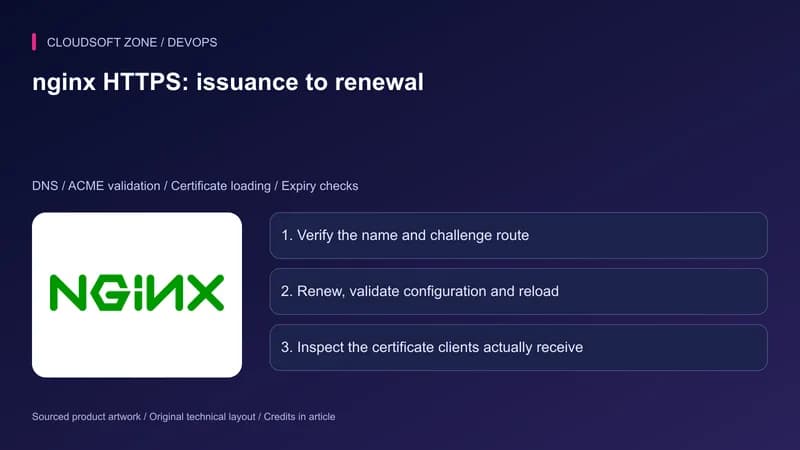
TutorialDevOps
nginx Certbot renewal: configure HTTPS and diagnose certificate failures
Keep nginx Certbot renewal working with domain validation checks, safe certificate installation, deployment hooks and a clear expiry troubleshooting sequence.
By Cloudsoft Zone
Industry updateDevOps
GitHub public monitoring: triage leaked secrets with API and webhooks
GitHub public monitoring adds validity checks, alert timelines, a REST API and webhooks for leaked enterprise secrets. Build a response from alert to rotation.
By Cloudsoft Zone
Architecture guideDevOps
When SaaS needs Kubernetes: workload signals and a practical pilot
Decide when SaaS needs Kubernetes using measured orchestration problems, replica readiness, operating ownership, a bounded pilot and verified recovery.
By Cloudsoft Zone