
Next.js NestJS Docker Compose deployment with MySQL and Redis
Build a Next.js NestJS Docker Compose stack with standalone web output, compiled API images, private MySQL and Redis, secret files and persistent volumes.
7 min read

In this article
Containerizing the frontend is usually straightforward. The problems begin when the frontend calls localhost for an API in another container, MySQL initializes after the API starts, a build tries to query a database that does not exist yet, or uploads vanish when an image is replaced. A four-service deployment needs explicit contracts between the services.
This Next.js NestJS Docker Compose guide builds a single-server topology with MySQL and Redis. It uses a standalone Next.js image, a compiled Nest API, private data networking, file-based secrets and retained volumes. nginx can run on the host and route the loopback-bound application ports. This is a staging-first deployment baseline, not a high-availability system.
The example assumes separate web and api folders with npm lockfiles, a Nest output at dist/main.js and an application that supports the secret-file settings shown below. Adapt those assumptions to the existing project. Record exact image digests and dependency versions after validating the complete walkthrough on an isolated Linux host.
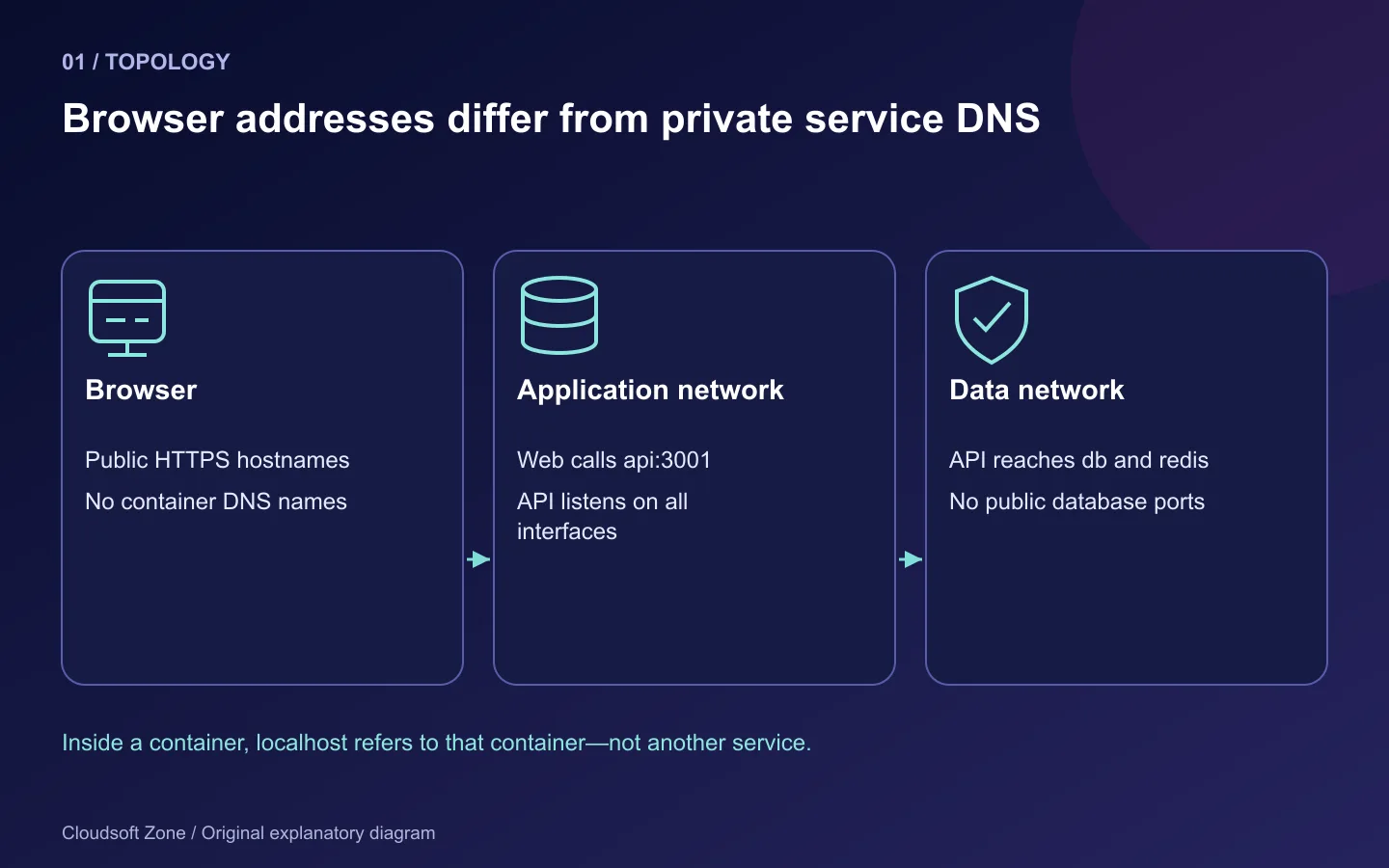
Step 1: Separate image construction from service startup
A build should produce the application artifact without needing production database credentials. If a statically generated Next.js page queries the API during build, either provide an approved build-time content source or deliberately change that page's rendering strategy. Do not smuggle a production database password into a Docker build to make it pass.
Keep the build context clean in both application folders:
node_modules
.next
dist
.git
.env
.env.*
secrets
*.log
Put these entries in .dockerignore, with explicit exceptions only for genuinely public example files if required. Avoid copying a private npm token into an image layer. Use BuildKit secret mounts for authenticated dependency installation when necessary.
Step 2: Build the Next.js standalone image
Enable standalone output in the frontend's existing configuration:
const nextConfig = { output: 'standalone' };
export default nextConfig;
A compact Dockerfile for a conventional single-package application is:
ARG NODE_IMAGE=node:24-bookworm-slim
FROM ${NODE_IMAGE} AS build
WORKDIR /app
COPY package.json package-lock.json ./
RUN npm ci
COPY . .
ENV NEXT_TELEMETRY_DISABLED=1
RUN npm run build

FROM ${NODE_IMAGE} AS runtime
WORKDIR /app
ENV NODE_ENV=production PORT=3000 HOSTNAME=0.0.0.0
COPY --from=build --chown=node:node /app/.next/standalone ./
COPY --from=build --chown=node:node /app/.next/static ./.next/static
COPY --from=build --chown=node:node /app/public ./public
USER node
EXPOSE 3000
CMD ["node", "server.js"]
The Node tag identifies an example release family; replace it with the reviewed patched image and digest for a real release. The application must have a public directory for that COPY instruction. Confirm native image-processing dependencies and writable cache paths under the non-root user.
In a monorepo, standalone output can preserve workspace directory structure and require a wider tracing root. Inspect the generated artifact and use its actual server entry point. Do not transplant this single-package Dockerfile into a pnpm workspace without reviewing tracing and dependency installation.
Public NEXT_PUBLIC_ settings are baked into the frontend build. Prefer an intentional same-origin API route where the product supports it, or provide the public API origin at build time. A runtime-only API_ORIGIN=http://api:3001 is for server-side requests; the browser cannot resolve Compose's api service name.
Step 3: Build the compiled API image
For a standard npm Nest project with runtime dependencies in the same package:
ARG NODE_IMAGE=node:24-bookworm-slim
FROM ${NODE_IMAGE} AS build
WORKDIR /app
COPY package.json package-lock.json ./
RUN npm ci
COPY . .
RUN npm run build
RUN npm prune --omit=dev

FROM ${NODE_IMAGE} AS runtime
WORKDIR /app
ENV NODE_ENV=production PORT=3001
COPY --from=build --chown=node:node /app/dist ./dist
COPY --from=build --chown=node:node /app/node_modules ./node_modules
COPY --from=build --chown=node:node /app/package.json ./package.json
USER node
EXPOSE 3001
CMD ["node", "dist/main.js"]
Copy any generated database client, runtime templates or schema files the application actually needs. The package's ES-module/CommonJS settings and compiled entry point must agree. Bind Nest to 0.0.0.0 inside the container so another container or the published port can reach it.
Implement validated startup configuration, bounded database/Redis connections and a minimal /health/ready route. A successful process launch is not proof that the configured schema exists. Enable graceful shutdown hooks for the resources the API owns.
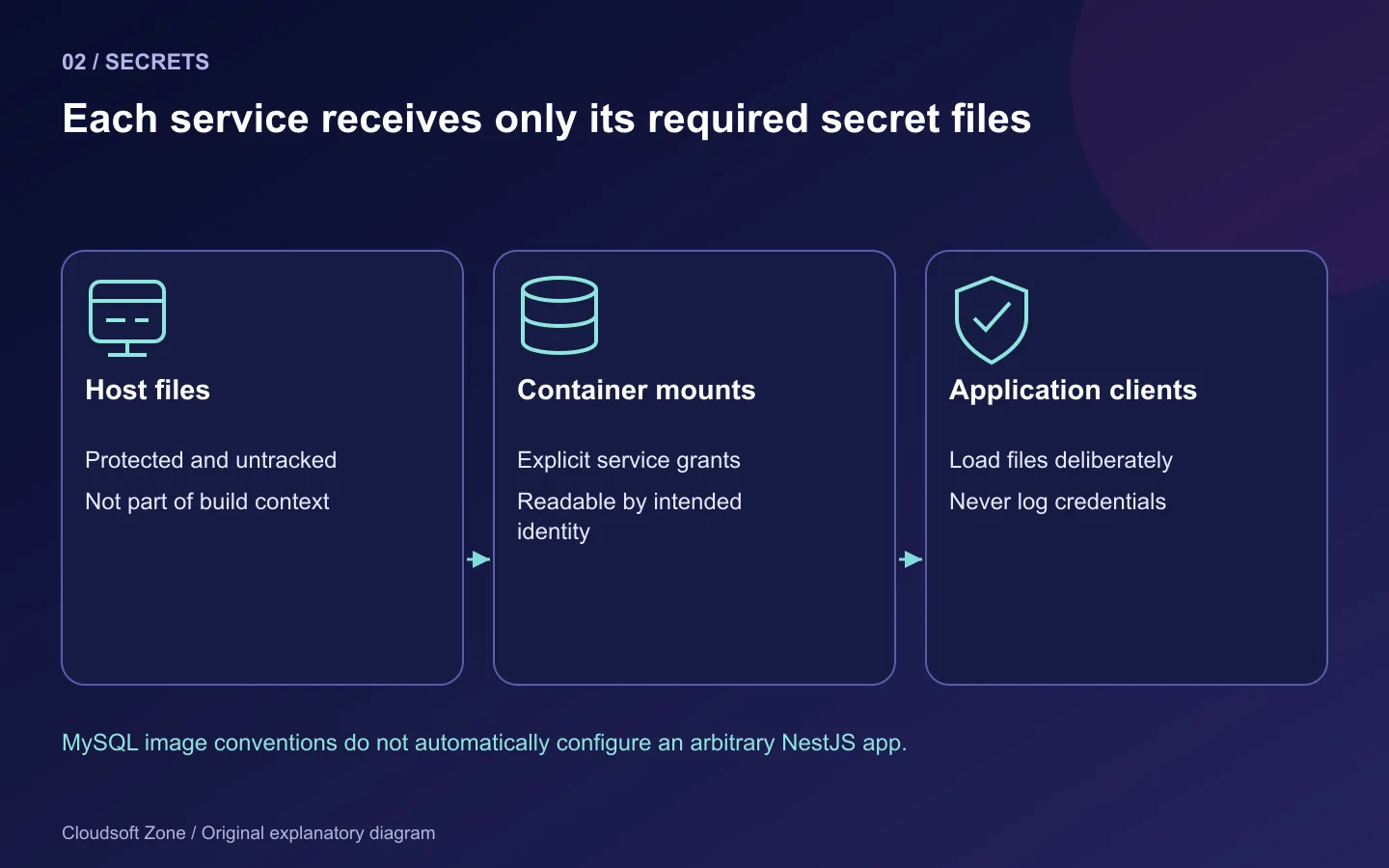
Step 4: Read secret files in the application explicitly
The official MySQL image supports specific _FILE settings. Your Nest application needs its own implementation. For example, load the password privately before creating the database client:
import { readFileSync } from 'node:fs';

function secretFile(name: string): string {
  const path = process.env[name];
  if (!path) throw new Error(`Missing secret path: ${name}`);
  const value = readFileSync(path, 'utf8').replace(/\r?\n$/, '');
  if (!value) throw new Error(`Empty secret: ${name}`);
  return value;
}

const databasePassword = secretFile('DB_PASSWORD_FILE');
const redisPassword = secretFile('REDIS_PASSWORD_FILE');
Pass those values to the existing clients without logging them. Do not pretend that these variable names work automatically. Prefer structured connection configuration or correct URL encoding rather than concatenating an unescaped password into a connection URL.
Prepare protected host files for the database user, database root and Redis password. Prepare a private Redis configuration file with authentication, a persistence policy and an appropriate memory/eviction policy. Its password must match the API's Redis password file. Keep all of these outside version control and the build context.
Step 5: Define the service topology
The following Compose file expects WEB_IMAGE, API_IMAGE, MYSQL_IMAGE and REDIS_IMAGE to be reviewed image references. Use a MySQL 8.4-compatible image and a supported Redis image validated with the application's client. Supply private secret files before startup.
services:
  web:
    image: "${WEB_IMAGE:?required}"
    init: true
    restart: unless-stopped
    environment:
      API_ORIGIN: http://api:3001
    ports: ["127.0.0.1:3000:3000"]
    networks: [application]
  api:
    image: "${API_IMAGE:?required}"
    init: true
    restart: unless-stopped
    stop_grace_period: 30s
    environment:
      PORT: "3001"
      DB_HOST: db
      DB_PORT: "3306"
      DB_DATABASE: saas
      DB_USERNAME: saas_app
      DB_PASSWORD_FILE: /run/secrets/db_password
      REDIS_HOST: redis
      REDIS_PASSWORD_FILE: /run/secrets/redis_password
    secrets: [db_password, redis_password]
    ports: ["127.0.0.1:3001:3001"]
    volumes: ["uploads:/app/uploads"]
    depends_on:
      db: {condition: service_healthy}
      redis: {condition: service_started}
    networks: [application, data]
  db:
    image: "${MYSQL_IMAGE:?required}"
    restart: unless-stopped
    environment:
      MYSQL_DATABASE: saas
      MYSQL_USER: saas_app
      MYSQL_PASSWORD_FILE: /run/secrets/db_password
      MYSQL_ROOT_PASSWORD_FILE: /run/secrets/db_root_password
    secrets: [db_password, db_root_password]
    volumes: ["mysql_data:/var/lib/mysql"]
    healthcheck:
      test: ["CMD", "mysqladmin", "ping", "--host=127.0.0.1", "--silent"]
      interval: 10s
      timeout: 5s
      retries: 10
      start_period: 60s
    networks: [data]
  redis:
    image: "${REDIS_IMAGE:?required}"
    restart: unless-stopped
    command: ["redis-server", "/run/secrets/redis_config"]
    secrets: [redis_config]
    volumes: ["redis_data:/data"]
    networks: [data]
networks:
  application: {}
  data: {internal: true}
volumes:
  mysql_data: {}
  redis_data: {}
  uploads: {}
secrets:
  db_password: {file: ./secrets/db_password}
  db_root_password: {file: ./secrets/db_root_password}
  redis_password: {file: ./secrets/redis_password}
  redis_config: {file: ./secrets/redis.conf}
The MySQL ping checks server availability, not application authentication or schema readiness. The API must verify its own bounded connection and tolerate Redis startup delays. Initial MySQL environment settings apply to initialization of an empty data directory; changing them does not rotate accounts in an existing database.
The example's bootstrap database user is not a fully reviewed least-privilege runtime policy. Restrict grants and separate migration privileges before production. Named-volume ownership also needs staging verification, especially for non-root uploads and the Redis configuration file.
Step 6: Start staging and verify every boundary
Use one explicit project name and the intended Docker context:
docker compose --project-name saas-stage config --quiet
docker compose --project-name saas-stage pull
docker compose --project-name saas-stage up -d
curl --fail --max-time 10 http://127.0.0.1:3001/health/ready
curl --fail --max-time 10 http://127.0.0.1:3000/
Configure host nginx with the actual public hostnames and trusted TLS, using our VPS routing guide for the proxy boundary. PM2 is not required inside these containers: Compose supervises container lifecycle and Node runs the application directly.
Apply reviewed migrations as a separate deployment step, using the API's real migration command and migration credentials. Do not start every API replica with unconditional schema changes. After the schema is ready, verify browser login, a synthetic database write, a Redis-dependent operation and upload retention.
Step 7: Record persistence and recovery checks
| Failure | Diagnosis boundary |
|---|---|
| Frontend cannot call API | Browser origin versus Compose service DNS |
| API refuses database connection | Initialization, authentication and bounded retry |
| Image starts but route fails | Actual compiled entry point and generated client |
| Missing frontend assets | Standalone static/public copies |
| Upload disappears on replacement | Actual application path versus mounted volume |
| Redis data disappears | Configured persistence, volume and backup policy |
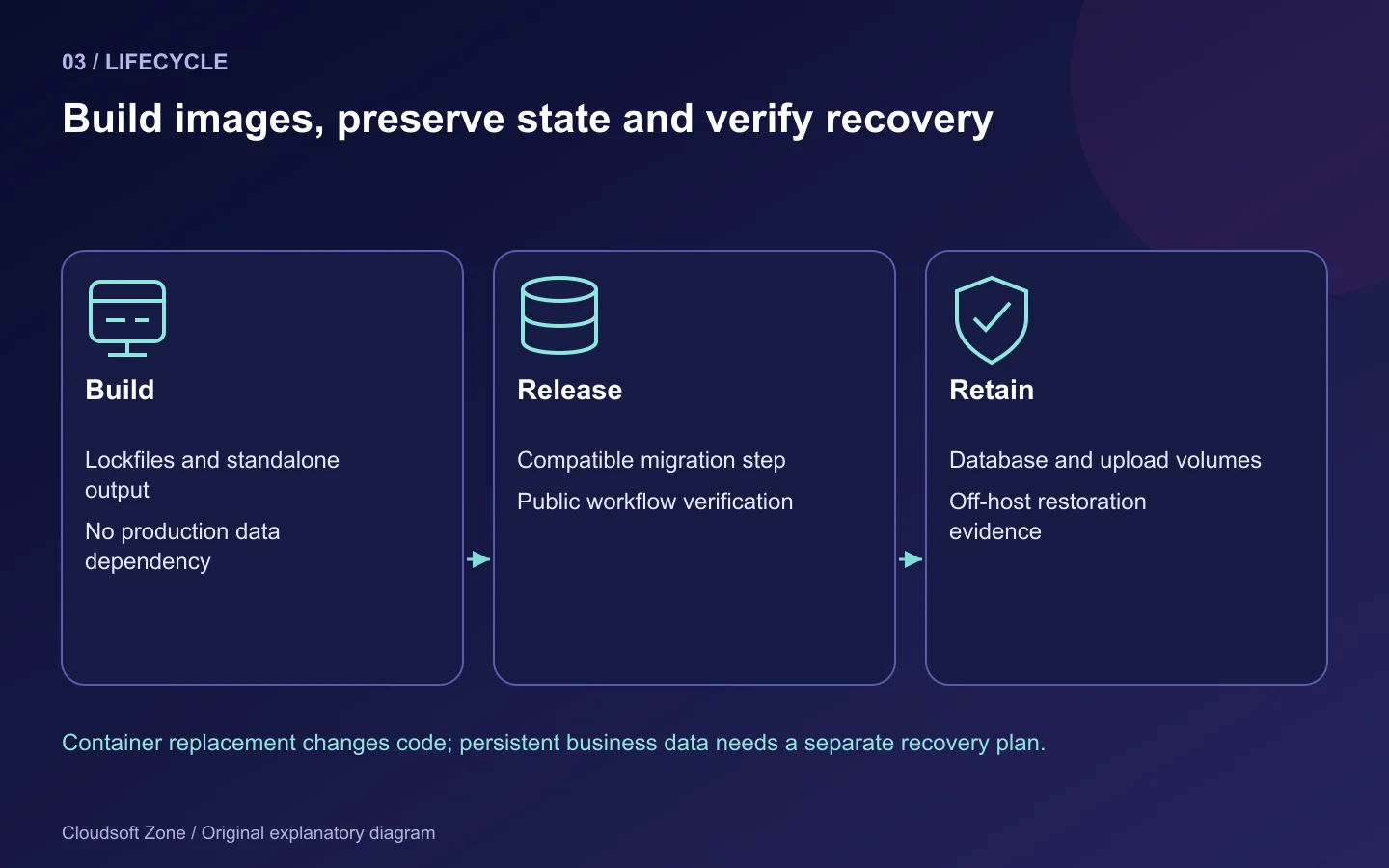
Keep database-consistent off-host backups, upload copies and secret recovery procedures. Never remove volumes as a routine fix. Retain previous image references and use compatible schema changes so an application rollback remains possible.
Before going live, complete the Compose production checklist: resource limits, bounded logs, TLS renewal, secret readability and a tested restore are not optional consequences of writing YAML. For help reviewing the complete stack, contact Cloudsoft Zone.
Featured image: Cloudsoft Zone explanatory layout with sourced product artwork: nextjs — Vercel (CC BY-SA 4.0); nestjs — NestJS (Public domain); docker — dotCloud, Inc. (Apache License 2.0); redis — Redis Ltd (Public domain). Product marks resized and arranged for identification; no endorsement implied. Layout: CC BY-SA 4.0.
Frequently asked questions
Can a browser request http://api:3001?
Not in an ordinary public deployment. That hostname belongs to Compose networking; browser code needs a public origin or same-origin proxy.
Do MYSQL_PASSWORD_FILE changes rotate an existing database password?
No. Initialization settings apply to a new empty data directory. Rotate existing accounts through a reviewed database procedure.
Should PM2 run inside the API container?
It is unnecessary in this example. Node runs directly and Compose manages container lifecycle; implement graceful shutdown in the application.
Your next customer could start right here.
Introduce your tool, product or business to readers exploring technology.
Explore placements and request a private quote
Sources
- Docker Next.js guide — Docker
- Next.js output tracing — Next.js
- NestJS deployment — NestJS
- MySQL official image documentation — Docker Official Images
- Node official image documentation — Node.js
- Compose secrets — Docker
- Compose startup order — Docker
Comments
No comments yet. Be the first to join the conversation.
Leave a comment
Every comment is read by a moderator before it appears. Your email address is never published; it is used only to contact you about this comment.
More from Cloudsoft Zone
Resource guideDevOps
Ubuntu server security checklist for a production VPS
An Ubuntu server security checklist covering tested SSH access, firewall exposure, Docker privileges, updates, application identities, secrets and recovery.
By Cloudsoft Zone
Resource guideDevOps
Docker Compose production checklist: health checks, secrets and volumes
A Docker Compose production checklist for immutable images, readiness, private networks, secret files, persistent volumes and compatible recovery.
By Cloudsoft Zone
TutorialDevOps
Laravel queue workers in production: Redis, Supervisor and failed jobs
Run Laravel queue workers with Redis and Supervisor, aligned timeouts, safe retries, graceful release restarts and deliberate failed-job recovery.
By Cloudsoft Zone