
CI/CD for a Next.js and NestJS monorepo: shared packages, artifacts and compatible releases
Design CI/CD for a Next.js and NestJS monorepo with one lockfile, dependency-aware checks, separate runtime artifacts and verified API compatibility during promotion.
5 min read
In this article
The API build passes, the web build passes and the deployment still breaks login. The API response changed in a shared package, but an older browser bundle remains active. Two green jobs did not establish compatibility between the versions users actually run.
CI/CD for a Next.js and NestJS monorepo needs a workspace-aware verification graph. The guide uses pnpm monorepo CI with one lockfile, a GitHub Actions monorepo workflow, controlled build configuration, packaged runtime outputs, compatibility checks and one release owner.
CI/CD for a Next.js and NestJS monorepo needs a workspace-aware verification graph and separate runtime artifacts. This guide uses pnpm as an example, with one repository lockfile and a release manifest connecting the web and API outputs.
Our NestJS production API guide covers the backend foundation. The distinct concern here is how shared code and mixed versions affect the release process.
Step 1: Record workspace ownership
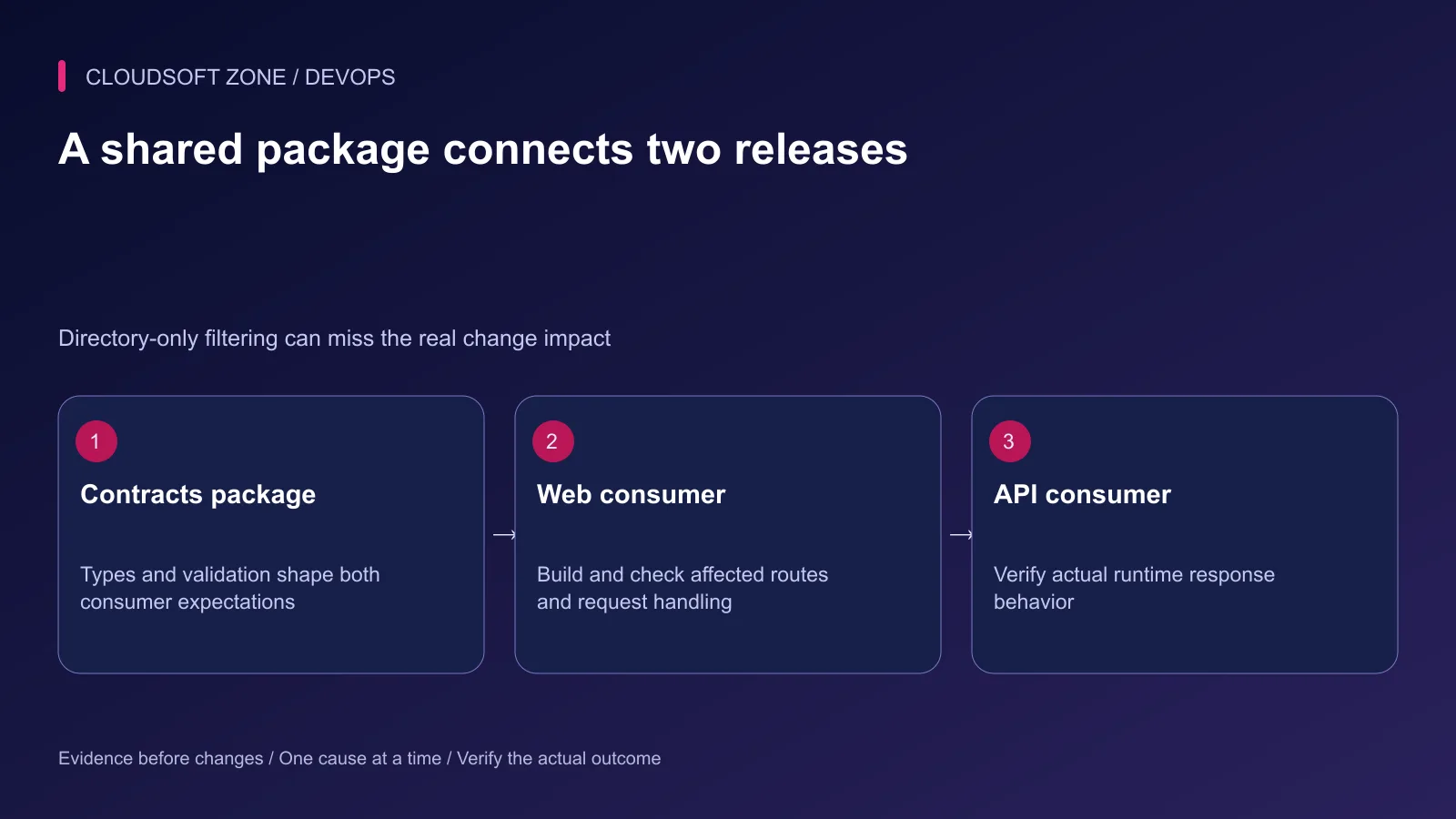
Define package names, dependency relationships and the scripts that each package owns. A typical repository might contain apps/web, apps/api and packages/contracts, but your actual names determine filtering behavior.
Use one committed workspace lockfile and a declared package-manager version. Select the supported Node version explicitly. Avoid running independent dependency updates in each application during deployment.
| Changed area | Required verification |
|---|---|
| Web-only component | Web rules, build and relevant public behavior |
| API handler | API rules and affected contract behavior |
| Shared contracts | Both consumers and compatibility cases |
| Shared runtime package | All affected runtime consumers |
| Lockfile or build tooling | Wider installation and build verification |
Begin with complete verification while the repository is small. Optimize affected-package checks only after the dependency graph and required release gates are reliable.
Step 2: Install once from locked inputs
The starter workflow below assumes packageManager is declared in package.json, the root defines lint and typecheck scripts, and both applications expose build scripts. The pnpm setup action commit is documented by pnpm's current CI guide. Review all action sources and pin the checkout action before production adoption.
name: Monorepo verification
on: [push, pull_request]
permissions:
  contents: read
jobs:
  verify:
    runs-on: ubuntu-24.04
    timeout-minutes: 20
    steps:
      - uses: actions/checkout@v6
        with:
          persist-credentials: false
      - uses: pnpm/setup@c9883cc79df532ad1a7b81bf9ab944ceb090d65c
        with:
          runtime: node@24
          install: false
          cache: false
      - run: pnpm install --frozen-lockfile
      - run: pnpm lint
      - run: pnpm typecheck
      - run: pnpm --filter './apps/api...' run build
      - run: pnpm --filter './apps/web...' run build
The path selector with trailing ellipsis includes dependencies; confirm the graph and script ordering for your workspace. A package without a required script needs an explicit owner, not a silent skip that hides missing verification.
Add the application's meaningful unit, integration and browser checks to its actual pipeline. This starter is not proof that database behavior or user flows have been exercised.
Step 3: Control configuration at the build boundary
Document which Next.js variables are compiled into browser assets and which remain server-side runtime configuration. Public build-time values cannot be changed merely by setting a different environment variable after the artifact is built.
Use non-secret approved values for build-time public configuration. Keep API credentials server-only. Review prerendered routes and data collection so the build does not accidentally depend on production private data.
NestJS configuration should fail clearly when a required setting is missing. Rehearse each artifact with production-shaped configuration and synthetic dependencies instead of assuming development startup matches deployment.
Step 4: Package the real runtime outputs
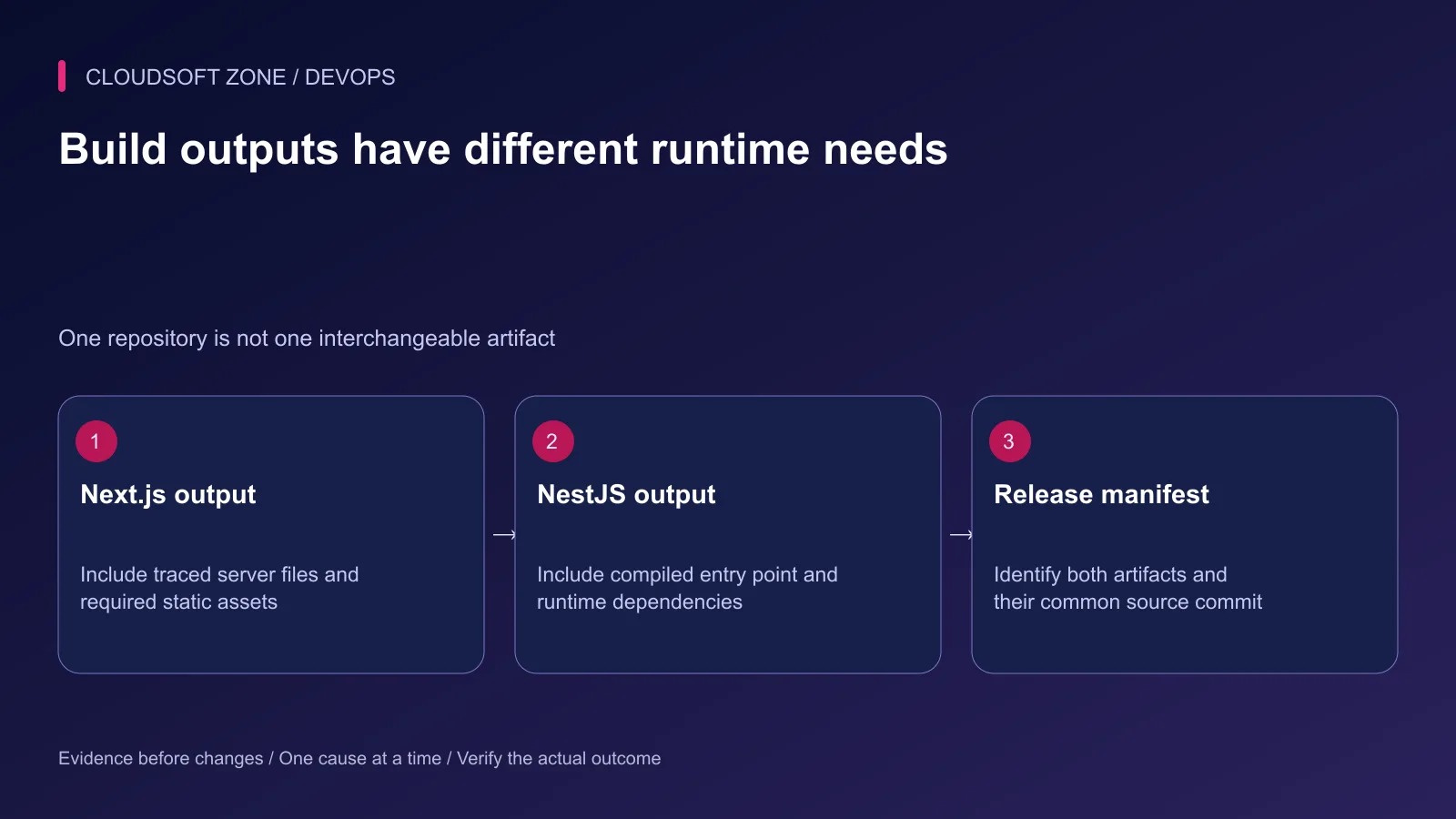
Next.js standalone output contains traced runtime files, but required static and public assets need deliberate handling. In a monorepo, inspect tracing roots and the resulting entry-point path; do not assume the server file is always at the root of a copied directory.
NestJS needs its compiled entry point, runtime dependencies and any generated or packaged files used at execution. Inspect the actual dist structure and start script. Development watchers do not belong in the production artifact.
Produce separate artifacts from the same reviewed commit. A small release manifest can record their identities:
{
  "sourceCommit": "reviewed-source-commit",
  "webArtifact": "recorded-web-artifact-digest",
  "apiArtifact": "recorded-api-artifact-digest",
  "contractRevision": "recorded-contract-version",
  "schemaCompatibility": "reviewed-old-and-new-runtime-window"
}
Replace these descriptive values with actual verified identifiers. Do not treat the manifest as an approval record by itself.
Step 5: Check compatibility before promotion
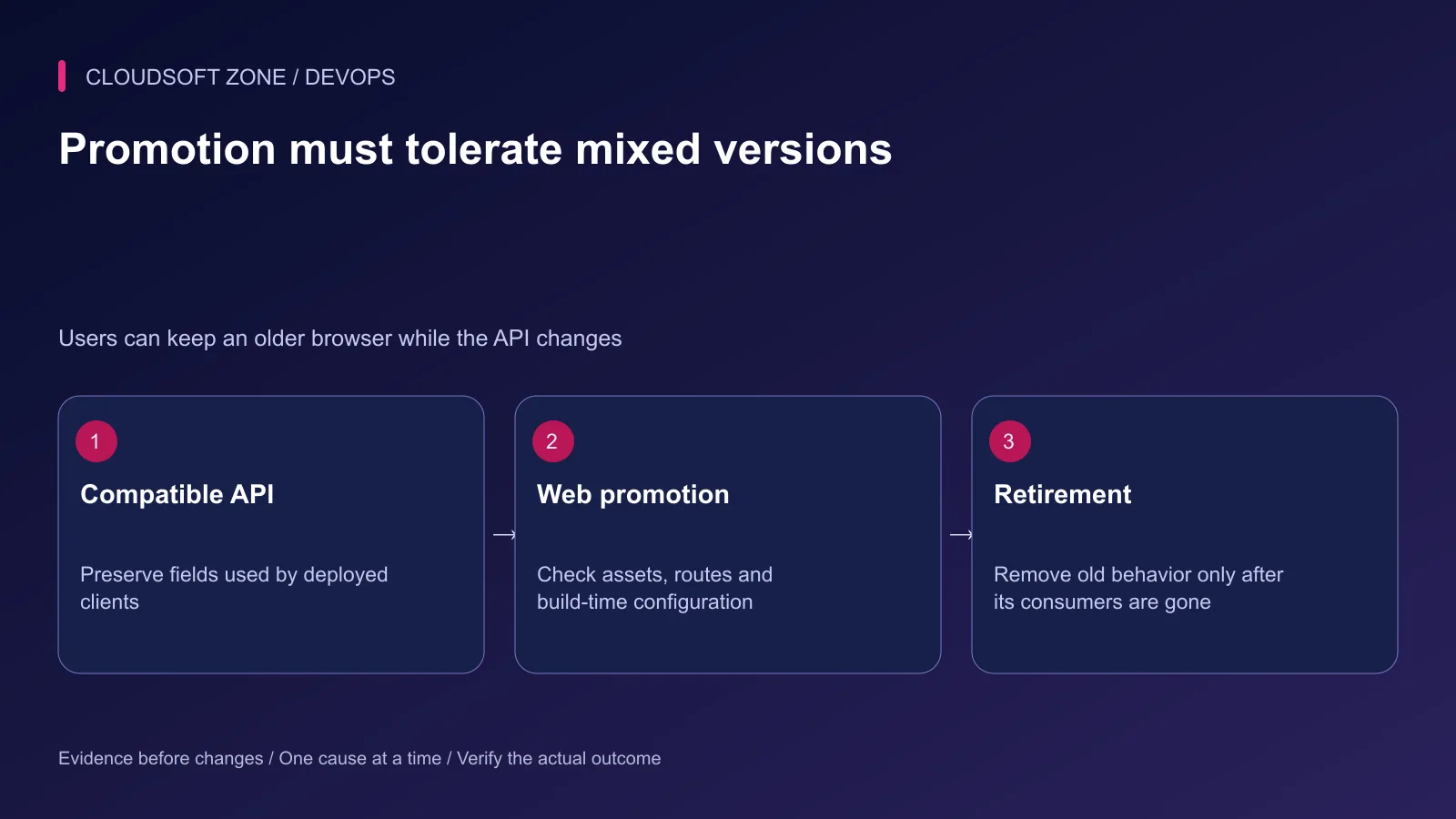
Test the current deployed client's expectations against the proposed API. Preserve existing response fields and semantics during an additive transition where possible. Coordinate database compatibility with both old and new server code.
A browser may retain an older JavaScript bundle after the backend switches. Cache behavior, long-lived tabs and rolling service replacement make a mixed-version window normal.
Our NestJS API versioning guide covers deliberate interface changes. Versioning still requires a retirement plan and consumer verification.
Step 6: Promote through one release owner
Use the existing deployment adapter to consume the manifest and exact artifacts. Serialize shared migrations and release operations. Avoid two independent jobs racing to alter the same database or reverse-proxy configuration.
Keep deployment credentials out of untrusted verification. If affected-package optimization skips one artifact, record why the retained artifact remains compatible with the new release.
Step 7: Verify the combined user flow
Confirm public pages, static assets, API routing and a harmless authenticated operation. Check worker progress separately if the API dispatches jobs.
Rehearse a missing static asset, stale browser client, incompatible response and partial deployment. Recovery must identify which compatible artifacts are restored and whether schema changes permit that restoration.
For a release pipeline fitted to your Next.js and NestJS workspace, discuss the project with Cloudsoft Zone. Start with complete, observable gates before optimizing away work.
Featured image: Cloudsoft Zone technical layout with nextjs artwork by Vercel (CC BY-SA 4.0). Product mark resized proportionally for identification; no endorsement implied. Layout: CC BY-SA 4.0.
Frequently asked questions
Can path filters check only apps/web after a shared package changes?
Not safely by directory alone. Follow the workspace dependency graph and verify every affected consumer.
Does Next.js standalone output always include every static file I need?
No. Inspect the documented output and include required public and static assets; monorepo tracing may need additional configuration.
Must the web and API deploy at exactly the same instant?
Prefer compatibility across the transition rather than relying on an impossible perfectly atomic switch across browsers and services.
Sources
- pnpm continuous integration setup — pnpm
- Dependency-aware workspace filtering — pnpm
- Next.js self-hosting requirements — Next.js
- Next.js output tracing — Next.js
- NestJS production deployment — NestJS
- GitHub workflow security — GitHub
Read next
TutorialDevOps5 min read
Stop a failed database migration from turning into a broken production deployment
Contain a failed database migration with explicit release gates, schema postconditions and reviewed recovery instead of switching code or retrying blindly.
Comments
No comments yet. Be the first to join the conversation.
Leave a comment
Every comment is read by a moderator before it appears. Your email address is never published; it is used only to contact you about this comment.
More from Cloudsoft Zone
TutorialDevOps5 min read
GitLab CI/CD for Laravel: test, build and deploy a reviewed release to a VPS
Design GitLab CI/CD for Laravel with a reviewed PHP image, disposable MySQL checks, explicit artifacts, protected credentials and serialized VPS deployments.
By Nilesh Kushvaha
TutorialDevOps5 min read
Laravel CI/CD with GitHub Actions: verification, release artifacts and guarded deployment
Build Laravel CI/CD with GitHub Actions using locked dependencies, isolated verification, immutable release artifacts and a protected deployment job with explicit recovery gates.
By Nilesh Kushvaha
TutorialDevOps5 min read
AI-assisted incident response: what to automate and what an operator must decide
Use AI-assisted incident response for evidence summaries and draft updates while keeping impact assessment, production changes and recovery decisions with accountable operators.
By Nilesh Kushvaha