
Laravel CI/CD with GitHub Actions: verification, release artifacts and guarded deployment
Build Laravel CI/CD with GitHub Actions using locked dependencies, isolated verification, immutable release artifacts and a protected deployment job with explicit recovery gates.
5 min read
In this article
A Laravel pull request passes its tests, but production fails because the release uses different PHP extensions or rebuilds a different frontend dependency tree. A pipeline should establish what was checked, what was built and exactly what was deployed.
Laravel CI/CD with GitHub Actions starts with a credential-free verification job, then adds real infrastructure checks. A Laravel GitHub Actions workflow should build one identified release artifact, and a Laravel CI pipeline must protect deployment authority before anything reaches production.
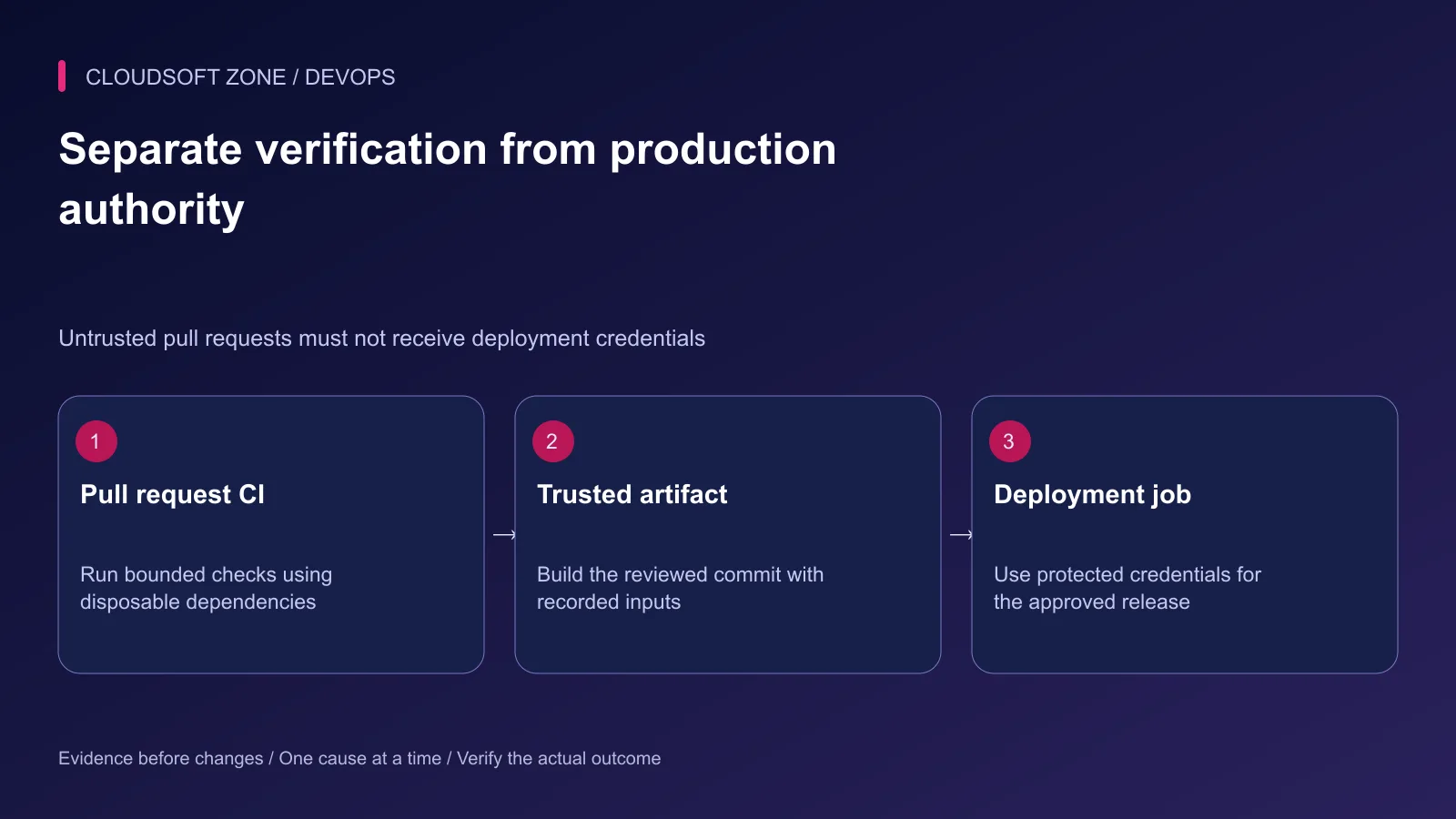
Laravel CI/CD with GitHub Actions needs three separate boundaries: verification without production authority, an identified release artifact and guarded promotion. This guide provides a starter CI workflow and the additional contracts required before connecting it to a VPS.
Use the Laravel production deployment checklist alongside the pipeline. A green workflow is meaningful only when its checks match the application's real release risks.
Step 1: Match PHP and dependency inputs
Select a supported PHP version and the extensions required by the application and Laravel. Review composer.json and composer.lock; do not rely on whatever happens to be installed on a hosted runner.
Install from the lockfile rather than updating dependencies during deployment. If the application builds frontend assets, use its committed package-manager lockfile and the same supported Node version across CI and the release build.
Record these versions in the pipeline configuration. A cache is an optimization, not an alternative source of truth for missing or inconsistent lockfiles.
Step 2: Begin with a credential-free verification job
The following starter assumes a conventional Laravel application with .env.example, a Composer lockfile and tests that can use SQLite. PHP 8.4 is an explicit example choice to confirm against your application. The action tags make the example readable; replace them with reviewed full commit SHAs before production adoption.
name: Laravel verification
on:
  pull_request:
  push:
    branches: [main]
permissions:
  contents: read
jobs:
  verify:
    runs-on: ubuntu-24.04
    timeout-minutes: 15
    steps:
      - uses: actions/checkout@v6
        with:
          persist-credentials: false
      - uses: shivammathur/setup-php@v2
        with:
          php-version: '8.4'
          extensions: mbstring, pdo_sqlite, dom, fileinfo
          coverage: none
      - run: composer install --no-interaction --prefer-dist --no-progress
      - run: cp .env.example .env
      - run: php artisan key:generate
      - run: php artisan test
        env:
          APP_ENV: testing
          DB_CONNECTION: sqlite
          DB_DATABASE: ':memory:'
          CACHE_STORE: array
          SESSION_DRIVER: array
          QUEUE_CONNECTION: sync
This is fast application verification, not a complete production deployment workflow. Check phpunit.xml and application configuration for overrides. Add every application-required extension and build step rather than weakening checks to fit the sample.
Step 3: Add real infrastructure checks
SQLite can differ from MySQL in SQL behavior, types, locking and migration semantics. Use disposable MySQL matching production for relevant integration cases. Add Redis-backed checks when cache locks, sessions or queues depend on it.
Use synthetic credentials and data only. Never point a CI verification job at a retained production database. Keep its schema setup scoped to the disposable environment.
| Verification layer | Important evidence |
|---|---|
| Fast application checks | Validation and application rules behave correctly |
| Database integration | Migrations and queries work on the intended engine |
| Queue integration | Dispatch, retries and worker behavior match the backend |
| Frontend build | Required assets are generated from locked dependencies |
| Production rehearsal | Built artifact starts under production configuration |
Document the expected failure behavior too: a missing required setting should fail clearly, not silently select a different service.
Step 4: Build one identified release artifact
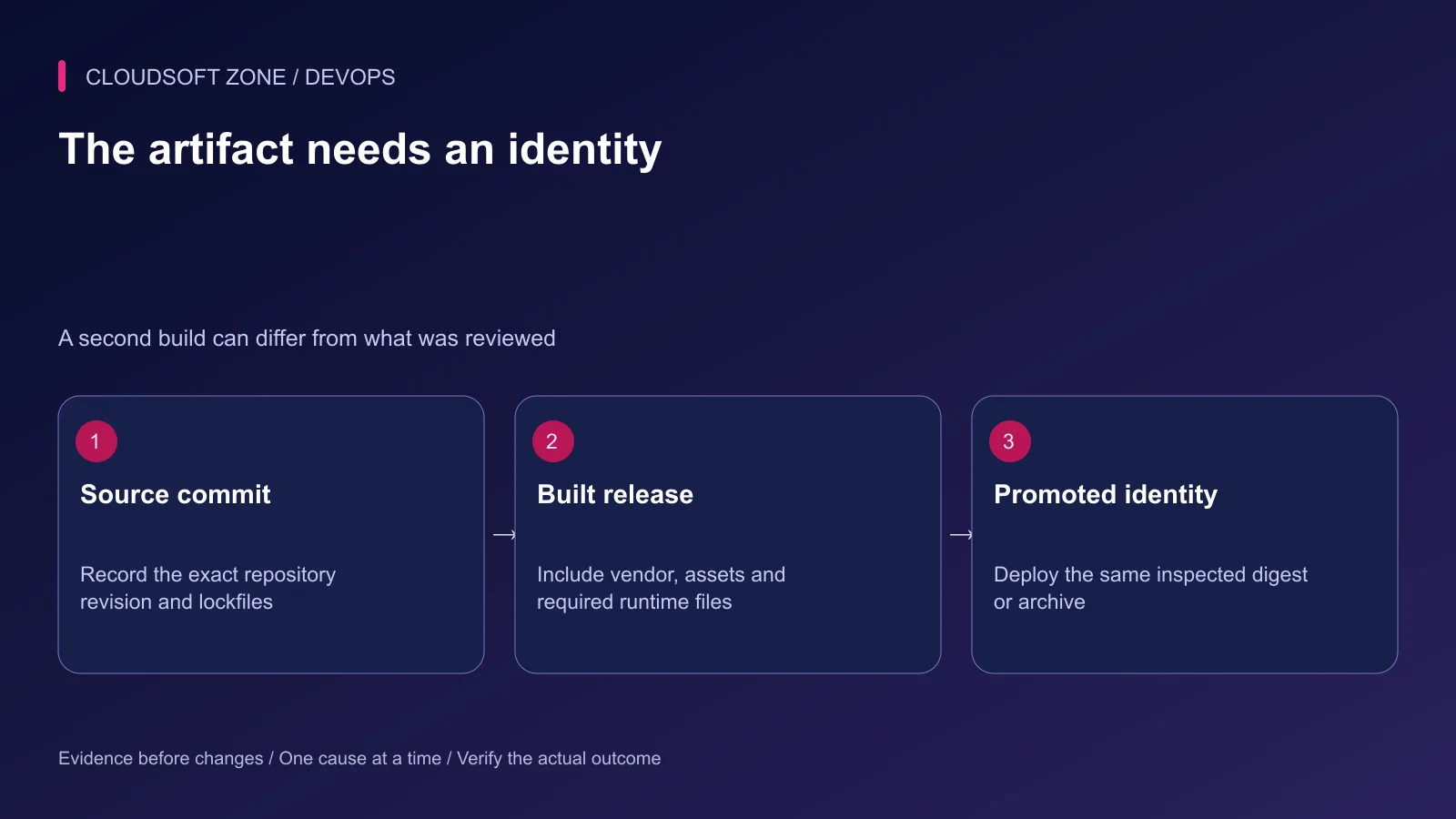
Build from the reviewed source commit. Include the needed Composer production dependencies, compiled frontend assets and release metadata. Exclude real environment files, debug exports and uploaded customer files.
An archive checksum or container digest should identify the promoted release. Store the source commit and build inputs alongside it so an operator can trace a deployment back to the inspected code.
Do not reuse a mutable latest label as the only identity. Also do not assume that passing tests with development dependencies establishes that a production artifact excluding them can boot. Rehearse that actual artifact separately.
Step 5: Protect deployment authority
Use a dedicated production environment with the supported protection rules, approved branches and scoped secrets. Availability of particular protections depends on repository visibility and plan; verify the controls your repository actually supports.
Keep privileged deployment separate from untrusted pull request code. Avoid checking out a fork's code in a privileged pull_request_target job. Pin third-party actions and review workflow changes as executable release code.
Serialize production operations through the release owner. Do not cancel an active migration merely because a newer commit arrived. A concurrency policy must reflect the safe interruption points of the deployment procedure.
Step 6: Use the existing deployment adapter
The protected job should invoke a reviewed deployment script or API with the exact artifact identity. That owner handles permissions, shared storage, schema compatibility, worker reloads and acceptance checks.
Avoid an inline SSH script that mixes cloning, dependency updates, migrations and process restarts without error boundaries. Verify the host identity and restrict the deployment account to the actual application scope.
Our single-VPS deployment guide covers the runtime boundary. Adapt the pipeline to that process rather than creating a second deployment implementation.
Step 7: Define acceptance and recovery gates
| Failure | Required pipeline response |
|---|---|
| Verification fails | No deployable release is promoted |
| Artifact identity differs | Promotion stops |
| Migration fails | No blind code switch or destructive rollback |
| Public acceptance fails | Preserve evidence and follow compatible recovery |
| Deployment caller disconnects | Resolve actual operation state before retry |
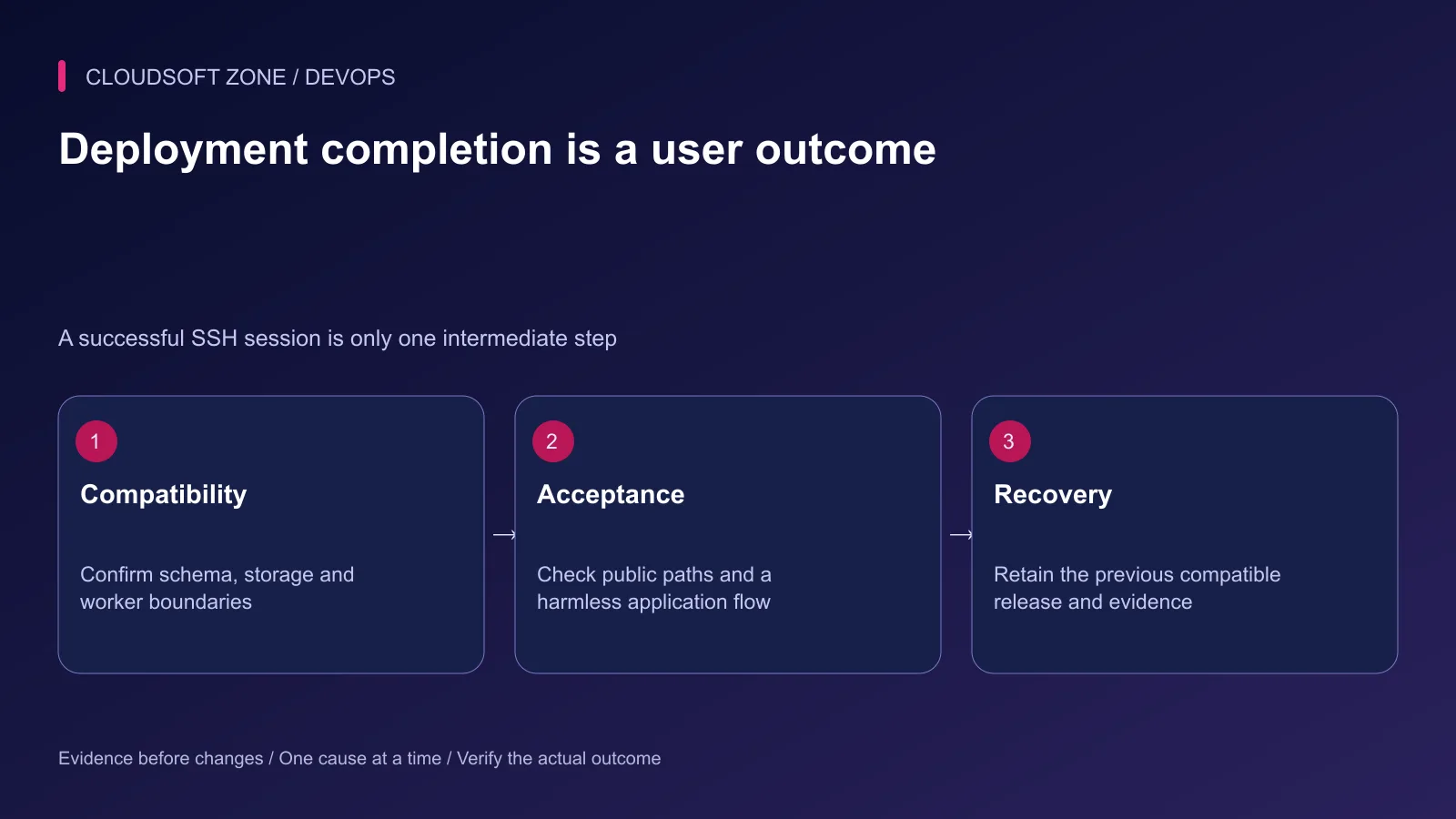
Retain the previous compatible artifact and document when a code rollback is insufficient. Database changes and external side effects may require forward repair.
Rehearse the pipeline in an isolated environment before supplying production authority. For a GitHub Actions release process tailored to your Laravel application, discuss the project with Cloudsoft Zone.
Featured image: Cloudsoft Zone technical layout with laravel artwork by Laravel (Public domain). Product mark resized proportionally for identification; no endorsement implied. Layout: CC BY-SA 4.0.
Frequently asked questions
Does a SQLite CI pass prove production MySQL compatibility?
No. Keep fast checks if useful, but add isolated checks against the actual production database engine and relevant Redis or queue behavior.
Should pull request workflows receive production deployment secrets?
No. Separate untrusted verification from a protected trusted deployment job.
Can I deploy by rebuilding dependencies on the VPS?
That can produce a different release. Prefer promoting an identified artifact built from the reviewed commit and lockfiles.
Sources
- Laravel deployment requirements and runtime optimization — Laravel
- GitHub workflow security and action pinning — GitHub
- Protected deployment environments — GitHub
- PHP setup action inputs — shivammathur/setup-php
- GitHub workflow syntax and concurrency — GitHub
Read next
TutorialDevOps5 min read
nginx PHP upload limits: safely increase file sizes without exposing the server
Align nginx PHP upload limits with multipart overhead, PHP-FPM configuration, Laravel validation and temporary-storage capacity. Diagnose 413 errors before raising every limit.
Comments
No comments yet. Be the first to join the conversation.
Leave a comment
Every comment is read by a moderator before it appears. Your email address is never published; it is used only to contact you about this comment.
More from Cloudsoft Zone
TutorialDevOps5 min read
Build an AI-powered server log analyser with Laravel or NestJS and bounded jobs
Build an AI-powered server log analyser with authorized evidence snapshots, redacted fields, bounded queue jobs and validated findings that link back to actual records.
By Nilesh Kushvaha
TutorialDevOps6 min read
Docker health checks: why a running container is not proof that the application is healthy
Design Docker health checks around bounded application readiness, distinguish them from liveness and public-path checks, and connect each failure signal to a deliberate response.
By Nilesh Kushvaha
TutorialDevOps6 min read
Laravel Docker Compose with nginx, MySQL and Redis: separate images, workers and retained data
Design a Laravel Docker Compose stack with matching PHP/nginx artifacts, private database and Redis services, explicit worker lifecycle and retained storage contracts.
By Nilesh Kushvaha