
In this article
A customer uploads a document and receives 413. After one configuration change, the error disappears but Laravel reports that no file was supplied. A second change makes uploads work until the server's temporary disk fills.
nginx PHP upload limits span the request body, the PHP parser, application validation and storage. The steps find which boundary returns 413 Request Entity Too Large, write a complete size contract, change the effective PHP-FPM settings and rehearse rejection and cleanup.
nginx PHP upload limits span the complete request, the PHP parser, the application's allowed file and the storage lifecycle. Raising one number does not establish a safe upload policy. This guide uses a bounded single-document example and a failure-first diagnostic sequence.
Our Laravel production checklist covers the surrounding release checks. Keep the existing authentication and private-download policy in place throughout this change.
Step 1: Find the rejecting boundary
Record the public response status, request identifier and selected route. Check whether the request reached nginx, PHP-FPM and the controller. A CDN or load balancer can impose an earlier body limit.
| Symptom | Boundary to investigate |
|---|---|
| 413 before the application logs the request | Edge or nginx complete-body limit |
| Expected POST and file data unavailable | PHP parsing budget and upload errors |
| Laravel validation response | Application file or field rules |
| Temporary-file write failure | Permissions, free capacity or inode availability |
| Upload accepted but unavailable later | Processing, object storage or authorization state |
Do not infer the cause solely from a user-facing message. Correlate the actual response layer and parser evidence while keeping document contents and credentials out of diagnostics.
Step 2: Write a complete size contract
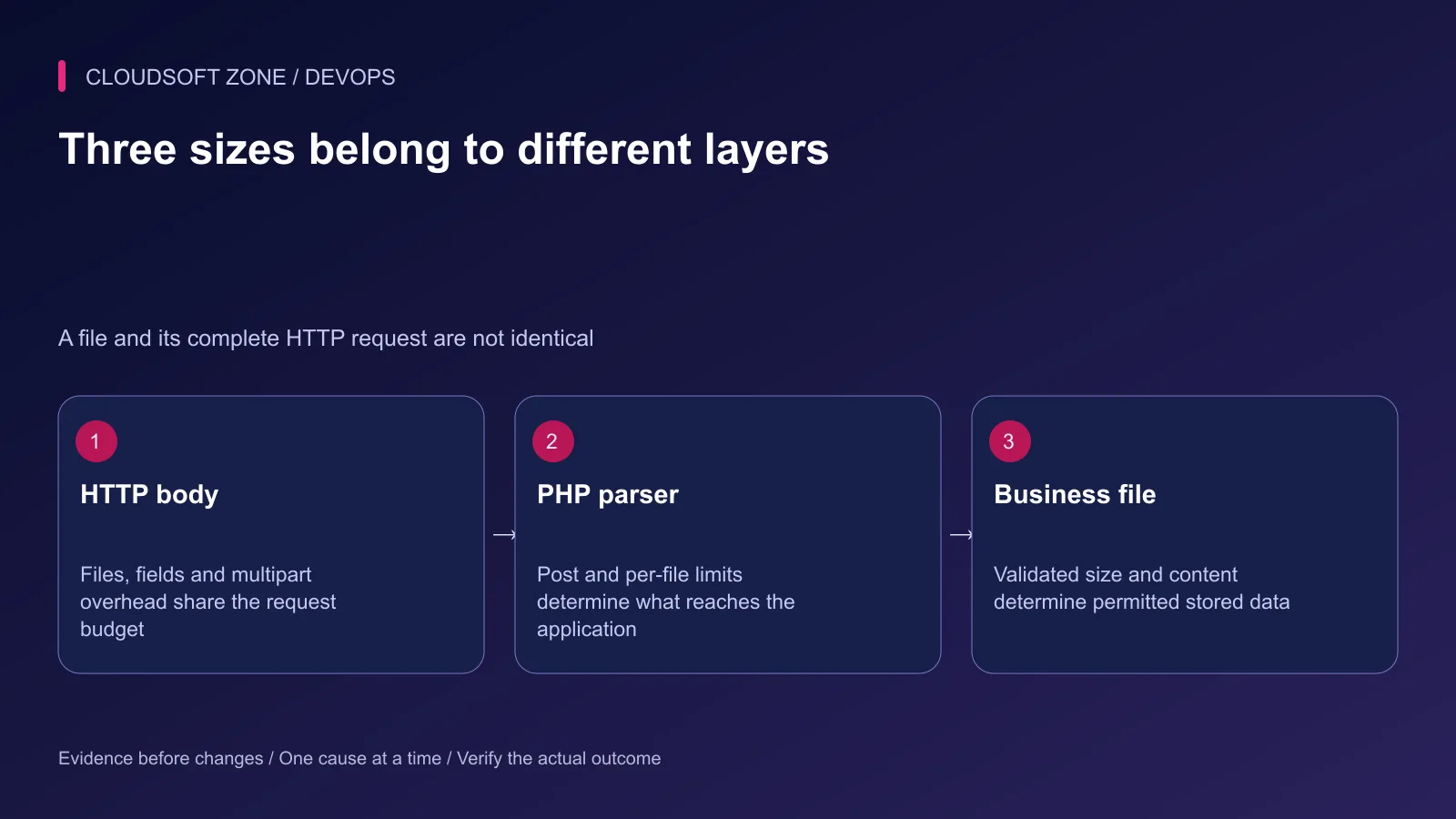
Suppose the application accepts one document up to 10 MiB. Its multipart request also contains field data and encoding overhead. PHP's total POST budget must accommodate that request, not only the document.
Define maximum file count, permitted fields, content types, per-file size, total body size and per-tenant retained storage. Many individually small files can exceed a request or storage budget even when each file passes its own rule.
Document units explicitly. PHP shorthand M, nginx size suffixes and framework validation units belong to different configuration interfaces. Confirm their effective interpretation rather than converting values by appearance alone.
Step 3: Scope the nginx budget
This fragment illustrates a complete request cap in the selected upload location. Preserve that location's existing FastCGI routing, authentication path and security headers; it is not a replacement server configuration.
# Within the existing, reviewed upload location:
client_max_body_size 16m;
Choose a route-specific budget when other endpoints should remain smaller. Check the actual location selected for the upload URL and any inherited policy. Setting the value in an unrelated server or location will not change the request in question.
Do not disable the limit with zero to make diagnosis easier. Keep the earlier edge limit consistent with the documented complete request size.
Step 4: Change the effective PHP-FPM settings
An illustrative PHP configuration for the same one-document policy is:
upload_max_filesize = 12M
post_max_size = 16M
max_file_uploads = 1
These parser limits allow room above the application's 10 MiB document cap. They do not authorize a 12 MiB business document. The smaller application rule remains authoritative for accepted content.
Locate the settings used by the deployed FPM pool. A CLI php --ini result is not proof of the web process's configuration. Review pool overrides and use a protected diagnostic mechanism to verify effective values; never leave a public phpinfo page behind.
Reload or restart the intended PHP service through its existing operational procedure. Keep the previous settings and service revision available if the larger request changes resource behavior unexpectedly.
Step 5: Retain application validation and private storage
For Laravel, a controller validation fragment can express the smaller business limit. Authentication, authorization, private storage and post-upload verification belong to the surrounding controller workflow.
use Illuminate\Validation\Rules\File;

$request->validate([
    'document' => ['required', File::types(['pdf'])->max(10240)],
]);
The numeric maximum is in kilobytes for this rule. Content-based type validation is useful, but it does not establish that a document is harmless. Apply the application's malware or content verification policy before releasing a stored file.
Generate server-controlled storage keys. Do not serve arbitrary original filenames from the public application root or execute uploaded content. Enforce tenant ownership again when retrieving a private document.
Step 6: Budget temporary space and concurrency
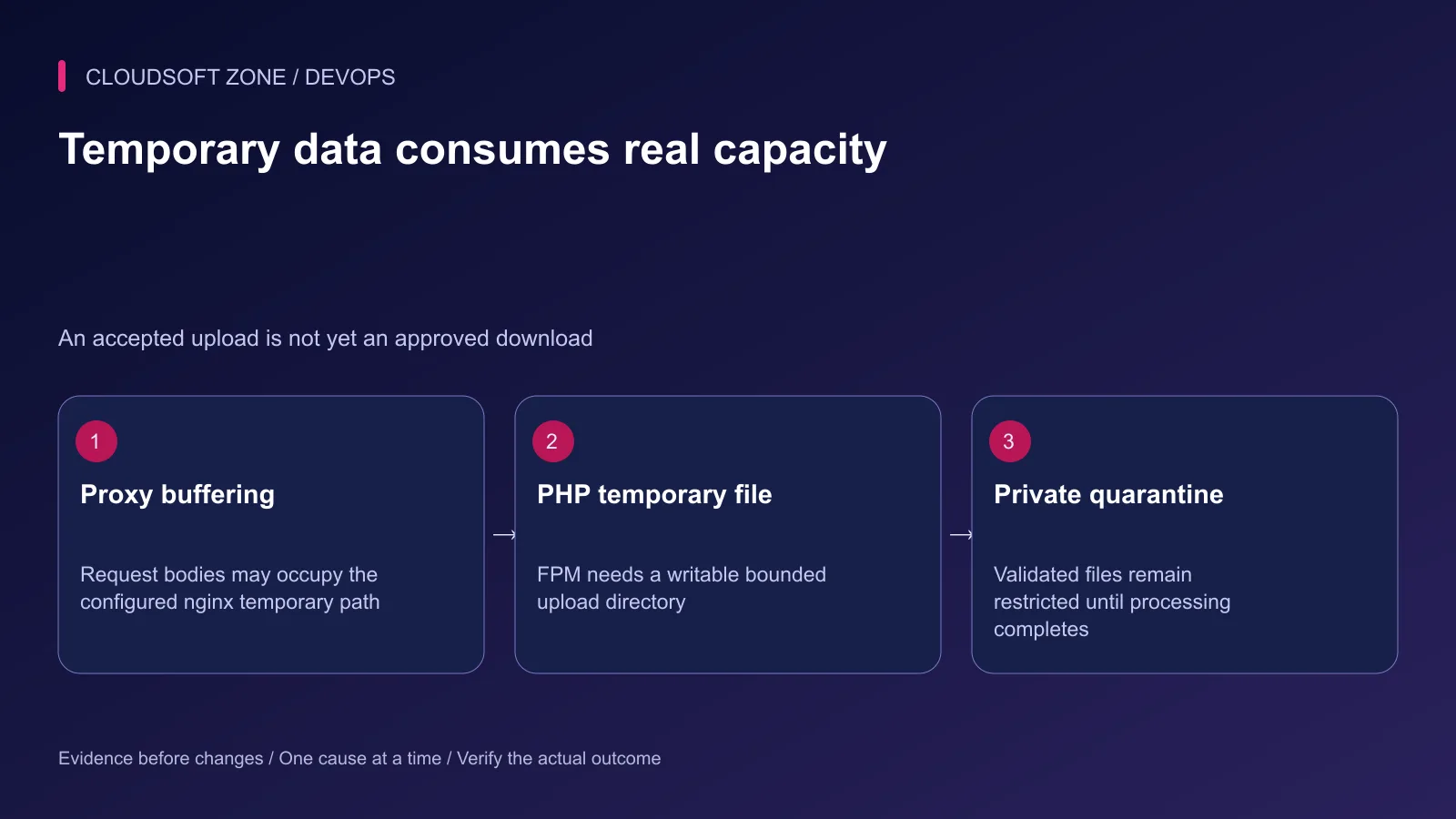
nginx request buffering and PHP upload parsing may use temporary files before the application stores the final object. Check the configured directories, permissions, free space, inode availability and retention behavior.
Estimate a controlled worst case from concurrent uploads, their body budgets and the temporary/final copies the actual workflow creates. Do not multiply only the permitted file size and assume that is the complete disk requirement.
Disabling proxy request buffering changes the delivery path; it does not remove PHP parsing limits or automatically create safe resumable uploads. Large files may justify a separate authenticated object-storage upload workflow with its own quotas and completion verification.
Step 7: Rehearse rejection and cleanup
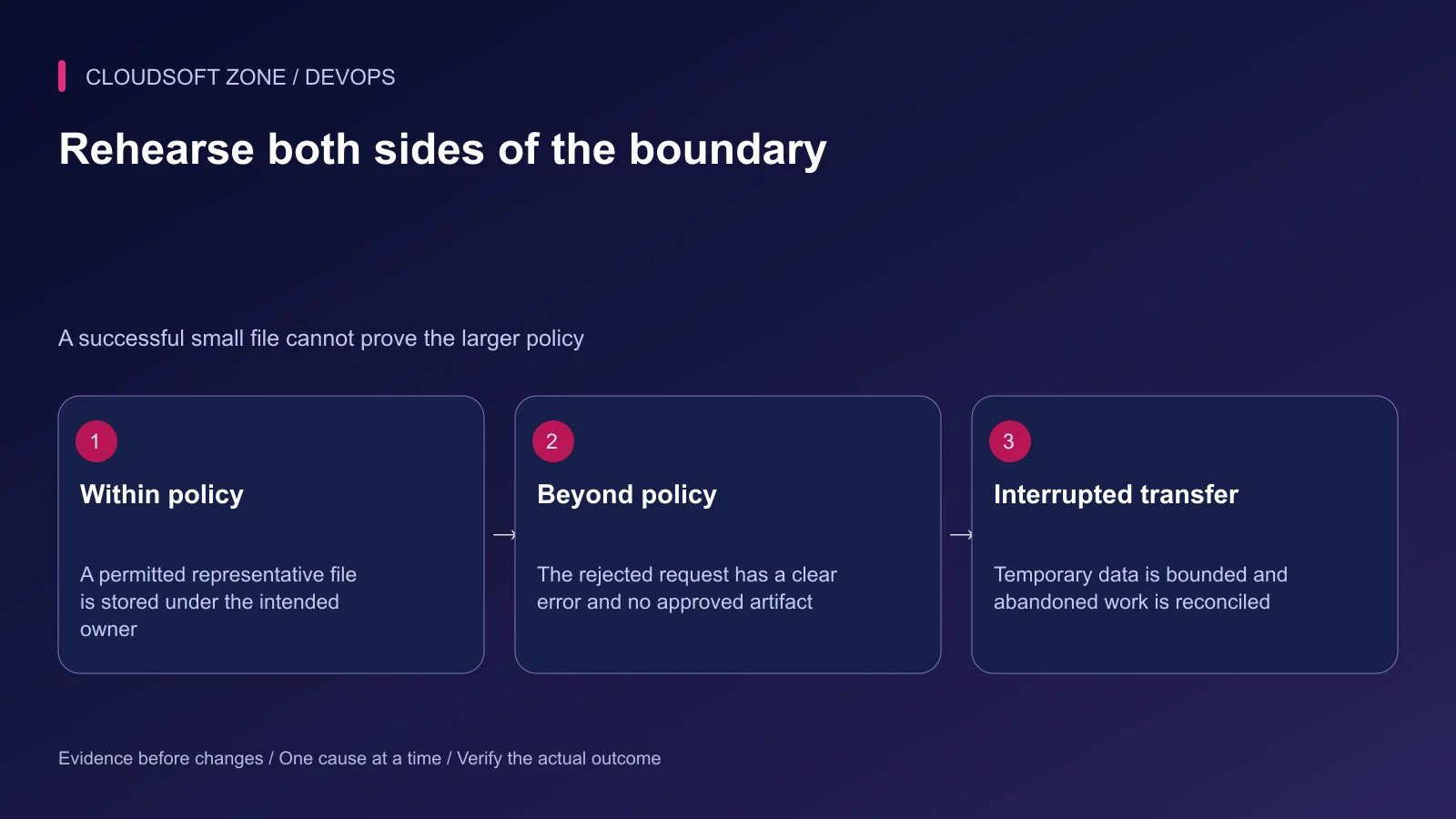
Use synthetic files in an isolated environment. Keep real customer documents out of the experiment. Test a representative allowed file, a file slightly over the application cap and a complete multipart body over the parser or proxy cap.
| Acceptance case | Expected result |
|---|---|
| Permitted single document | Validated private artifact under the correct owner |
| Disallowed content or oversized file | Clear rejection without an approved artifact |
| Excess fields or multiple files | Documented request-policy enforcement |
| Interrupted transfer | Bounded temporary usage and eventual cleanup |
| Unauthorized tenant download | Access denied even if the storage key is known |
Step 8: Roll out one controlled change
Validate nginx configuration, apply the intended FPM change and verify through the real public path. Watch upload success, rejected-body rate, disk use and process saturation together.
If capacity or cleanup regresses, restore the reviewed limits and reconcile partial upload records. Do not delete retained documents to make the disk graph improve. Record the corrected size contract and cleanup owner for the next deployment.
Our application and storage recovery guide provides related restore discipline. For a private-upload architecture review, contact Cloudsoft Zone.
Featured image: Cloudsoft Zone technical layout with nginx artwork by Igor Sysoev (Public domain). Product mark resized proportionally for identification; no endorsement implied. Layout: CC BY-SA 4.0.
Frequently asked questions
Why does changing PHP upload_max_filesize not fix nginx 413?
A proxy can reject the HTTP body before PHP receives it. Identify the response layer and review client_max_body_size at the selected nginx location as well as outer proxy limits.
Why is the uploaded file missing from PHP even though nginx accepts it?
A request exceeding PHP post_max_size can leave the expected POST and file data unavailable. Check the effective FPM configuration and distinguish this from application validation.
Is setting client_max_body_size to zero safe?
It disables that nginx size check. Use an explicit route-specific budget and retain parser, business, storage and concurrency limits instead of making the request unbounded.
Sources
- nginx request-body size and buffering — nginx
- PHP upload and POST configuration — PHP
- Laravel file validation — Laravel
- File upload security controls — OWASP
- nginx proxy request buffering — nginx
Read next
Troubleshooting guideDevOps6 min read
Laravel works locally, fails in production: trace runtime, configuration and request differences
Diagnose the Laravel works locally fails production problem by locating the first failing boundary: runtime, cached values, routing, permissions, dependencies or assets.
Comments
No comments yet. Be the first to join the conversation.
Leave a comment
Every comment is read by a moderator before it appears. Your email address is never published; it is used only to contact you about this comment.
More from Cloudsoft Zone
TutorialDevOps5 min read
Laravel log management: rotation, retention and safe production debugging
Set up Laravel log management with deliberate channels, retention, file ownership, rotation responsibility and useful incident context without recording secrets.
By Nilesh Kushvaha
TutorialDevOps5 min read
Laravel backup restore: recover the application, database and uploaded files together
Plan Laravel backup restore around a recoverable set of code, database, uploaded objects and protected keys, then verify the complete application in isolation.
By Nilesh Kushvaha
TutorialDevOps6 min read
Laravel S3 compatible uploads: private files, MinIO endpoints and safe delivery
Build Laravel S3 compatible uploads with a private disk, scoped credentials, validated files, unique object keys and authorized downloads across MinIO or S3.
By Nilesh Kushvaha