
Docker health checks: why a running container is not proof that the application is healthy
Design Docker health checks around bounded application readiness, distinguish them from liveness and public-path checks, and connect each failure signal to a deliberate response.
6 min read
In this article
Docker reports that the web container is running, but login requests fail because its database credentials are invalid. A process status answered whether the main program had exited. It did not establish that the application could serve its users.
Docker health checks only mean what the endpoint and response policy define. This guide separates liveness from Docker healthcheck readiness, builds a bounded probe, uses a tool present in the final image, explains Docker Compose healthcheck conditions for startup and checks the public path.
Docker health checks add a deliberate observation, but the endpoint and response policy determine what that observation means. This guide separates liveness, service readiness and the real public path, then gives a bounded Node.js probe for a documented readiness endpoint.
Our NestJS production API guide covers the application foundation. Health handling should extend its existing configuration and dependency owners rather than creating a second connection system.
Step 1: Define the question before the endpoint
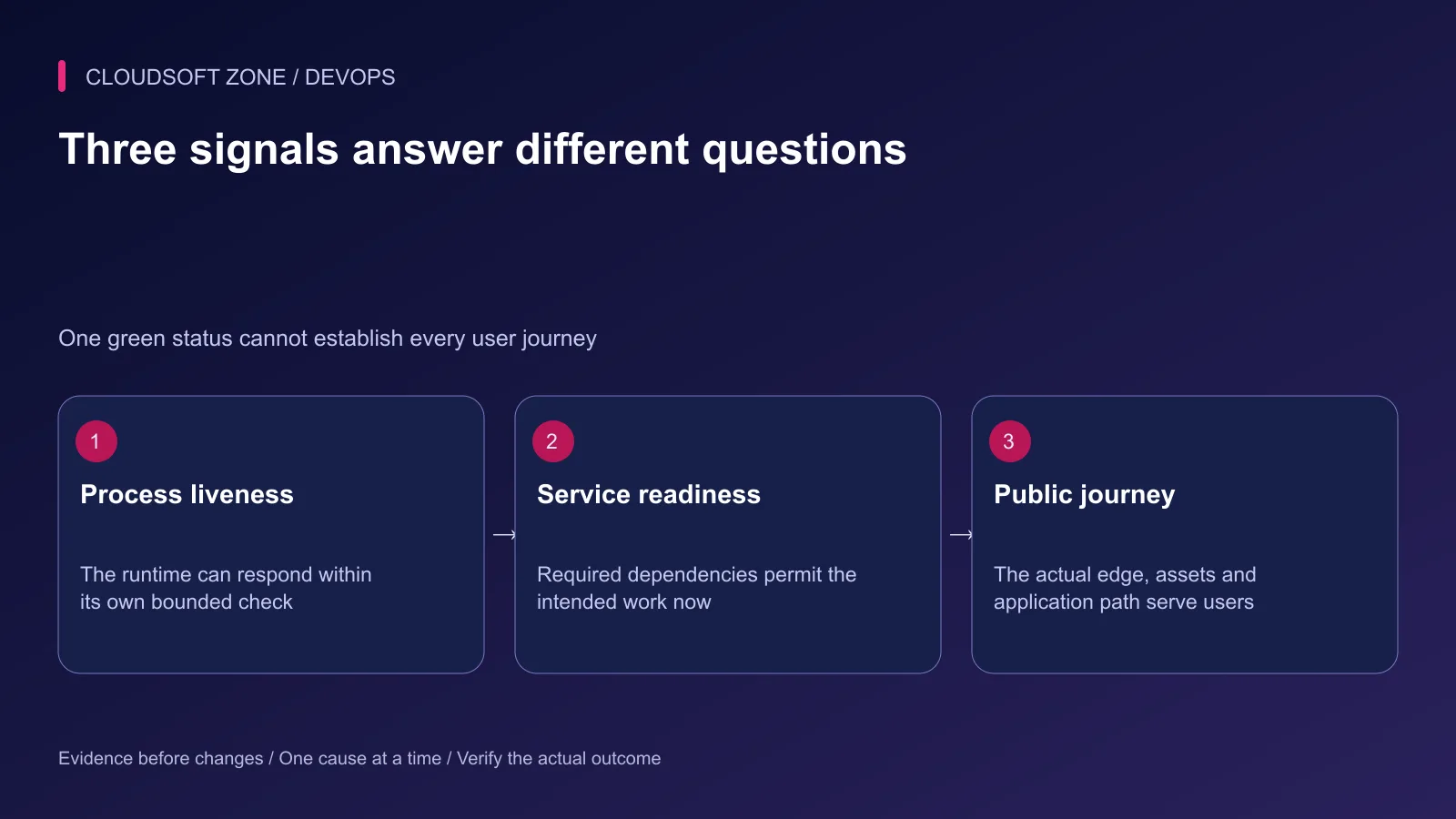
Write down the decision the probe supports. A process that can answer HTTP may still lack a required dependency. Conversely, a temporarily unavailable optional integration may not justify taking every useful route out of service.
| Signal | What it can establish | What it cannot prove alone |
|---|---|---|
| Container running | Main process has not exited | Usable application routes |
| Liveness endpoint | Runtime responds to a bounded request | Every dependency works |
| Readiness endpoint | Required service conditions permit selected work | Public DNS, TLS and edge routing |
| External synthetic check | A specific public journey works | Every background job succeeds |
| Queue progress signal | Worker makes expected progress | Browser assets and login behavior |
Keep these meanings explicit in dashboards and alerts. A single label called healthy can otherwise hide incompatible assumptions between the application, deployment runner and operator.
Step 2: Build a small readiness contract
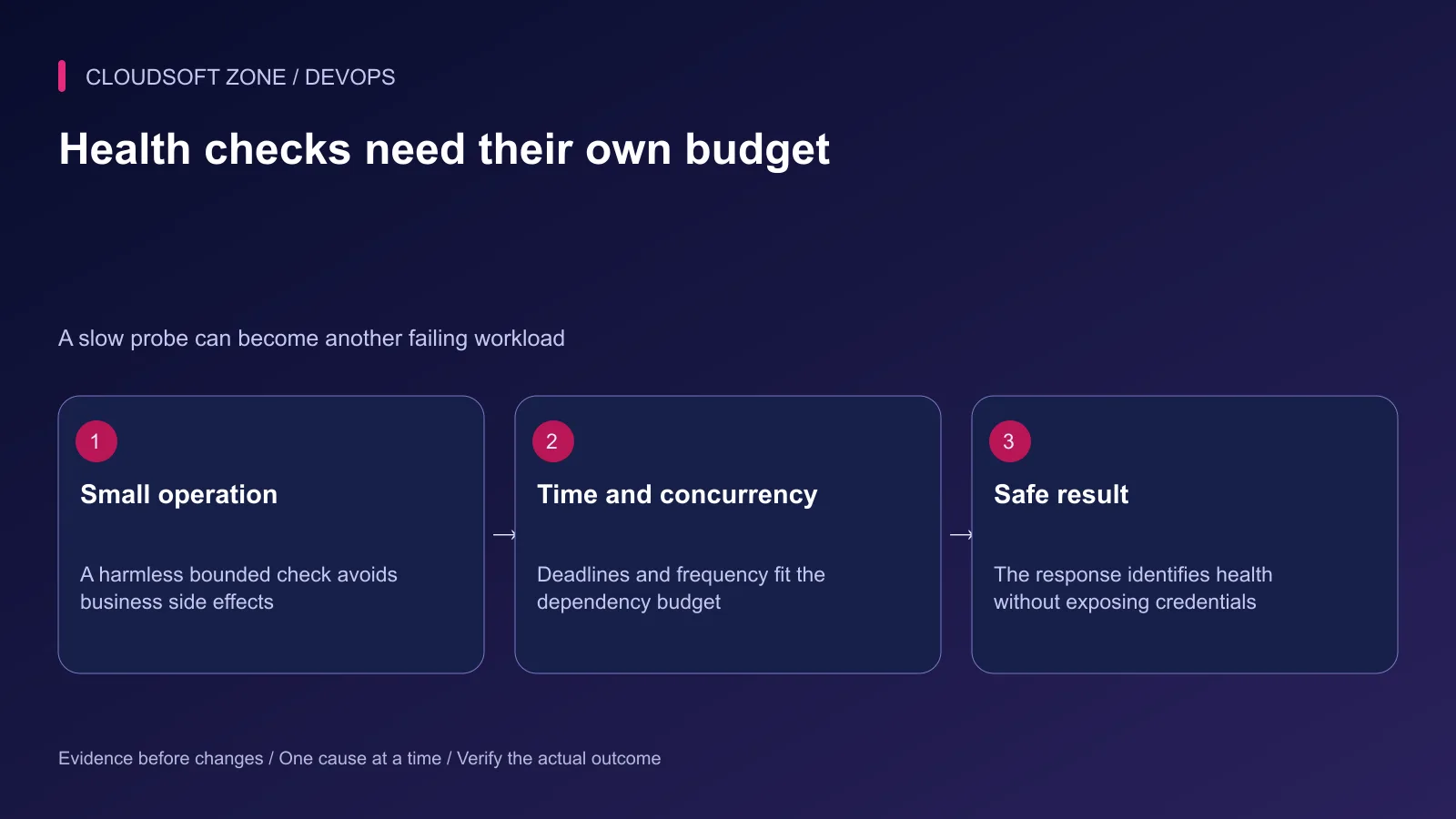
Use a harmless operation that demonstrates required access: a bounded authenticated database query or an application-specific cache check. Do not perform writes to business records, send mail or invoke payment operations as a recurring probe.
Reuse the application's existing clients and pools. A new connection per probe can create avoidable load and fail for reasons unrelated to the normal request path.
Return a small non-secret response such as a documented status field. Keep detailed dependency addresses, credentials and exception traces out of publicly accessible health output. Protect any deeper diagnostic surface through the existing permissions model.
Step 3: Understand framework defaults
Laravel documents a health route that indicates successful application boot. Additional checks can extend the behavior, but the default route should not be represented as proof of database and Redis readiness.
NestJS Terminus provides health indicators and related integration. Select indicators relevant to the actual readiness decision and coordinate them with graceful shutdown. Do not install every possible dependency check simply to create a larger response.
Include a deadline for each required operation. A readiness handler that waits indefinitely can exhaust request capacity during the dependency outage it is intended to detect.
Step 4: Use a tool present in the final image
Minimal images may not contain curl or a shell. For a Node 24 image, an application-owned healthcheck.mjs can use the available runtime. This example requires an actual /health/ready endpoint that returns HTTP 200 with a small JSON object containing status equal to ok.
const port = process.env.PORT || '3000';
try {
  const response = await fetch(
    'http://127.0.0.1:' + port + '/health/ready',
    { signal: AbortSignal.timeout(3000), redirect: 'error' },
  );
  if (response.status !== 200) process.exit(1);
  const result = await response.json();
  process.exit(result.status === 'ok' ? 0 : 1);
} catch {
  process.exit(1);
}
The probe does not print the response body or exception. Its endpoint is fixed to the intended local service. If the application uses another path, port or schema, adapt both sides together rather than weakening the check to any HTTP response.
Copy that file into the final image and define a bounded health command:
COPY healthcheck.mjs /app/healthcheck.mjs
HEALTHCHECK --interval=30s --timeout=5s --start-period=30s --retries=3 \
  CMD ["node", "/app/healthcheck.mjs"]
These timing values are rehearsal examples. The internal request budget is below the command timeout, and startup grace must fit measured application initialization. A successful check during startup can still mark the container healthy before the whole grace period has elapsed.
Step 5: Connect health to a deliberate response
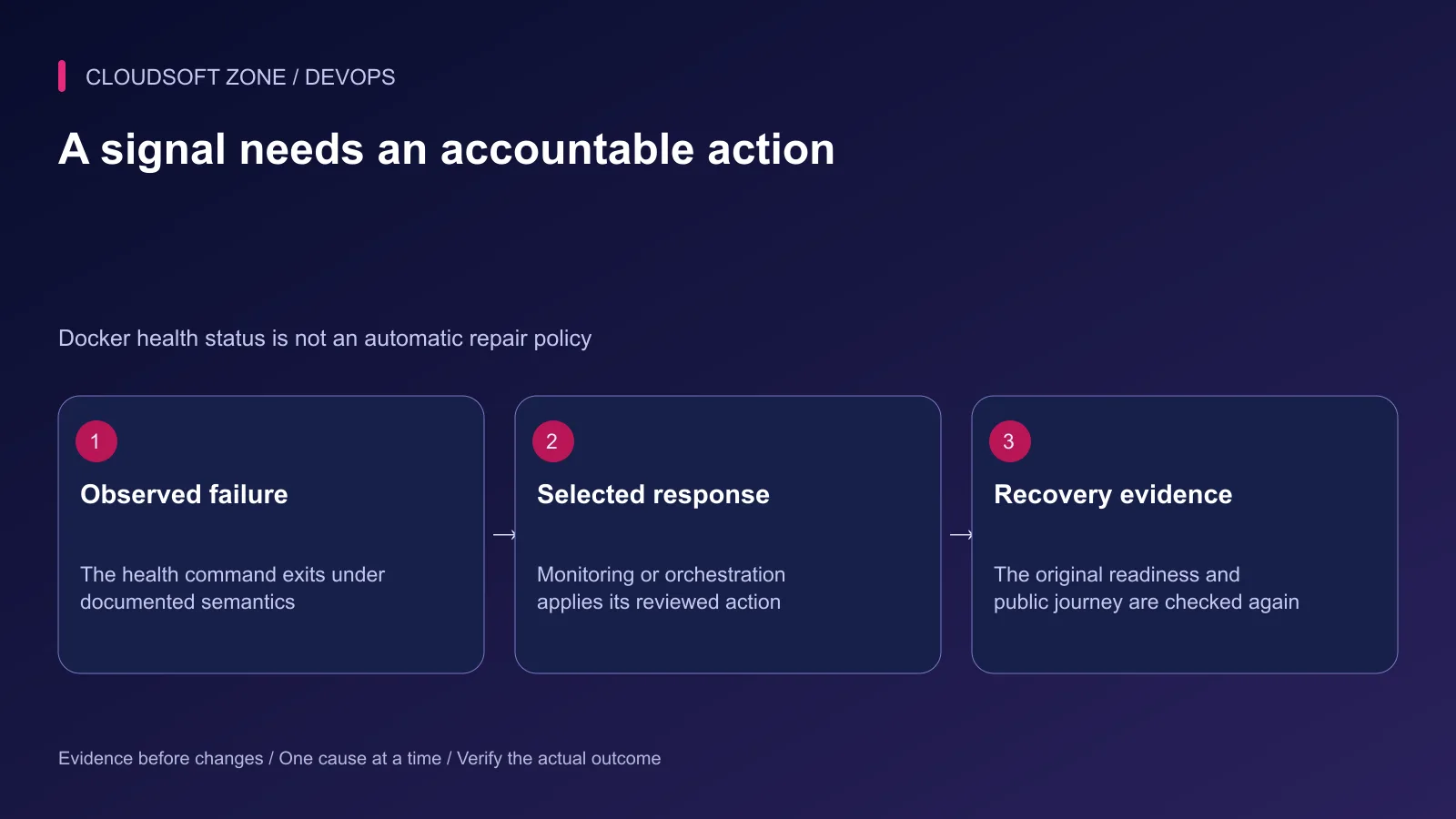
Docker health status is an observation. Normal standalone restart policies react to process exit, not an unhealthy result. If a watcher or orchestrator responds to health status, document its exact action and failure budget.
Compose can use a dependency's service_healthy condition to gate initial startup when that dependency has a real health check. It does not become a complete continuous runtime recovery policy for every dependent service.
Avoid restart storms during a shared database outage. Restarting every application process can multiply new connection attempts and erase useful evidence without repairing the database.
Step 6: Check the public path independently
A private localhost probe bypasses DNS, certificates, proxy routing and some asset delivery. Use an external check for a harmless representative public route and inspect failures at the responding layer.
Verify browser assets and authentication paths separately where they matter. A home page returning 200 does not establish that its JavaScript chunks, private API calls or queue-backed workflow work.
Our nginx HTTPS guide covers that public boundary. Correlate the private and external signals rather than replacing one with the other.
Step 7: Rehearse meaningful failure cases
Use an isolated environment and synthetic data. Do not interrupt live dependencies to prove an article's example.
| Acceptance case | Intended observation |
|---|---|
| Required dependency unavailable | Readiness fails within its deadline |
| Wrong database credential | Authenticated probe fails without exposing the credential |
| Optional provider degraded | Documented limited-function behavior rather than accidental full outage |
| Slow startup | Appropriate grace and bounded probe behavior |
| Public proxy misrouted | External journey fails even if private readiness succeeds |
| Graceful replacement | Traffic selection and shutdown follow the deployment contract |
Record what action follows each signal and how recovery is confirmed. A green status without an owner for the next incident is incomplete operating evidence.
Step 8: Monitor progress as well as readiness
Keep failed jobs, queue age, dependency latency and user-visible error rate in the operating picture. A worker can remain running while its queue makes no useful progress.
Retain a previous compatible image and the probe configuration for rollback. For an application health and release-readiness review, contact Cloudsoft Zone.
Featured image: Cloudsoft Zone technical layout with docker artwork by dotCloud, Inc. (Apache License 2.0). Product mark resized proportionally for identification; no endorsement implied. Layout: CC BY-SA 4.0.
Frequently asked questions
Does Docker restart every unhealthy container automatically?
No. A normal standalone restart policy reacts to process exit. A health result needs a separate reviewed monitoring or orchestration response.
Does Laravel’s default health route prove MySQL and Redis are working?
Do not assume that. The default health route indicates successful application boot; dependency checks need deliberate additions and bounded semantics.
Should every health check call every external provider?
No. Select required dependencies for the specific readiness decision, keep probes harmless and bounded, and monitor optional provider degradation separately.
Sources
- Docker health-check command and timing — Docker
- Compose dependency startup conditions — Docker
- Standalone restart-policy behavior — Docker
- NestJS Terminus health indicators — NestJS
- Laravel default health route — Laravel
Read next
TutorialDevOps6 min read
Laravel Docker Compose with nginx, MySQL and Redis: separate images, workers and retained data
Design a Laravel Docker Compose stack with matching PHP/nginx artifacts, private database and Redis services, explicit worker lifecycle and retained storage contracts.
Comments
No comments yet. Be the first to join the conversation.
Leave a comment
Every comment is read by a moderator before it appears. Your email address is never published; it is used only to contact you about this comment.
More from Cloudsoft Zone
TutorialDevOps5 min read
nginx PHP upload limits: safely increase file sizes without exposing the server
Align nginx PHP upload limits with multipart overhead, PHP-FPM configuration, Laravel validation and temporary-storage capacity. Diagnose 413 errors before raising every limit.
By Nilesh Kushvaha
Troubleshooting guideDevOps6 min read
Laravel works locally, fails in production: trace runtime, configuration and request differences
Diagnose the Laravel works locally fails production problem by locating the first failing boundary: runtime, cached values, routing, permissions, dependencies or assets.
By Nilesh Kushvaha
TutorialDevOps5 min read
Laravel log management: rotation, retention and safe production debugging
Set up Laravel log management with deliberate channels, retention, file ownership, rotation responsibility and useful incident context without recording secrets.
By Nilesh Kushvaha