
GitLab CI/CD for Laravel: test, build and deploy a reviewed release to a VPS
Design GitLab CI/CD for Laravel with a reviewed PHP image, disposable MySQL checks, explicit artifacts, protected credentials and serialized VPS deployments.
5 min read
In this article
Two Laravel pipelines finish at the same time. Each uploads a release, runs migrations and changes the active code. Both jobs report success, but neither log clearly identifies which release and worker version is serving users.
GitLab CI/CD for Laravel should make each deployment traceable. This GitLab CI Laravel deploy VPS guide defines a verification image, uses a GitLab CI MySQL service as a disposable database, treats runner access as authority, builds an explicit artifact and serialises deployment.
GitLab CI/CD for Laravel should make that outcome impossible to mistake for a controlled deployment. This guide covers the runner contract, disposable database verification, release artifacts and serialized promotion to an existing VPS deployment owner.
Our Laravel production checklist supplies the runtime gates. The pipeline must preserve those gates rather than compressing them into one unreviewed SSH command.
Step 1: Define the verification image
Use a reviewed CI image containing the application's supported PHP version, required extensions, Composer and any necessary frontend build tools. Record its immutable digest before production adoption.
A plain PHP image does not automatically include Composer or every database driver. Inspect composer.json and the actual production extension requirements. Build the CI image through your existing container process and verify it before referring to it in the pipeline.
The following YAML uses a deliberately fictional registry image. Replace it with your own reviewed CI image; it is a pipeline contract, not a claim that the named image exists.
Step 2: Verify against disposable MySQL
This example assumes a Docker executor with service support, a conventional Laravel repository and tests configured for the dedicated CI database. Every password shown is a synthetic disposable-service value, never a production credential.
stages: [verify, build, deploy]

verify_laravel:
  stage: verify
  image: registry.example.com/team/laravel-ci:reviewed
  timeout: 15m
  services:
    - name: mysql:8.4
      alias: mysql
  variables:
    MYSQL_DATABASE: ci_laravel
    MYSQL_USER: ci_runner
    MYSQL_PASSWORD: disposable-ci-only
    MYSQL_RANDOM_ROOT_PASSWORD: 'yes'
    APP_ENV: testing
    DB_CONNECTION: mysql
    DB_HOST: mysql
    DB_PORT: '3306'
    DB_DATABASE: ci_laravel
    DB_USERNAME: ci_runner
    DB_PASSWORD: disposable-ci-only
    CACHE_STORE: array
    SESSION_DRIVER: array
    QUEUE_CONNECTION: sync
  script:
    - composer install --no-interaction --prefer-dist --no-progress
    - cp .env.example .env
    - php artisan key:generate
    - php artisan migrate --force
    - php artisan test
Add a bounded authenticated database-readiness wait before migrations through your application's existing CI helper. A service container being started is not proof that the application account can connect. Verify that phpunit.xml does not override the selected database.
This job intentionally excludes real Redis queue behavior. Add an isolated Redis integration job for features that depend on queue reservation, locks or sessions. Do not infer their correctness from a sync driver.
Step 3: Treat runner access as authority
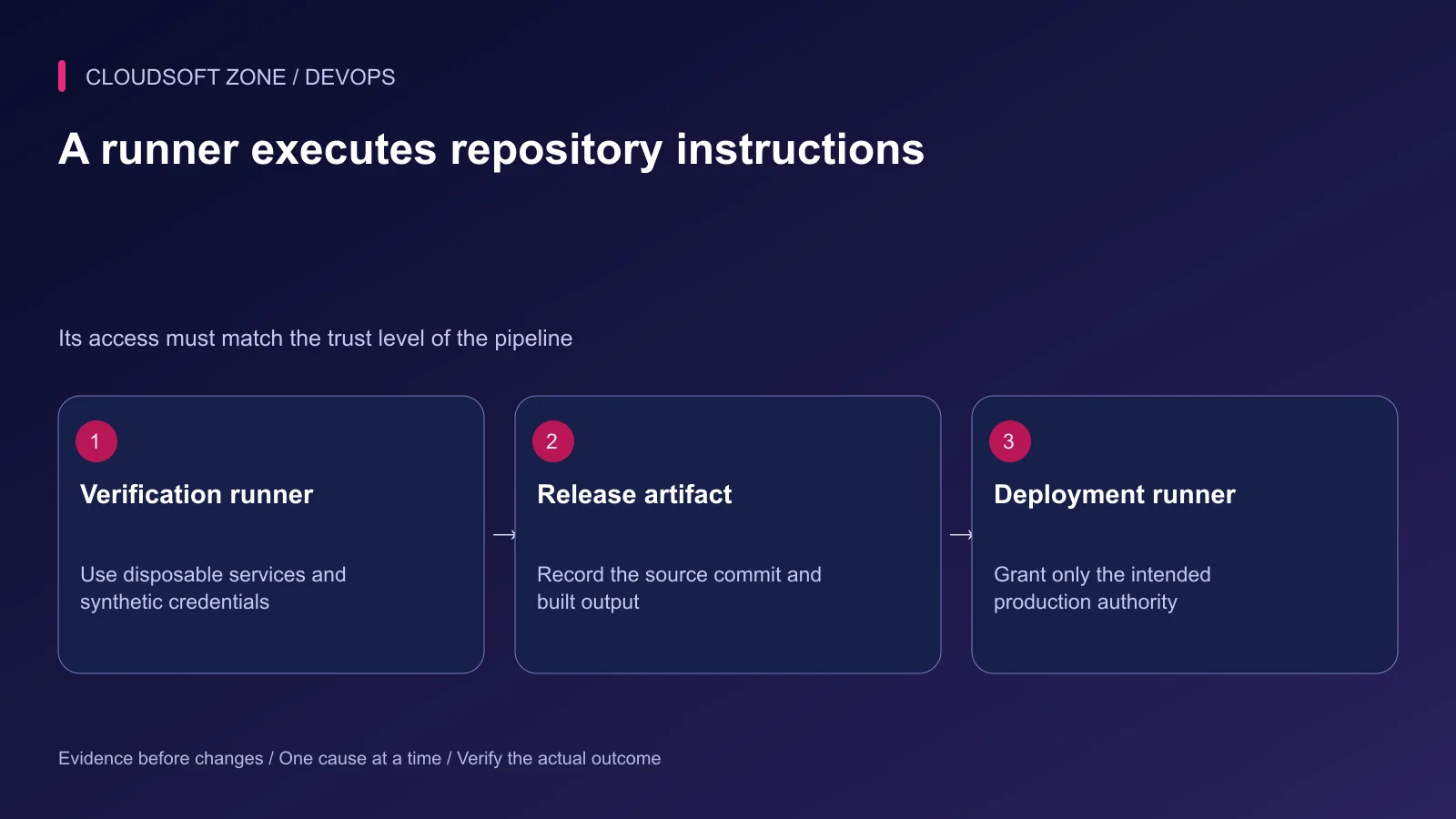
Inspect whether the runner is shared, project-specific or self-managed, and what network or host mounts it can access. A pipeline from an untrusted branch should not share a privileged production runner.
Protect deployment credentials and scope them to the correct environment. Masking prevents some accidental log exposure; it cannot prevent malicious code from using a secret that the job can read.
Use file-type variables where a protected key file is required, and verify host identity through a reviewed known-hosts configuration. Do not disable SSH host checking to make a deployment succeed.
Step 4: Build an explicit artifact
The build stage should create the release from the verified commit and lockfiles. Include production vendor dependencies and compiled assets, excluding .env, customer uploads and private diagnostics.
Record the source commit, build inputs and artifact checksum. Use explicit artifact paths and retention. Do not upload the entire workspace simply because it is convenient.
| Pipeline object | Purpose | Incorrect assumption |
|---|---|---|
| Composer download cache | Speed locked installation | It is the approved vendor tree |
| Build artifact | Carry the identified release | It may contain arbitrary workspace files |
| Protected variable | Restrict where credentials are exposed | Masking prevents malicious use |
| Resource group | Serialize configured jobs | Every target-side operation is locked |
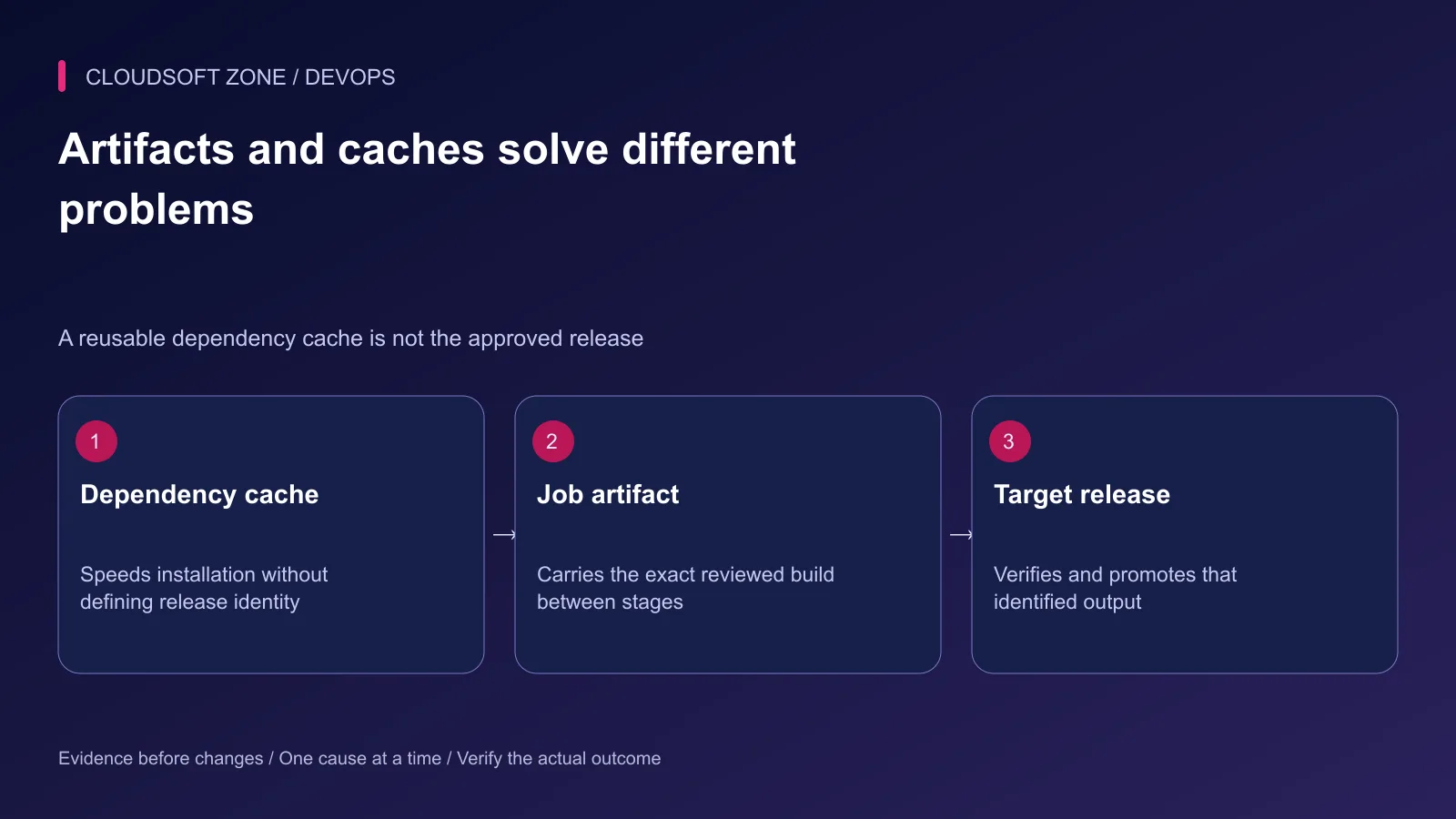
Use the actual artifact produced by the trusted build job. Rebuilding dependencies on the VPS creates another release that was not necessarily the one checked in CI.
Step 5: Serialize and protect deployment
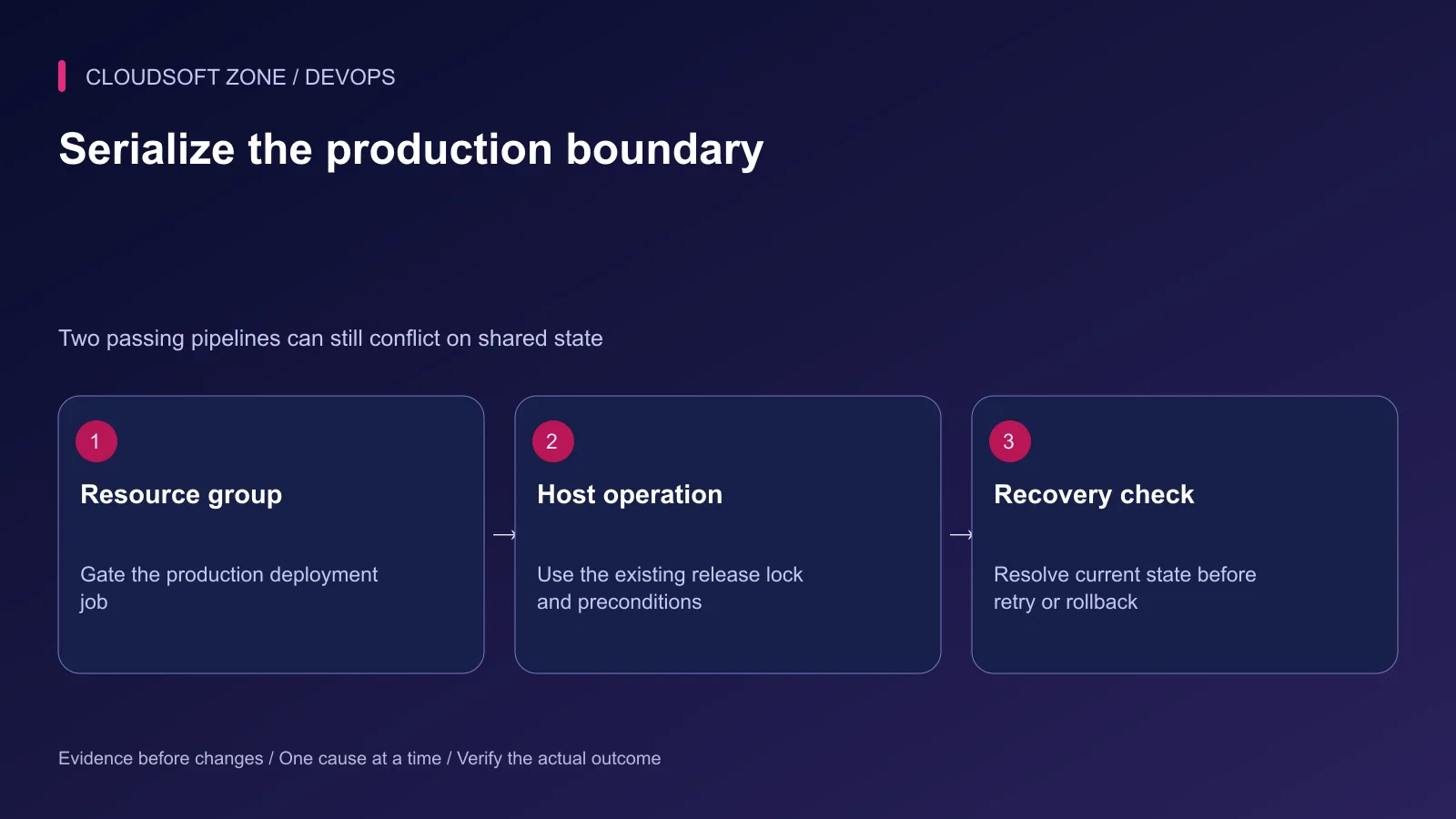
Attach a resource_group to the production deployment job and choose its ordering behavior deliberately. A newer commit does not make it safe to interrupt an active schema change.
deploy_production:
  stage: deploy
  resource_group: laravel-production
  environment:
    name: production
  rules:
    - if: '$CI_COMMIT_BRANCH == $CI_DEFAULT_BRANCH'
      when: manual
  script:
    - ./ci/deploy-reviewed-release.sh
This fragment requires your application-owned deployment adapter; the named script is not supplied by GitLab. It must consume the identified artifact, check permissions and enforce the release procedure. Configure protected deployment permissions separately. GitLab documents protected environments under Premium and Ultimate; verify your actual tier and available controls.
Step 6: Resolve failures at the correct stage
If verification fails, stop before artifact promotion. If upload or activation fails, query the target's release state before retrying. An interrupted client connection does not prove the target performed no changes.
Keep migration handling separate from code switching. A failed migration may leave partial changes depending on its statements and database behavior. Avoid automatic database rollback merely because a deploy job turned red.
Step 7: Confirm the deployed workflow
Verify the public route, required assets, harmless authentication flow and queue progress. Record the active release identifier and a defined stability window.
Retain a previous compatible artifact and a reviewed recovery procedure. Rehearse a stale deployment request, failed migration and acceptance failure in an isolated target before supplying production credentials.
Our single-VPS release guide covers the host-side boundary. For a GitLab pipeline integrated with your Laravel release process, discuss the project with Cloudsoft Zone.
Featured image: Cloudsoft Zone technical layout with laravel artwork by Laravel (Public domain). Product mark resized proportionally for identification; no endorsement implied. Layout: CC BY-SA 4.0.
Frequently asked questions
Is a manual GitLab job a complete production permission boundary?
No. Restrict credentials, runner access, branch policy and deployment permissions independently; inspect the controls available on your GitLab tier.
Can a cache replace a release artifact?
No. A cache is mutable acceleration data; a production release needs an identified artifact from the reviewed build.
Does resource_group make database migrations reversible?
No. It serializes configured jobs but does not undo schema changes or guarantee safe interruption.
Sources
- GitLab MySQL service setup — GitLab
- CI YAML jobs and artifact semantics — GitLab
- Resource groups and deployment concurrency — GitLab
- Protected environments and tier requirements — GitLab
- Variable protection and masking limitations — GitLab
- Laravel deployment boundary — Laravel
Read next
TutorialDevOps5 min read
Stop a failed database migration from turning into a broken production deployment
Contain a failed database migration with explicit release gates, schema postconditions and reviewed recovery instead of switching code or retrying blindly.
Comments
No comments yet. Be the first to join the conversation.
Leave a comment
Every comment is read by a moderator before it appears. Your email address is never published; it is used only to contact you about this comment.
More from Cloudsoft Zone
TutorialDevOps5 min read
Laravel CI/CD with GitHub Actions: verification, release artifacts and guarded deployment
Build Laravel CI/CD with GitHub Actions using locked dependencies, isolated verification, immutable release artifacts and a protected deployment job with explicit recovery gates.
By Nilesh Kushvaha
TutorialDevOps6 min read
Laravel Docker Compose with nginx, MySQL and Redis: separate images, workers and retained data
Design a Laravel Docker Compose stack with matching PHP/nginx artifacts, private database and Redis services, explicit worker lifecycle and retained storage contracts.
By Nilesh Kushvaha
TutorialDevOps5 min read
nginx PHP upload limits: safely increase file sizes without exposing the server
Align nginx PHP upload limits with multipart overhead, PHP-FPM configuration, Laravel validation and temporary-storage capacity. Diagnose 413 errors before raising every limit.
By Nilesh Kushvaha