
Stop a failed database migration from turning into a broken production deployment
Contain a failed database migration with explicit release gates, schema postconditions and reviewed recovery instead of switching code or retrying blindly.
5 min read
In this article
A release adds a unique constraint, encounters existing duplicate values and stops halfway through its migration. The deployment script continues to switch code anyway. The application now expects a schema that the database never reached.
A failed database migration should stop promotion at a postcondition gate. When a database migration failed halfway, the guide preserves evidence, repairs state before reconciling history, and uses checks such as prisma migrate status with Laravel and Prisma examples.
A failed database migration should stop promotion at a deliberate release gate. This guide focuses on preventing that second failure and recovering from the actual schema state. It uses Laravel and Prisma ORM 7 examples; other migration systems need their own version-specific procedures.
Our Laravel production checklist covers the wider release process. The distinct concern here is proving the migration outcome before activating dependent code.
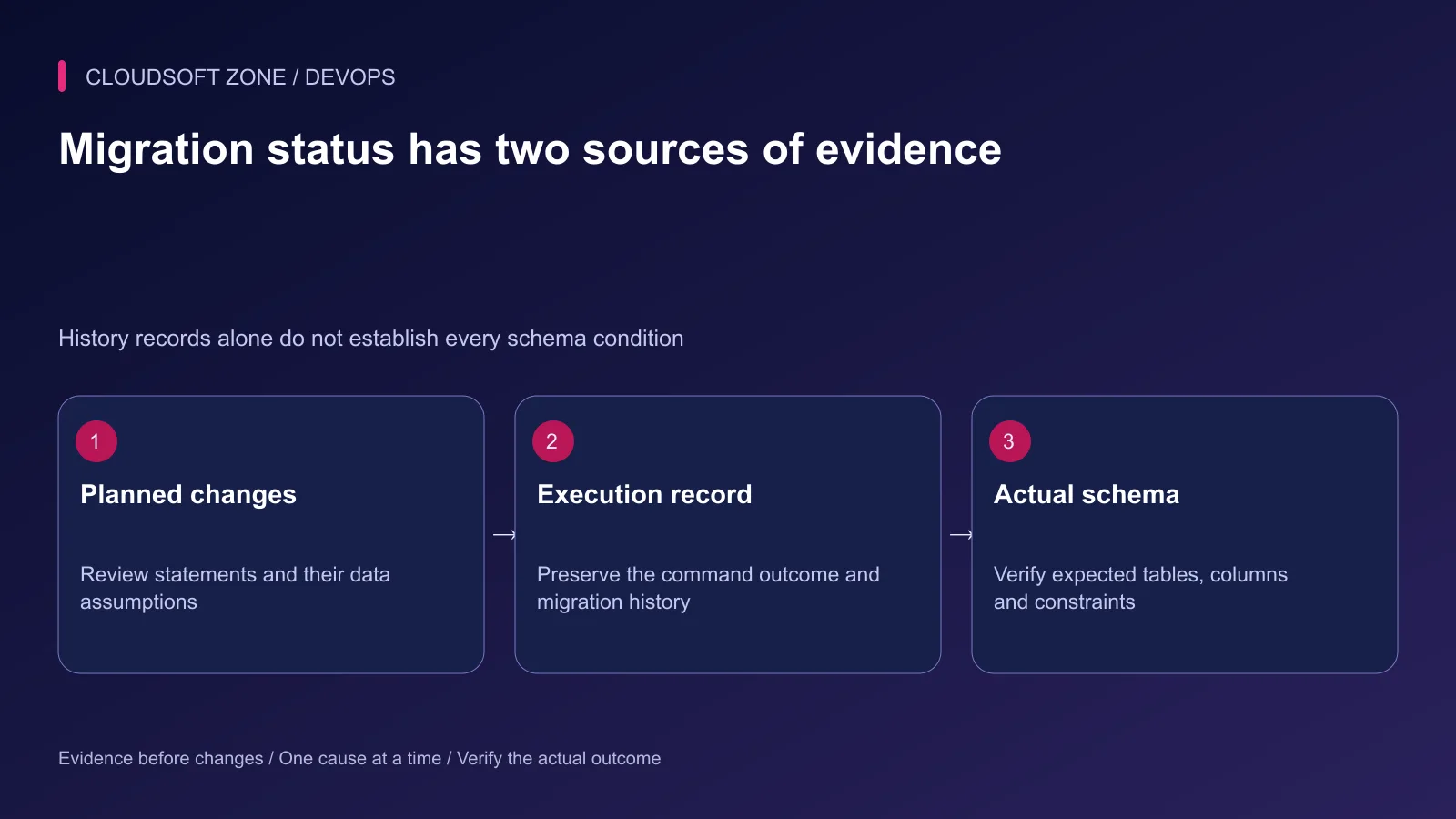
Step 1: Review data assumptions before release
Read the actual generated statements. Look for unique constraints, new non-null columns, type changes, dropped fields, table rewrites and application-managed backfills.
A migration that passes against an empty database may fail against retained data. Use an approved sanitized rehearsal copy with realistic row counts and known edge cases. Confirm privacy controls before copying anything from production.
For a proposed unique invoice reference, a preflight query might identify duplicates in that rehearsal database:
SELECT external_reference, COUNT(*) AS occurrences
FROM invoices
WHERE external_reference IS NOT NULL
GROUP BY external_reference
HAVING COUNT(*) > 1
LIMIT 50;
The output is bounded, but grouping can still scan substantial data. Evaluate the query plan and workload before running an equivalent check on a live primary. Replace the table and column with the actual reviewed schema.
Decide how to repair duplicates through business rules. Deleting rows to make a constraint pass can discard legitimate invoices and is not a safe generic fix.
Step 2: Understand the database boundary
MySQL supports atomic DDL for documented operations, but that does not make a complete migration file one rollbackable transaction. DDL can implicitly commit, and earlier statements may remain after a later statement fails.
Separate the migration tool's history from the actual schema and data. A failure record describes the attempt; it does not enumerate every business consequence automatically.
| Observation | Incorrect conclusion | Required next evidence |
|---|---|---|
| Command failed | Nothing changed | Inspect applied statements and schema |
| History says applied | All runtime behavior is correct | Check required schema and application contract |
| Backup exists | Recovery is immediate | Verify restoration procedure and data-loss window |
| Code rollback succeeds | Database returned to old state | Check schema compatibility separately |
Step 3: Serialize migration ownership
Use one controlled migration owner for a release. Avoid having every application replica execute migrations independently on startup.
Laravel provides isolated migration execution through a cache lock. Its documented behavior includes a successful exit status when another invocation holds the lock and the competing attempt does not execute. The deployment gate must therefore check the intended postconditions, not only process exit.
Use a shared lock backend where the release spans machines. An isolated local cache on each host cannot establish a fleet-wide exclusion boundary.
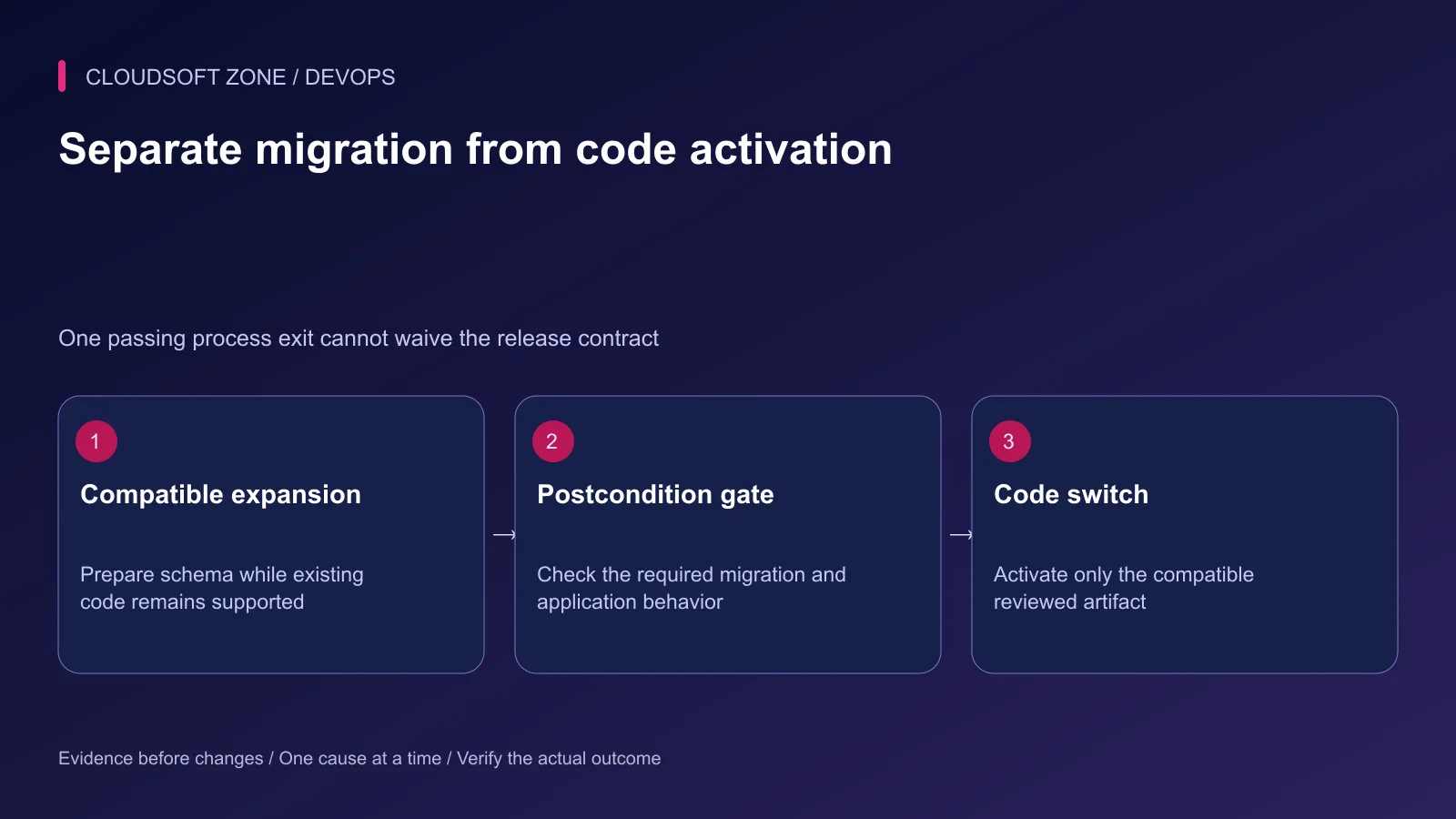
Step 4: Put a postcondition gate before activation
The release procedure should have explicit states. The following sequence is pseudocode for an application-owned deployment adapter, not a generic executable shell script:
Verify exact artifact and migration identity
Acquire the reviewed release-operation lock
Check old-code compatibility and recovery prerequisites
Execute the approved migration procedure
Inspect required migration history and schema postconditions
Stop on failure, skipped outcome or unresolved state
Activate the compatible application artifact
Verify public workflow and worker progress
Postconditions might include a specific column definition, index or constraint plus a harmless query under the application account. Keep checks bounded and tied to the exact migration identity.
Avoid a single chained command that performs migrations and immediately restarts the application without inspecting the result. Also avoid reporting success because the runner reached its final logging statement.
Step 5: Preserve evidence when execution fails
Stop conflicting release attempts and record the active application version. Preserve the command error, migration identifier and non-secret database details in restricted operational records.
Inspect migration state through the correct tool and configuration. Examples below are observational commands for the intended application environment:
php artisan migrate:status
pnpm exec prisma migrate status --config prisma.config.ts
These commands belong to different stacks; run only the one your application owns. Confirm the configured database before execution and do not dump credentials while diagnosing it.
Determine which statements completed and whether the old runtime remains compatible. Do not assume a retry is idempotent merely because the migration file has the same name.
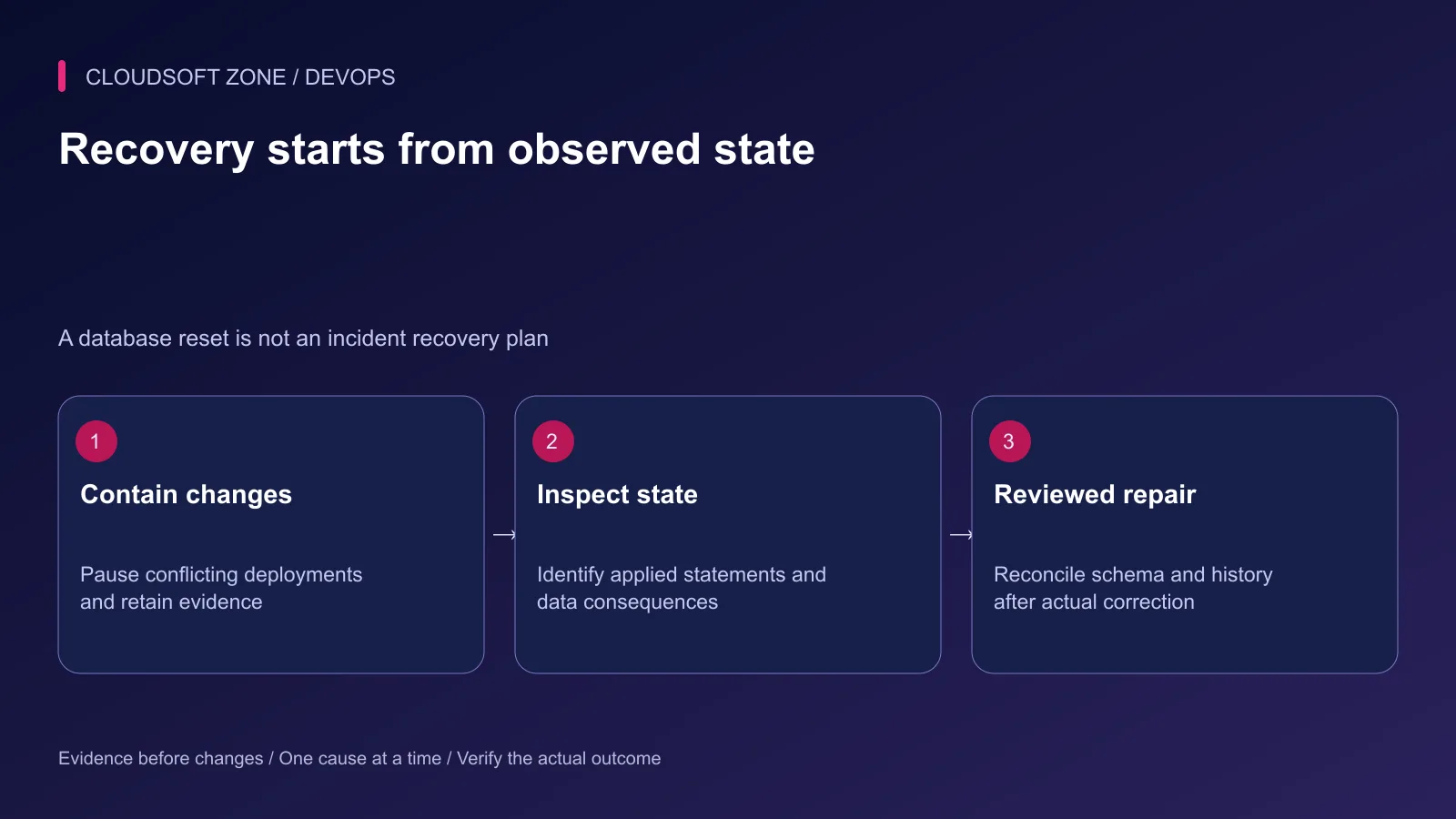
Step 6: Repair state before reconciling history
Choose forward repair or a reviewed reversal from the observed state and retained data requirements. In Prisma ORM 7, migrate resolve adjusts migration history; it does not perform the missing SQL or recover lost records.
Use the version-specific official recovery procedure and review any generated SQL before applying it. A script that restores schema shape can still discard data or break active readers.
Never use a development reset or fresh migration command against retained production data as an incident shortcut. If restoration is necessary, follow the verified backup procedure with an explicit cutover and reconciliation plan.
Step 7: Rehearse the gate itself
Include a duplicate-data constraint failure, unavailable lock backend, skipped isolated attempt and partial DDL outcome in an isolated rehearsal. Confirm that dependent code is not activated while state remains unresolved.
After repair, check migration history, required schema and a representative application workflow. Record what changed and why the next promotion is now compatible.
Our MySQL recovery guide explains the recovery foundation. For release gates around your actual migrations and workers, discuss the project with Cloudsoft Zone.
Featured image: Cloudsoft Zone technical layout with laravel artwork by Laravel (Public domain). Product mark resized proportionally for identification; no endorsement implied. Layout: CC BY-SA 4.0.
Frequently asked questions
Does MySQL atomic DDL make an entire migration file transactional?
No. Supported individual statements can be atomic, but DDL can implicitly commit and a multi-statement migration may still leave partial changes.
Can Laravel migrate --isolated exit successfully without applying my migration?
Yes. A competing lock holder can cause another invocation to skip execution while returning success. Verify the intended migration and schema postconditions.
Does Prisma migrate resolve repair a failed schema change?
In Prisma ORM 7 it reconciles migration history. Inspect and correct the actual schema as required before marking the failed migration applied or rolled back.
Sources
- Laravel migration execution and isolation — Laravel
- MySQL implicit commits — MySQL
- MySQL atomic DDL boundaries — MySQL
- Prisma ORM 7 hotfix and failed-migration recovery — Prisma
- Prisma ORM 7 CLI migration behavior — Prisma
Read next
TutorialDevOps5 min read
GitLab CI/CD for Laravel: test, build and deploy a reviewed release to a VPS
Design GitLab CI/CD for Laravel with a reviewed PHP image, disposable MySQL checks, explicit artifacts, protected credentials and serialized VPS deployments.
Comments
No comments yet. Be the first to join the conversation.
Leave a comment
Every comment is read by a moderator before it appears. Your email address is never published; it is used only to contact you about this comment.
More from Cloudsoft Zone
TutorialDevOps6 min read
Laravel Docker Compose with nginx, MySQL and Redis: separate images, workers and retained data
Design a Laravel Docker Compose stack with matching PHP/nginx artifacts, private database and Redis services, explicit worker lifecycle and retained storage contracts.
By Nilesh Kushvaha
TutorialDevOps5 min read
Laravel CI/CD with GitHub Actions: verification, release artifacts and guarded deployment
Build Laravel CI/CD with GitHub Actions using locked dependencies, isolated verification, immutable release artifacts and a protected deployment job with explicit recovery gates.
By Nilesh Kushvaha
TutorialDevOps5 min read
Build an AI-powered server log analyser with Laravel or NestJS and bounded jobs
Build an AI-powered server log analyser with authorized evidence snapshots, redacted fields, bounded queue jobs and validated findings that link back to actual records.
By Nilesh Kushvaha