
Redis persistence explained: RDB vs AOF for SaaS recovery
Choose Redis persistence from an explicit loss budget, then verify snapshot and append-only recovery with complete artifacts, enough headroom and an isolated restore.
5 min read
In this article
Redis restarts successfully, but some recently accepted work is missing. The service had persistence enabled, yet nobody documented which artifact was durable or what interval of writes could be lost.
Redis persistence is a recovery contract, not a checkbox. RDB snapshots and append-only files retain different history, and the synchronization, backup and loading procedure determines what the application can recover.
Our Laravel and BullMQ queue comparison covers accepted-work behavior. Choose persistence to support that behavior rather than assuming all Redis data is expendable cache.
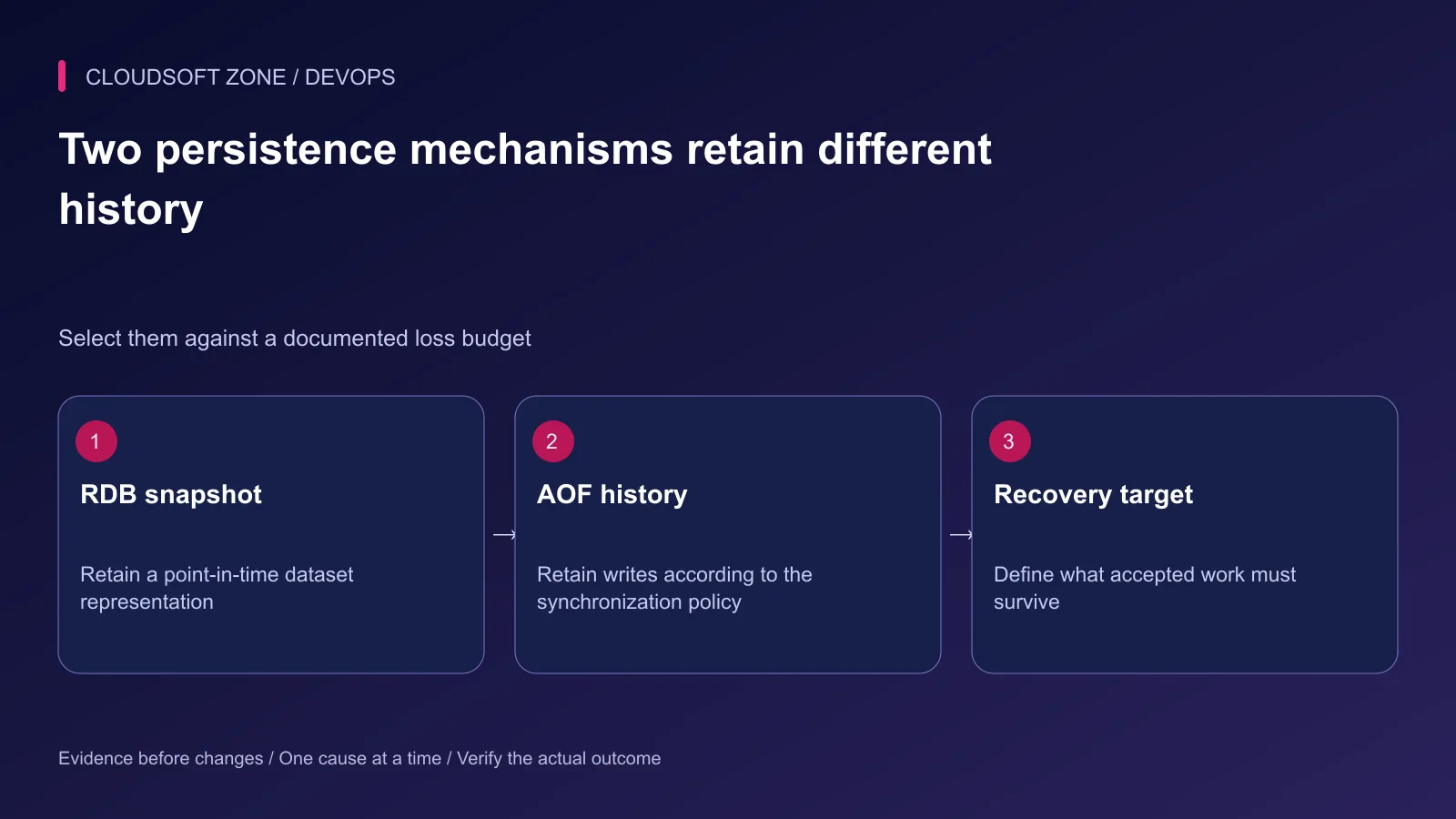
Step 1: Define the loss and restoration boundaries for Redis persistence
Classify cache, sessions, locks and queued work. Record whether the data can be rebuilt and what a missing recent write means for users or external side effects.
Set a recovery-point objective for acceptable loss and a recovery-time objective for service restoration. Do not turn a storage mode's normal behavior into a stronger business guarantee without evidence.
| Question | Evidence needed |
|---|---|
| What must survive a crash? | Workload-specific accepted-data contract |
| How much recent history may be lost? | Chosen persistence and synchronization behavior |
| How long may recovery take? | Measured isolated loading and verification |
| Where is recovery material retained? | Independent protected storage and retrieval access |
For an expendable cache, rebuilding can be valid. For a queue, restoration also needs a plan for external actions that may already have completed before the failure.
Step 2: Understand snapshot recovery
RDB records a point-in-time dataset. Its compact artifact can be useful for independent backups, but writes after the relevant snapshot are outside that snapshot's recovery point.
Background snapshot creation uses a child process and consumes resources. Check memory headroom, disk space and actual completion status rather than scheduling snapshots from an empty-instance measurement.
Do not run a blocking save as a generic incident remedy. Choose the documented mechanism and its operating window with the Redis owner. An initiated background operation is not evidence that the retained artifact finished successfully.
Step 3: Understand append-only recovery
AOF retains write history under the configured synchronization policy. Compare always, periodic and operating-system-controlled synchronization against the intended latency and loss boundary.
Periodic synchronization reduces the normal loss window, but do not promise universal zero loss. Storage behavior, persistence errors and application admission semantics remain relevant.
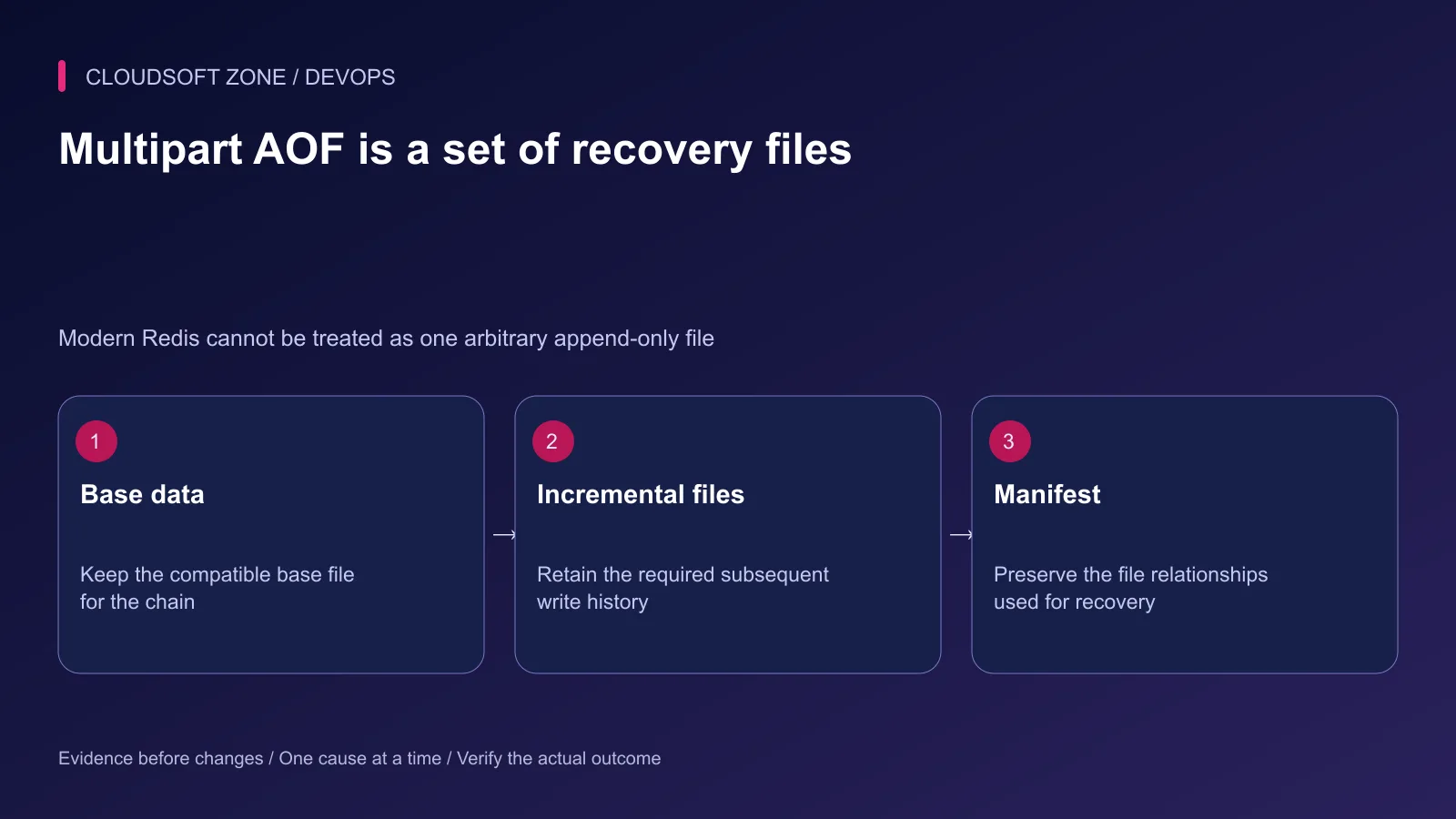
Modern Redis uses multipart AOF. Retain the required base file, incremental files and manifest as a coherent recovery set; do not assume an old tutorial's single-file copy covers the installed version.
Step 4: Budget rewrite and backup operations
AOF rewriting reduces retained history to a compact representation of the current dataset. It is an owned background operation with disk and memory consequences, not a reason to remove files manually from the persistence directory.
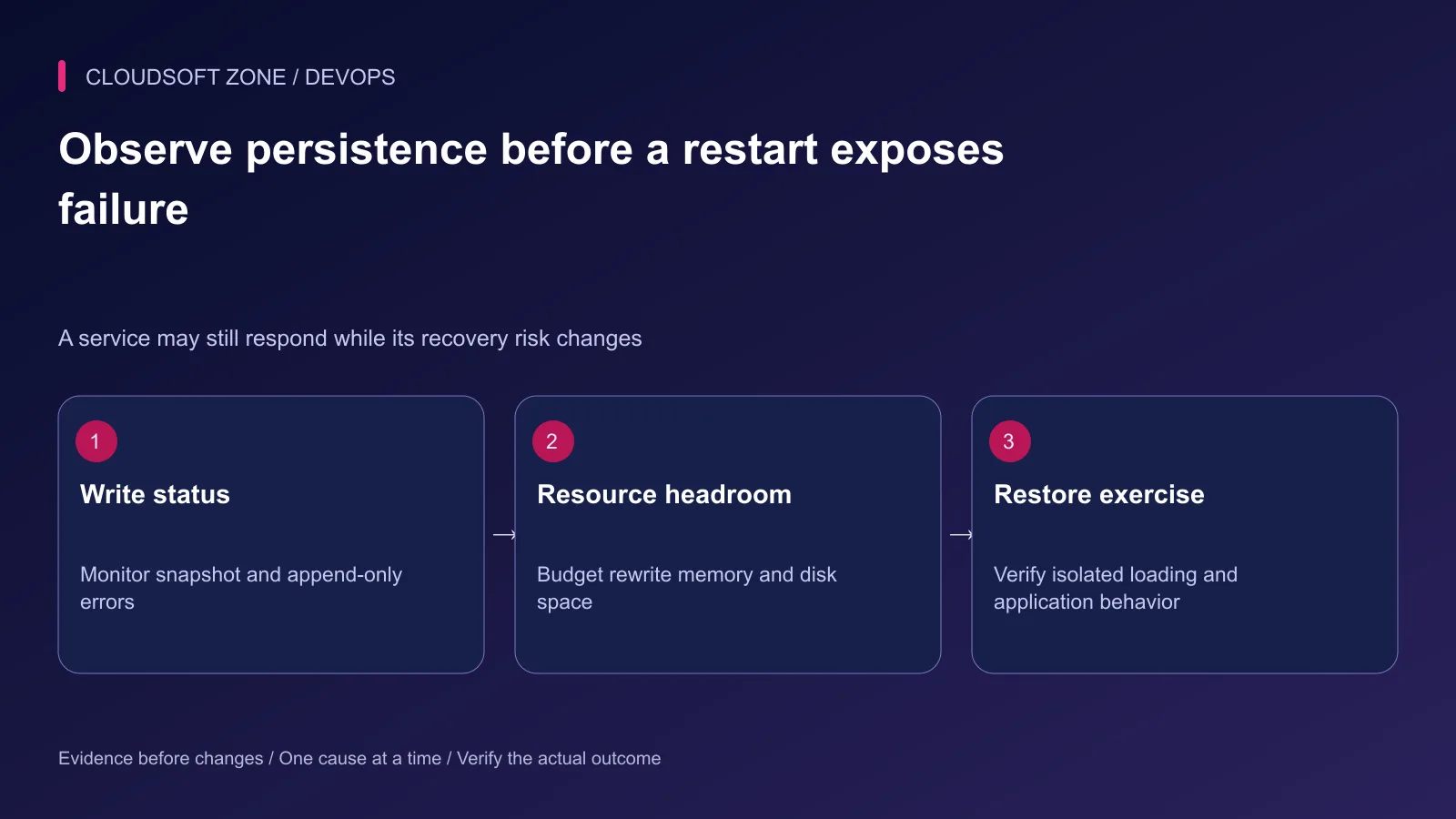
Monitor rewrite state and completion. Repeated failures or insufficient headroom can change the recovery risk while the application continues answering commands.
Leave enough storage for the documented operation and recovery copies. A full disk during persistence is not solved safely by deleting whichever AOF file looks largest.
Never switch persistence modes or restart against a different recovery set casually. Follow the installed version's conversion procedure and verify the intended data before any cutover.
Step 5: Monitor persistence status explicitly
Through an existing authorized Redis client, inspect the bounded persistence section:
INFO persistence
This is a command inside that client, not a credential-bearing shell connection example. Keep the output private and interpret the fields available in the deployed version.
Observe snapshot progress and last completion, AOF enablement and rewrite state, and recent write or rewrite errors. Add a defined observation window and alert owner. A historical failure can be important, but it differs from a newly failing operation.
Monitor collection gaps too. Missing telemetry should not make the dashboard imply that persistence is healthy.
Step 6: Rehearse a complete isolated restore
Retrieve a documented artifact set onto a dedicated recovery target with a compatible Redis version and configuration. Keep it isolated from real clients and prevent external side effects during verification.
Do not overwrite the retained production instance to test a backup. The rehearsal target must be explicit and independently recoverable if the exercise fails.
Check expected synthetic or approved data references, expiration behavior and application access. For queue state, verify which jobs are pending and which external results need reconciliation before consumers are allowed to run.
| Rehearsal | Required observation |
|---|---|
| RDB restore | Expected dataset and stated snapshot point |
| AOF restore | Complete compatible file chain loads correctly |
| Missing or corrupted artifact | Failure is visible before cutover |
| Insufficient disk or memory | Procedure stops without harming retained production data |
| Queue recovery | Duplicate side effects are prevented or reconciled |
Step 7: Keep independent recovery evidence
Replication can support availability, but it has its own asynchronous behavior and can reproduce unwanted changes. Do not treat another live instance as the only backup history.
Record retrieval, loading and verification duration from an actual isolated exercise. Include the time required to reconcile application state, not only the Redis startup time.
Our payment idempotency guide explains why replaying stored work needs a business-state check. For persistence and recovery fitted to your application, discuss the project with Cloudsoft Zone.
Featured image: Cloudsoft Zone technical layout with redis artwork by Redis Ltd (Public domain). Product mark resized proportionally for identification; no endorsement implied. Layout: CC BY-SA 4.0.
Frequently asked questions
Does an RDB snapshot preserve every recent accepted write?
No. Writes after the retained snapshot can be lost on recovery. Choose the snapshot policy and workload contract with that boundary in mind.
Can I back up modern AOF by copying only one appendonly.aof file?
Do not assume so. Redis 7 and later use multipart AOF with base and incremental files tracked by a manifest; follow the documented complete backup procedure.
Does Redis replication replace persistence backups?
No. Replication has its own failure and acknowledgment behavior and can propagate unwanted changes. Retain and verify independent recovery copies.
Sources
- Redis persistence and multipart AOF — Redis
- Persistence diagnostic fields — Redis
- Background AOF rewrite behavior — Redis
- Background snapshot behavior — Redis
- Replication recovery limitations — Redis
Read next
TutorialDevOps5 min read
MySQL production configuration for Laravel applications: a safe operating baseline
Review MySQL production configuration for Laravel using measured memory and connection budgets, explicit durability, protected access and verified restore procedures.
New tools, once a week
One short email listing what joined the directory.
Comments
No comments yet. Be the first to join the conversation.
Leave a comment
Every comment is read by a moderator before it appears. Your email address is never published; it is used only to contact you about this comment.
More from Cloudsoft Zone
Resource guideDevOps5 min read
Production incident checklist: a recovery runbook for small SaaS teams
Build a production incident checklist with clear ownership, evidence capture, bounded mitigation, data reconciliation and measurable recovery criteria for a small SaaS team.
By Nilesh Kushvaha
TutorialDevOps4 min read
Structured logging in Laravel and NestJS: a production event contract
Implement structured logging with stable event names, safe fields and request correlation across Laravel and NestJS, then verify collector behavior and retention.
By Nilesh Kushvaha
TutorialDevOps4 min read
Laravel failed jobs: monitoring, alerts and safe recovery in production
Monitor Laravel failed jobs with safe event metadata, queue-age signals and deduplicated alerts that still reach an operator when the application queue is unavailable.
By Nilesh Kushvaha