
Production incident checklist: a recovery runbook for small SaaS teams
Build a production incident checklist with clear ownership, evidence capture, bounded mitigation, data reconciliation and measurable recovery criteria for a small SaaS team.
5 min read
In this article
An application is failing and three responders are making changes independently. One rolls back code, another restarts workers and a third changes database limits. Nobody can explain which action restored service or whether accepted jobs ran twice.
A production incident checklist creates a small shared operating record: impact, owner, evidence, action and recovery criteria. This guide is a practical runbook template for a SaaS team, not a claim that one procedure fits every outage.
Our single-VPS deployment guide covers release boundaries. An incident runbook should name those existing owners and artifacts rather than invent a parallel operating system.
Step 1: Declare the incident and establish ownership
Record the observed customer impact and starting timestamp with an explicit timezone. Declare an incident when coordinated response is needed; waiting for a perfect root-cause explanation can delay useful escalation.
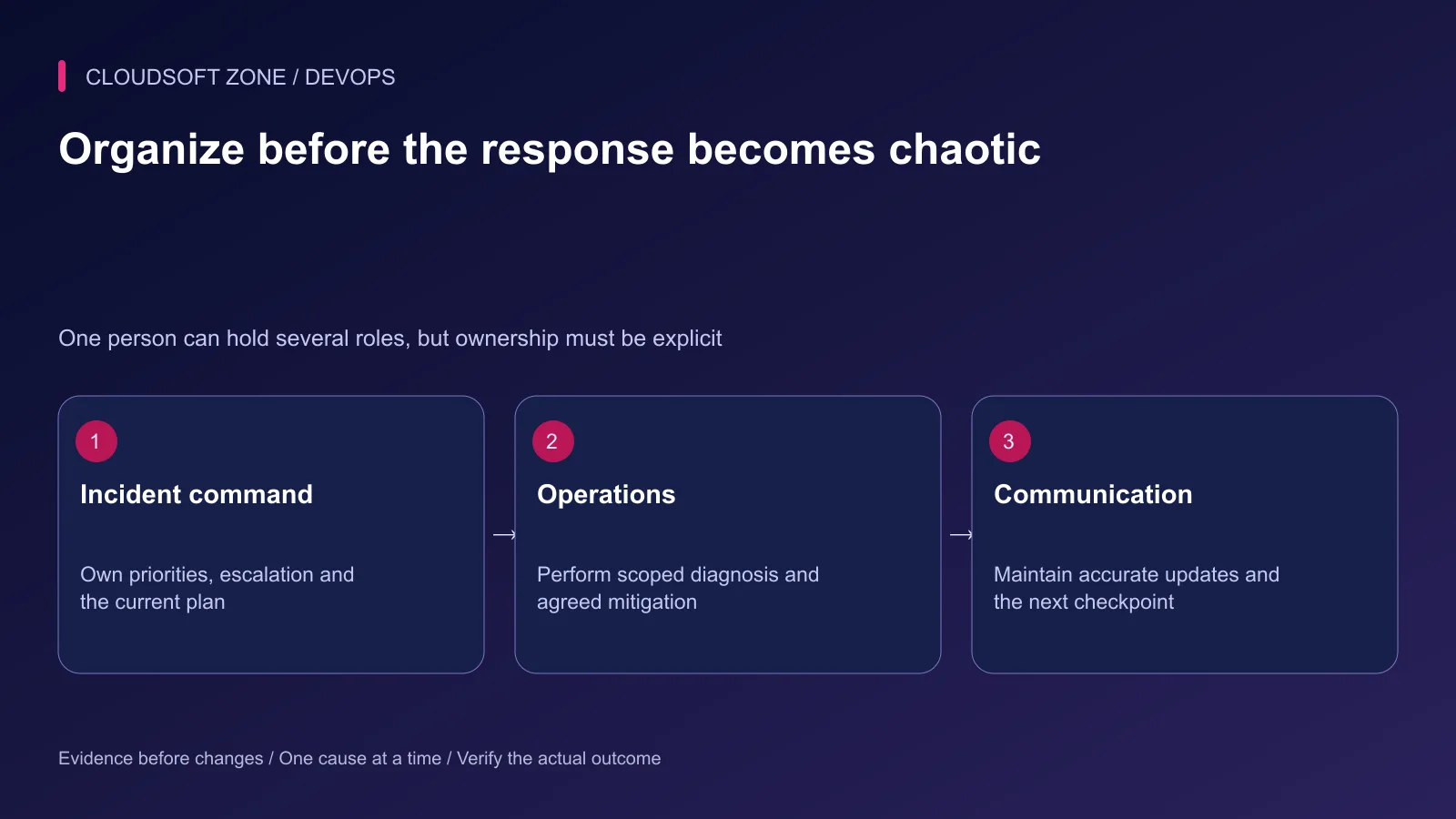
Assign an incident owner, an operational owner and a communication owner. A small team can combine these roles, but it should still state who holds each responsibility and how handover occurs.
| Role | Immediate responsibility |
|---|---|
| Incident owner | Priorities, escalation, action coordination and closure decision |
| Operational owner | Bounded diagnosis and agreed mitigations |
| Communication owner | Accurate updates, audience and next update time |
Stop unrelated deployments and risky maintenance through the appropriate release owner. Preserve the ability to perform a reviewed incident fix; a freeze should not become an undefined barrier to recovery.
Step 2: Establish impact and recovery criteria
Name the affected workflow, region or tenant scope where evidence supports it. Distinguish confirmed failures from suspected wider impact. Use counts and intervals only when their sources are known.
Write the recovery criteria early. For an upload outage, that may include a successful representative upload, accessible retained files, stable error rates and recovery of delayed jobs. For payment processing, it also requires reconciliation of ambiguous provider outcomes.
Do not promise an estimated restoration time without evidence. A useful update can describe the verified impact, current investigation and next checkpoint instead.
Step 3: Preserve a small evidence set
Collect the release identifier, first observed symptom, relevant monitoring window and protected diagnostic references. Keep raw secrets, customer payloads and database exports out of the shared incident record.
Observe the failure before restarting components where possible. A restart can reset counters, remove process state and make intermittent behavior harder to reproduce.
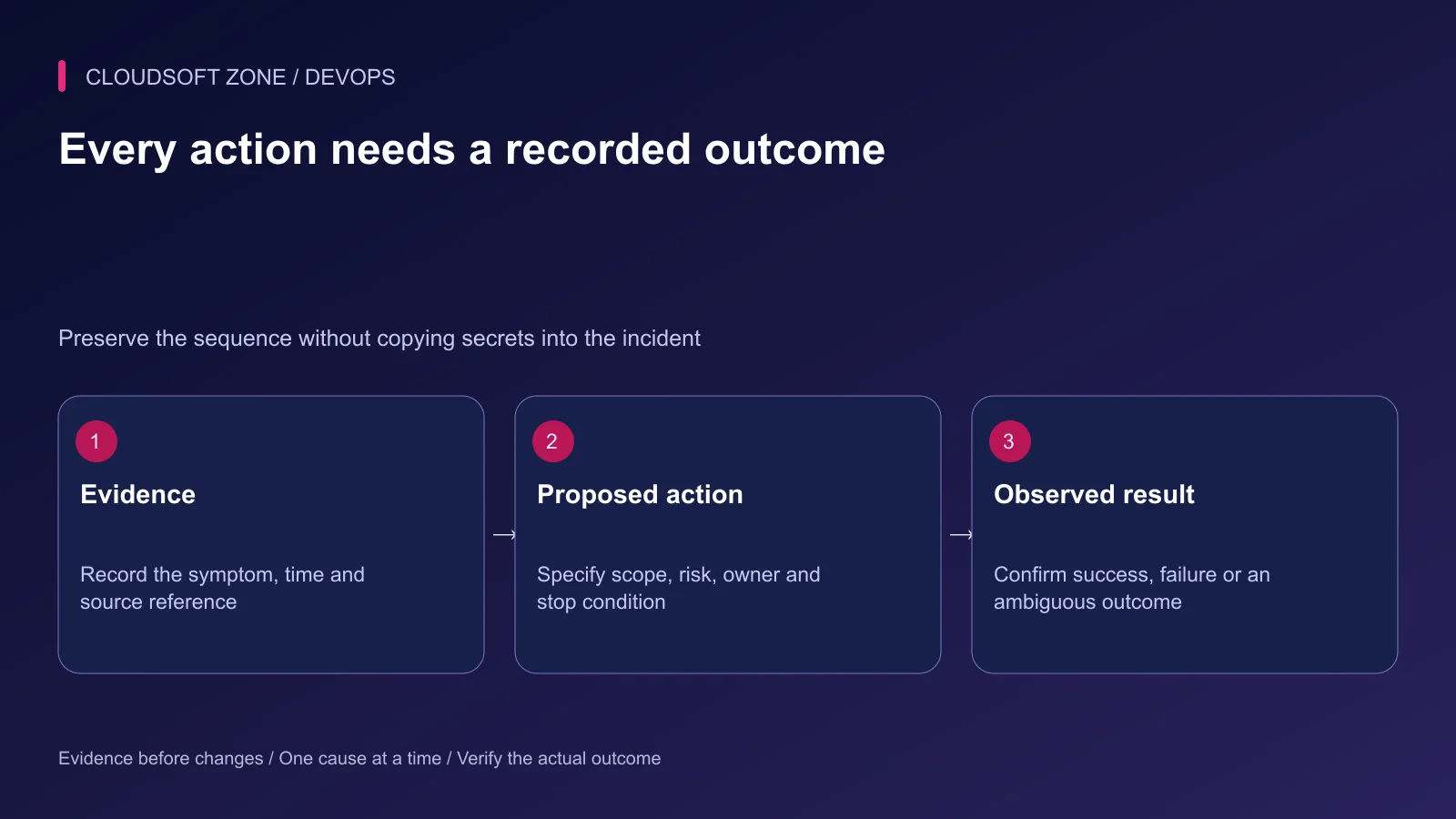
Use an action ledger rather than unstructured chat alone. Record who performed each change and whether it completed, failed or timed out ambiguously.
incident_id:
started_at_with_timezone:
confirmed_user_impact:
current_release_reference:
incident_owner:
next_update_at:

action_id:
target_and_scope:
owner:
reason_and_evidence:
expected_outcome:
stop_or_reversal_condition:
observed_result:
This is a record template, not an executor. Filling it in does not grant permission to change the recorded resource.
Step 4: Form and test a bounded hypothesis
Ask which observation would distinguish the leading explanations. An upstream timeout could originate in an application pool, database lock or external provider. A CPU graph alone cannot choose among them.
Prefer read-only, scoped observations with finite cost. Avoid broad filesystem searches, unbounded query traces or customer-data exports as casual first checks.
Change one relevant variable at a time when practical. Coordinate concurrent work so responders do not invalidate each other's evidence or compete for the same resource.
Step 5: Mitigate within a known recovery contract
Choose the smallest action supported by evidence: stop an identified expensive workload, revert a compatible code release or remove traffic from an unhealthy instance. Confirm data and queue compatibility before rollback.
| Proposed mitigation | Precondition |
|---|---|
| Code rollback | Prior artifact remains compatible with current data and jobs |
| Worker restart | Active-job interruption and redelivery behavior are understood |
| Traffic switch | Candidate route and dependency behavior are verified |
| Restore from backup | Loss boundary, isolated validation and cutover are reviewed |
A code rollback does not undo a database migration or an external payment. An action timeout does not prove that the action never occurred. Check state before issuing it again.
For suspected compromise, involve the security owner and preserve appropriate evidence. Availability recovery and cybersecurity containment can require different decisions. NIST's incident-response framework addresses that broader security lifecycle; this operational checklist does not replace it.
Step 6: Verify service, data and delayed work
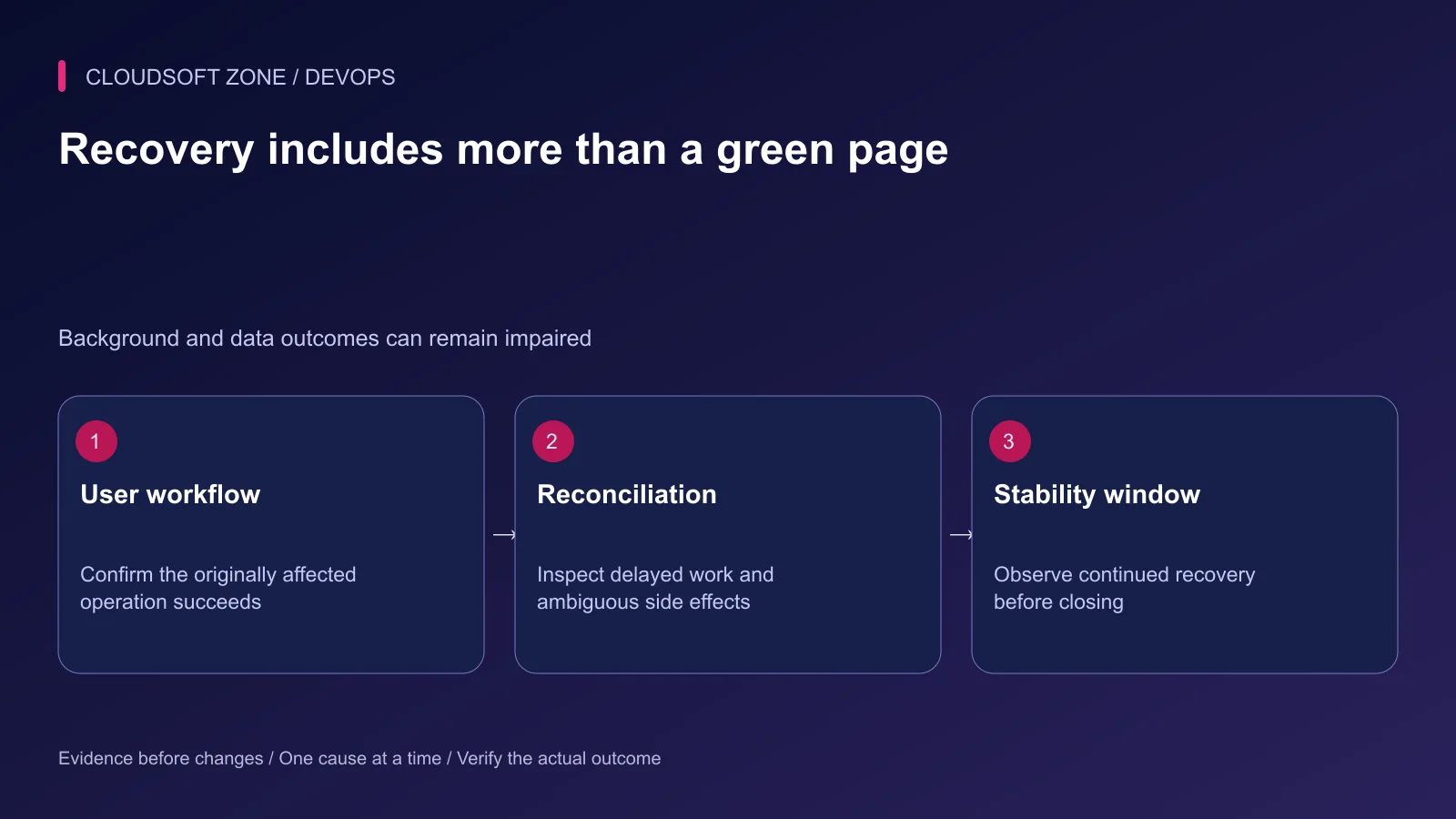
Repeat the originally affected user operation through the relevant public and authorized paths. Observe stability over a defined interval, not one successful request.
Inspect delayed queues, failed operations and ambiguous external side effects. Our webhook idempotency guide explains why replay requires reconciliation. Our backup restore guide covers recovery evidence for retained data.
Keep temporary mitigations visible with an owner and removal condition. Reduced worker concurrency or a disabled optional feature can be acceptable temporarily without becoming invisible permanent behavior.
Step 7: Close with accountable follow-up
Document the recovery evidence and communicate the confirmed result. Preserve the incident timeline, remaining risks and required reconciliation work.
Write a blameless review with the contributing conditions, detection gaps and actions that will prevent or shorten recurrence. Give each action an owner, scope and acceptance criterion; improve the system rather than ending with a vague reminder to be more careful.
Rehearse the runbook in isolated staging and verify access and handover before the next incident. For release and recovery procedures fitted to your SaaS team, discuss the project with Cloudsoft Zone.
Featured image: Cloudsoft Zone technical layout with ubuntu artwork by Canonical Ltd (Public domain). Product mark resized proportionally for identification; no endorsement implied. Layout: CC BY-SA 4.0.
Frequently asked questions
Does a small team need a formal incident commander?
It needs an explicit incident owner who coordinates priorities and actions. One person can hold several roles, but responders should know who owns the current plan.
Should we restart every service when the cause is unknown?
No. Preserve evidence and choose a bounded mitigation based on the observed symptom. Broad restarts can interrupt work and hide the useful failure state.
Can the incident close as soon as the home page responds?
Only if that was the complete affected service contract. Verify the original user workflow, delayed work, data consequences and a defined stability window.
Sources
- Incident response roles — Google SRE
- Managing incidents — Google SRE
- Evidence-led troubleshooting — Google SRE
- Postmortem follow-up — Google SRE
- Cybersecurity incident response framework — NIST
Read next
TutorialDevOps4 min read
Structured logging in Laravel and NestJS: a production event contract
Implement structured logging with stable event names, safe fields and request correlation across Laravel and NestJS, then verify collector behavior and retention.
New tools, once a week
One short email listing what joined the directory.
Comments
No comments yet. Be the first to join the conversation.
Leave a comment
Every comment is read by a moderator before it appears. Your email address is never published; it is used only to contact you about this comment.
More from Cloudsoft Zone
TutorialDevOps4 min read
Laravel failed jobs: monitoring, alerts and safe recovery in production
Monitor Laravel failed jobs with safe event metadata, queue-age signals and deduplicated alerts that still reach an operator when the application queue is unavailable.
By Nilesh Kushvaha
Troubleshooting guideDevOps5 min read
Server disk full: diagnose logs, Docker images and uploaded files safely
Diagnose a server disk full incident by identifying the affected filesystem, inode pressure and storage owner before considering any scoped recovery action.
By Nilesh Kushvaha
TutorialDevOps5 min read
Application health checks: why uptime monitoring misses real failures
Design application health checks that separate liveness, readiness and real user outcomes, without creating restart storms or dangerous synthetic side effects.
By Nilesh Kushvaha