
In this article
The worker has stopped completing imports, but the failure email is also waiting in that same queue. The dashboard is available and nobody receives a useful alert.
Laravel failed jobs need both a detection contract and a delivery contract. Observe terminal failures, stalled progress and dependency outages separately, then route a bounded incident signal to somebody who can safely investigate.
Our Laravel queues and BullMQ comparison explains processing behavior. This guide focuses on monitoring and response rather than worker installation.
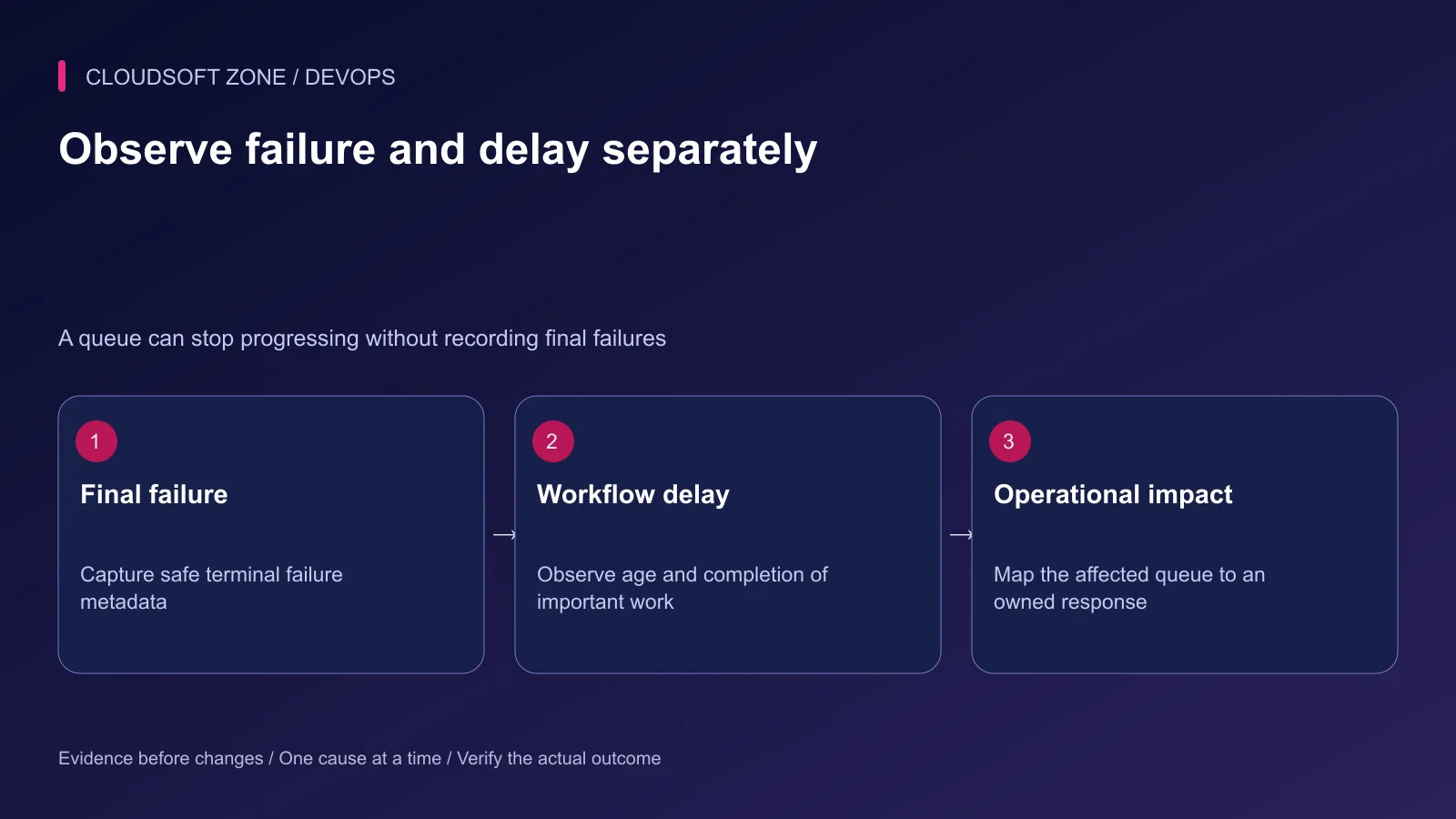
Step 1: Identify the queue's business impact
List the connection, queue name, consumer owner and expected completion window for important work. A low-priority report and a payment reconciliation job need different alert urgency.
Distinguish attempts that will retry from work that has exhausted its retry policy. Also monitor work that never reaches execution. No failure event is emitted merely because a consumer is absent.
| Signal | What it can reveal | Blind spot |
|---|---|---|
| Terminal failure event | An executed job failed finally | Work that never started |
| Failed-job storage | Retained failure evidence | Disabled storage or missing writes |
| Oldest relevant job age | Delayed business progress | Correctness of completed side effects |
| Worker observation | Consumer availability and activity | Whether its queue is the intended one |
Define a threshold from the actual workflow expectation rather than declaring one queue-depth number appropriate for every application.
Step 2: Capture minimal metadata for Laravel failed jobs
Register a listener through the application's existing provider or event owner. This Laravel fragment records a safe terminal-failure signal using an allowlisted queue label:
use Illuminate\Queue\Events\JobFailed;
use Illuminate\Support\Facades\Log;
use Illuminate\Support\Facades\Queue;

Queue::failing(function (JobFailed $event): void {
    $queue = $event->job->getQueue();
    $label = in_array($queue, ['default', 'imports'], true)
        ? $queue
        : 'other';

    Log::error('queue.job_failed', [
        'queue' => $label,
        'code' => 'TERMINAL_JOB_FAILURE',
    ]);
});
Place this registration in the existing provider's boot path and adapt the queue allowlist. It is a bounded logging fragment, not a complete notification system or guarantee of durable delivery.
Do not attach the full serialized payload, exception message or customer data. The normal exception-reporting path may still capture additional context, so review that separately.
Step 3: Keep a durable investigation reference
Use the existing failed-job backend and authorized operational interface. Confirm that its storage is enabled, available and covered by retention policy. A listener cannot guarantee that a failed database records its own outage.
Where a stable job or incident reference is needed, validate its format and keep the detailed record behind access control. Sending an internal reference is safer than placing a raw payload into email or chat.
Separate operational telemetry from the accountable business outcome. A payment ledger or import result should not depend on retaining a debug log indefinitely.
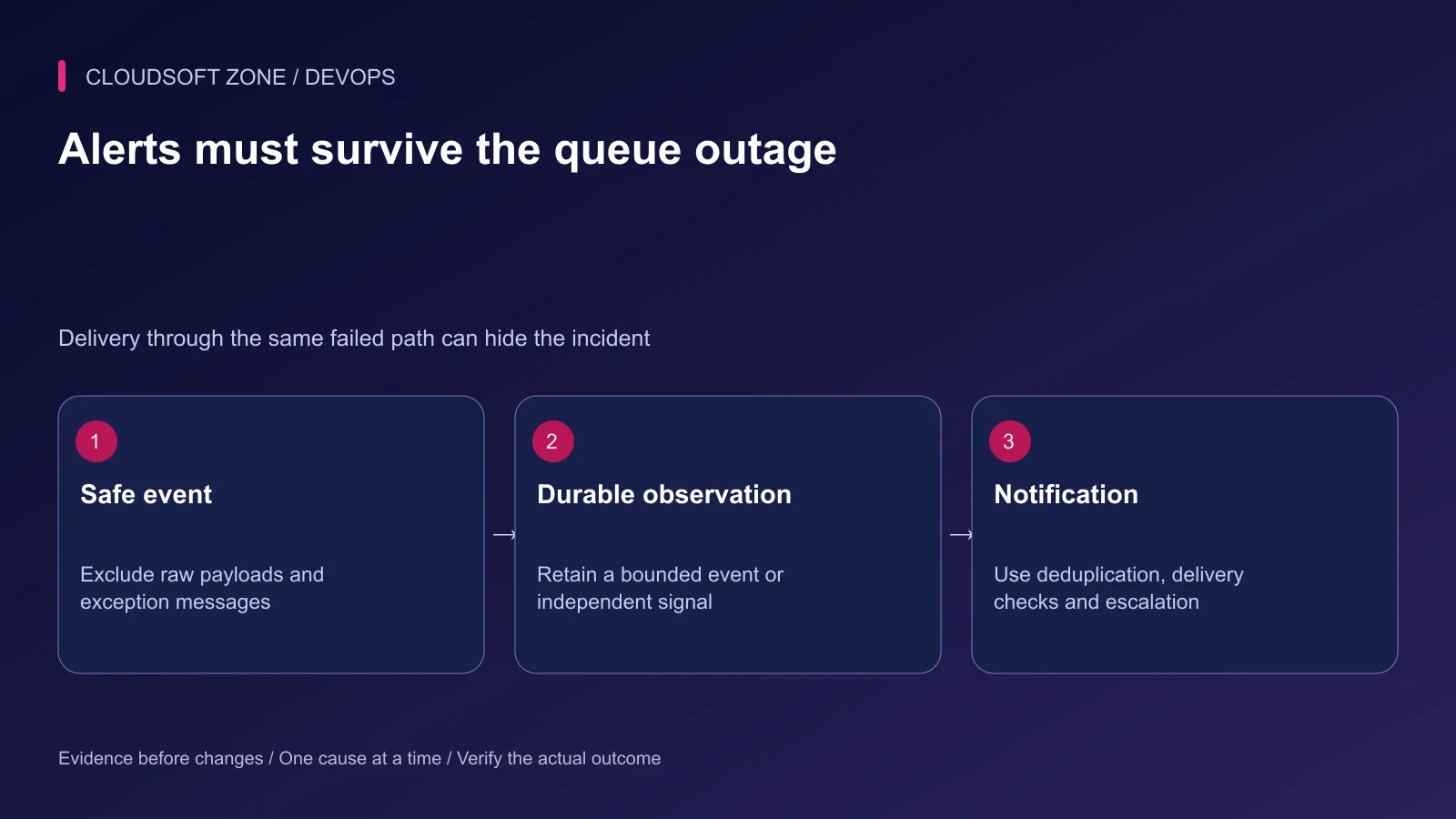
Step 4: Make alert delivery independent enough
Choose a notification route whose dependencies are understood. A queued mail notification on the affected queue can remain undelivered throughout the incident.
An external monitor can observe missing progress or a durable event stream, but it also needs authenticated access, a finite polling budget and its own availability checks. A separate queue on the same failed Redis instance does not remove that shared dependency.
Do not make a failure listener synchronously wait indefinitely for a mail provider. Use bounded transport and an established delivery mechanism that records failure and escalation without causing recursive job failures.
Step 5: Deduplicate without hiding continuing impact
Group repeated failures by a reviewed service, queue and safe error category. Send the first actionable incident signal, then track whether impact continues and when recovery is verified.
Deduplication needs an expiration and escalation policy. A cache entry that suppresses alerts forever can conceal a later incident; a cache outage can also produce a notification burst.
For Horizon, protect the dashboard and review the configured monitoring and notification behavior. An attractive dashboard does not prove that its alert route reaches an operator.
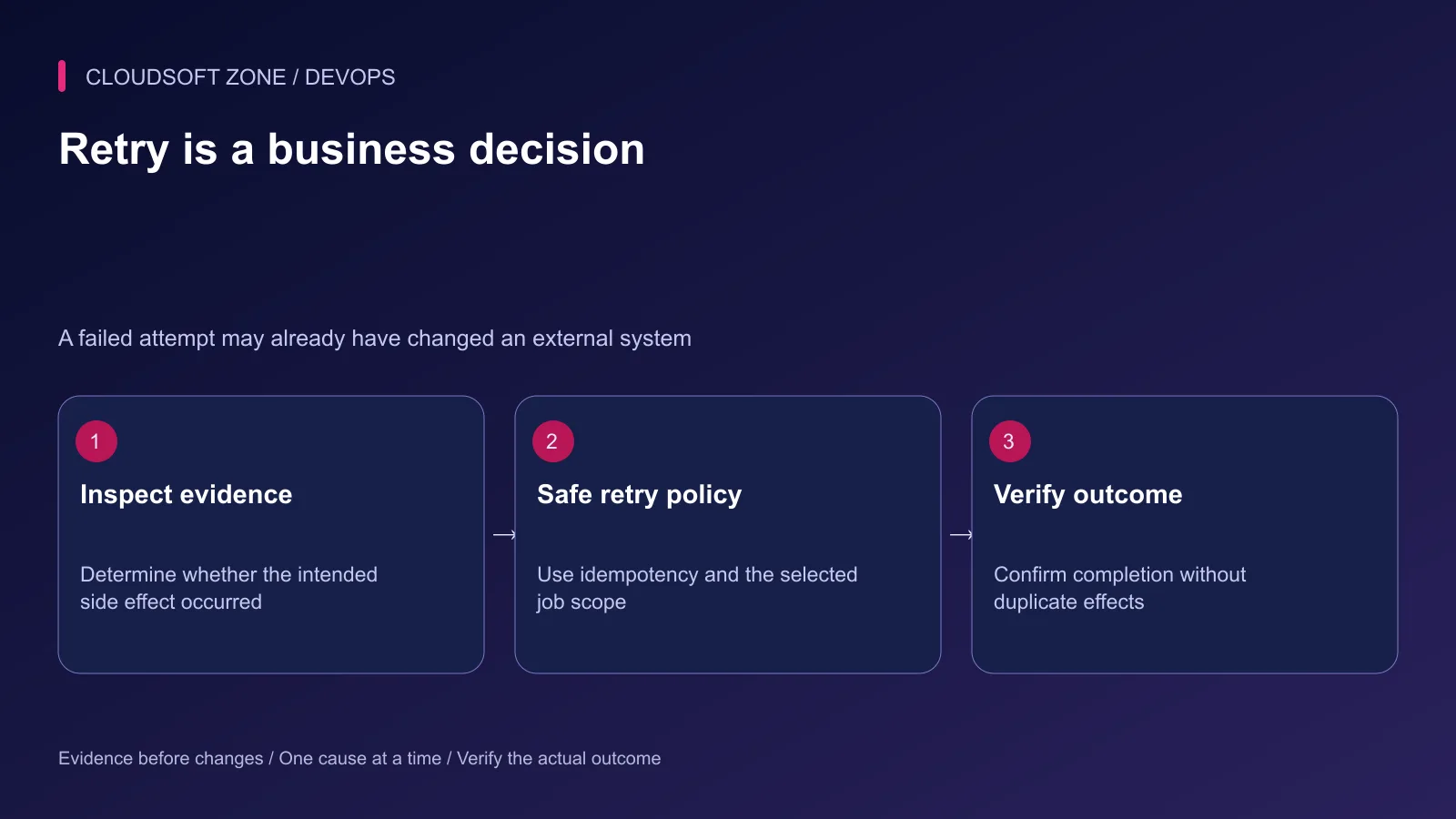
Step 6: Investigate before retrying
Check the release, dependency availability, retry policy and external side effects. A timeout can occur after a provider accepted an action. Another attempt can duplicate that action if the job is not idempotent.
Our payment and webhook idempotency guide covers reconciliation boundaries. Select specific reviewed work for recovery; do not bulk-replay every stored failure merely to make the dashboard green.
| Failure class | Recovery requirement |
|---|---|
| Temporary unavailable dependency | Confirm recovery and bounded retry eligibility |
| Invalid permanent input | Correct or reject according to business policy |
| Ambiguous external timeout | Reconcile provider state before replay |
| Code defect | Deploy a verified correction and compatible retry path |
Step 7: Rehearse delivery and recovery
In isolated staging, trigger a harmless failing job and stop a consumer separately. Confirm that the terminal-failure signal and stalled-progress signal both reach the intended owner.
Then interrupt the notification channel and verify escalation or visible delivery failure. Record actual receipt, not only successful event creation. Confirm recovered work completes once, with the intended result and no duplicate side effects.
Keep the alert contract with the queue runbook: owner, first checks, safe retry scope, retention and recovery evidence. For reliable background processing and operational alerts, discuss your application with Cloudsoft Zone.
Featured image: Cloudsoft Zone technical layout with laravel artwork by Laravel (Public domain). Product mark resized proportionally for identification; no endorsement implied. Layout: CC BY-SA 4.0.
Frequently asked questions
Will a failed-job listener catch every stopped queue?
No. A stopped worker or unavailable broker may create no terminal failure event. Monitor queue age, progress and dependency availability separately.
Can I send failed-job alerts through the same application queue?
That can fail during the very outage you need to report. Define and rehearse a delivery route that does not rely solely on the affected queue.
Is it safe to retry every failed Laravel job?
No. Inspect the cause and any completed side effects. Retry only the reviewed scope with suitable idempotency and reconciliation.
Sources
- Failed jobs and queue events — Laravel
- Notification routing and queued delivery — Laravel
- Horizon queue operations — Laravel
- Actionable alert windows — Google SRE
- Safe operational logging — OWASP
Read next
TutorialDevOps5 min read
Application health checks: why uptime monitoring misses real failures
Design application health checks that separate liveness, readiness and real user outcomes, without creating restart storms or dangerous synthetic side effects.
New tools, once a week
One short email listing what joined the directory.
Comments
No comments yet. Be the first to join the conversation.
Leave a comment
Every comment is read by a moderator before it appears. Your email address is never published; it is used only to contact you about this comment.
More from Cloudsoft Zone
TutorialDevOps5 min read
Prometheus and Grafana monitoring for Laravel and Node.js applications
Use Prometheus and Grafana to connect private application metrics, host observations and actionable dashboards for Laravel and Node.js production workloads.
By Nilesh Kushvaha
TutorialDevOps5 min read
Production monitoring for a small SaaS: signals, alerts and recovery evidence you actually need
Build production monitoring around critical user journeys, application errors, queue progress and capacity signals, with actionable alerts and a verified delivery path.
By Nilesh Kushvaha
TutorialDevOps5 min read
Automated rollback for VPS deployments: release identity, compatibility and recovery gates
Design automated rollback around an exact previous release, schema compatibility and verified user recovery instead of blindly reverting every failed deployment.
By Nilesh Kushvaha