
Automated rollback for VPS deployments: release identity, compatibility and recovery gates
Design automated rollback around an exact previous release, schema compatibility and verified user recovery instead of blindly reverting every failed deployment.
5 min read
In this article
A deployment health check fails, so the script switches to the previous code. The previous code also fails because the new migration removed a field it still needs. The automation performed a rollback command without establishing a recoverable state.
Automated rollback only helps when the previous release is still compatible. This VPS deployment rollback guide keeps a release manifest, defines a bounded trigger, checks state compatibility, keeps a rollback release symlink switch narrow, coordinates processes and verifies recovery.
Automated rollback is useful only when the destination release remains compatible and the trigger identifies a problem that switching code can address. This guide defines that contract for a VPS release process and shows the narrow filesystem operation behind one common implementation.
Our single-VPS deployment guide covers the release foundation. Recovery should extend the same owner and operation lock.
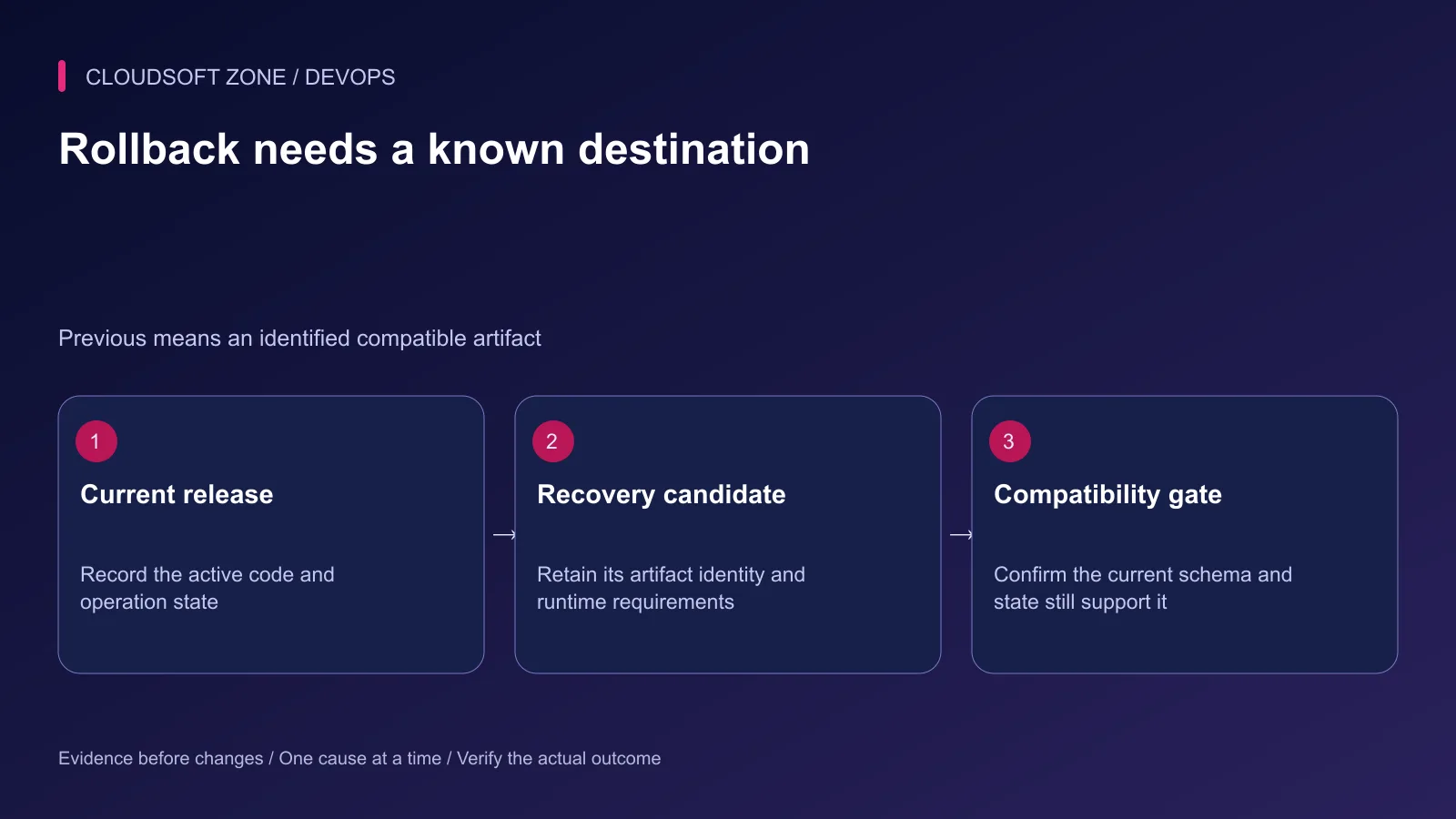
Step 1: Keep a release manifest
Record the active artifact identity, previous compatible artifact, configuration requirements and schema compatibility window. Retain the built output rather than relying on a repository branch that can move.
Separate release state from request success. If the deployment runner disconnects, the target may still have activated code. Query the authoritative operation record and active release before dispatching recovery.
| Failure stage | Likely response | Why a blind rollback is insufficient |
|---|---|---|
| Artifact verification | Stop before activation | Nothing may have changed |
| Schema migration | Inspect actual state | DDL or data changes may persist |
| New runtime startup | Recover compatible runtime | Previous artifact must still boot |
| Shared database outage | Contain and restore dependency | Both releases may fail equally |
| Public acceptance regression | Apply reviewed recovery | Check user flow and state effects |
Document who can authorize an automatic recovery policy and who receives its unresolved outcome.
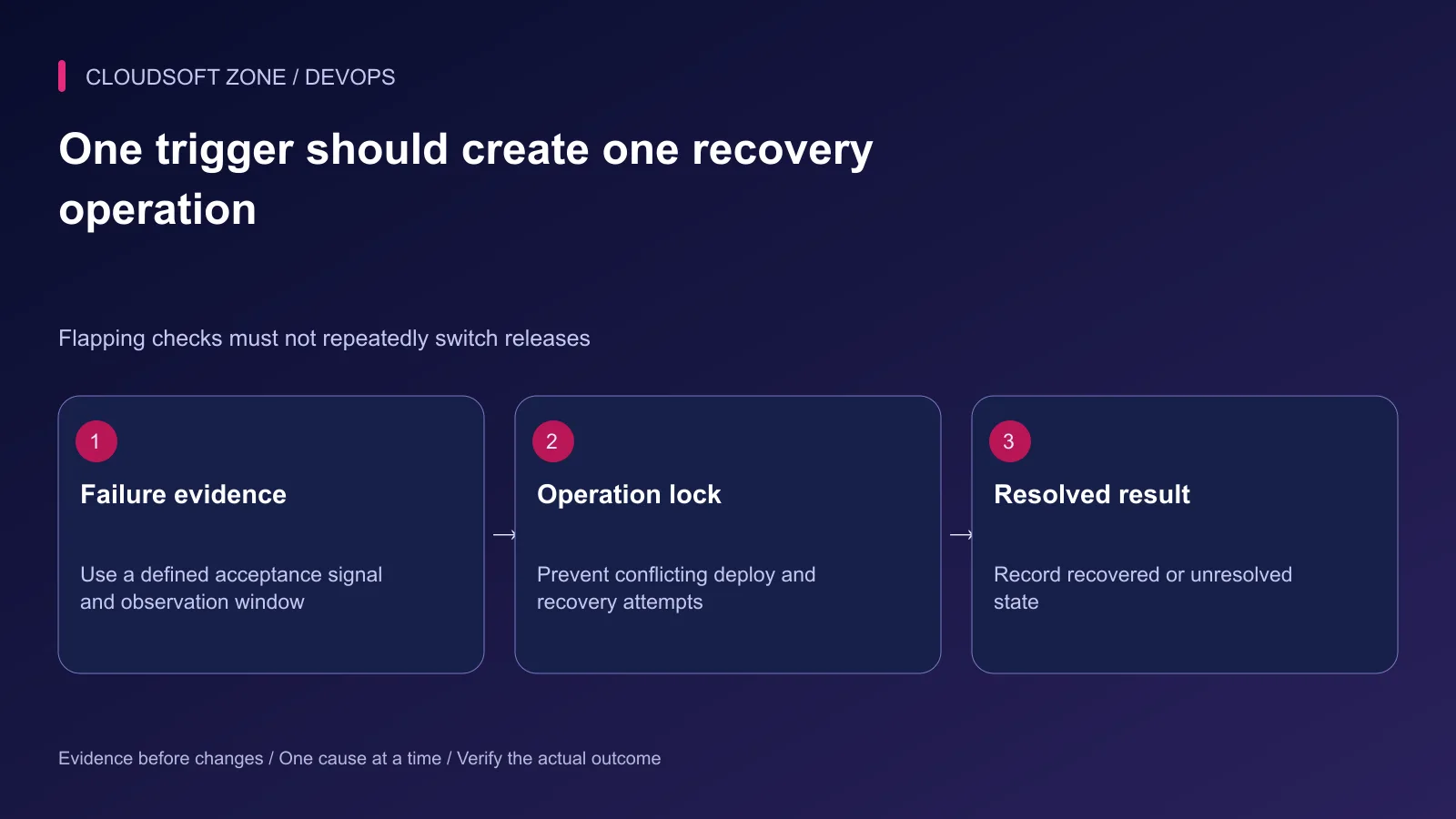
Step 2: Define a bounded trigger
Use a representative acceptance check with a deadline and explicit success conditions. A public home page returning 200 may miss broken authentication or an API error hidden in the browser.
Choose a stability window and failure budget. A single transient network failure should not necessarily switch the entire application. Conversely, an infinite retry loop can hide a sustained regression.
Bind the trigger to the release operation. Normal incident monitoring should not continuously flip between two artifacts whenever a dependency fails.
Step 3: Check state compatibility first
Verify that the previous runtime understands the current database schema, queue payloads, session representation and required configuration. Additive transitions are easier to recover than destructive changes.
Do not treat a database backup as immediate permission to restore it. Restoring an older backup can discard valid writes made after the capture and require business reconciliation.
Review external effects separately. A previous application artifact cannot unsend mail, undo a provider payment or remove a duplicate webhook side effect automatically.
Step 4: Keep filesystem switching narrow
Some Laravel deployments use immutable release directories and a current symlink. The fragment below demonstrates only that pointer replacement on a GNU/Linux host. It is not a complete rollback script.
Assume the deployment account owns these paths, another release-operation lock is already held, release-20261011-01 is a reviewed compatible retained directory, and current is a symlink rather than a real directory. The temporary name must be unused.
set -eu
release_root=/srv/example-app/releases
current_link=/srv/example-app/current
pending_link=/srv/example-app/current.rollback-pending
candidate_release="$release_root/release-20261011-01"

test -d "$candidate_release"
test -L "$current_link"
test ! -e "$pending_link"
test ! -L "$pending_link"
ln -s -- "$candidate_release" "$pending_link"
mv -Tf -- "$pending_link" "$current_link"
Run this fragment under a reviewed fail-fast shell procedure, not interactively after ignoring failed checks. Keep the pointer replacement on the intended filesystem and verify GNU option support. The -T option prevents treating the target as a directory destination.
Validate any user-selected release name against an allowlist and server-owned release inventory before building a path. Do not interpolate an arbitrary path from a chat response into a privileged script.
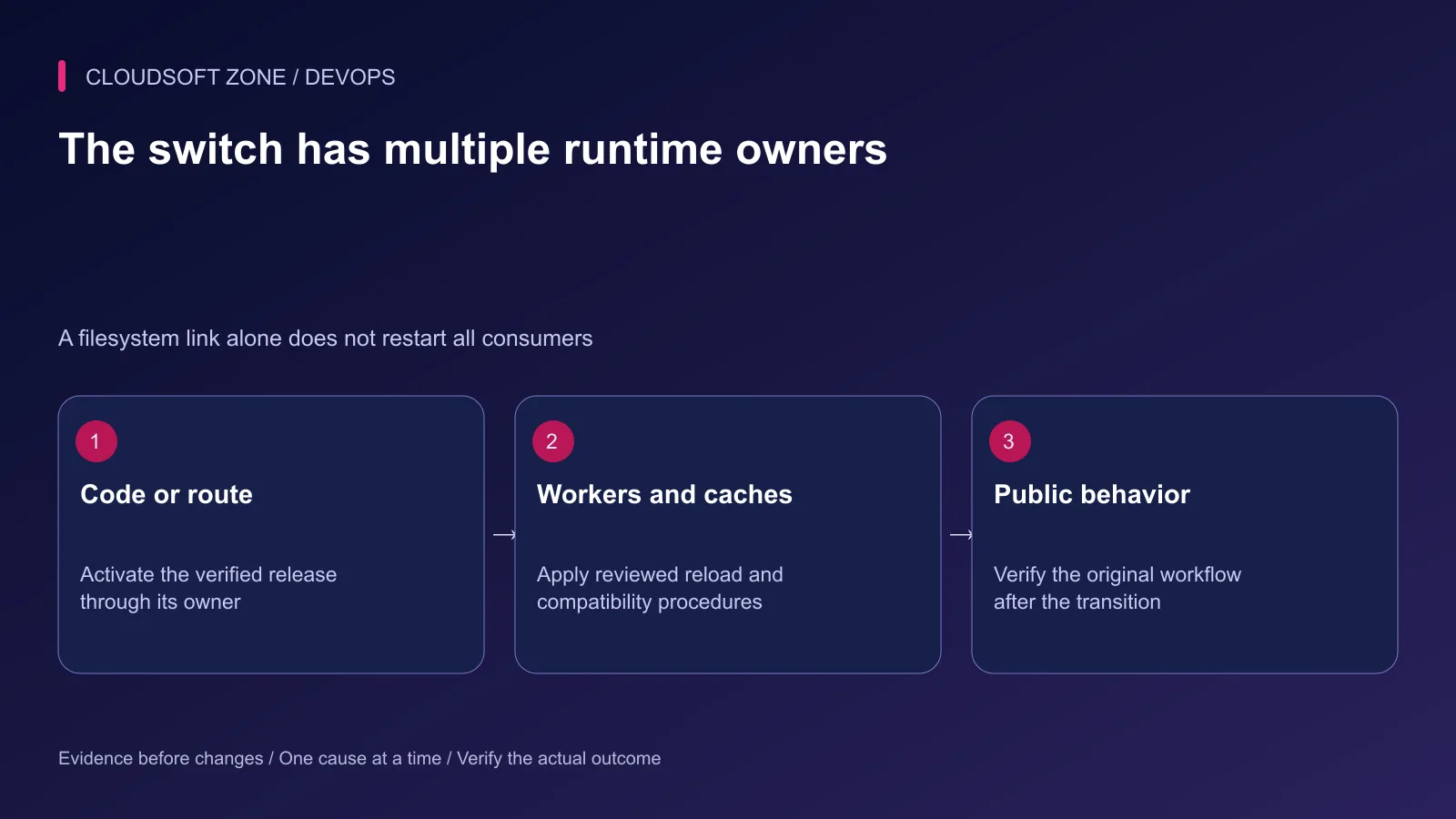
Step 5: Coordinate process lifecycles
Long-lived Laravel workers retain loaded code. PHP-FPM opcode behavior and runtime paths also need an application-specific procedure. A CLI cache command does not automatically refresh every web-worker process.
For Node.js, a running process does not change its loaded code when a symlink changes. Use the existing process manager's reviewed graceful replacement behavior and verify its active entry point and release identifier.
If nginx routing or configuration changes, validate it before reload. Existing connections can continue on old workers during a graceful reload. Record that transition rather than assuming all requests switched at the same instant.
Our Laravel queue and NestJS comparison explains why worker contracts need their own checks.
Step 6: Verify recovery and stop flapping
Check the original failing journey and an independent harmless workflow. Confirm active artifact identity, worker progress and error behavior over the defined observation interval.
If recovery fails, stop automatic switching and report unresolved state. Preserve the failed release, operation records and relevant diagnostic window; do not delete artifacts to make the directory look clean.
Step 7: Rehearse the recovery contract
Use an isolated target to exercise a failed candidate, incompatible schema, missing previous artifact and interrupted caller. The expected outcome must be clear in each case: contained, recovered or unresolved.
Also rehearse two competing recovery requests. One target-side owner should serialize them and resolve the actual active release rather than performing two independent pointer changes.
Measure the observed interruption. Keep the evidence with the release procedure and revise it when runtime paths, workers or migration behavior changes.
For a recovery process tailored to your Laravel or Node.js VPS, discuss the project with Cloudsoft Zone. Automate only the transition whose compatibility and outcome you can verify.
Featured image: Cloudsoft Zone technical layout with nginx artwork by Igor Sysoev (Public domain). Product mark resized proportionally for identification; no endorsement implied. Layout: CC BY-SA 4.0.
Frequently asked questions
Should every deployment failure automatically roll back code?
No. Decide from the failing stage and schema compatibility. A migration failure or shared dependency outage can require containment or forward repair instead.
Does changing a current symlink fully roll back Laravel or Node.js?
No. Processes, workers, caches, proxy paths and persistent state have separate lifecycles that need coordinated handling.
What if rollback verification also fails?
Stop repeated automatic switching, preserve evidence and escalate the unresolved state to the release or incident owner.
Sources
- nginx reload and old-worker behavior — nginx
- Laravel long-lived services and deployment — Laravel
- PM2 graceful process lifecycle — PM2
- GNU mv target semantics — GNU Coreutils
- GNU symlink creation semantics — GNU Coreutils
Read next
ComparisonDevOps5 min read
Blue-green vs rolling vs recreate deployments: choose a strategy your small team can operate
Compare blue-green vs rolling vs recreate deployments through capacity, mixed-version compatibility, worker behavior and realistic recovery requirements for a small team.
Comments
No comments yet. Be the first to join the conversation.
Leave a comment
Every comment is read by a moderator before it appears. Your email address is never published; it is used only to contact you about this comment.
More from Cloudsoft Zone
TutorialDevOps5 min read
Stop a failed database migration from turning into a broken production deployment
Contain a failed database migration with explicit release gates, schema postconditions and reviewed recovery instead of switching code or retrying blindly.
By Nilesh Kushvaha
TutorialDevOps5 min read
GitLab CI/CD for Laravel: test, build and deploy a reviewed release to a VPS
Design GitLab CI/CD for Laravel with a reviewed PHP image, disposable MySQL checks, explicit artifacts, protected credentials and serialized VPS deployments.
By Nilesh Kushvaha
TutorialDevOps5 min read
Laravel CI/CD with GitHub Actions: verification, release artifacts and guarded deployment
Build Laravel CI/CD with GitHub Actions using locked dependencies, isolated verification, immutable release artifacts and a protected deployment job with explicit recovery gates.
By Nilesh Kushvaha