
In this article
A copied tuning file gives MySQL most of the VPS memory, but that VPS also runs PHP-FPM, Redis and queue workers. The database benchmark improves briefly, then application processes are terminated during a deployment.
MySQL production configuration should start with the actual Laravel workload, host budget and acceptable data-loss boundary. This guide uses MySQL 8.4 semantics and deliberately avoids presenting a universal tuning file as safe for every server.
Our Laravel production checklist covers application release readiness. Database configuration should be reviewed by the existing database owner and retained with the deployment documentation.
Step 1: Record the effective MySQL production configuration
Identify the intended server, version, application account and configuration owner without exposing its connection password. Record whether it is managed, dedicated or sharing resources with application services.
An authorized read-only session can collect selected effective global settings:
SHOW GLOBAL VARIABLES
WHERE Variable_name IN (
  'version',
  'innodb_buffer_pool_size',
  'max_connections',
  'innodb_flush_log_at_trx_commit',
  'sync_binlog',
  'log_bin',
  'binlog_expire_logs_seconds',
  'sql_mode'
);
These values are a baseline, not recommended replacements. Application sessions can also have their own effective settings, so inspect the relevant session when diagnosing a behavior difference.
| Area | Acceptance question |
|---|---|
| Memory | Can database and application peaks coexist? |
| Connections | Do web, jobs and release overlap fit the budget? |
| Durability | Does crash behavior match the documented loss budget? |
| Access | Is the application account narrowly privileged? |
| Recovery | Can a verified backup restore the required data? |
Step 2: Size InnoDB memory from a host budget
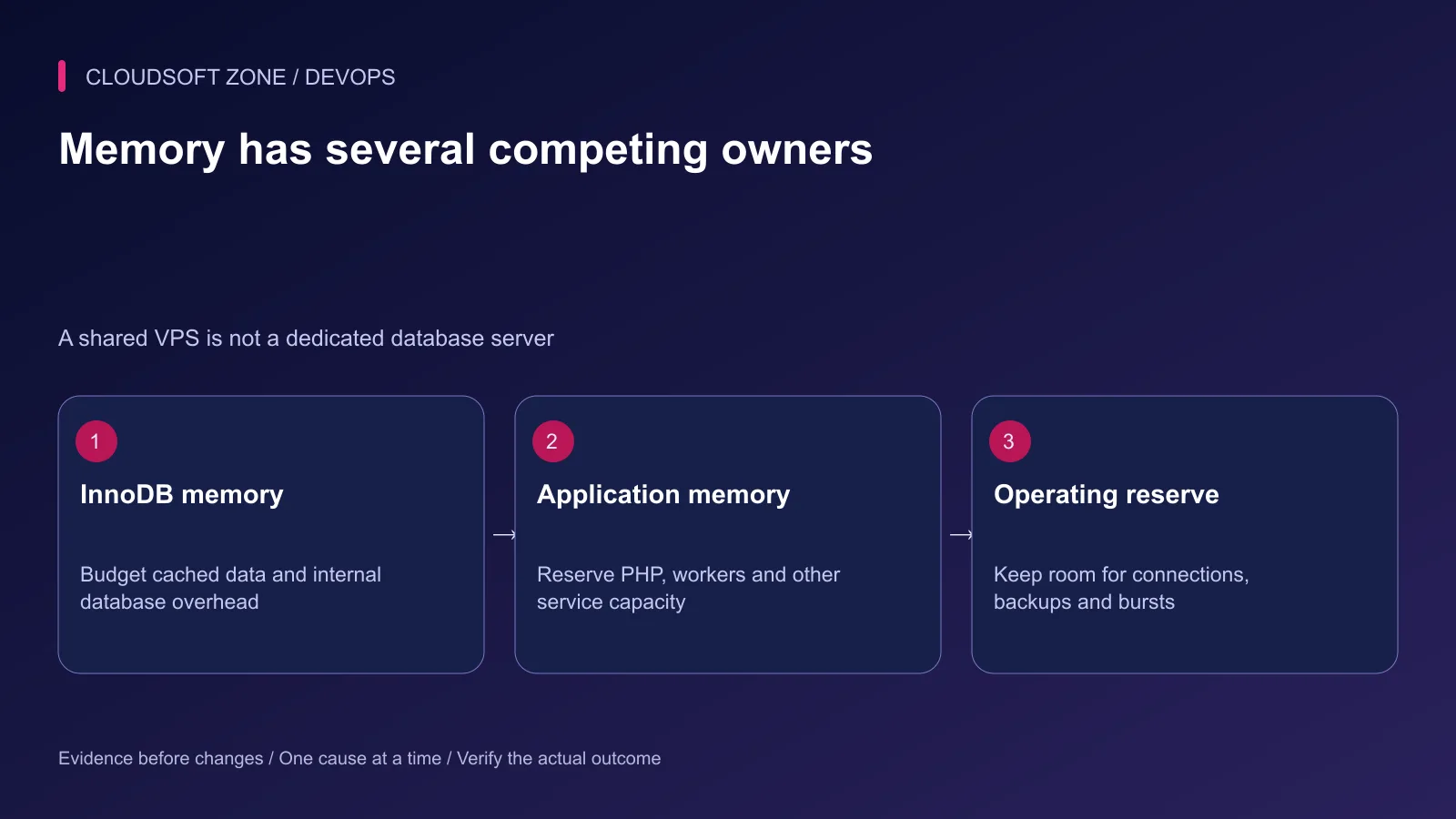
Budget PHP-FPM, workers, Redis, the operating system and temporary deployment or backup work before assigning the buffer pool. Database memory also includes allocations beyond the buffer pool.
Use observed workload and memory pressure. A dedicated-server percentage is not a transferable guarantee for a shared VPS. More cache can reduce reads, but memory exhaustion can harm the entire stack.
Record current and peak resource observations over a representative interval. Rehearse changes with the same service topology, including deployment overlap, instead of measuring an idle database in isolation.
Step 3: Budget connections across all producers
Include every PHP process, long-lived worker, application instance, scheduler and maintenance client. Persistent connection behavior depends on the actual runtime and driver configuration; do not assume all Laravel deployments have one shared pool.
Reserve operational headroom and account for simultaneous old and new release processes. A higher server connection limit can consume more memory and allow excessive concurrent work without making slow queries faster.
Inspect waits and query behavior before raising limits. Our Laravel N+1 diagnosis guide addresses unnecessary query volume that configuration alone cannot repair.
Step 4: Review durability and recovery history
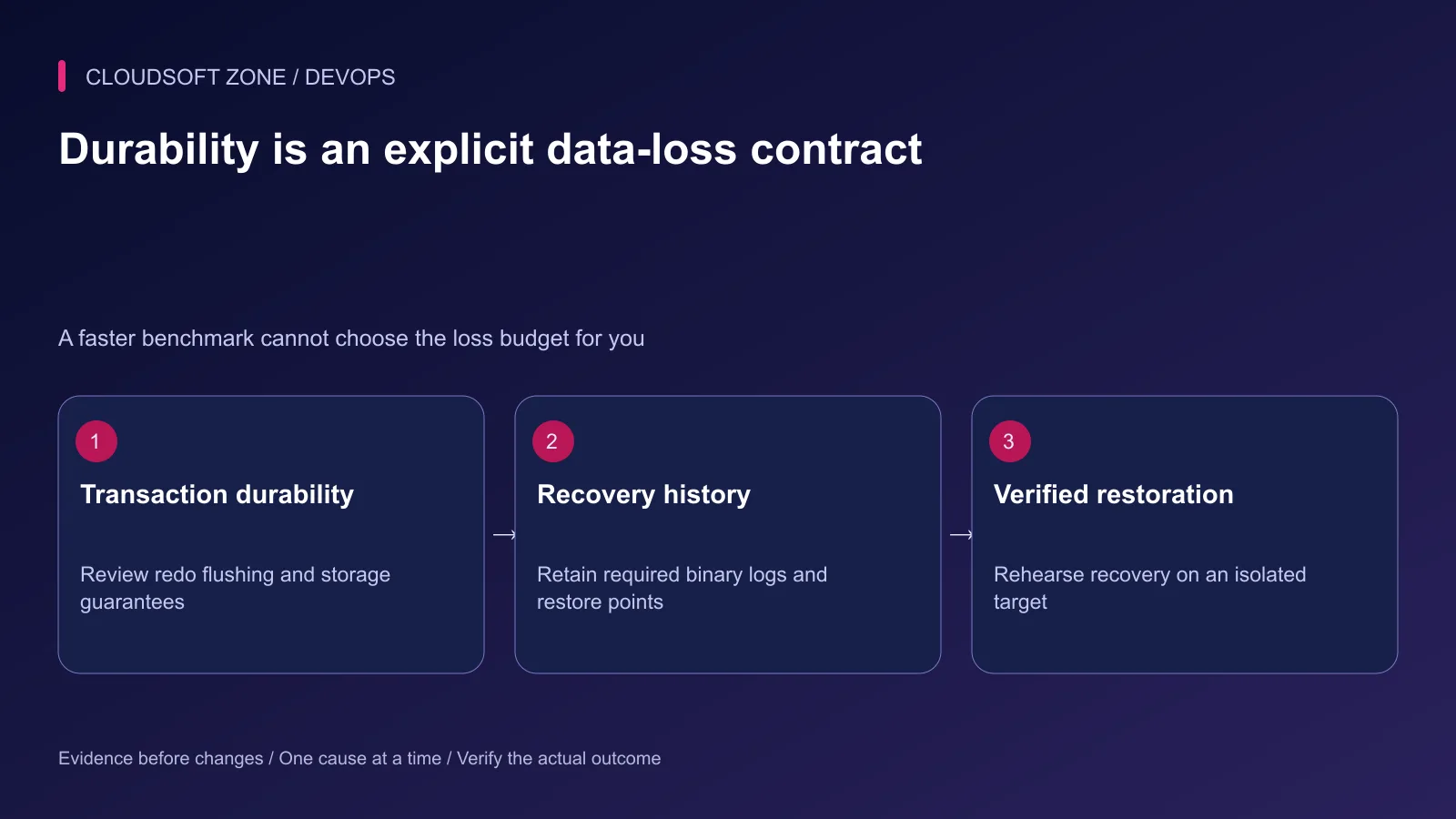
Understand the combination of InnoDB transaction-log flushing, binary-log synchronization and the underlying storage guarantees. Settings commonly selected for stronger transactional durability include flushing redo at commit and synchronizing binary logs at commit, but the full guarantee also depends on the operating and storage environment.
Do not reduce durability merely to improve a benchmark without documenting the changed crash-loss risk. A SaaS handling payments or retained business records needs an explicit business decision about that risk.
Binary-log retention must cover the backup and recovery process. A recent full backup without the required subsequent log history cannot support every desired point-in-time restore.
Our MySQL backup guide covers that boundary. Verify recovery copies independently; replication alone can reproduce unwanted deletions.
Step 5: Protect database access
Keep the server off unnecessary public interfaces and restrict network access to intended clients. Use an application account with the required data privileges, not a general administrator account for ordinary web requests.
Use verified TLS where the network and deployment require encrypted connections. Encryption without server identity verification can leave a different trust gap. Confirm the connector's actual certificate and hostname behavior.
Separate migration and operational access where appropriate. A reporting account does not need authority to change schema, and a monitoring credential should not expose customer rows simply to inspect capacity.
Step 6: Keep SQL modes, encoding and application assumptions aligned
Inspect effective SQL mode before diagnosing rejected values. Strict behavior can expose invalid application input; disabling it globally can hide truncation or data-quality defects.
Define the character set and collation deliberately, and rehearse ordering and uniqueness behavior for the application's languages. An encoding change can alter comparison semantics and require a data migration.
Document the timestamp-storage and application timezone contract. A server default alone does not establish how every column type, connector session and displayed date behaves.
| Proposed change | Required rehearsal |
|---|---|
| Memory setting | Representative shared-host peak and rollback |
| Connection ceiling | Full producer budget and active-work pressure |
| Durability or log retention | Documented loss boundary and restore procedure |
| SQL mode or collation | Application validation and retained-data compatibility |
Step 7: Verify change persistence and operational behavior
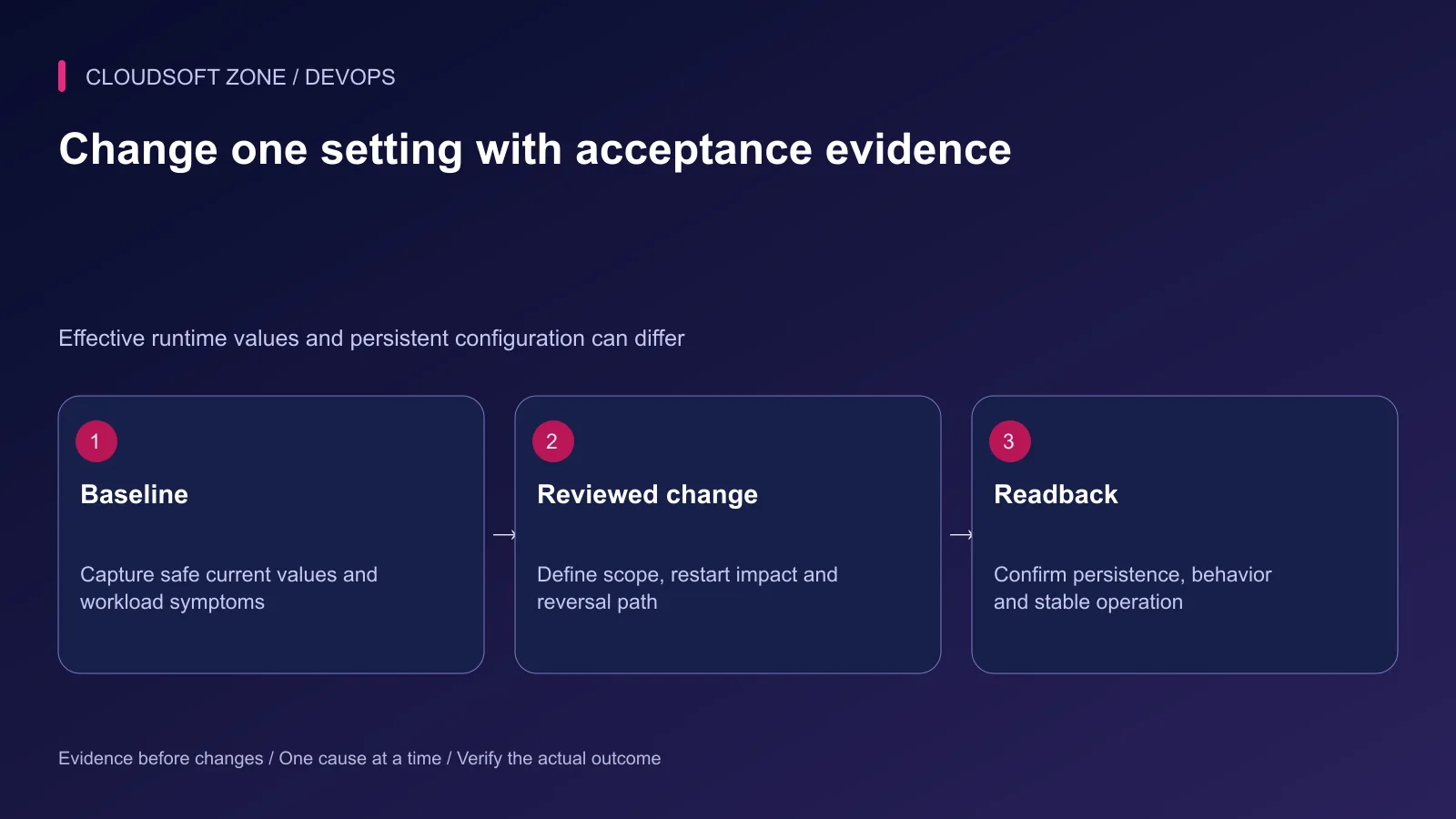
Change one reviewed setting at a time through the existing configuration owner. Identify whether it is dynamic, persistent or restart-dependent and retain the reversal path before applying it.
Read back the running value and verify it survives the intended lifecycle. Observe user workflows, query latency, memory and error behavior for the defined interval. A configuration file edit is not evidence that the server is using it.
For MySQL configuration and recovery fitted to your Laravel application, discuss the project with Cloudsoft Zone.
Featured image: Cloudsoft Zone technical layout with mysql artwork by Oracle Corporation; vectorized by VulcanSphere (Public domain (text logo); trademark retained). Product mark resized proportionally for identification; no endorsement implied. Layout: CC BY-SA 4.0.
Frequently asked questions
Should I give most VPS memory to the InnoDB buffer pool?
Only after budgeting every service and peak operation. A dedicated database recommendation can be unsafe when PHP, workers, Redis and builds share the host.
Should I disable strict SQL mode to fix Laravel insert errors?
Investigate the schema and input first. Disabling strict behavior can convert invalid values or truncation into silent data-quality problems.
Do durable redo and binary-log settings eliminate the need for backups?
No. They support crash and recovery behavior but do not protect against every deletion, compromise or storage failure. Maintain verified independent recovery copies.
Sources
- InnoDB buffer-pool sizing — MySQL
- InnoDB durability variables — MySQL
- Binary-log durability and retention — MySQL
- Encrypted database connections — MySQL
- SQL mode behavior — MySQL
- Laravel database connections — Laravel
Read next
TutorialDevOps5 min read
Stop a failed database migration from turning into a broken production deployment
Contain a failed database migration with explicit release gates, schema postconditions and reviewed recovery instead of switching code or retrying blindly.
New tools, once a week
One short email listing what joined the directory.
Comments
No comments yet. Be the first to join the conversation.
Leave a comment
Every comment is read by a moderator before it appears. Your email address is never published; it is used only to contact you about this comment.
More from Cloudsoft Zone
TutorialDevOps5 min read
GitLab CI/CD for Laravel: test, build and deploy a reviewed release to a VPS
Design GitLab CI/CD for Laravel with a reviewed PHP image, disposable MySQL checks, explicit artifacts, protected credentials and serialized VPS deployments.
By Nilesh Kushvaha
Troubleshooting guideDevOps5 min read
Database connection pool exhaustion: causes, symptoms and safe fixes
Diagnose database connection pool exhaustion by separating application acquisition waits, server limits, leaked clients and slow transactions before increasing capacity.
By Nilesh Kushvaha
TutorialDevOps4 min read
Structured logging in Laravel and NestJS: a production event contract
Implement structured logging with stable event names, safe fields and request correlation across Laravel and NestJS, then verify collector behavior and retention.
By Nilesh Kushvaha