
Database connection pool exhaustion: causes, symptoms and safe fixes
Diagnose database connection pool exhaustion by separating application acquisition waits, server limits, leaked clients and slow transactions before increasing capacity.
5 min read
In this article
API requests begin failing with acquisition timeouts after a deployment, but the database CPU is not especially high. The new release doubled application processes, and each process opened its own pool.
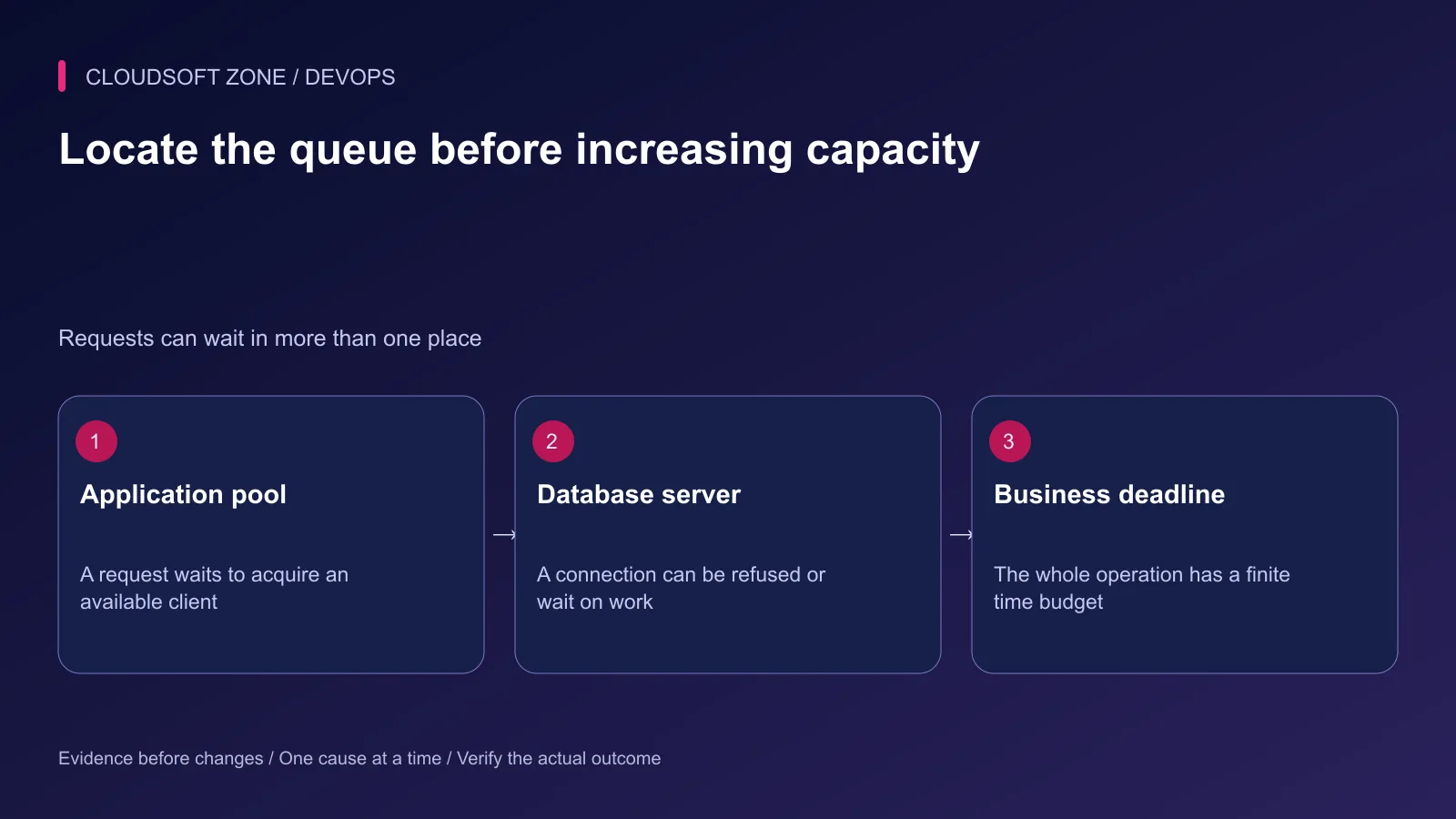
Database connection pool exhaustion requires a boundary-specific diagnosis. Determine whether the application cannot acquire a client, the server refuses new connections or existing work holds connections too long. Increasing every limit can hide the cause and overload the database.
Our NestJS production guide covers service foundations. This guide applies to connection ownership across Laravel and Node.js without assuming their drivers share one configuration model.
Step 1: Preserve the exact database connection pool exhaustion error
Record the sanitized error code, service, release and start time. Distinguish pool acquisition, network connection, authentication and query execution failures. A generic database unavailable label loses the first useful clue.
| Symptom | Investigate first |
|---|---|
| Pool-acquisition timeout | Checked-out clients, queue length and hold duration |
| Server connection refusal | Global connection budget and account limits |
| Query timeout after acquisition | Slow queries, locks and transaction work |
| Failure immediately after rollout | Process overlap and changed pool configuration |
Do not paste raw connection URLs into the incident record. Host, database and account identity can be recorded through the approved operational inventory without exposing passwords.
Step 2: Inspect application and server observations
Observe pool capacity, active or checked-out clients, idle clients and pending acquisition requests where the driver supports them. Compare those with database connection and active-work signals over the same interval.
For an authorized MySQL 8.4 monitoring connection, this small read-only query provides supporting server evidence:
SHOW GLOBAL STATUS
WHERE Variable_name IN (
  'Threads_connected',
  'Threads_running',
  'Connection_errors_max_connections'
);
These values do not identify every application pool or explain every wait. A refused-connection counter needs a delta over time, and open connections differ from executing work.
Keep an administrative access path with reserved capacity where the database supports it. An operator should not depend on all application clients releasing successfully before any diagnosis is possible.
Step 3: Build a fleet-wide connection budget
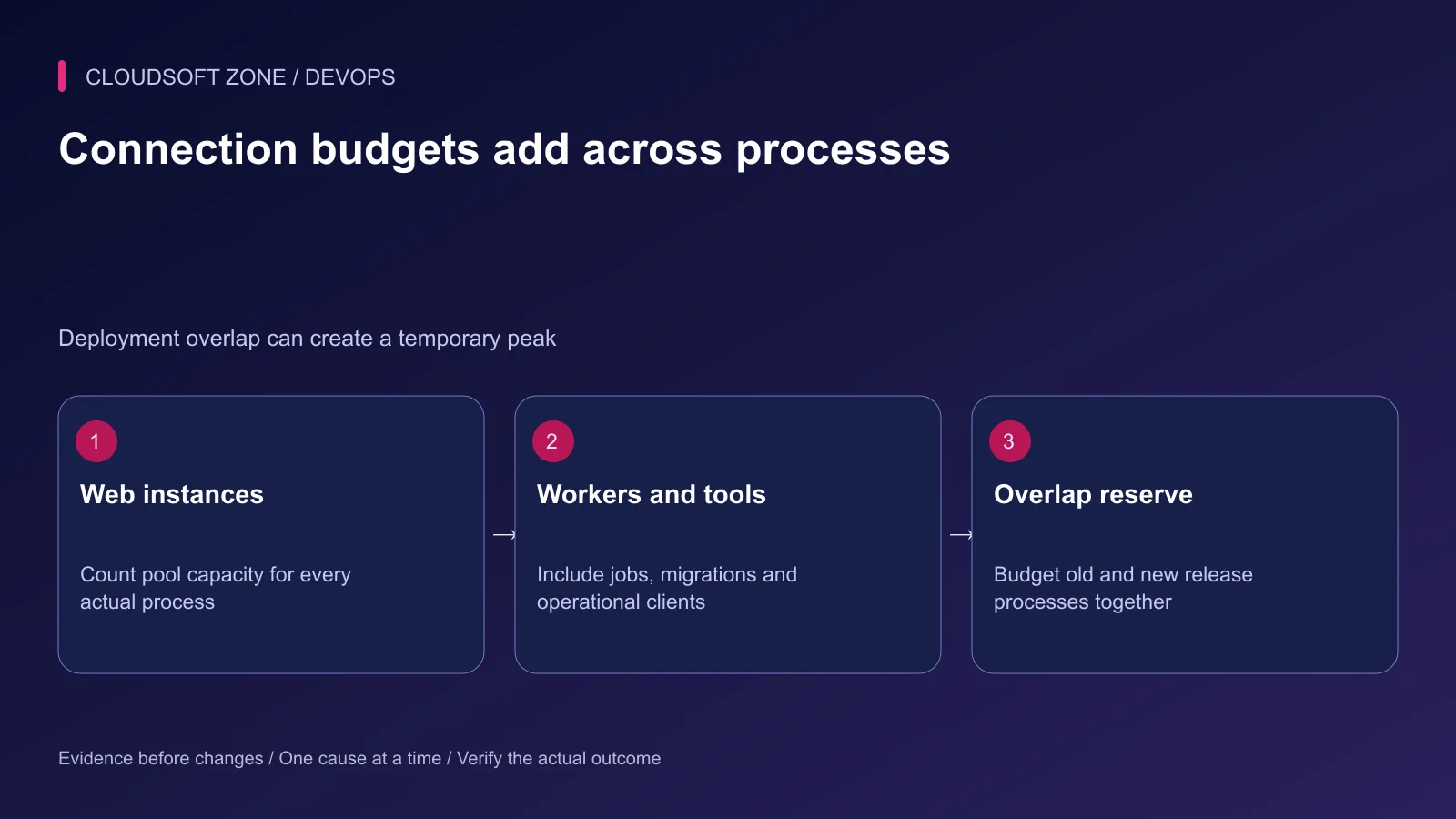
Count every application process, queue worker, scheduled task and migration owner. Include old and new processes during rollout, not only the steady-state replica count.
An illustrative budget could be three API processes with a pool ceiling of ten each, two worker processes with five each and a twenty-connection operating reserve. The total is sixty, before any additional deployment overlap. These are arithmetic examples, not recommended production defaults.
Do not allocate every server slot to ordinary web pools. Background jobs, monitoring and maintenance still need access, and autoscaling can multiply the total unexpectedly.
Verify the actual driver owner. Prisma 7 adapter-based clients use the underlying driver's pooling configuration; older engine URL parameters should not be copied into an adapter deployment without checking their meaning.
Step 4: Check client lifecycle on every path
Create the established pool once per intended process lifecycle. Creating a new pool per request defeats the connection budget.
For node-postgres, a checked-out client must be returned after success or failure. This example assumes the application's existing pool and performs only a read:
const client = await pool.connect();
try {
  const result = await client.query('SELECT 1 AS reachable');
  return result.rows[0];
} finally {
  client.release();
}
For one independent query, the pool's query convenience method can manage acquisition and return. Transactions require one client throughout their scope; do not distribute transaction statements across unrelated pooled clients.
Do not call pool shutdown at the end of every request in a long-lived server. Conversely, deployment shutdown must drain and close through the existing lifecycle owner rather than leaving old processes connected forever.
Step 5: Reduce unnecessary connection hold time
Inspect long transactions, lock waits, N+1 queries and external API calls performed while holding a transaction open. A connection can remain occupied while the application waits on unrelated work.
Move external waiting outside the transaction where the business consistency design allows it. Do not weaken transaction safety merely to shorten a chart. Use an outbox or explicit workflow state when database and external side effects need coordination.
Our Laravel N+1 diagnosis guide covers one common source of unnecessary database work.
Step 6: Choose bounded mitigation
Reduce nonessential background concurrency or pause an identified expensive workload through its owner. Fix a confirmed leak, query or transaction defect. Increase a limit only after checking memory, server capacity and the fleet-wide budget.
| Proposed action | Required evidence |
|---|---|
| Increase pool capacity | Server and workload can support added concurrency |
| Reduce worker concurrency | Critical workflow delay remains acceptable |
| Cancel a query | Exact owner, operation impact and rollback behavior are known |
| Restart a process | Interruption and reconnection pressure are understood |
Do not kill every session or restart the database as a generic first response. Ambiguous failures can leave external operations in an unknown state; retain operation identifiers for reconciliation.
Step 7: Verify recovery under realistic overlap
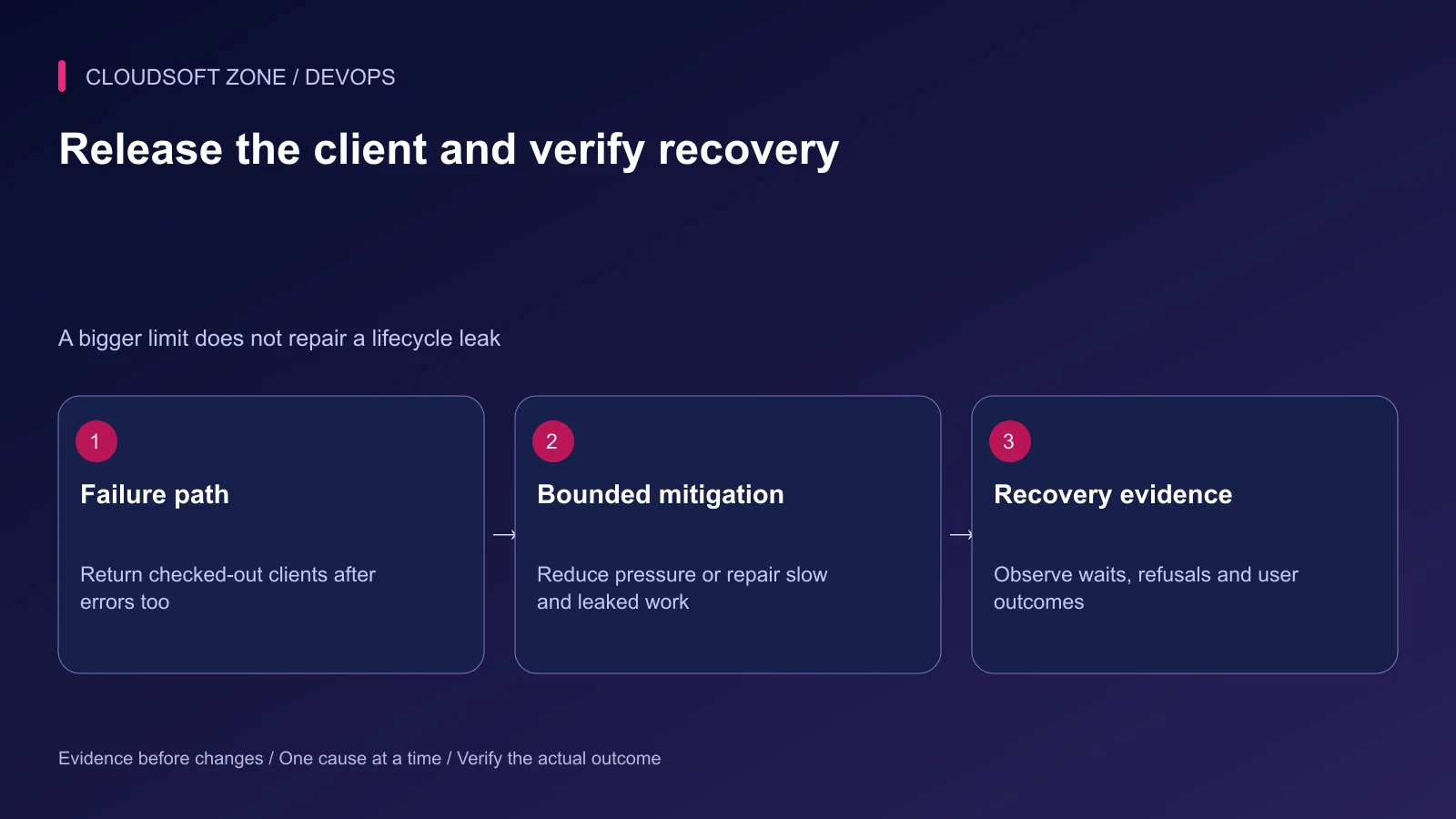
In isolated staging, exercise acquisition failure, a query error and release overlap. Confirm clients return after exceptions and that peak process count fits the connection budget.
After a production mitigation, verify lower acquisition waits, no continuing refusals and successful user workflows. Observe stability rather than treating one successful query as complete recovery.
For connection and capacity design fitted to your SaaS, discuss the application with Cloudsoft Zone.
Featured image: Cloudsoft Zone technical layout with mysql artwork by Oracle Corporation; vectorized by VulcanSphere (Public domain (text logo); trademark retained). Product mark resized proportionally for identification; no endorsement implied. Layout: CC BY-SA 4.0.
Frequently asked questions
Is a pool-acquisition timeout the same as too many database connections?
No. The application may be waiting for its own clients even when the server has spare capacity. Inspect both the application pool and server observations.
Should I increase the pool size immediately?
Not before checking leaked clients, slow transactions and the fleet-wide connection budget. Extra concurrency can worsen an already saturated database.
Do Prisma 7 driver adapters use the same pool settings as older engine-based clients?
Do not assume so. Adapter-based pooling follows the underlying driver and adapter configuration; verify the installed Prisma version and selected driver.
Sources
- node-postgres client lifecycle — node-postgres
- Fleet-wide pool sizing — node-postgres
- MySQL connection refusal — MySQL
- MySQL status observations — MySQL
- Laravel database monitoring — Laravel
- Prisma 7 driver-adapter pooling — Prisma
Read next
TutorialDevOps5 min read
Production stack monitoring: nginx, PHP-FPM, MySQL, Redis and queue workers
Build production stack monitoring with private nginx and PHP-FPM status, MySQL connection signals, Redis memory context and queue progress instead of process-only checks.
New tools, once a week
One short email listing what joined the directory.
Comments
No comments yet. Be the first to join the conversation.
Leave a comment
Every comment is read by a moderator before it appears. Your email address is never published; it is used only to contact you about this comment.
More from Cloudsoft Zone
TutorialDevOps5 min read
Stop a failed database migration from turning into a broken production deployment
Contain a failed database migration with explicit release gates, schema postconditions and reviewed recovery instead of switching code or retrying blindly.
By Nilesh Kushvaha
TutorialDevOps5 min read
GitLab CI/CD for Laravel: test, build and deploy a reviewed release to a VPS
Design GitLab CI/CD for Laravel with a reviewed PHP image, disposable MySQL checks, explicit artifacts, protected credentials and serialized VPS deployments.
By Nilesh Kushvaha
TutorialDevOps4 min read
Structured logging in Laravel and NestJS: a production event contract
Implement structured logging with stable event names, safe fields and request correlation across Laravel and NestJS, then verify collector behavior and retention.
By Nilesh Kushvaha