
Redis in production: cache, sessions, queues and memory management
Operate Redis in production with separate workload contracts for disposable cache, sessions and queue state, including memory pressure, persistence and access boundaries.
5 min read
In this article
A cache reaches its memory limit and begins evicting keys. Unfortunately, the same Redis instance also holds accepted queue work. The configuration treated every key as disposable even though the application did not.
Redis in production needs a role-specific operating contract. Define what data can be rebuilt, what loss means and how the application behaves when commands fail. This guide covers cache, sessions and queues without assuming one policy is safe for all three.
Our Laravel queues and BullMQ comparison explains the processing boundary. Redis configuration should support that boundary rather than silently weakening it.
Step 1: Classify each workload that uses Redis in production
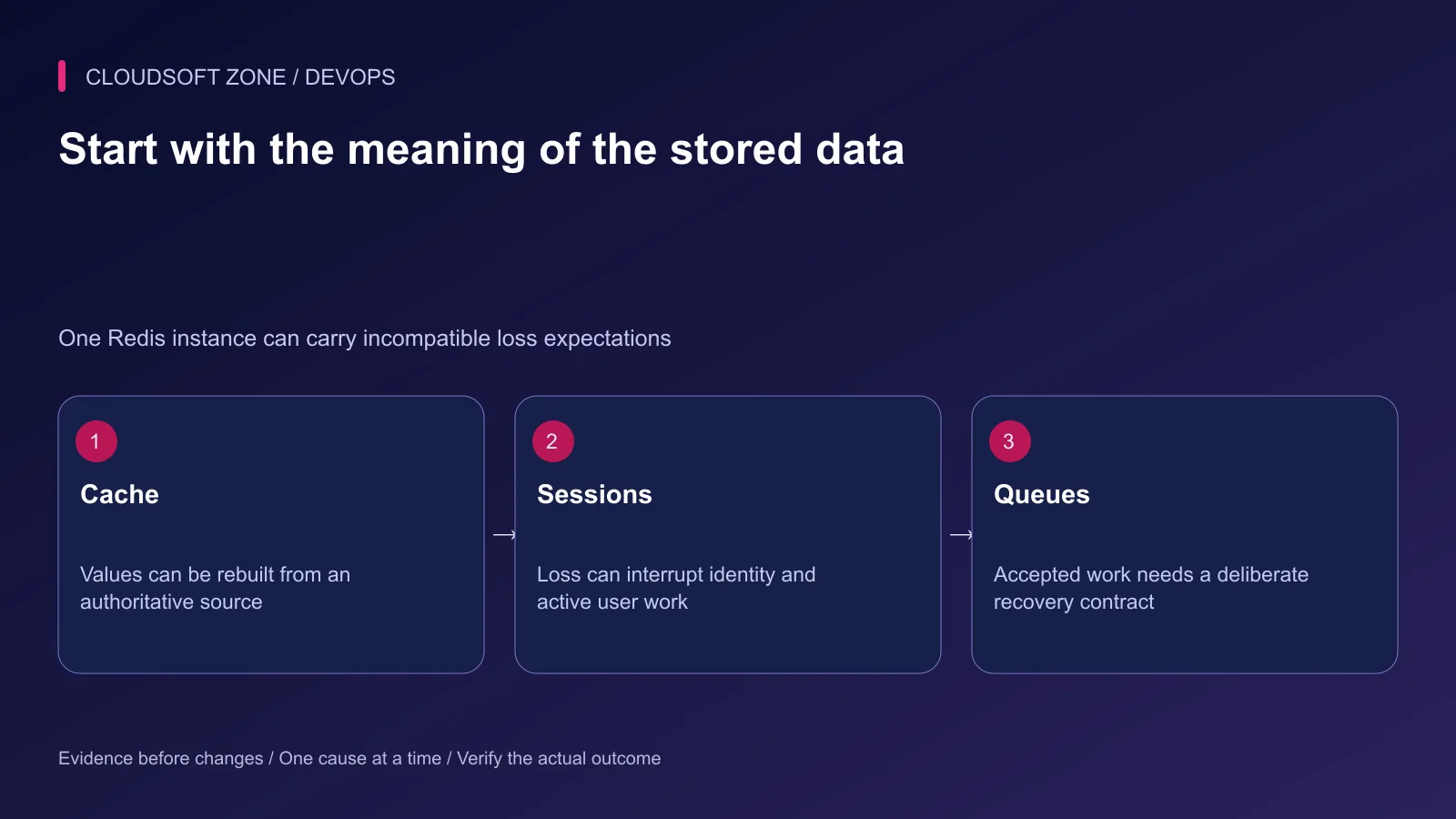
Identify the authoritative source for every class of stored data. A cached product page can often be rebuilt. A session or queued operation can have a different business consequence if it disappears.
| Role | Loss consequence | Required operating question |
|---|---|---|
| Disposable cache | Extra database or provider work | Can rebuild pressure remain bounded? |
| Sessions | Interrupted user state or authentication | What is the safe outage behavior? |
| Queue state | Accepted work may be delayed or lost | How is processing and reconciliation verified? |
| Locks or rate limits | Coordination or protection can weaken | Does failure preserve the required safety boundary? |
Key prefixes and logical database numbers help organize names. They do not separate instance memory limits, eviction behavior or host failure. Consider distinct instances where workload policies conflict.
Step 2: Choose eviction behavior deliberately
A cache can use an eviction policy when every eligible value is safely rebuildable. Select the policy from measured access behavior and a bounded memory budget.
Queue tooling has stronger assumptions. BullMQ's production guidance requires avoiding key eviction; a noeviction policy preserves keys by rejecting applicable writes when the memory limit is reached. That rejection must become a visible application failure, not a successful job-accepted response.
Noeviction does not eliminate memory exhaustion or guarantee persistence. It chooses how Redis handles dataset pressure. The host can still run out of memory, and a failed write can still break a workflow.
For a reader's dedicated queue instance, this fragment states only the policy:
maxmemory-policy noeviction
It is not a complete configuration. Add a measured dataset budget, access controls, persistence and operational headroom through the existing owner. Do not apply it blindly to an unrelated cache instance.
Step 3: Budget more than the dataset
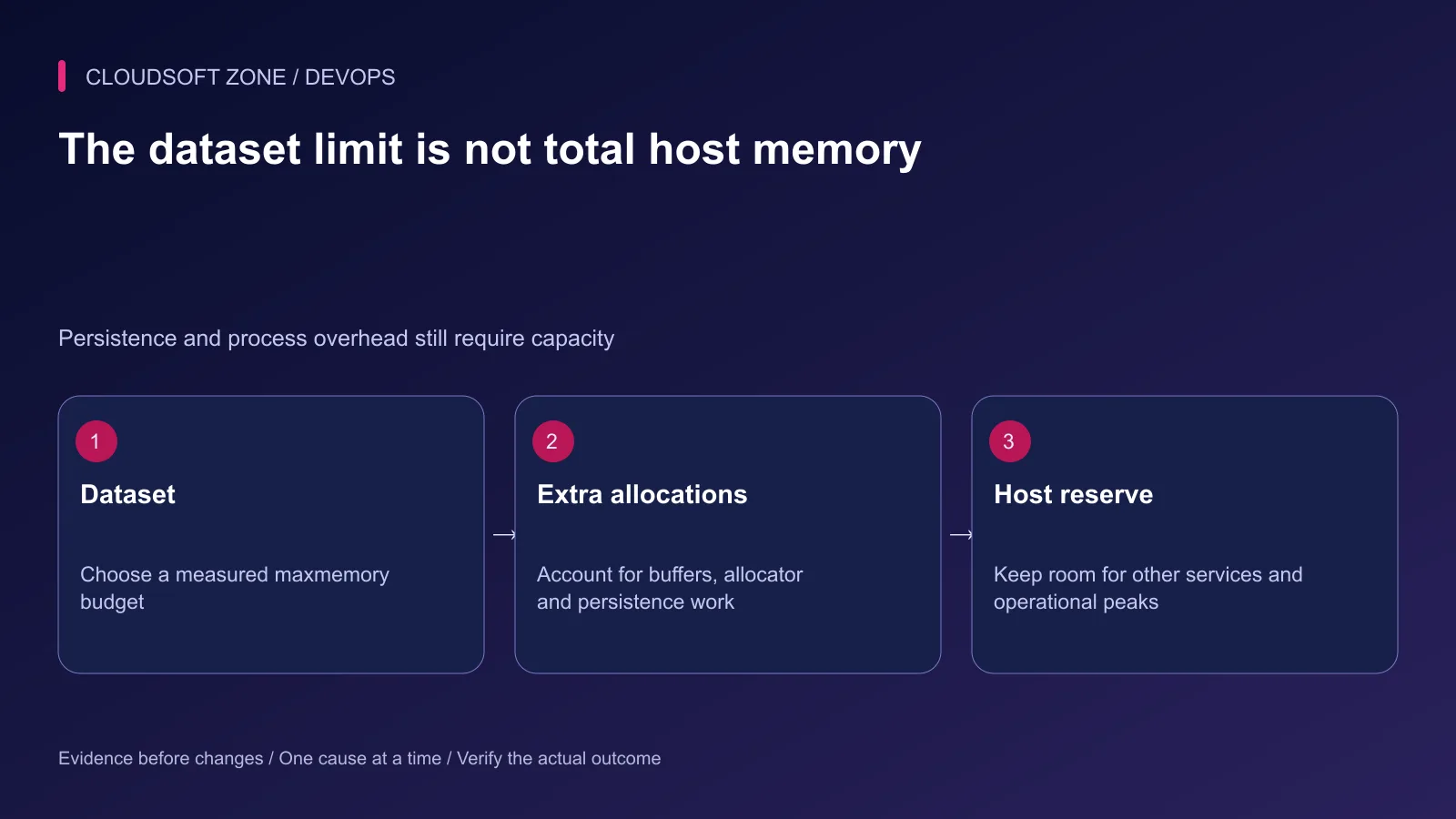
Redis memory usage includes more than stored values. Account for allocator behavior, client and replication buffers, persistence operations and the other services sharing the host.
Review logical memory and resident process memory separately. A maxmemory setting is not a promise that the entire process consumes no more than that amount.
If containers impose a memory limit, leave adequate room between the dataset budget and the process limit. Persistence or snapshot work can require additional headroom; rehearse with representative data rather than an empty instance.
Step 4: Define persistence and recovery expectations
Choose snapshot and append-only behavior according to the acceptable loss boundary. Record the retained files, compatible server version and recovery procedure.
Do not describe a default periodic snapshot as proof that every recently accepted job survives a host crash. Conversely, an expendable cache may have a different persistence need than queue state.
Protect recovery copies independently and verify restoration on an isolated target. Replication is useful for availability but is not a substitute for retaining an appropriate recovery point.
Our backup restore-test guide explains the same evidence principle for databases: a stored artifact is not a proven restoration.
Step 5: Restrict network and command authority
Keep Redis reachable only through intended private routes. Use the supported authentication and ACL mechanisms for the deployed version, with commands and key patterns appropriate to each client role.
A queue library can require commands beyond ordinary cache reads, so verify its documented needs before narrowing permissions. Do not solve a missing privilege by giving every application an unrestricted administrator identity.
Use protected connection configuration. Avoid putting passwords into command-line arguments, browser bundles or example repositories. TLS and certificate verification should match the deployment network and trust contract.
Step 6: Monitor the relevant signals
Use bounded INFO sections through an authorized operational client and keep diagnostic output private. Inspect memory, rejected commands, persistence failures and connections with a defined observation window.
For cache, measure hit behavior and database pressure when values expire. For queues, measure age, completion and failure behavior. A blocked client can be a legitimate queue consumer, not automatically a stuck process.
| Rehearsal | Acceptance evidence |
|---|---|
| Cache values expire together | Rebuild concurrency stays bounded |
| Queue writes reach memory pressure | Admission fails visibly and safely |
| Session store disappears | Authentication is not bypassed |
| Persistence cannot write | Alert identifies the changed recovery risk |
| Redis restarts | Retained workload behavior matches its loss contract |
Step 7: Verify the application fallback
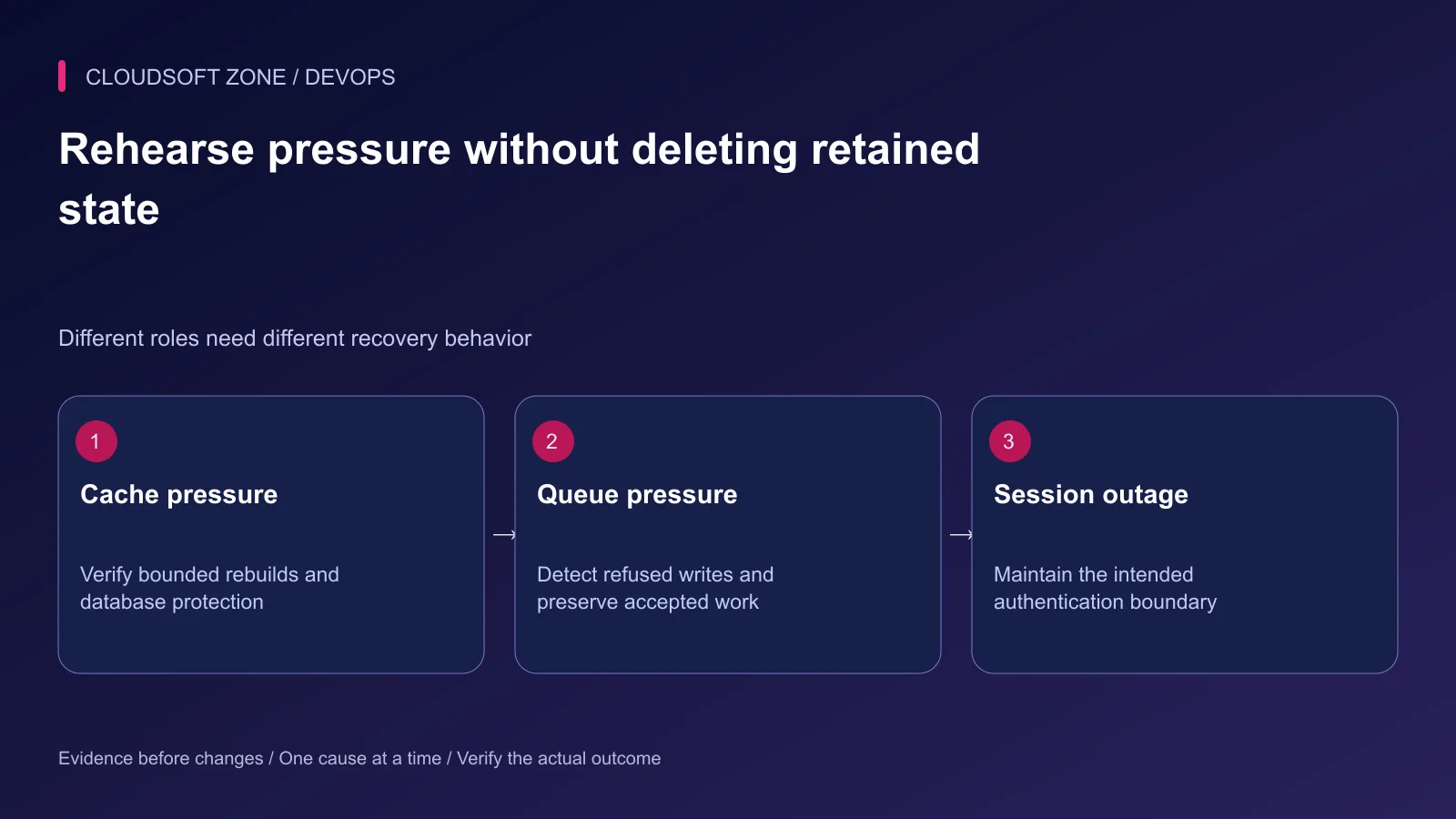
Rehearse each role's outage in isolated staging. A cache fallback can be reasonable if its source can handle the load; a queue fallback needs explicit admission and processing semantics. Do not silently discard accepted work.
Confirm recovery does not produce a burst that overwhelms the database or external provider. Keep concurrency, retries and time budgets bounded during reconnection.
For Redis topology, queue reliability and operating procedures fitted to your application, discuss the project with Cloudsoft Zone.
Featured image: Cloudsoft Zone technical layout with redis artwork by Redis Ltd (Public domain). Product mark resized proportionally for identification; no endorsement implied. Layout: CC BY-SA 4.0.
Frequently asked questions
Can separate Redis database numbers isolate memory and eviction?
No. They share the instance and its memory and failure behavior. Prefixes and logical databases are organization tools, not independent durability boundaries.
Does noeviction guarantee that queue data cannot be lost?
No. It avoids eviction by policy but writes can fail at the limit, and persistence, host failure and application correctness still matter.
Is a cache hit-rate chart enough to monitor queue Redis?
No. Queue workloads need age, completion, failures and accepted-work recovery signals rather than only cache efficiency.
Sources
- Redis eviction policies — Redis
- Private access and ACL considerations — Redis
- Redis persistence behavior — Redis
- Redis memory overhead — Redis
- Laravel Redis connections — Laravel
- BullMQ production requirements — BullMQ
Read next
ComparisonDevOps5 min read
MySQL vs PostgreSQL for SaaS hosting: operational differences small teams should evaluate
Compare MySQL vs PostgreSQL through maintenance, connections, recovery, migration compatibility and team experience rather than unsupported universal performance rankings.
New tools, once a week
One short email listing what joined the directory.
Comments
No comments yet. Be the first to join the conversation.
Leave a comment
Every comment is read by a moderator before it appears. Your email address is never published; it is used only to contact you about this comment.
More from Cloudsoft Zone
TutorialDevOps5 min read
MySQL production configuration for Laravel applications: a safe operating baseline
Review MySQL production configuration for Laravel using measured memory and connection budgets, explicit durability, protected access and verified restore procedures.
By Nilesh Kushvaha
Troubleshooting guideDevOps5 min read
Database connection pool exhaustion: causes, symptoms and safe fixes
Diagnose database connection pool exhaustion by separating application acquisition waits, server limits, leaked clients and slow transactions before increasing capacity.
By Nilesh Kushvaha
TutorialDevOps4 min read
Structured logging in Laravel and NestJS: a production event contract
Implement structured logging with stable event names, safe fields and request correlation across Laravel and NestJS, then verify collector behavior and retention.
By Nilesh Kushvaha