
nginx security headers for Laravel, Next.js and NestJS: set the policy in the right layer
Apply nginx security headers without duplicate CSP policies, broken Next.js scripts or premature HSTS commitments. Verify actual success, redirect and error responses.
6 min read
In this article
A header scan says a site is missing security headers. A copied nginx snippet makes the scan look better, but the login form stops working and Next.js reports blocked scripts. The missing step was deciding which layer owns each policy.
nginx security headers work best when each policy has a clear owner. This guide inventories the response path, sets a narrow proxy baseline, checks inheritance, designs an nginx content security policy around actual resources, coordinates with frameworks and commits to nginx HSTS deliberately.
nginx security headers should complement application behavior. Some defaults fit the public proxy; a script policy often needs knowledge of rendered HTML, nonces and third-party integrations. This guide explains that boundary for Laravel, Next.js and NestJS deployments.
Start with working HTTPS from our nginx and certificate guide. A browser header is not a substitute for correct server-side authorization or safe input handling.
Step 1: Inventory the complete response path
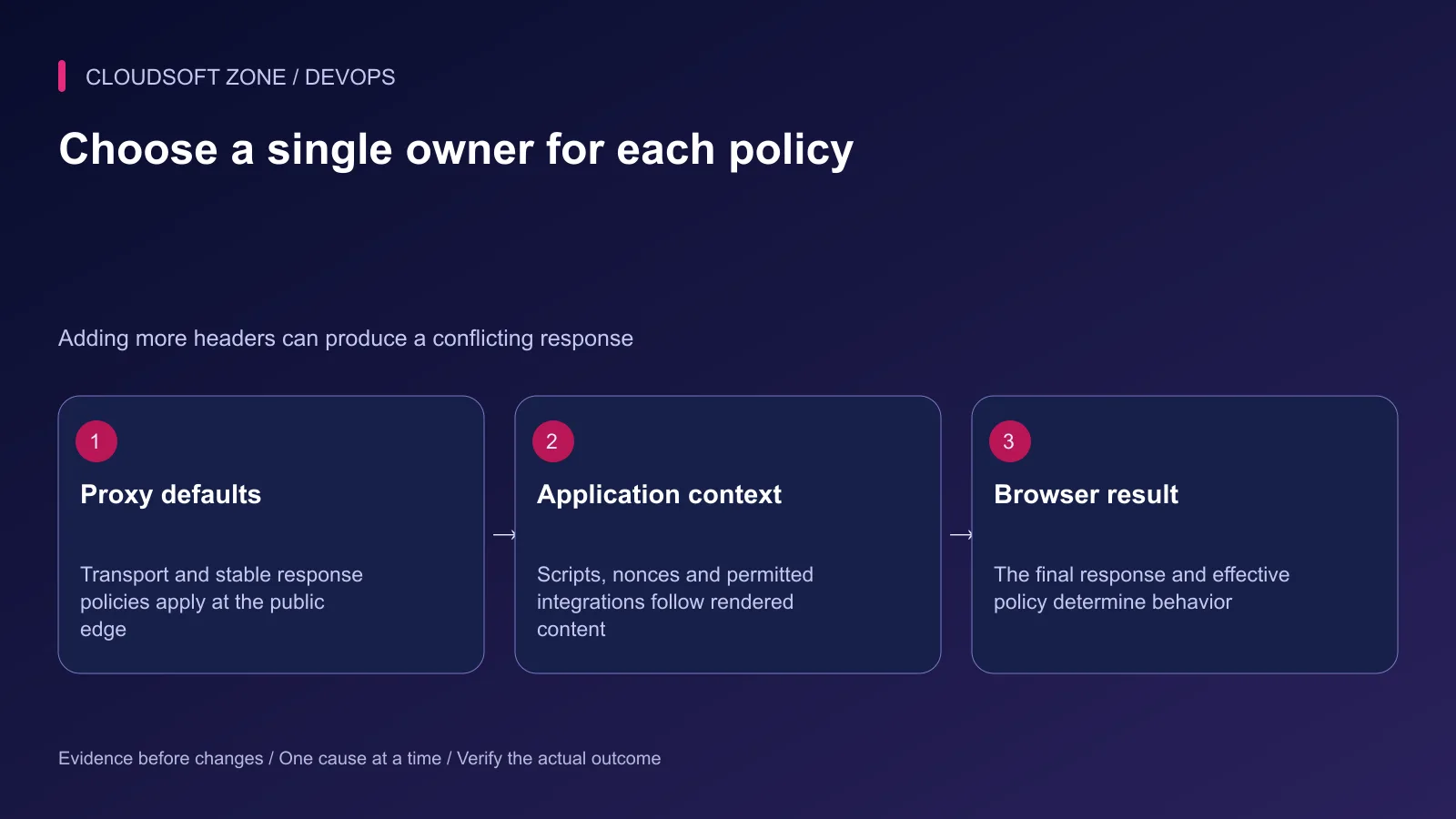
List CDN, load balancer, nginx and application middleware. Inspect an actual response at the public hostname rather than assuming the application response reaches the browser unchanged.
| Policy | Likely owner | Review question |
|---|---|---|
| HSTS | Public HTTPS edge | Which hostnames can safely commit to HTTPS? |
| Content type protection | Proxy or application | Are content types correct on every response? |
| Referrer policy | Shared documented owner | Which integrations need referral information? |
| CSP script policy | Application/rendering layer | How do scripts receive approved nonces or hashes? |
| Framing restriction | Application or shared owner | Must any page be embedded legitimately? |
Treat this table as an ownership decision, not a reason to strip all application headers. Keep one documented owner and inspect the final response for duplicates or unintended overwrites.
Step 2: Start with a narrow proxy baseline
The following fragment illustrates stable response defaults inside the intended HTTPS server. It deliberately omits a universal CSP and uses a short initial HSTS lifetime for a controlled rollout.
add_header X-Content-Type-Options "nosniff" always;
add_header Referrer-Policy "strict-origin-when-cross-origin" always;
add_header Strict-Transport-Security "max-age=300" always;
The HSTS lifetime is a rehearsal value. Decide the production lifetime after verifying the certificate and renewal path. Serve HSTS through HTTPS; an HTTP response cannot safely establish that transport commitment.
Content-type protection makes correct MIME handling important. A JavaScript file served as an HTML error response should be fixed at its routing boundary, not rescued by removing the protection.
Step 3: Check nginx inheritance and version
Under the standard add_header behavior, a nested location with its own add_header directives does not inherit the parent's add_header set. A cache header added to the asset location can therefore cause other expected headers to disappear there.
Review the effective configuration and response branches. A maintained include file can help keep the complete intended set consistent, but avoid blindly including it twice in the same context.
Newer nginx releases support add_header_inherit with merge behavior; the directive appeared in 1.29.3. Do not assume an older distribution package supports it. This guide's baseline uses the established behavior rather than making that newer directive a requirement.
The always parameter extends header application beyond the usual eligible response statuses. Test errors and redirects explicitly because their route and response owner can differ from the successful page.
Step 4: Design CSP around actual resources
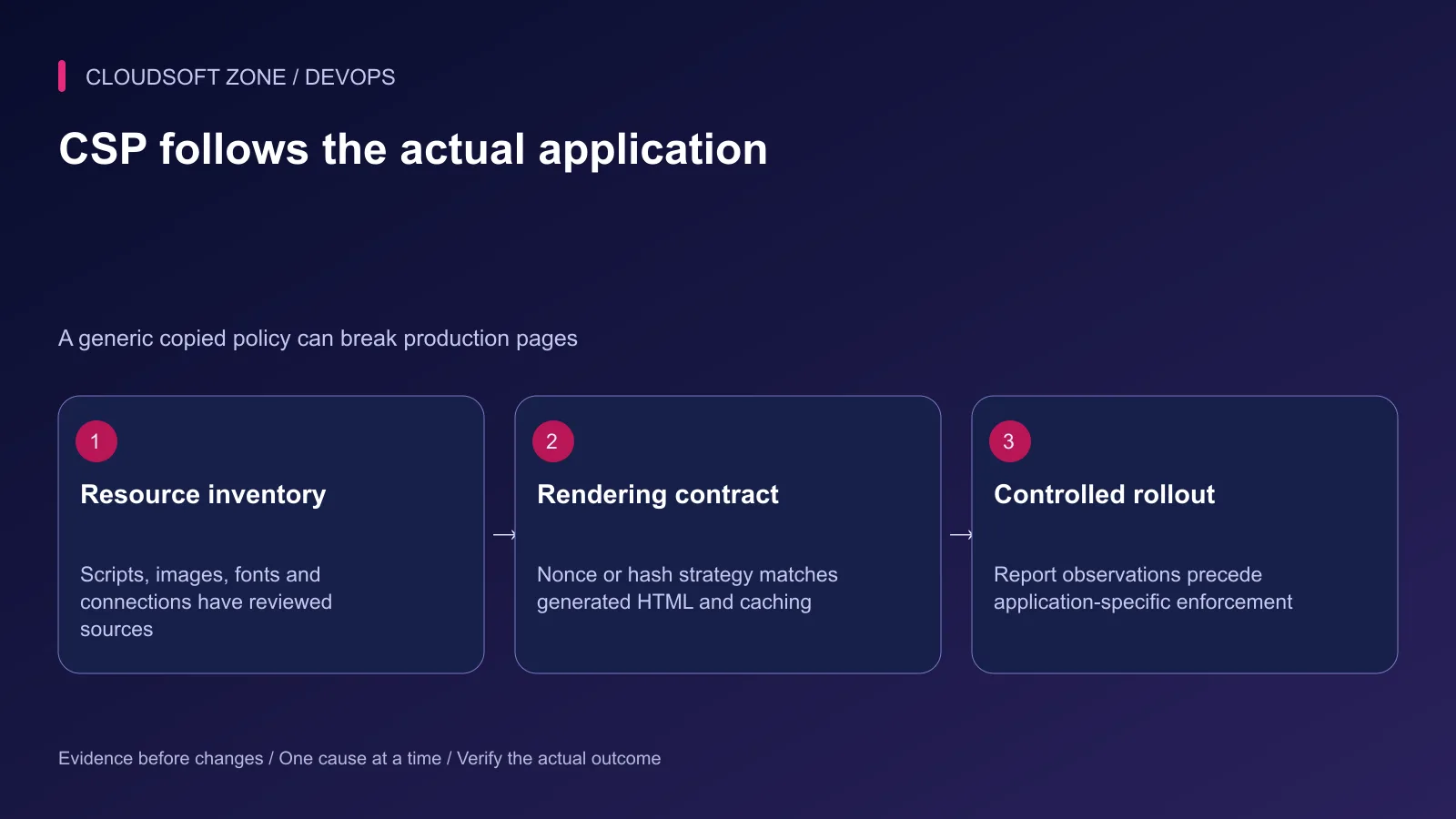
Inventory scripts, styles, images, fonts, fetch endpoints, WebSockets and embedded frames. A page that uses a payment widget or challenge service needs a reviewed policy for that integration.
Start a proposed script policy in report-only mode when appropriate. Reports need an intentionally configured collection endpoint and restricted data handling; a header without a reporting destination does not create a monitoring system.
Multiple enforcing CSP headers are each applied. Adding a permissive proxy policy will not relax a stricter application policy. Prefer one coherent owner so the browser receives the intended restrictions.
Avoid solving violations with unrestricted wildcards or indiscriminate unsafe-inline. First identify whether the resource is legitimate and whether its integration can use a tighter strategy. Keep XSS defenses in application sanitization and escaping as well.
Step 5: Coordinate framework rendering
Laravel can generate policy values where the page and its scripts are rendered. The application's generated nonce must match the nonce in the response policy; an unrelated static nginx nonce does not establish that contract.
Next.js documents nonce-based CSP handling and its effects on rendering. A fresh unpredictable nonce per response changes what can be cached or statically served. Coordinate request handling, generated scripts and the deployed Next.js version rather than attaching an arbitrary CSP after rendering.
NestJS API responses and the browser document are different surfaces. API authentication, authorization, input validation and CORS configuration remain application responsibilities. A browser script policy on an API response does not grant or deny a user's server-side permission.
Our NestJS production REST API guide covers those backend boundaries. Keep the response middleware and proxy header inventory in the same review.
Step 6: Commit to HSTS deliberately
Confirm every relevant HTTPS hostname, certificate lifecycle and recovery path before extending HSTS scope. includeSubDomains can affect services that were not part of the current website rollout.
Preloading creates another long-lived commitment. Do not add preload as a decorative scan score improvement. Establish the required coverage and operational ownership first.
Browsers remember HSTS for its configured lifetime. Removing the header does not instantly undo a policy already received by clients. Plan rollout and recovery with that persistence in mind.
Step 7: Verify behavior, not only presence
Use a harmless public GET and inspect only its response headers. This command discards the body and avoids placing session credentials in the transcript:
curl --silent --show-error --dump-header - \
  --output /dev/null https://app.example.com/
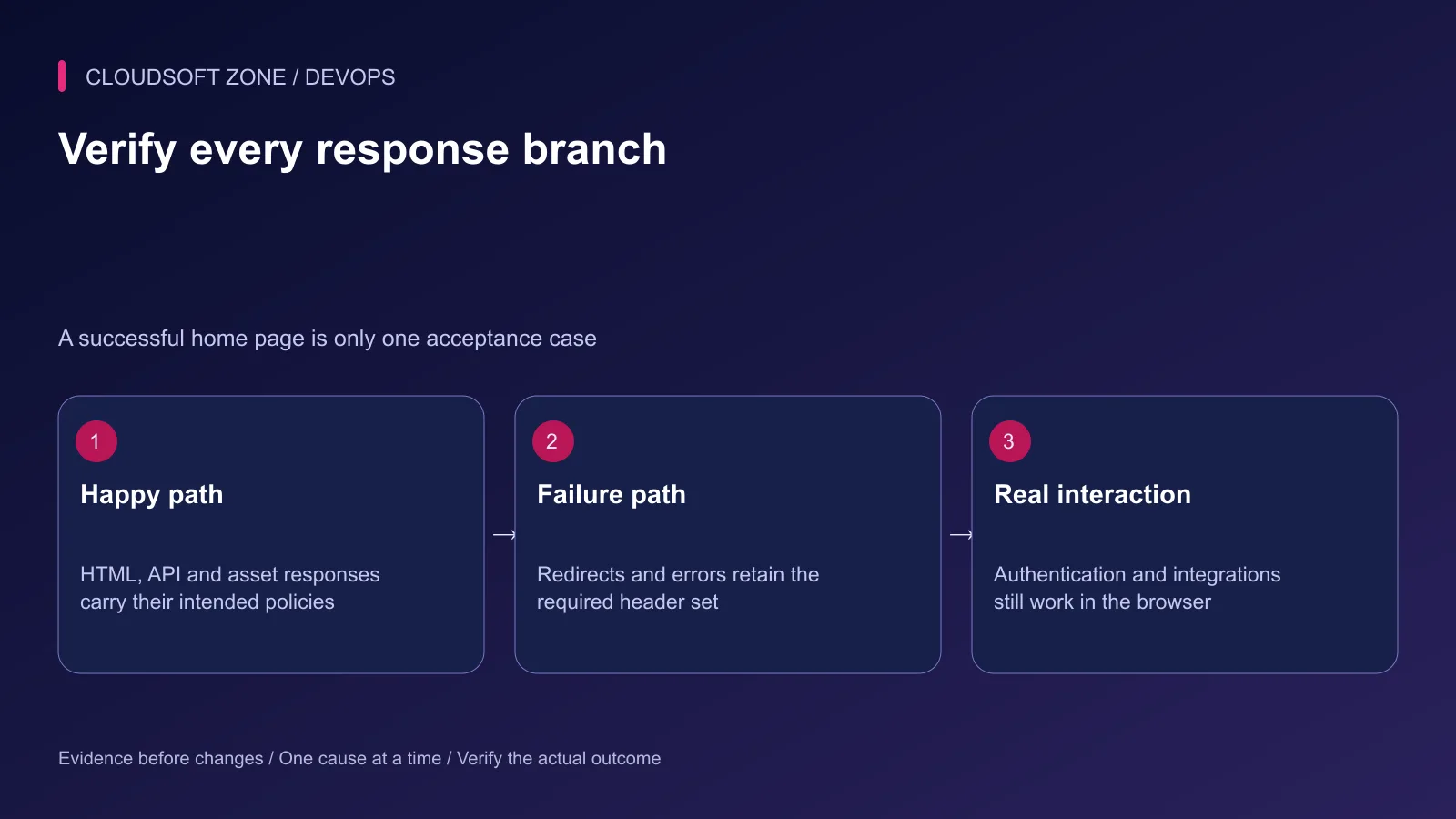
Then inspect browser behavior on the deployed production build. Development scripts and hot reload can require a different policy from the production asset set.
| Acceptance case | Evidence to inspect |
|---|---|
| HTML and API success | Correct policy owner and no conflicting duplicates |
| 404, authentication failure and gateway error | Intended baseline survives response selection |
| Login and account recovery | Redirects, cookies and challenge scripts still work |
| Payment, upload and embedded content | Reviewed integrations load under the policy |
| CSP violation | Legitimate requirement or attempted injection is classified |
Retain the previous configuration and policy revision. If enforcement blocks a legitimate feature, restore the reviewed application policy while keeping reports for diagnosis. A high scanner score cannot establish that the application is secure or usable.
For an application and proxy policy review, contact Cloudsoft Zone.
Featured image: Cloudsoft Zone technical layout with nginx artwork by Igor Sysoev (Public domain). Product mark resized proportionally for identification; no endorsement implied. Layout: CC BY-SA 4.0.
Frequently asked questions
Can I paste one strict CSP into every Laravel and Next.js site?
No. Allowed resources and inline-script handling depend on the application. Next.js nonce policies must coordinate response headers and rendered scripts and affect rendering/caching decisions.
Why do headers disappear in one nginx location?
Under standard add_header inheritance, declaring add_header at the current level prevents inheritance of the parent add_header set. Review the complete effective configuration and nginx version.
Should I immediately add includeSubDomains and preload to HSTS?
Only after confirming HTTPS coverage and the long-lived commitment for every relevant subdomain. Start with a reviewed limited scope and lifetime; browser persistence makes rollback different from removing a header.
Sources
- nginx response-header behavior — nginx
- Content Security Policy behavior — MDN Web Docs
- HSTS persistence and subdomain scope — MDN Web Docs
- Next.js application CSP guide — Next.js
- HTTP security header guidance — OWASP
Read next
TutorialDevOps5 min read
nginx PHP upload limits: safely increase file sizes without exposing the server
Align nginx PHP upload limits with multipart overhead, PHP-FPM configuration, Laravel validation and temporary-storage capacity. Diagnose 413 errors before raising every limit.
Comments
No comments yet. Be the first to join the conversation.
Leave a comment
Every comment is read by a moderator before it appears. Your email address is never published; it is used only to contact you about this comment.
More from Cloudsoft Zone
TutorialDevOps5 min read
nginx rate limiting for APIs and login endpoints: protect capacity without locking out users
Configure nginx rate limiting with trusted client addresses, bounded bursts, a dry-run rollout and application-level account controls for API and login traffic.
By Nilesh Kushvaha
Troubleshooting guideDevOps5 min read
nginx 502 vs 504 errors: distinguish failed upstream responses from timeout boundaries
Compare nginx 502 vs 504 errors using the response origin, upstream timing, connection failures and application evidence before changing limits or restarting services.
By Nilesh Kushvaha
TutorialDevOps5 min read
Multiple Node.js applications behind nginx: host routing, process ownership and shared-server capacity
Run multiple Node.js applications behind nginx with explicit host-to-port routing, separate process ownership, scoped state and acceptance checks for every hosted service.
By Nilesh Kushvaha