
nginx rate limiting for APIs and login endpoints: protect capacity without locking out users
Configure nginx rate limiting with trusted client addresses, bounded bursts, a dry-run rollout and application-level account controls for API and login traffic.
5 min read
In this article
A login endpoint starts receiving automated requests. The immediate temptation is to apply a low per-IP limit everywhere. That can also block a customer's entire office, delay legitimate API clients and interrupt account recovery.
Use nginx rate limiting as a capacity boundary, not a full defence. The guide defines one bounded policy with an nginx limit_req_zone, applies an nginx limit_req login rule after finding the real client address, and observes traffic before enforcing anything.
nginx rate limiting is useful as a capacity boundary when its request identity, route scope and rejection behavior match the application. It does not replace account-aware authentication controls. This guide separates those responsibilities and gives a narrow rollout example.
For framework-level rules, see our Laravel API rate-limiting guide. The policy below complements those rules at the public proxy.
Step 1: Decide what the limit protects
Write down the expensive operation before choosing a number: password verification, search, an authenticated export or an API that calls a paid provider. Measure its acceptable concurrency and downstream demand in a controlled environment.
| Boundary | Appropriate identity | Important limitation |
|---|---|---|
| Public proxy capacity | Trusted client address | Shared networks contain many users |
| Login attempts | Account plus abuse signals | Distributed attempts evade IP-only rules |
| Authenticated API quota | Verified account or tenant | Must be enforced after identity validation |
| Paid external operation | Durable operation and budget | Request count is not the same as cost |
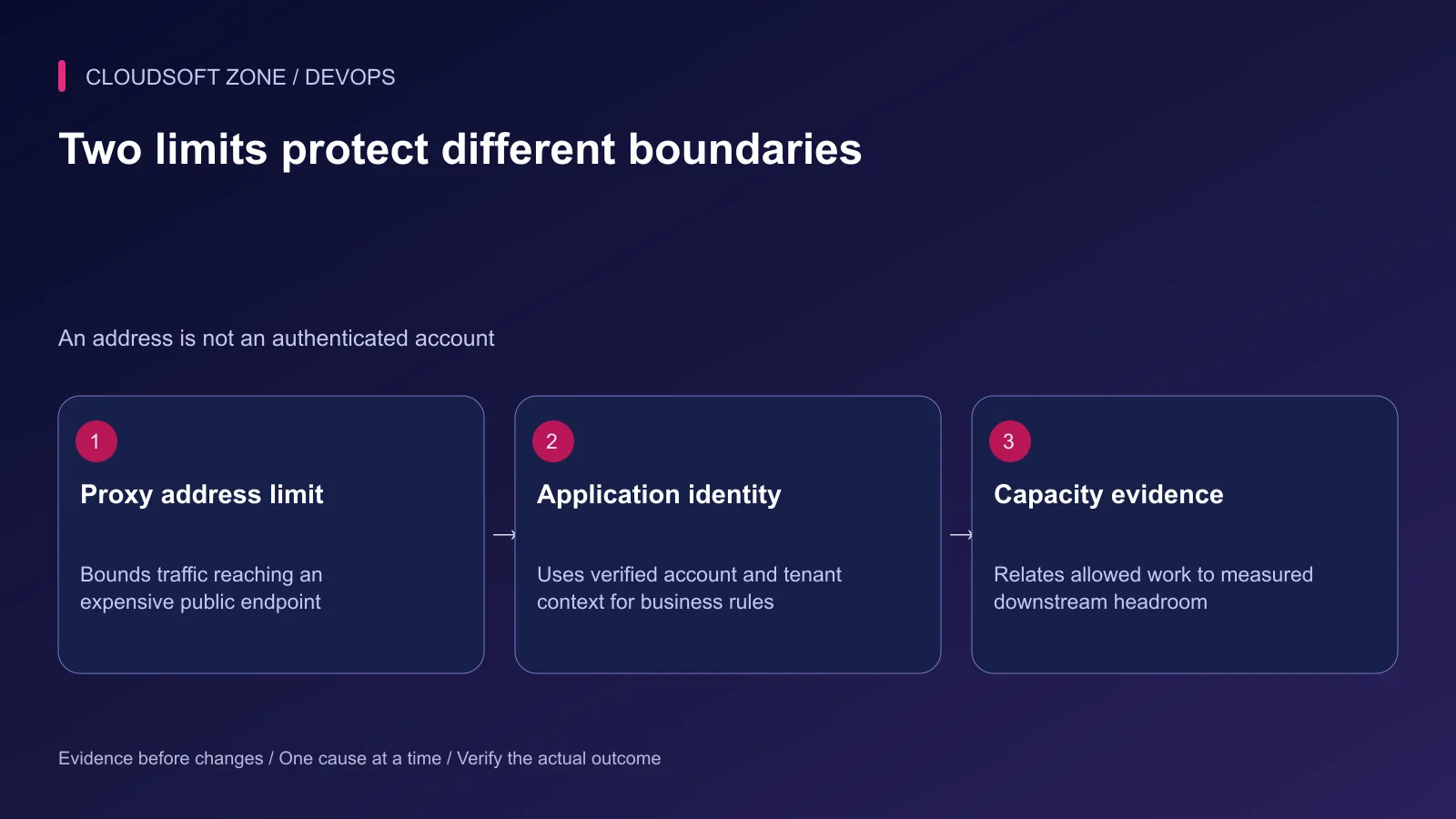
An edge limit reduces incoming work. An application limit can understand who is requesting it. Never construct a trusted account key from an arbitrary client header and assume it is authenticated.
Step 2: Establish the real client address
If clients connect directly to nginx, the peer address is the starting identity. With a CDN or load balancer, the peer may instead be the shared proxy. Limiting that address can collapse every visitor into one bucket.
Use nginx's real-IP module only with the actual trusted proxy address ranges and the header that proxy supplies. Confirm module availability in the deployed build. Do not trust all networks, and do not copy a provider's address list from an old tutorial without checking its current origin policy.
Verify the effective address in a restricted diagnostic log. Compare two controlled clients and a deliberately supplied forwarding header. A direct client's spoofed header must not create a different trusted identity. Also ensure the origin cannot be reached through an unintended bypass path.
Step 3: Define one bounded policy
This illustrative fragment belongs in an existing reviewed nginx configuration. It assumes a same-host HTTP application on port 3001, a known login route and a trustworthy effective remote address. TLS and other application routes are configured separately.
# http context
limit_req_zone $binary_remote_addr zone=login_ip:10m rate=6r/m;

# inside the intended HTTPS server
location = /api/login {
    limit_req zone=login_ip burst=3 nodelay;
    limit_req_status 429;
    limit_req_dry_run on;

    proxy_set_header Host $host;
    proxy_set_header X-Real-IP $remote_addr;
    proxy_set_header X-Forwarded-For $remote_addr;
    proxy_set_header X-Forwarded-Proto $scheme;
    proxy_pass http://127.0.0.1:3001;
}
The numeric values are examples for rehearsal, not recommendations for every login form. This fragment overwrites forwarded address headers for the stated direct-to-nginx trust model. Adapt the complete proxy chain deliberately when another trusted edge is present.
Step 4: Understand bursts and shared state
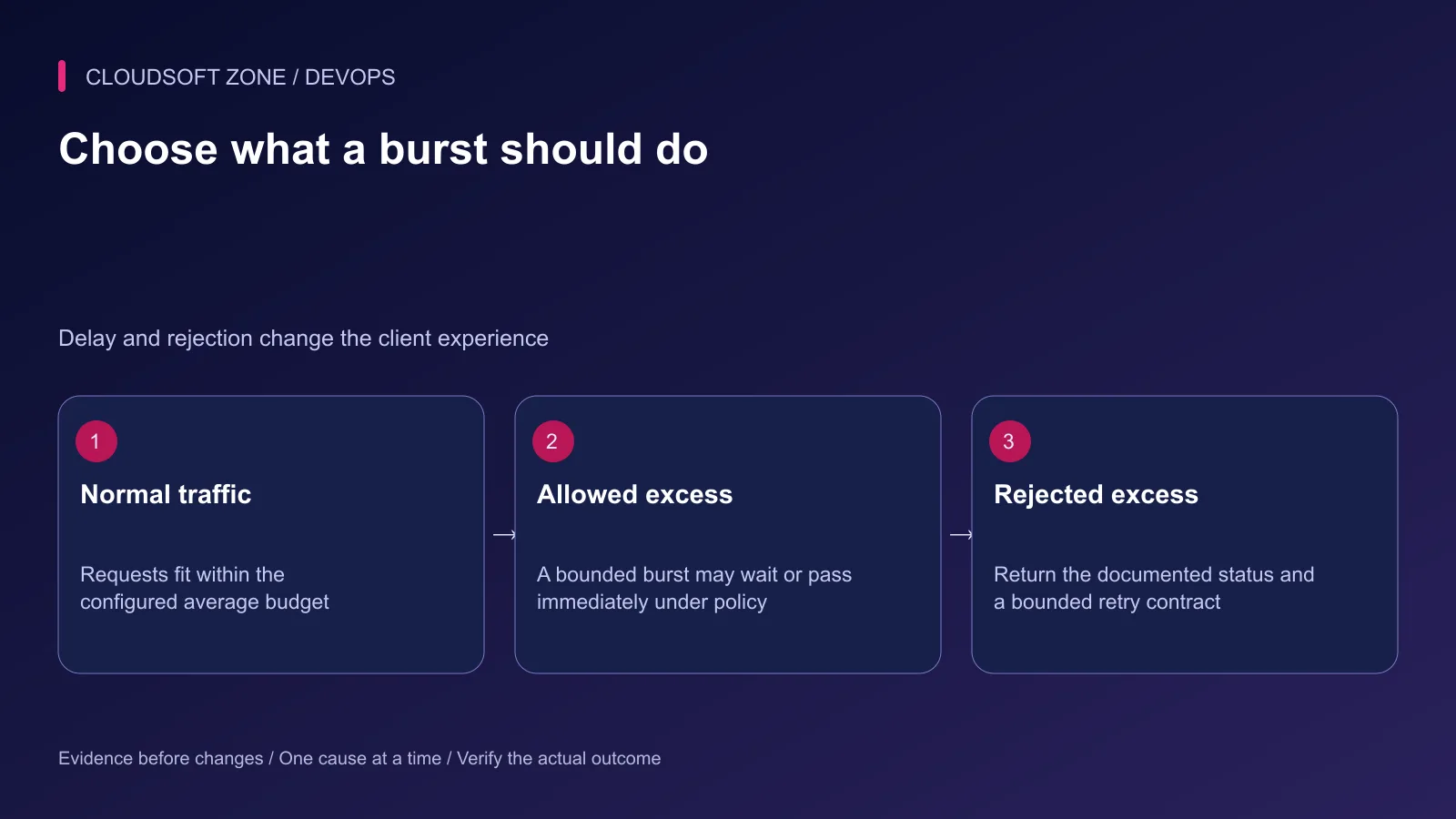
The request-rate module uses a leaky-bucket model. A burst allows a bounded amount of excess traffic. Without nodelay, excess accepted requests may wait; with it, they can pass immediately while still consuming the configured budget.
A shared-memory zone shares state between nginx workers on that instance. Do not treat it as a globally synchronized budget across independent servers. Fleet-wide quotas belong in an explicitly designed shared application policy or an edge product with the required semantics.
Review inheritance when adding a location-specific limit. Existing limits at higher configuration levels may not combine as assumed when the current level declares its own rules.
Step 5: Observe before enforcement
Dry-run mode records limiting outcomes without enforcing the limit. Include the limit_req_status variable in a protected diagnostic format alongside a correlation identifier. Avoid recording passwords, tokens or the raw login body.
Run a controlled sequence against a test account and compare ordinary use with burst behavior. Observe browser retries, mobile reconnects and shared-office traffic. Check that monitoring does not trigger the login budget and that account recovery has a separate reviewed policy.
The request module's rejection default is 503. The example explicitly chooses 429. RFC 6585 describes 429 for excessive requests and permits Retry-After; configure any retry guidance consistently rather than assuming nginx automatically supplies a meaningful reset time.
Step 6: Add account-aware protection
Use application controls for failed authentication attempts, verified tenant quotas and expensive operations. Include MFA where appropriate. Design recovery so an attacker cannot cheaply deny a victim access by exhausting a public account identifier's budget.
Return generic authentication errors that do not unnecessarily disclose whether an account exists. Preserve security evidence with restricted retention. CAPTCHA can be one layer, but it does not replace authentication, authorization or capacity limits.
For authenticated operations, count the intended business cost and define which failed or retried requests consume quota. Idempotent request processing can prevent a network retry from duplicating an expensive effect.
Step 7: Enforce and verify the public path
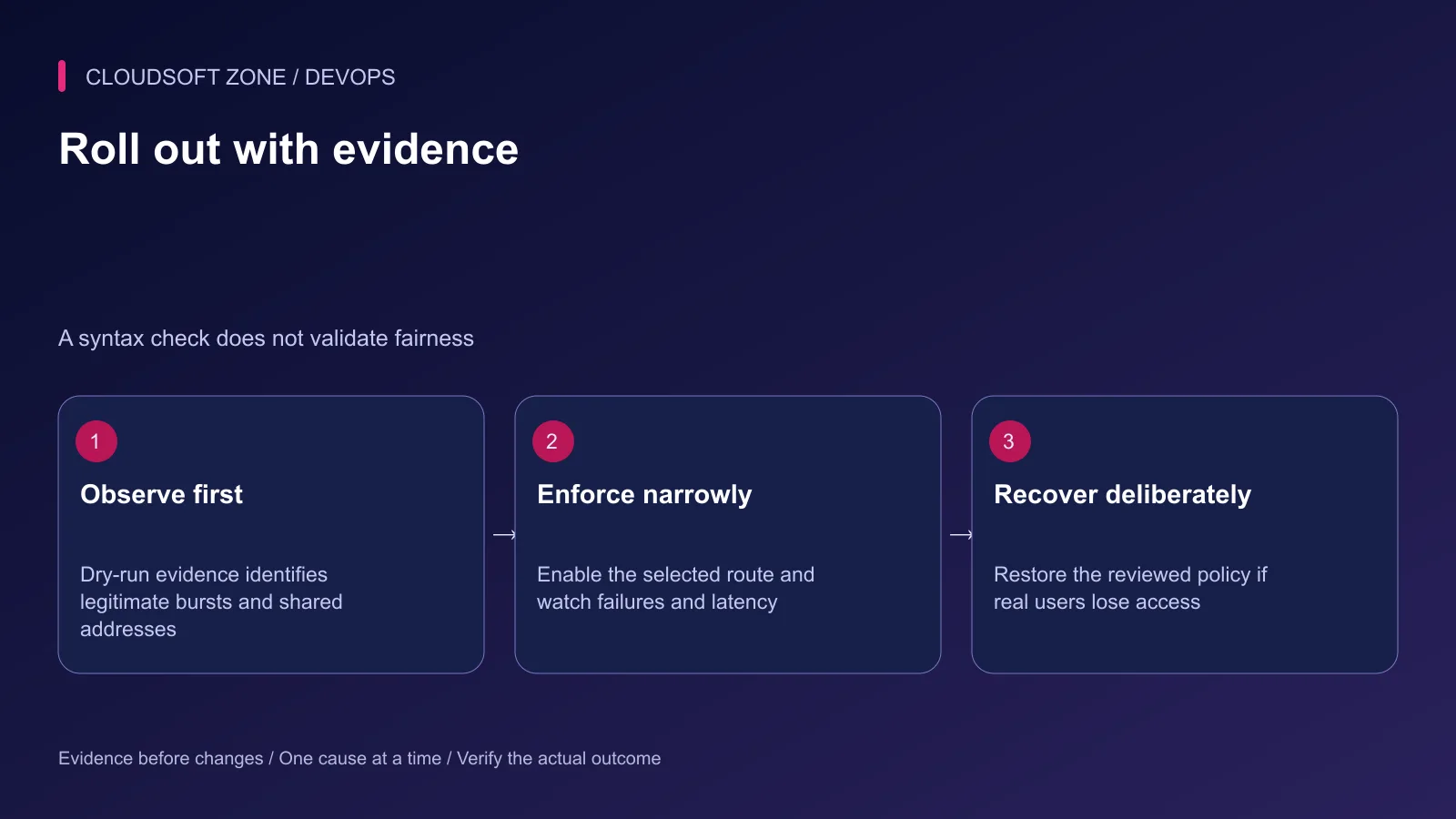
After the observed policy is acceptable, turn off dry-run for the selected route, validate the configuration and reload the intended nginx instance. Keep the previous reviewed configuration available for rollback.
| Acceptance case | Expected outcome |
|---|---|
| Normal login and account recovery | Work within their documented policy |
| Deliberate controlled excess | Defined rejection without application overload |
| Spoofed forwarding header | Does not bypass the trusted identity boundary |
| Shared-address legitimate users | Acceptable access and monitored false positives |
| Dependency slowdown | Capacity remains bounded and diagnosis stays possible |
Watch rejection rate, login success and latency together. A lower request count is not proof that the policy improved user access. Narrow or restore the policy if legitimate users are blocked while preserving evidence for the next adjustment.
Our nginx HTTPS guide covers the public proxy foundation. For an application-specific capacity and abuse-control review, contact Cloudsoft Zone.
Featured image: Cloudsoft Zone technical layout with nginx artwork by Igor Sysoev (Public domain). Product mark resized proportionally for identification; no endorsement implied. Layout: CC BY-SA 4.0.
Frequently asked questions
Is an IP limit sufficient to stop password attacks?
No. Shared addresses and distributed attackers make IP limits incomplete. Combine them with account-aware throttling, MFA and monitored recovery controls.
Does nginx reject limited requests with 429 by default?
No. The limit_req module defaults to 503 for rejection. Set limit_req_status 429 when that is the intended client contract.
Can I trust any X-Forwarded-For header as the client identity?
No. Accept forwarded identity only from explicitly trusted proxy peers with the correct real-IP configuration; arbitrary client headers are spoofable.
Sources
- nginx request-rate module — nginx
- nginx trusted real-IP processing — nginx
- Authentication throttling and recovery — OWASP
- HTTP 429 semantics — IETF
Read next
Troubleshooting guideDevOps5 min read
nginx 502 vs 504 errors: distinguish failed upstream responses from timeout boundaries
Compare nginx 502 vs 504 errors using the response origin, upstream timing, connection failures and application evidence before changing limits or restarting services.
Comments
No comments yet. Be the first to join the conversation.
Leave a comment
Every comment is read by a moderator before it appears. Your email address is never published; it is used only to contact you about this comment.
More from Cloudsoft Zone
TutorialDevOps5 min read
Multiple Node.js applications behind nginx: host routing, process ownership and shared-server capacity
Run multiple Node.js applications behind nginx with explicit host-to-port routing, separate process ownership, scoped state and acceptance checks for every hosted service.
By Nilesh Kushvaha
Troubleshooting guideDevOps5 min read
PM2 app disappears after server restart: diagnose startup, users and saved process state
If a PM2 app disappears after server restart, check the daemon owner, boot service, saved process list, runtime path and application startup failure before restoring it.
By Nilesh Kushvaha
TutorialDevOps5 min read
PM2 production guide: startup, restarts, logs, clustering and real readiness
Use this PM2 production guide to define process ownership, startup recovery, graceful restarts, log retention, capacity and application readiness on a VPS.
By Nilesh Kushvaha