
nginx load balancing with multiple Node.js instances: capacity, state and safe draining
Configure nginx load balancing for equivalent Node.js instances, then review shared sessions, connection budgets, passive failure detection and deployment draining.
5 min read
In this article
One Node.js process reaches its capacity ceiling, so a team starts a second process and adds it to nginx. Requests spread out, but sessions disappear and a scheduled task now runs twice. Traffic distribution worked; application replication did not.
For nginx load balancing, the guide configures an explicit upstream group, compares methods such as nginx upstream least_conn, and explains what an nginx load balancer Node.js setup needs beyond a second port: shared state, connection budgets and safe draining.
nginx load balancing selects among eligible upstreams. A production design also needs equivalent replicas, shared state, bounded dependency demand and a controlled replacement lifecycle. This tutorial focuses on those conditions rather than treating a second port as a complete availability solution.
Our NestJS REST API guide covers application boundaries. Apply this example to replicas of one compatible service, not unrelated applications sharing a server.
Step 1: Prove the replicas are equivalent
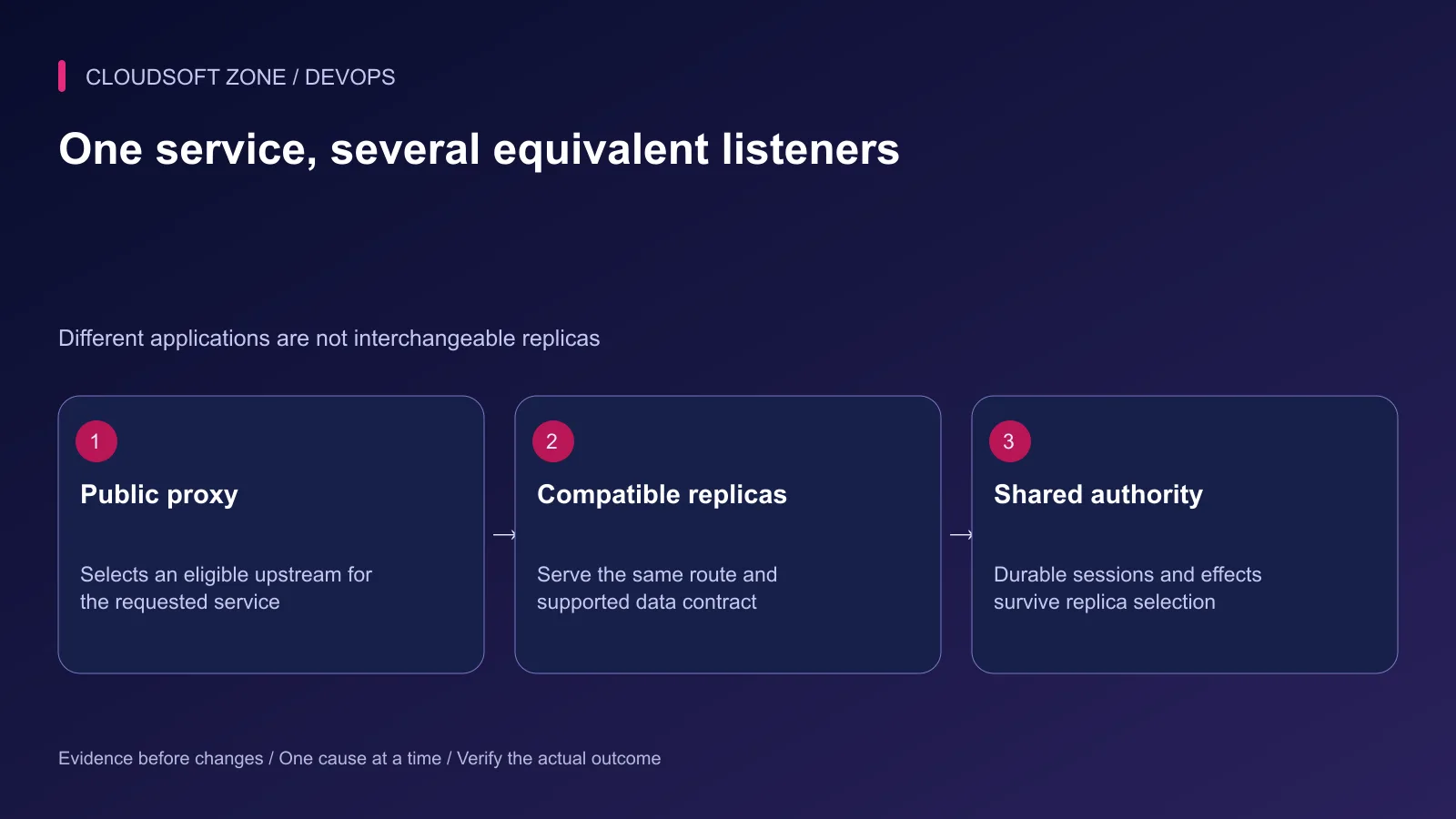
Give each instance its own private listener and confirm the release identifier, supported routes and schema contract. Two programs that answer different routes are separate services, not interchangeable replicas.
Use harmless direct requests to each listener. Check authentication, dependency readiness and a representative read. A process that accepts TCP but cannot serve the application is not ready for user traffic.
| Design decision | What must be established |
|---|---|
| Replica compatibility | Same intended route and data contract |
| Public access | Only the reviewed proxy path reaches private listeners |
| Session ownership | State survives a request reaching another replica |
| Database capacity | Combined pool demand fits the server budget |
| Release overlap | Old and new replicas can coexist safely |
Step 2: Configure an explicit upstream group
The following fragment illustrates two same-host HTTP listeners. TLS, public server selection and private network controls are part of the existing configuration. The failure values are rehearsal values, not universal service settings.
# http context
upstream api_replicas {
    zone api_replicas 64k;
    least_conn;
    server 127.0.0.1:3001 max_fails=2 fail_timeout=10s;
    server 127.0.0.1:3002 max_fails=2 fail_timeout=10s;
}

# within the intended HTTPS server
location /api/ {
    proxy_http_version 1.1;
    proxy_set_header Host $host;
    proxy_set_header X-Real-IP $remote_addr;
    proxy_set_header X-Forwarded-For $remote_addr;
    proxy_set_header X-Forwarded-Proto $scheme;
    proxy_pass http://api_replicas;
}
The proxy_pass form preserves the requested URI in this example. Both replicas must serve the /api/ route prefix. The forwarded-address overwrite assumes clients connect directly to this nginx trust boundary; adapt a multi-proxy path explicitly.
Step 3: Choose a method based on workload
Round-robin distribution is the usual starting method. least_conn considers active connections and can suit uneven request durations. Weights express intended relative capacity, not a guarantee of equal response time.
Do not infer useful application capacity from request counts alone. A short cached response and a slow database report impose different costs. Compare latency, concurrency and dependency demand under representative controlled traffic.
Address-based affinity can keep some clients on the same replica, but it is not durable storage. Shared networks can also concentrate many users on one address. Make the session design correct before using affinity as an optimization.
Step 4: Move authoritative state out of process memory
Use the application's supported shared session store and durable database constraints. An in-memory cart or login session disappears if its owning process restarts or the next request reaches another replica.
Coordinate background schedules explicitly. Running an HTTP replica twice can also duplicate an embedded cron loop. Separate singleton scheduling or use the framework's reviewed coordination mechanism and idempotent effect design.
Uploads, generated files and cache invalidation need shared or consistently addressed storage. A file saved to one replica's local directory cannot be assumed present on another host.
Step 5: Budget all replica connections
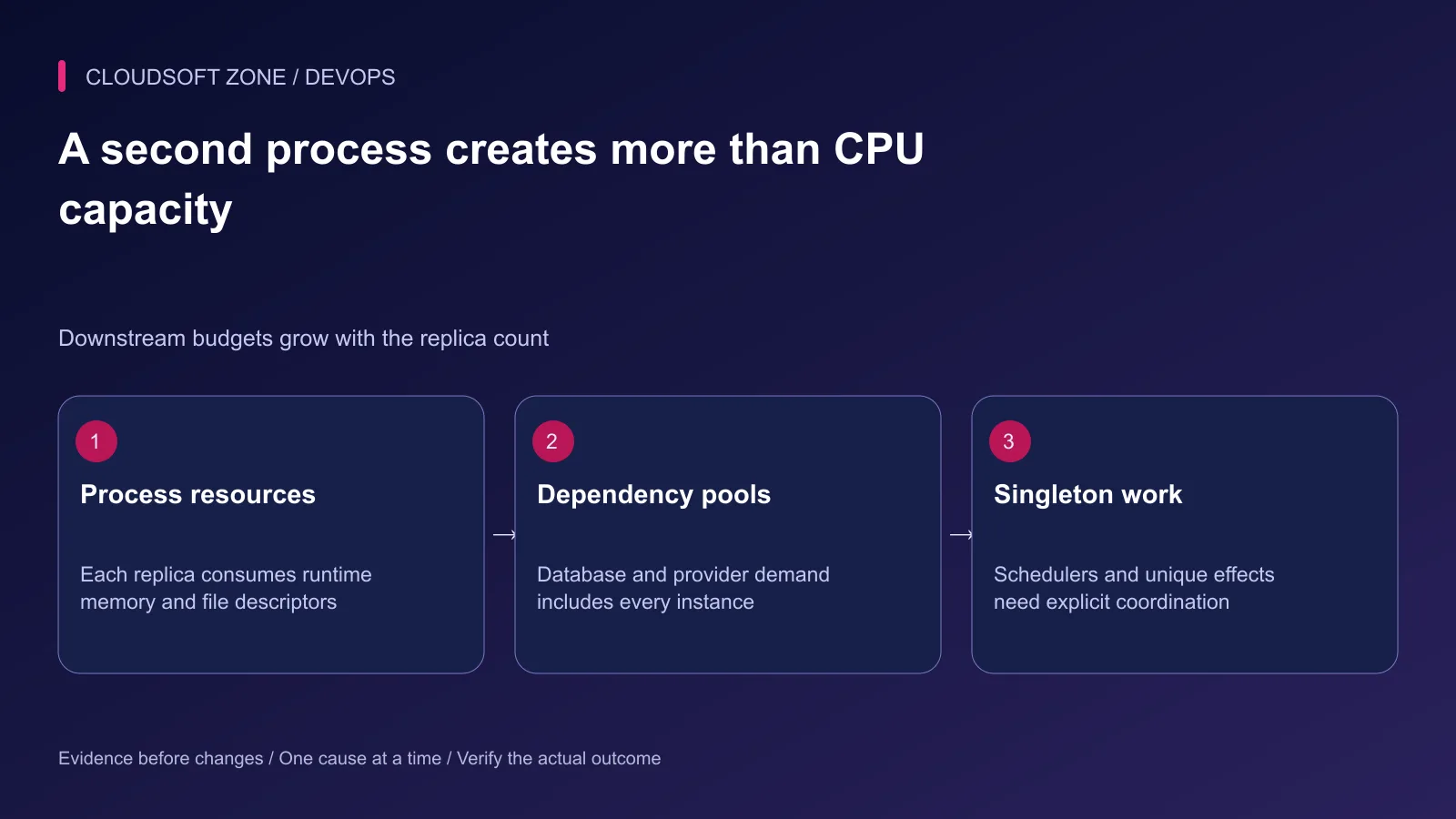
Each process can own its own database and HTTP pools. Sum their maximum demand with worker processes, administration and other applications before increasing replica count.
Avoid enlarging every pool when the database is already waiting on locks or slow queries. More concurrent waits can reduce useful throughput. Review memory, CPU and file-descriptor headroom on the host as well.
Two replicas on one VPS still share a machine failure domain. A second process is not proof of tolerance to a host outage, disk failure or dependency outage.
Step 6: Understand passive failures and retries
Ordinary upstream failure settings react to eligible failures observed during attempts. They are not equivalent to an active readiness probe continuously checking the application before traffic arrives.
Review proxy_next_upstream and which methods and failure conditions can be retried. Never enable replay of a non-idempotent write merely to hide an unhealthy replica. The first attempt may already have produced an effect.
When an operation times out, reconcile its durable identity before issuing another write. Our duplicate payment and webhook guide explains why the HTTP response is not the whole business outcome.
Step 7: Drain instances during deployment
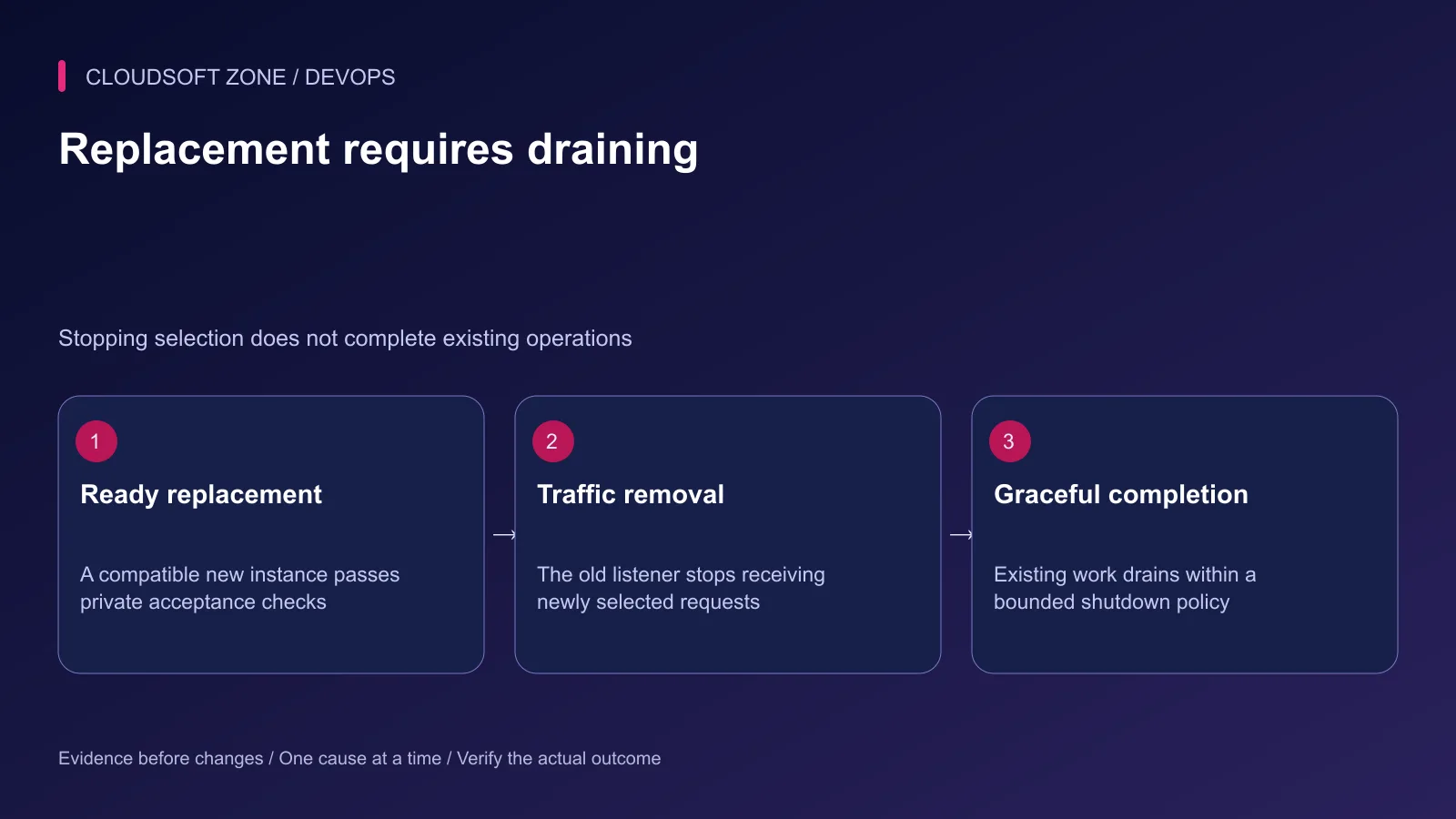
Start a compatible replacement and verify it privately before adding it to selection. Remove the old replica from new traffic through the reviewed proxy or deployment procedure, then drain its accepted work.
Node.js signal handling must be connected to actual server closure and resource cleanup. A custom signal handler changes default process behavior; it needs a bounded exit policy rather than an indefinite promise to finish.
Long-lived WebSockets can outlive the normal request-drain window. Define reconnect behavior separately. Database migration compatibility must cover both releases while they overlap.
Step 8: Rehearse a failed replica and recovery
In an isolated environment, make one replica unavailable and observe public requests, upstream selection and application outcomes. Check recovery as well as failure: an old incompatible release must not silently rejoin the group.
| Acceptance case | Evidence |
|---|---|
| Both replicas ready | Expected service responses and measured distribution |
| One listener unavailable | Documented failure/retry behavior without duplicate effects |
| Replica restart | Sessions and durable operations remain correct |
| Release replacement | Compatible overlap and bounded graceful completion |
| Dependency saturation | Combined demand remains within reviewed limits |
Keep the previous upstream configuration and release artifact for rollback. Validate the configuration before reloading and verify the public route afterward. For a replica and state architecture review, contact Cloudsoft Zone.
Featured image: Cloudsoft Zone technical layout with nginx artwork by Igor Sysoev (Public domain). Product mark resized proportionally for identification; no endorsement implied. Layout: CC BY-SA 4.0.
Frequently asked questions
Does adding two Node.js ports create high availability?
It can improve process redundancy, but two listeners on one VPS share host, network and storage failure domains. High availability requires the complete dependency architecture.
Do open-source nginx upstreams actively probe health automatically?
The ordinary upstream failure settings provide passive detection from request attempts. Do not equate that with automatic active readiness probing; active-check features and products must be evaluated separately.
Can sticky sessions replace shared application state?
They can influence routing but do not make process memory durable or ensure that a failed replica retains its session data. Prefer an explicit shared state and effect contract.
Sources
- nginx HTTP load-balancing methods — nginx
- nginx upstream groups and failure settings — nginx
- nginx retry and proxy handling — nginx
- Node.js signal handling — Node.js
Read next
TutorialDevOps5 min read
nginx WebSocket reverse proxy: configure upgrades, authentication and reconnect behavior
Configure an nginx WebSocket proxy with explicit upgrade headers, bounded idle behavior and application authorization. Distinguish native WebSockets from Socket.IO polling.
Comments
No comments yet. Be the first to join the conversation.
Leave a comment
Every comment is read by a moderator before it appears. Your email address is never published; it is used only to contact you about this comment.
More from Cloudsoft Zone
TutorialDevOps5 min read
nginx PHP upload limits: safely increase file sizes without exposing the server
Align nginx PHP upload limits with multipart overhead, PHP-FPM configuration, Laravel validation and temporary-storage capacity. Diagnose 413 errors before raising every limit.
By Nilesh Kushvaha
TutorialDevOps6 min read
nginx security headers for Laravel, Next.js and NestJS: set the policy in the right layer
Apply nginx security headers without duplicate CSP policies, broken Next.js scripts or premature HSTS commitments. Verify actual success, redirect and error responses.
By Nilesh Kushvaha
TutorialDevOps5 min read
nginx rate limiting for APIs and login endpoints: protect capacity without locking out users
Configure nginx rate limiting with trusted client addresses, bounded bursts, a dry-run rollout and application-level account controls for API and login traffic.
By Nilesh Kushvaha