
In this article
A Laravel page returns a filesystem error, so somebody makes the whole project writable. The error disappears, but a compromised web process can now change application code. The correct fix starts with the failed path and the identity that tried to write it.
This Laravel storage permissions guide diagnoses nginx and PHP-FPM deployments without broad ownership changes. We will separate the web, worker and deploy accounts, inspect path traversal and ACLs, then verify the required writes and protected paths. It applies to a Linux filesystem; container mounts and managed object storage add different boundaries.
Use the actual application paths and runtime accounts in every example. Our Laravel production checklist explains the surrounding release setup. Do not change another application or the entire server's web directory while following this guide.
Step 1: Capture the exact path and operation
Record whether the application tried to create a directory, create a file, append to a log, replace a cached file or read an existing object. These operations require different access. Preserve a sanitized error and the current release identifier.
Inspect the final resolved path. A symlinked storage directory can lead to a shared location with different ownership, and a new release's bootstrap cache can have fresh permissions. Diagnose the target rather than only the visible symlink.
Do not delete uploaded files or empty runtime directories as a permission fix. A file can be customer data even when its directory is named storage. Separate deliberate cache rebuilds from retained uploads and documents.
Step 2: Identify the real process account
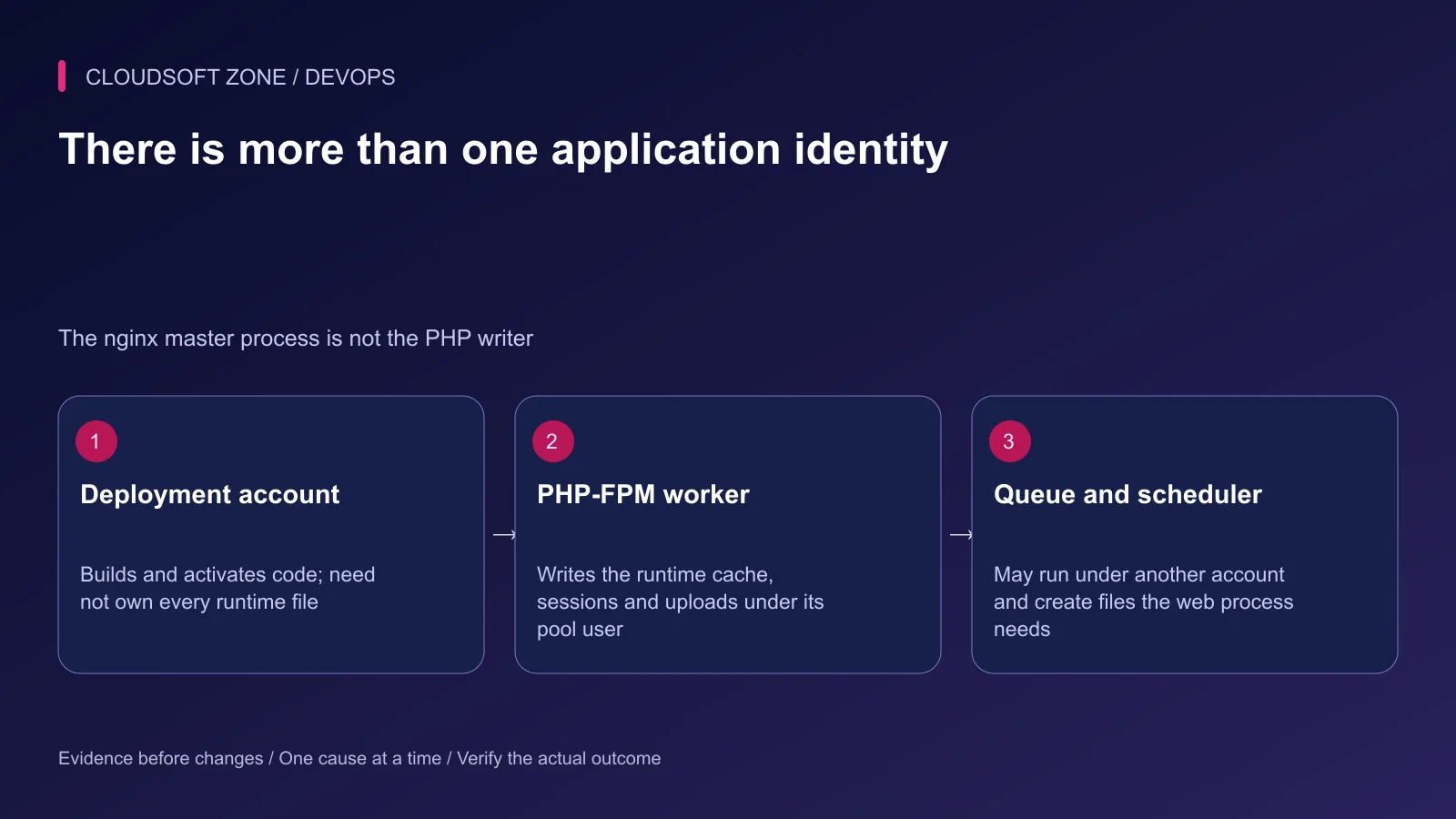
nginx passes PHP execution to PHP-FPM. The pool's worker account usually performs the application write, while nginx needs access to public static files and the FPM listener. A root-owned nginx master process does not mean PHP requests write as root.
ps -eo user,group,pid,args | grep '[p]hp-fpm'
ps -eo user,group,pid,args | grep '[a]rtisan queue:work'
id app-runtime
Substitute the intended runtime account and inspect the relevant pool configuration. Record the queue and scheduler accounts too. A deployment command run as root can create a cache or log file the web account cannot later update.
| Process | Typical access need |
|---|---|
| Deploy account | Build artifacts and activate a release |
| PHP-FPM worker | Read code; write selected runtime directories |
| Queue worker | Read compatible code; write its required state |
| nginx worker | Read public assets and connect to the PHP listener |
The runtime need not be the owner of every file. A group policy or named ACL can allow narrow access while keeping code owned by the deploy account.
Step 3: Inspect the entire path
Use namei to inspect each component, then inspect access-control lists on the relevant target:
namei -l /srv/example-app/current/storage/logs
getfacl /srv/example-app/shared/storage/logs
getfacl /srv/example-app/current/bootstrap/cache
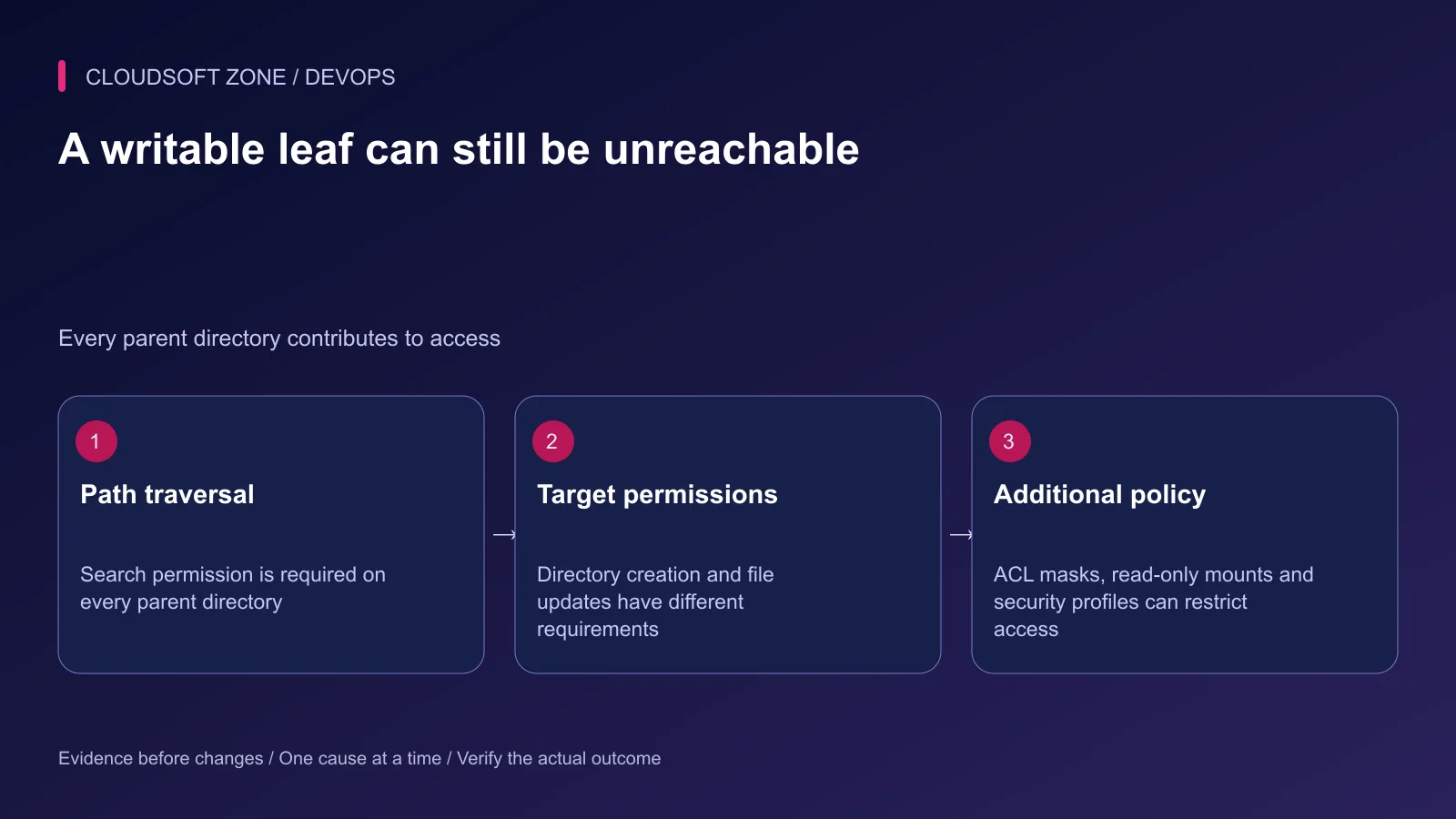
A process needs search permission on every parent directory to reach the target. A writable logs directory cannot compensate for an inaccessible parent. On a directory, write and search permissions govern creating or removing entries; updating an existing file also depends on that file's access.
Check ACL effective permissions as well as the named entry. An ACL mask can reduce the effective permissions of named users or groups. Record the existing ACL before changing it so you can restore the exact reviewed policy if necessary.
Step 4: Define the narrow writable set
Laravel commonly needs writable storage and bootstrap cache paths, but your application's actual files and deployment design determine the complete set. Persistent storage and per-release caches have different lifecycles.
Keep the application root, dependency code and production configuration protected from runtime modification where possible. Public uploaded files need deliberate serving rules; private documents must remain outside public access even when their storage directory is writable.
For a named-user ACL strategy, grant access on one reviewed runtime directory first:
sudo setfacl -m u:app-runtime:rwx /srv/example-app/shared/storage/logs
sudo setfacl -m d:u:app-runtime:rwx /srv/example-app/shared/storage/logs
getfacl /srv/example-app/shared/storage/logs
The first command changes access on that directory. The default entry governs new children created inside it. These commands do not repair all existing log files or unrelated subdirectories. Inspect those specific targets and grant only the required rights.
Review the effective mask after a change: adjusting a mask can affect other ACL entries too. If the deployment uses a group-and-setgid model instead, use that existing owner consistently rather than adding a competing ACL convention.
Step 5: Check new-file behavior
A permission fix that works once can fail after the next log rotation or deployment. Record who creates new files, the process umask, default ACL and resulting owner. The CLI, queue and PHP-FPM processes may create files differently.
Default ACLs do not guarantee every application-created file is readable or writable by every intended process. Creation mode, inherited ACL and effective mask interact. Inspect a harmless new file from the actual application workflow and confirm the relevant processes can use it.
After changing group membership, existing processes may still use their old group list. Replace the affected application processes through their documented supervisor; do not restart unrelated services or kill every PHP process on the host.
Step 6: Investigate non-permission restrictions
If the user and ACL appear correct, check whether the filesystem or container mount is read-only, whether disk space or inodes are exhausted and whether an enforced security profile denied the operation.
AppArmor restrictions are separate from Unix mode bits. Review the relevant denial evidence and amend only the application's required policy. Do not disable the host's security controls as a permanent workaround.
In a container, inspect the user identifier and mounted storage ownership on both sides. A name such as app inside the container does not guarantee the host uses the same numeric user identifier. An object-storage access denial is an IAM or credential policy issue, not a reason to change local file permissions.
Step 7: Verify access under the intended identity
Begin with non-writing checks for the selected directory:
sudo -u app-runtime test -x /srv/example-app/shared/storage/logs
sudo -u app-runtime test -w /srv/example-app/shared/storage/logs
Then exercise one harmless application write using its normal path. Confirm the error is gone, the created file has the intended access and the other required runtime account can use it. Shell checks alone do not prove an application security profile or mount allows the operation.
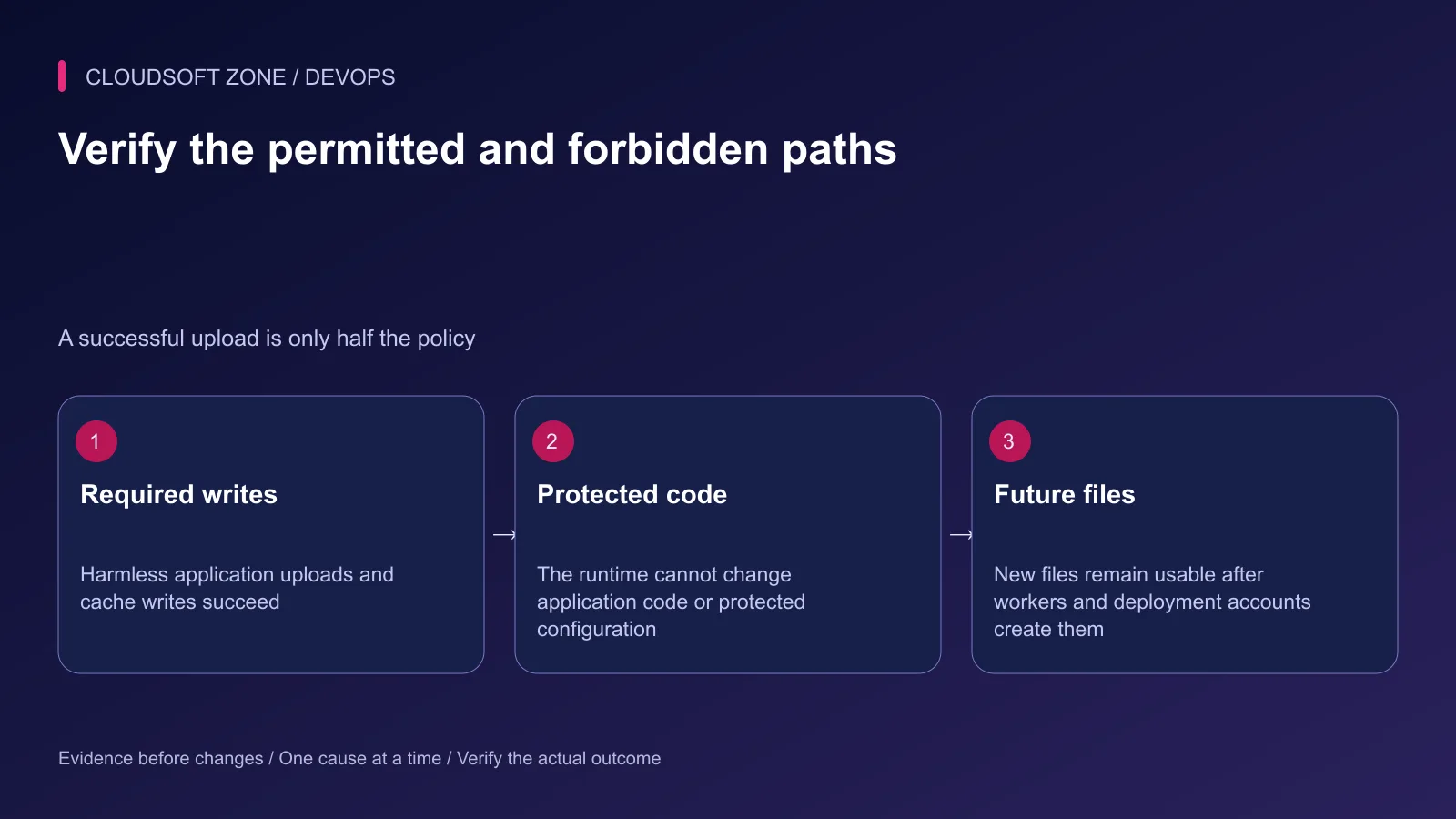
Also verify denial on protected code and configuration. Do not actually modify those files to test denial; inspect effective access and the relevant user policy. A successful upload is insufficient evidence if the fix also made the entire codebase writable.
Step 8: Make the policy survive deployment
Document ownership, group or ACL rules as part of release creation and shared-storage provisioning. Preserve them when rotating logs or restoring uploads. Keep backup restoration from silently changing the runtime's access contract.
When rolling back a permission change, restore the recorded exact ACL or ownership policy for the reviewed targets. Avoid a second broad recursive command that guesses what the old state might have been.
Record the failed path, responsible account, corrected access and verification result. For a broader launch check, use the Laravel deployment checklist. For a reviewed server and storage setup, contact Cloudsoft Zone.
Featured image: Cloudsoft Zone technical layout with laravel artwork by Laravel (Public domain). Product mark resized proportionally for identification; no endorsement implied. Layout: CC BY-SA 4.0.
Frequently asked questions
Should I set the Laravel directory to chmod 777?
No. Identify the actual writer and grant required access to specific runtime paths. World-writable code or configuration introduces an unnecessary compromise path.
Why does CLI succeed while the web request cannot write?
The CLI and PHP-FPM commonly run as different users, with different group memberships, configuration and security policies. Check the FPM pool user and the full path.
Do default ACLs repair permissions on existing files?
No. They guide inheritance for newly created children. Inspect and deliberately repair the specific existing files that require access.
Your next customer could start right here.
Introduce your tool, product or business to readers exploring technology.
Explore placements and request a private quote
Sources
- Laravel deployment write requirements — Laravel
- PHP-FPM pool identity — PHP
- namei path inspection — Ubuntu
- getfacl access inspection — Ubuntu
- setfacl masks and inheritance — Ubuntu
- PHP umask behavior — PHP
- Ubuntu AppArmor — Ubuntu
Comments
No comments yet. Be the first to join the conversation.
Leave a comment
Every comment is read by a moderator before it appears. Your email address is never published; it is used only to contact you about this comment.
More from Cloudsoft Zone
TutorialDevOps
Laravel Horizon production controls: dashboard access, capacity and deployment
Review Laravel Horizon production controls for dashboard authorization, queue isolation, bounded capacity, graceful deployments and useful completion alerts.
By Cloudsoft Zone
Troubleshooting guideDevOps
Laravel queue jobs not processing: trace Redis, Supervisor and Horizon
Diagnose Laravel queue jobs not processing without deleting queued work: trace dispatch, connection identity, worker ownership, failures and the business effect.
By Cloudsoft Zone
Troubleshooting guideDevOps
Laravel scheduler not running: trace cron, task filters and execution
Diagnose a Laravel scheduler not running by separating cron invocation, runtime configuration, due-task filters, cache locks and the task’s final effect.
By Cloudsoft Zone