
In this article
A queue dashboard is useful during an incident, but it can also expose job payloads, customer identifiers and retry controls. Running it on the same host as a public application does not make every application user a queue operator.
This Laravel Horizon production guide reviews operational controls after installation: access policy, capacity boundaries, process replacement and acceptance evidence. It intentionally complements an installation tutorial rather than repeating Composer commands. The target is an application already using Horizon with Redis-backed queues.
Use the installed Horizon version's configuration and documented capabilities. Examples here are policy excerpts, not a replacement for your application's authentication system. Keep the existing authorizations and queue owners explicit.
Step 1: Decide who may operate the dashboard
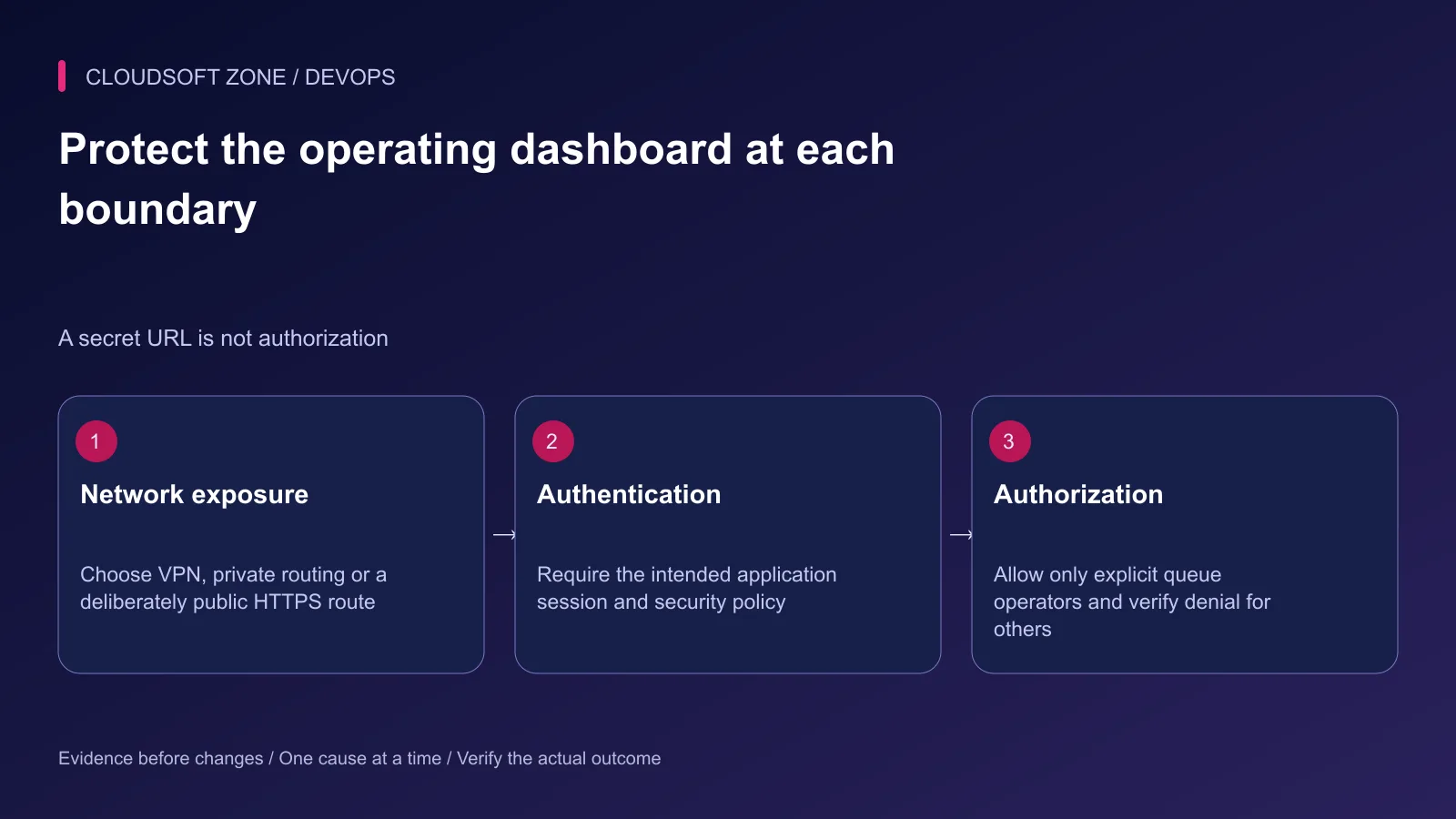
Identify the people who need job diagnostics and retries. Ordinary customers, registered users and support staff without queue duties should not gain access merely because they can sign in. The decision belongs on the server, not in a hidden menu item.
Choose whether the dashboard is available through a VPN, private route or deliberately public HTTPS endpoint. Network restrictions reduce exposure, but an authenticated operator policy remains useful. A renamed dashboard URL is not an access-control boundary.
Keep production configured as production. Horizon's development access behavior differs from its non-local gate policy; using a local environment setting to fix a deployment error can expose the dashboard unintentionally.
Step 2: Define a deny-by-default Horizon gate
Extend the existing HorizonServiceProvider gate method. The following example permits only explicitly configured user identifiers and denies when the allowlist is absent:
use App\Models\User;
use Illuminate\Support\Facades\Gate;

protected function gate(): void
{
    Gate::define('viewHorizon', function (?User $user): bool {
        if ($user === null) {
            return false;
        }

        $allowed = config('operations.horizon_operator_ids', []);

        return in_array(
            (string) $user->getAuthIdentifier(),
            array_map('strval', $allowed),
            true,
        );
    });
}
Create the operations configuration key deliberately as an array, or connect the gate to the application's existing role/permission policy instead. The allowlist is illustrative; it is not an existing permission shipped by Laravel. An absent or empty list denies everyone.
Ensure the dashboard uses your intended authentication guard and session middleware. A gate cannot authenticate a visitor by itself. Preserve CSRF and session protections rather than adding an insecure dashboard-only login shortcut.
After a policy change, refresh the application's relevant configuration cache and processes through the normal release procedure. Do not record customer payloads or credentials in an access-denial log.
Step 3: Verify both access success and failure
Check four identities: an unauthenticated visitor, a signed-in non-operator, an approved operator and a formerly approved account after revocation. Test the actual dashboard and its internal requests, not only the menu link.
| Identity | Expected behavior |
|---|---|
| Visitor without a session | Login challenge or denial; no queue data |
| Signed-in non-operator | Authorization denial |
| Approved queue operator | Required dashboard functions work |
| Revoked operator | Access no longer succeeds |
A redirect to login is acceptable when your authentication flow uses it. Verify its destination and inspect whether any sensitive response was returned before the redirect. Test direct URLs so a hidden link cannot create a false sense of protection.
Step 4: Make environment and queue ownership explicit
Review the Horizon environment that matches the application's actual environment value. Confirm each internal supervisor's connection, queue list and inherited defaults. A missing production or staging entry can leave consumers absent despite a running outer process.
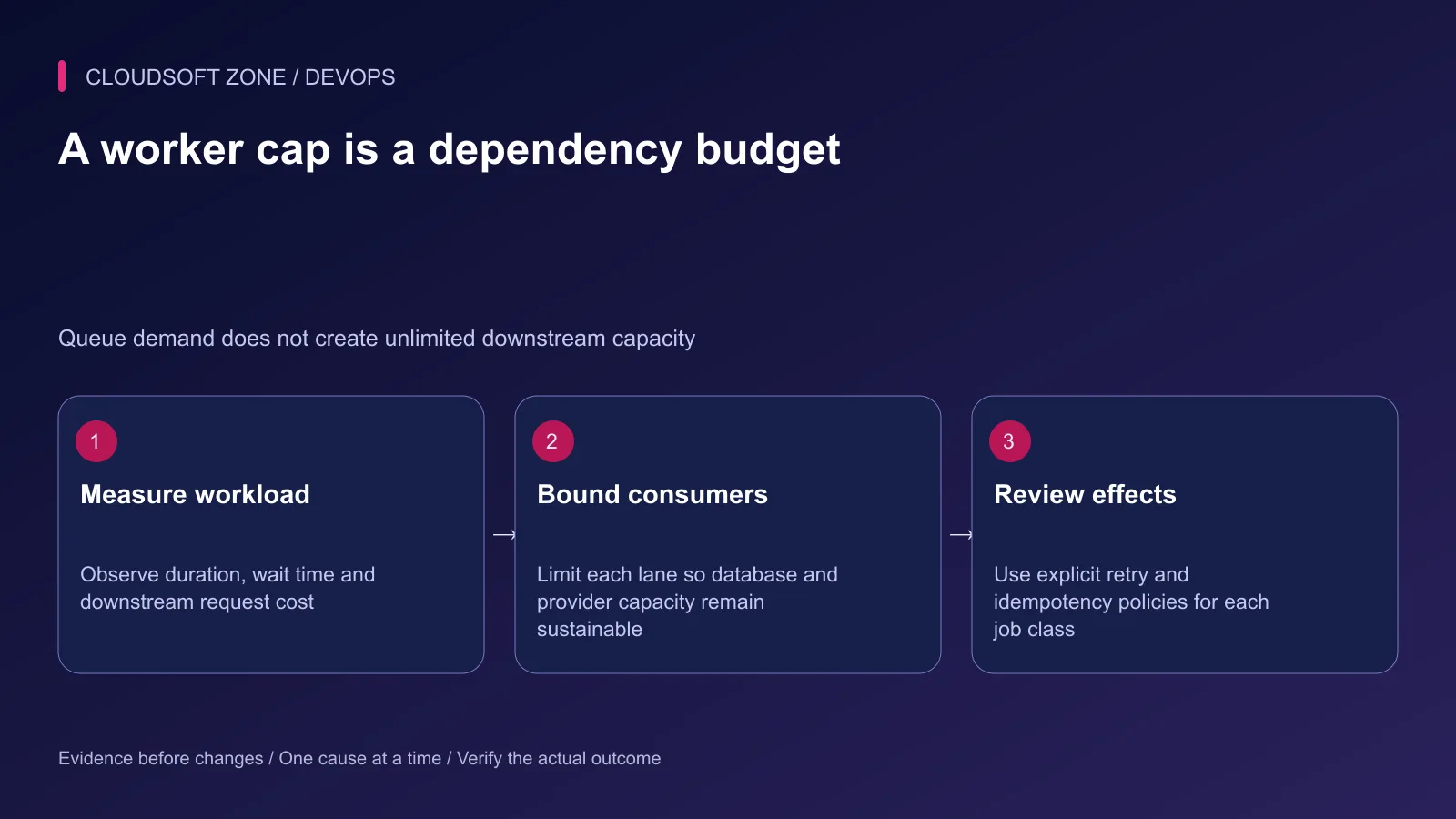
Separate heavy workloads from interactive work when they need independent budgets. A long media job should not occupy every consumer needed for a user-facing notification. Equally, separating lanes does not justify exceeding the database's connection or the provider's rate limit.
Keep Redis private, authenticate according to the deployment policy and isolate application namespaces. Do not share an undifferentiated Redis namespace across unrelated applications. Review retention for Horizon metadata separately from retained queue and customer data.
Step 5: Set capacity from evidence
Measure job duration, backlog age, throughput and downstream load before changing the process cap. Include all queue consumers across replicas when budgeting database connections and provider requests.
A useful operating worksheet is specific to a lane:
Queue lane: user-notifications
Measured duration range: record staging and observed production evidence
Maximum concurrent provider calls: set from the provider contract
Database connections per worker: measure the actual process
Graceful completion deadline: derive from bounded job execution
Retry policy: bounded attempts, backoff and a stable effect identity
Do not publish an unmeasured universal worker count as a production recommendation. Automatic balancing reacts to workload within configured limits; it does not guarantee that an external dependency can accept more traffic. Queue order under automatic balancing also does not establish strict priority.
Review the job, Horizon timeout and queue reservation policy together. Their ordering must avoid handing a still-running job to another worker. Set the outer supervisor's stop allowance to accommodate the intended graceful completion window.
Step 6: Replace Horizon deliberately during deployment
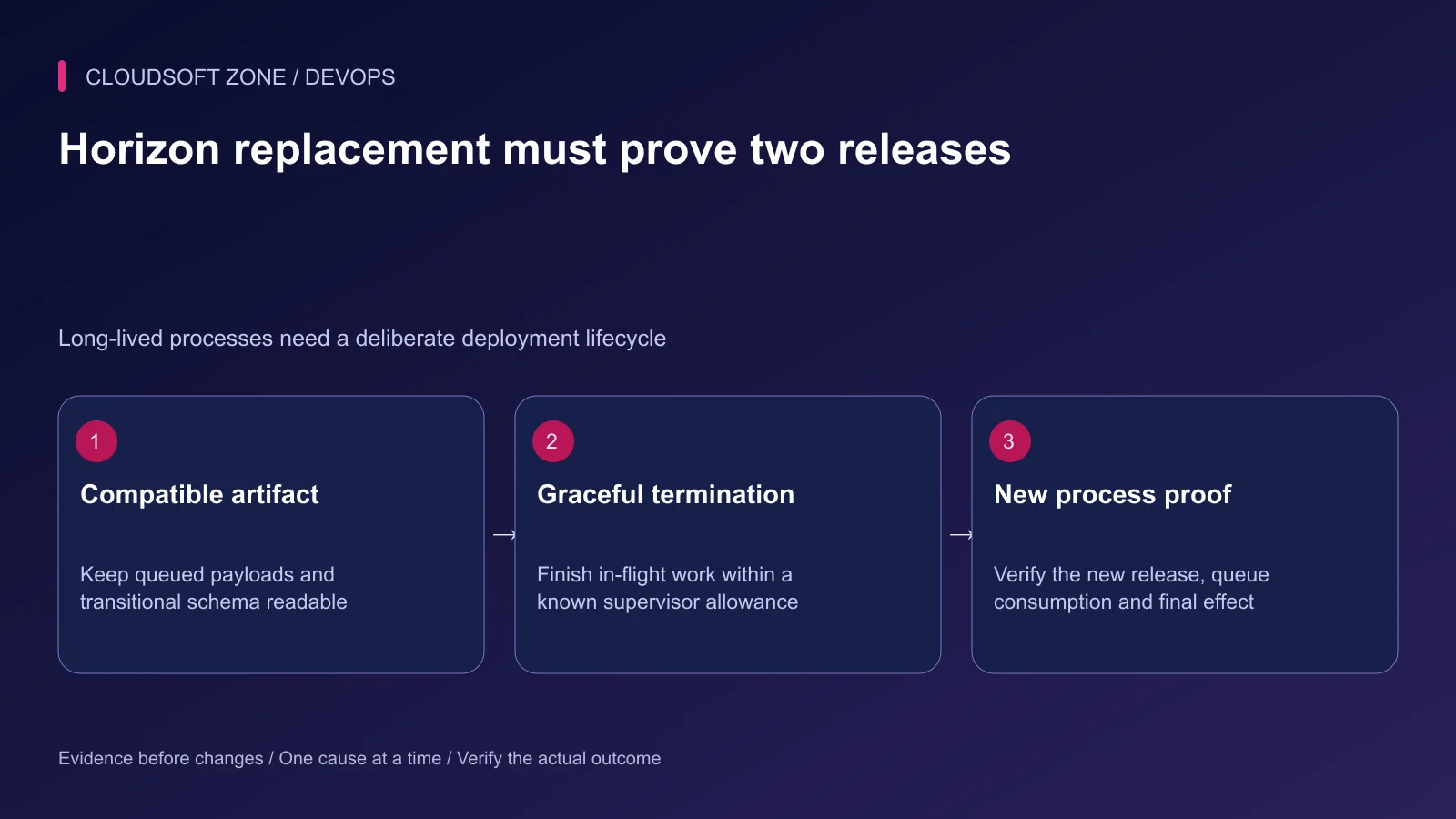
Horizon stays alive across web requests. Switching the web release pointer does not update code already loaded into that process. Prepare a compatible release and ensure the operating-system supervisor points at the intended release owner.
After the reviewed activation, use the documented graceful termination command under the application runtime identity:
cd /srv/example-app/current
php artisan horizon:terminate
This changes process state. Confirm that the outer supervisor is configured to restart the intended Horizon process and that the stop allowance is sufficient. Otherwise graceful termination can leave the application without consumers or kill an in-flight effect prematurely.
Keep old and new job payloads and database schema compatible during replacement. A new release may consume work serialized by the previous one. Removing a job class or changing a payload contract needs a migration strategy, not merely a successful deployment command.
Step 7: Accept the replacement through one harmless job
Verify the new process identity, current code generation, expected environment and queue list. Submit one harmless diagnostic job and observe its final effect. A process in RUNNING confirms supervision, not correct application consumption.
Compare queue age and failure rate after activation. If the new code fails jobs, stop further rollout and follow the compatible recovery procedure. Do not clear the queue to hide failed acceptance.
Step 8: Keep alerts useful and sensitive data bounded
Monitor queue wait, job failures and missing business completion. Establish who receives each alert and what action it asks them to take. A dashboard that nobody watches is not an operating plan.
Job payloads and exception traces can contain personal data. Restrict dashboard access, minimize logged context and use deliberate retention. Keep stable non-sensitive identifiers so operators can investigate without exposing the entire payload.
Treat retry controls as business mutations. An operator should check whether an external effect already succeeded before retrying it. Our idempotent Laravel jobs guide explains that boundary. For a wider release review, use the Laravel production checklist or contact Cloudsoft Zone.
Featured image: Cloudsoft Zone technical layout with laravel artwork by Laravel (Public domain). Product mark resized proportionally for identification; no endorsement implied. Layout: CC BY-SA 4.0.
Frequently asked questions
Is changing /horizon to a hidden path enough to secure it?
No. Use authenticated access and an explicit authorization gate, with network restrictions where appropriate. Verify unauthenticated and unauthorized denial.
Does automatic balancing prioritize the first queue listed?
No. Under automatic balancing, the queue order does not create strict priority. Define deliberate lanes and capacity when a workload needs reserved service.
Why does Horizon continue running old code after web deployment?
It is a long-lived process. Use its graceful termination mechanism and a supervisor configured to start the new release, then verify the replacement.
Your next customer could start right here.
Introduce your tool, product or business to readers exploring technology.
Explore placements and request a private quote
Sources
- Horizon authorization and deployment — Laravel
- Laravel authorization gates — Laravel
- Supervisor process lifecycle — Supervisor
- Supervisor stop and restart configuration — Supervisor
- OWASP access control guidance — OWASP
- Redis security guidance — Redis
Comments
No comments yet. Be the first to join the conversation.
Leave a comment
Every comment is read by a moderator before it appears. Your email address is never published; it is used only to contact you about this comment.
More from Cloudsoft Zone
Troubleshooting guideDevOps
Laravel storage permissions on nginx: diagnose the runtime user before changing access
Fix Laravel storage permissions by identifying the real PHP-FPM and worker accounts, tracing parent directories and granting only required runtime access.
By Cloudsoft Zone
Troubleshooting guideDevOps
Laravel queue jobs not processing: trace Redis, Supervisor and Horizon
Diagnose Laravel queue jobs not processing without deleting queued work: trace dispatch, connection identity, worker ownership, failures and the business effect.
By Cloudsoft Zone
Troubleshooting guideDevOps
Laravel scheduler not running: trace cron, task filters and execution
Diagnose a Laravel scheduler not running by separating cron invocation, runtime configuration, due-task filters, cache locks and the task’s final effect.
By Cloudsoft Zone