
Docker networking for web, API, database and Redis containers: names, ports and trust boundaries
Understand Docker networking through service-name DNS, container versus host ports and explicit network membership. Diagnose connectivity without publicly exposing databases.
5 min read
In this article
The API cannot connect to MySQL, so someone adds a host port mapping to the database. The private connection still fails because the API uses localhost. Meanwhile, a database listener has gained an unnecessary public exposure.
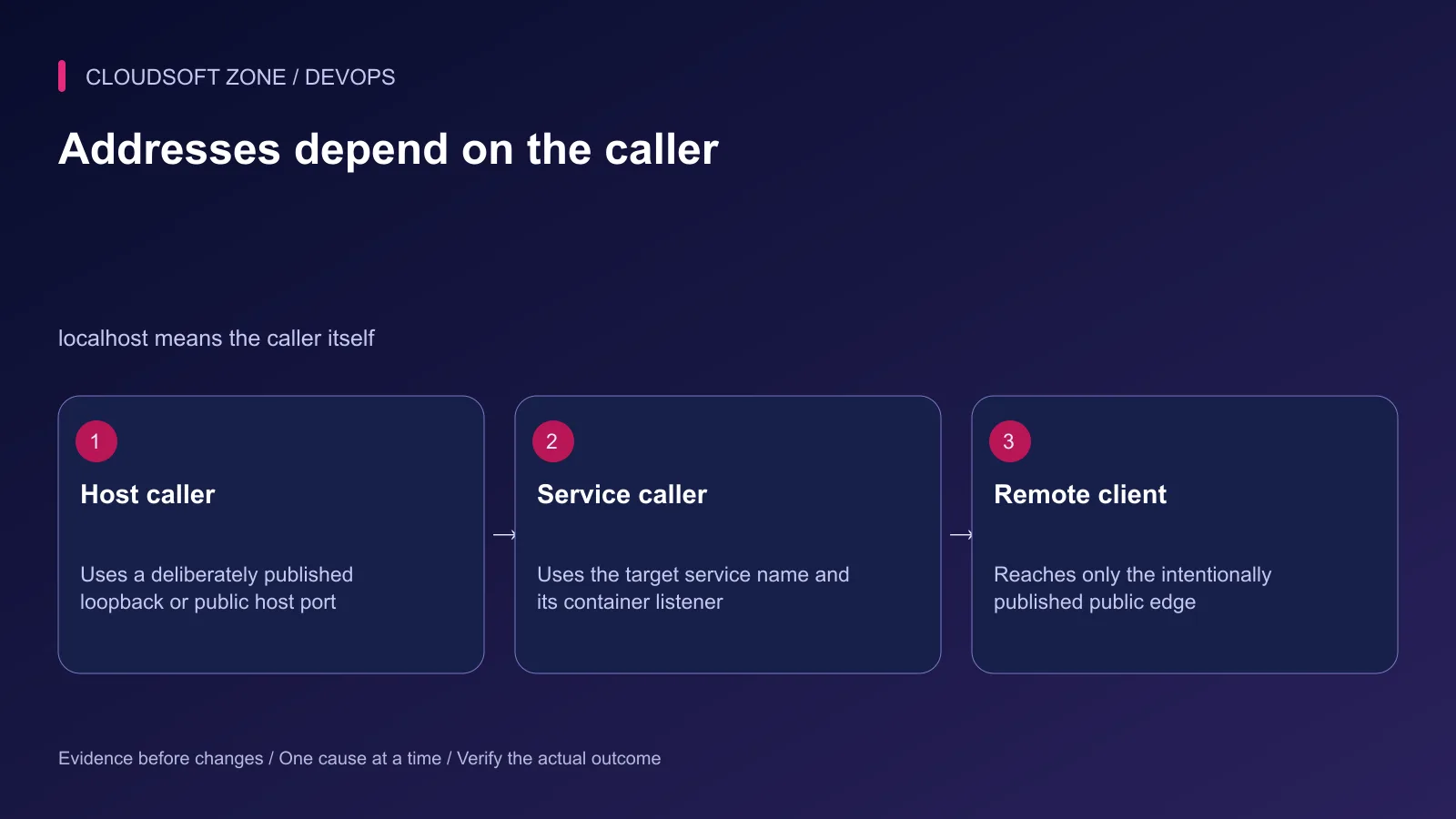
Docker networking depends on the caller: inside a container, localhost means that container, not the host. The guide explains Docker container localhost mistakes, why Docker Compose service names beat fixed IPs, and how to separate edge and data networks.
Docker networking starts with the caller's context. A host process, a container and a remote browser do not use the same meaning of localhost or the same port. This guide maps those paths before changing network configuration.
Our NestJS production API guide covers application behavior above the network. Network reachability does not replace its authentication and authorization rules.
Step 1: Draw the intended connections
List which service must call which other service. A browser normally reaches a reviewed HTTP edge; it does not connect directly to a database or Redis listener.
| Caller | Target | Example address contract |
|---|---|---|
| Public browser | HTTPS edge | Public hostname and reviewed TLS port |
| Proxy container | API container | api and the API's container port |
| API container | MySQL container | db:3306 on the shared data network |
| API container | Redis container | redis:6379 on the shared data network |
| Host operating tool | Published local endpoint | Selected loopback host port only when needed |
Choose the actual names and ports from the deployed services. Port examples identify contexts; they do not instruct this project's operators to modify unrelated applications on the machine.
Step 2: Use service names rather than fixed container IPs
Compose services on an appropriate network can resolve one another by service name. A recreated container can receive a different IP while keeping its service identity.
Configure DB_HOST=db and REDIS_HOST=redis where those are the intended service names. Use the target's container listener port, not a host-side mapping chosen for a developer tool.
Keep connection and retry behavior compatible with service replacement. A long-lived client may need to reconnect after the old address or connection disappears; DNS naming alone does not establish automatic recovery for every library.
Step 3: Separate the edge and data paths
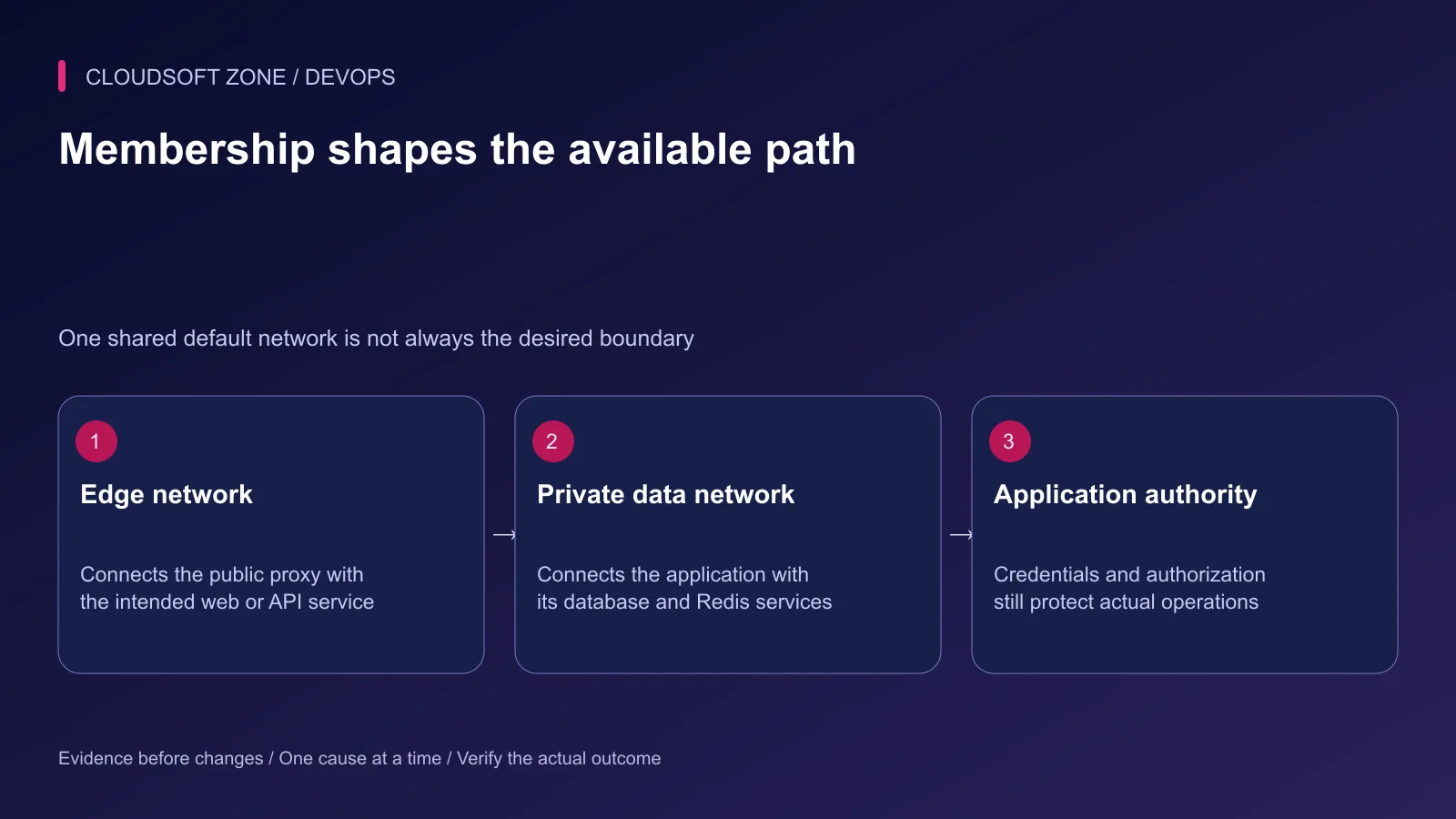
This fragment illustrates network membership. The three example application images must be replaced with real reviewed artifacts, and credentials/readiness belong to the surrounding configuration.
services:
  proxy:
    image: registry.example.com/acme/proxy:reviewed-release
    ports: ["127.0.0.1:8080:80"]
    networks: [edge]
  api:
    image: registry.example.com/acme/api:reviewed-release
    environment:
      DB_HOST: db
      DB_PORT: "3306"
      REDIS_HOST: redis
      REDIS_PORT: "6379"
    networks: [edge, data]
  db:
    image: registry.example.com/acme/mysql:reviewed-release
    networks: [data]
  redis:
    image: registry.example.com/acme/redis:reviewed-release
    networks: [data]
networks:
  edge:
  data:
    internal: true
The host loopback proxy port assumes a separately configured public TLS edge. The database and Redis images require their actual retained-storage and authentication configuration; the fragment does not invent those credentials.
The internal data network restricts its external connectivity. The API also joins edge, so its complete outbound behavior must be reviewed across both memberships. internal is not a universal claim that a multi-network service cannot reach outside.
Step 4: Understand listening and publication
A process bound only to 127.0.0.1 inside a container cannot generally be reached by a different service container. Bind the intended service listener to the required container interface while keeping host publication narrow.
Publishing a port creates a host exposure. Omitting a host IP can expose it on host interfaces according to Docker's configuration. Choose an explicit loopback binding for an endpoint intended only for a local edge or tool.
EXPOSE or Compose expose is not the same as publishing a host port. It also does not start a listener, create database credentials or enforce an API permission.
Step 5: Diagnose DNS, TCP and authentication separately
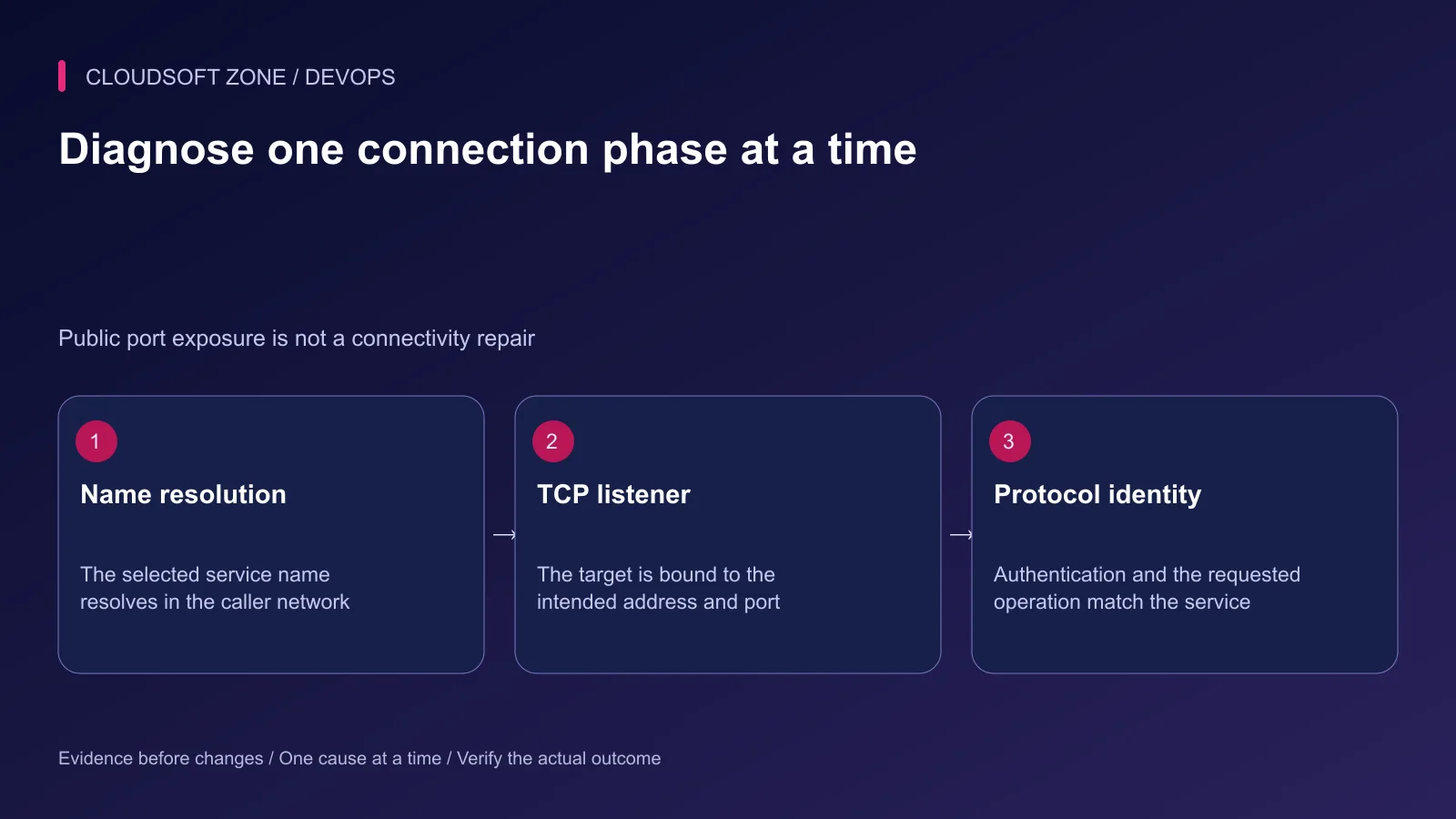
From the intended API container, first confirm the target name resolves. In a Node-based image with the runtime available, this scoped diagnostic example prints only the resolved database address:
docker compose --project-name acme-prod --file compose.yaml exec api \
  node -e 'require("node:dns").lookup("db",(e,a)=>{if(e){console.error(e.code);process.exitCode=1}else console.log(a)})'
Use the actual project and service. A different image may need a different available diagnostic tool; do not install random tools into a live runtime without a reviewed operating reason.
Then confirm the private listener and port, followed by authenticated protocol behavior. DNS success does not establish a listening server, and TCP success does not establish valid database credentials or schema access.
Step 6: Review the host and firewall boundary
Docker manages networking rules for bridge and published-port behavior. Do not assume a familiar host firewall command automatically governs published ports in the same way as ordinary host processes.
Review Docker's documented firewall integration for the deployed backend and host. Confirm effective exposure from the intended remote and local contexts with harmless checks.
Avoid broad host-network mode as a quick fix for a naming problem. It changes isolation and address semantics and can create port conflicts. Solve the actual service membership or listener mismatch first.
Step 7: Verify allowed and denied paths
| Acceptance case | Required outcome |
|---|---|
| Proxy to API | Correct route reaches the private listener |
| API to database/Redis | Authenticated operation succeeds under the intended account |
| Remote database access | No unintended published listener |
| Unrelated service peer | No unintended data-network membership |
| Service recreation | Client reconnects through the documented naming contract |
| Wrong credentials | Clear bounded failure without secret disclosure |
Use isolated data for replacement and dependency-failure rehearsals. Keep retained volume identities unchanged and avoid global network cleanup on a shared host.
Step 8: Record the complete connection contract
Keep service names, network memberships, listener ports, host bindings and credential delivery in the release record. A future port change must update its actual callers rather than merely changing an exposed number.
Our single-VPS deployment guide covers the release lifecycle above these paths. For a container network and dependency review, contact Cloudsoft Zone.
Featured image: Cloudsoft Zone technical layout with docker artwork by dotCloud, Inc. (Apache License 2.0). Product mark resized proportionally for identification; no endorsement implied. Layout: CC BY-SA 4.0.
Frequently asked questions
Should the API use localhost to reach another MySQL container?
No. localhost refers to the API container itself. On the intended shared network, use the database service name and its container port.
Does expose publish a container port to the host?
No. Published host ports are declared through ports or equivalent runtime options. Network-connected services still need a listening process and appropriate access controls.
Is a database without a published port automatically secure?
It reduces host exposure, but peer containers, credentials, host access and network configuration still matter. Use least-privilege accounts and deliberate network membership.
Sources
- Compose service networking and DNS — Docker
- User-defined bridge networks — Docker
- Published ports and host bindings — Docker
- Docker firewall interaction — Docker
- Compose network configuration — Docker
Read next
TutorialDevOps5 min read
Docker volumes explained: prevent database and uploaded-file loss during container changes
Use Docker volumes with explicit project ownership, correct mount targets and independent backups. Diagnose an apparently empty database before deleting or recreating retained storage.
Comments
No comments yet. Be the first to join the conversation.
Leave a comment
Every comment is read by a moderator before it appears. Your email address is never published; it is used only to contact you about this comment.
More from Cloudsoft Zone
TutorialDevOps6 min read
Laravel Docker Compose with nginx, MySQL and Redis: separate images, workers and retained data
Design a Laravel Docker Compose stack with matching PHP/nginx artifacts, private database and Redis services, explicit worker lifecycle and retained storage contracts.
By Nilesh Kushvaha
TutorialDevOps5 min read
Laravel backup restore: recover the application, database and uploaded files together
Plan Laravel backup restore around a recoverable set of code, database, uploaded objects and protected keys, then verify the complete application in isolation.
By Nilesh Kushvaha
TutorialDevOps6 min read
Laravel pending migrations: deploy safely without breaking the running application
Review Laravel pending migrations before activation: confirm the target database, check code compatibility, rehearse schema changes and verify recovery without resetting data.
By Nilesh Kushvaha