
Docker volumes explained: prevent database and uploaded-file loss during container changes
Use Docker volumes with explicit project ownership, correct mount targets and independent backups. Diagnose an apparently empty database before deleting or recreating retained storage.
5 min read
In this article
After a deployment, the application appears to have an empty database. An operator considers rebuilding the database container and pruning unused volumes. The original records may still exist: the new deployment may simply be mounting a different volume.
Docker volumes give retained data a lifecycle separate from containers. This guide inventories durable writes, inspects actual mounts, diagnoses Docker database data lost after a deployment, sets ownership without broad permissions and makes a Docker volume backup that is database-consistent and restore-tested.
Docker volumes give retained data a lifecycle separate from a container. Safe operation requires knowing the exact source, target and project owner before changing storage. This guide focuses on diagnosis and recovery without treating deletion as a troubleshooting step.
For database capture methods, read our MySQL backup guide. A volume describes where bytes live; it does not establish that those bytes form a recoverable backup.
Step 1: Inventory every durable write
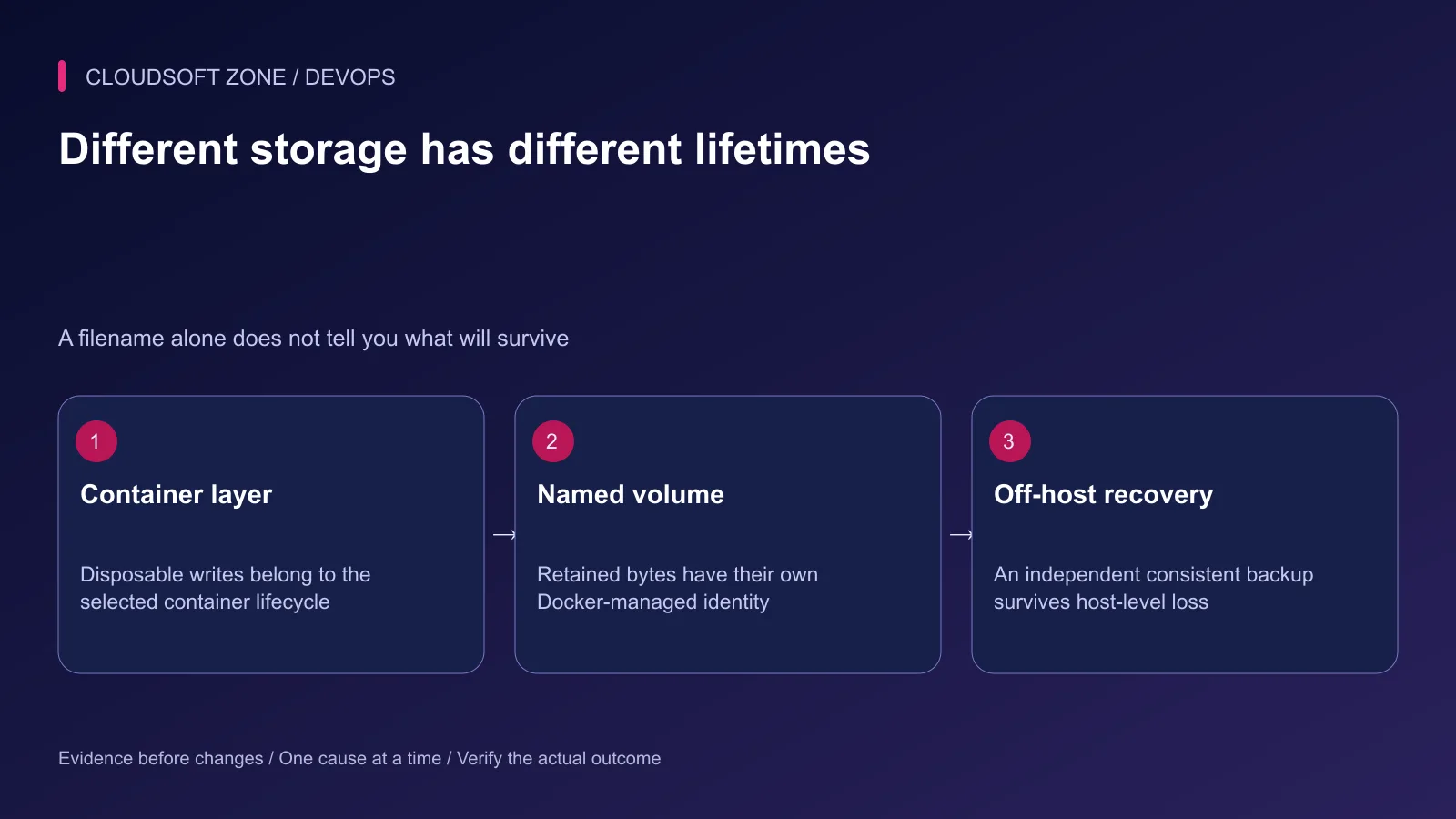
List database data, uploaded files, queue persistence, generated documents and any required encryption keys. Separate temporary caches from business records that must survive a release.
| Storage type | Useful property | Remaining responsibility |
|---|---|---|
| Container writable layer | Convenient disposable process state | Recreated container does not retain it |
| Named volume | Lifecycle independent of one container | Host loss and accidental writes still matter |
| Bind mount | Explicit host path | Permissions and path selection need review |
| Object storage | External artifact identity | Access, retention and recovery remain necessary |
| Independent backup | Separate recovery source | Consistency and restore evidence must be established |
Do not put customer uploads only in the application container's writable layer. Identify the final private artifact owner and any processing/quarantine stage that creates additional retained files.
Step 2: Declare the intended mount target
This fragment illustrates the data-directory mount for a MySQL service. Authentication, network isolation, approved image digest and backups belong to the surrounding reviewed configuration.
services:
  db:
    image: mysql:8.4
    volumes:
      - mysql_data:/var/lib/mysql
volumes:
  mysql_data:
The target must match the actual image's data directory. A volume mounted at an unrelated path does not retain the database. Keep the database version and existing on-disk format compatible during upgrades.
For uploads, choose a reviewed path used by the application or an external object-storage disk. Do not mount the whole repository over immutable release code just to retain one upload directory.
Step 3: Inspect the actual running mount
Find the selected service container through its known Compose project and inspect only its mount information. The following example assumes the real project is named acme-prod and the service is db:
docker compose --project-name acme-prod --file compose.yaml ps db
docker inspect acme-prod-db-1 --format '{{json .Mounts}}'
Confirm the actual container name from the first command; do not assume the illustrative name exists. A fixed container_name or another naming configuration can change it.
Review source, destination, mount type and write mode. A full container inspection can include credentials, so limit the transcript to the necessary fields and keep even internal storage paths in the operating record.
Step 4: Diagnose an apparently empty database
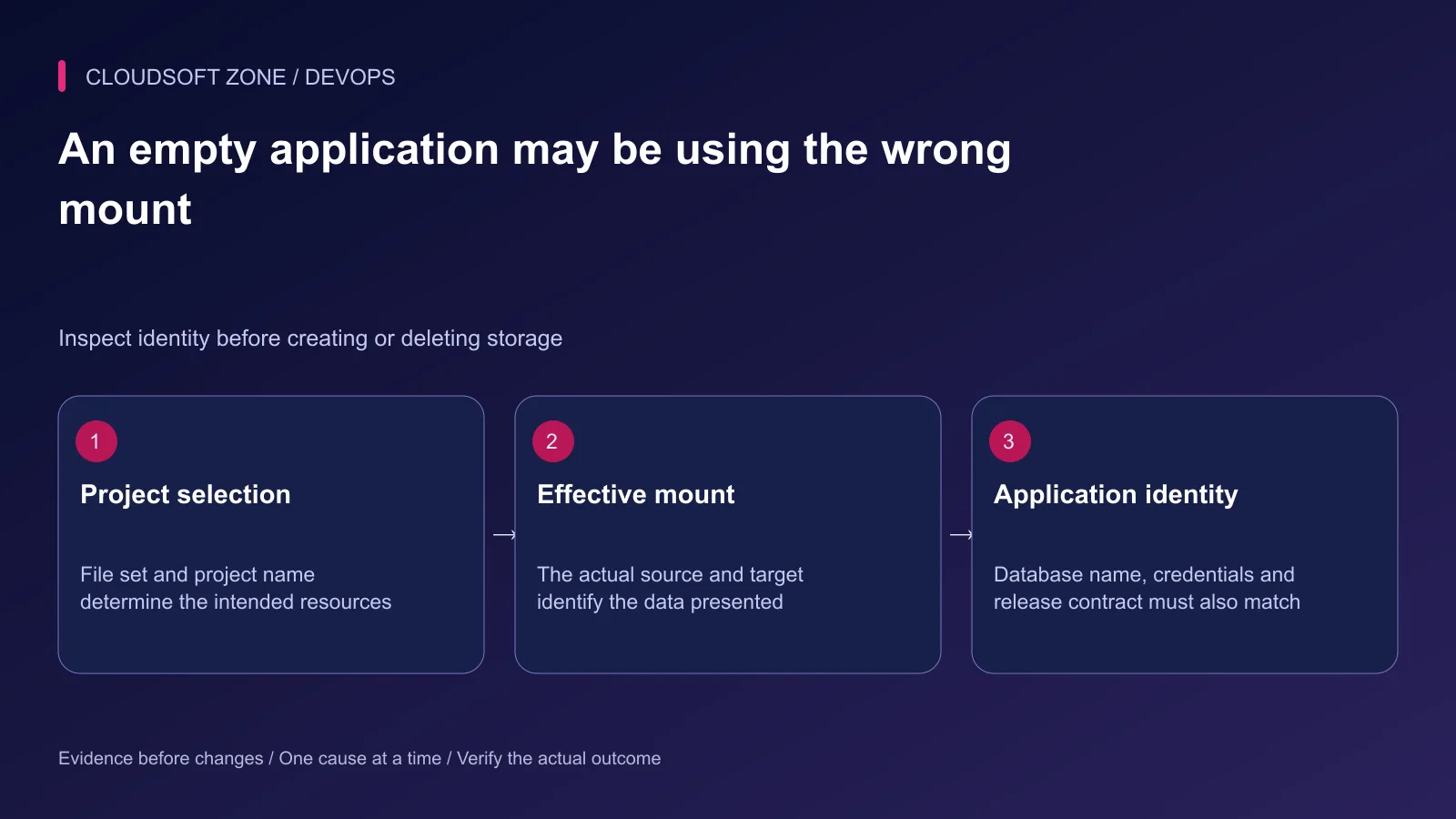
Compare the selected project name, Compose file list and actual volume identity with the prior release record. A changed project name can select a new project-scoped volume while leaving the original volume intact.
Also confirm the application database name and account. Connecting successfully to the wrong database can look like data loss. Check schema and known harmless record identifiers before changing anything.
A mount can obscure files already present at its image target. Do not infer that the image is missing files until the effective mount is understood. Empty volumes and existing non-empty volumes also have different population behavior.
Step 5: Establish ownership without broad permissions
Use the runtime UID/GID and the image's initialization contract. A volume can persist ownership from an earlier image, so a user change may cause a permission failure after upgrade.
Do not recursively make a database or upload directory world-writable. Identify the intended service account and required access. Apply a scoped reviewed correction only after capturing the mount identity and existing ownership.
Two database processes must not casually share one data directory. A volume's ability to mount into several containers is not a database clustering protocol.
Step 6: Back up with database-consistent semantics
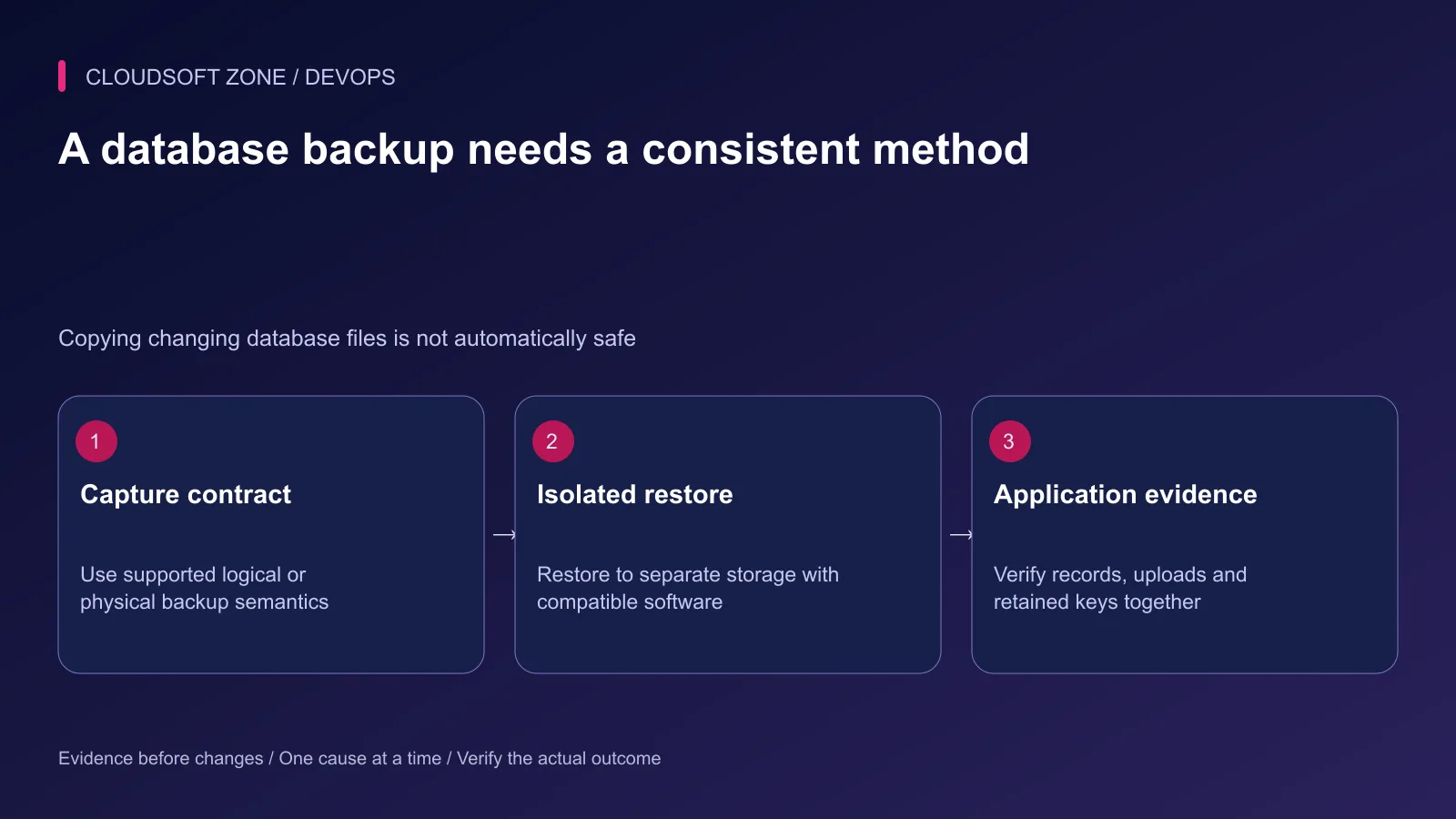
A raw archive of database files while the database is changing is not automatically a valid restore source. Choose a supported logical backup or an appropriate consistent physical method for that engine and workload.
Coordinate uploaded files, application keys and compatible release artifacts with the database recovery point. A restored record referencing an absent upload is an application recovery failure even if the SQL import succeeds.
Store independent recovery data off the same host failure domain according to the project's retention policy. Restrict access and encryption keys. The named volume itself remains only the primary retained storage.
Step 7: Rehearse replacement and restoration separately
In an isolated project with synthetic data, replace the application container and confirm its intended retained artifacts survive. Then conduct a separate restore rehearsal into a different data destination.
| Acceptance case | Evidence |
|---|---|
| Container replacement | Intended records and uploads remain available |
| Project selection | Development and production do not share retained paths |
| Permission change | Intended runtime user can access only required data |
| Backup restore | Compatible database and application checks succeed |
| Missing artifact | Failure is visible rather than silently returning success |
| Host-level loss | Independent recovery source and keys remain accessible |
Do not overwrite the live volume to find out whether a backup works. Keep the restored environment's email, payments and external effects disabled until they are deliberately reviewed.
Step 8: Make destructive operations exceptional
Compose down without volume removal and Compose down with volume removal have different consequences. External and anonymous volume behavior also needs explicit review. Read the selected command's semantics before using it on retained state.
Avoid broad prune and cleanup commands during an incident. Unused does not mean unneeded: an old retained volume may be the only current recovery source. Record disposal ownership and retention before any approved removal.
Our automated backup and restore-test guide covers related recovery evidence. For retained storage and deployment review, contact Cloudsoft Zone.
Featured image: Cloudsoft Zone technical layout with docker artwork by dotCloud, Inc. (Apache License 2.0). Product mark resized proportionally for identification; no endorsement implied. Layout: CC BY-SA 4.0.
Frequently asked questions
Does deleting a container delete its named Docker volume?
The named volume has a separate lifecycle and normally survives container removal. Explicit volume removal, pruning or Compose down with volume removal can still destroy retained data.
Is a named volume a database backup?
No. It retains data on its storage backend but does not independently protect against host loss, corruption or accidental writes. Use consistent backups and test restoration.
Why does my application look empty after changing a Compose project name?
Ordinary named volumes are project-scoped, so the new project may mount a new volume. Inspect the old and new identities and application database configuration before making any destructive change.
Sources
- Docker volume lifecycle and mounts — Docker
- Compose shutdown and volume removal — Docker
- Bind mounts and obscured image files — Docker
- MySQL consistent backup methods — MySQL
- Compose project resource identity — Docker
Read next
TutorialDevOps5 min read
Docker networking for web, API, database and Redis containers: names, ports and trust boundaries
Understand Docker networking through service-name DNS, container versus host ports and explicit network membership. Diagnose connectivity without publicly exposing databases.
Comments
No comments yet. Be the first to join the conversation.
Leave a comment
Every comment is read by a moderator before it appears. Your email address is never published; it is used only to contact you about this comment.
More from Cloudsoft Zone
TutorialDevOps6 min read
Laravel Docker Compose with nginx, MySQL and Redis: separate images, workers and retained data
Design a Laravel Docker Compose stack with matching PHP/nginx artifacts, private database and Redis services, explicit worker lifecycle and retained storage contracts.
By Nilesh Kushvaha
TutorialDevOps5 min read
Laravel backup restore: recover the application, database and uploaded files together
Plan Laravel backup restore around a recoverable set of code, database, uploaded objects and protected keys, then verify the complete application in isolation.
By Nilesh Kushvaha
TutorialDevOps6 min read
Laravel pending migrations: deploy safely without breaking the running application
Review Laravel pending migrations before activation: confirm the target database, check code compatibility, rehearse schema changes and verify recovery without resetting data.
By Nilesh Kushvaha