
Deployment approval gates: when a production release needs a human decision
Use deployment approval gates for concrete production decisions with artifact identity, migration risk, acceptance evidence and a clear recovery plan before credentials are released.
5 min read
In this article
A pipeline asks someone to approve deployment before it has built the artifact. The build later selects updated dependencies and adds a migration. The reviewer clicked a button, but the resulting release is not the concrete change they inspected.
Deployment approval gates are useful when they connect a human decision to an exact production operation. This guide explains which changes need that decision, what evidence belongs in the request and how to keep approval separate from backend permissions.
Our human-in-the-loop guide covers a broader approval model. Here the focus is a release artifact, an environment and the point where production authority becomes available.
Step 1: Define which risk requires a decision
Do not add a manual click merely to make a pipeline look controlled. Write down the risks that automatic checks cannot resolve by themselves.
Examples include destructive schema changes, a first production release, a payment-flow change, a privileged configuration update and an unusual recovery operation. Routine additive changes can follow a well-established automatic process when its acceptance and recovery behavior are proven.
| Release condition | Useful gate | Decision evidence |
|---|---|---|
| Routine compatible update | Automated verification and promotion policy | Relevant checks and known recovery |
| Destructive or difficult migration | Human review before execution | Data consequences and restoration plan |
| New production integration | Scoped authority review | Credentials, destinations and failure behavior |
| High-impact business flow | Product and operational decision | Representative acceptance and side-effect handling |
| Emergency recovery | Defined exception process | Current impact and bounded recovery operation |
Keep the policy readable. Reviewers should know why a release stopped and what judgment is actually required.
Step 2: Prepare the release before requesting approval
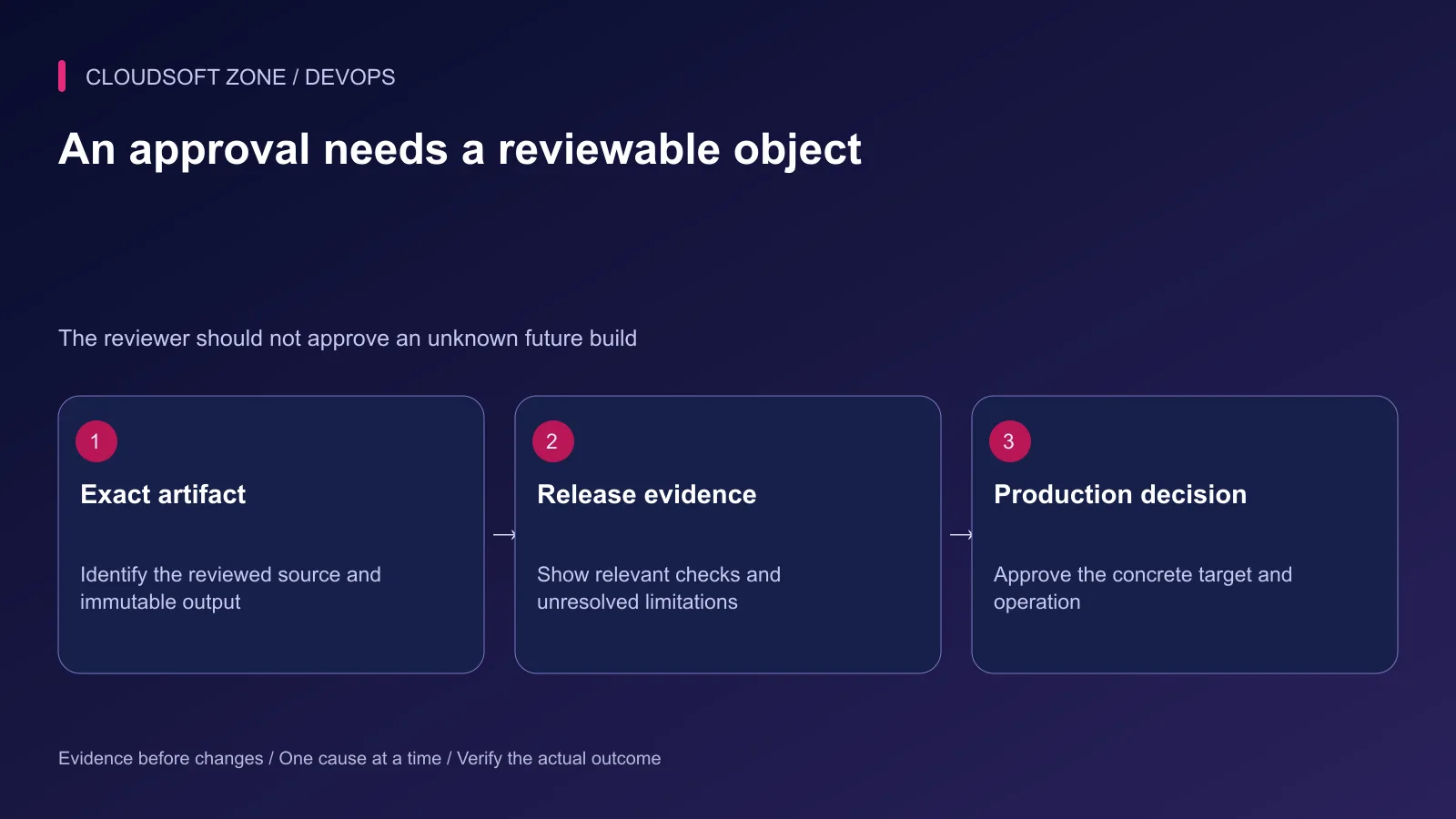
Build from the reviewed commit and locked inputs. Identify the immutable artifact, runtime configuration changes and exact migration set. Retain the verification evidence associated with that object.
A reviewer should see what changes for users, which checks passed, what remains unverified and how recovery works. Avoid presenting a list of green jobs without explaining whether they cover the changed behavior.
Use a compact release record. The example below is a data contract for the existing release owner, not an executable pipeline definition:
{
  "releaseId": "release_example_27",
  "environment": "production",
  "artifactIdentity": "verified-artifact-digest",
  "sourceCommit": "reviewed-commit",
  "migrationSet": "reviewed-migration-identity",
  "risk": "additive schema and worker payload transition",
  "acceptanceEvidence": ["api-contract-check", "worker-rehearsal"],
  "recoveryPlan": "previous-compatible-artifact-and-forward-schema"
}
Replace descriptive identifiers with real recorded values. A release record should not claim a laboratory or browser check that nobody performed.
Step 3: Place deployment approval gates before production authority
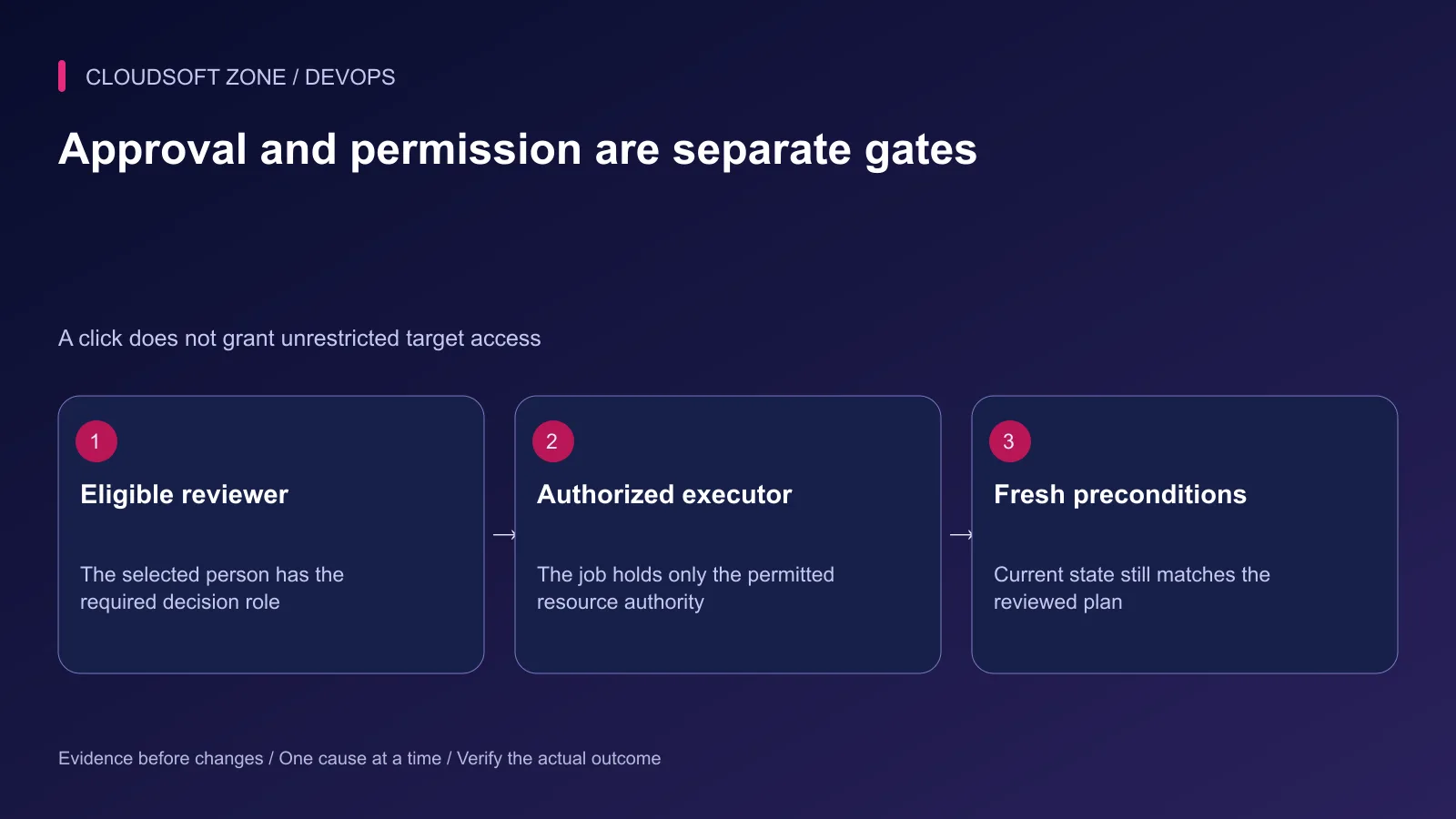
Separate untrusted verification from the privileged deployment job. Hold production credentials behind the actual platform protection boundary where supported.
GitHub documents that a protected environment job receives environment secrets after approval and other protection rules pass. Verify repository visibility and plan support; required-reviewer features are not available identically across every private repository plan.
GitLab documents deployment approvals for protected environments under Premium and Ultimate. Approval and starting the corresponding job are separate parts of its workflow. Do not mistake a generic manual job for those permission controls.
Step 4: Recheck the target before execution
Bind approval to the artifact, environment and material parameters. If the artifact changes after review, request a new decision rather than silently reusing the old one.
Confirm the target's current release and migration state before dispatch. Another operator may have deployed or repaired the environment while the job waited. An outdated plan can be unsafe even though its original evidence was valid.
Serialize shared release operations through the existing owner. Approval alone does not prevent two individually authorized jobs from racing on a database or routing configuration.
Choose an expiry policy and handle role revocation. An approval waiting indefinitely should not become a permanent authorization for future code or a different production state.
Step 5: Make rejection a clean outcome
If a reviewer rejects the release or the decision expires, keep production unchanged and preserve the reviewed artifact and reason. A rejected operation should not continue through a fallback deploy path.
Explain missing evidence clearly. For example, a migration has not been rehearsed against realistic retained data, or the previous runtime is incompatible with the new schema. These are actionable limitations, not reasons to waive the gate automatically.
Our Laravel production checklist provides specific release evidence that can support the decision.
Step 6: Define emergency behavior deliberately
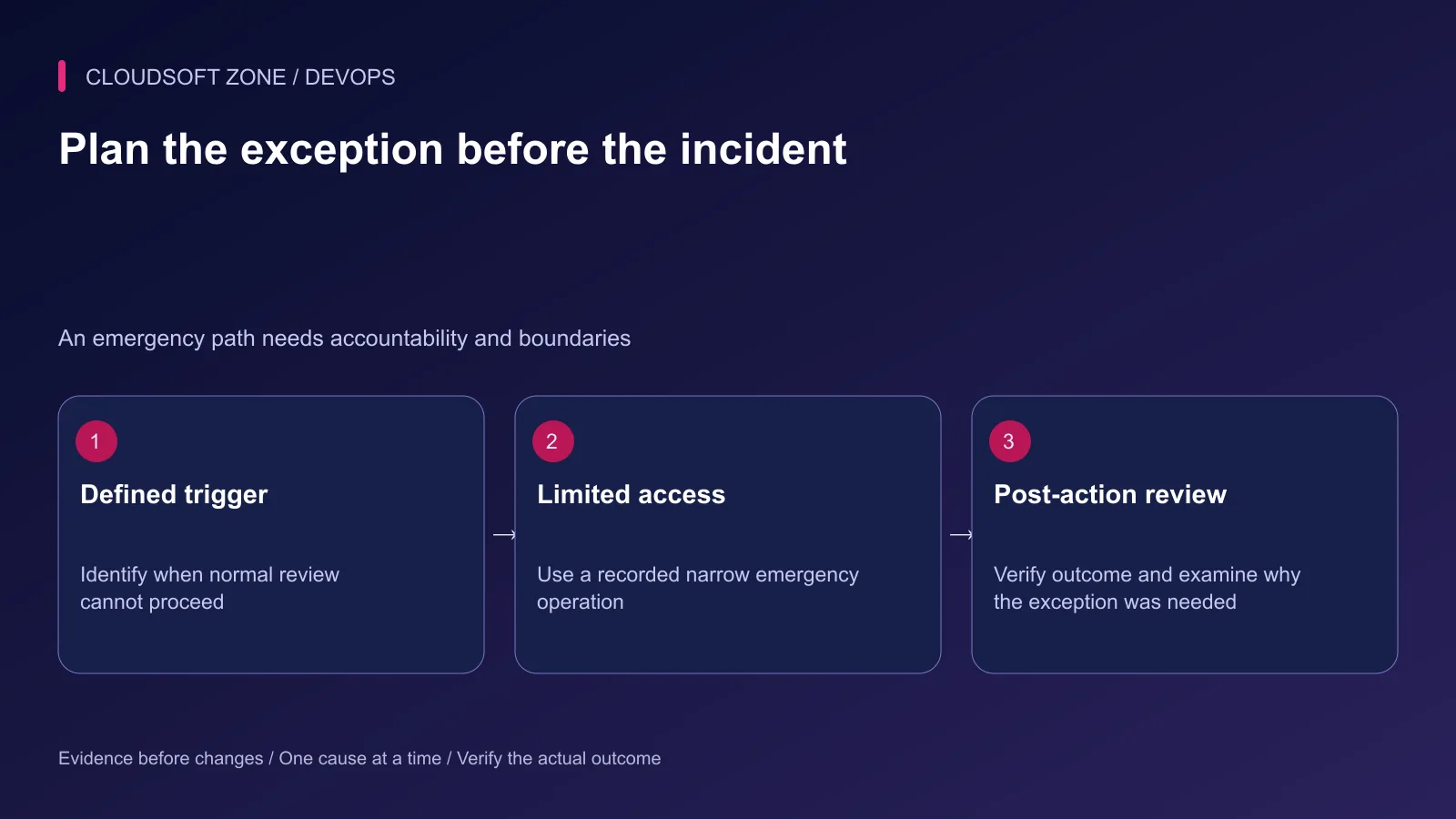
Decide who can use an exception path, which actions it permits and how the outcome is recorded. Limit its credential duration and target scope. Keep it separate from a permanent weakening of normal environment rules.
Inspect platform bypass settings. If administrators can bypass a protection rule, that is part of the effective authority model and should be visible in the operating policy.
An emergency approval still needs a concrete operation and a recovery check. It cannot justify an unrestricted sequence of speculative production commands.
Step 7: Rehearse the gate and its failure paths
Verify that an unapproved job cannot access deployment credentials. Exercise rejection, changed artifact identity, stale target state and an unavailable reviewer using a disposable environment.
Confirm the audit record identifies the reviewer, artifact, target, decision and execution outcome. A chat message saying approved is not enough unless the release system validates and binds that decision appropriately.
Measure whether the gate improves decisions. If reviewers repeatedly approve without useful evidence, improve the request and risk policy rather than adding more identical clicks.
For approval gates integrated with your existing Laravel or Node.js release process, discuss the project with Cloudsoft Zone. A useful gate makes one important decision clear and enforceable.
Featured image: Cloudsoft Zone technical layout with docker artwork by dotCloud, Inc. (Apache License 2.0). Product mark resized proportionally for identification; no endorsement implied. Layout: CC BY-SA 4.0.
Frequently asked questions
Should every harmless code change require a manual release click?
Not necessarily. Use reliable automatic checks for routine compatible changes and reserve human decisions for defined risk, authority or business-impact boundaries.
Does a manual job prove only an approved operator can deploy?
No. Inspect the platform’s actual permission, environment and credential controls, including plan limitations and bypass behavior.
What should invalidate an existing release approval?
A changed artifact, material configuration or migration change, expired decision, revoked reviewer authority or incompatible target state should trigger reassessment.
Sources
Read next
TutorialDevOps5 min read
CI/CD secrets: protect production credentials without exposing them to builds or logs
Manage CI/CD secrets with separate verification and deployment authority, short-lived identity where supported, narrow provider permissions and explicit exposure recovery.
Comments
No comments yet. Be the first to join the conversation.
Leave a comment
Every comment is read by a moderator before it appears. Your email address is never published; it is used only to contact you about this comment.
More from Cloudsoft Zone
TutorialDevOps5 min read
Automated rollback for VPS deployments: release identity, compatibility and recovery gates
Design automated rollback around an exact previous release, schema compatibility and verified user recovery instead of blindly reverting every failed deployment.
By Nilesh Kushvaha
ComparisonDevOps5 min read
Blue-green vs rolling vs recreate deployments: choose a strategy your small team can operate
Compare blue-green vs rolling vs recreate deployments through capacity, mixed-version compatibility, worker behavior and realistic recovery requirements for a small team.
By Nilesh Kushvaha
TutorialDevOps5 min read
Stop a failed database migration from turning into a broken production deployment
Contain a failed database migration with explicit release gates, schema postconditions and reviewed recovery instead of switching code or retrying blindly.
By Nilesh Kushvaha