
Run AI coding agents in Docker Sandboxes with controlled workspace and tool access
Run AI coding agents in Docker Sandboxes with an explicit workspace mode, restricted network access, reviewed MCP integrations and a controlled path for accepting changes.
5 min read
In this article
An AI agent needs enough access to install dependencies and inspect a failing application. Giving it a production SSH key, an entire home directory and unrestricted administration tools turns that debugging task into a much larger grant of authority.
AI coding agents in Docker Sandboxes work in a separate environment while you decide what to share. The guide scopes an AI agent sandbox, shows how to run Claude Code in Docker Sandboxes as a named experiment, reviews credentials and MCP, and checks generated work.
AI coding agents in Docker Sandboxes can work inside a separate execution environment while you decide which resources are shared. The useful question is not simply whether a sandbox exists. It is whether its workspace, network, credentials and integrations match the specific task.
This guide follows Docker's current local sbx workflow, reviewed on 11 October 2026. Older tutorials may use a different command family. Recheck the installed release and official installation guide before copying commands.
Our prompt injection guide explains why retrieved instructions remain untrusted even inside an isolated runtime.
Step 1: Write a small task contract
Define the repository, the intended change and the acceptance evidence. A useful first task is diagnosing a build failure in a sanitized sample application. Production database repair is a poor first experiment.
For example, the agent may inspect source, install locked development dependencies and propose a patch. It may not publish packages, alter production configuration or deploy anything. Keep those constraints enforced by available permissions and credentials, not just prompt wording.
Record an owner, maximum runtime and provider spending budget. Choose a stop condition for repeated installation failures. This prevents an unsuccessful loop from continually consuming paid API calls while widening access.
Step 2: Confirm the supported local runtime
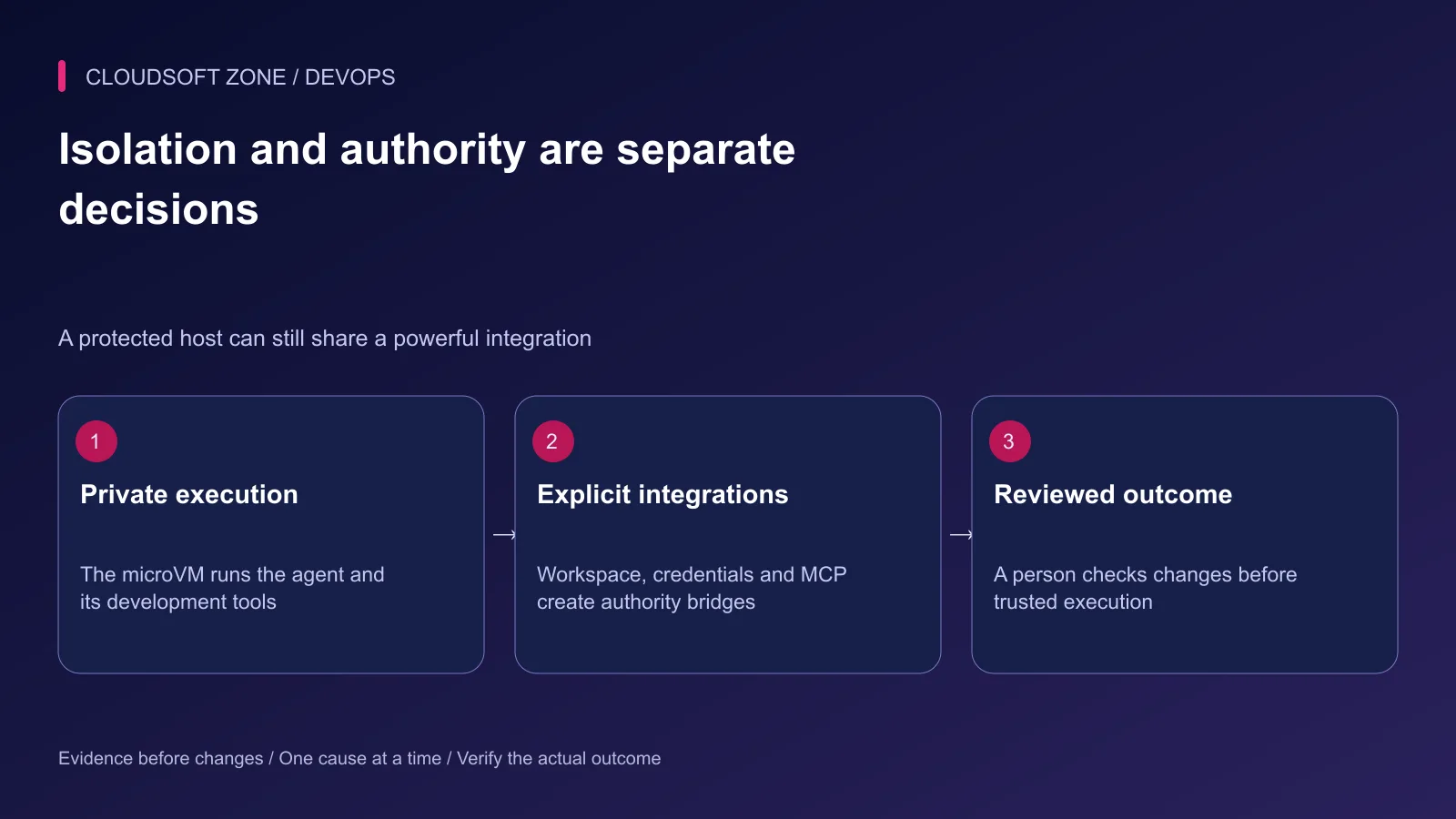
Docker documents local Sandboxes as microVM-based execution with a separate Docker environment. The agent can have broad privileges inside that VM without receiving automatic access to the host Docker daemon.
Check the installation page for the exact platform requirements. Linux local execution requires supported virtualization, and a machine already running inside a VM may require nested virtualization. Do not assume an arbitrary VPS or an Ubuntu derivative is supported.
Keep the host daemon socket out of the task. A socket bridge would grant a separate form of host authority that is unnecessary for building containers inside the isolated environment.
Step 3: Select workspace access deliberately
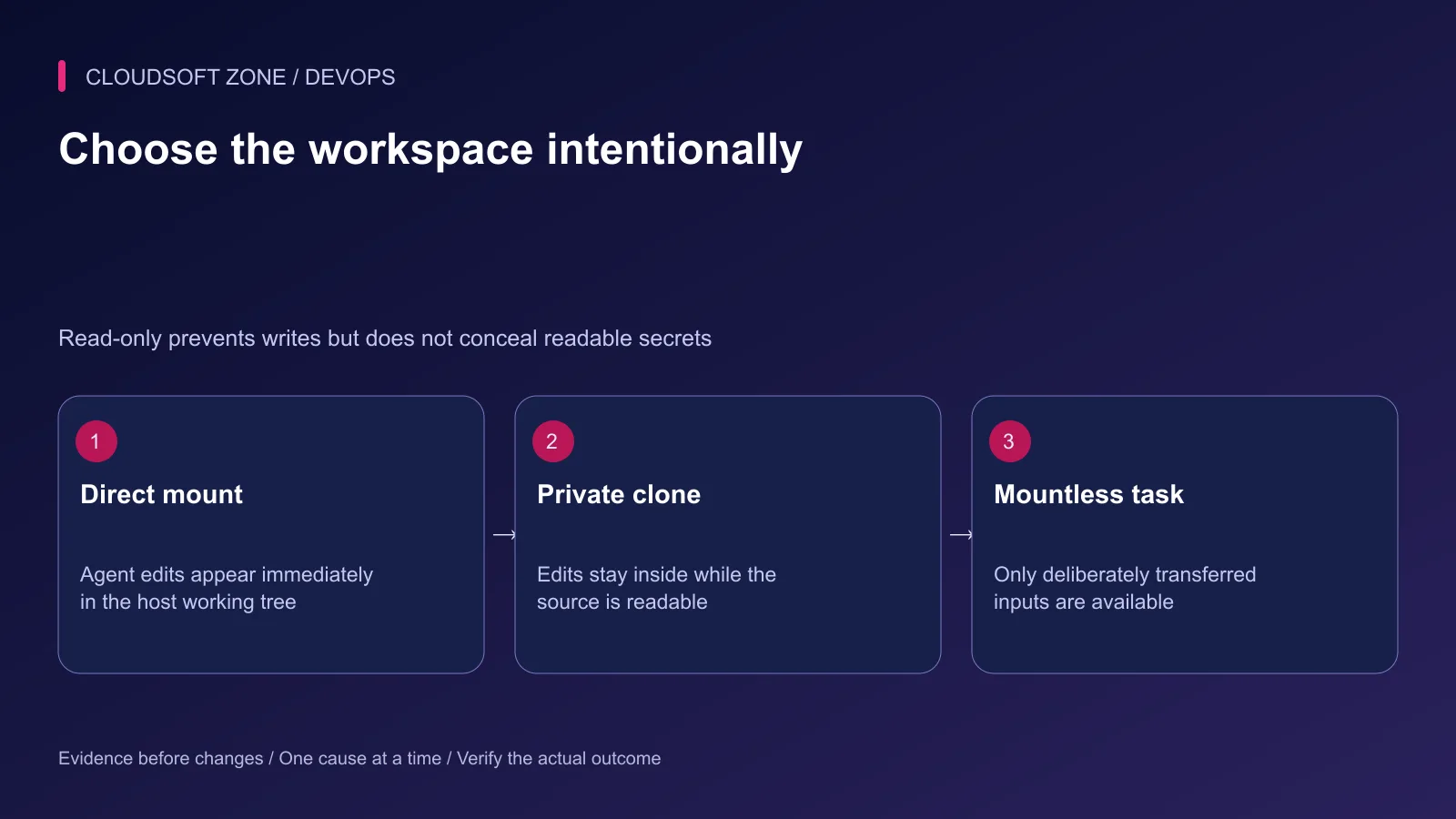
| Mode | Useful task | Review before sharing |
|---|---|---|
| Direct workspace | Closely supervised editing of a disposable checkout | Host edits are immediate |
| Private clone | Reviewing a proposed repository patch | Source checkout remains readable |
| Mountless | Investigation using selected sample inputs | Export the resulting artifacts |
Use a separate sanitized repository as the starting point. Exclude production environment files, customer exports and private keys. A read-only mount still permits reading; it is not a secret redaction mechanism.
Current clone mode requires a Git repository and has constraints around secondary Git worktrees. It follows the checked-out ref without creating a new branch automatically. Verify these conditions before building an automation script around it.
Step 4: Create a named, scoped experiment
The following example assumes the supported sbx CLI is installed, the chosen agent is configured and the current directory is the sanitized main Git checkout. The domain is a fictional production destination to replace with the actual prohibited endpoint.
sbx create --clone --name devops-review \
  --deny-network prod.example.com claude .
sbx policy ls devops-review --wide
sbx policy ls devops-review --source kit --type network --wide
sbx run --name devops-review
Inspect the policy before attaching. A deny for one hostname is only one restriction; other routes, credentials and integrations still need review. Avoid resetting a global policy as a troubleshooting shortcut on a machine with other active tasks.
A network preset can include baseline allowances, while an agent kit can add its own rules. Inspect the effective named-sandbox policy. A preset name alone is insufficient evidence that only the intended destinations are reachable.
Step 5: Review credentials and MCP separately
Use the supported credential mechanism rather than placing API keys in agent-readable environment files. Docker describes proxy-based injection for supported credentials; that protection does not remove the authority to use the permitted provider or incur costs.
Review every MCP server connected through the host gateway. A local server can execute on the host rather than inside the microVM. A tool called inspect deployment may still have write credentials behind it.
Disable unnecessary integrations. Prefer bounded read-only tools for investigation, with independent permissions for production mutations. Our MCP security guide covers server trust and action approval in more detail.
Also examine forwarded SSH access and shared agent skills. A forwarded signing capability can be powerful even when private key bytes are not copied. Shared writable instructions can affect later sessions, so treat their contents and mount permissions as part of the review.
Step 6: Review generated work before trusted execution
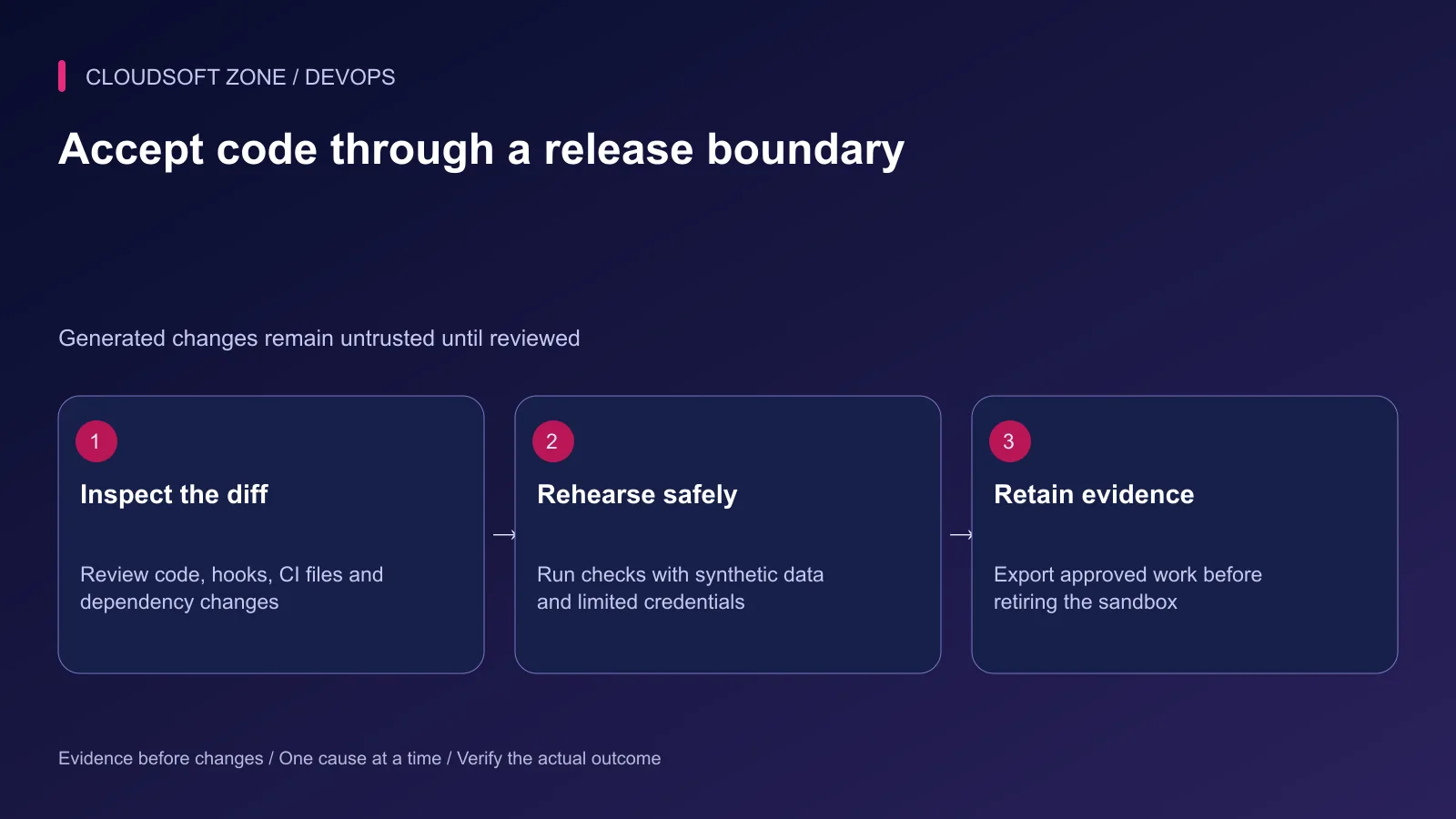
Inspect the complete diff, including lockfiles, build scripts, hooks and CI configuration. A small application fix can hide a broad change to release permissions or a new network download during installation.
Execute acceptance checks in an isolated target environment using synthetic data. Verify the original failure and a representative success case. Record which commands were actually run and which remain proposed.
| Acceptance case | Required evidence |
|---|---|
| Unapproved production destination | Effective policy blocks the attempted access |
| Proposed repository changes | Reviewable diff retained outside the sandbox |
| Unexpected tool request | Rejected without broadening unrelated authority |
| Dependency installation | Locked inputs and permitted registries documented |
| Final fix | Original failure reproduced and corrected in isolation |
Step 7: Preserve work and retire the experiment
Stopping a sandbox and removing it are different operations. Keep useful patches, diagnostic notes and permitted artifacts before removal. Do not treat a saved runtime template as a complete repository backup.
If a session exposed a credential or invoked an unintended integration, stop the session, revoke that authority and inspect relevant audit records. Recreating the VM alone does not undo external actions.
For help introducing controlled AI-assisted development into an existing release process, discuss your workflow with Cloudsoft Zone. Start with one observable task and expand access only when its operating evidence justifies the change.
Featured image: Cloudsoft Zone technical layout with docker artwork by dotCloud, Inc. (Apache License 2.0). Product mark resized proportionally for identification; no endorsement implied. Layout: CC BY-SA 4.0.
Frequently asked questions
Does clone mode hide all files in my host repository?
No. It prevents the agent from editing the source checkout, but the source repository is still available read-only. Remove sensitive inputs before sharing it.
Does a sandbox make host-side MCP tools harmless?
No. Tools can exercise the authority of their MCP server. Review server location, credentials and permitted actions separately.
Can I use older docker sandbox examples unchanged?
Check the installed release and current documentation. This article follows Docker’s current sbx workflow; older command families and platform requirements can differ.
Sources
- Local Sandboxes architecture — Docker
- Sandbox trust boundaries — Docker
- Local workspace and lifecycle commands — Docker
- Scoped local network policy — Docker
- Installation and supported platforms — Docker
Read next
TutorialDevOps6 min read
Docker health checks: why a running container is not proof that the application is healthy
Design Docker health checks around bounded application readiness, distinguish them from liveness and public-path checks, and connect each failure signal to a deliberate response.
Comments
No comments yet. Be the first to join the conversation.
Leave a comment
Every comment is read by a moderator before it appears. Your email address is never published; it is used only to contact you about this comment.
More from Cloudsoft Zone
TutorialDevOps6 min read
Docker Compose environment variables and secrets: interpolation, file delivery and rotation
Trace Docker Compose environment variables from interpolation to the running application. Use explicit secret-file consumption, protected build credentials and reviewed rotation.
By Nilesh Kushvaha
TutorialDevOps5 min read
Docker networking for web, API, database and Redis containers: names, ports and trust boundaries
Understand Docker networking through service-name DNS, container versus host ports and explicit network membership. Diagnose connectivity without publicly exposing databases.
By Nilesh Kushvaha
Troubleshooting guideDevOps5 min read
Docker container keeps restarting: diagnose exit state, configuration and resource failures
When a Docker container keeps restarting, preserve its exit state and first error, check the intended entry point and isolate resource, configuration and dependency failures.
By Nilesh Kushvaha