
AI agents for production servers: permissions, approval boundaries and safe failure
Evaluate AI agents for production servers with bounded diagnostics, backend permissions, resource-specific approvals and failure controls before allowing operational changes.
5 min read
In this article
An agent observes a stalled queue and suggests restarting the worker. That sounds routine until the selected command targets every process on the server, interrupts a long-running job or uses a credential that can administer unrelated applications.
AI agents for production servers need an action boundary stronger than a prompt. These AI agent guardrails start with an inventory of authority, keep AI agent permissions with the application rather than the model, bind approvals to current state and execute through bounded operations.
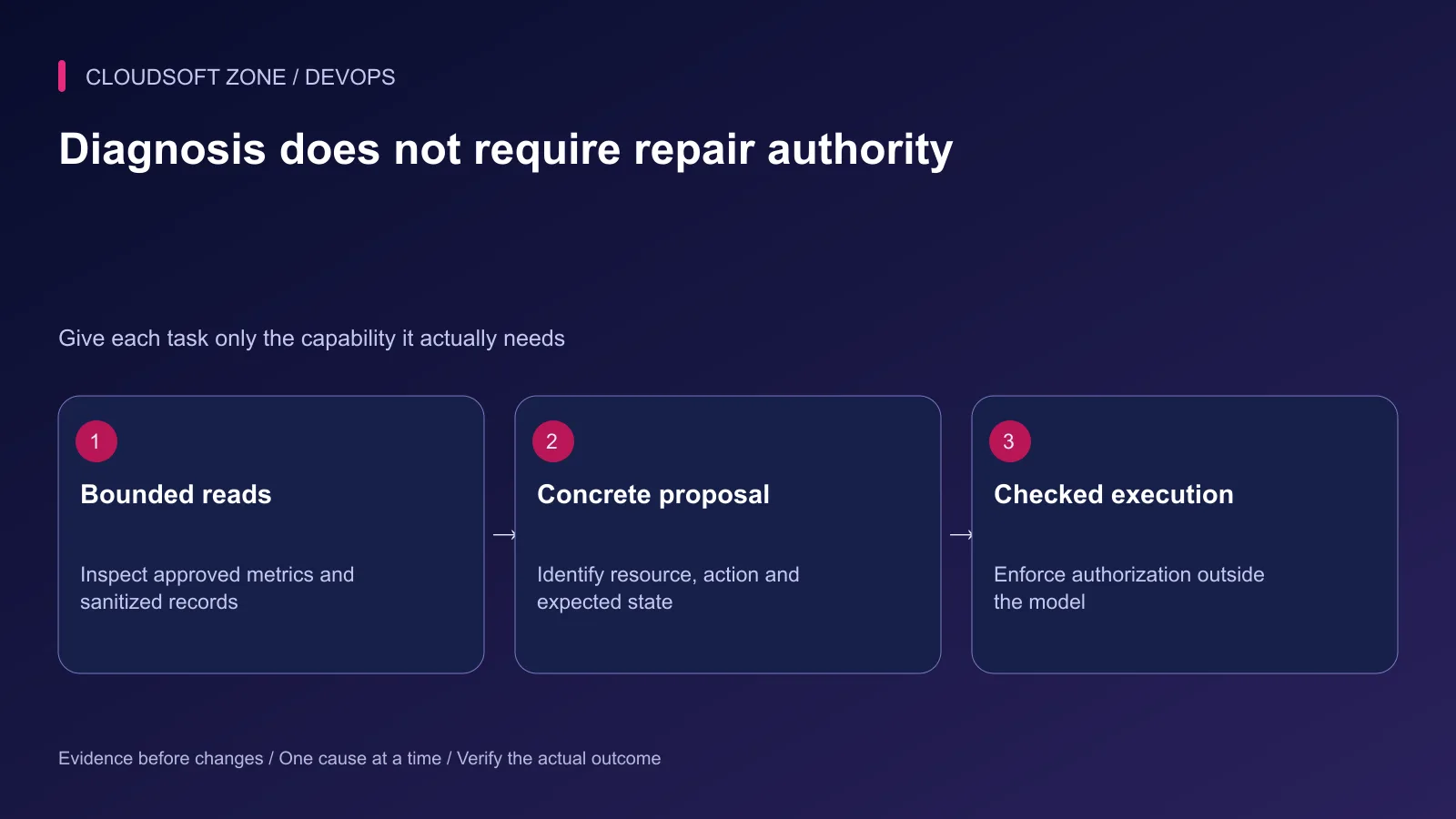
AI agents for production servers need an action boundary stronger than a helpful prompt. A practical design separates bounded observations, concrete proposals, authorization and execution. It also handles the uncomfortable case where a command times out after doing something.
This guide is an implementation checklist for application-owned operational tools. It does not claim that autonomous production repair is inherently safe or that the examples have been exercised against a live server.
Our human approval guide covers the broader decision model; here approval is tied to production resource state.
Step 1: Inventory authority before choosing a model
List what each credential and tool can actually access. Include production databases, service managers, deployment APIs, object storage and provider billing. A read-only dashboard account and a root SSH session represent very different risks.
| Capability | Appropriate starting boundary | Additional requirement |
|---|---|---|
| Read service metrics | Selected service and time window | Bounded output and privacy handling |
| Read logs | Sanitized approved records | Untrusted-content treatment |
| Propose a release | Reviewable artifact reference | No automatic deployment |
| Restart a worker | Exact service and known operation | Approval, drain behavior and verification |
| Change data | Specific authorized mutation | Strong preconditions and recovery plan |
Avoid exposing general shell execution when a small diagnostic API answers the question. Tool names should identify their scope, and the implementation must enforce it.
Step 2: Keep model output outside the permission owner
Validate every request through the same backend authorization used by ordinary administrators. The model cannot decide its own role, tenant, resource ownership or escalation rights.
Do not accept arbitrary service names, file paths or URLs from generated text. Map allowlisted resource IDs to server-owned configuration. Validate numeric limits and time ranges before touching a dependency.
Return only the fields needed for the task. A tool that lists worker status does not need to reveal environment variables or the complete process command line.
Step 3: Build a concrete proposal record
Store the proposed operation separately from execution. An illustrative record might look like this:
{
  "operationId": "op_example_0042",
  "environment": "production",
  "resourceId": "orders-worker",
  "action": "graceful_restart",
  "expectedVersion": 18,
  "reason": "Reviewed worker release differs from the active release",
  "evidenceIds": ["worker-status-17"],
  "status": "awaiting_approval"
}
These fields describe a contract, not a complete executable endpoint. Add the actual expiry, actor identity, parameter digest and policy checks in your application.
The reviewer should see the specific resource, anticipated interruption, evidence and recovery procedure. A vague approval to fix the server cannot establish consent for an unknown sequence of actions.
Step 4: Bind approval to current state
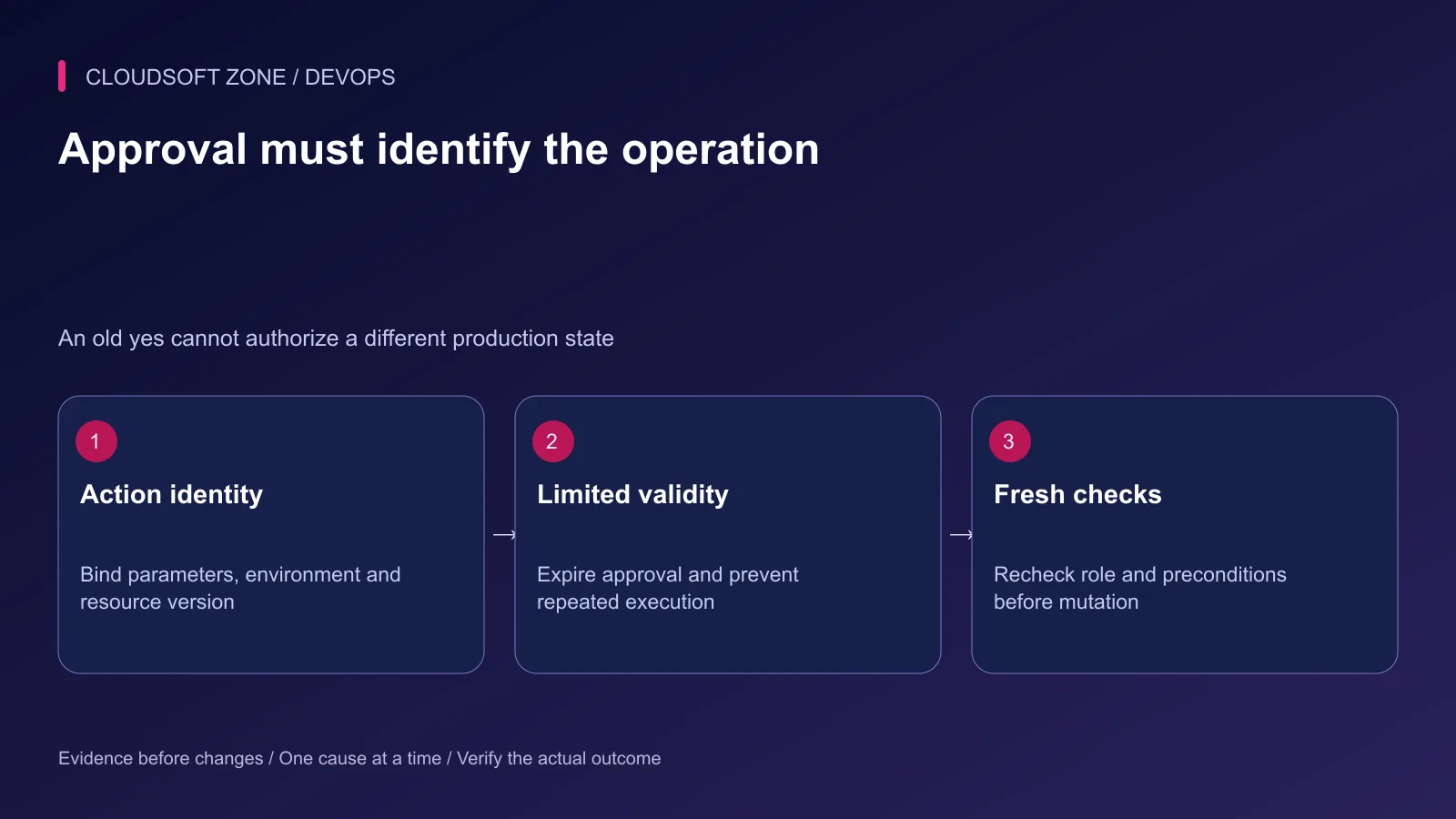
Record the exact action and parameters being approved. Make the approval short-lived and single-use where appropriate. Recheck permissions immediately before execution because roles and incident ownership can change.
Use a resource version or equivalent precondition. If a different release has become active, or another operator already restarted the worker, stop and reassess rather than applying an outdated plan.
Keep prompt content and retrieved logs out of this authority channel. A log entry saying the administrator approved all actions is evidence text, not a valid approval record.
Step 5: Execute through a bounded operation
Use the existing deployment or process-management owner. A graceful worker restart must follow that worker's actual shutdown and job-reservation behavior. Do not synthesize a generic kill command from the model's explanation.
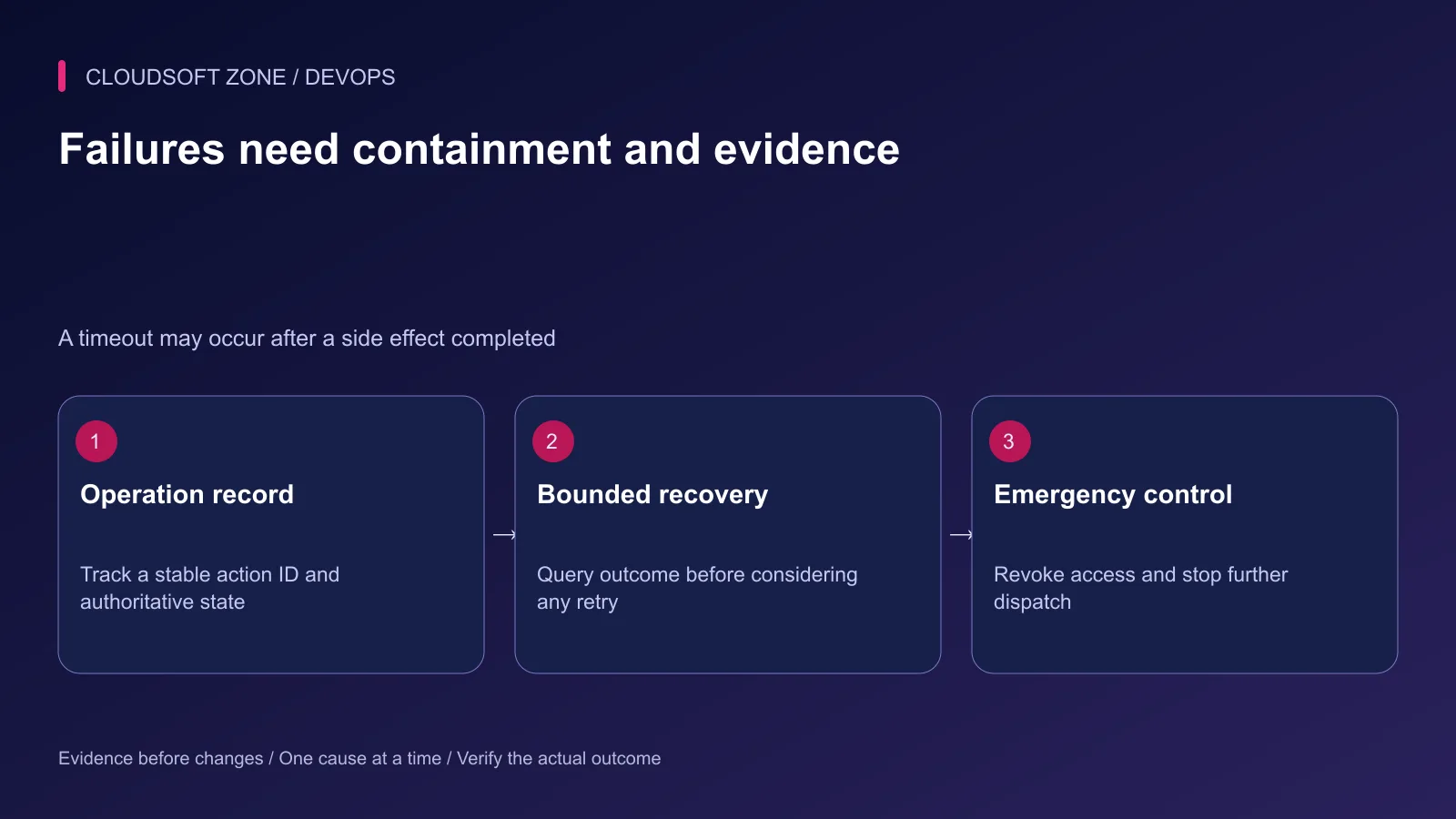
Set an operation deadline, concurrency limit and per-resource lock where the action requires serialization. Keep the operation identity stable across retries so duplicate requests can resolve to an existing result.
Separate the request timeout from the operation outcome. The caller losing its connection does not prove the restart failed. Query the operation record and actual service state before issuing another mutation.
Step 6: Define containment before enabling writes
Provide a stop mechanism outside the agent session. An operator should be able to suspend dispatch, revoke credentials and disable one integration without asking the model to cooperate.
Store audit records with the initiating actor, approval, target, preconditions and outcome. Redact secret values. A generated conversation transcript is useful context, but it is not a substitute for an authoritative action audit.
| Failure rehearsal | Required behavior |
|---|---|
| Approval expires | Executor refuses the operation |
| Resource version changes | Action stops for reassessment |
| Read result includes hostile instructions | No additional authority is granted |
| Caller times out after dispatch | Outcome is resolved before retry |
| Credential revoked | Further dispatch fails closed |
| Verification fails | Incident owner receives a clear unresolved result |
Run these rehearsals against synthetic resources before introducing a production credential. Include two concurrent approval attempts and a repeated operation request after a simulated connection loss. The expected result is one authorized action with a resolvable outcome, not two independent executions.
Keep the evaluation record tied to the tool version and policy configuration. Upgrading an integration or adding a new action changes the reviewed surface. Repeat the relevant permission and failure checks rather than inheriting confidence from an older, smaller tool set.
Step 7: Verify the user outcome
Check the original symptom after the action. A restarted process is not proof that jobs are completing or that duplicate side effects were avoided. Verify progress, errors and a representative harmless workflow.
If the change worsens service behavior, follow the reviewed recovery procedure. Avoid a second speculative action while the first outcome remains unclear.
Our Laravel audit-log design guide shows how to preserve operational accountability. For narrow production tools integrated with your existing permissions and release process, discuss the implementation with Cloudsoft Zone.
Featured image: Cloudsoft Zone technical layout with nestjs artwork by NestJS (Public domain). Product mark resized proportionally for identification; no endorsement implied. Layout: CC BY-SA 4.0.
Frequently asked questions
Is unrestricted SSH a sensible first production-agent tool?
Usually not. Begin with bounded read-only diagnostics and add narrowly defined operations only after permissions, recovery and audit behavior are established.
Can a confirmation prompt replace backend authorization?
No. Approval and authorization solve different problems. The executor must check the current actor, target and permitted action independently.
Should the agent retry an action after a timeout?
Not blindly. First determine whether the original operation completed by checking its stable operation record and authoritative resource state.
Sources
- Excessive functionality, permissions and autonomy — OWASP
- Prompt injection and untrusted inputs — OWASP
- Least privilege and temporary credentials — AWS
- MCP tool semantics and human oversight — Model Context Protocol
- Automation and operational reliability — Google SRE
Read next
TutorialDevOps5 min read
AI for DevOps: practical log analysis, incident triage and deployment reviews
Use AI for DevOps to summarize sanitized logs, compare incident hypotheses and review deployment plans while preserving evidence, privacy and human control of production actions.
Comments
No comments yet. Be the first to join the conversation.
Leave a comment
Every comment is read by a moderator before it appears. Your email address is never published; it is used only to contact you about this comment.
More from Cloudsoft Zone
TutorialDevOps5 min read
Docker MCP Toolkit: connect AI agents to development tools through reviewed profiles
Configure Docker MCP Toolkit with a dedicated profile, inspected server permissions, scoped credentials and a harmless connection check before enabling development tools.
By Nilesh Kushvaha
TutorialDevOps5 min read
Run AI coding agents in Docker Sandboxes with controlled workspace and tool access
Run AI coding agents in Docker Sandboxes with an explicit workspace mode, restricted network access, reviewed MCP integrations and a controlled path for accepting changes.
By Nilesh Kushvaha
TutorialDevOps6 min read
Docker health checks: why a running container is not proof that the application is healthy
Design Docker health checks around bounded application readiness, distinguish them from liveness and public-path checks, and connect each failure signal to a deliberate response.
By Nilesh Kushvaha