
How to reduce Docker image size and build time without removing required runtime files
Reduce Docker image size with measured layers, a smaller context and separate build/runtime stages. Improve cache reuse while retaining native dependencies, assets and patch updates.
5 min read
In this article
A deployment takes longer after every source change, and the final image contains a compiler that the application never uses. A smaller base image looks attractive, but switching it breaks a native package. Optimization needs evidence at each boundary.
To reduce Docker image size, measure the shipped image separately from build time. The guide trims the dockerignore build context, installs locked dependencies before copying source to use the Docker build cache, and separates build tools from runtime.
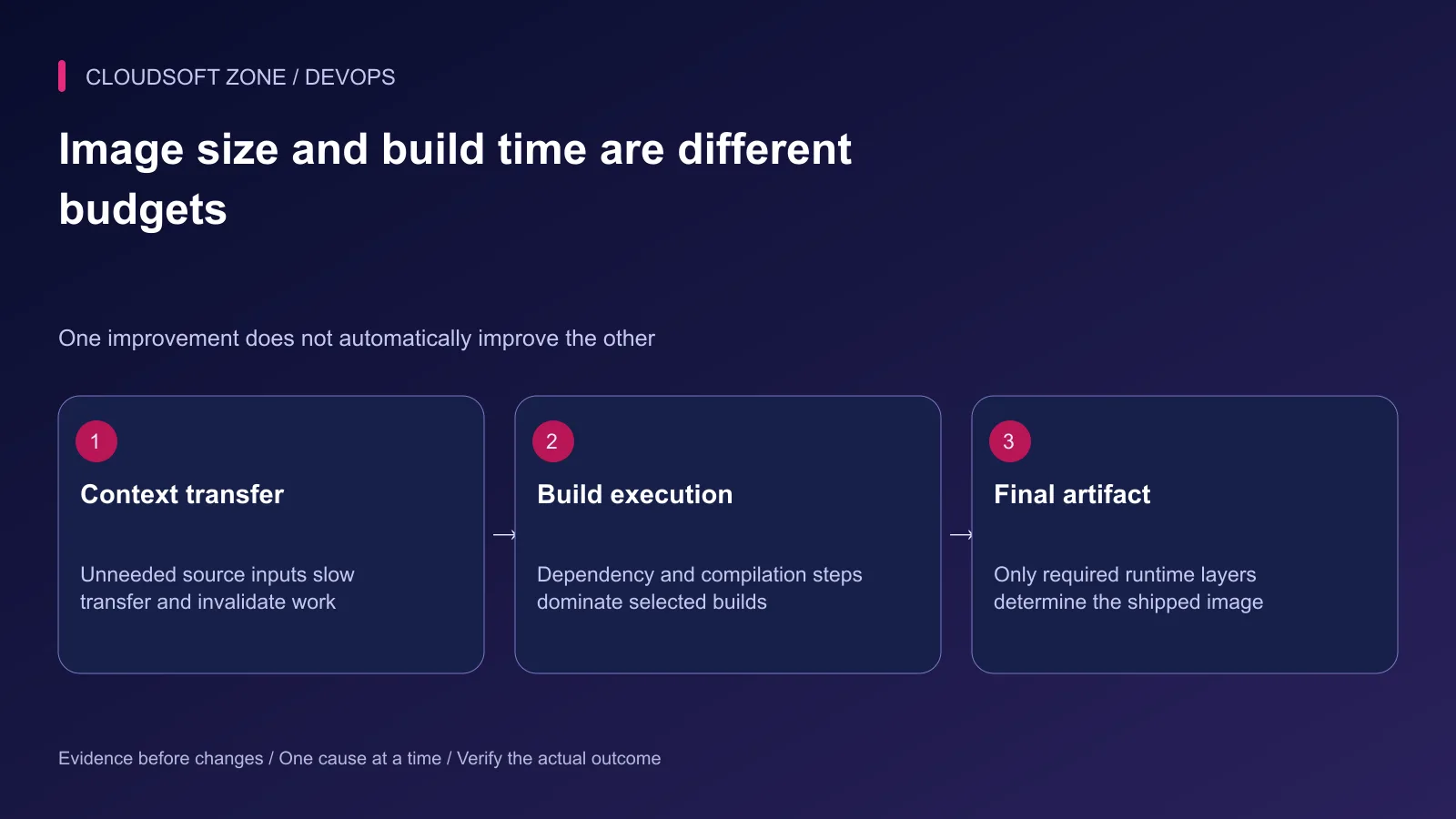
To reduce Docker image size, measure the shipped artifact separately from build time. Context transfer, dependency installation, compilation and registry delivery are different costs. This guide changes one cause at a time and keeps runtime acceptance as the final condition.
Our Node.js production image guide covers the baseline. Optimize a known working artifact rather than stripping an image before its runtime requirements are understood.
Step 1: Record a baseline without invented numbers
Measure the image already built for review. The following commands inspect size and layer history without running the application:
docker image inspect app:review --format '{{.Size}}'
docker image history app:review
The size value is bytes. History can expose build commands, so review it privately and do not paste a credential-bearing transcript. A credential in an image instruction is already a build-policy problem, even if it was later deleted.
Record cold and warm builds separately. Use the same source revision, platform and resource conditions for comparison. Cache state and network availability can otherwise dominate the observed difference.
| Measurement | Question it answers |
|---|---|
| Final image bytes | How much runtime artifact is shipped? |
| Context transfer | Are unnecessary local files reaching the builder? |
| Dependency step duration | Is installation repeated unnecessarily? |
| Compilation duration | Is actual application work the bottleneck? |
| Registry transfer | Are the artifact and cache delivery paths efficient? |
Keep actual measured values in the release record. This article supplies the measurement procedure rather than claiming a universal percentage saving.
Step 2: Remove unnecessary build inputs
Use .dockerignore to exclude real environments, local dependency trees, previous build output, repository metadata and large unrelated files. Do not exclude a required workspace manifest or runtime asset just because it is inconvenient to copy.
Review the build context root. A Dockerfile in one subdirectory can still receive a much larger repository context chosen by the build command. Bound the context without breaking workspace dependency resolution.
Keep secrets out of both final artifacts and intermediate copied inputs. A smaller final stage does not mean an intermediate build cache cannot contain sensitive source files.
Step 3: Install locked dependencies before changing source
For a single npm-managed application, this dependency-stage fragment allows installation to remain reusable when only source code changes:
# syntax=docker/dockerfile:1
FROM node:24-bookworm-slim AS deps
WORKDIR /app
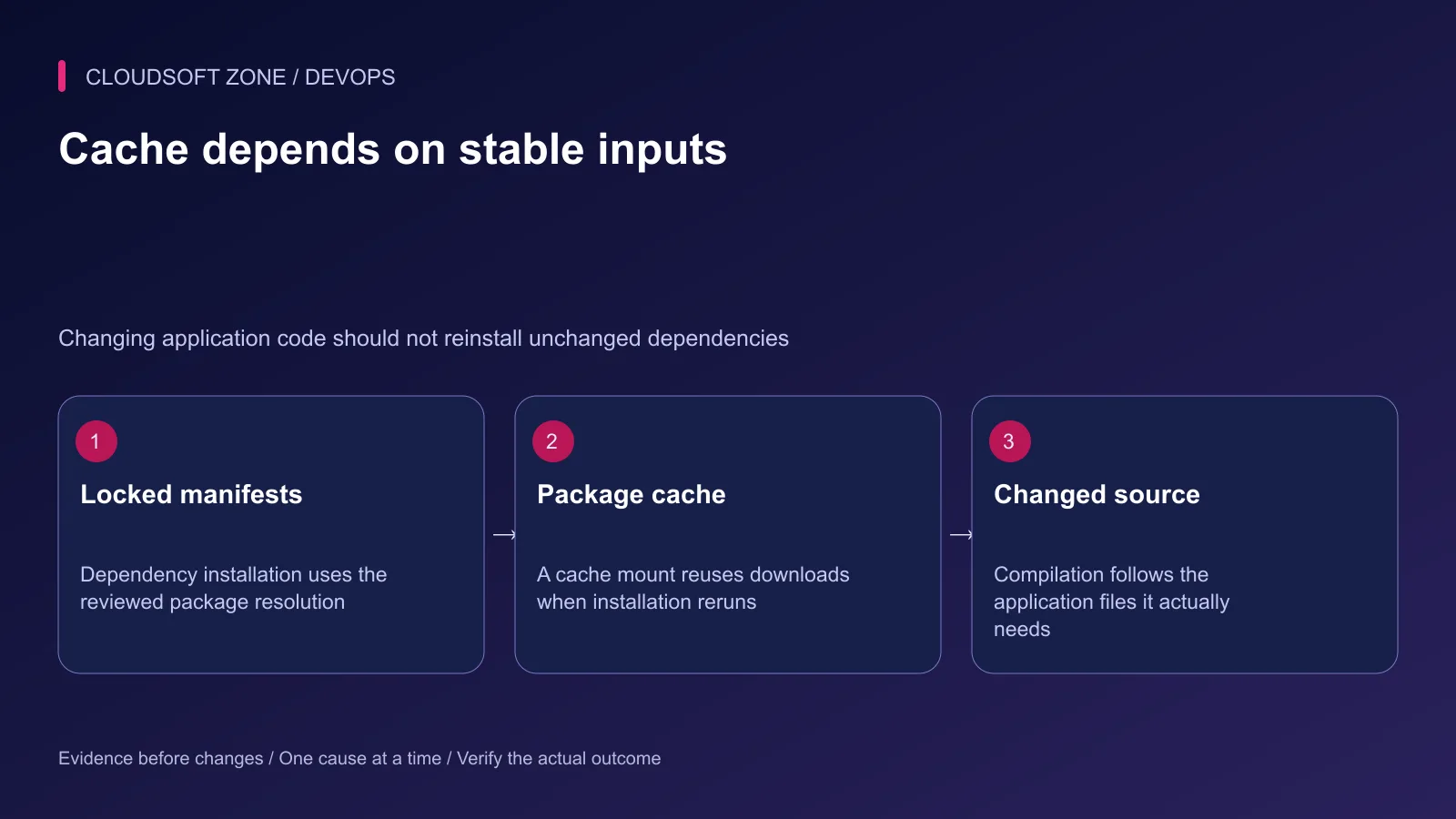
COPY package.json package-lock.json ./
RUN --mount=type=cache,target=/root/.npm npm ci
The cache mount reuses package downloads when installation needs to run again. The committed lockfile still defines resolution. A cache is not permission to replace npm ci with an uncontrolled dependency update.
Adapt the manifests and package-manager cache path for a real workspace. Some application install scripts need source files; identify those requirements before blindly moving the install step earlier.
Step 4: Separate build tools from runtime
Use a build stage for compilers and development dependencies, then copy the explicit runtime artifact into a final stage. A plain compiled Node.js service and a Next.js standalone server have different artifact contracts.
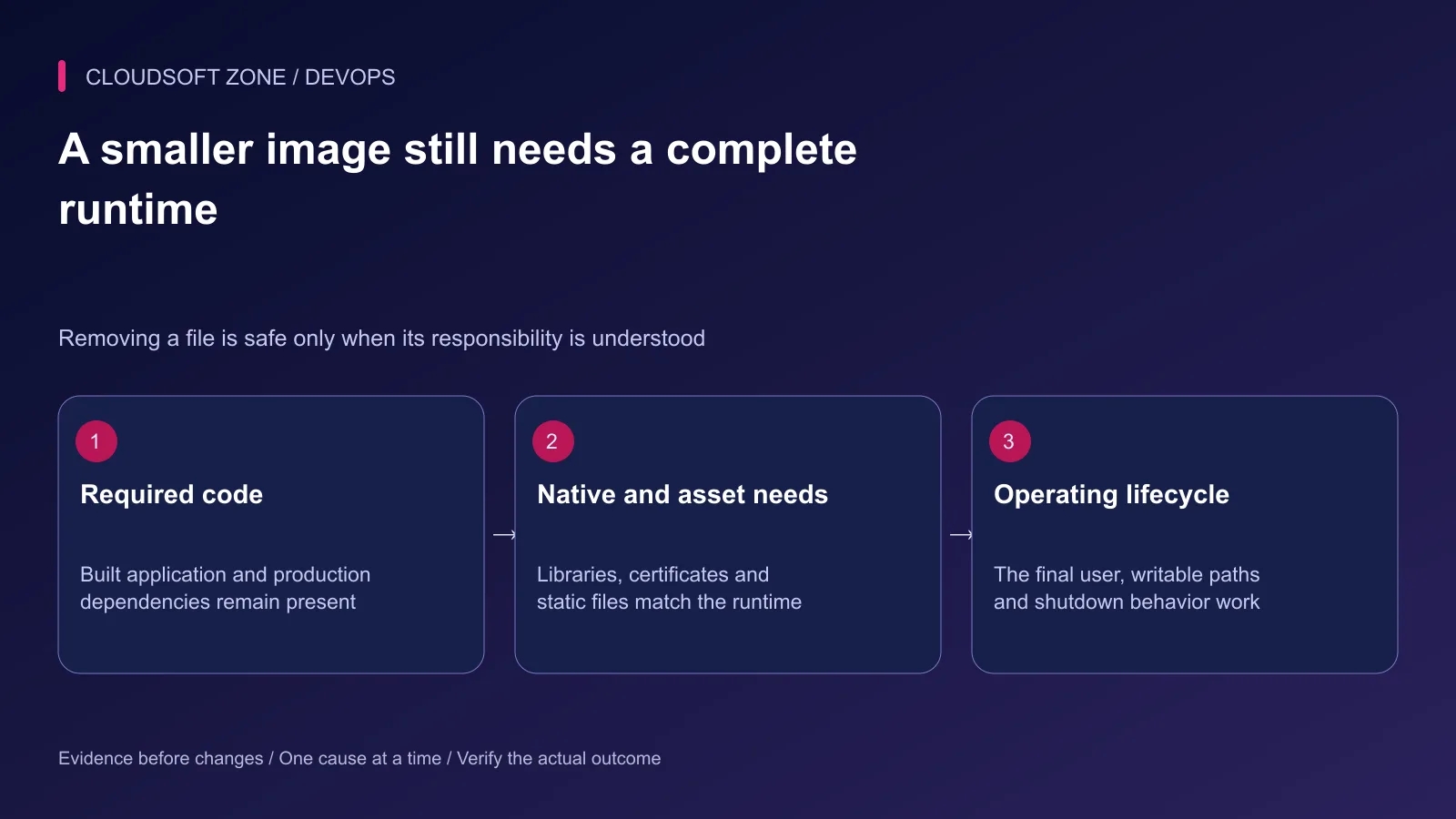
For Laravel, the PHP runtime must retain required extensions and the installed production Composer dependencies. Copying extension binaries without their runtime libraries can create a smaller image that fails at startup or on a specific request.
Avoid copying the whole build workspace into the final stage and deleting obvious extras afterward. An explicit artifact list is easier to review, and later deletion cannot erase bytes already present in an earlier image layer.
Step 5: Choose the base by compatibility and maintenance
Compare supported base families and their required native libraries. A smaller musl-based image can behave differently from a glibc-based builder. Do not move native packages across incompatible runtime environments without validation.
Record an approved base digest for reproducibility, together with an update procedure. Pinning forever without patch review is not a security strategy; mutable tags without a release record are not a reproducibility strategy.
Keep needed certificate authorities, timezone data and operating capabilities. Removing diagnostic tools can be appropriate, but it changes the incident-response method and should have a replacement procedure.
Step 6: Control shared caches and credentials
External caches can reduce repeated work on ephemeral CI runners. Treat the cache location as part of the build trust boundary: restrict writes, choose the intended namespace and keep untrusted pipelines away from privileged release cache paths.
Use build-secret mounts for private registry credentials rather than ARG, ENV or copied configuration. A secret mount does not prevent the invoked command from writing the secret into an output file or log; review that command's behavior as well.
Preserve the ability to build from a clean environment. A successful warm build cannot establish that a missing dependency, private credential or unpublished local file will be available to the release runner.
Step 7: Verify the optimized artifact
Run the actual final image in an isolated environment under its intended non-root user. Check the same representative paths used for the baseline, including native packages and less frequently used assets.
| Acceptance case | Required evidence |
|---|---|
| Startup and shutdown | Correct entry point and bounded process lifecycle |
| Static and generated assets | Required files are present and served correctly |
| Native dependency path | Compatible runtime libraries are available |
| Private configuration | Credentials supplied through the intended runtime mechanism |
| Writable cache or upload path | Only the intended directories need writes |
| Clean build | No hidden dependency on a developer's cache or local file |
Compare the actual measurements after each meaningful change. Reject a size improvement that breaks required behavior or removes the operating recovery path.
Step 8: Preserve the previous release
Keep the prior working image digest and compatible configuration until the new artifact is accepted. Do not prune unrelated images or volumes to improve a local benchmark.
Our single-VPS release guide explains promotion and rollback boundaries. For an image and build-pipeline review, contact Cloudsoft Zone.
Featured image: Cloudsoft Zone technical layout with docker artwork by dotCloud, Inc. (Apache License 2.0). Product mark resized proportionally for identification; no endorsement implied. Layout: CC BY-SA 4.0.
Frequently asked questions
Does deleting a large file in a later Dockerfile step remove its earlier layer?
No. A later removal does not erase the bytes from the earlier image layer. Avoid adding the file to the final artifact or perform appropriate create-and-clean work within the same layer.
Is Alpine always the best production base for Node.js?
No. Smaller base size is only one concern. Check native dependency compatibility, required libraries, operating tools and supported security maintenance before changing OS families.
Does a warm cached build prove dependencies and the base image are current?
No. Cache reuse can avoid work but does not define an update policy. Record approved base digests and lockfile revisions and run controlled fresh builds when validating updates.
Sources
- Docker build cache optimization — Docker
- Docker build best practices — Docker
- Build-time secret delivery — Docker
- Inspecting image layer history — Docker
- Multi-stage artifact separation — Docker
Read next
TutorialDevOps5 min read
Docker networking for web, API, database and Redis containers: names, ports and trust boundaries
Understand Docker networking through service-name DNS, container versus host ports and explicit network membership. Diagnose connectivity without publicly exposing databases.
Comments
No comments yet. Be the first to join the conversation.
Leave a comment
Every comment is read by a moderator before it appears. Your email address is never published; it is used only to contact you about this comment.
More from Cloudsoft Zone
Troubleshooting guideDevOps5 min read
Docker container keeps restarting: diagnose exit state, configuration and resource failures
When a Docker container keeps restarting, preserve its exit state and first error, check the intended entry point and isolate resource, configuration and dependency failures.
By Nilesh Kushvaha
TutorialDevOps5 min read
Docker volumes explained: prevent database and uploaded-file loss during container changes
Use Docker volumes with explicit project ownership, correct mount targets and independent backups. Diagnose an apparently empty database before deleting or recreating retained storage.
By Nilesh Kushvaha
ComparisonDevOps5 min read
Development vs production Docker Compose: separate live code, ports, secrets and retained data
Compare development vs production Docker Compose through image artifacts, bind mounts, configuration merges and isolated project data. Keep convenience overrides out of live releases.
By Nilesh Kushvaha