
Development vs production Docker Compose: separate live code, ports, secrets and retained data
Compare development vs production Docker Compose through image artifacts, bind mounts, configuration merges and isolated project data. Keep convenience overrides out of live releases.
5 min read
In this article
A developer starts production with the same Compose command used locally. The application runs a watch process, a database port is exposed and a source mount hides the image's compiled files. The YAML is valid, but the selected environment is wrong.
Development vs production Docker Compose comes down to a few rules. A safe Docker Compose production setup uses a reviewed image, selects its file set deliberately and understands how a Docker Compose override merges into the base file, so live code mounts and open ports stay out.
Development vs production Docker Compose is a question of artifact ownership, configuration selection and retained data. Development needs quick feedback; production needs a reviewed image and predictable operating behavior. This guide shows how to keep those responsibilities explicit.
Our Node.js production image guide explains the runtime artifact. Here the focus is how Compose selects and combines that artifact's operating configuration.
Step 1: Compare responsibilities before files
Write the intended differences down instead of copying a complete local stack into production and changing only an environment variable.
| Concern | Development | Production |
|---|---|---|
| Application code | Deliberate live editing and reload | Immutable reviewed image |
| Command | Development server or watch process | Built application entry point |
| Tools | Scoped debugger and local mail capture | Only required runtime services |
| Credentials | Isolated disposable accounts | Protected production delivery and rotation |
| Data | Isolated fixtures and rehearsal state | Retained customer state with recovery |
| Exposure | Chosen loopback developer ports | Reviewed public edge and private dependencies |
Do not equate development with careless security. A developer database may still contain sensitive fixtures, and an exposed debugger can have powerful access. Keep convenience services scoped to the intended machine and project.
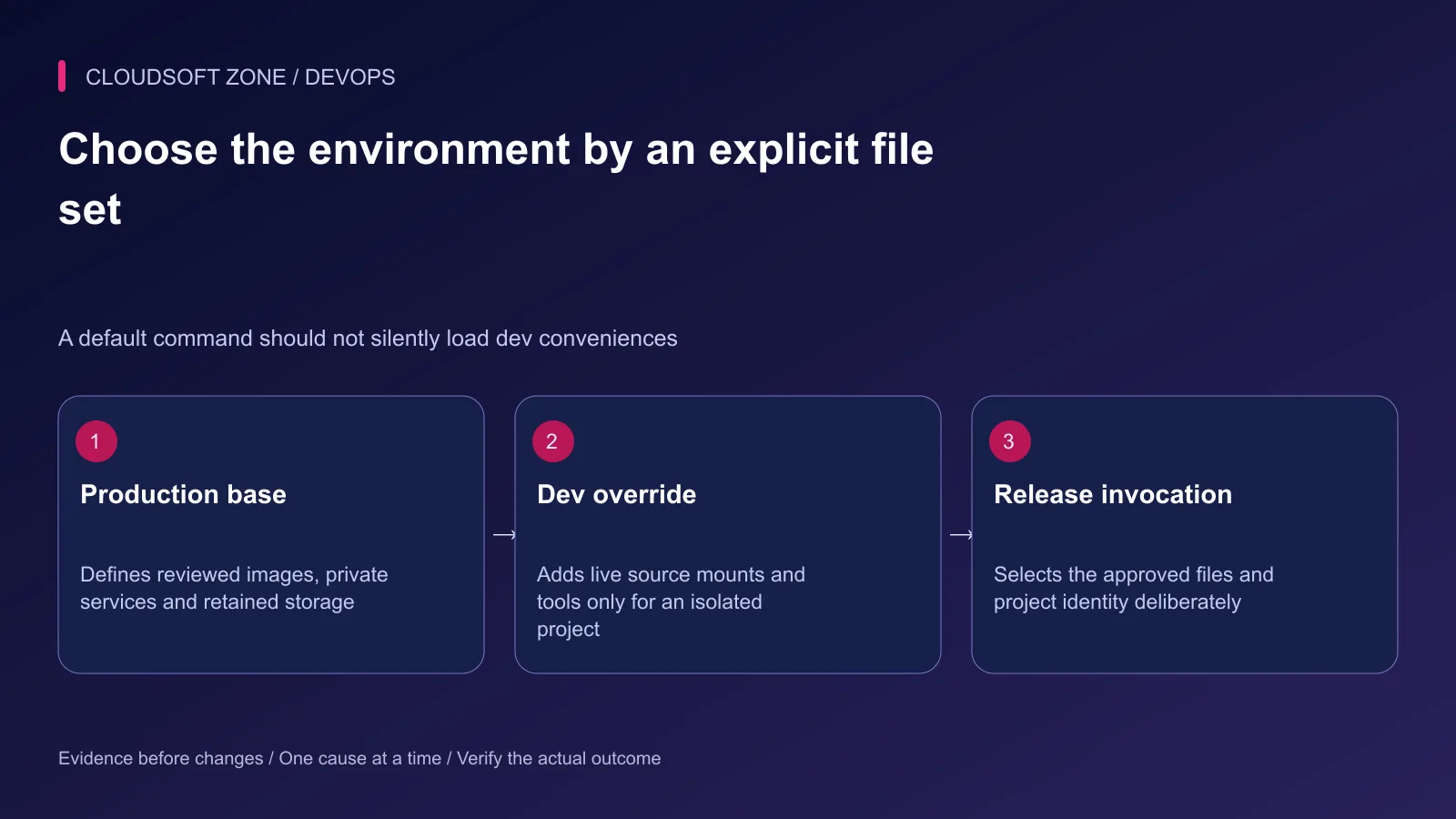
Step 2: Use a safe production base
Let the base file describe the reviewed production artifact rather than a watch command. Select development convenience through an explicit additional file.
The following fragment assumes the referenced image is already built and the server reads PORT. It is a narrow service example; database, TLS edge and secret contracts belong to the full reviewed stack.
# compose.yaml
services:
  web:
    image: registry.example.com/acme/web:reviewed-release
    environment:
      NODE_ENV: production
      PORT: "3000"
    ports: ["127.0.0.1:4300:3000"]
    restart: unless-stopped
An explicitly selected dev file can change the command and attach source files to a development-capable image. Do not assume the production image contains npm, build tools or a watch script; choose a real development target where necessary.
Step 3: Select the file set deliberately
Record the exact command in the release procedure. Syntax validation can run without printing the complete configuration:
docker compose --project-name acme-prod \
  --file compose.yaml config --quiet

docker compose --project-name acme-dev \
  --file compose.yaml --file compose.dev.yaml config --quiet
The second command requires an actual reviewed compose.dev.yaml. Avoid an implicit default override that accidentally applies developer mounts to a live release. Check COMPOSE_FILE and other environment selection mechanisms in the deployment runner as well.
The quiet check proves configuration validity, not production correctness. Review the resolved service fields through a protected process that does not dump secrets into shared logs.
Step 4: Understand merge semantics
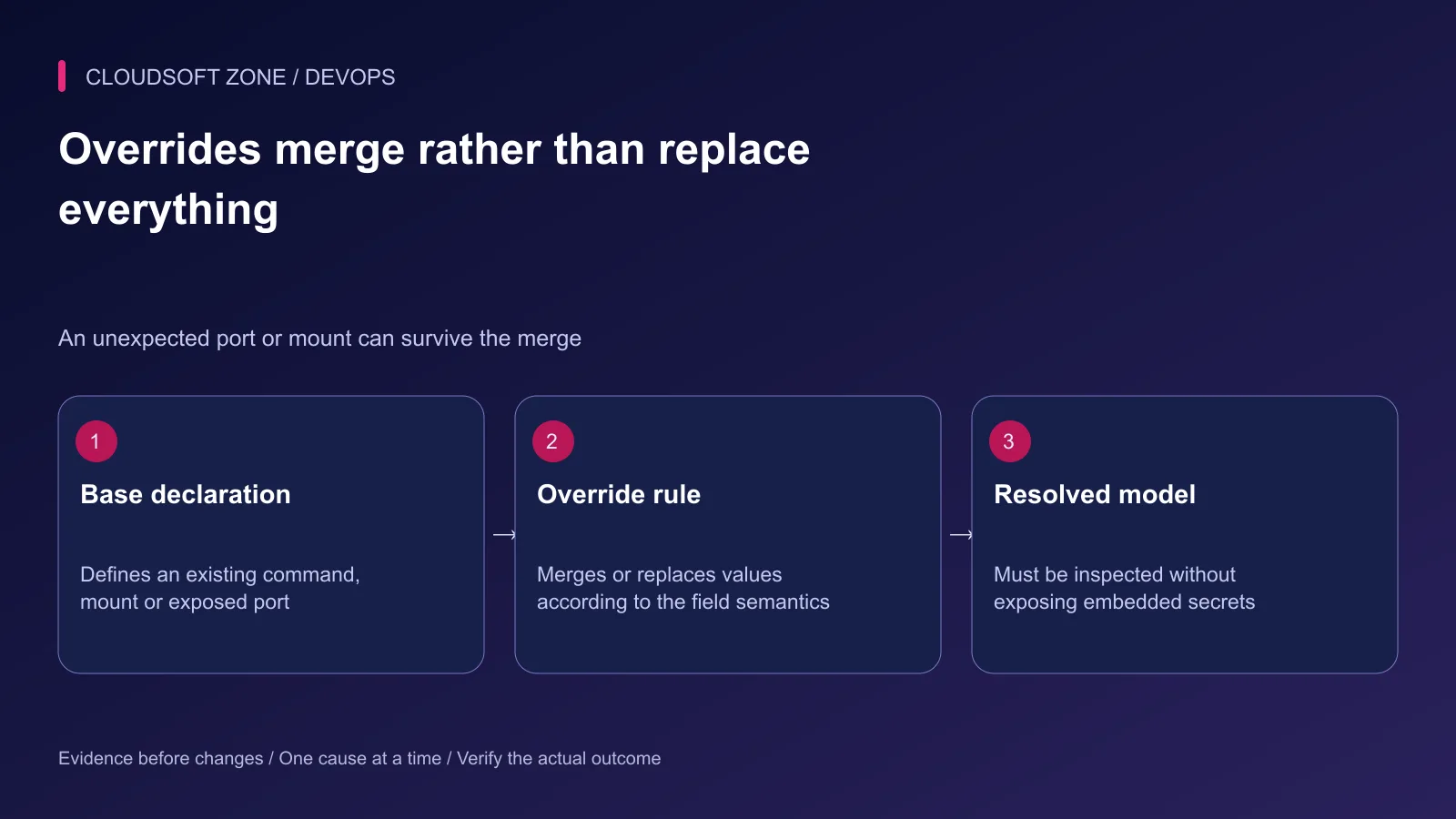
An override is not a complete replacement of every base value. Mapping fields, command fields and lists have specific rules. Ports and volumes use uniqueness rules that can preserve entries an operator expected to remove.
For example, adding a different published port can leave the original port present in the resolved model. Replacing a volume at one container target does not necessarily remove every other mount.
Compose documents reset and override tags for explicit removal or replacement, with version requirements. Verify the installed Compose supports the chosen behavior before using those tags in a deployment file. Do not rely on their appearance in YAML as proof that an older runner understands them.
Step 5: Audit mounts and writable paths
A bind mount can hide files that already exist in an image at that target. Mounting the repository over the application path may hide compiled output or installed dependencies and change the release without rebuilding it.
Production writes should have explicit owners: uploaded files, database data, cache and temporary paths. Keep those separate from immutable code. A read-only root filesystem needs a working writable-path plan, not just a security flag.
Inspect host source paths as well as container targets. Relative paths in multi-file setups follow documented base-path rules; a file moved to another directory can point at an unintended host location.
Step 6: Separate data and secret identities
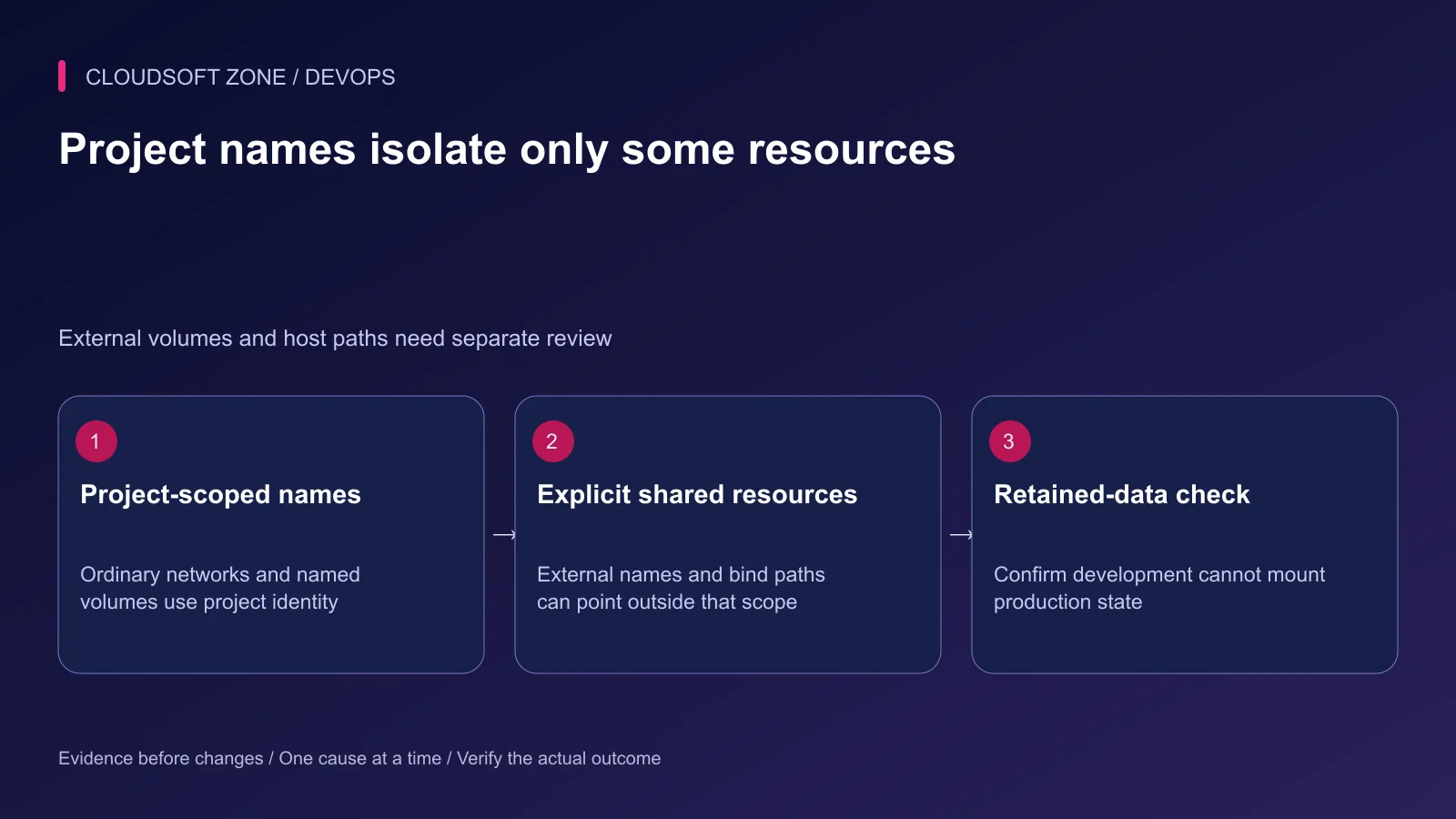
Use distinct project names for development and production. Ordinary generated network and volume names are scoped by project identity, but external volumes and explicitly fixed names can bypass that isolation.
An identical host bind path can also share data across two projects. Confirm database directories, upload paths and backup destinations individually. Never mount retained production data into a developer stack merely to reproduce a configuration issue.
Use dedicated credentials and least-privilege accounts. A production secret must not reach a development watch process or test runner. When inspecting resolved configuration, remember that interpolated environment values can be sensitive.
Step 7: Rehearse the resolved production model
Run the exact production file set against isolated data and protected rehearsal credentials. Exercise startup, a representative route, private dependency access and process replacement.
| Review case | Evidence to retain |
|---|---|
| Release identity | Intended immutable image and application version |
| Startup command | Built runtime rather than watch/hot reload |
| Published ports | Only the reviewed loopback or public edge bindings |
| Mounts | No unintended live code or shared retained database |
| Dependency failure | Bounded behavior and clear readiness evidence |
| Container replacement | Required state persists under the documented owner |
Check the failure cases without global cleanup. Removing all Docker volumes is not a safe way to prove environment isolation. Stop only the named rehearsal project and preserve data needed for diagnosis.
Step 8: Keep rollback tied to the same contract
Record image digest, selected files, project name and configuration revision together. Rollback needs the compatible previous artifact and runtime configuration; reversing only a tag may not restore the database or external contract.
Our single-VPS deployment guide covers release overlap and recovery. For a Compose environment and retained-data review, contact Cloudsoft Zone.
Featured image: Cloudsoft Zone technical layout with docker artwork by dotCloud, Inc. (Apache License 2.0). Product mark resized proportionally for identification; no endorsement implied. Layout: CC BY-SA 4.0.
Frequently asked questions
Will an override ports list automatically remove the base ports?
Do not assume so. Compose has field-specific merge rules and port uniqueness keys. Inspect the effective result and use supported reset/override behavior deliberately when replacement is required.
Does a different Compose project name prevent all data sharing?
It scopes ordinary generated resources, but explicitly named external volumes and identical host bind paths can still share data. Review those paths and names separately.
Why avoid mounting the source repository in a production container?
A live source mount can hide built image files, change code outside the immutable artifact and introduce developer permissions or dependencies. Ship the reviewed release artifact instead.
Sources
- Compose production differences — Docker
- Multiple Compose file behavior — Docker
- Compose field-specific merge rules — Docker
- Compose project names — Docker
- Bind-mount behavior and host access — Docker
Read next
TutorialDevOps6 min read
Laravel Docker Compose with nginx, MySQL and Redis: separate images, workers and retained data
Design a Laravel Docker Compose stack with matching PHP/nginx artifacts, private database and Redis services, explicit worker lifecycle and retained storage contracts.
Comments
No comments yet. Be the first to join the conversation.
Leave a comment
Every comment is read by a moderator before it appears. Your email address is never published; it is used only to contact you about this comment.
More from Cloudsoft Zone
TutorialDevOps5 min read
Next.js multi-stage Docker build: standalone output, non-root runtime and asset checks
Create a Next.js multi-stage Docker image with standalone output, locked dependencies, non-root execution and explicit asset copying. Verify build-time versus runtime variables.
By Nilesh Kushvaha
TutorialDevOps5 min read
nginx WebSocket reverse proxy: configure upgrades, authentication and reconnect behavior
Configure an nginx WebSocket proxy with explicit upgrade headers, bounded idle behavior and application authorization. Distinguish native WebSockets from Socket.IO polling.
By Nilesh Kushvaha
TutorialDevOps5 min read
nginx load balancing with multiple Node.js instances: capacity, state and safe draining
Configure nginx load balancing for equivalent Node.js instances, then review shared sessions, connection budgets, passive failure detection and deployment draining.
By Nilesh Kushvaha