

In this article
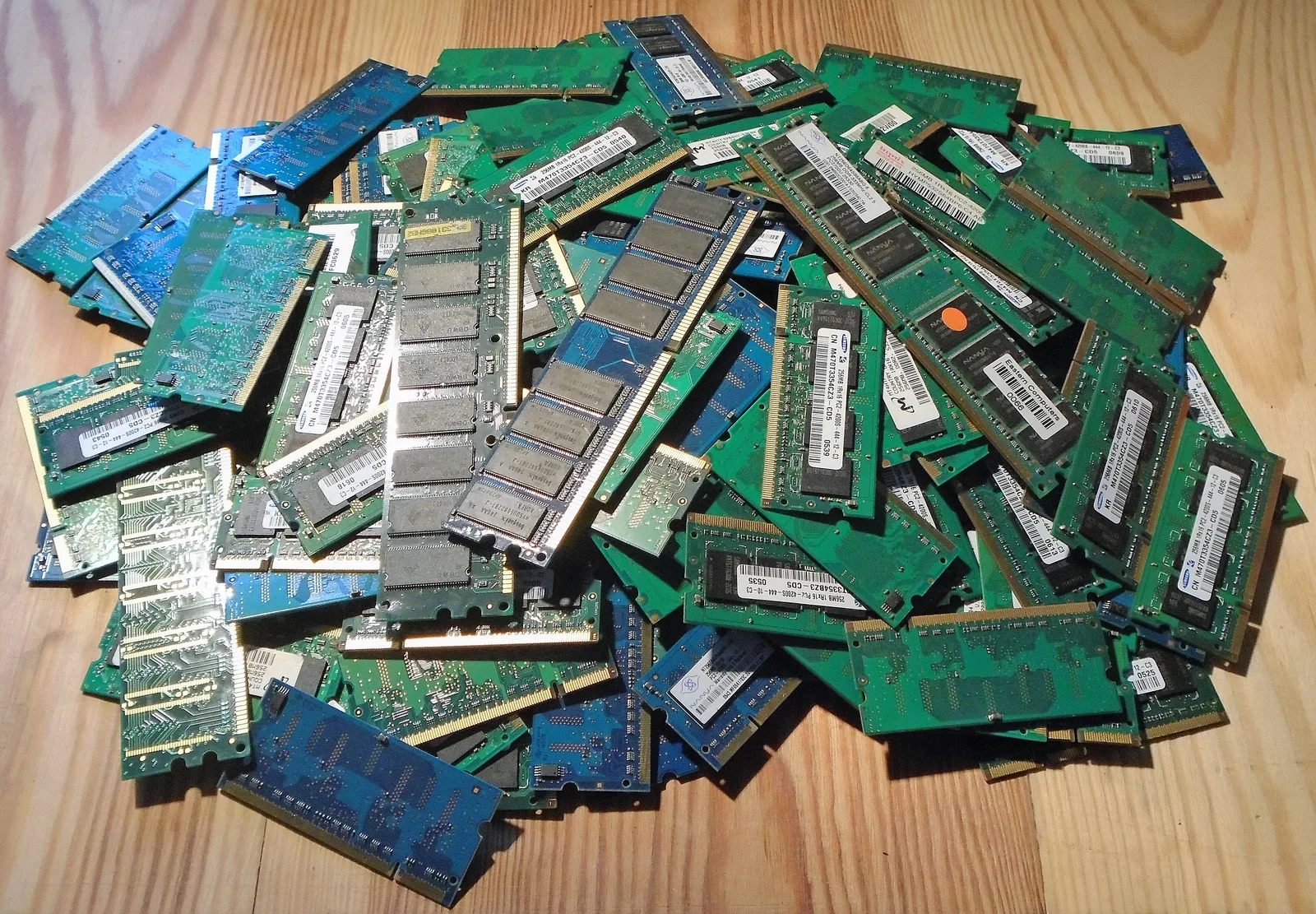
OPcache is the single biggest performance setting in PHP: it keeps compiled bytecode in shared memory so PHP does not parse every file on every request. Most production problems come from three defaults that are too small or too cautious for a modern Composer application: 128 MB of memory, a 10,000-file limit and timestamp checks on every few seconds. The JIT, by contrast, is off by default since PHP 8.4 and should stay off for a typical web app until you measure a gain.
This guide explains how the pieces fit together on PHP 8.4 and 8.5, gives a starting configuration, and shows how to check it with opcache_get_status(). All code was run on PHP 8.5.7.
How OPcache, preloading and the JIT fit together
A PHP request normally goes through four steps: read the file, parse it into an abstract syntax tree, compile it to opcodes and execute the opcodes. OPcache removes the first three steps after the first request by storing the compiled opcodes in shared memory that every PHP-FPM worker can read.
- OPcache caches compiled scripts. This is where nearly all the gain for web applications comes from.
- Preloading (PHP 7.4+) compiles chosen files once at server start and makes their classes and functions available to every request without autoloading.
- The JIT (PHP 8.0+) compiles hot opcodes further into machine code. It helps CPU-bound code such as maths, image processing or parsers, and rarely helps code that mostly waits on a database.
What changed in PHP 8.4 and 8.5
Two recent changes matter when you copy an old php.ini:
- PHP 8.4 changed the JIT defaults from
opcache.jit=tracingwithopcache.jit_buffer_size=0toopcache.jit=disablewithopcache.jit_buffer_size=64M. The JIT is still off by default, but it is now switched off throughopcache.jit. If you previously enabled it only by setting a buffer size, it is now silently disabled. PHP 8.4 also exits with a fatal error at startup if the JIT is enabled and fails to initialise. - PHP 8.5 implemented the RFC "Make OPcache a non-optional part of PHP" (accepted 30 to 0). OPcache is now always compiled in, the
--disable-opcachebuild flag is gone and azend_extension=opcacheline must be removed from your ini files. The RFC is clear that always loaded does not mean always active:opcache.enableandopcache.enable_clistill decide whether caching happens.
A production starting configuration
These values are a starting point for a mid-sized framework application, not a universal answer. Measure with the status script below and adjust.
; /etc/php/8.5/fpm/conf.d/99-opcache.ini  (path varies by distribution)
opcache.enable=1
opcache.memory_consumption=256
opcache.interned_strings_buffer=32
opcache.max_accelerated_files=20000
opcache.max_wasted_percentage=10

; Production: never stat files; reload PHP-FPM on deploy
opcache.validate_timestamps=0

; JIT stays off until a benchmark proves it helps
opcache.jit=disable| Directive | Default | Why change it |
|---|---|---|
opcache.memory_consumption | 128 (MB) | Framework apps with large vendor trees fill 128 MB quickly. When memory runs out, OPcache stops caching new scripts or restarts. |
opcache.interned_strings_buffer | 8 (MB) | Class names, method names and string literals are stored once here. It is taken from memory_consumption. Since PHP 8.4 the 64-bit maximum is 32767 MB. |
opcache.max_accelerated_files | 10000 | The real limit is the next prime from a fixed list, so 10000 becomes 16229 and 20000 becomes 32531. Set it above your PHP file count. |
opcache.validate_timestamps | 1 | With 1, OPcache checks files for changes every revalidate_freq seconds (default 2). With 0 it never checks, which is faster but requires a reload on deploy. |
opcache.max_wasted_percentage | 5 | Wasted memory comes from invalidated scripts. A restart is scheduled when this share is exceeded and free memory is short; maximum 50. |
opcache.jit | disable | Keep it off unless a benchmark of your own workload shows a gain. |
Count your PHP files to size max_accelerated_files:
find /var/www/app -name '*.php' | wc -lKeep opcache.save_comments=1 (the default). The manual warns that disabling it can break tools that read doc comments, such as Doctrine annotations and PHPUnit.
Check OPcache health from inside PHP-FPM
OPcache memory belongs to the SAPI that created it. The CLI and PHP-FPM have separate caches, so a status check must run through the web server, not from a shell. Put a script like this behind authentication or an internal-only route:
<?php

$status = opcache_get_status(false);
if ($status === false) {
    exit("OPcache is not enabled for this SAPI\n");
}

$mem = $status['memory_usage'];
$stats = $status['opcache_statistics'];
$strings = $status['interned_strings_usage'];

printf("Memory used: %.1f MB, free: %.1f MB, wasted: %.1f%%\n",
    $mem['used_memory'] / 1048576,
    $mem['free_memory'] / 1048576,
    $mem['current_wasted_percentage']);
printf("Cached scripts: %d of max %d keys\n",
    $stats['num_cached_scripts'], $stats['max_cached_keys']);
printf("Hit rate: %.2f%%, OOM restarts: %d\n",
    $stats['opcache_hit_rate'], $stats['oom_restarts']);
printf("Interned strings: %.1f of %.1f MB\n",
    $strings['used_memory'] / 1048576, $strings['buffer_size'] / 1048576);
printf("JIT enabled: %s\n", ($status['jit']['enabled'] ?? false) ? 'yes' : 'no');
On our test machine with OPcache enabled for the CLI, the output started with Cached scripts: 0 of max 16229 keys, which confirms the prime rounding of the default 10,000. On a warmed-up production pool, look for:
- Hit rate close to 100 percent once traffic is steady.
- Cached scripts well below
max_cached_keys. If they are equal, raisemax_accelerated_files. - Free memory above zero and
oom_restartsat zero. If OOM restarts climb, raisememory_consumption. - Interned strings not full. A full buffer does not crash anything, but new strings are no longer shared.
Deploying with validate_timestamps=0
When timestamps are not checked, OPcache keeps serving the old bytecode after you upload new files. Treat the deploy as an atomic switch followed by a reload:
composer install --no-dev --optimize-autoloader --classmap-authoritative
ln -sfn /var/www/releases/2026-10-10 /var/www/current
sudo systemctl reload php8.5-fpm
A graceful reload of PHP-FPM lets in-flight requests finish and starts fresh workers with an empty cache. Calling opcache_reset() from the command line does not work, because it resets the CLI cache, not the FPM one. Composer's authoritative classmap is a good companion: its documentation notes that the class map itself is cached in OPcache, so class loading becomes almost free. Avoid --classmap-authoritative if your application generates classes at runtime.
Preloading: when it is worth it
Preloading compiles a list of files at startup and keeps their classes permanently in memory. A minimal script based on Composer's classmap looks like this:
<?php
// preload.php - compile hot classes once at server start
$files = require __DIR__ . '/vendor/composer/autoload_classmap.php';

foreach ($files as $class => $file) {
    if (str_contains($file, '/tests/')) {
        continue;
    }
    opcache_compile_file($file);
}
Enable it with opcache.preload=/var/www/current/preload.php and, when PHP-FPM starts as root, opcache.preload_user=www-data. The manual lists the limits: preloading is not supported on Windows, global constants are not preloaded, and any change to preloaded code needs a full PHP-FPM restart. It is configured in php.ini, not per pool, so every pool on the server shares it. Since PHP 8.1 the inheritance cache already removes part of the cost preloading targets, so benchmark before and after rather than assuming a gain.
Should you turn on the JIT?
We ran a CPU-bound Mandelbrot loop on PHP 8.5.7 (Apple M2, CLI with OPcache enabled) with the JIT disabled and in tracing mode:
<?php

declare(strict_types=1);

function mandelbrot(int $size, int $maxIter): int
{
    $inside = 0;
    for ($y = 0; $y < $size; $y++) {
        for ($x = 0; $x < $size; $x++) {
            $cr = 2.0 * $x / $size - 1.5;
            $ci = 2.0 * $y / $size - 1.0;
            $zr = $zi = 0.0;
            $i = 0;
            while ($i < $maxIter && $zr * $zr + $zi * $zi < 4.0) {
                $tmp = $zr * $zr - $zi * $zi + $cr;
                $zi = 2.0 * $zr * $zi + $ci;
                $zr = $tmp;
                $i++;
            }
            if ($i === $maxIter) {
                $inside++;
            }
        }
    }

    return $inside;
}

$start = hrtime(true);
$result = mandelbrot(600, 200);
printf("jit=%s time=%.0f ms\n", ini_get('opcache.jit'), (hrtime(true) - $start) / 1e6);php -d opcache.enable_cli=1 -d opcache.jit=disable bench.php
php -d opcache.enable_cli=1 -d opcache.jit=tracing bench.phpAfter the first warm-up run, the result was steady: about 420 ms with jit=disable and about 106 ms with jit=tracing, roughly four times faster. That is the kind of code the JIT is built for. A typical request in a web application spends most of its time in database queries, HTTP calls and framework bootstrapping, where the gain is much smaller and sometimes zero.
If your own benchmark shows a benefit, enable the recommended tracing mode with an explicit buffer:
opcache.jit=tracing
opcache.jit_buffer_size=64M
Remember that the JIT buffer is added on top of memory_consumption, and that from PHP 8.4 a JIT that cannot initialise stops PHP from starting, so test the configuration on the target platform before rolling it out.
Gotchas
- Old ini lines on PHP 8.5. Remove
zend_extension=opcache; OPcache is built in. - JIT "enabled" by buffer size only. Since PHP 8.4 that does nothing; set
opcache.jitexplicitly. - Development settings in production.
validate_timestamps=1withrevalidate_freq=0stats every file on every request. - Production settings in development. With
validate_timestamps=0your edits will not appear until you restart PHP. - Containers. Each container has its own cache. Rolling out new images refreshes it automatically, which is often simpler than reloads.
What to do next
Deploy the status script to a staging pool, run realistic traffic and read the numbers. Raise max_accelerated_files above your file count, give OPcache enough memory to show free space at peak, switch to validate_timestamps=0 with a reload step in your deploy, and only then consider preloading and the JIT, one change at a time, with a benchmark for each.
Frequently asked questions
Is OPcache enabled by default?
opcache.enabledefaults to 1 for web SAPIs such as PHP-FPM, whileopcache.enable_clidefaults to 0. Since PHP 8.5 OPcache is always compiled in, but these settings still control whether it caches.Do I still need zend_extension=opcache in PHP 8.5?
No. PHP 8.5 makes OPcache a non-optional, statically compiled part of PHP, and the RFC states that the
zend_extension=opcacheline must be removed.Why is my JIT not running on PHP 8.4?
Since PHP 8.4 the default is
opcache.jit=disable. Setting onlyopcache.jit_buffer_sizeno longer enables it; setopcache.jit=tracingexplicitly.How large should opcache.memory_consumption be?
Large enough that
opcache_get_status()shows free memory and zero OOM restarts under peak traffic. The default is 128 MB; many framework applications need 256 MB or more.How do I clear OPcache after a deploy?
Reload PHP-FPM gracefully. Running
opcache_reset()from the CLI only resets the CLI cache, not the shared memory used by PHP-FPM workers.Does the JIT make Laravel or WordPress faster?
Usually only slightly, because typical requests are dominated by database and network time. The JIT shows large gains on CPU-bound code; benchmark your own workload before enabling it.
Your next customer could start right here.
Introduce your tool, product or business to readers exploring technology.
Explore placements and request a private quote
Sources
- OPcache runtime configuration — PHP Manual
- OPcache preloading — PHP Manual
- Migrating from PHP 8.3.x to PHP 8.4.x: Backward Incompatible Changes — PHP Manual
- PHP RFC: Make OPcache a non-optional part of PHP — PHP Wiki
- Autoloader optimization — Composer
Written with substantial AI assistance. Facts checked against cited sources. Editorial policy.
Comments
No comments yet. Be the first to join the conversation.
Leave a comment
Every comment is read by a moderator before it appears. Your email address is never published; it is used only to contact you about this comment.
More from Cloudsoft Zone

TutorialPHP
PHPStan tutorial: catch PHP bugs before production with levels
Install PHPStan 2.3, choose a rule level, adopt a baseline for legacy code and fail CI only on new errors, with real output from a worked PHP 8.5 example.
By Cloudsoft Zone

Resource guidePHP
PHP 8.2 reaches end of life on 31 December 2026: an upgrade checklist
PHP 8.2 stops receiving security fixes on 31 December 2026. Here is the current support table from php.net, how to choose between PHP 8.4 and 8.5, and a step-by-step checklist for a safe upgrade.
By Cloudsoft Zone

TutorialPHP
Build a read-only PHP MCP server with MySQL and the official SDK
Expose product lookup, bounded low-stock searches and an inventory summary to AI clients with the official PHP MCP SDK, PDO and local STDIO transport.
By Cloudsoft Zone