
Encrypt company laptops with FileVault and BitLocker
Turn on FileVault and BitLocker, check them from the command line and store recovery keys where the business, not one employee, can reach them.
7 min read

In this article
A lost laptop is an inconvenience. A lost laptop with an unencrypted drive is a data breach: anyone can remove the disk and read customer files, saved passwords and email. Both macOS and Windows include full-disk encryption at no extra cost, FileVault and BitLocker, and switching them on takes minutes.
The part small businesses get wrong is the recovery key. If it is stored only on the laptop, or only in the personal account of the employee who left last month, the company's data is locked away for good. This tutorial shows how to turn encryption on, check it from the command line, and keep recovery keys where the business can reach them.
What you need before you start
- Mac: any Mac with Apple silicon or the Apple T2 chip, an administrator account, and the user's login password.
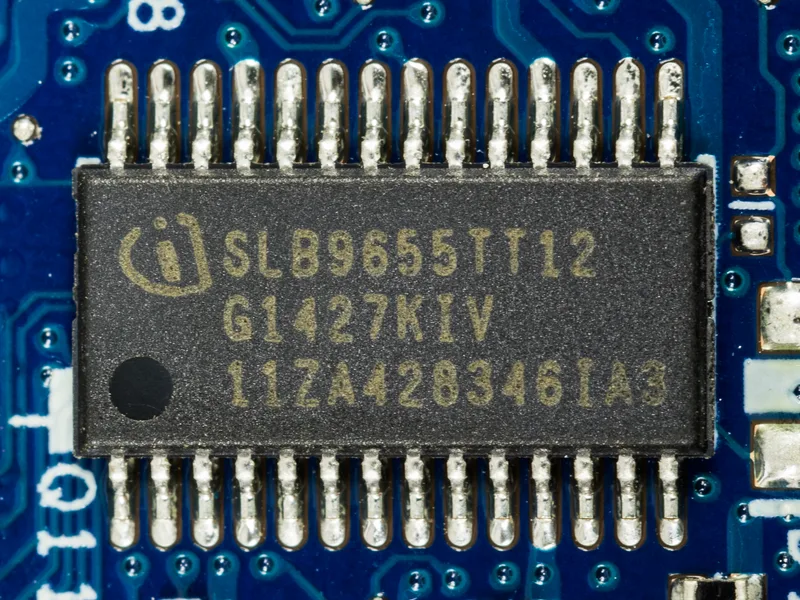
- Windows: Windows 11 Pro, Enterprise or Education for full BitLocker. Windows Home editions offer device encryption on qualifying hardware instead (see below). A TPM is strongly recommended.
- Somewhere the company controls to store recovery keys: your device management (MDM) service, Microsoft Entra ID, or a company password manager vault that two people can open.
- A current backup. Encryption rarely causes data loss, but any change to disk configuration deserves one.
Part 1: FileVault on a Mac
How FileVault protects data
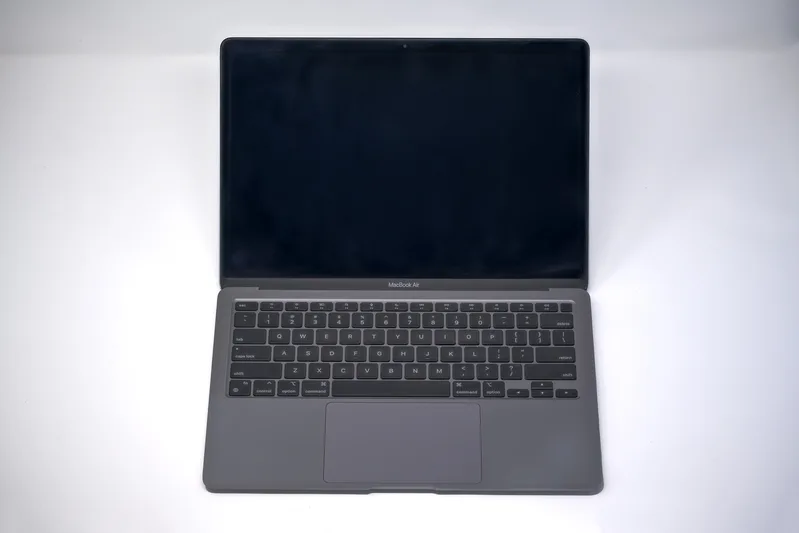
FileVault uses AES-XTS to encrypt the whole internal volume. On Macs with Apple silicon or a T2 chip, all key handling happens in the Secure Enclave and the encryption keys are never directly exposed to the CPU. Those Macs encrypt their internal storage automatically; turning FileVault on adds the requirement that the user's login password is needed to unlock the data at startup.
Turn it on in System Settings
- Open System Settings > Privacy & Security > FileVault and click Turn On.
- Choose how the disk can be unlocked if the password is forgotten. For a company laptop, choose Create a recovery key and do not use my iCloud account, so recovery does not depend on an employee's personal Apple Account.
- Record the recovery key immediately in the company vault, labelled with the Mac's serial number. Apple's warning is blunt: if the login password and the recovery key are both lost, the files are lost.
- Enable any other users who need to unlock the Mac at startup when prompted.
Check FileVault from Terminal
The built-in fdesetup tool reports the state without opening Settings, which is useful when checking several machines:
# Is FileVault on? (no admin rights needed)
fdesetup status
# FileVault is On.

# Scriptable check: prints "true" and exits 0 when FileVault is enabled
fdesetup isactive

# Does the volume have a personal or institutional recovery key? (needs admin)
sudo fdesetup haspersonalrecoverykey
sudo fdesetup hasinstitutionalrecoverykey
If a key has been exposed, or you cannot find it, generate a new personal recovery key with sudo fdesetup changerecovery -personal. The old key is removed and replaced, so store the new one straight away.
With device management
If you manage Macs with an MDM service, use its FileVault payload instead of doing this by hand. MDM can enforce FileVault, escrow the personal recovery key to the MDM server, and show you which Macs are still unencrypted. That is the most reliable way to make sure the business, not the employee, holds the key.
Part 2: BitLocker on Windows
Which Windows editions have BitLocker
| Edition | What you get |
|---|---|
| Windows Pro, Enterprise, Education, Pro Education/SE | Full BitLocker: choose protectors, manage with PowerShell, manage-bde and policy |
| Windows Home | Device encryption on qualifying hardware: BitLocker turned on automatically, recovery key backed up to the Microsoft account, Entra ID or Active Directory |
Microsoft notes that from Windows 11, version 24H2, more devices qualify for automatic device encryption because earlier hardware prerequisites were removed. Device encryption has a catch for businesses: if the PC uses only local accounts, the drive remains unprotected even though the data is encrypted, because the protection is completed only when the recovery key is backed up. Business PCs should sign in with work accounts and use Pro or higher.
Check the current state
Open PowerShell as administrator:
# Encryption method, protection status and key protectors for the system drive
Get-BitLockerVolume -MountPoint C: | Format-List MountPoint, VolumeStatus, ProtectionStatus, EncryptionMethod, KeyProtector

# Or with the classic tool
manage-bde -status C:
You want VolumeStatus: FullyEncrypted, ProtectionStatus: On, and key protectors that include Tpm and RecoveryPassword. A status of Waiting for Activation or Suspended means the drive is not actually protected.
Turn on BitLocker with a recovery password
# 1. Add a 48-digit recovery password protector
Add-BitLockerKeyProtector -MountPoint $env:SystemDrive -RecoveryPasswordProtector

# 2. Encrypt using the TPM as the unlock protector
Enable-BitLocker -MountPoint $env:SystemDrive -TpmProtector

# 3. Show the recovery password and its ID so you can store them
(Get-BitLockerVolume -MountPoint $env:SystemDrive).KeyProtector |
  Where-Object { $_.KeyProtectorType -eq 'RecoveryPassword' } |
  Format-Table KeyProtectorId, RecoveryPassword
Restart if prompted; Windows runs a hardware test and then encrypts in the background. For laptops that carry sensitive data, consider a startup PIN as well (-TPMandPinProtector), which requires a PIN before Windows starts.
Back up the key to Entra ID
On PCs joined to Microsoft Entra ID, copy the KeyProtectorId from the previous step and run:
BackupToAAD-BitLockerKeyProtector -MountPoint $env:SystemDrive -KeyProtectorId "{PASTE-THE-ID-HERE}"Keep the braces in the ID. For PCs joined to an on-premises domain, Backup-BitLockerKeyProtector stores it in Active Directory instead. If you have neither, save the recovery password in the company vault with the PC's name and serial number. Never save it only to a file on the same drive.
Recovery keys: a policy that works
| Where the key is stored | Good for | Risk |
|---|---|---|
| MDM (FileVault escrow, Intune, Entra ID) | Any business with more than a handful of devices | Admin access must itself be protected with strong MFA |
| Company password manager vault | Small teams without MDM | Someone must remember to add each key |
| Employee's personal iCloud or Microsoft account | Personal devices only | The business loses access when the person leaves |
| Printed or on a USB stick | Offline backup of last resort | Easy to lose, and anyone holding it can unlock the drive |
Whatever you choose, test it: once a quarter, pick one laptop and confirm you can find its current recovery key in under five minutes. After a recovery key has been used, Microsoft recommends replacing it with a new one.
Limitations and gotchas
- Encryption protects a powered-off or locked device. A laptop that is running and unlocked gives no protection; set short screen-lock timeouts.
- External drives are separate. Windows device encryption does not cover USB drives, and on a Mac, removable storage does not use the Secure Enclave. Encrypt portable drives separately: BitLocker supports removable data volumes, and macOS Disk Utility can format a drive as encrypted APFS.
- Firmware updates can trigger recovery. BitLocker may ask for the recovery key after BIOS or Secure Boot changes; suspend protection with
Suspend-BitLockerbefore planned firmware work and resume after. - Changing the encryption method requires decryption first. Device encryption defaults to XTS-AES 128-bit; if policy needs 256-bit, set it before encryption starts.
- Do not decrypt as a troubleshooting step. Microsoft advises turning BitLocker off only when protection is no longer needed.

What to do next
- List every company laptop and desktop with its owner and serial number.
- Run
fdesetup statusorGet-BitLockerVolumeon each and note the result. - Turn on encryption where it is off, choosing a recovery method the company controls.
- Move existing keys out of personal accounts into MDM or the company vault.
- Add "confirm recovery key is stored" to your new-starter and leaver checklists.
Frequently asked questions
Is FileVault needed if my Mac has Apple silicon?
Macs with Apple silicon or a T2 chip encrypt internal storage automatically, but turning on FileVault adds the requirement for the user's password to unlock the data at startup. Without it, the protection against a stolen Mac is much weaker.
Does Windows 11 Home have BitLocker?
Full BitLocker is available on Pro, Enterprise and Education editions. Windows Home offers device encryption on qualifying hardware, which turns BitLocker on automatically and backs the recovery key up to a Microsoft account, Entra ID or Active Directory.
Where should a small business store recovery keys?
In a system the company controls: MDM escrow, Microsoft Entra ID, or a company password manager vault that at least two people can open. Avoid keeping keys only in an employee's personal iCloud or Microsoft account.
How do I check whether BitLocker is protecting a PC?
Run
Get-BitLockerVolumeormanage-bde -statusas administrator. Look for FullyEncrypted, Protection On, and key protectors that include the TPM and a recovery password.What happens if both the password and the recovery key are lost?
The data cannot be recovered. Apple states that files and settings are lost forever in that case, which is why recovery keys must be stored centrally and checked regularly.
Can staff keep working while BitLocker encrypts the drive?
Yes. After the restart and hardware test, Windows encrypts in the background. Microsoft notes that automatic device encryption may be delayed or paused if Windows detects user activity, particularly on battery power.
Your next customer could start right here.
Introduce your tool, product or business to readers exploring technology.
Explore placements and request a private quote
Sources
- Intro to FileVault — Apple Platform Deployment
- Protect data on your Mac with FileVault — Apple (Mac User Guide)
- BitLocker overview — Microsoft Learn, 2026-08-24
- BitLocker operations guide — Microsoft Learn, 2025-07-29
Written with substantial AI assistance. Facts checked against cited sources. Editorial policy.
Comments
No comments yet. Be the first to join the conversation.
Leave a comment
Every comment is read by a moderator before it appears. Your email address is never published; it is used only to contact you about this comment.
More from Cloudsoft Zone

Resource guideBusiness Technology
10 practical AI automation ideas for small businesses in 2026
Ten AI automations that work for small teams in 2026, each with the workflow, real tools and checked prices, rough effort, risks, and the human review step that keeps it safe.
By Cloudsoft Zone

Resource guideWordPress
WordPress security hardening checklist for 2026 (WordPress 7.1)
A practical WordPress 7.1 hardening checklist based on the official handbook: updates, two-step logins, wp-config.php constants, file permissions, database privileges, firewalls, WP-CLI checksum checks and tested backups.
By Cloudsoft Zone

Troubleshooting guideCodeIgniter
CodeIgniter 4 validation not working? 9 causes and fixes
Fix CodeIgniter 4 validation problems fast: wrong input source, lost errors after redirect, permit_empty, strict JSON rules, is_unique placeholders and more.
By Cloudsoft Zone