
Cursor vs GitHub Copilot in 2026: plans, usage limits and project rules
Cursor and GitHub Copilot compared from their published plans and documentation: prices, how AI usage is metered, privacy controls, editor support, and how to give both tools the same repository rules.
Updated 7 min read

In this article
AI coding assistants have moved from autocomplete to agents that edit several files, run commands and open pull requests. For most developers and small teams the shortlist comes down to two products: Cursor, a separate editor built on the VS Code codebase, and GitHub Copilot, an assistant that plugs into the editors and GitHub workflows people already use.
This comparison is based on Cursor's and GitHub's pricing pages and documentation, checked on 7 October 2026. We did not run coding benchmarks or measure suggestion quality for this article; both products change models and limits often, and any quality ranking would be out of date quickly. What follows is a reading of the published plans, usage models, privacy terms and configuration options.
You will get the current plans side by side, an explanation of how each meters usage, a practical example of giving both tools the same project rules, and a checklist for choosing.
Two different shapes of product
Cursor is an editor. Its documentation says it "is based upon the VS Code codebase" and offers a one-click import of VS Code extensions, themes, settings and keybindings. The AI features (chat, Agent, cloud agents, the Bugbot code reviewer and a CLI) are built into that editor and its surrounding services.
GitHub Copilot is an assistant that lives in many places. GitHub's plans page lists agent mode in VS Code, Visual Studio, JetBrains IDEs, Eclipse and Xcode, a Copilot CLI, and Copilot on GitHub.com and GitHub Mobile. Paid plans can assign work to Copilot so that it opens a pull request.
The practical consequence: choosing Cursor means your team switches editor; choosing Copilot means your team keeps its editors and adds an assistant. For a team split between VS Code and JetBrains users, that difference alone can decide the question.
Plans and prices (October 2026)
| Tier | Cursor | GitHub Copilot |
|---|---|---|
| Free | Hobby: limited Agent requests, access to Composer, no credit card | Free: limited chat and agent usage; GitHub's documentation states a limit of 2,000 completions per month |
| Individual | Pro $20, Pro+ $60, Ultra $200 per month | Pro $10, Pro+ $39, Max $100 per month |
| Team | Teams: $40 per user per month | Business: $19 per granted seat per month |
| Enterprise | Custom pricing | Enterprise: $39 per granted seat per month |
At list price Copilot is roughly half the cost of Cursor at each comparable tier. Note that Copilot Business and Enterprise are sold on top of a GitHub plan; GitHub's pricing page states that Copilot is not included in its Free, Team or Enterprise plans.
How usage is metered
Cursor
Cursor's pricing page states that "every plan includes a set amount of model usage" and that on-demand usage lets you continue after the included amount is used, "billed in arrears". Cursor recommends Pro+ for daily agent users and Ultra for agent power users. Teams adds centralised billing, usage analytics and team-wide privacy mode; Enterprise adds pooled usage, invoice billing, SCIM seat management and audit logs.
GitHub Copilot
Copilot now meters chat, agent mode, code review, the Copilot cloud agent, the Copilot CLI and Copilot Apps with GitHub AI Credits. GitHub's plans documentation lists the monthly totals:
| Plan | Price | Total monthly AI credits |
|---|---|---|
| Pro | $10 | 1,500 (1,000 base plus 500 flex allotment) |
| Pro+ | $39 | 7,000 (3,900 base plus 3,100 flex) |
| Max | $100 | 20,000 (10,000 base plus 10,000 flex) |
| Business | $19 per seat | 1,900 per user |
| Enterprise | $39 per seat | 3,900 per user |
The plans page warns that "flex allotments may change over time", so treat only the base amount as fixed. On Business and Enterprise, GitHub says admins set usage limits and decide whether additional paid usage is allowed; if it is not, Copilot pauses until the next cycle.
Both vendors have therefore moved to the same idea: a subscription buys a monthly allowance, and heavy agent use costs extra. When you compare, estimate how much agent work your team will do, not just the seat price.
A simple worked example helps. For a team of five developers paying list prices, Cursor Teams costs $200 a month before any on-demand usage. Copilot Business costs $95 a month for five granted seats, plus whatever GitHub plan the organisation already pays for, plus any additional AI credits an admin chooses to allow. If the team is already on GitHub Team, the Copilot figure is the marginal cost. Neither number includes heavy agent use beyond the allowance, which is where real bills can diverge, so track usage during a trial before committing.
Hands-on: give both tools the same project rules
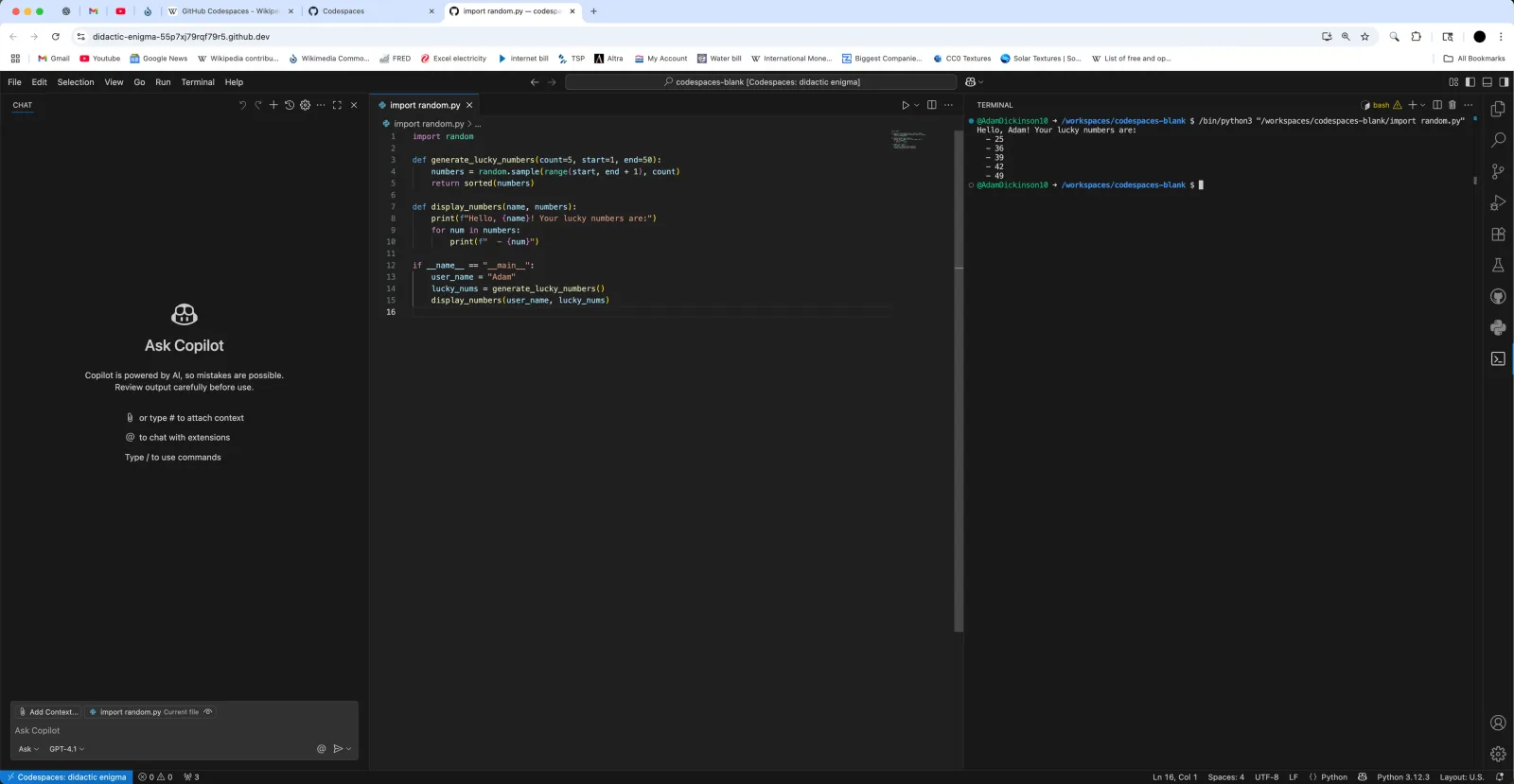
Assistants produce better results when they know your conventions. Both products read instruction files from the repository, and both support a shared AGENTS.md file, so a mixed team can keep one source of truth.
Shared rules: AGENTS.md at the repository root
# Project rules
- Node.js 24, TypeScript strict mode. Run `npm test` before proposing a change.
- REST handlers live in `src/routes/`; validate every request body with the shared schema helpers.
- Never commit secrets. Read configuration from environment variables only.
- Prefer small pull requests with a test for each behaviour change.
Cursor: path-scoped rule in .cursor/rules/api.mdc
Cursor's documentation says project rules live in .cursor/rules as .mdc files with description, globs and alwaysApply frontmatter; a plain .md file in that folder is ignored.
---
description: Conventions for HTTP route handlers
globs: src/routes/**/*.ts
alwaysApply: false
---

- Return errors as { error: { code, message } } with the correct HTTP status.
- Paginate list endpoints; never return more than 50 items per page.
Copilot: path-scoped rule in .github/instructions/api.instructions.md
GitHub's documentation describes repository-wide instructions in .github/copilot-instructions.md and path-specific files in .github/instructions/ whose names end in .instructions.md, scoped with an applyTo glob.
---
applyTo: "src/routes/**/*.ts"
---

- Return errors as { error: { code, message } } with the correct HTTP status.
- Paginate list endpoints; never return more than 50 items per page.
Commit these files with the code so that rules are reviewed like any other change. GitHub notes that when Copilot is working, the nearest AGENTS.md in the directory tree takes precedence, which lets you add folder-level rules in a monorepo.
Privacy and administration
- Cursor offers privacy mode, which can be enabled in settings or by a team admin. Its pricing page states that when it is enabled, "code data is not used for training by us or our model providers". Teams adds SAML/OIDC single sign-on and team-wide privacy mode; Enterprise adds repository, model and MCP access controls, and audit logs.
- GitHub Copilot: GitHub states that it does not use Copilot Business or Enterprise data to train its models. Business and Enterprise add licence and policy management, and GitHub's FAQ notes that the individual plans include the features of Business except organisational licence management, policy management and IP indemnity. Admins can also enable a filter that suppresses suggestions matching public code.
For a company, the safest reading of both is the same: buy the business tier, switch on the privacy and policy controls, and check the vendor's data-use page against your own obligations.
Which one fits which team
Choose Cursor if
- Everyone already uses VS Code and is happy to move to a VS Code-based editor.
- You want agent features, cloud agents and code review integrated into one editor experience.
- You are willing to pay more per seat for that integration.
Choose GitHub Copilot if
- Your team uses a mix of editors, including JetBrains, Visual Studio, Xcode or Eclipse.
- Your code and reviews already live on GitHub and you want Copilot to work on issues and pull requests there.
- You want the lower list price, with admin controls over additional paid usage.
Evaluation checklist
- Run a two-week trial on a real repository with two or three developers, using each tool's free or trial tier.
- Add the same
AGENTS.mdand path rules to both so the comparison is fair. - Track how quickly each trial user consumes the included allowance, then project a monthly cost per developer.
- Confirm that every editor your team uses is supported.
- Turn on privacy controls and single sign-on in the trial, not after purchase.
- Agree on a review rule: AI-generated changes go through the same pull request review and tests as any other change.
Summary
Cursor and GitHub Copilot now look similar on paper: both offer agents, code review, a CLI, repository rules and usage-based allowances. The real differences are shape and price. Cursor is a dedicated editor at a higher per-seat price; Copilot is an assistant across many editors and GitHub itself at a lower list price, metered in AI credits. Pick the one that fits the editors and workflows your team already uses, prove it on your own code, and budget for the agent usage you expect rather than the seat price alone.
Frequently asked questions
Which is cheaper, Cursor or GitHub Copilot?
Copilot, at list price on 7 October 2026: Copilot Pro is $10 a month against Cursor Pro at $20, and Copilot Business is $19 per seat against Cursor Teams at $40 per user. Both charge extra for usage beyond the included allowance.
Does Cursor work with my VS Code extensions?
Cursor's documentation says it is based on the VS Code codebase and offers a one-click import of extensions, themes, settings and keybindings.
What are GitHub AI Credits?
The unit Copilot uses to meter chat, agent mode, code review, the cloud agent, the CLI and Copilot Apps. Each plan includes a monthly total, for example 1,500 on Pro and 1,900 per user on Business.
Can both tools read the same rules file?
Yes. Both Cursor and GitHub Copilot document support for an
AGENTS.mdfile, alongside their own formats (.cursor/rules/*.mdcand.github/instructions/*.instructions.md).
Your next customer could start right here.
Introduce your tool, product or business to readers exploring technology.
Explore placements and request a private quote
Sources
- Cursor pricing — Cursor (Anysphere)
- Cursor rules — Cursor Docs
- VS Code migration — Cursor Docs
- GitHub Copilot plans — GitHub
- Plans for GitHub Copilot — GitHub Docs
- Adding repository custom instructions for GitHub Copilot — GitHub Docs
- GitHub pricing — GitHub
Written with substantial AI assistance. Facts checked against cited sources. Editorial policy.
Comments
No comments yet. Be the first to join the conversation.
Leave a comment
Every comment is read by a moderator before it appears. Your email address is never published; it is used only to contact you about this comment.
Related tools
- Directory profile
Cursor
AI code editor and coding agent with autocomplete, available for macOS, Windows and Linux, from the terminal and as cloud agents.
This article discusses Cursor. Read the directory profile alongside the guide and verify current product details with its official sources.
- Directory profile
GitHub Copilot
GitHub's AI coding assistant offering code completion, chat, a coding agent and pull request review across IDEs, GitHub.com and the terminal.
This article discusses GitHub Copilot. Read the directory profile alongside the guide and verify current product details with its official sources.
More from Cloudsoft Zone

Product reviewReviews
Cloudflare review 2026: Free vs Pro, Workers and when to pay
A desk review of Cloudflare's Free, Pro and Business plans and its Workers pricing: what the free plan covers, when Pro is worth $20, and edge compute costs.
By Cloudsoft Zone

Product reviewReviews
Postman review 2026: plans, AI credits, and running collection tests in CI
A documentation-based review of Postman in October 2026: what each plan includes, how AI credits are metered, single-user limits, and a hands-on example that adds tests to a collection and runs them in GitHub Actions.
By Cloudsoft Zone

ComparisonReviews
Vercel vs DigitalOcean App Platform: pricing, limits and which apps suit each
Vercel and DigitalOcean App Platform compared from their pricing pages and documentation: free-tier rules, usage-based versus per-container billing, function limits, workers and a decision checklist for October 2026.
By Cloudsoft Zone