
JavaScript Temporal in 2026: how to replace Date in browser code
Temporal is now a Stage 4 standard shipping in Chrome, Edge and Firefox, but not yet in Safari. Learn which Temporal type to use, how it handles time zones and daylight saving time, and how to adopt it safely with a polyfill.
8 min read

In this article
JavaScript's Date object has caused bugs for decades. It mutates in place, it only understands the user's local time zone and UTC, it parses strings inconsistently, and it mixes "a moment in time" with "a date on a calendar". Teams worked around it with libraries such as Moment.js, date-fns and Luxon, adding weight to every bundle.
Temporal is the standard replacement. The proposal has reached Stage 4 at TC39, and it now ships in Chrome, Edge and Firefox. Safari is the exception: as of MDN's compatibility data on 1 October 2026, Temporal is available only in Safari Technology Preview. That gap shapes how you can use it today.
This explainer covers which Temporal type to use for which job, how it handles time zones and daylight saving time, how to work with it in TypeScript, and a practical plan for adopting it in a browser app while Safari support is still pending.
Where Temporal runs in October 2026
The table below uses MDN's browser compatibility data (version 8.1.4) and the TC39 proposal repository, both checked on 7 October 2026.
| Runtime | Temporal support |
|---|---|
| Chrome and Edge | From version 144 (Chrome 144 shipped in January 2026) |
| Firefox | From version 139 (May 2025) |
| Safari (macOS) | Technology Preview only |
| Safari on iOS | Not supported |
| Node.js | Listed by the proposal repository as shipped in Node.js 26 |
Because every browser on iOS uses Apple's WebKit engine, "no Safari" in practice means no native Temporal for any iPhone or iPad visitor. For most public websites, especially those with a large mobile audience, you still need a polyfill in October 2026. MDN marks Temporal as "Limited availability" for the same reason.
One type per job
The biggest change from Date is that Temporal splits date and time handling into separate, immutable types. Picking the right one prevents most bugs before you write any arithmetic.
| Type | Represents | Typical use |
|---|---|---|
Temporal.Instant | An exact moment, with nanosecond precision, independent of time zone | Log timestamps, "created at" values from an API |
Temporal.ZonedDateTime | An exact moment plus a time zone and calendar | Meetings, deliveries, anything a person in a place will see |
Temporal.PlainDate | A calendar date with no time or zone | Birthdays, invoice due dates, public holidays |
Temporal.PlainTime | A wall-clock time with no date | Opening hours such as 09:30 |
Temporal.PlainDateTime | Date and wall-clock time with no zone | Form input before you know the zone |
Temporal.PlainYearMonth / PlainMonthDay | Partial dates | Card expiry month, a yearly anniversary |
Temporal.Duration | A length of time | "2 hours 30 minutes", subscription periods |
Temporal.Now | Functions that read the current time | Temporal.Now.instant(), Temporal.Now.plainDateISO() |
MDN's guidance is to use Instant for UTC moments rather than a ZonedDateTime with a "UTC" zone, and PlainDateTime when you genuinely do not know the zone.
Everyday operations
Today's date and simple arithmetic
const today = Temporal.Now.plainDateISO();
const dueDate = today.add({ days: 30 });

console.log(dueDate.toString()); // ISO 8601, for example "2026-11-06"

// Month arithmetic clamps to the end of a shorter month by default
const jan31 = Temporal.PlainDate.from('2026-01-31');
console.log(jan31.add({ months: 1 }).toString()); // "2026-02-28"
Every Temporal method returns a new object. There is no setDate(); to change a field, use with(), for example today.with({ day: 1 }) for the first of the month.
Comparing and sorting
const a = Temporal.PlainDate.from('2026-03-15');
const b = Temporal.PlainDate.from('2026-03-01');

a.equals(b);                            // false
Temporal.PlainDate.compare(a, b);       // 1 (a is later)

const sorted = [a, b].sort(Temporal.PlainDate.compare);
Temporal objects deliberately throw a TypeError from valueOf(), so a < b throws instead of silently comparing strings or numbers. Use compare() or equals().
Converting an API timestamp for display
Most APIs send UTC timestamps such as "2026-10-07T04:30:00Z". Parse them as an Instant, then attach the viewer's zone only at display time:
const createdAt = Temporal.Instant.from('2026-10-07T04:30:00Z');

const inKolkata = createdAt.toZonedDateTimeISO('Asia/Kolkata');
console.log(inKolkata.toString());
// "2026-10-07T10:00:00+05:30[Asia/Kolkata]"

const local = createdAt.toZonedDateTimeISO(Temporal.Now.timeZoneId());
console.log(local.toLocaleString('en-IN', { dateStyle: 'medium', timeStyle: 'short' }));
The string form of a ZonedDateTime follows RFC 9557: an ISO 8601 date-time with an offset, followed by the time zone in square brackets. Keeping the bracketed zone when you store or send the value means the receiver can still do correct arithmetic in that zone.
Daylight saving time, handled explicitly
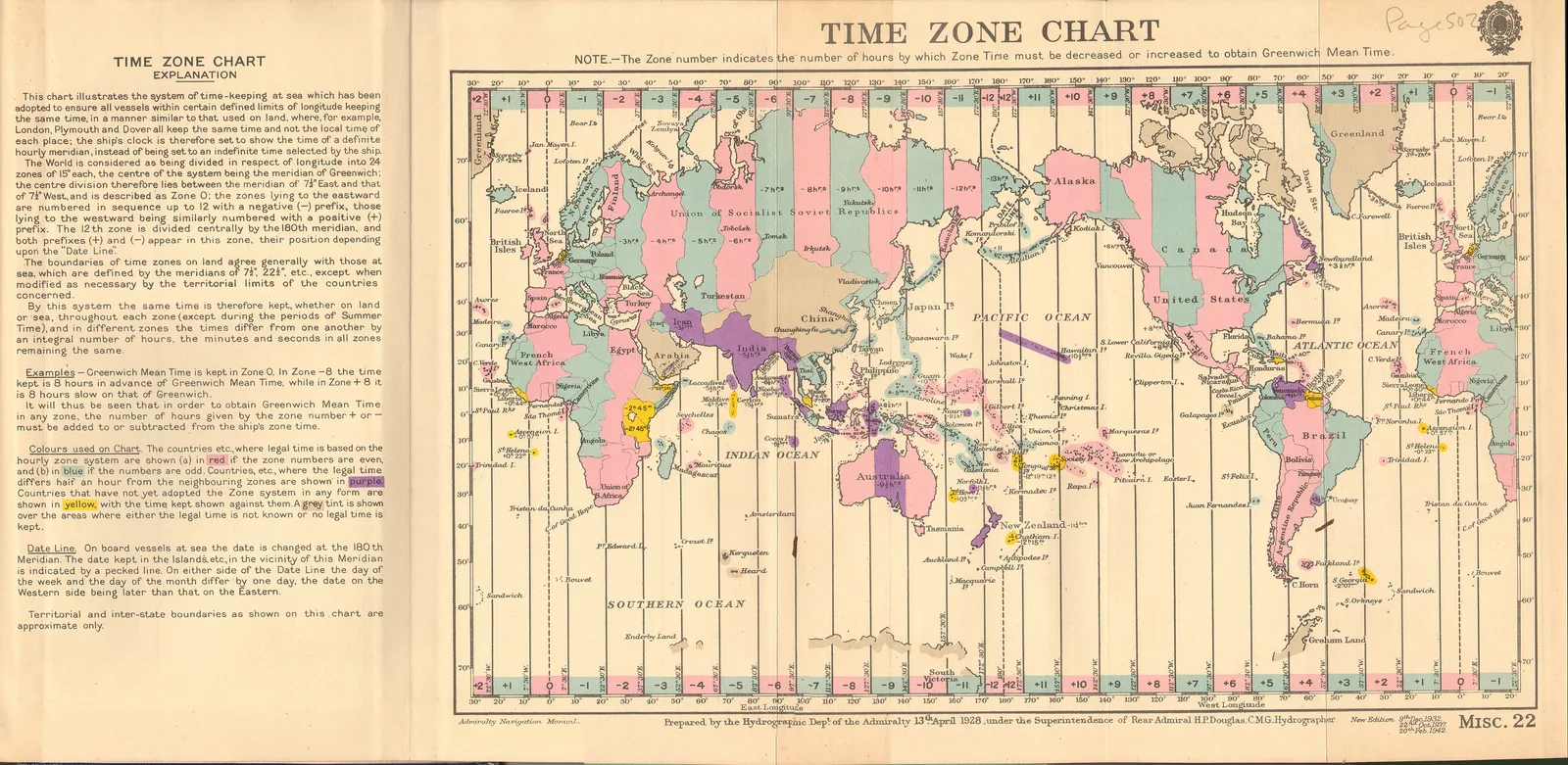
India does not observe daylight saving time, but many of your users, servers and partners do. With Date, adding "one day" across a clock change silently produces the wrong hour. ZonedDateTime knows the rules of its zone. MDN notes that hoursInDay returns 23 on a spring-forward day and 25 on a fall-back day, and that add() handles the transition correctly.
When a local time is ambiguous (it happens twice when clocks go back) or does not exist (it is skipped when clocks go forward), you choose what happens with the disambiguation option:
// In New York, clocks go back on Sunday 1 November 2026, so 01:30 happens twice.
const first = Temporal.ZonedDateTime.from(
  '2026-11-01T01:30[America/New_York]',
  { disambiguation: 'earlier' },   // the first 01:30, at offset -04:00
);
const second = Temporal.ZonedDateTime.from(
  '2026-11-01T01:30[America/New_York]',
  { disambiguation: 'later' },     // the second 01:30, at offset -05:00
);

first.until(second).toString();    // "PT1H"
The four values are "compatible" (the default, which matches the old Date behaviour), "earlier", "later" and "reject", which throws a RangeError. For booking and billing systems, "reject" is often the safest choice because it forces the UI to ask the user.
Durations
Temporal.Duration replaces the habit of storing milliseconds and dividing by 3,600,000:
const meeting = Temporal.Duration.from({ hours: 1, minutes: 30 });
meeting.toString();          // "PT1H30M"
meeting.total('minutes');    // 90

const start = Temporal.ZonedDateTime.from('2026-10-07T09:00[Asia/Kolkata]');
const end = Temporal.ZonedDateTime.from('2026-10-09T17:30[Asia/Kolkata]');
start.until(end, { largestUnit: 'hours' }).toString(); // "PT56H30M"

meeting.toLocaleString('en'); // localised text, using Intl.DurationFormat where available
Durations that include years, months or weeks depend on which calendar dates they start from (a month can be 28 to 31 days). MDN notes that total(), round() and compare() need a relativeTo date for such durations.

TypeScript and tooling
TypeScript 6.0, released in March 2026, added built-in type definitions for Temporal, and TypeScript 7.0 keeps them. If your project is on an older compiler, the temporal-polyfill project also publishes a types-only package called temporal-spec. Check that your lib setting includes a recent ECMAScript library so the global Temporal namespace is typed.
Linters and test frameworks do not need special handling, but snapshot tests that print dates should use toString() output, which is stable across locales, rather than toLocaleString().
Adopting Temporal while Safari catches up
The TC39 proposal repository lists three polyfills: @js-temporal/polyfill (marked alpha), temporal-polyfill (marked stable) and temporal-polyfill-lite (release candidate). The temporal-polyfill README describes the package as spec-compliant and under 20 kB, and documents a global entry point, temporal-polyfill/global.
A simple approach is to load the polyfill only where the browser lacks native support, before the code that uses Temporal runs:
// temporal-ready.js
export async function ensureTemporal() {
  if (typeof globalThis.Temporal === 'undefined') {
    await import('temporal-polyfill/global');
  }
}

// main.js
import { ensureTemporal } from './temporal-ready.js';

await ensureTemporal();
const { startApp } = await import('./app.js');
startApp();
Chrome, Edge and Firefox users then skip the download, and Safari users get the polyfill. Read the polyfill's documentation for bundler-specific advice before relying on top-level await in production.
A migration checklist
- List every place your code creates a
Date: parsing API values, form inputs, "now", formatting. - Decide the correct Temporal type for each (most API timestamps become
Instant; most user-facing values becomeZonedDateTimeorPlainDate). - Keep storage and API formats as ISO 8601 strings; Temporal parses and produces them directly.
- Convert legacy values at the boundary: MDN documents
Date.prototype.toTemporalInstant()forDateobjects, andTemporal.Instant.fromEpochMilliseconds()accepts millisecond timestamps. - Replace one date library call site at a time and add tests around daylight saving dates in the zones you serve.
- Remove the old library and measure the bundle difference once no imports remain.
Common mistakes when moving from Date
- Using
PlainDateTimefor real events. A meeting at "10:00" means nothing without a zone. If two people in different cities will see the value, store aZonedDateTimestring or anInstant, not a plain date-time. - Turning dates into instants too early. A birthday or an invoice due date is a
PlainDate. Converting it to midnight UTC is how "due on the 5th" becomes "due on the 4th" for users west of Greenwich. - Comparing with operators. As noted above,
<and>throw. Search your code for comparisons after a migration. - Assuming a day is 24 hours. Add
{ days: 1 }rather than{ hours: 24 }when you mean "same time tomorrow"; in zones with daylight saving time the two can differ. - Formatting by hand. Use
toLocaleString()withIntloptions for anything a person reads, andtoString()for anything a machine reads. - Mixing native and polyfilled objects. Load the polyfill once, early, and do not import a second copy inside libraries, so
instanceofchecks andcompare()calls see the same classes.
Summary
Temporal is now a finished standard with native support in Chrome, Edge, Firefox and, per its proposal repository, Node.js 26. It replaces Date with immutable, purpose-specific types, explicit time zone handling and clear rules for daylight saving transitions. Until Safari ships it, browser apps should load a polyfill conditionally. Start with new code and with the parts of your app where date bugs are most expensive, such as scheduling, billing and reporting.
Frequently asked questions
Can I use Temporal in production today?
Yes, with a polyfill for Safari. Chrome and Edge 144+ and Firefox 139+ support it natively, but MDN's compatibility data (1 October 2026) lists Safari support only in Technology Preview, and none on iOS.
Which polyfill should I use?
The TC39 proposal repository lists
@js-temporal/polyfill(alpha),temporal-polyfill(stable) andtemporal-polyfill-lite(release candidate). Load it only whenglobalThis.Temporalis undefined.Is Temporal.Instant the same as a Date?
It is closest to
Date, since both represent an exact moment, butInstanthas nanosecond precision, is immutable and has no local-time getters. Attach a time zone withtoZonedDateTimeISO()when you need calendar fields.Does TypeScript know about Temporal?
Yes. TypeScript 6.0 added built-in Temporal type definitions, and TypeScript 7.0 keeps them. Older compilers can use the
temporal-spectypes package.
Your next customer could start right here.
Introduce your tool, product or business to readers exploring technology.
Explore placements and request a private quote
Sources
- Temporal — MDN Web Docs
- Temporal.ZonedDateTime — MDN Web Docs
- Temporal.Duration — MDN Web Docs
- Temporal proposal repository — TC39
- temporal-polyfill — FullCalendar
- Announcing TypeScript 6.0 — Microsoft, 2026-03-23
- MDN browser-compat-data 8.1.4 (data.json) — MDN Web Docs, 2026-10-01
Written with substantial AI assistance. Facts checked against cited sources. Editorial policy.
Comments
No comments yet. Be the first to join the conversation.
Leave a comment
Every comment is read by a moderator before it appears. Your email address is never published; it is used only to contact you about this comment.
More from Cloudsoft Zone
TutorialJavaScript
JavaScript using declarations: automatic cleanup without finally
Learn JavaScript's using and await using declarations, Symbol.dispose and DisposableStack, with tested browser recipes and October 2026 support data.
By Cloudsoft Zone

Industry updateJavaScript
ECMAScript 2026 is final: 7 new JavaScript features explained
ES2026 adds Map upserts, Iterator.concat, Base64 on Uint8Array, JSON source text, Math.sumPrecise, Error.isError and Array.fromAsync. Examples and support.
By Cloudsoft Zone

Architecture guideJavaScript
Ship JavaScript without a bundler: import maps and JSON modules
How to structure a front end as native ES modules: import maps for bare imports, JSON modules, modulepreload against waterfalls, and cache-busting.
By Cloudsoft Zone